Back To School Lightweight Chromebooks
Back-to-school lightweight Chromebooks are easy to carry between classes and study sessions, with ChromeOS for everyday tasks like writing assignments, browsing the web, and using online learning tools. Compare screen sizes, weight, battery life, and storage to find a laptop that fits your school bag and supports the apps your courses require.




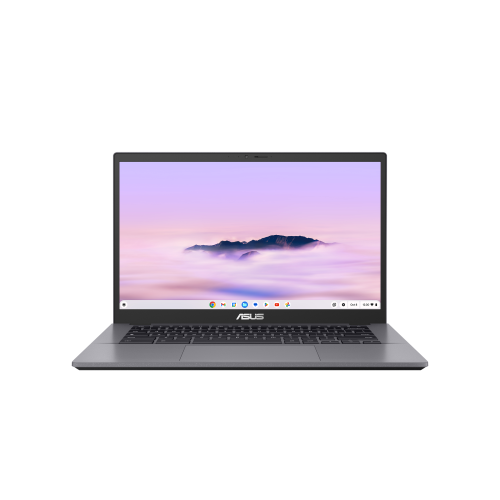
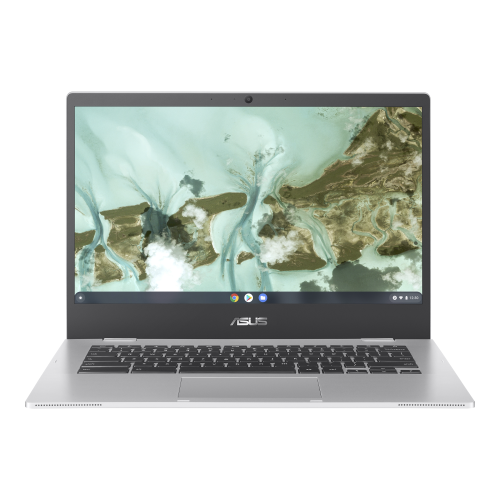
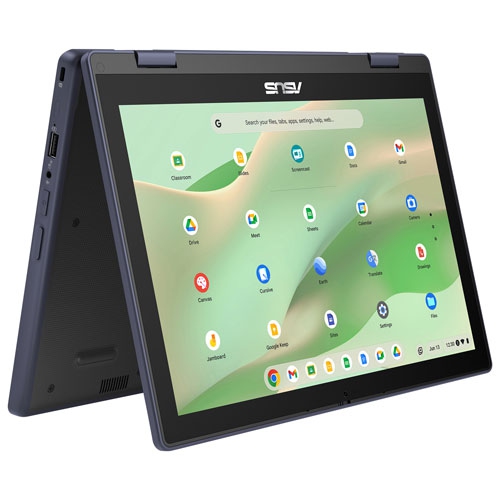
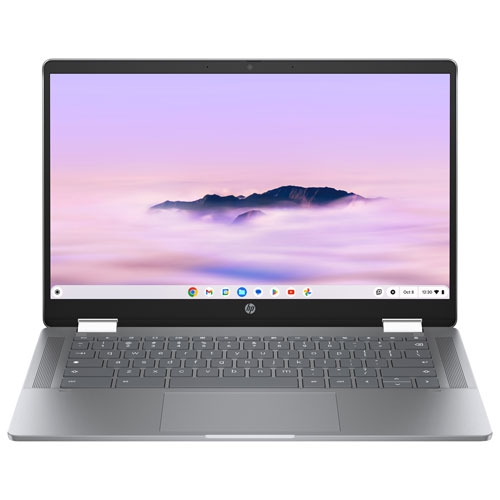
FAQ
Chromebooks run ChromeOS, Google's operating system built around the Chrome browser, web apps and Google services. Students can sign in with a Google Account to access their files and settings, while school-managed accounts may include restrictions set by the school.
Chromebooks support browser-based tools such as Google Classroom, Google Docs and Microsoft 365 web apps. Many models also support Android apps through the Google Play Store, though access can depend on the device and school account settings. Check your course requirements, as some programs require Windows or macOS.
Some Chromebook activities are available offline, including editing supported documents and opening downloaded files. Google Docs offline access needs to be set up while connected to the internet. Changes can sync once the Chromebook reconnects, while online classes and certain apps require an internet connection.
Students can use the Files app for local downloads and Google Drive for cloud-based documents. Creating folders for each subject or term keeps assignments grouped together. Files stored only in the cloud may need to be marked for offline access before studying without Wi-Fi.
Depending on its ports and wireless support, a Chromebook can connect to accessories such as a mouse, keyboard, headset or external monitor. USB-C hubs can add connections on compatible models, and Bluetooth can be used for supported wireless accessories. Check compatibility, as port capabilities and accessory features vary.
Top selling and popular products
Discover more categories related to Back To School Lightweight Chromebooks


Some products may be subject to Environmental Handling Fees (EHF) depending on your province. Learn more about EHFs.