Back To School Chromebooks for Students
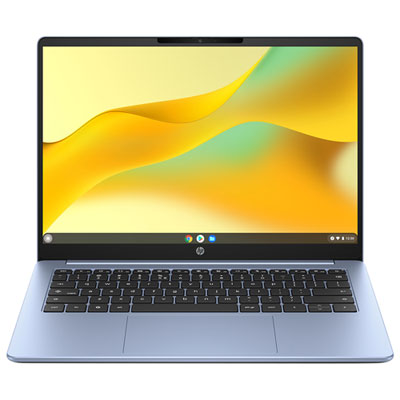
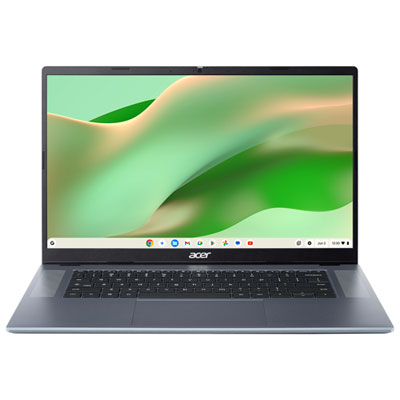
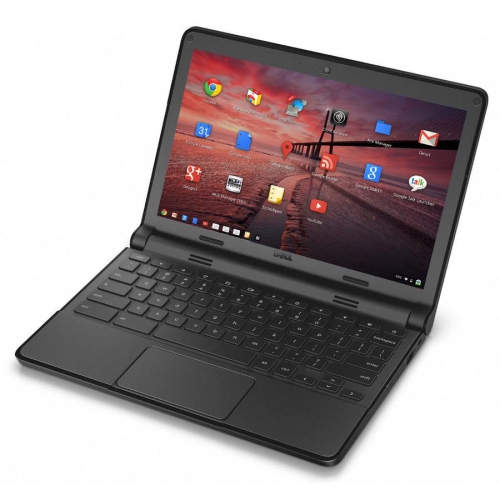
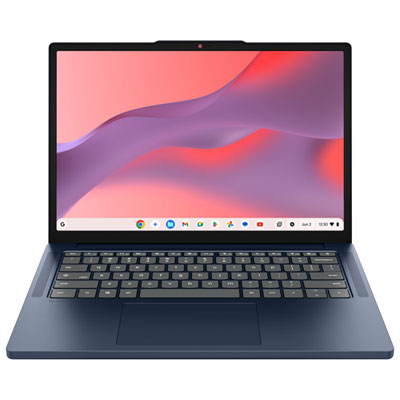
Find back-to-school Chromebooks for students who need a laptop for assignments, online research, and classroom tools. Compare screen sizes, memory, storage, and battery life to choose a Chromebook that fits your budget and is easy to carry between classes. Check your school’s software requirements to make sure ChromeOS supports the apps you’ll need.





FAQ
A Chromebook is a laptop that runs ChromeOS, Google's operating system. It centres on web-based tools and cloud storage, with many models also supporting Android apps through Google Play. Unlike Windows laptops or MacBooks, Chromebooks do not run traditional Windows or macOS software natively.
Students can access browser-based tools such as Google Classroom, Google Docs and Microsoft 365 web apps. Many Chromebooks also support Android apps, although school-managed devices may limit app installation. Check your school's software requirements, especially for courses that use specialised desktop programs.
Chromebooks support some offline activities, including editing compatible documents and viewing downloaded files. Google Docs, Sheets and Slides require offline access to be set up while connected to the internet. Changes can sync once the Chromebook reconnects, while online classes and certain apps still require an internet connection.
Students can organise assignments into folders in Google Drive or save files locally through the Files app. Google Drive lets students access their work from other compatible devices when signed in to their account. School accounts may have their own rules for file sharing and access after the school year ends.
Chromebooks can connect to compatible mice, keyboards, headsets and external displays through supported ports or Bluetooth. Display connections may require an adapter, depending on the Chromebook. For printing, check that the printer supports ChromeOS and follow any setup requirements for your school's network.
Top selling and popular products
Discover more categories related to Back To School Chromebooks for Students
Some products may be subject to Environmental Handling Fees (EHF) depending on your province. Learn more about EHFs.