Back To School Portable Hotspots
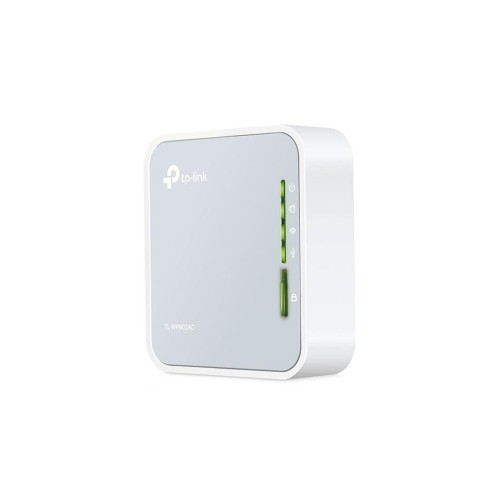
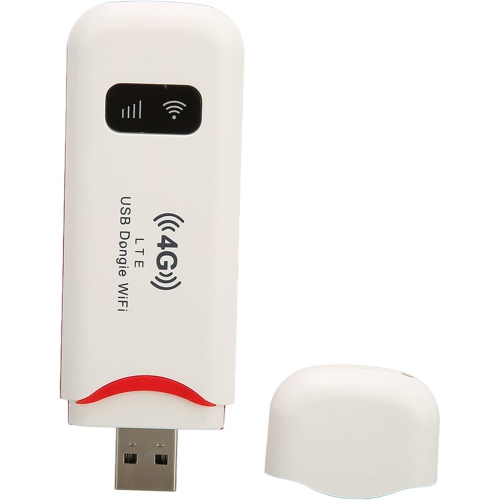
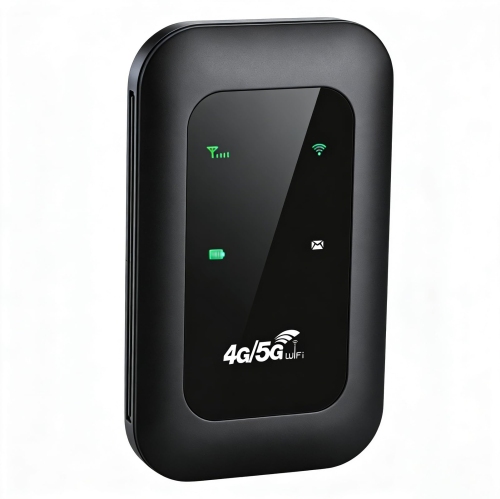
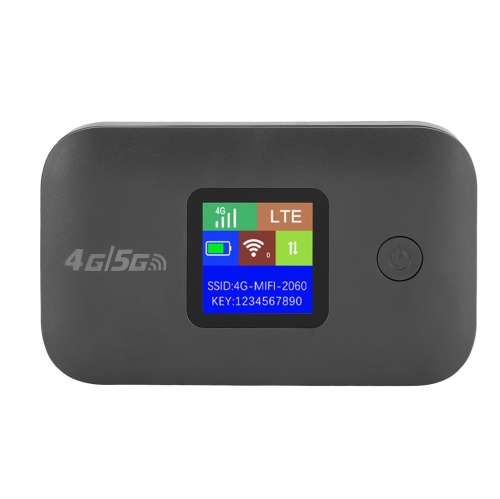
Back-to-school portable hotspots help students connect laptops and tablets to Wi-Fi when a home or campus connection isn’t available. Browse mobile hotspots for studying between classes or getting coursework done on the go, and compare battery life, device capacity, and carrier compatibility to find an option that fits your school day and data plan.


FAQ
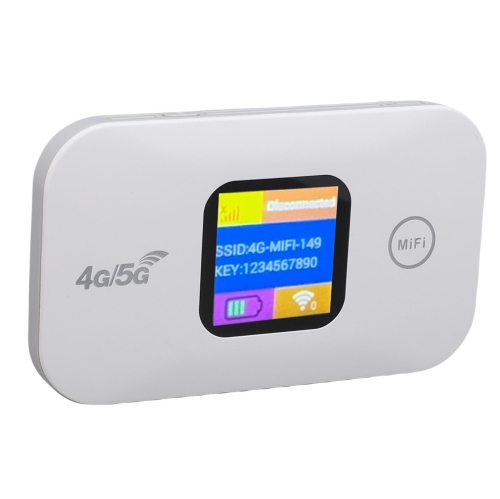
A portable hotspot is a device that connects to a cellular network and creates a Wi-Fi connection for laptops, tablets and other compatible devices. Students can use one to access online course materials and school email when campus or home Wi-Fi is unavailable. Most models require a compatible SIM or eSIM and a mobile data plan.
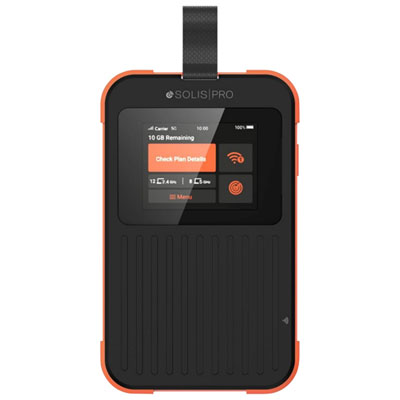
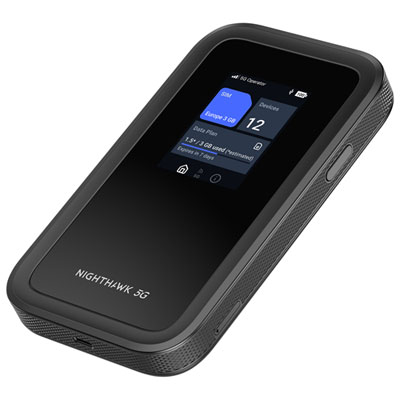
Consider cellular network compatibility, supported Wi-Fi standards, battery life, charging options and data usage controls. A display or companion app can help you check connection status and remaining battery life. If you plan to connect a laptop and tablet at the same time, check how many connected devices the hotspot supports.
Portable hotspots generally need a data plan that supports hotspot devices. Depending on your carrier, you may be able to add the device to an existing account or activate a separate plan. Check the carrier’s SIM or eSIM requirements, coverage and data allowances before choosing a hotspot.
A portable hotspot is a dedicated device with its own battery and cellular connection, while a phone’s hotspot feature shares the phone’s mobile data connection. A dedicated hotspot keeps that connection separate from your phone and avoids drawing on your phone’s battery for tethering. Both options depend on carrier coverage and plan terms.
Use the hotspot’s app, dashboard or carrier account to track data consumption, where supported. Download course files over home or campus Wi-Fi for offline use, pause automatic cloud backups and schedule software updates for another connection. Video classes and streaming can use substantial data, so check your plan’s allowance and any usage notifications.
Top selling and popular products
Discover more categories related to Back To School Portable Hotspots

Some products may be subject to Environmental Handling Fees (EHF) depending on your province. Learn more about EHFs.