Back To School Connectivity Solutions
Find back-to-school connectivity solutions for connecting your study devices at home or in residence, including Wi-Fi routers, range extenders, network adapters, and Ethernet cables. Compare options based on your space, device compatibility, and available ports to support online classes, research, and group video calls.










FAQ
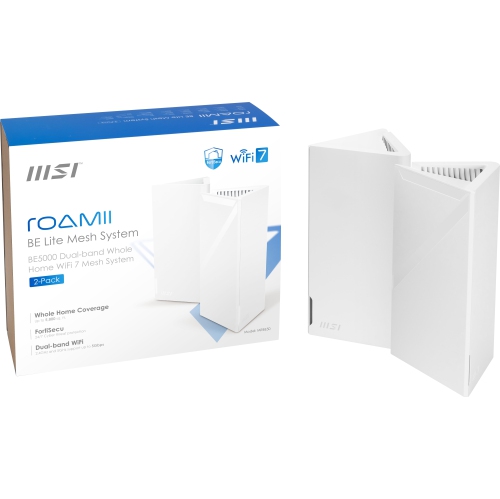
Common options include Wi-Fi routers, mesh Wi-Fi systems, Ethernet cables, USB network adapters and docking stations. The right combination depends on whether a student uses a home internet connection, a shared residence network or mobile data, as well as the ports available on their devices.
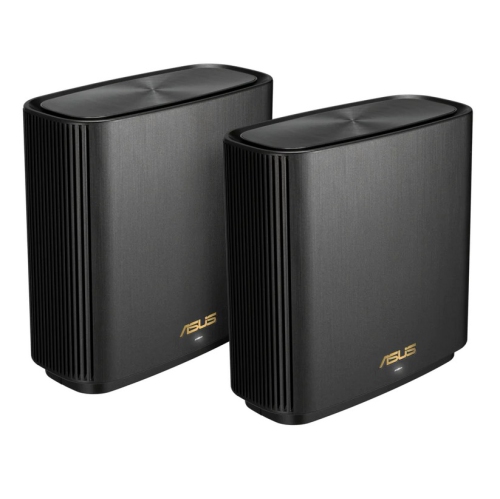
A modem connects a home to an internet service provider. A router lets multiple devices share that connection through Wi-Fi or Ethernet. A mesh Wi-Fi system uses multiple connected units to provide a shared wireless network across different areas of a home. Some internet service providers supply a device that combines a modem and router.
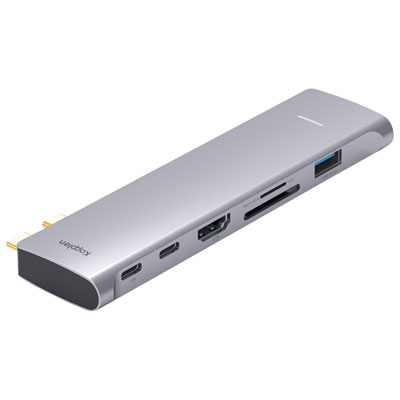
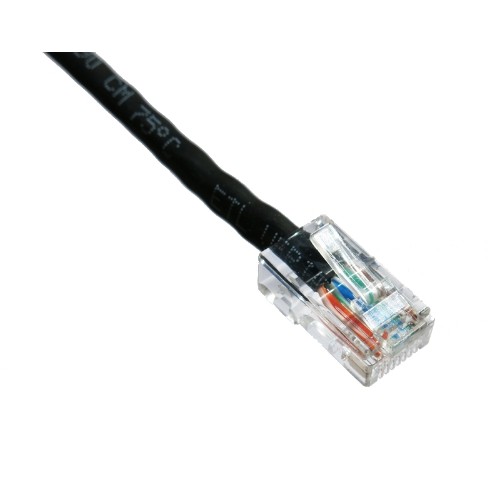
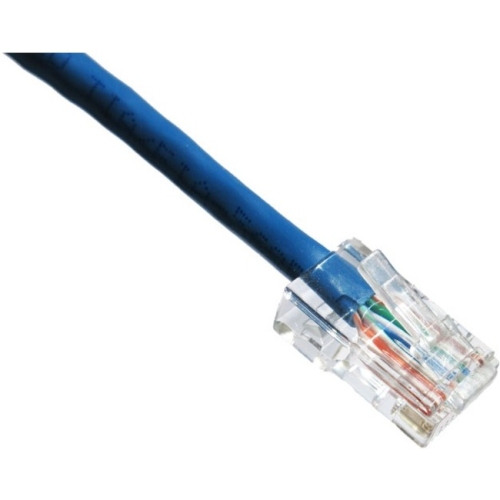
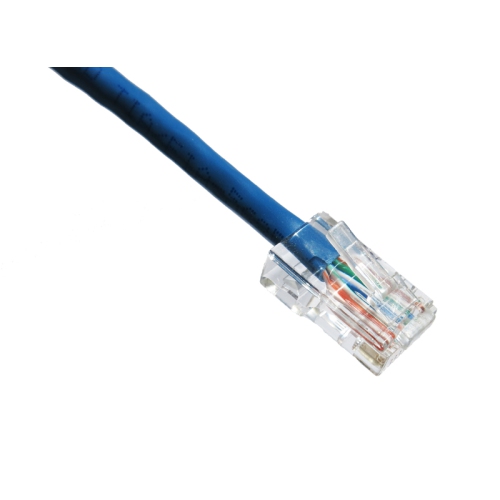
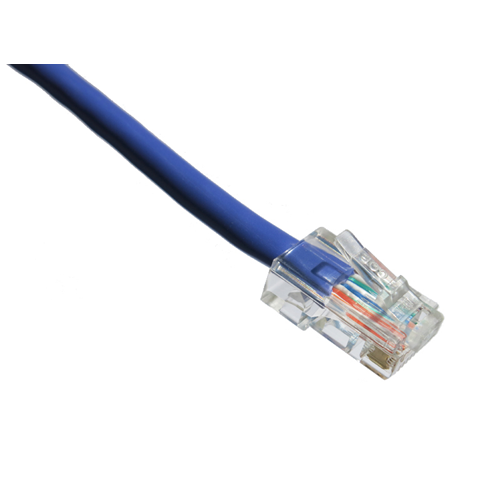
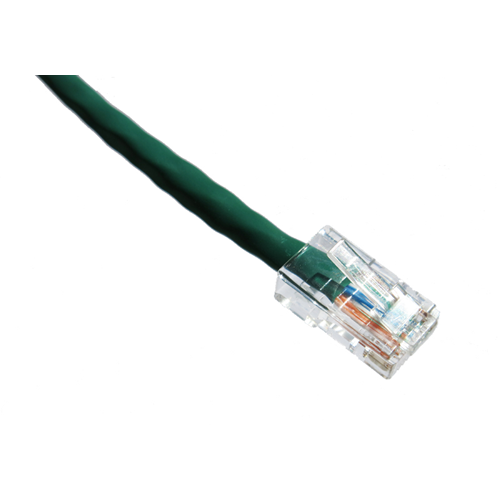
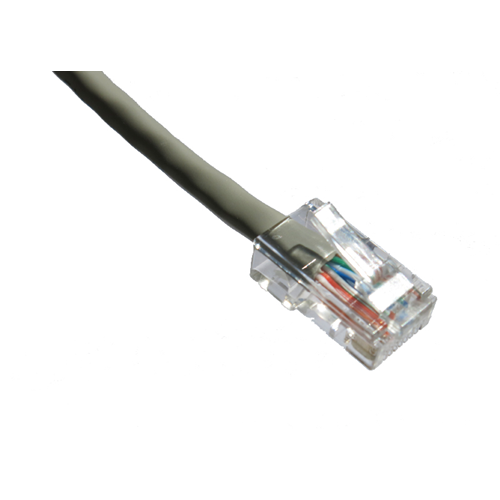
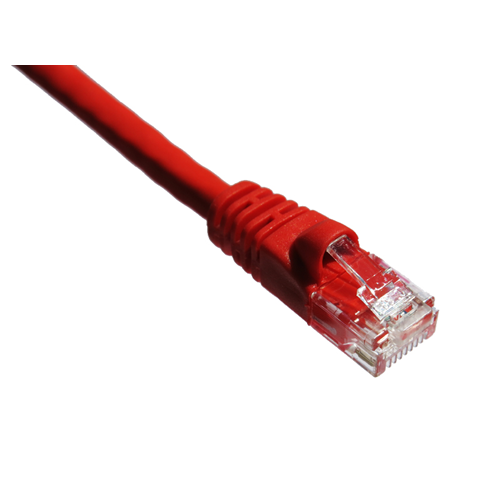
Students can use a USB-to-Ethernet adapter or a docking station with an Ethernet port. Check that the adapter matches the laptop’s USB-A or USB-C connection and supports its operating system. An Ethernet cable then connects the adapter or dock to an active network port or router.
Review the residence’s network rules, as some campuses do not permit personal routers. Check whether the room provides Wi-Fi, an active Ethernet connection or both, and whether devices need to be registered with campus IT. These details help determine which connectivity accessories to bring.
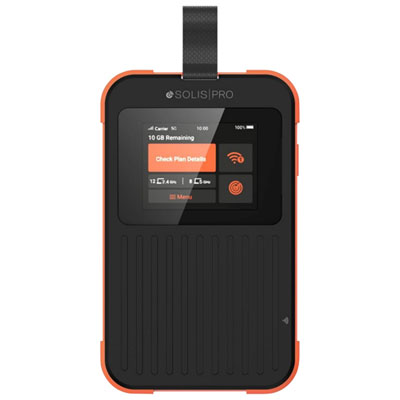
A mobile hotspot shares a cellular data connection with a laptop or other Wi-Fi devices. Students can use a smartphone’s hotspot feature or a dedicated mobile hotspot device. Both require a compatible cellular plan that supports data sharing, and connected devices use data from that plan.
Top selling and popular products
Discover more categories related to Back To School Connectivity Solutions

Some products may be subject to Environmental Handling Fees (EHF) depending on your province. Learn more about EHFs.