Back To School Student Friendly Printers
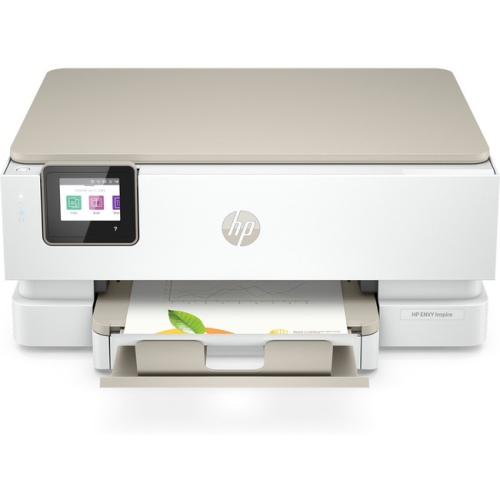
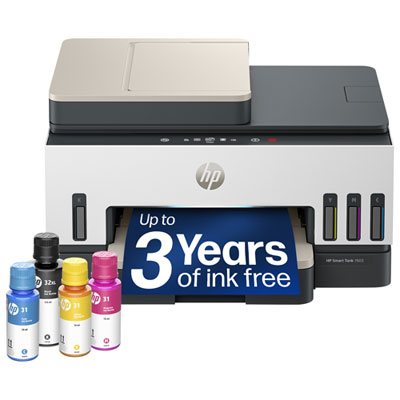
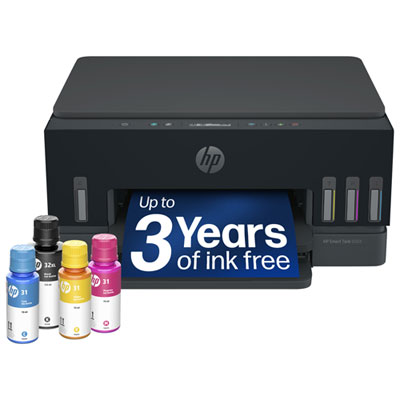
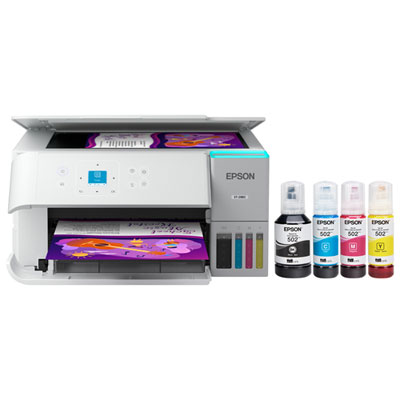
Find back-to-school student-friendly printers for assignments, study notes, and class projects. Compare options by price, desk space, and printing needs, from everyday documents to colour presentations. Consider ink or toner costs, device compatibility, and whether you need scanning and copying alongside printing.




FAQ
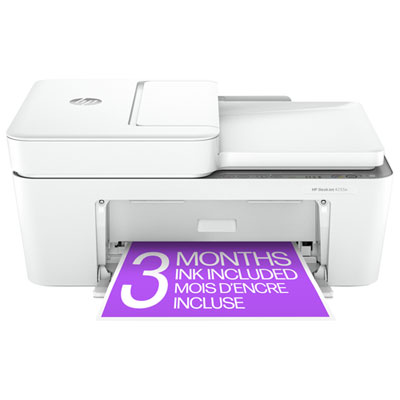
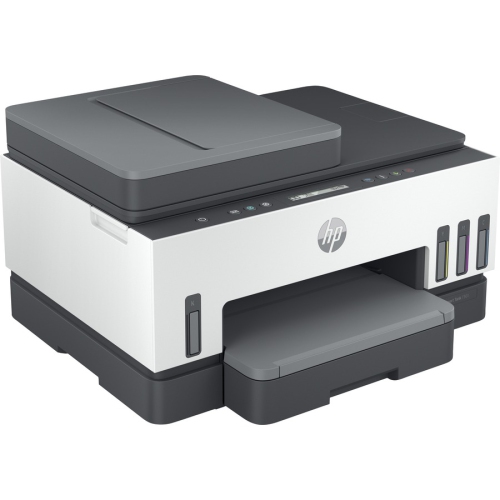
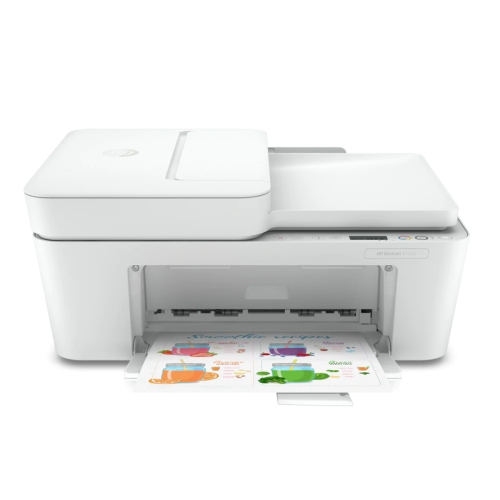
An all-in-one printer combines printing, scanning, and copying in one device. Students can use these functions to print assignments, digitize handwritten notes, and copy course handouts. Some models also include an automatic document feeder for scanning multiple pages.
Depending on the model, printers can connect through USB, Wi-Fi, or Ethernet. Mobile printing options may include Apple AirPrint, Mopria, or a manufacturer's app. Check compatibility with your laptop, phone, or tablet, and confirm whether your campus residence network allows printer connections.
Inkjet printers use liquid ink, while laser printers use toner powder. Both types can print documents, and colour printing is available on many models. Monochrome laser printers print only in black and white, so consider whether your coursework includes colour charts, illustrations, or photographs.
Automatic duplex printing lets a printer print on both sides of a sheet without requiring you to turn it over manually. Students can select this option for assignments, readings, and study notes when double-sided printing is permitted. Manual duplex printing requires you to reload the pages yourself.
Students generally need compatible paper and the ink or toner specified for their printer. Inkjet models may use cartridges or refillable ink tanks, while laser models use toner cartridges and may have a separate drum unit. Check the printer's supply requirements before choosing replacements.
Top selling and popular products
Discover more categories related to Back To School Student Friendly Printers

Some products may be subject to Environmental Handling Fees (EHF) depending on your province. Learn more about EHFs.