Back to School Touchscreen Laptops for College
Find back-to-school touchscreen laptops for college that suit your coursework, study habits, and budget. Compare screen sizes, memory, storage, and battery life for taking notes, researching assignments, and joining online classes, and check that your choice supports the software required for your program.



FAQ
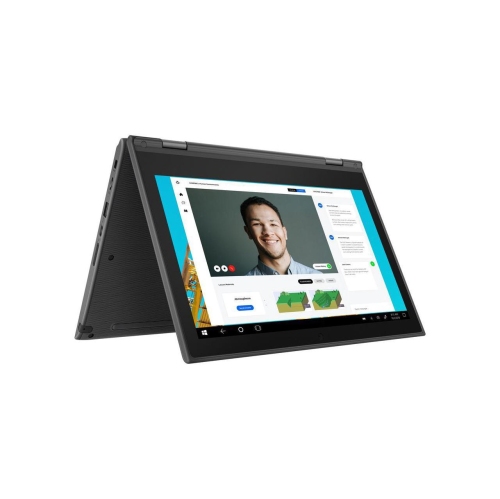
A touchscreen laptop lets you interact with the display using touch while retaining a traditional laptop design. A 2-in-1 also has a hinge that folds back or a detachable keyboard for tablet-style use. Not every touchscreen laptop supports these additional modes, so check the design if you want to switch between typing and handwritten notes.
No. Touch input does not automatically mean a laptop supports an active digital pen. For handwritten lecture notes or document annotation, check the laptop’s pen compatibility, whether a pen is included, and whether your preferred apps support handwriting. Features such as pressure sensitivity and palm rejection depend on the laptop, pen, and software.
Start with your college program’s software requirements. Windows laptops support many desktop applications, while Chromebooks centre on browser-based tools and supported apps. Some courses require software that is available only on certain operating systems. Check your department’s requirements before choosing, particularly for engineering, design, or other specialized programs.
Consider connections for the accessories you plan to use, such as USB ports for storage devices, HDMI for an external display, and an audio jack for wired headphones. USB-C capabilities vary: a port may support data transfer, charging, video output, or a combination of these. Wi-Fi and Bluetooth are also useful for campus connectivity and wireless accessories.
Many desktop apps let you write assignments, read downloaded files, and organize notes offline. Browser-based tools may require you to enable offline access in advance, and some features still need a connection. Download course materials and check your apps’ offline settings before heading to class; online submissions and cloud syncing require internet access.
Top selling and popular products
Discover more categories related to Back to School Touchscreen Laptops for College


Some products may be subject to Environmental Handling Fees (EHF) depending on your province. Learn more about EHFs.