Back To School Touchscreen Laptops For Interactive Study
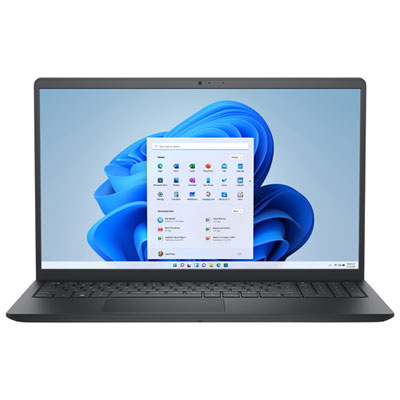
Back-to-school touchscreen laptops make it easy to switch between typing assignments and using touch controls for interactive study. Explore laptops for classwork, research, and everyday learning, and compare screen size, battery life, memory, and storage to find a fit for your courses and commute. If handwritten notes or diagrams are part of your routine, check for compatible pen support.






FAQ
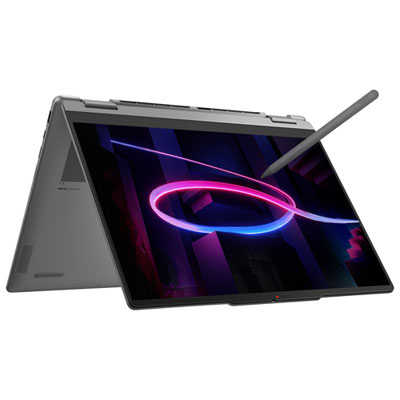
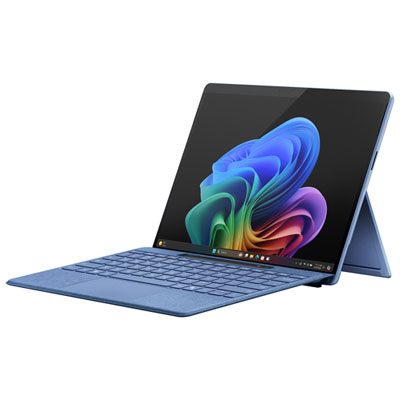
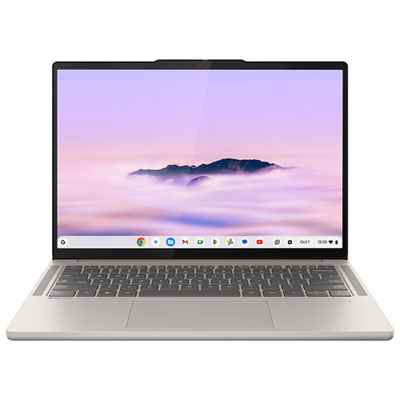
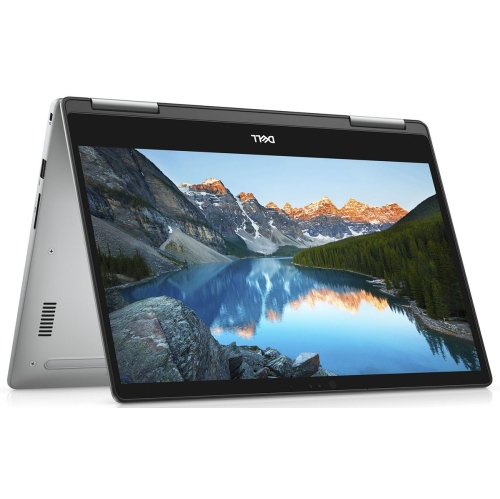
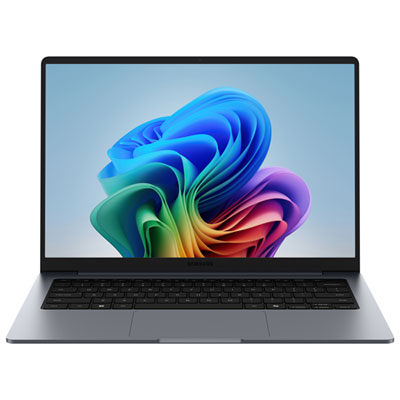
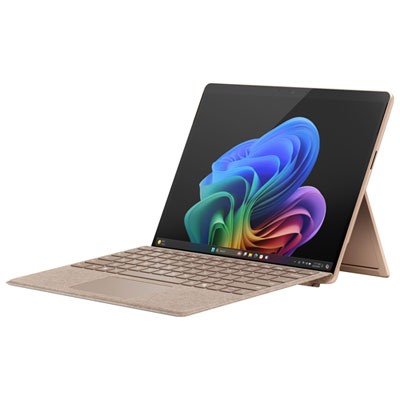
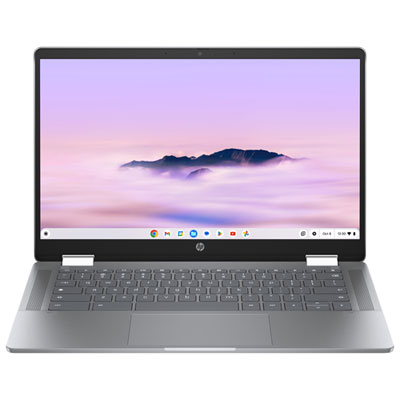
A touchscreen laptop accepts touch input directly on its display but may have a traditional fixed-hinge design. A 2-in-1 laptop has a folding hinge or detachable keyboard that allows it to switch between laptop and tablet modes. Not every touchscreen laptop supports these configurations.
Stylus support varies by laptop. Some touchscreens accept basic capacitive styluses, while others support compatible active pens with features such as pressure sensitivity, palm rejection and shortcut buttons. Check the laptop’s pen compatibility and whether a stylus is included or sold separately.
Digital notebooks, PDF annotation tools, whiteboard apps and drawing programs may support touchscreen input. Depending on the app, you can write notes, mark up readings or sketch diagrams. Touch and pen features vary by app and operating system, so check the requirements of any software your school uses.
Yes. Touchscreen laptops generally let you switch between touch, keyboard and trackpad input without changing devices. On some 2-in-1 models, the built-in keyboard and trackpad are disabled when the display is folded into tablet mode.
Check your school’s operating system and software requirements, including any programs required for your courses. Review the laptop’s processor, memory and storage against those requirements, along with Wi-Fi support and ports for classroom displays or accessories. A touchscreen does not automatically mean a laptop can run tablet or mobile apps.
Top selling and popular products
Discover more categories related to Back To School Touchscreen Laptops For Interactive Study


Some products may be subject to Environmental Handling Fees (EHF) depending on your province. Learn more about EHFs.