Back To School Touchscreen Laptops for Note Taking

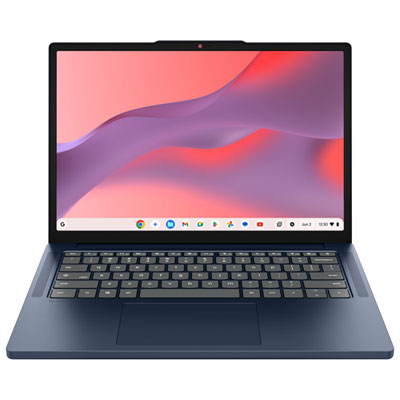
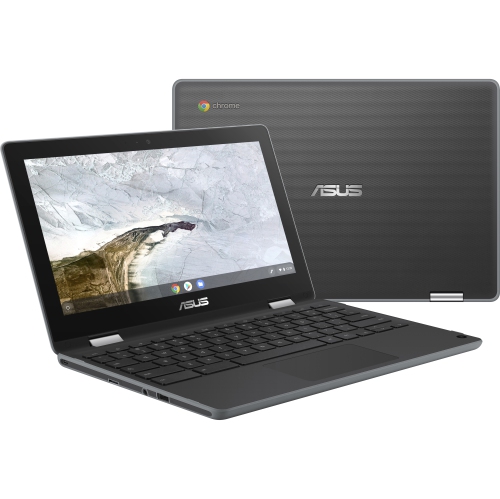
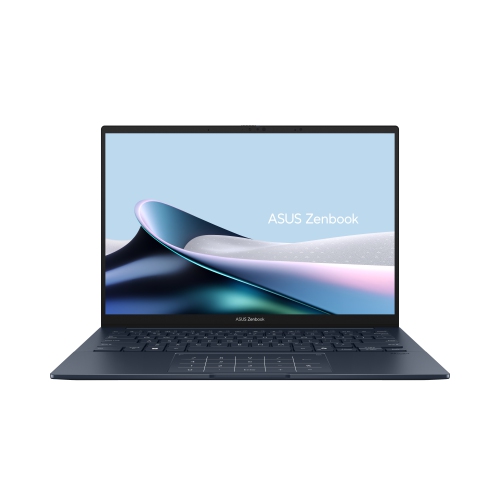
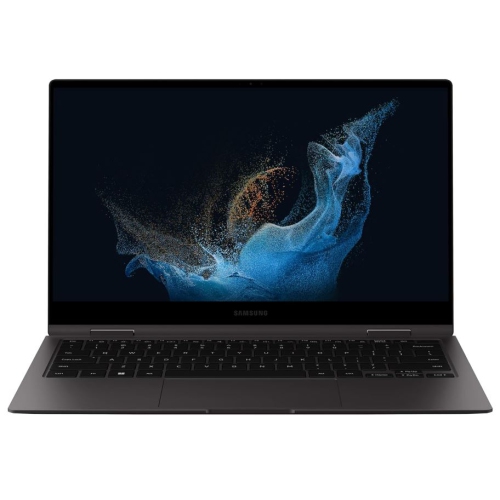
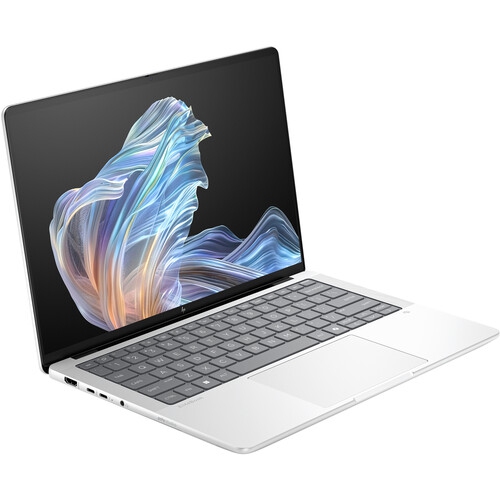
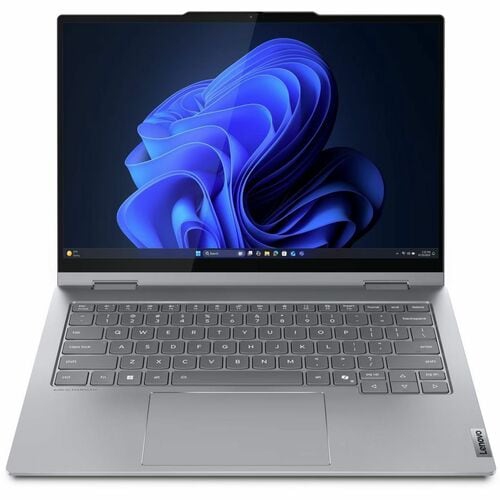
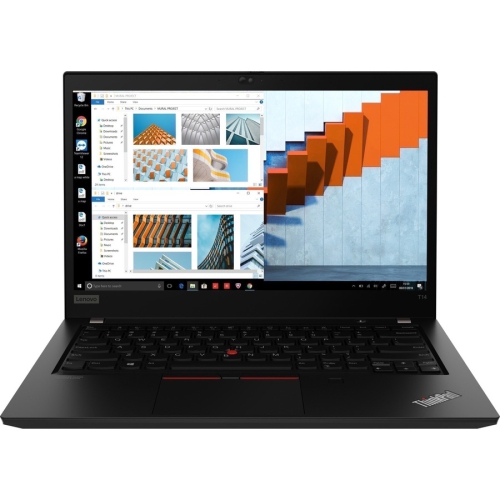
Back-to-school touchscreen laptops for note taking let you type class notes and navigate course materials with a tap. Compare screen size, weight, battery life, and keyboard comfort to find a laptop that suits your classes and commute. If you want to handwrite notes or annotate readings, check for stylus support and whether a compatible pen is included or sold separately.

Read More

Sort

Back To School Touchscreen Laptops for Note Taking

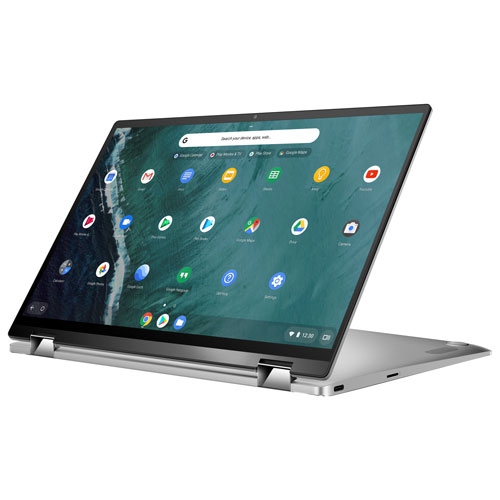
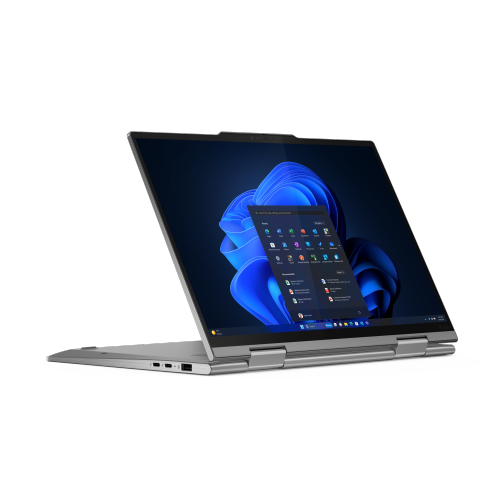
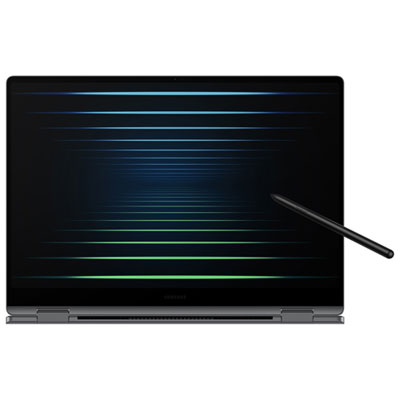
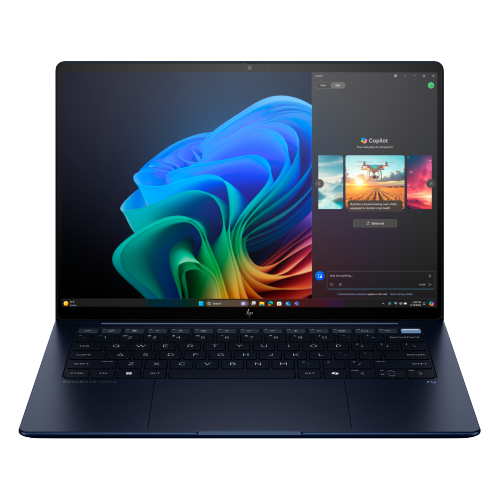
Back to School Touchscreen Laptops for Note Taking bring typing, touch navigation, and, on compatible models, handwritten input together in a device that can move from the lecture hall to the library. For students juggling class notes, readings, presentations, and group projects, that flexibility can make a busy day feel more manageable. Typing is useful when a lecture moves quickly, while a compatible digital pen can be a better fit for sketching a cell diagram, working through an equation, or adding arrows to a complicated flow chart. Picture a desk with a textbook open on one side and lecture slides on the other: being able to mark up a document directly can help keep related ideas in one place rather than scattered across loose sheets. This selection suits a range of study habits, from students who prefer neatly organised digital notebooks to those who think best through handwritten annotations. A touchscreen laptop can also be a practical back-to-school gift for a student starting secondary school, college, or university, especially when its features match their courses and everyday workload.

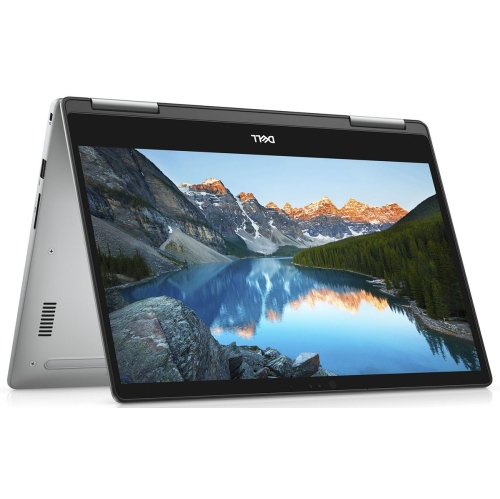
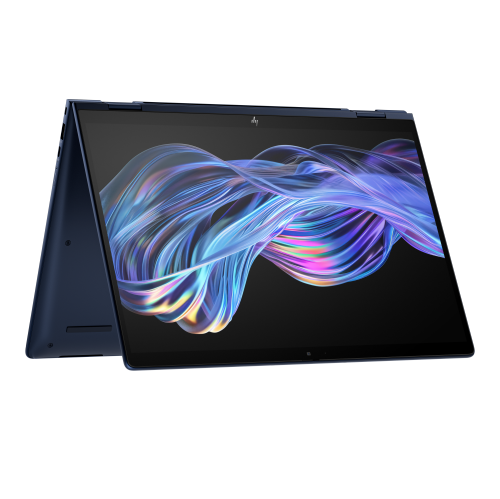
For handwritten notes, look beyond the touchscreen label. Not every touchscreen laptop supports an active pen, and a stylus may be sold separately, so it is worth checking compatibility before choosing. Supported features such as palm rejection can make writing more comfortable by allowing a hand to rest on the screen, while pen responsiveness helps small lettering and quick sketches feel more natural. The hinge design matters, too. A convertible laptop with a screen that folds back into tablet mode can provide a more convenient writing surface than a traditional laptop positioned upright. Students who mainly type may place greater value on a comfortable keyboard, a responsive trackpad, and a display that leaves enough room for a document and a note-taking app side by side. Screen size involves a familiar trade-off: a larger display gives diagrams and split-screen work more breathing room, while a smaller laptop is often easier to fit on a crowded classroom desk or carry between buildings. Check the weight, dimensions, screen brightness, and finish alongside the display size, particularly for students who spend long stretches reading or studying near windows.

Everyday performance deserves just as much attention as touch and pen features. Keeping lecture slides, a video call, research tabs, and a digital notebook open at once calls for sufficient memory and a processor suited to the workload; courses involving design, coding, or data analysis may have more demanding requirements. Check the school or programme’s software requirements, including operating system compatibility, rather than assuming any laptop will run every required application. Storage needs will vary depending on whether coursework consists mainly of documents or includes large media files, and cloud storage may require a separate subscription and internet access. Battery life is another useful consideration for days that start with an early class and finish with an evening study session, though actual runtime depends on settings and usage. Charging options, available ports, webcam quality, and reliable Wi-Fi connectivity can all make a difference during group work and online classes. For a gift, confirming the recipient’s preferred screen size, required software, and interest in handwriting is often more useful than choosing by appearance alone. The right fit is a laptop that handles the practical details comfortably, leaving more attention for the lesson, the deadline, and the ideas taking shape on the page.

Read More

FAQ

Some products may be subject to Environmental Handling Fees (EHF) depending on your province. Learn more about EHFs.