Best Laptops for Architecture Students
Find the best laptops for architecture students, ranked by user review ratings to help guide your search. Whether you’re drafting floor plans, building 3D models, or rendering designs, look for a laptop with the processing power, graphics performance, and memory your architecture software requires. Compare display quality, storage, and portability to find the right fit for studio sessions, lectures, and work on the go.
What to look for in laptops for architecture students
1. Processor and Software Compatibility
2. Graphics Performance
3. Memory and Storage
4. Display and Portability
-
1
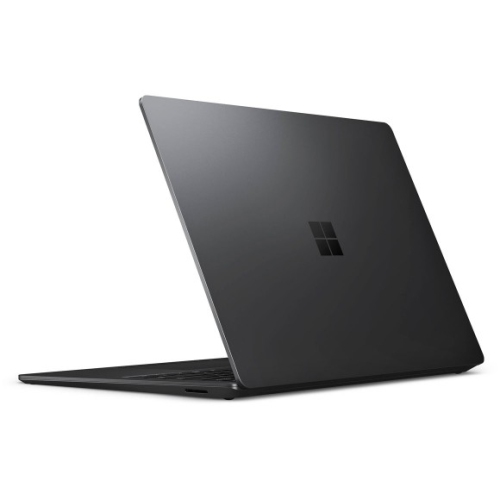
MICROSOFT Refurbished (Good) - Surface Laptop 3 15" Touchscreen - Amd Ryzen 7 Surface Edition - 32GB - 1Tb SSD - Windows 10 Home
About this product
A refurbished laptop featuring a 15" touch screen, 1TB SSD, AMD Ryzen 7, and 32GB memory.
What customers like
(2,498)$3,099.00Your price for this item is $3099SAVE $501 -
2
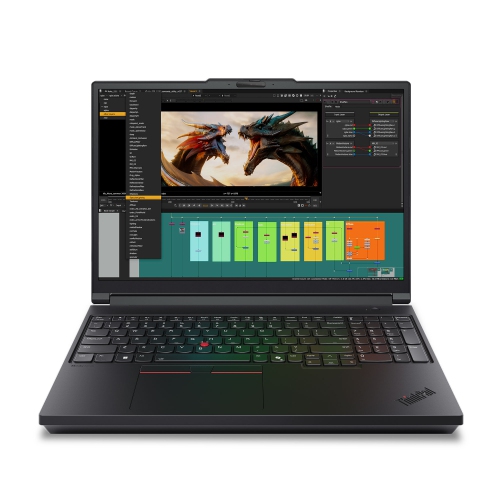
LENOVO Thinkpad P16 Gen 3 16" Laptop - Intel Core Ultra 7 255Hx - 32GB - 1Tb SSD - Rtx Pro 2000 - Windows 11 Pro - In Black
About this product
A powerful blue laptop featuring a 16" IPS display, Intel Core Ultra 7, and NVIDIA RTX PRO graphics.
(10)$5,999.99Your price for this item is $5999.99SAVE $600 -
3
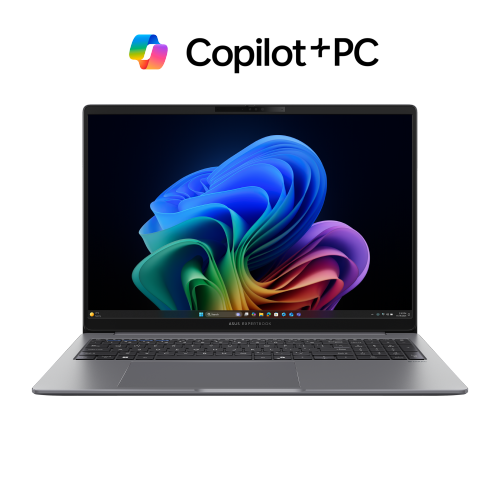
ASUS Expertbook P3 14" Business Laptop Copilot+ PC - Amd Ryzen Ai 7 350 - 32GB Ddr5 - 1Tb SSD - Windows 11 Pro - Misty In Grey
About this product
A powerful grey laptop featuring an AMD Ryzen AI 7 processor, 32GB RAM, and Wi-Fi 7 connectivity.
(5)$1,899.00 Your price for this item is $1899 -
4
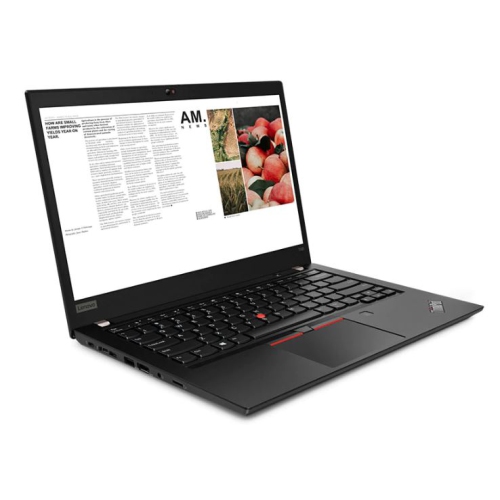
LENOVO Refurbished (Excellent) - Thinkpad T490 14" Fhd Touchscreen Business Laptop - Intel Core I7-8665U - 16GB Ddr4 - 256GB SSD - Windows 11 Pro -
About this product
A refurbished laptop with a 2K display, Intel Core i7, 16GB RAM, and 1TB SSD.
(4)$464.99Your price for this item is $464.99SAVE $535 -
5
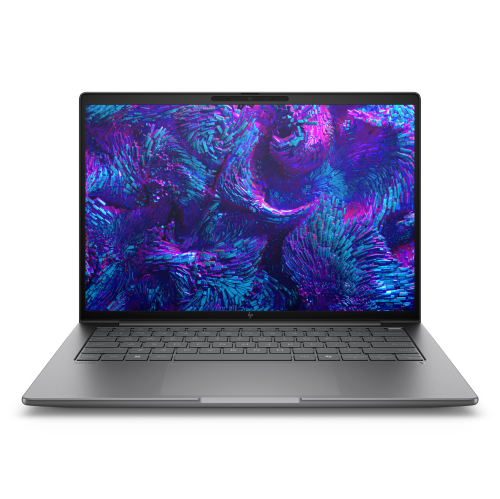
HP Elitebook 8 14" Laptop - Intel Core Ultra 7 265H - 32GB Ram - 1Tb SSD - Windows 11 Pro - Meteor In Silver
About this product
A powerful silver mobile workstation featuring Intel Core Ultra 7, 32GB RAM, 1TB SSD, and WQXGA display.
(2)$3,089.99Your price for this item is $3089.99SAVE $1910 -
6
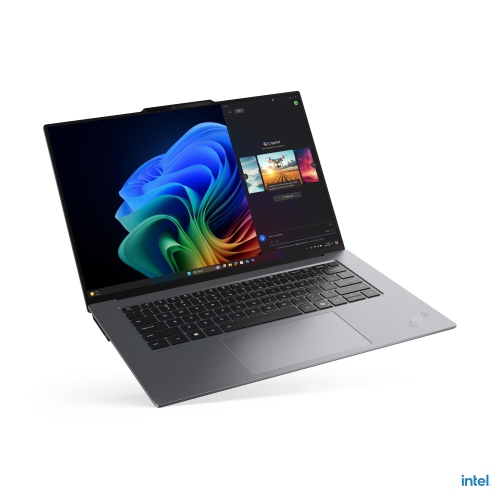
LENOVO Thinkpad X9 15 Aura Edition 15.3" Laptop - Intel Core Ultra 5 226V - 16GB Ram - 512GB SSD - Windows 11 Pro - In Grey
About this product
An ultrathin grey laptop featuring an Intel Core Ultra 5 processor, 16GB RAM, and 512GB SSD.
(2)$2,582.69Your price for this item is $2582.69SAVE $258 -
7
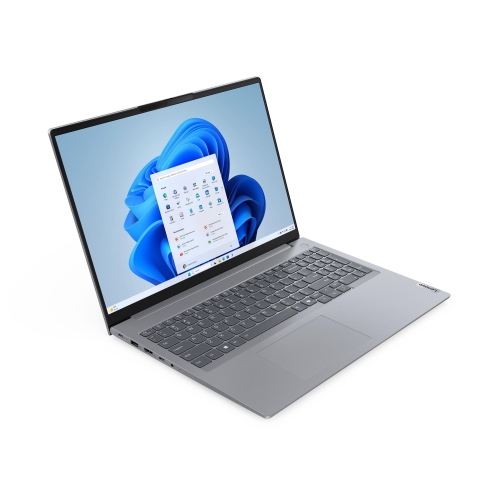
LENOVO Thinkbook 16 Gen 7 16" Touchscreen Laptop - Amd Ryzen 5 7535Hs - 16GB Ram - 512GB SSD - Windows 11 Pro - Arctic In Grey
About this product
A grey touchscreen laptop featuring an AMD Ryzen 5 processor, 16GB RAM, and 512GB SSD for productivity.
(2)$1,572.99Your price for this item is $1572.99SAVE $274 -
8
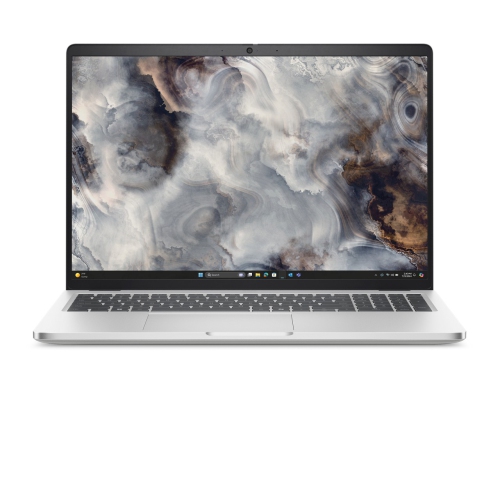
DELL Pro 16 Plus Laptop - Intel Core Ultra 7 268V - 32GB Ddr5 - 512GB SSD - Intel Arc - Windows 11 Pro - Aluminum
About this product
An advanced aluminium laptop featuring Intel Core Ultra 7 processor, 32GB RAM, 512GB SSD, and Windows 11 Pro.
(1)$4,056.75Your price for this item is $4056.75SAVE $405 -
9
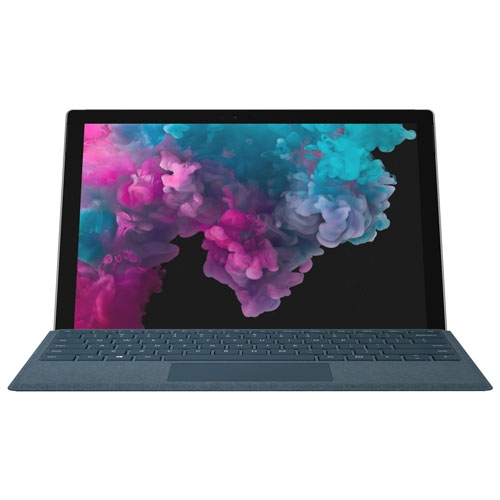
MICROSOFT Refurbished (Good) - Surface Pro 6 12.3" 128GB Windows 10 Tablet With 8Th Gen Intel Core I5 -Platinum
About this product
A refurbished platinum tablet featuring an 8th Gen Intel Core i5, 128GB storage, and Windows 10.
What customers like
(1,268)$699.00 Your price for this item is $699 -
10
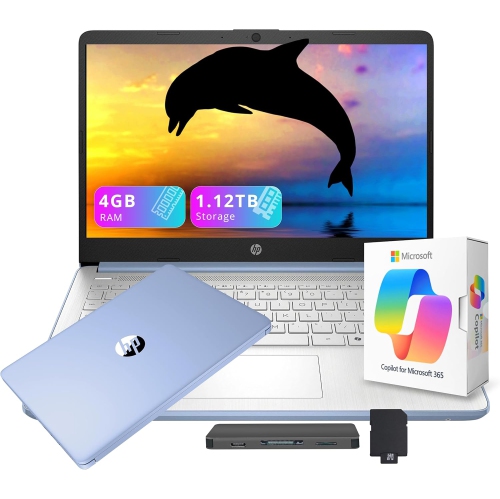
HP 14" HD Student & Business Laptop w Ai Copilot - Intel Processor N150 - 4GB Ddr4 - 128GB Ufs + 1Tb Docking Station - Windows 11 S - - Includes 1
About this product
A versatile blue laptop with 13th Gen Intel processor, AI Copilot, 1.12TB storage, and Office 365.
(2)$449.00Your price for this item is $449SAVE $110
FAQ
Look for a recent multi-core processor, dedicated graphics, an SSD, and RAM that meets the requirements of your course software. CAD drafting, 3D modelling, and rendering can have different hardware requirements, so check your architecture program’s software list before choosing a laptop.
Base your choice on the applications required by your courses. Revit requires Windows, while tools such as AutoCAD, Rhino, and SketchUp offer Windows and macOS versions, with some differences in features and plug-ins. Check your school’s operating system requirements, including support for any required rendering tools.
A dedicated graphics processor has its own video memory and handles graphics tasks separately from the main processor. Many 3D visualisation and rendering applications use it for displaying complex models or GPU-based rendering. Check each application’s supported graphics hardware, as requirements vary by software and rendering method.
A touchscreen or 2-in-1 laptop offers another way to annotate drawings, mark up PDFs, and sketch concepts. For pen-based work, check for active stylus support and compatibility with your drawing applications. A touchscreen is optional for most CAD workflows, which commonly use a keyboard and mouse.
Consider USB-A for peripherals, HDMI or USB-C with video output for an external monitor, and a headphone connection for classes or presentations. USB-C charging and docking support can simplify a desk setup, but features vary by port. Wi-Fi and Bluetooth are also useful for campus connectivity and wireless accessories.
Top selling and popular products
Discover more categories related to Best Laptops for Architecture Students
Some products may be subject to Environmental Handling Fees (EHF) depending on your province. Learn more about EHFs.