Best Laptops for College Students with Microsoft Office
The best laptops for college students with Microsoft Office help you tackle essays, organize research, and build presentations throughout the school year. Explore options ranked by user review ratings, and compare battery life, portability, and performance to find the right fit for your coursework and budget. Check each product listing for Microsoft Office availability and any subscription requirements.
What to look for in laptops for college students with Microsoft Office
1. Microsoft Office Access
2. Performance and Compatibility
3. Portability and Battery Life
4. Study Comfort and Connectivity
-
1
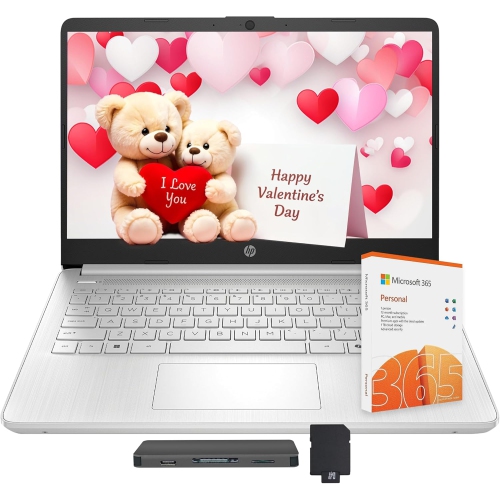
HP Stream 14" Student & Business Laptop - Intel Processor N150 - 4GB Ddr4 - 256GB Storage - Windows 11 - - 1-Year Office 365 In Silver
About this product
A versatile laptop featuring AI Copilot, 13th Gen Intel processor, 4GB RAM, and 256GB storage.
$449.00Your price for this item is $449SAVE $123 -
2
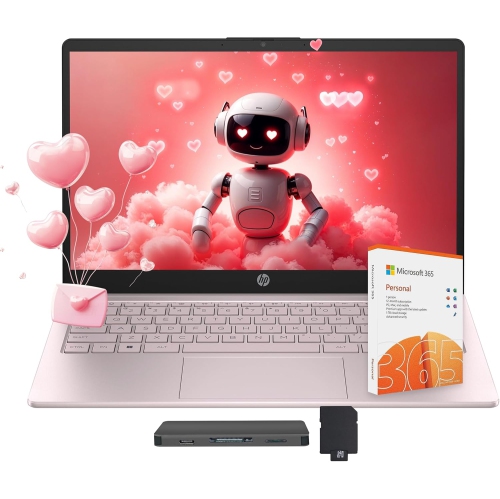
HP Stream 14" Laptop - Intel Processor N150 - 4GB Ddr4 - 256GB Storage (128GB Ufs + 128GB Docking Station) - Win 11 - Tranquil - Includes 1-Year
About this product
A pink laptop featuring AI Copilot, 13th Gen Intel processor, 4GB RAM, and 256GB storage.
$459.00Your price for this item is $459SAVE $153 -
3
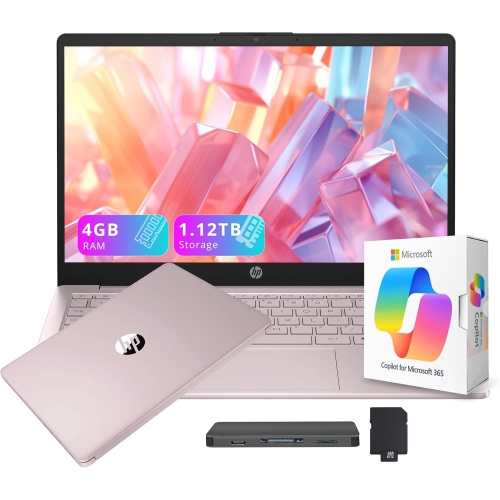
HP 14" HD Student & Business Laptop w Ai Copilot - Intel Processor N150 - 4GB Ddr4 - 128GB Ufs + 1Tb Dock - Win 11 S - Tranquil - 1 Year Office 365
About this product
A versatile pink laptop featuring a 13th Gen Intel processor, AI Copilot, and 1.12TB total storage.
$479.00Your price for this item is $479SAVE $170 -
4
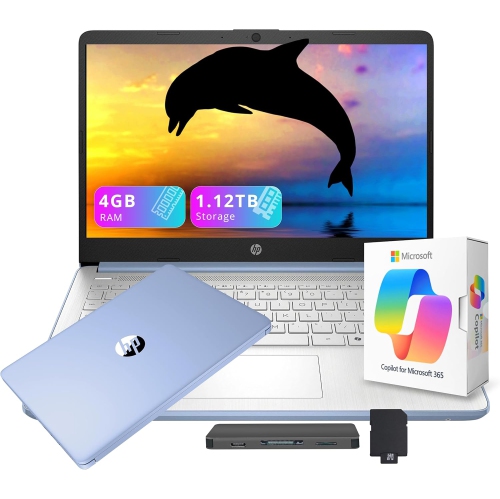
HP 14" HD Student & Business Laptop w Ai Copilot - Intel Processor N150 - 4GB Ddr4 - 128GB Ufs + 1Tb Docking Station - Windows 11 S - - Includes 1
About this product
A versatile blue laptop with 13th Gen Intel processor, AI Copilot, 1.12TB storage, and Office 365.
(2)$449.00Your price for this item is $449SAVE $110 -
5
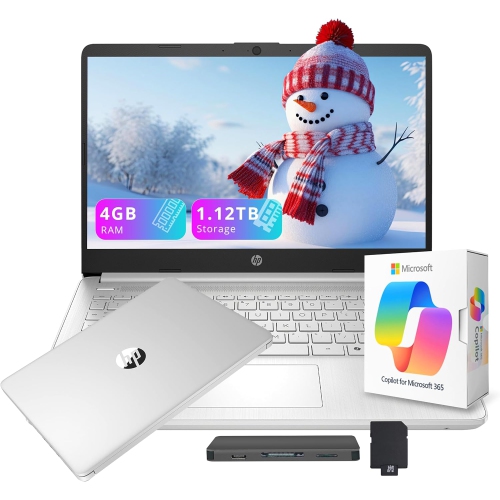
HP 14" HD Student & Business Laptop w Ai Copilot - Intel Processor N150 - 4GB Ddr4 - 128GB Ufs+1Tb Dock - Windows 11 S - Natural - Includes 1 Year
About this product
A sleek silver laptop featuring a 13th Gen Intel processor, AI Copilot, and 1.12TB total storage.
$449.00Your price for this item is $449SAVE $136 -
6
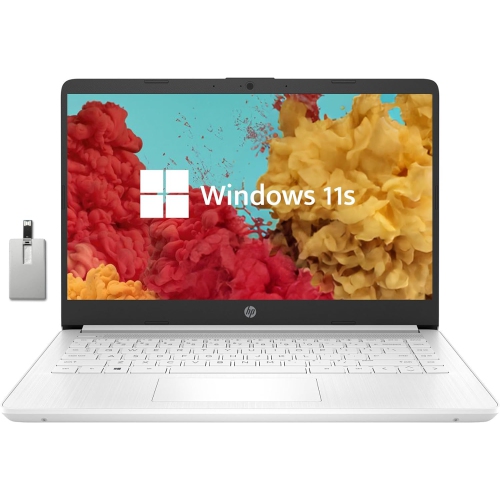
HP Stream 14" Laptop - Intel Celeron N4000 - 4GB Ddr4 - 64GB Emmc - Windows 10 Home S Mode - Diamond - Includes 1 Year Office 365 Personal In White
About this product
A lightweight laptop with Intel Celeron processor, 4GB RAM, 64GB storage, and Windows 10 in S Mode.
What customers like
(0)$449.00Your price for this item is $449SAVE $56 -
7
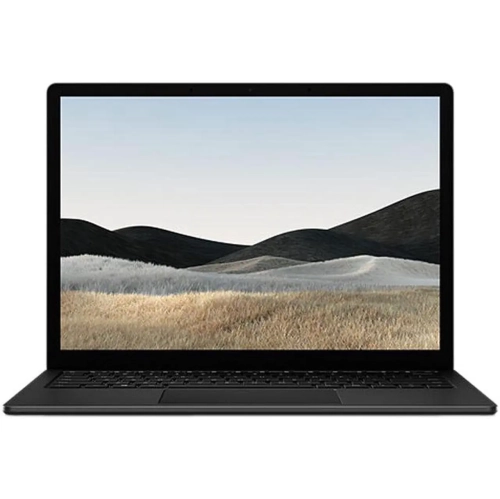
MICROSOFT Refurbished (Good) - Surface Laptop 5 13.5" Touchscreen - Intel Core I5-1245U - 16GB Lpddr4 - 256GB SSD - Windows 11 Pro - - 3 Year
About this product
A refurbished laptop featuring an 11th Gen Intel Core i7, 16GB RAM, 510GB SSD, and touch display.
(5)$599.99Your price for this item is $599.99SAVE $1300 -
8
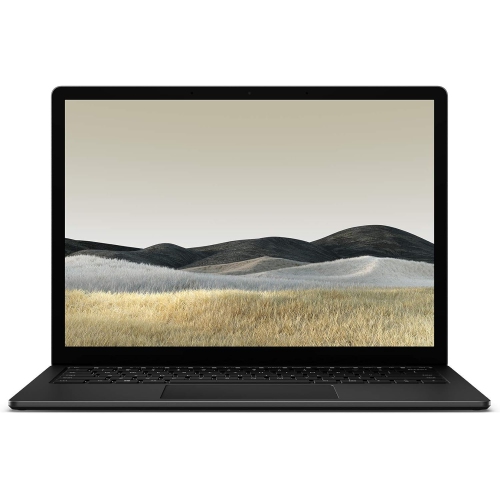
MICROSOFT Refurbished(Good) - Surface Laptop 3 13.5" Touchscreen Laptop - Intel Core I7 - 16GB - 256GB SSD - Windows 11 - Matte In Black
About this product
A refurbished touchscreen laptop in matte black with Intel Core i7, 16GB RAM, and 256GB SSD.
$449.70Your price for this item is $449.70SAVE $310 -
9
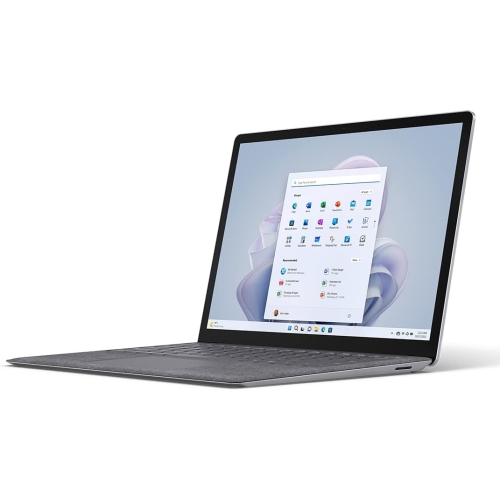
MICROSOFT Refurbished (Excellent) - Surface Laptop 5 13.5" 120Hz Touchscreen Laptop - Intel Core I5-1235U - 8GB Lpddr5X - 256GB SSD - Windows 11
About this product
A sleek platinum laptop featuring an Intel Core i5, 8GB RAM, 256GB SSD, and touchscreen display.
$1,350.00 Your price for this item is $1350 -
10
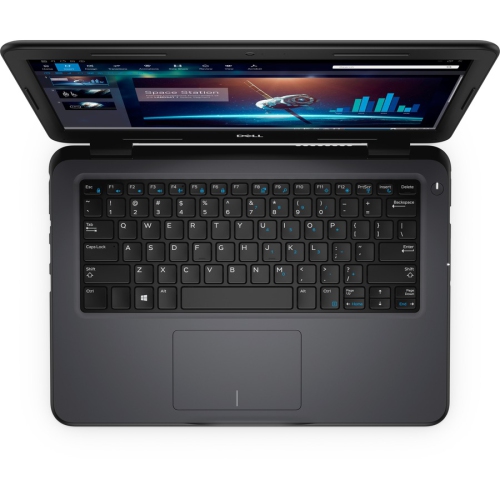
DELL Latitude 3310 13.3" Student Laptop - Intel Core I5-8265U - 8GB - 256GB SSD - Windows 10 Pro - In Black
About this product
A versatile laptop featuring an Intel i5 processor, 8GB RAM, 256GB SSD, and Windows 10 Pro.
$825.68 Your price for this item is $825.68
FAQ
Some laptops include a Microsoft Office licence or a Microsoft 365 subscription, while others have only a trial or preinstalled apps that require activation. Check the software details to confirm what is included, which apps are available and whether the licence has an expiry date.
Microsoft Office desktop apps are available for both Windows and macOS, though some features and applications differ between platforms. Word, Excel and PowerPoint are available on both, while Microsoft Access is available for Windows only. Check your program’s software requirements before choosing a laptop.
If your college provides an eligible Microsoft 365 Education plan, you may be able to sign in with your school account to access Office apps. Access to desktop apps depends on the plan your college offers. Your school’s IT department can confirm eligibility, installation steps and how long access lasts.
Installed desktop versions of Word, Excel and PowerPoint generally let you create and edit locally saved files offline after activation. An internet connection is needed for installation, updates, cloud syncing and online collaboration. Microsoft 365 subscriptions also require periodic internet access to verify the licence.
Desktop apps are installed on your laptop and offer a broader set of editing tools, along with offline access to local files. Web apps run in a supported browser and offer many common editing and collaboration features. If your coursework requires advanced spreadsheet tools, macros or specific add-ins, check whether it calls for a desktop version.
Top selling and popular products
Discover more categories related to Best Laptops for College Students with Microsoft Office
Some products may be subject to Environmental Handling Fees (EHF) depending on your province. Learn more about EHFs.