Best Laptops for Middle School Students

Finding the right laptop can help middle school students tackle assignments, research projects, and stay organized throughout the school year. Explore the best laptops for middle school students, ranked by user review ratings, and compare features such as battery life, portability, and everyday performance to find a fit for your student’s needs and your budget.

Read More

What to look for in laptops for middle school students

1. Performance and Software Compatibility

Check your school’s device requirements and required apps before choosing a Windows laptop, Chromebook, or MacBook. For everyday research, assignments, and video calls, look for a recent processor and at least 8 GB of RAM to help keep multitasking smooth.

2. Battery Life and Portability

A lightweight laptop with a 13 to 14 inch screen can be easier to carry between classes and home. Look for battery life that covers the school day, keeping in mind that video calls and demanding apps can shorten time between charges.

3. Durability and Protection

Look for a sturdy chassis and well-built hinges that can handle frequent trips in a backpack. A protective sleeve can help prevent scratches, while a spill-resistant keyboard offers added protection against accidental splashes.

4. Display, Keyboard and Connectivity

A clear Full HD display and comfortable keyboard can make reading and typing assignments easier. Check for a webcam, microphone, reliable Wi-Fi, and the ports needed for headphones, external displays, or classroom accessories.
Citrus catapult arrow
  1. 1

    About this product

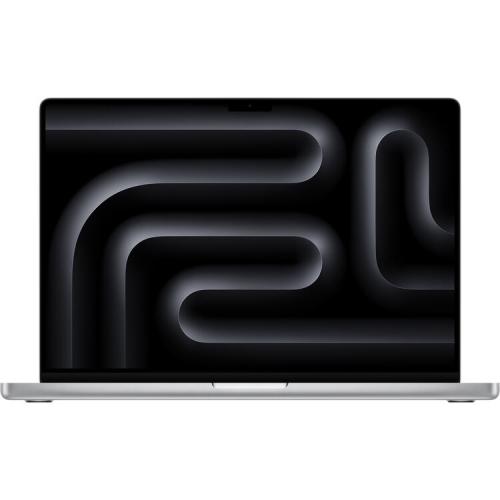
    A platinum laptop featuring a 13.5" touchscreen, Intel Core i7, 16GB RAM, and 256GB SSD.

    $2,699.77
    SAVE $500
    Your price for this item is $2699.77
  2. 2

    About this product

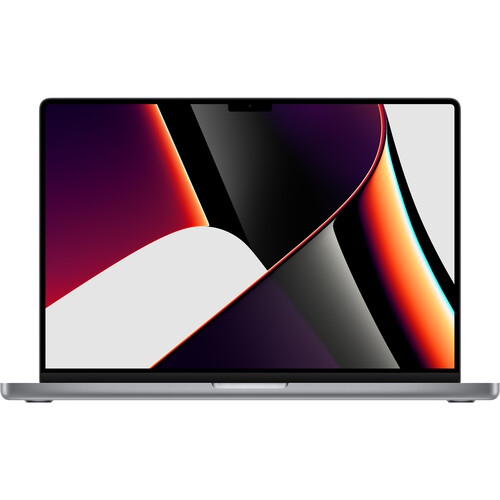
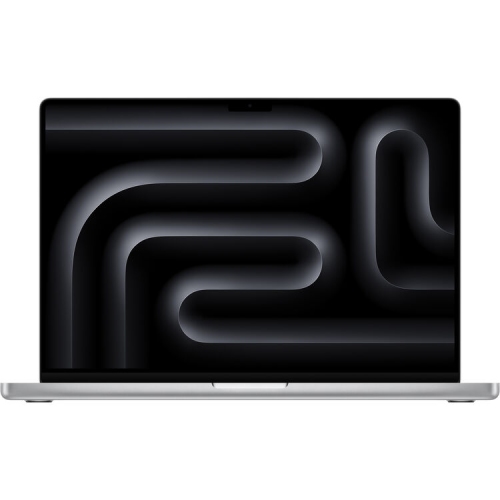
    A powerful gray laptop featuring the M1 chip, 16GB RAM, 512GB SSD, and macOS.

    $2,449.99
    SAVE $735
    Your price for this item is $2449.99
  3. 3

    About this product

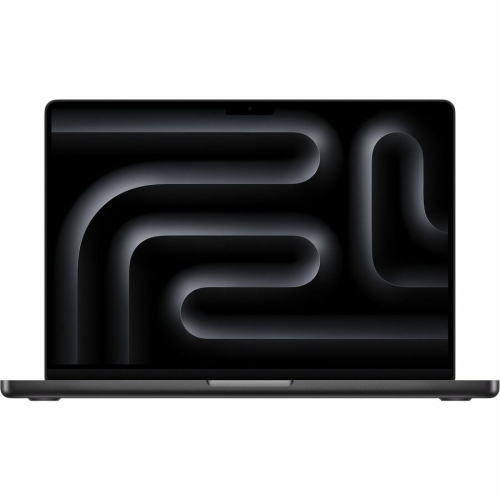
    A refurbished 14.2" laptop in space black with M4 Pro chip, 24GB RAM, and 512GB SSD.

    $2,337.69
    SAVE $361
    Your price for this item is $2337.69
  4. 4

    About this product

    A refurbished black laptop featuring an M3 Pro chip, 18GB RAM, 1TB SSD, and macOS.

    $2,539.99
    SAVE $762
    Your price for this item is $2539.99
  5. 5

    About this product

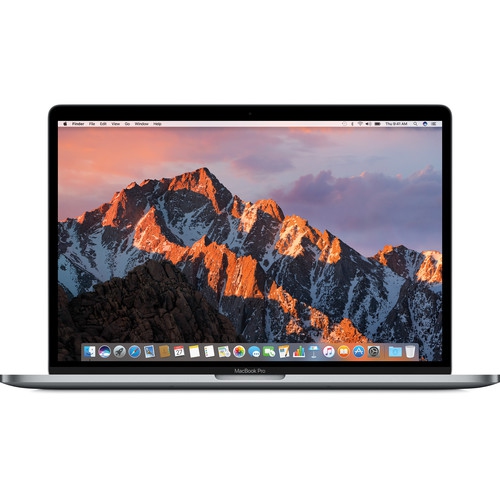
    A refurbished space gray laptop featuring an Intel i7 processor, 16GB RAM, and 512GB SSD.

    $1,199.99
    SAVE $360
    Your price for this item is $1199.99
  6. 6

    About this product

    A platinum laptop featuring a 13.5" touchscreen, Intel Core i7, 16GB RAM, and 256GB SSD.

    $2,699.77
    SAVE $500
    Your price for this item is $2699.77

Best Laptops for Middle School Students

The best laptops for middle school students balance school software compatibility, comfortable typing, manageable weight, and enough battery life for lessons and homework. For most everyday assignments, a student needs a dependable computer for researching a topic, writing a report, building a presentation, and joining an online discussion—not necessarily the most powerful hardware. A useful starting point is the school’s device requirements, including the operating system, approved applications, assessment tools, and account settings students are expected to use. Browser-based laptops can suit classes that rely on online documents and learning platforms, while laptops with a desktop operating system may be necessary for installed software, certain accessibility tools, or more demanding creative projects. Compatibility matters more than an impressive specification that does not support the required coursework. For general schoolwork, 8 GB of memory is a practical starting point for keeping several research tabs, a document, and a video lesson open together; 16 GB offers more room for heavier multitasking and creative applications. Storage needs depend on how assignments are saved. Students working mainly in school-managed cloud accounts may need less local storage than those keeping downloaded lessons, photos, audio recordings, and video projects on the laptop. A solid-state drive helps the computer start up and open saved files promptly, and 256 GB can be a useful starting point for a laptop that stores applications and coursework locally. Battery ratings also deserve context: a claimed 10 hours or more provides a helpful comparison point, but screen brightness, video calls, wireless use, and demanding applications can reduce actual runtime. A student moving between classrooms benefits from a laptop that can handle their timetable without depending on an accessible outlet. Families exploring Laptops for Middle School can use these everyday needs to distinguish a suitable school computer from one designed primarily for entertainment or specialised work.

Physical fit makes a noticeable difference when a laptop travels in a backpack and then shares a desk with a workbook, pencil case, and water bottle. A 13-inch or 14-inch screen often offers a practical balance between readable workspace and portability, while a 15-inch or 16-inch display gives more space for placing assignment instructions beside a document. The larger option may also take up more desk space and add weight, so overall dimensions matter as much as screen size. A laptop around 1.5 kg or less can be easier to carry, although the charger and protective sleeve add to the daily load. For students who type longer responses, key spacing, clear lettering, and a stable keyboard deck can matter more than decorative features. A responsive touchpad with reliable palm rejection helps prevent the cursor from jumping while a student finishes a paragraph. Screen quality affects everyday comfort too: a Full HD display generally provides useful clarity for text and diagrams, and an anti-glare finish can reduce distracting reflections from overhead lights. Touchscreens and convertible hinges can support drawing, annotating worksheets, and interacting with diagrams, but they are optional for students whose work is mostly typed. Pen support varies, and a touchscreen alone does not guarantee compatibility with an active pen. Materials and construction deserve attention wherever the laptop will be used. Plastic housings can keep weight manageable, while aluminium housings may provide a firmer feel; neither material alone establishes how well a computer will withstand daily handling. Secure hinges, a lid that closes evenly, and a base that feels stable during typing are useful qualities. Any stated drop testing or spill resistance should be read according to its specific limits rather than treated as protection against every accident. A padded sleeve, a separate backpack compartment, and keeping drinks away from the keyboard offer straightforward protection. Carrying the laptop closed instead of lifting it by the screen also helps reduce strain on the hinges and display.

A school laptop needs to fit the student’s routine beyond the classroom, whether that means finishing a science presentation at the kitchen table, practising keyboarding, or collaborating on a group assignment from home. A built-in webcam and clear microphone are useful for remote lessons and project discussions, while a headphone connection or compatible wireless audio can make shared spaces easier to work in. Reliable Wi-Fi supports online assignments, but access to downloadable files and offline editing remains useful when an internet connection is interrupted. Ports are worth checking against the equipment a student actually uses. Connecting a classroom display, a wired mouse, an external drive, or a headset may require different connections, and not every USB-C port supports charging or video output. A compatible charger that fits easily into a school bag is convenient, particularly when a student studies in more than one place. For creative interests, the requirements change with the task: simple coding exercises and basic photo editing are different from complex video projects, three-dimensional design, or demanding games. More powerful graphics hardware may support those activities, but it can also increase weight, fan noise, and power use. The strongest match keeps required schoolwork at the centre while leaving reasonable room for the student’s interests. Parents and caregivers may also value separate user accounts, age-appropriate content controls, automatic security updates, and a clear process for backing up assignments. These features vary by operating system and school account, so they should work alongside school policies rather than replace them. A laptop given as a gift is most useful when its software compatibility and physical size have been checked with the student and their caregiver beforehand. Everyday care helps preserve that usefulness: keep ventilation openings clear, use the computer on a firm surface rather than bedding, and clean it according to the manufacturer’s instructions with suitable materials. Saving work regularly and maintaining a backup can prevent a damaged or misplaced device from also becoming a lost assignment. Together, practical performance, comfortable handling, and simple care habits support a laptop that remains useful as middle school coursework becomes more independent.
Read More

FAQ

Some products may be subject to Environmental Handling Fees (EHF) depending on your province. Learn more about EHFs.