Best Laptops for Middle School

Finding the right laptop for middle school can help students tackle homework, research projects, and online learning with confidence. Ranked by user review ratings, this selection of laptops is a starting point for comparing options for everyday schoolwork. Look for a portable design, comfortable keyboard, and battery life that suits your student’s routine, along with compatibility with the apps their school uses.

What to look for in laptops for middle school

1. School Compatibility

Check your school’s requirements for operating systems and learning apps before choosing a laptop. A Chromebook can suit browser-based assignments, while a Windows laptop or MacBook may be needed for specific software.

2. Performance and Storage

For research, documents, and video calls, look for enough memory to keep several apps and browser tabs running smoothly. For Windows laptops and MacBooks, 8GB of RAM is a practical starting point, while an SSD provides responsive storage for apps and school files.

3. Portability and Durability

A lightweight laptop with an 11- to 14-inch screen is easier to carry between home and school. Look for sturdy construction and consider a padded sleeve to help protect it in a backpack.

4. Battery Life and Learning Features

Choose a laptop with battery life rated to cover a school day, keeping in mind that actual runtime varies with use. A comfortable keyboard, clear webcam, built-in microphone, and reliable Wi-Fi help with assignments and online lessons.
  1. 1

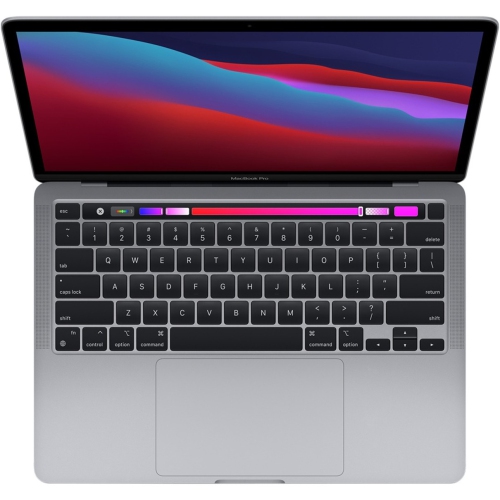
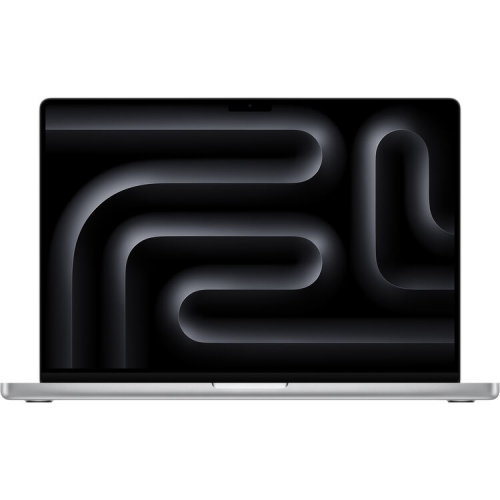
    APPLE Macbook Pro 13.3" W/ Touch Bar (Fall 2020) - Space ( M1 Chip / 256GB SSD / 8GB Ram) - En - In Grey

    About this product

    A powerful grey laptop featuring the M1 chip, 256GB SSD, 8GB RAM, and Touch Bar.

    What customers like

    • Comfortable and responsive keyboard
    • Sleek and durable build quality
    • High-quality vibrant display
    • Powerful and fast M1 chip performance
    • Excellent battery life
    (6,034)
    $899.77
    SAVE $600
    Your price for this item is $899.77
  2. 2

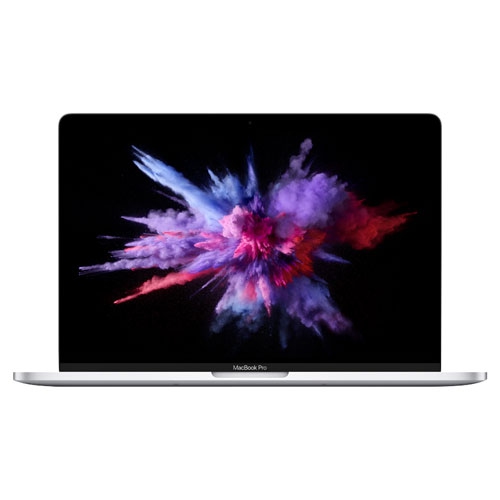
    APPLE Refurbished (Good) - Macbook Pro W/ Touch Bar 13.3" - (Intel Core I5 1.4Ghz/256GB SSD/8GB Ram) - En (2019 Model) In Silver

    About this product

    A refurbished silver laptop featuring a 13.3" display, Intel Core i5, 256GB SSD, and 8GB RAM.

    What customers like

    • High-quality Retina display and screen brightness
    • Compact, lightweight, and portable design
    • Seamless integration with Apple devices
    • User-friendly interface and easy setup
    • Fast and reliable performance
    (418)
    $649.77
    SAVE $849
    Your price for this item is $649.77
  3. 3

    DELL 16 Plus 2-In-1 16" Touch Laptop - Intel Core Ultra 7 256V - 16GB Lpddr5X - 1Tb SSD - Intel Arc - Windows 11 Home - Ice In Blue

    About this product

    A powerful blue laptop featuring Intel Core Ultra 7 processor, 1TB SSD, 16GB RAM, and Arc Graphics.

    What customers like

    • Large, bright, and clear 16-inch display with vibrant colours
    • Versatile 2-in-1 convertible design with responsive touchscreen
    • Powerful performance with Intel Core Ultra 7 processor and 16GB RAM
    • Premium build quality with aluminium casing and sleek design
    • Long battery life and fast charging for portability
    (1,041)
    $1,951.79
    SAVE $947
    Your price for this item is $1951.79
  4. 4

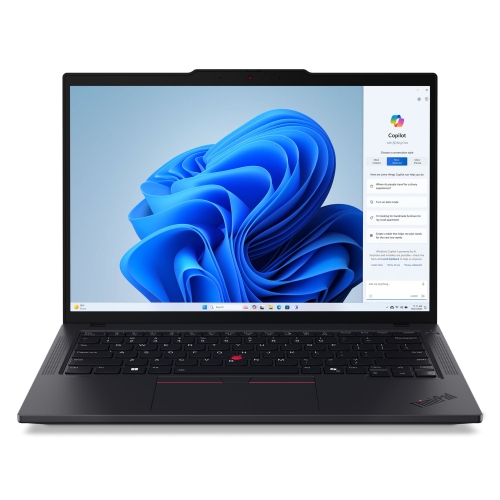
    LENOVO Thinkpad T14 Gen 5 14" Ips Laptop - Intel Core Ultra 7 155U - 32GB - 1Tb SSD - In Black

    About this product

    A powerful laptop featuring an Intel Core Ultra 7 processor, 32GB RAM, and 1TB SSD storage.

    What customers like

    • Easy upgradability and repairability
    • Long battery life
    • Lightweight and portable design
    • Outstanding keyboard and typing experience
    • Excellent performance and speed
    (104)
    $5,059.00 Your price for this item is $5059
  5. 5

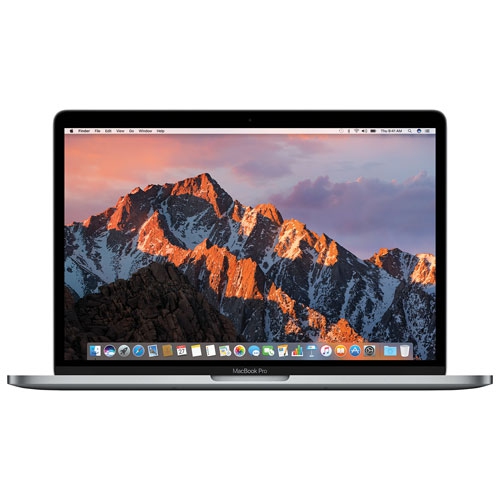
    APPLE Refurbished (Good) - Macbook Pro 13.3" Laptop (Intel Core I5 2Ghz/256GB SSD/8GB Ram) - Space - En (2016 Model) In Grey

    About this product

    A refurbished grey laptop featuring an Intel Core i5 processor, 256GB SSD, and 8GB RAM.

    What customers like

    • Comfortable keyboard and responsive trackpad
    • High-quality display and vivid colors
    • Fast performance and SSD speed
    • Excellent battery life
    • Lightweight and portable design
    (2,467)
    $549.77
    SAVE $650
    Your price for this item is $549.77
  6. 6

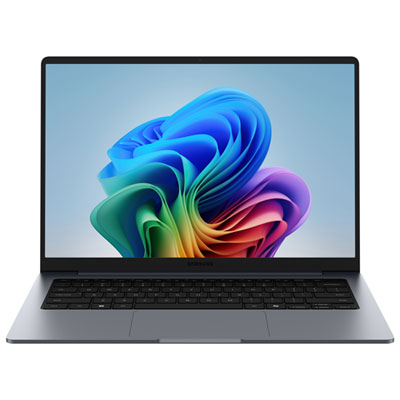
    Samsung Galaxy Book6 16" Touchscreen Copilot+ PC Laptop - Intel Core Ultra 7 - 16GB LPDDR5X - 1TB SSD - Windows 11 Home - Grey

    About this product

    A sleek grey touchscreen laptop featuring Intel Core Ultra 7, 16GB RAM, 1TB SSD, and Windows 11 Home.

    What customers like

    • Vibrant, sharp 16-inch touchscreen display
    • Excellent selection of ports and connectivity options
    • Fast performance with Intel Core Ultra 7 and ample RAM
    • Long-lasting battery life and quick charging
    • Lightweight and portable
    (176)
    $1,799.99
    SAVE $550
    Your price for this item is $1799.99
  7. 7

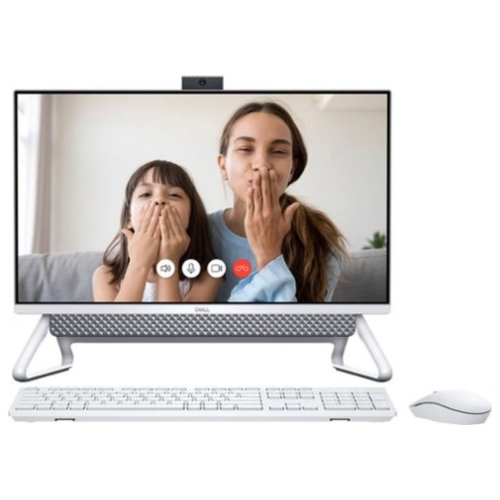
    DELL Inspiron 15.6″ Touchscreen Laptop – Intel Core I7-1165G7, 256 GB SSD, Intel Iris Xe Graphics, Windows 11, Fhd Display, Wi-Fi & Bluetooth

    About this product

    A versatile touchscreen laptop featuring an Intel Core i7 processor, 256GB SSD, and Intel Iris Xe graphics.

    What customers like

    • Easy and quick setup
    • Compact and sleek design
    • High-quality touchscreen and display
    • Helpful and knowledgeable customer service
    • Fast and reliable performance
    (219)
    $1,614.05
    SAVE $84
    Your price for this item is $1614.05
  8. 8

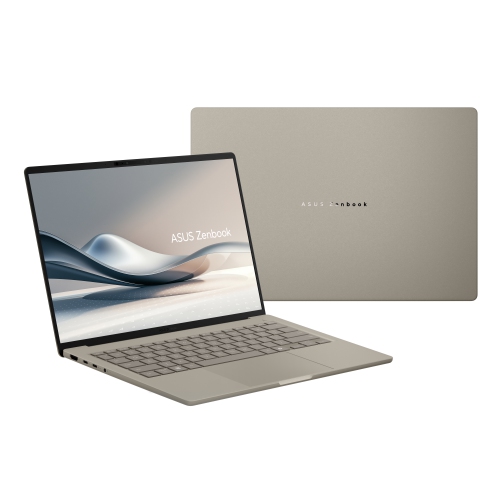
    ASUS Zenbook A14 Copilot+ PC Thin & Light Laptop - Snapdragon X - 16GB Lpddr5X - 512GB SSD - Windows 11 Home - Zabriskie In Beige

    About this product

    A lightweight laptop featuring a 14” OLED display, Snapdragon X processor, and durable Ceraluminum™ construction.

    What customers like

    • Lightweight and highly portable
    • Premium, durable design
    • Exceptional battery life
    • Fast, smooth performance
    • Vibrant OLED display
    (23)
    $1,429.00
    SAVE $690
    Your price for this item is $1429

Why school software compatibility comes before extra features

The best laptops for middle school support the school’s required software, are comfortable to carry, and provide dependable performance for assignments, research, and video calls. For students moving between classrooms and a homework desk, the right fit depends more on everyday schoolwork than on advanced features they may rarely use. School requirements are the starting point: a laptop may need to run installed applications, connect to a managed student account, or support particular assessment tools. Browser-based learning platforms can suit a lighter computing setup, while coding projects, media assignments, and specialized classroom software may call for a desktop operating system with broader application support. Compatibility matters even when two laptops appear to have similar specifications, since a required program may work on one operating system but not another. For families considering a browser-focused option, the Best Chromebooks for Middle School selection offers a more focused category to explore, with school compatibility still an important consideration. Memory and storage also serve different purposes. Memory helps a laptop handle active tasks, such as keeping a research article, a document, and a classroom video open together. For many general-purpose school laptops, 8GB of memory is a practical starting point, while 16GB provides more room for heavier multitasking and demanding applications. Requirements differ for browser-focused systems, so the school’s recommendations remain useful. Storage holds applications, downloaded readings, photos, and saved projects; a solid-state drive helps keep a compatible laptop responsive when opening files and launching programs. Students who save most assignments online may need less local storage than those working with video clips or large creative files. Offline access deserves attention, too. A document saved for offline editing can keep homework moving without an internet connection, although not every learning platform supports the same offline features. Together, these details help distinguish a laptop suited to occasional browsing from one ready for a student’s regular classroom routine.

Physical fit makes a noticeable difference when a laptop shares backpack space with binders, lunch containers, and a water bottle. A display around 12 to 14 inches often offers a useful balance between readable workspace and portability, while a larger screen can make side-by-side documents easier to view at the cost of extra bulk. Weight includes more than the laptop itself: a charger and protective sleeve also travel with the student. Screen resolution, brightness, and glare control affect comfort when reading small text or studying a diagram, and a matte finish can reduce distracting reflections from nearby lights. A comfortable keyboard with clearly spaced keys supports longer writing assignments, while a responsive touchpad makes selecting text and navigating presentations less frustrating. Touchscreens and convertible hinges can be useful for sketching, annotating worksheets, or arranging a presentation, but pen input requires compatible hardware; a touchscreen alone does not guarantee support for an active pen. Construction is equally important. Plastic and metal casings can both suit school use, with durability depending on the overall design, hinge strength, and protection around vulnerable edges. A stated spill-resistant keyboard offers a different level of protection from a waterproof device and should never be treated as permission to leave drinks nearby. Battery life needs to cover the student’s actual workload, not just a light-use estimate. Video calls, high screen brightness, and demanding applications can shorten the time between charges. A securely fitting charger that meets the laptop manufacturer’s requirements is essential, and USB-C charging support should be confirmed rather than assumed. Ports also influence daily convenience: connecting a classroom display, a wired headset, or an external drive may require particular connections or an adapter. Reliable Wi-Fi, a clear microphone, and a usable webcam round out the features that matter for shared assignments, remote tutoring, and conversations with classmates. These practical details can be more useful during a school day than features intended mainly for entertainment.

A middle school laptop also needs to fit the student’s habits at home. A child who writes at a shared kitchen table may benefit from a compact design that packs away easily, while a student with a dedicated desktop can use an external keyboard and mouse for longer sessions. Raising the screen can improve viewing comfort when those separate input devices are in use, and a chair that supports the student with feet resting securely helps make homework less awkward. Headphones can reduce distractions during a language exercise or recorded lesson, with volume kept at a comfortable level. For parents, caregivers, and relatives giving a laptop as a gift, confirming school requirements and account arrangements beforehand helps ensure that the device is useful from the first assignment. School-managed accounts may have different permissions from personal accounts, and some devices require setup by school staff. Age-appropriate account settings, clear household expectations, and regular software updates support responsible use without replacing conversations about online behaviour. File organization matters as projects accumulate: clearly named subject folders, sensible file names, and an approved backup method make a finished assignment easier to find and less likely to be lost. Care between lessons helps protect the hardware as well. A padded sleeve reduces contact with other objects in a backpack, but it cannot prevent every impact, especially when a bag is dropped or overfilled. Carrying a laptop by its base rather than its open screen puts less strain on the display and hinges. For cleaning, a powered-off device and a soft, lint-free cloth are sensible starting points, with the manufacturer’s directions determining suitable cleaning products. Liquids should not be sprayed directly onto the screen or keyboard. During use and charging, a firm surface keeps ventilation openings clear; bedding and soft cushions can obstruct airflow. Combined with enough performance for expected schoolwork and a manageable size, these everyday considerations support a laptop that remains practical as assignments grow more involved and students take on greater responsibility for their own learning.

FAQ

Some products may be subject to Environmental Handling Fees (EHF) depending on your province. Learn more about EHFs.