Best Tablets for School Age Child
Finding the best tablets for school-age children means balancing learning tools, entertainment, and everyday practicality. Whether your child needs a tablet for homework, reading, or creative projects, this list is ranked based on user review ratings to help you compare your options. Look for features such as parental controls, a durable design, and long battery life to find a tablet that fits your child’s needs.
What to look for in tablets for school-age children
1. Learning Apps and Compatibility
2. Parental Controls
3. Durability and Portability
4. Performance and Battery Life
-
1
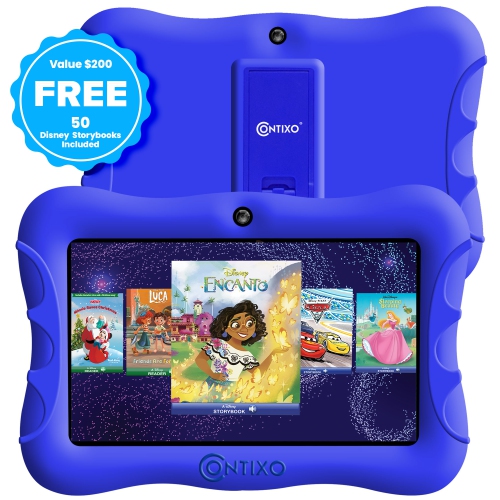
CONTIXO Kids Tablet, 7" HD Display, 32GB Storage, Wi-Fi, Parental Controls, Shockproof Case, Dark In Blue
About this product
A kid-friendly tablet with parental controls, educational apps, dual cameras, and Android 10 OS.
(1)$122.99Your price for this item is $122.99SAVE $14 -
2
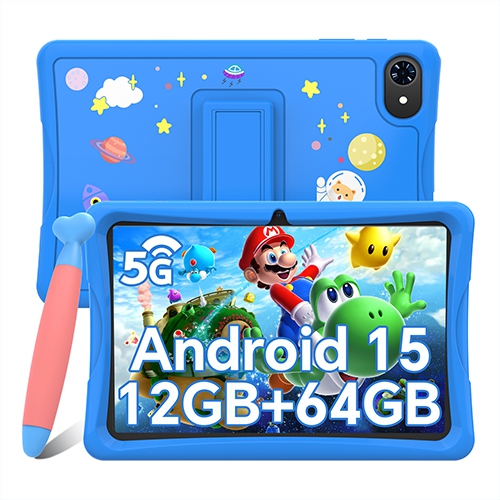
BLACKVIEW 10" Kids Tablet, Android 15 Tablets for Kids, Parental Control, Pre-Installed Kiddos Software & Kids Space, Includes Case & Stylus Pen
About this product
A kid-friendly tablet with Android 15, parental controls, protective case, stylus, and pre-installed educational apps.
(1)$125.99Your price for this item is $125.99SAVE $40 -
3
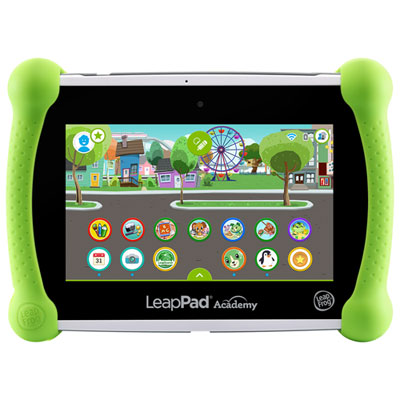
LeapFrog LeapPad Academy - Green - English
About this product
A green educational tablet featuring 20+ learning apps and parental controls for a safe experience.
(7)$169.99 Your price for this item is $169.99 -
4
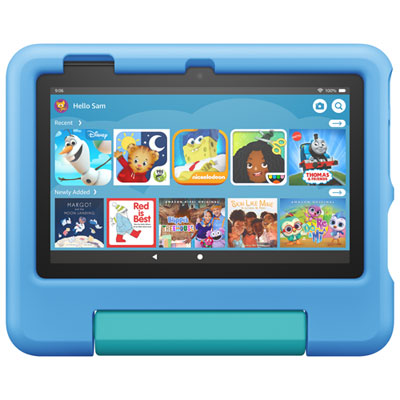
Amazon Fire 7 Kids Edition (2022) 7" 16GB FireOS Tablet with MTK/MT8168 4-Core Processor - Blue
About this product
A blue kid-friendly tablet with a 7" display, 16GB storage, quad-core processor, and durable case.
(6)$139.99 Your price for this item is $139.99 -
5
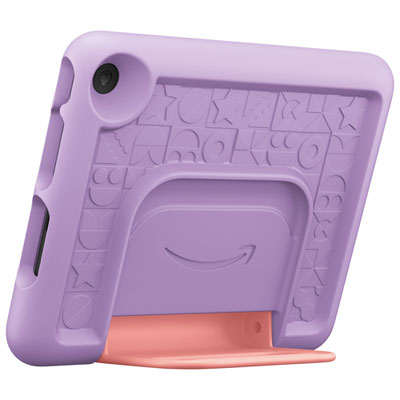
Amazon Fire 7 Kids Edition (2022) 7" 16GB FireOS Tablet with MTK/MT8168 4-Core Processor - Purple
About this product
A purple tablet with a kid-proof case, 16GB storage, and a 4-core processor for safe entertainment.
(1)$139.99 Your price for this item is $139.99 -
6
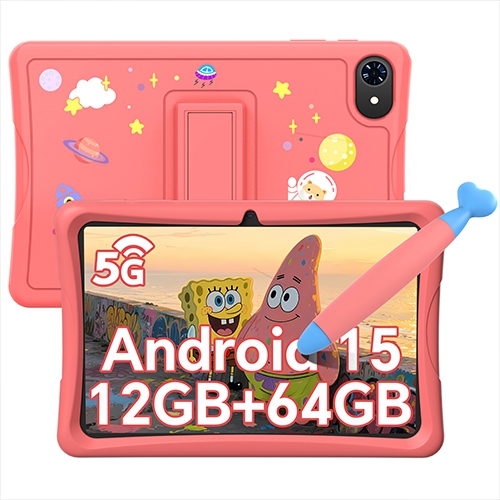
BLACKVIEW 10" Kids Tablet, Android 15 Tablets for Kids, Parental Control, Pre-Installed Kiddos Software & Kids Space, Includes Case And Stylus Pen
About this product
A kid-friendly tablet with Android 15, parental controls, pre-installed educational apps, case, and stylus included.
$125.99Your price for this item is $125.99SAVE $40 -
7
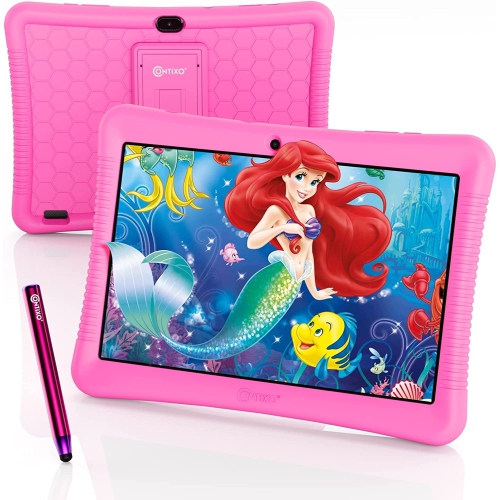
CONTIXO K102 Kids Tablet, 10.1" HD Ips Display, 32GB Storage, Android 10, Parental Controls, Dual Camera, Wi-Fi In Pink
About this product
A 10" HD Wi-Fi kids tablet with 20+ educational apps, parental control, and access to Google Play Store.
$136.99 Your price for this item is $136.99 -
8

NONE Lcd Writing Tablet for Kids, Unicorn Colorful Screen Drawing Pad, Doodle Board, Toddlers Travel Toy, Educational Toy, Birthday Gift for 3 -8
About this product
A purple LCD writing tablet with a unicorn-themed colorful screen, perfect for creative and educational play.
$28.99Your price for this item is $28.99SAVE $3 -
9
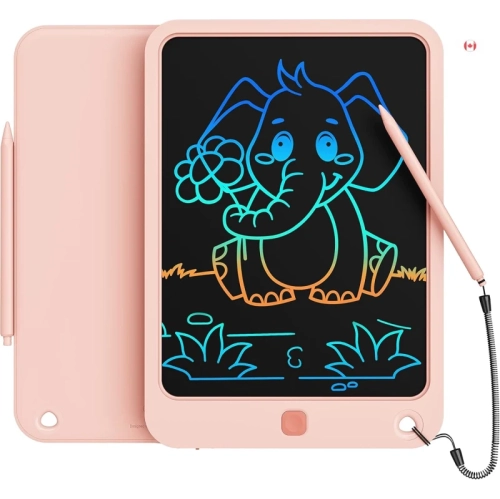
KIKAPABI Lcd Writing Tablet 10-Inch – Colorful Electronic Doodle Board for Kids, Travel Drawing Pad w Lanyard, Educational Toy Gift for Ages 3–9
About this product
A colourful LCD writing tablet with lanyard, ideal for kids’ drawing, learning, and creative play.
$25.99Your price for this item is $25.99SAVE $4 -
10
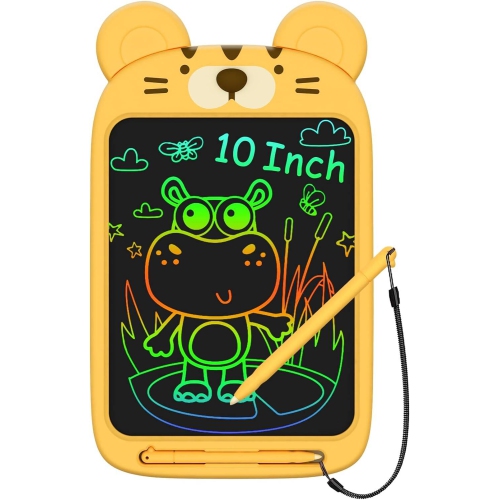
NONE Drawing Pad for 3-8 Years Old Girls Boys, 10 Inch Lcd Writing Tablet, Educational Birthday Gift for 3-8 Years Old Kids In Yellow
About this product
A yellow LCD writing tablet with a 10-inch color screen for creative drawing, writing, and doodling.
$21.99Your price for this item is $21.99SAVE $3
FAQ
Look for compatibility with school apps, reliable Wi-Fi, battery life suited to daily use, and straightforward navigation. A built-in microphone and camera are useful for virtual classes, while keyboard and stylus support can provide more ways to complete assignments.
The right operating system depends on the apps and learning platforms your child’s school uses. iPadOS, Android, and Windows tablets offer different app choices and account features. Check the school’s requirements, including whether assignments need a desktop application or can be completed in a browser.
Many tablets support Bluetooth keyboards, and some connect to dedicated keyboard cases. Stylus compatibility varies: a basic touch stylus works differently from an active pen designed for handwriting and drawing. Check the tablet’s accessory compatibility before choosing either option.
Many tablets can open downloaded reading materials, play saved lessons, and run certain learning apps without Wi-Fi. Some document apps also allow offline editing and sync changes after reconnecting. Offline access depends on the app, so download materials and check its settings before going offline.
Calendar apps, task lists, and subject-based folders can keep assignments and deadlines in one place. Cloud storage can also make files accessible across a tablet and a computer. If the school uses a learning platform, its app may bring together class materials, due dates, and submitted work.
Top selling and popular products
Discover more categories related to Best Tablets for School Age Child


Some products may be subject to Environmental Handling Fees (EHF) depending on your province. Learn more about EHFs.