Best Tablets for Middle Schoolers
The best tablets for middle schoolers can help students tackle homework, explore creative projects, and enjoy downtime. From taking notes to joining video calls, a tablet offers versatile tools for learning and everyday use. Explore tablets ranked by user review ratings, and compare features such as battery life, screen size, and parental controls to find the right fit for your student.
What to look for in tablets for middle schoolers
1. School App Compatibility
2. Performance and Storage
3. Screen and Study Accessories
4. Durability, Battery Life and Parental Controls
-
1
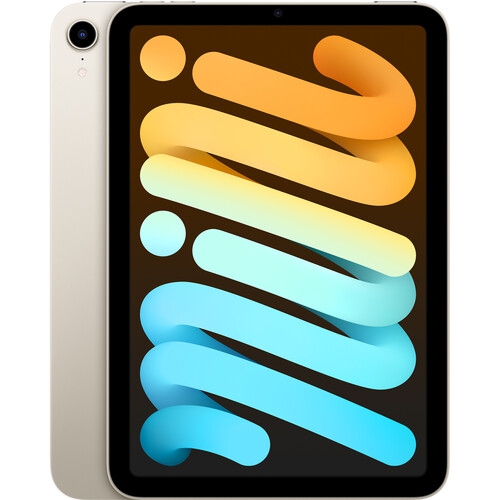
APPLE Refurbished (Excellent) - 2021 Ipad Mini (Wi-Fi, 64GB) - Starlight
About this product
A refurbished tablet in Starlight featuring an 8.3" Liquid Retina display and powerful A15 Bionic chip.
What customers like
(999)$839.90Your price for this item is $839.90SAVE $160 -
2

SAMSUNG Galaxy Tab S6 Lite P610 10.4-Inch 128GB, Wi-Fi, 4GB Ram - In Grey
About this product
An Oxford Gray tablet with 128GB storage and 4GB RAM, perfect for writing, sketching, or browsing.
What customers like
(579)$699.99Your price for this item is $699.99SAVE $200 -
3
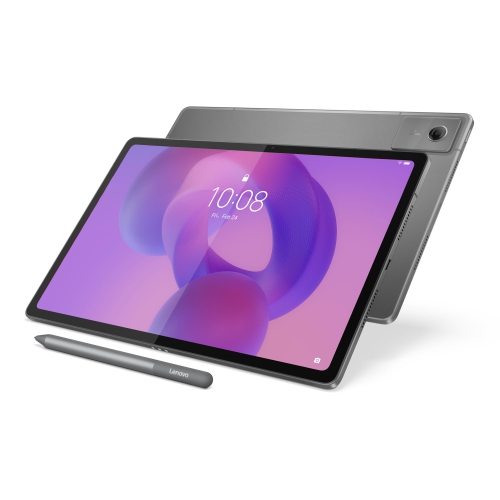
LENOVO Idea Tab Plus 12.1-Inch 128GB, 8GB Ram, Dimensity 6400
About this product
A versatile tablet featuring a 12.1" IPS 90Hz display, 8GB RAM, and 128GB storage.
What customers like
(44)$418.00Your price for this item is $418SAVE $81 -
4
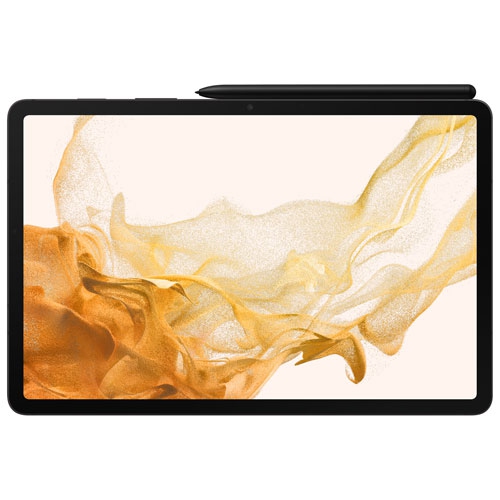
SAMSUNG - Galaxy Tab S8 11-Inch 256GB, Wi-Fi, 8GB Ram With S Pen - Graphite
About this product
A powerful graphite tablet featuring an 11" LCD display, 8GB RAM, 256GB storage, and S Pen support.
What customers like
(57)$994.97Your price for this item is $994.97SAVE $105 -
5
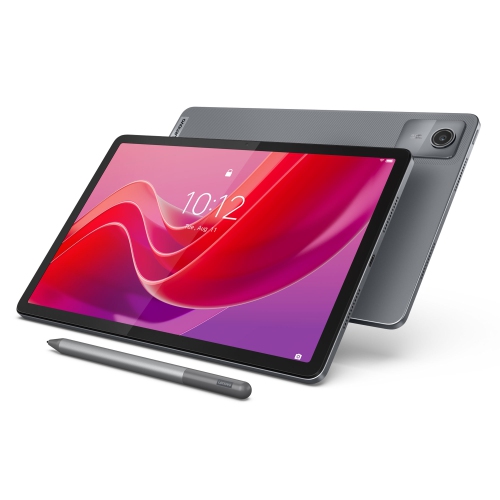
LENOVO Tab M11 11-Inch 128GB, 4GB Ram
About this product
An 11" IPS tablet with 400 nits brightness, 4GB RAM, and 128GB eMMC storage.
What customers like
(131)$331.55Your price for this item is $331.55SAVE $17 -
6
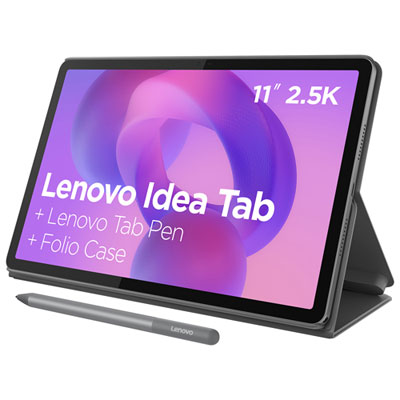
Lenovo Idea Tab 11-inch 128GB, Wi-Fi, 8GB RAM, MediaTek Dimensity 6300 - Grey
About this product
A versatile luna grey tablet featuring an 8-core processor, 128GB storage, and quad Dolby Atmos speakers.
What customers like
(55)$319.99Your price for this item is $319.99SAVE $50 -
7
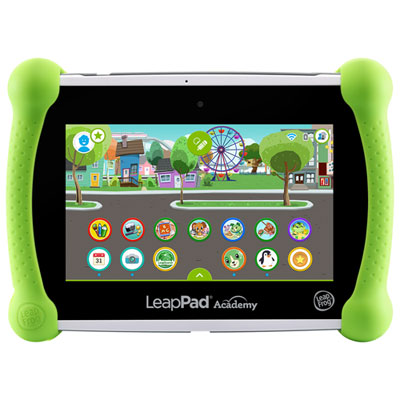
LeapFrog LeapPad Academy - Green - English
About this product
A green educational tablet featuring 20+ learning apps and parental controls for a safe experience.
What customers like
(27)$169.99 Your price for this item is $169.99 -
8
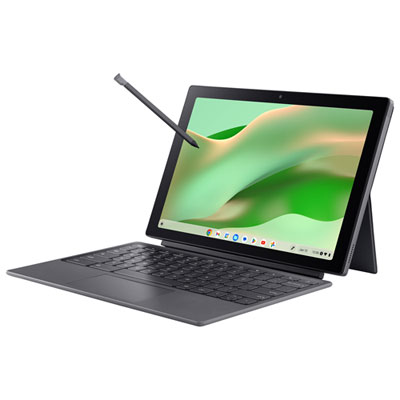
Acer Chromebook Tab 311 11" Touchscreen Detachable Chromebook - MediaTek Kompanio 520 - 8GB LPDDR4X - 128GB eMMC - Silver
About this product
A versatile silver tablet with FHD+ touchscreen, detachable keyboard, stylus, 8GB RAM, and 128GB SSD.
(7)$399.99Your price for this item is $399.99SAVE $100 -
9
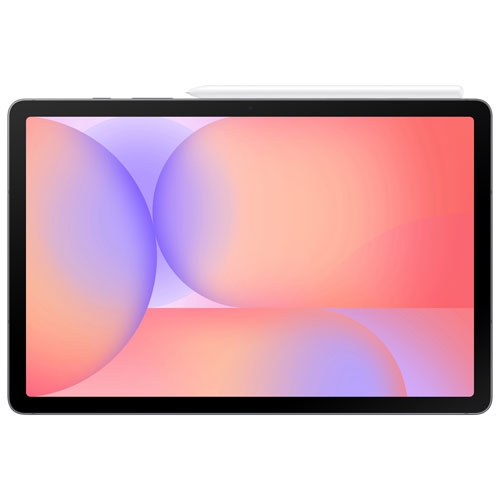
SAMSUNG - Galaxy Tab S10 Lite 10.9-Inch 128GB, Exynos 1380 With S Pen - In Grey
About this product
A sleek grey tablet featuring a 10.9" display, Exynos 1380 processor, and included S Pen.
(4)$399.99Your price for this item is $399.99SAVE $20 -
10
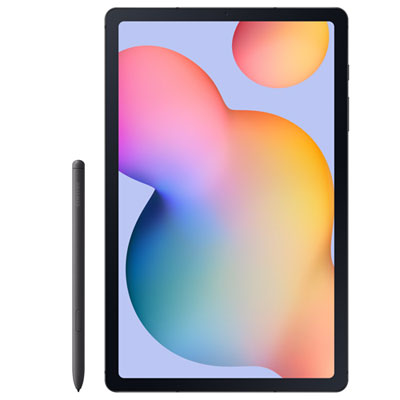
Samsung Galaxy Tab S6 Lite 10.4-inch 64GB, Wi-Fi, 4GB RAM, Exynos 1280 with S Pen - Graphite
About this product
A slim graphite tablet with a 10.4" display, 64GB storage, Exynos 1280, and included S Pen.
What customers like
(74)$448.97 Your price for this item is $448.97
FAQ
Look for compatibility with school-required apps, battery life suited to a school day, and a straightforward interface. A tablet that supports a keyboard and stylus can offer more ways to complete written assignments, annotate readings, and work on creative projects.
The right choice depends on the apps and learning platform your child’s school uses. iPadOS, Android, and Windows tablets offer different app selections and desktop software support. Check the school’s technology requirements, including supported browsers and assignment file formats, before choosing.
A compatible keyboard is useful for essays and longer responses, while a stylus supports handwritten notes and drawing. A stand can position the tablet for reading or video lessons, and headphones with a microphone can be useful for online classes. Check accessory compatibility with the tablet model.
Students can create folders for each subject, use a calendar for assignment deadlines, and keep class notes in a note-taking app. Cloud storage can make files accessible across a tablet and a school computer, where school account permissions allow it.
Many tablets support offline reading, writing, and note-taking when the necessary apps and files are downloaded in advance. Some learning platforms, video lessons, and assignment submissions require an internet connection. Offline access varies by app, so check which tasks are available before working away from Wi-Fi.
Top selling and popular products
Discover more categories related to Best Tablets for Middle Schoolers


Some products may be subject to Environmental Handling Fees (EHF) depending on your province. Learn more about EHFs.