Chromebooks for School Work
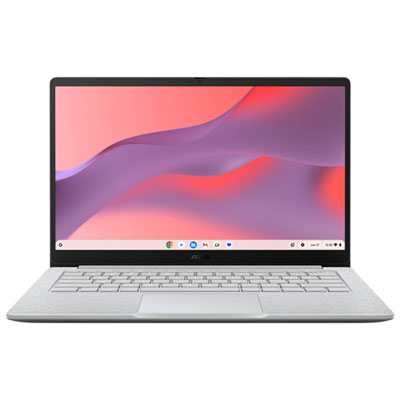
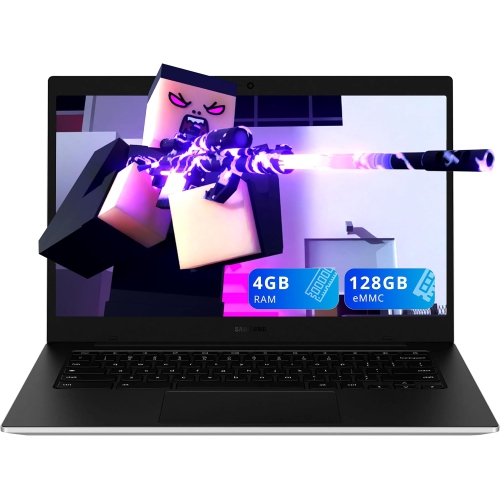
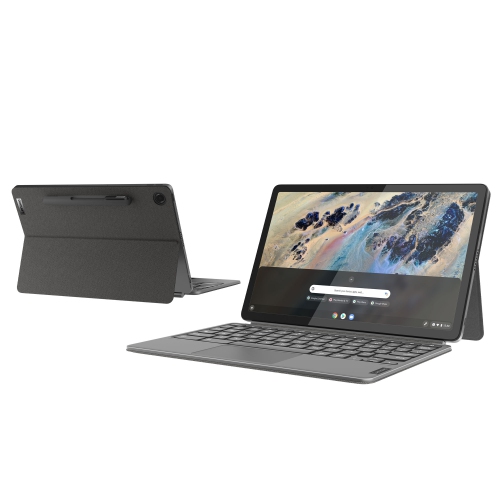
Find Chromebooks for school work that suit everyday tasks like writing assignments, researching topics, and joining online classes. Compare screen sizes, memory, storage, and battery life to find a laptop that fits your study routine, and check that your school’s required apps work with ChromeOS before choosing.




FAQ
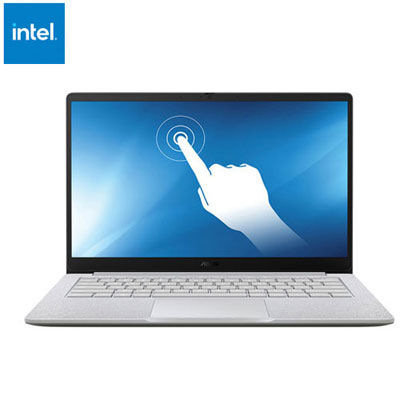
Look for a comfortable keyboard, battery life suited to your school day, and ports for accessories such as headphones or an external display. A touchscreen can be useful for annotating documents, while a built-in webcam and microphone support virtual classes. Check your school’s software requirements before choosing a Chromebook.
Chromebooks support browser-based Google Workspace tools, including Docs, Sheets, and Slides. You can also use web versions of Microsoft Word, Excel, and PowerPoint, though some features require a qualifying subscription. Full desktop versions of Microsoft Office for Windows or macOS do not run directly on ChromeOS.
You can work on supported files and apps offline if you set them up beforehand. For example, Google Docs, Sheets, and Slides offer offline editing when offline access is enabled. Changes sync once you reconnect. Online research, virtual classes, and some assignment submissions still require an internet connection.
Chromebooks use a combination of local storage and cloud services such as Google Drive. The Files app lets you organize downloaded documents, access connected USB drives, and browse cloud files. Saving assignments in folders by subject or term can make them easier to find, and marking supported cloud files for offline access lets you open them without a connection.
Many browser-based learning platforms, including Google Classroom, Canvas, and Moodle, can be accessed on a Chromebook. Compatibility with specific features, browser extensions, or exam software can vary. Confirm that your school’s required platforms and applications support ChromeOS, especially for courses that use specialized desktop software.
Top selling and popular products
Discover more categories related to Chromebooks for School Work
Some products may be subject to Environmental Handling Fees (EHF) depending on your province. Learn more about EHFs.