Chromebooks for School
Chromebooks For School offer a streamlined solution for students looking to stay organized and productive throughout the academic year. With their user-friendly design and reliable performance, these devices are ideal for tackling assignments, collaborating on projects, and accessing educational resources online. Whether you're in elementary school, high school, or college, Chromebooks For School provide a dependable option to support your learning needs both in and out of the classroom. Explore a variety of models to find the perfect fit for your study routine.
Sort
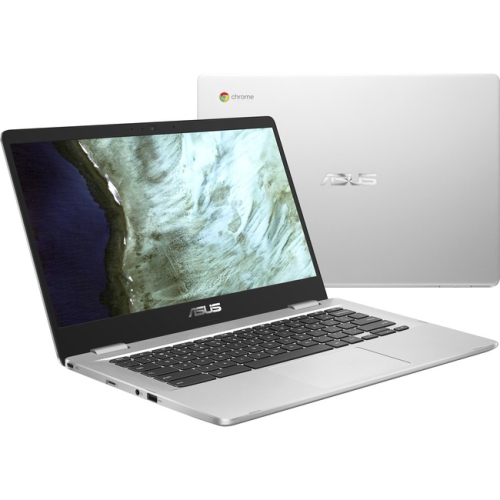
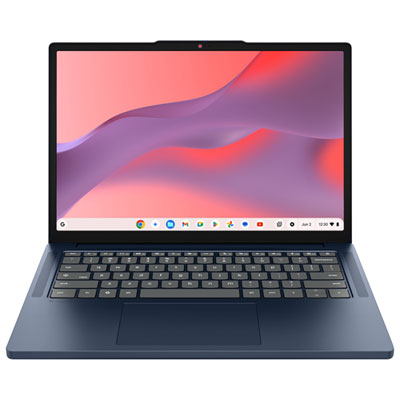
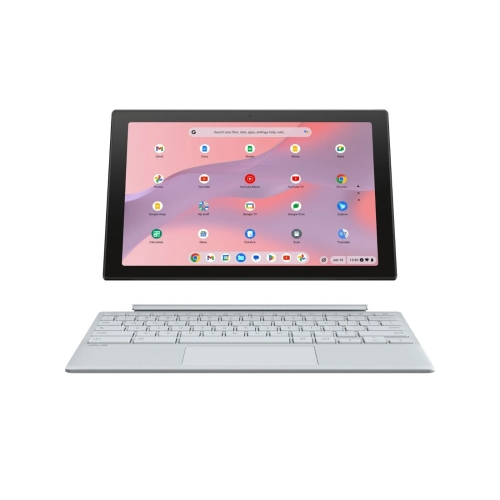
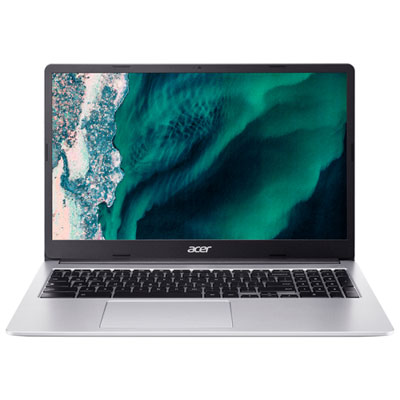
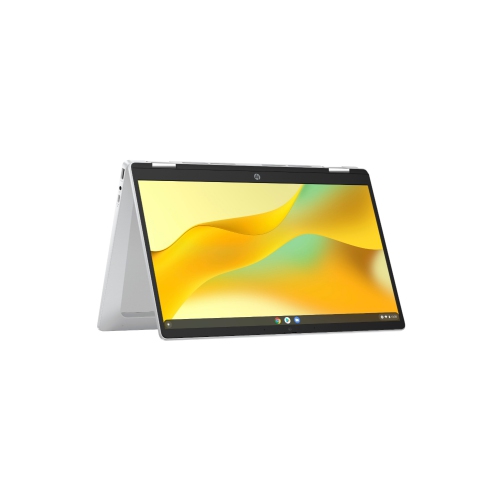
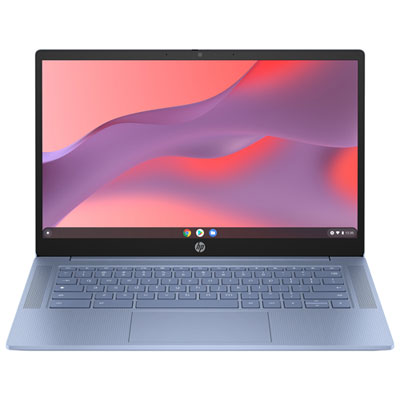
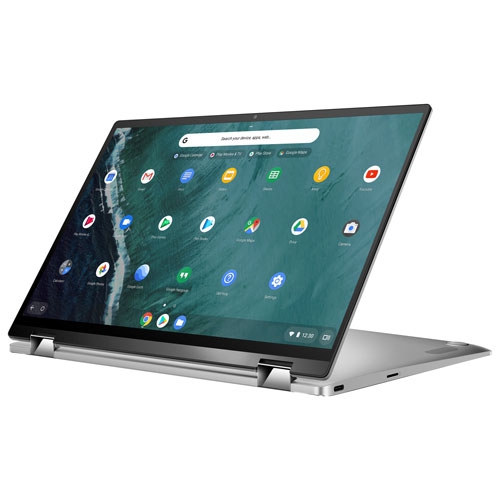
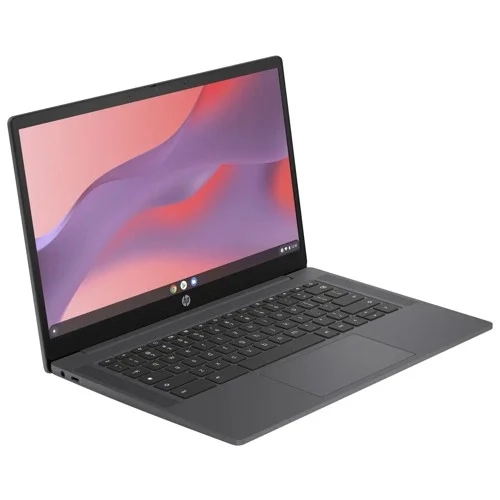
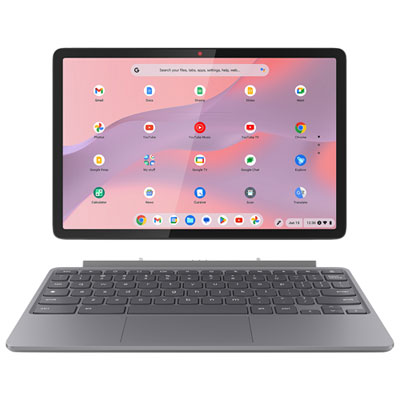
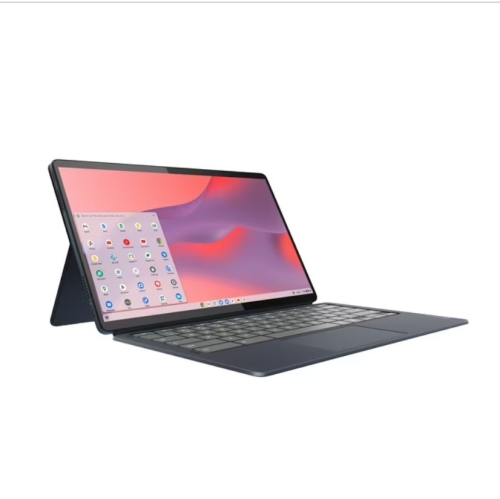
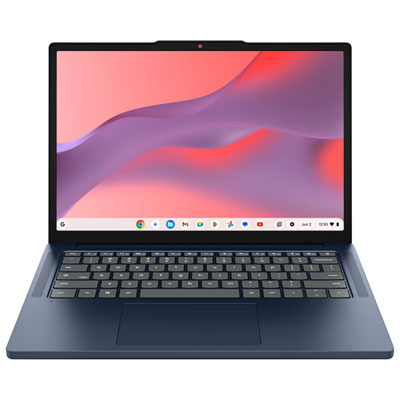
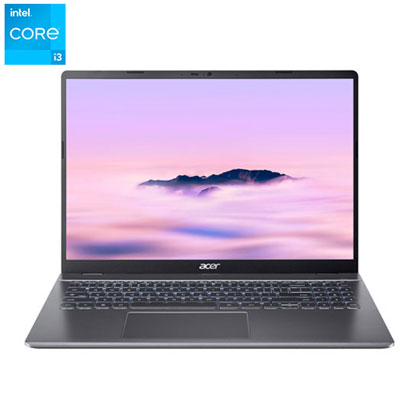
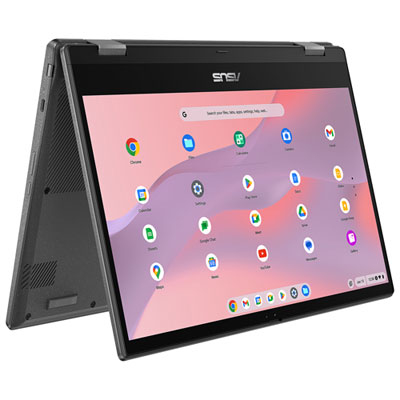
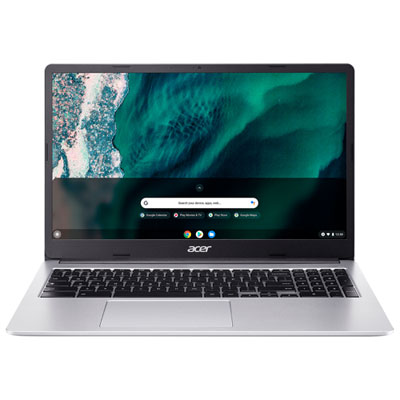
How a Chromebook fits into everyday schoolwork
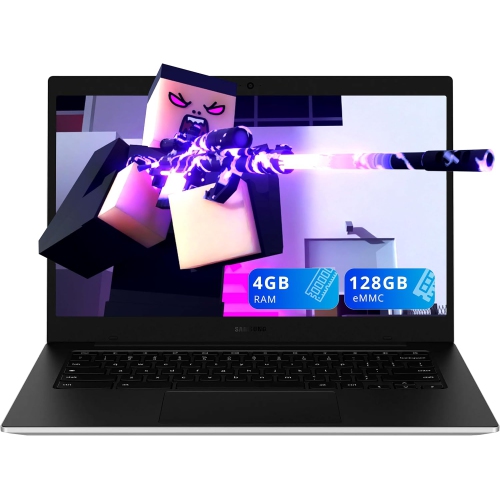
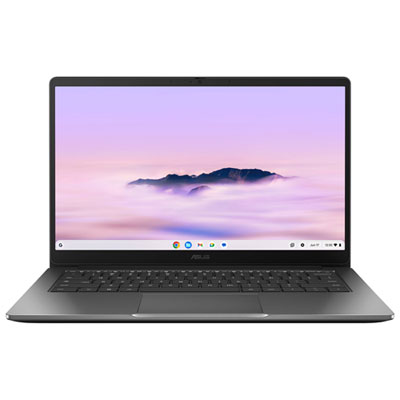
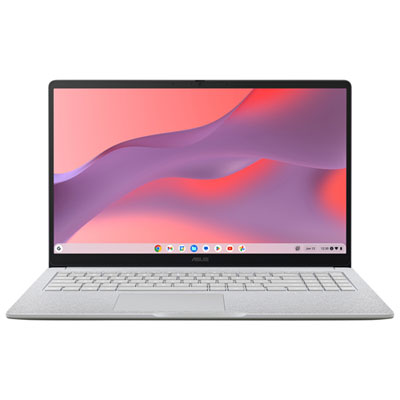
Chromebooks for school are browser-centred laptops suited to everyday learning tasks such as writing assignments, researching topics, preparing presentations and joining online classes. Their usefulness comes from how closely they fit a student’s actual schoolwork: opening a classroom portal, reading an assigned article, drafting a response and sharing it with a teacher can all happen within a familiar browser-based workflow. For elementary students, that may mean practising spelling, completing interactive activities or reading digital books with support from an adult. Older students may spend more time organizing research, collaborating on group projects and keeping several reference tabs open beside an essay. A Chromebook can serve as a student’s main school computer when the required learning platforms and applications are compatible, or as a portable companion to a shared computer at home. Compatibility matters more than a long feature list. Some courses require installed software for advanced design, engineering, media production or other specialized work, and those applications may need a different operating system. Support for downloadable apps also varies with the device and any restrictions set by the school. School technology requirements provide a useful starting point, particularly when students need testing software, accessibility tools or a specific way to submit assignments. Internet access is important for many classroom activities, but certain documents and learning materials can be used offline when the appropriate features have been enabled in advance. Changes can then sync once the device reconnects, depending on the application. This can make a difference when a student wants to revise a paragraph during a commute or review notes somewhere without Wi-Fi. Cloud-based file storage can also make assignments accessible across compatible devices, although account permissions, storage limits and school policies still apply. A clear routine for naming files, organizing subject folders and checking that work has synced helps keep an unfinished assignment from getting lost between the classroom and the kitchen table.
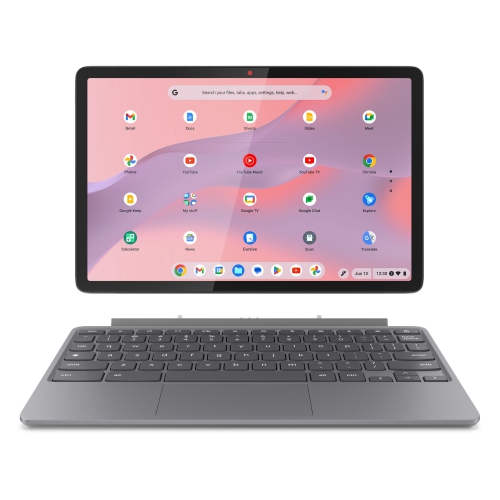
Screen size, keyboard comfort and physical fit shape how a school Chromebook feels over hours of use. An 11-inch or 12-inch display generally makes for a compact device that takes up less room on a small desk, while a 14-inch or larger screen gives students more space to read source material beside a document. Overall dimensions and weight still matter, since narrow screen borders and different chassis designs can change how easily a laptop slips into a backpack. Display resolution affects the clarity of text, and brightness and reflection control influence readability under classroom lights. A touchscreen can be useful for tapping through activities or marking up compatible documents, while a convertible hinge allows supported models to fold into different positions for reading, presenting or drawing. Stylus support is model-specific; a touchscreen alone does not guarantee compatibility with an active pen. For longer writing assignments, a comfortable keyboard, responsive touchpad and stable hinge may matter more than a tablet-style configuration. Students who type in both English and French may also have preferences about keyboard layout and character entry. Inside the device, the processor and memory influence how smoothly it handles several tasks at once. For example, keeping a video lesson open alongside a document and multiple research tabs places more demand on the system than reading a single webpage. More memory provides additional room for multitasking; 8GB offers more headroom than 4GB, though the right configuration depends on the applications involved. Local storage holds downloads, offline files and supported apps, so storage needs do not disappear simply because much of the work happens online. A built-in webcam and microphone support remote lessons and group discussions, while a headset connection can help a student participate from a shared room. USB ports, display connections and Wi-Fi compatibility also affect how easily the laptop works with classroom equipment and home accessories. Where USB-C charging is supported, the charger still needs to meet the device’s power requirements.
Daily school use puts a laptop through repeated packing, carrying, opening and charging, making construction and care important considerations. Plastic and metal housings can both be suitable for student use; hinge quality, chassis rigidity and protection around vulnerable edges matter alongside the material itself. Reinforced corners, spill-resistant keyboards and drop-testing claims apply only to models that specifically include them, and none makes a device immune to damage. A padded sleeve or a backpack compartment with a secure fit helps separate the laptop from textbooks, lunch containers and loose charging cables. Carrying it closed, keeping heavy objects off the lid and avoiding lifting it by the screen can reduce strain on the display and hinges. Cleaning is straightforward when it follows the manufacturer’s directions: power the device off, use a soft cloth and avoid spraying liquid directly onto the screen or keyboard. At a home study space, a stable work surface and a supportive seating position help make longer sessions more comfortable. An external keyboard, mouse or monitor may improve the setup where connections and school rules allow, especially when the built-in screen is raised for easier viewing. Battery life deserves attention because a timetable filled with video calls will use power differently from a day spent reading and typing. Published battery estimates depend on test conditions, so charging habits and access to an outlet remain part of everyday planning. Long-term suitability also includes the device’s stated automatic-update support period, which is worth checking against the intended years of school use. Updates support ongoing security, but strong passwords, careful handling of shared links and appropriate account settings remain important. School-managed accounts may limit installations or settings, while parental controls depend on the account arrangement and applicable policies. Families considering Chromebooks for High School Students can keep increasing coursework demands, travel between classes and independent study habits in view. The most suitable fit is a Chromebook that supports required assignments comfortably, travels safely and remains practical to use throughout the student’s school routine.
Top selling and popular products
-
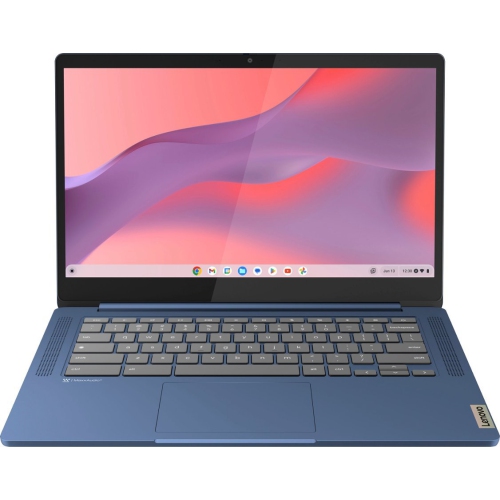 Your price for this item is $399
-
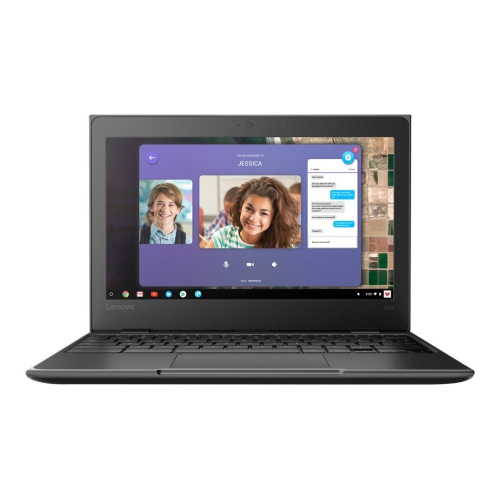 Your price for this item is $499.99
-
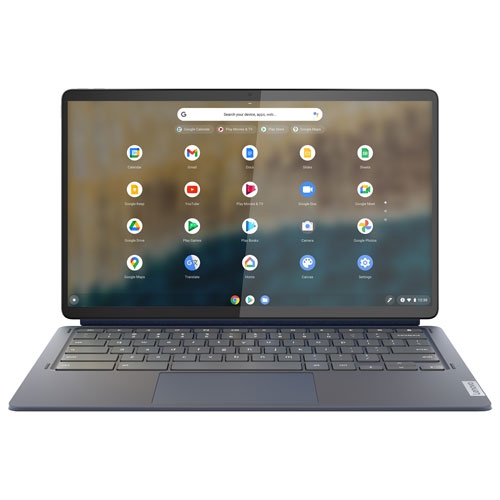 Your price for this item is $549
-
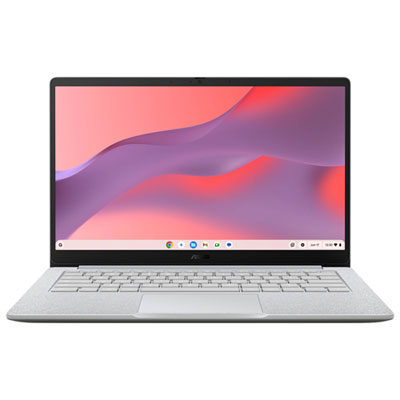 Your price for this item is $279.99
-
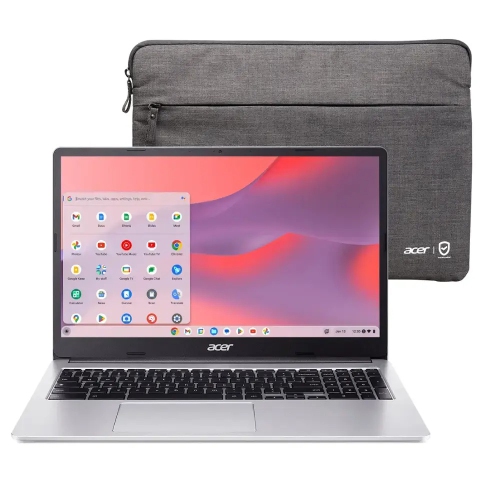 Your price for this item is $349.99
-
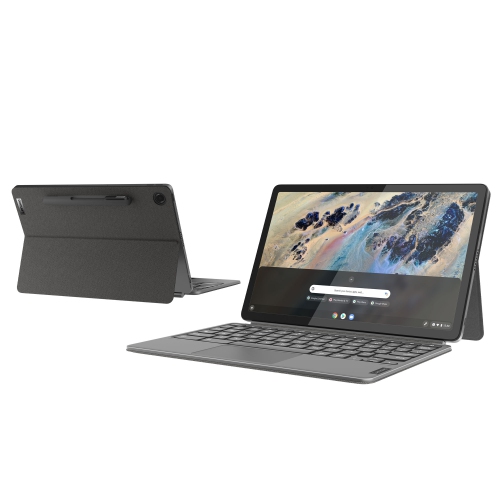 Your price for this item is $649
-
 Your price for this item is $672.68
-
 Your price for this item is $899.99
Discover more categories related to Chromebooks for School
Top Collections:
Best Black Friday Deals This Year, Best Black Friday Deals On Electronics, Kindle Devices, Dyson Airwrap, Best Cameras for Sports Photography, Best Budget Office Chairs, Canon G7X Cameras, PS5 Pro Consoles, Best Black Friday Deals On Apple Products, XBOX One S Consoles
Some products may be subject to Environmental Handling Fees
(EHF) depending on your province.
Learn more about EHFs.