Chromebooks For High School Students
Chromebooks For High School Students offer a reliable and efficient way to support learning, assignments, and daily tasks. With user-friendly designs and a variety of options to fit different preferences, these devices are ideal for students who need dependable performance throughout the school year. Explore a wide selection of Chromebooks For High School Students that combine portability and convenience, making it easy to stay organized and productive both in the classroom and at home.
Sort
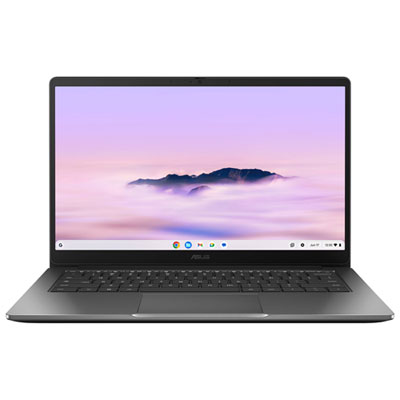
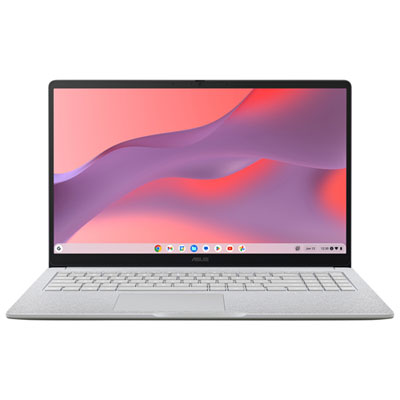
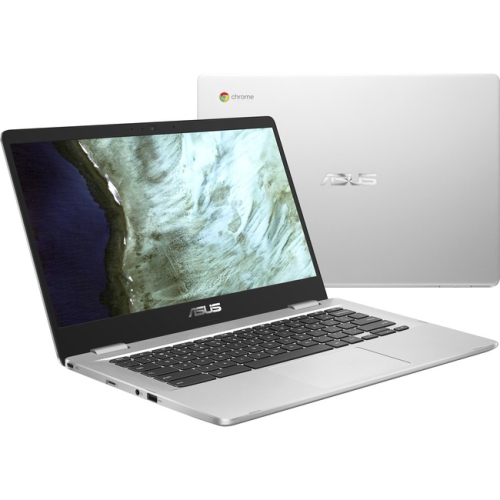
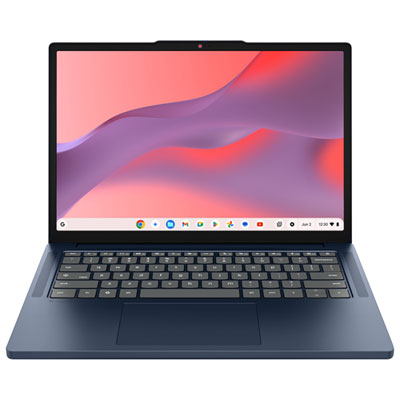
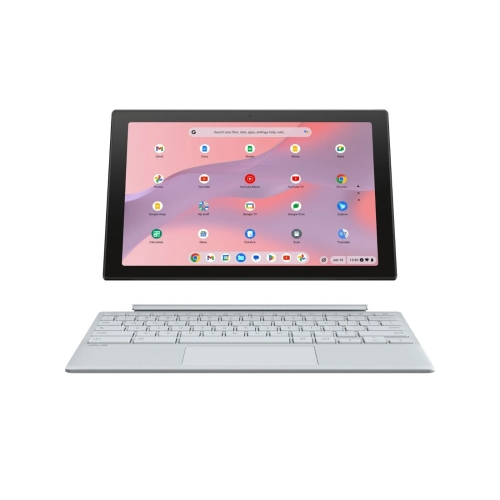
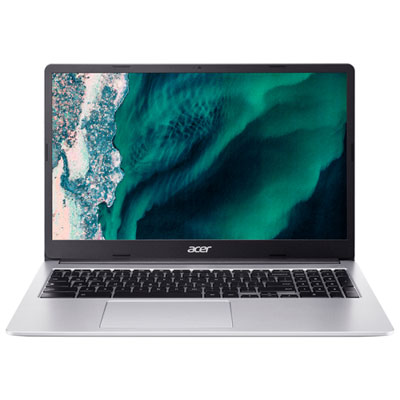
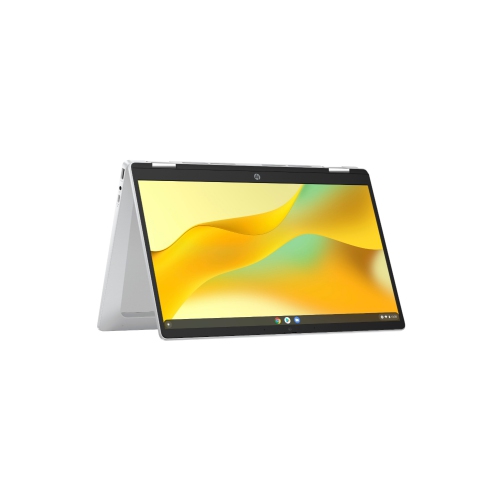
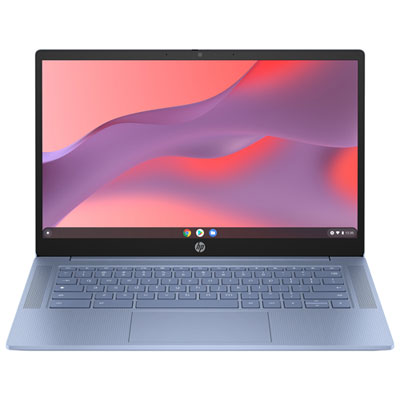
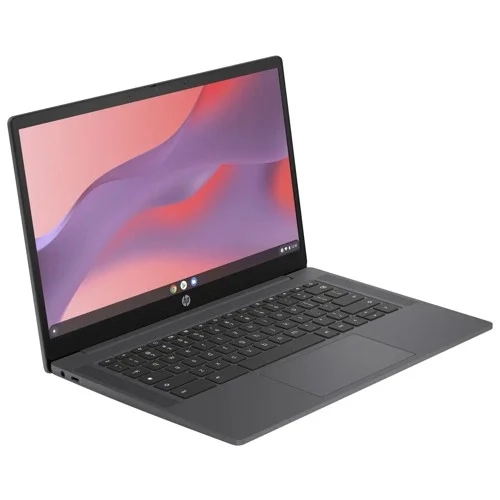
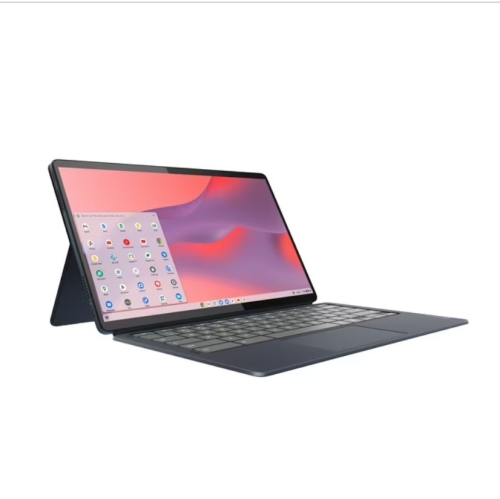
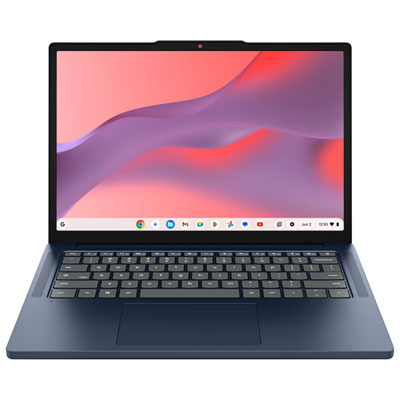
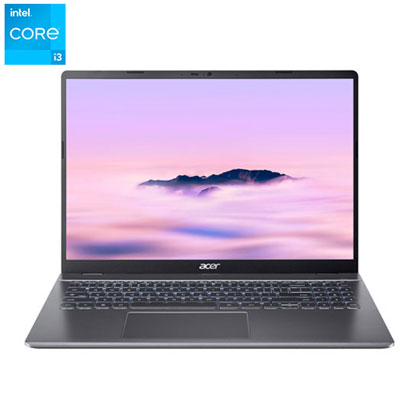
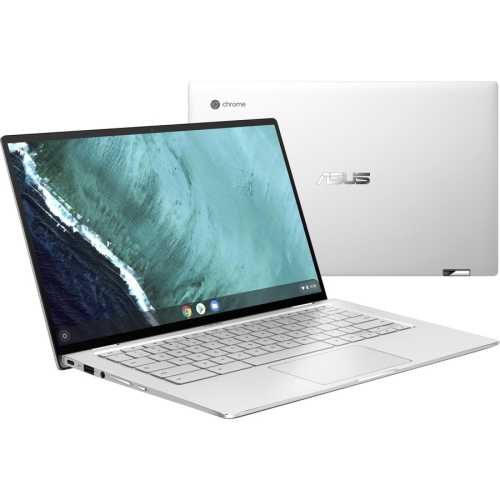
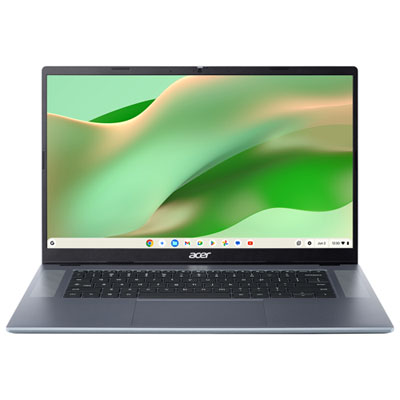
What busy school days demand from a Chromebook
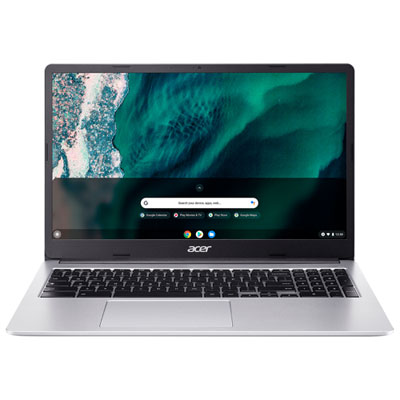
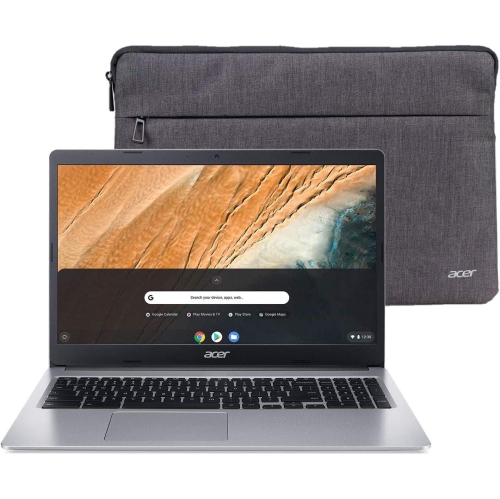
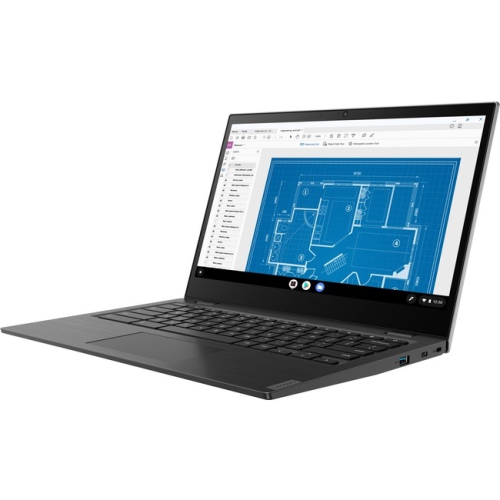
Chromebooks for high school students bring together browser-based learning, everyday productivity and portable designs suited to moving between classrooms and home. A good fit balances performance, durability and battery life, with touch or pen support adding value for students who prefer handwritten notes or visual assignments. For many teenagers, the typical workload involves a document open beside a research article, an online classroom portal, a presentation and several reference tabs. Enough memory and a capable processor help keep those tasks responsive without making every switch between windows a distraction. Models with 8GB of memory can offer useful breathing room for multitasking, although performance also depends on the processor and the demands of individual applications. Memory and storage serve different purposes: memory helps with active tasks, while storage holds downloaded files, applications and other saved content. Cloud storage can make essays and presentations accessible across devices, but local space still matters for downloaded readings, photos, offline assignments and large attachments. These laptops are especially well suited to students whose schools use browser-based documents, learning platforms and collaboration tools. Course requirements remain important, particularly for subjects involving advanced video editing, specialized design software, programming tools or assessment applications. A browser version of an application may not offer every feature found in its desktop counterpart, and some software will not run on a Chromebook at all. Compatibility with required school programs and exam platforms is therefore more meaningful than a long list of general features. Offline access also varies by application and may need to be enabled before leaving a Wi-Fi connection. A student working on an essay during a commute, for example, needs both the document and the appropriate offline settings ready beforehand. Built-in security features and automatic system updates can simplify routine upkeep, while the model’s stated update-support period helps indicate how long it will continue receiving those updates.
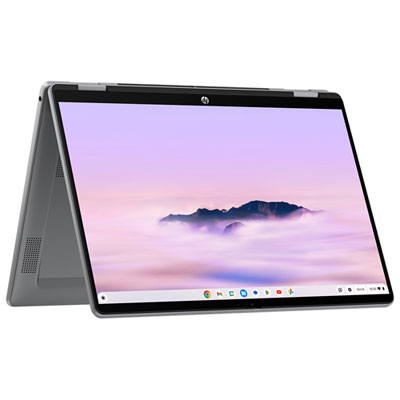
The physical design matters just as much when a laptop travels in a backpack alongside binders, a lunch container and sports gear. Plastic housings can help keep weight manageable, while aluminium designs may provide a more rigid feel; neither material alone determines how well a device will withstand daily handling. Hinge construction, keyboard quality and the strength of the chassis all contribute to durability. Some models feature reinforced corners or spill-resistant keyboards, but those features do not make a laptop waterproof or immune to damage. A padded sleeve or a dedicated backpack compartment helps protect the lid and keeps loose objects away from the screen. Screen size also affects how comfortably the device fits into a student’s routine. A compact display can be easier to carry and use on a crowded desk, while a larger screen gives essays, spreadsheets and side-by-side research more room. Resolution, brightness and viewing angles influence readability, especially when studying diagrams or sharing a presentation with a classmate. A comfortable keyboard and responsive touchpad are valuable for lengthy assignments, and a touchscreen can make scrolling, annotating and navigating some applications feel more direct. Convertible designs with hinges that fold into tablet or tent positions offer additional flexibility for reading and presentations. Students who sketch diagrams or write mathematical steps by hand may appreciate pen input, but a touchscreen does not automatically support an active stylus. Pen compatibility and support within the intended note-taking application both matter. Battery-life claims are useful reference points rather than guarantees: video calls, screen brightness, demanding applications and connected accessories can shorten time between charges. Charging connections and charger compatibility also deserve attention when the same laptop moves between school and home. Straightforward care helps preserve everyday usability: close the lid before packing, avoid carrying the device by its screen, keep food and drinks clear of the keyboard, and follow the manufacturer’s cleaning directions. A soft microfibre cloth is generally useful for removing fingerprints without rough scrubbing.
A Chromebook’s usefulness extends beyond writing assignments to the small routines that keep a school day organized. A clear webcam and microphone help with group projects, remote tutoring and conversations with teachers, while comfortable headphones can make recorded lessons easier to follow in a shared room. Port selection affects how readily the laptop connects to classroom equipment and home accessories. USB connections, display output and wireless accessory support vary by model, so a device intended for presentations or a desktop study setup needs connections that match that use. An external monitor can create more space for a source document beside an essay, and a separate keyboard and mouse can make longer study sessions more comfortable when the laptop is raised on a stand. For students who need accessibility tools, features such as screen magnification, dictation and text-to-speech can make reading and writing tasks more manageable, with exact functions depending on the application and device settings. School account policies may also affect access to applications, extensions and saved files on a personally owned laptop. Keeping schoolwork clearly organized, understanding where files are stored and maintaining appropriate backups help prevent confusion when an assignment moves between classroom and home. Families comparing options for different ages or workloads can also explore Chromebooks for Students for the broader category. For a high school student, the most practical choice reflects how the device will actually be used: carrying it between classes, typing several pages at a time, joining a group call or reviewing annotated notes before a test. A laptop given to mark an academic milestone is more useful when its size, input options and software compatibility suit the recipient’s courses and habits. Thoughtful choices around those everyday details can make the device a dependable place to research, create, collaborate and keep track of schoolwork throughout the high school years.
Top selling and popular products
-
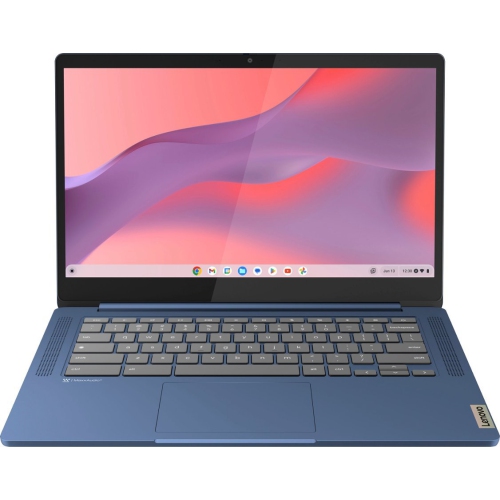 Your price for this item is $449
-
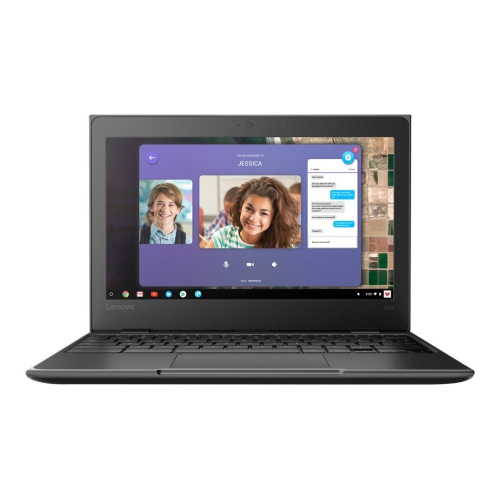 Your price for this item is $499.99
-
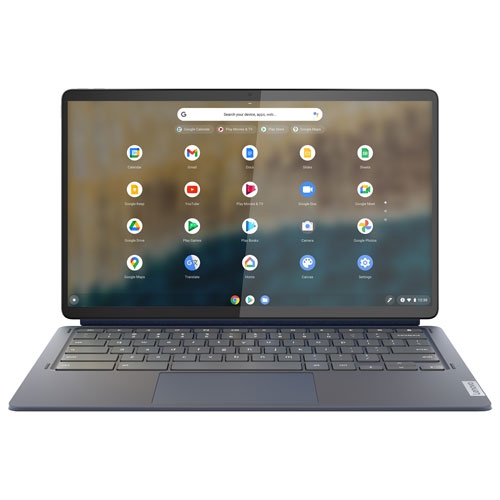 Your price for this item is $549
-
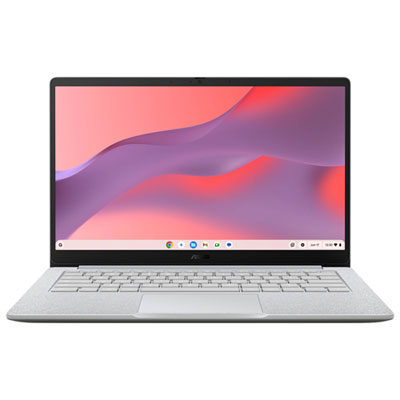 Your price for this item is $279.99
-
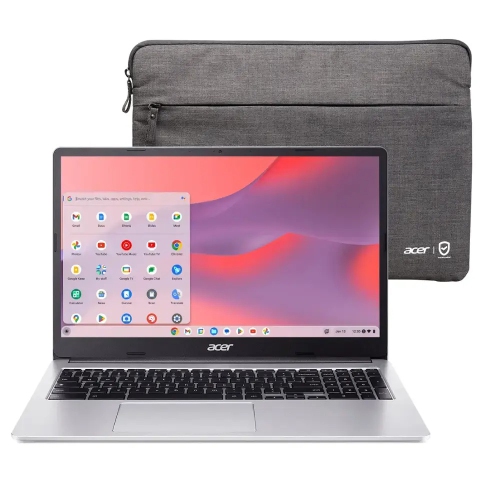 Your price for this item is $349.99
-
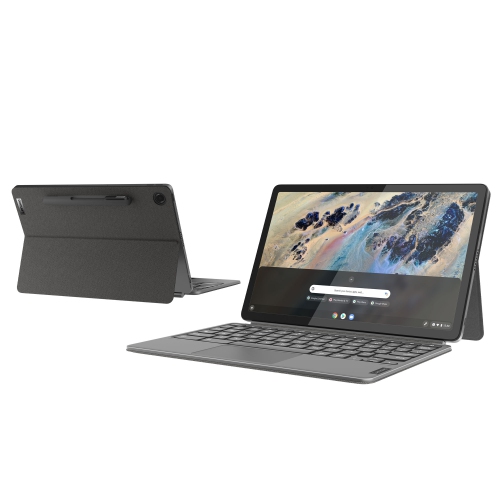 Your price for this item is $649
-
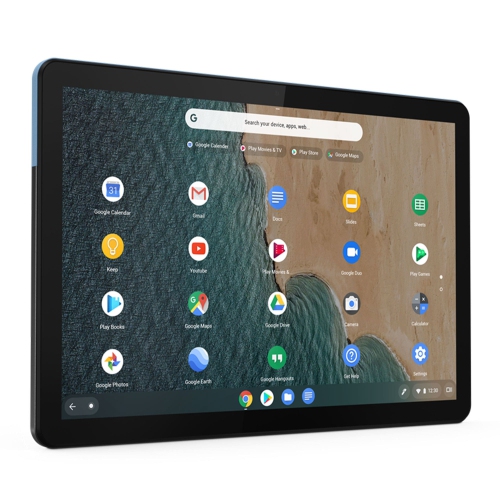 Your price for this item is $672.68
-
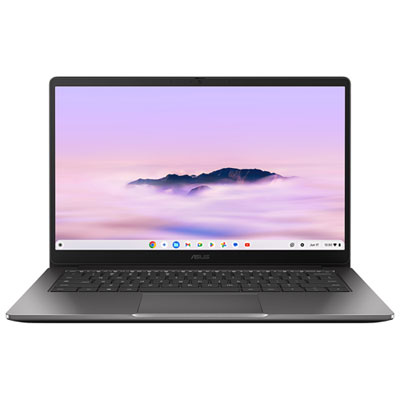 Your price for this item is $899.99
Discover more categories related to Chromebooks For High School Students
Top Collections:
Best Black Friday Deals This Year, Best Black Friday Deals On Electronics, Kindle Devices, Best Black Friday Deals On Apple Products, Best Budget Office Chairs, Best Cameras for Sports Photography, Dyson Airwrap, Canon G7X Cameras, Best Laptops for Writers, Samsung Galaxy Phones
Some products may be subject to Environmental Handling Fees
(EHF) depending on your province.
Learn more about EHFs.