iPad Air for University
Finding the right tech companion can make all the difference in your academic journey, and the iPad Air for university is designed to help you stay organized, productive, and connected. Whether you're taking notes in lectures, collaborating on group projects, or unwinding with your favourite entertainment after class, an iPad Air offers a versatile solution to meet your campus needs. Explore a range of options to find the ideal fit for your studies and student lifestyle.
Sort
iPad Air For University
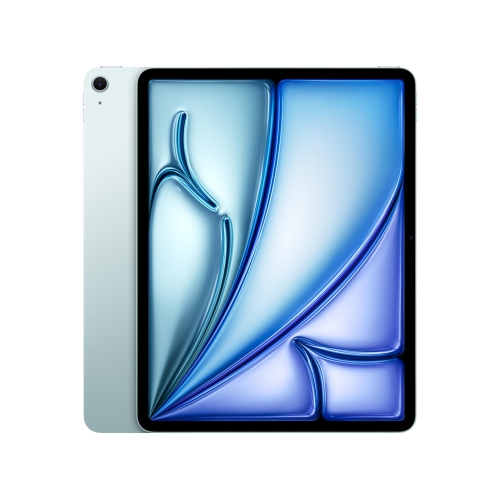
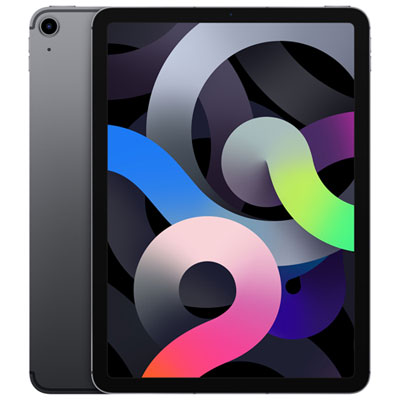
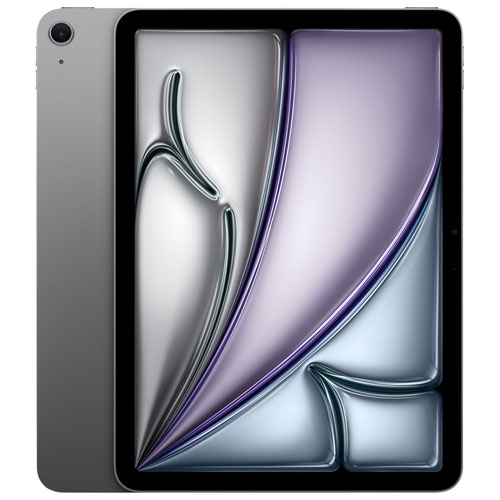
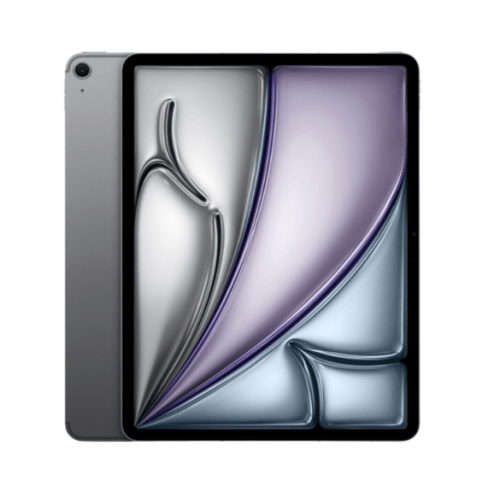
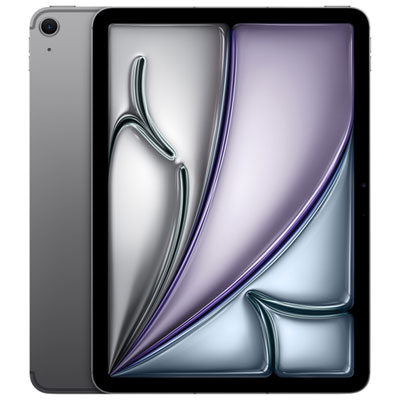
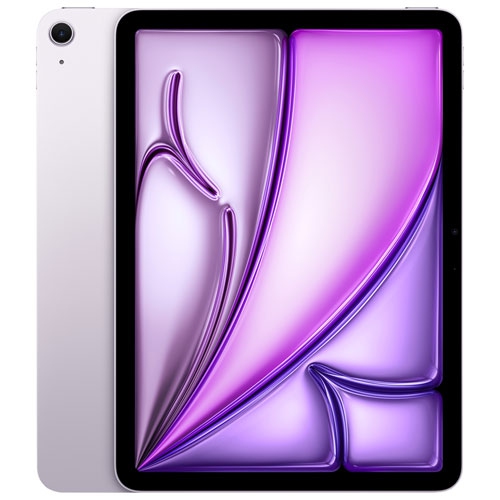
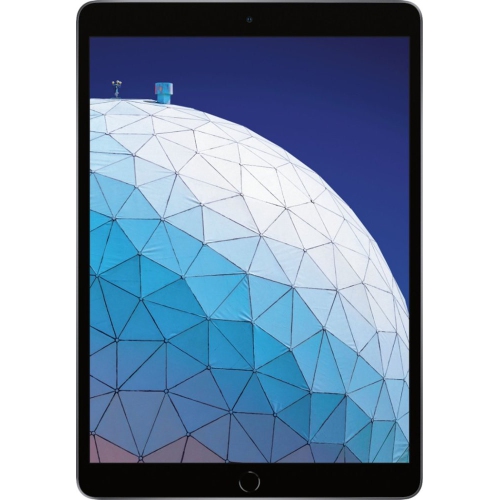
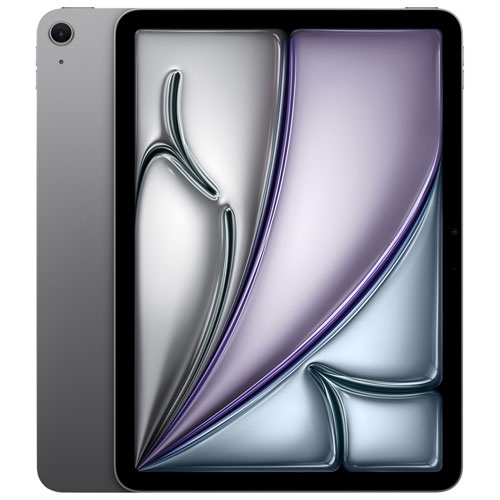
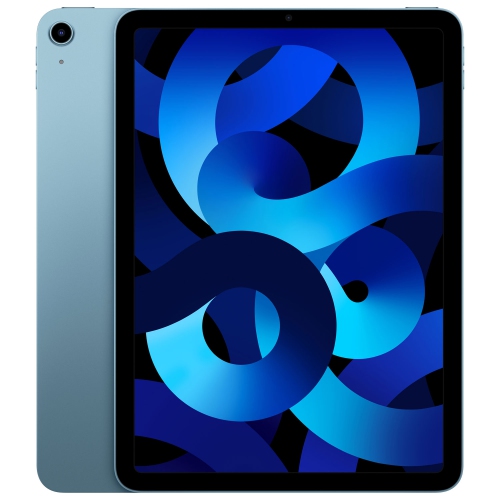
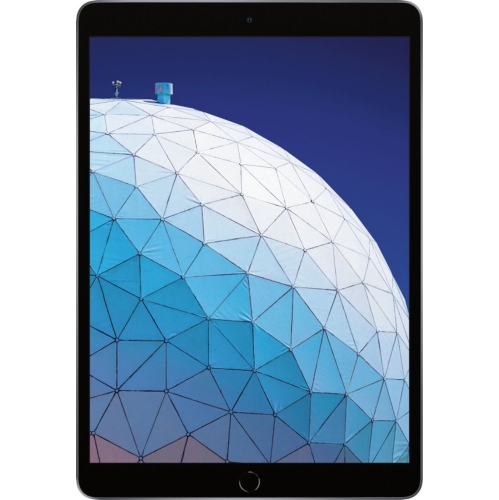
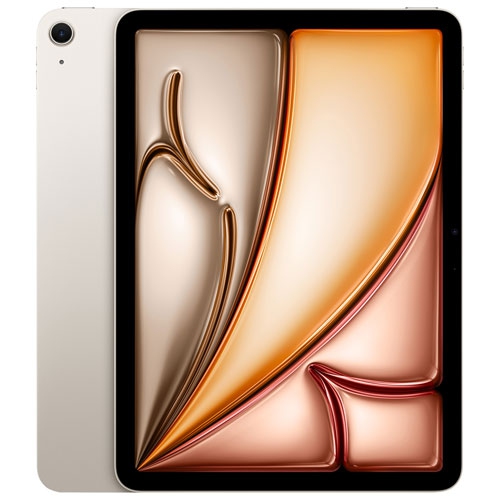
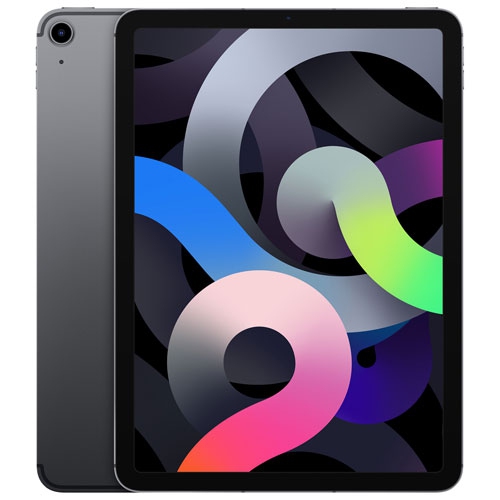
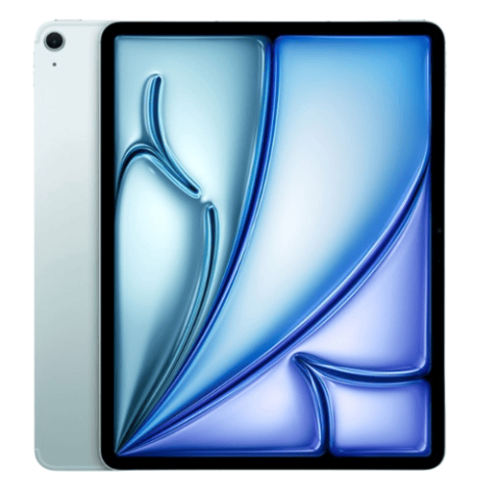
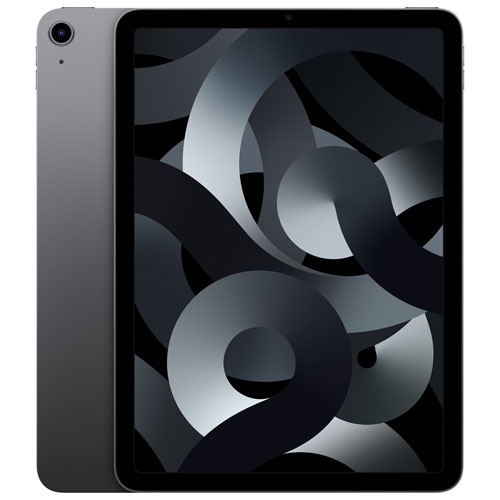
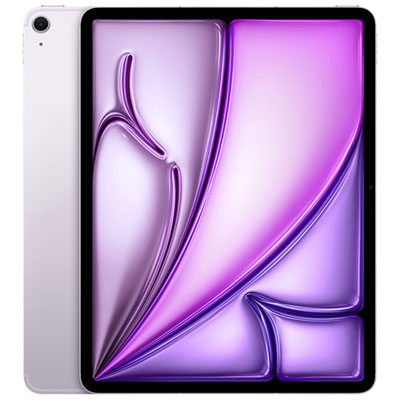
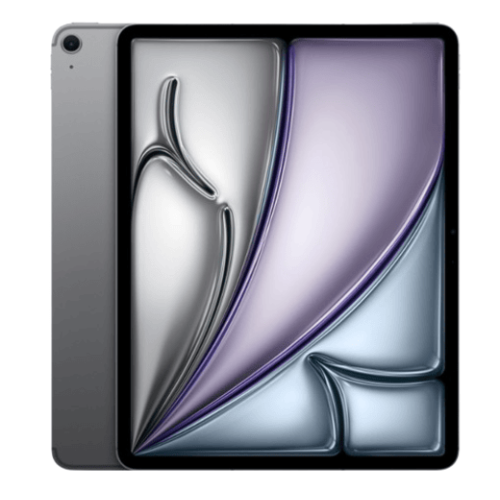
An iPad Air for university can be a practical companion for lectures, seminars, labs, library sessions and the long stretches of reading that fill a student’s week. Its slim design makes it easy to carry between classes, while the responsive touchscreen provides a more direct way to interact with course materials, diagrams, presentations and creative applications. Students can use it to review lecture slides, organize readings, check assignment requirements, follow online classes and keep a digital calendar in one place. With a compatible keyboard accessory, it can support longer writing sessions, discussion posts, spreadsheets and research notes; with a compatible stylus, it can feel more like a paper notebook for handwritten equations, sketches, annotations and margin comments. This combination can be especially useful for students who move between a campus computer lab, a residence room, a shared apartment and a quiet corner of the library. Instead of carrying several binders and textbooks throughout the day, they can keep a large portion of their academic material together in a lightweight device that fits into a backpack or smaller bag. Students who already have a desktop or laptop may use an iPad Air as a focused second screen for notes and reading, while others may rely on it for much of their everyday schoolwork, depending on their program’s software requirements.
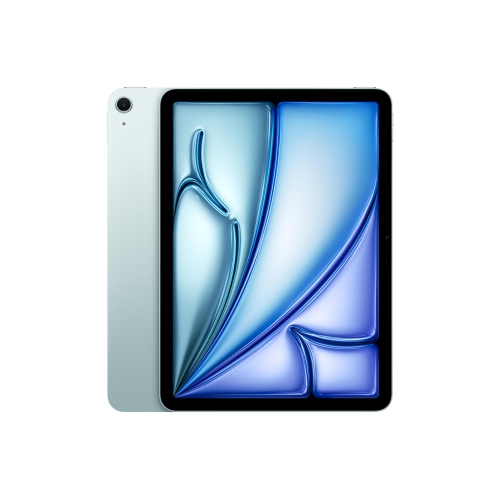
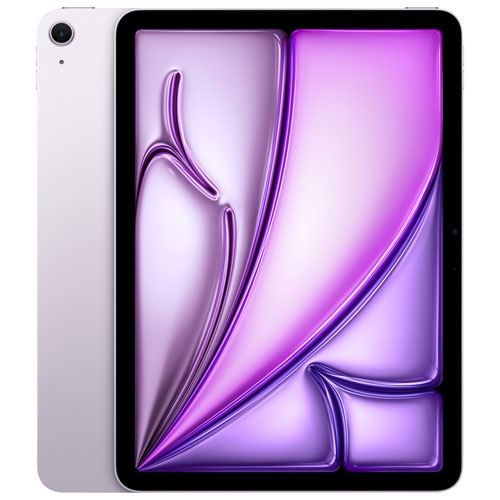
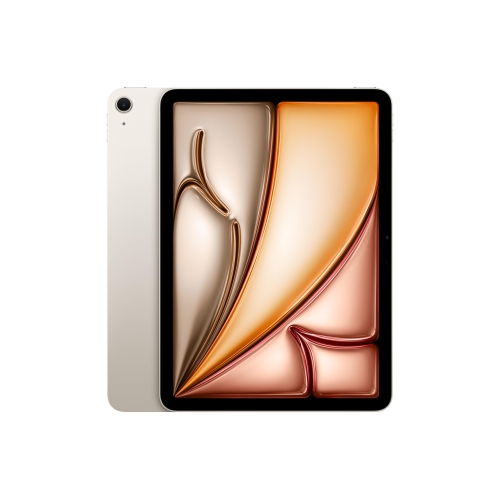
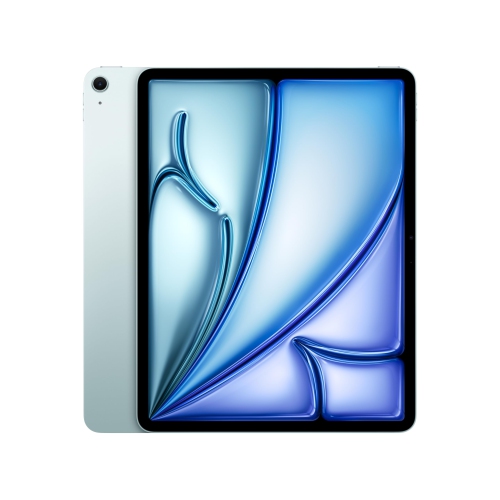
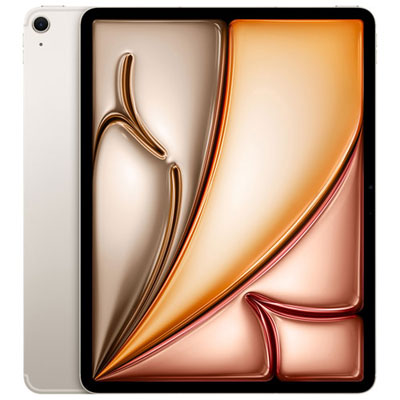
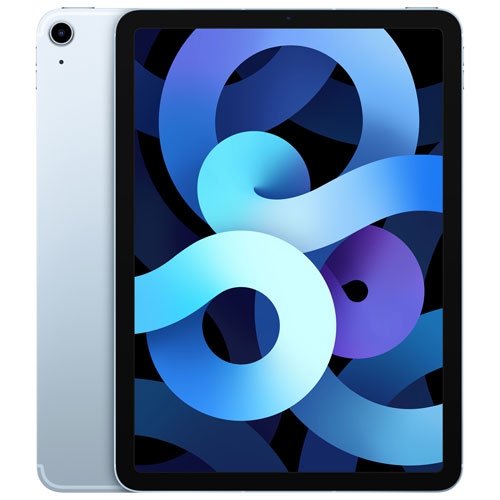
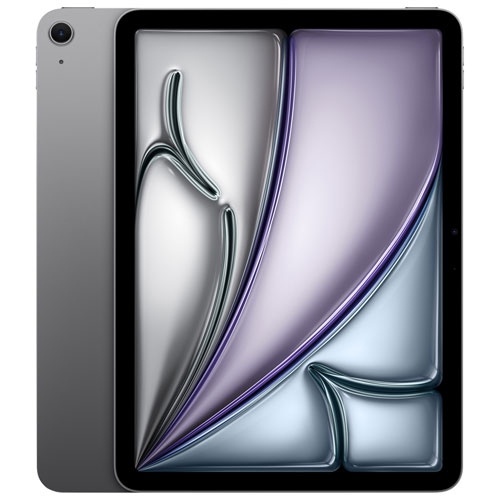
Screen size is one of the most noticeable choices when comparing iPad Air options for university. An 11-inch model is convenient for commuting, crowded lecture halls and quick review sessions, particularly for students who value a compact setup that can be held comfortably for extended reading. A 13-inch model offers more room for split-screen use, which can be helpful when viewing a textbook or journal article beside a notes app, reference website or online classroom. The larger display may also make detailed charts, design work, music notation and technical drawings easier to examine, although it takes up more space in a bag and on a small desk. Storage is another important consideration over the length of a degree. A 128GB configuration may suit someone who mainly streams materials, uses cloud storage and regularly removes completed downloads, while 256GB or more provides additional breathing room for locally stored textbooks, recorded lectures, photographs, creative projects and large course files. Students in engineering, computer science, architecture, media, health sciences and the arts may have different application and file requirements, so it is worth checking the software expectations for each program before choosing. Wireless connectivity is generally suitable for students who spend most of their time on campus or at home, while a cellular-capable option may be useful for commuting, placements, fieldwork or study in locations without dependable Wi-Fi. Battery life, case protection, a comfortable keyboard and a reliable stylus can matter just as much as processing performance when the device is used from the first lecture of the day through an evening study session. Current iPad Air models with modern processors can handle multiple browser tabs, note-taking, document editing, video calls and demanding academic applications, while compatible software may also offer writing, summarizing and research assistance features. Students should confirm that the specific apps required by their faculty work with the chosen operating system and accessories, particularly if the device is expected to replace a traditional computer.
An iPad Air can also be a thoughtful university gift for a graduating high school student, a returning learner, a student moving into residence or anyone preparing for a new semester with a fresh academic routine. It can support different learning styles without being limited to one subject: a humanities student may highlight digital books and compare sources, a business student may review presentations and organize group projects, a science student may annotate diagrams and record lab observations, and a design student may sketch ideas directly on the screen. For students who learn best by writing, the ability to combine typed material with handwritten notes can make revision feel more natural than relying on a single format. For students who are frequently on the move, a compact device can make use of short pockets of time, such as reviewing flashcards on the bus, reading an assigned chapter between classes or checking a presentation while waiting for a group meeting. A sturdy case, screen protection and a charging solution suited to a busy routine can help the device fit smoothly into everyday campus life. During the warmer start of the academic year and the cooler months that follow, the same setup can move easily from outdoor study areas to lecture halls and home workspaces. Students looking for a wider selection of screen sizes, storage capacities and configurations can also browse iPads for University Students to compare options for different programs, study habits and budgets. The right choice comes down to how the device will be carried, what applications it must run, how much material will be stored locally and whether it will serve as a primary computer or a flexible partner to an existing setup.
Screen size is one of the most noticeable choices when comparing iPad Air options for university. An 11-inch model is convenient for commuting, crowded lecture halls and quick review sessions, particularly for students who value a compact setup that can be held comfortably for extended reading. A 13-inch model offers more room for split-screen use, which can be helpful when viewing a textbook or journal article beside a notes app, reference website or online classroom. The larger display may also make detailed charts, design work, music notation and technical drawings easier to examine, although it takes up more space in a bag and on a small desk. Storage is another important consideration over the length of a degree. A 128GB configuration may suit someone who mainly streams materials, uses cloud storage and regularly removes completed downloads, while 256GB or more provides additional breathing room for locally stored textbooks, recorded lectures, photographs, creative projects and large course files. Students in engineering, computer science, architecture, media, health sciences and the arts may have different application and file requirements, so it is worth checking the software expectations for each program before choosing. Wireless connectivity is generally suitable for students who spend most of their time on campus or at home, while a cellular-capable option may be useful for commuting, placements, fieldwork or study in locations without dependable Wi-Fi. Battery life, case protection, a comfortable keyboard and a reliable stylus can matter just as much as processing performance when the device is used from the first lecture of the day through an evening study session. Current iPad Air models with modern processors can handle multiple browser tabs, note-taking, document editing, video calls and demanding academic applications, while compatible software may also offer writing, summarizing and research assistance features. Students should confirm that the specific apps required by their faculty work with the chosen operating system and accessories, particularly if the device is expected to replace a traditional computer.
An iPad Air can also be a thoughtful university gift for a graduating high school student, a returning learner, a student moving into residence or anyone preparing for a new semester with a fresh academic routine. It can support different learning styles without being limited to one subject: a humanities student may highlight digital books and compare sources, a business student may review presentations and organize group projects, a science student may annotate diagrams and record lab observations, and a design student may sketch ideas directly on the screen. For students who learn best by writing, the ability to combine typed material with handwritten notes can make revision feel more natural than relying on a single format. For students who are frequently on the move, a compact device can make use of short pockets of time, such as reviewing flashcards on the bus, reading an assigned chapter between classes or checking a presentation while waiting for a group meeting. A sturdy case, screen protection and a charging solution suited to a busy routine can help the device fit smoothly into everyday campus life. During the warmer start of the academic year and the cooler months that follow, the same setup can move easily from outdoor study areas to lecture halls and home workspaces. Students looking for a wider selection of screen sizes, storage capacities and configurations can also browse iPads for University Students to compare options for different programs, study habits and budgets. The right choice comes down to how the device will be carried, what applications it must run, how much material will be stored locally and whether it will serve as a primary computer or a flexible partner to an existing setup.
Top selling and popular products
Top Collections:
Pokemon Centers, Kindle Devices, Budget Smartphones, Budget 4K TVs, Apple iPhones 16, Canon G7X Cameras, iPhone 15 Apple, Alarm Clock, Budget-Friendly Wireless Earbuds, iPhone 14 256GB
Some products may be subject to Environmental Handling Fees
(EHF) depending on your province.
Learn more about EHFs.