iPads for University Students
Finding the perfect iPad for university students can make all the difference in staying organized, taking notes, and managing coursework efficiently. With a wide selection of devices designed to support academic success, students can enjoy seamless multitasking whether they're attending lectures, collaborating on group projects, or unwinding after class. Explore options that fit every study style and budget to help make campus life easier and more productive.
Sort




Why your coursework matters more than tablet specifications
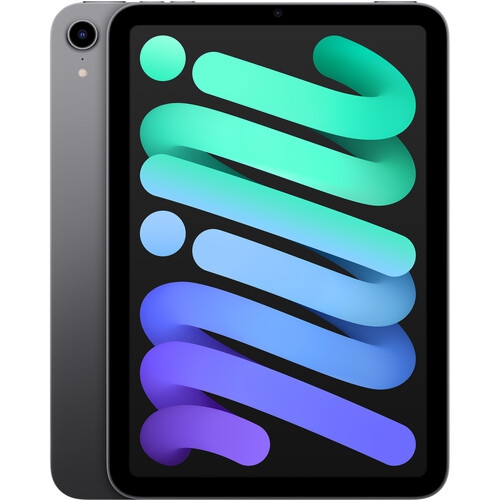
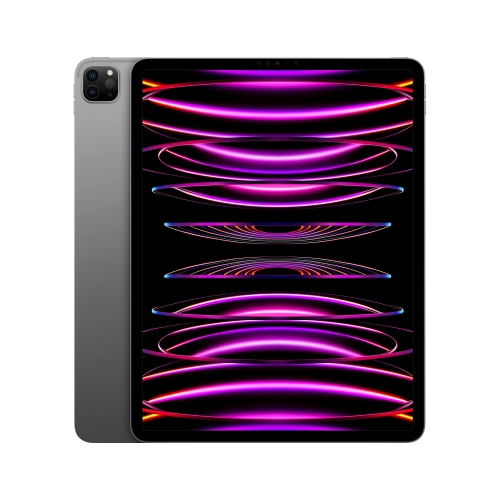
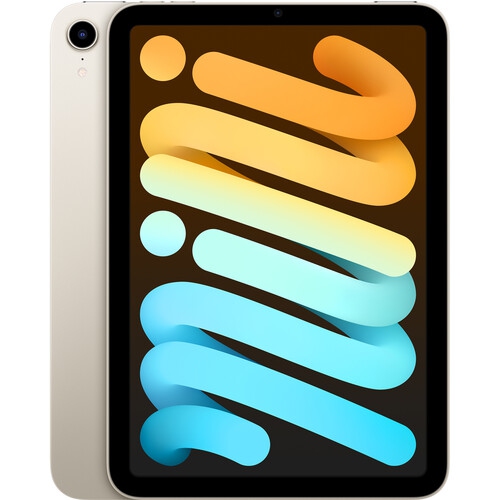
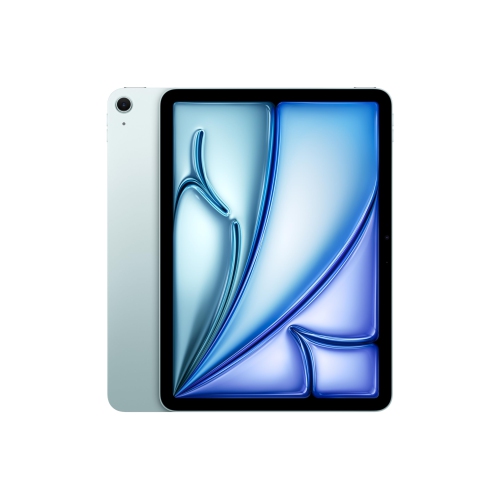
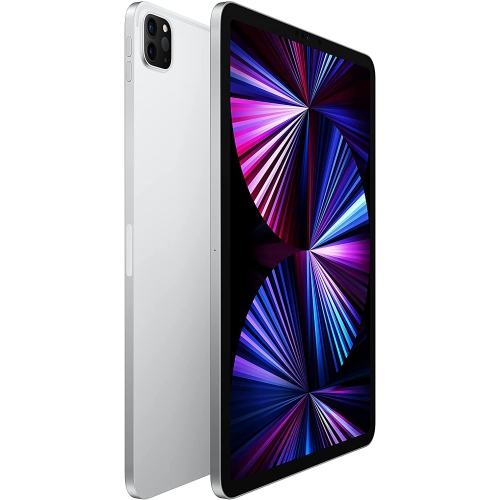
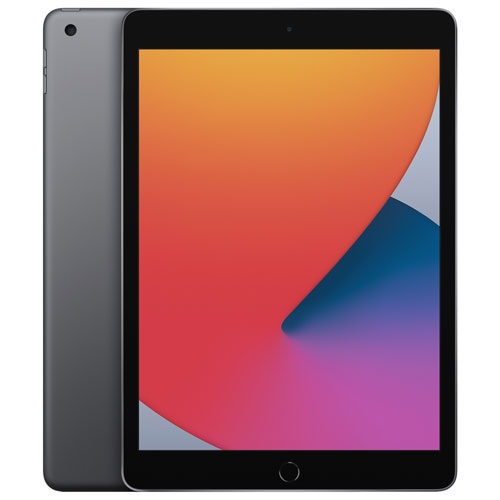
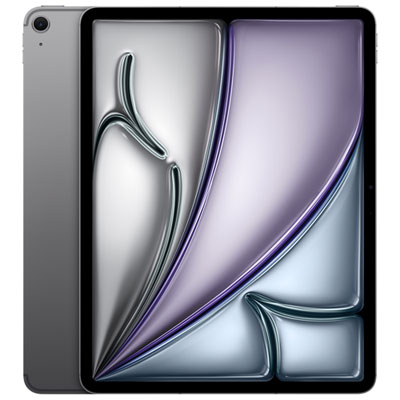
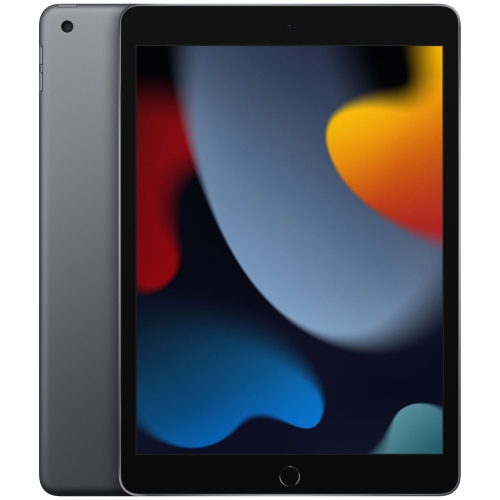
iPads for university students bring lecture notes, assigned readings, research papers, and everyday communication together on a portable touchscreen. Their appeal is especially clear in a crowded lecture hall: a tablet can rest beside a notebook, display a slide deck, and hold handwritten annotations without taking up the space of an open laptop. For many students, the most useful balance is a comfortable screen size, enough storage for course materials, and support for a compatible stylus or keyboard. A larger display gives diagrams, sheet music, and two documents more room, while a smaller tablet is easier to carry between buildings or hold while reading on public transit. Screen quality matters for more than streaming after class. Clear text, comfortable brightness adjustment, and responsive touch input can make dense journal articles and detailed illustrations easier to work with. Students who annotate PDFs or sketch formulas may value precise pen input more than advanced processing power, while those working with layered artwork or video projects may need greater performance and storage capacity. Everyday coursework often centres on reading, note-taking, web research, and keeping assignments organized, so the best fit depends on the work a student actually does rather than the longest list of specifications. Tablets can also provide a useful companion to a laptop, leaving reference material visible while an essay or spreadsheet stays open on the main computer. As a primary device, their suitability depends on course requirements: some specialized applications, assessment tools, and desktop workflows may require a different operating system or access to a campus computer lab. The broader selection of Apple iPads for Students offers another place to explore this category for academic use. For university life, the strongest match is a device that fits both the student’s daily routine and the software their program expects them to use. That can mean a lightweight reading companion for a commuter, a digital notebook for a science student, or a portable canvas for someone studying visual arts.
The details of a student’s workload help shape which tablet features feel useful over an entire degree. Handwritten notes are particularly practical for subjects built around equations, diagrams, or relationships that are awkward to capture with a keyboard. A compatible stylus allows a student to label a biological drawing, mark up a building plan, or work through a calculation beside the original problem. Depending on the device, stylus, and app, features such as palm rejection and pressure sensitivity can make writing and drawing feel more natural, but compatibility is specific rather than universal. For essay-heavy courses, a keyboard can make drafting paragraphs and replying to group-project messages more comfortable, while a stable stand keeps the screen at a useful viewing angle. Keyboard layout and accessory fit deserve attention, especially for students who type in both English and French or move frequently between a desk and a lecture-hall writing surface. Multitasking capabilities also vary by model and software version. Where supported, keeping a reading beside a notes app helps connect an argument with its source, while switching between a course portal and a calendar can keep deadlines visible. Storage needs extend beyond the documents collected in the first few classes: downloaded textbooks, recorded presentations, large illustration files, and saved video projects can accumulate over time. Cloud storage can support access across devices, though offline copies remain useful when a connection is unreliable or unavailable. Wi-Fi suits many campus and home routines, while models with cellular capability can offer another connection option with a compatible mobile plan. Battery endurance varies with brightness, connected accessories, wireless use, and demanding apps, so a quoted battery figure is not a promise for every school day. Cameras, microphones, and speakers support video discussions, document capture, and presentations, although a headset may be more practical in shared spaces. Accessibility features such as text enlargement, voice input, captions, and screen-reading tools can also make a meaningful difference, with support depending on the device, software, and course content.
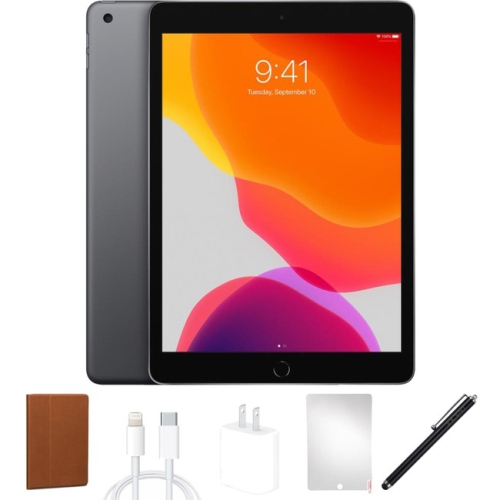
A tablet carried through university needs to feel manageable in a bag and comfortable wherever studying happens, whether that is a library desk, a residence common room, or a kitchen table shared with roommates. Slim metal bodies offer a rigid feel without much bulk, but glass screens and exposed edges still benefit from thoughtful protection. A well-fitting case can help guard against everyday scuffs and minor knocks, and a folio cover can shield the display from objects inside a backpack. Added protection also adds weight, so the combined feel of the tablet, keyboard, and case matters more than the tablet’s weight alone. Accessory fit depends on the exact model and generation, including button placement, camera openings, charging connections, and stylus attachment or charging arrangements. A stand that holds steady during typing or pen input can be more useful than one with numerous positions but little support. Screen protectors may change glare, clarity, or the feel of a stylus, making them a matter of preference as well as protection. Routine care is straightforward: a soft, lint-free cloth, cleaning methods approved by the manufacturer, and keeping liquids away from openings help protect the finish and display. Carrying the device in a separate padded compartment reduces contact with keys and other hard objects, while avoiding pressure from tightly packed books helps protect it in transit. Long-term usefulness also involves software compatibility, account security, and regular backups of coursework. A strong passcode and device-location features, where supported, provide practical safeguards for something that travels between classrooms and shared study areas. Students may use the same tablet for academic reading, digital art, student-club planning, video calls with family, and relaxation after an assignment is submitted. It can also be a thoughtful gift for someone entering university or returning to studies, particularly when their course requirements and accessory preferences are already understood. A device matched to those needs has a clear role in daily life: keeping notes close at hand, making readings easier to carry, and giving projects a portable place to develop.
The details of a student’s workload help shape which tablet features feel useful over an entire degree. Handwritten notes are particularly practical for subjects built around equations, diagrams, or relationships that are awkward to capture with a keyboard. A compatible stylus allows a student to label a biological drawing, mark up a building plan, or work through a calculation beside the original problem. Depending on the device, stylus, and app, features such as palm rejection and pressure sensitivity can make writing and drawing feel more natural, but compatibility is specific rather than universal. For essay-heavy courses, a keyboard can make drafting paragraphs and replying to group-project messages more comfortable, while a stable stand keeps the screen at a useful viewing angle. Keyboard layout and accessory fit deserve attention, especially for students who type in both English and French or move frequently between a desk and a lecture-hall writing surface. Multitasking capabilities also vary by model and software version. Where supported, keeping a reading beside a notes app helps connect an argument with its source, while switching between a course portal and a calendar can keep deadlines visible. Storage needs extend beyond the documents collected in the first few classes: downloaded textbooks, recorded presentations, large illustration files, and saved video projects can accumulate over time. Cloud storage can support access across devices, though offline copies remain useful when a connection is unreliable or unavailable. Wi-Fi suits many campus and home routines, while models with cellular capability can offer another connection option with a compatible mobile plan. Battery endurance varies with brightness, connected accessories, wireless use, and demanding apps, so a quoted battery figure is not a promise for every school day. Cameras, microphones, and speakers support video discussions, document capture, and presentations, although a headset may be more practical in shared spaces. Accessibility features such as text enlargement, voice input, captions, and screen-reading tools can also make a meaningful difference, with support depending on the device, software, and course content.
A tablet carried through university needs to feel manageable in a bag and comfortable wherever studying happens, whether that is a library desk, a residence common room, or a kitchen table shared with roommates. Slim metal bodies offer a rigid feel without much bulk, but glass screens and exposed edges still benefit from thoughtful protection. A well-fitting case can help guard against everyday scuffs and minor knocks, and a folio cover can shield the display from objects inside a backpack. Added protection also adds weight, so the combined feel of the tablet, keyboard, and case matters more than the tablet’s weight alone. Accessory fit depends on the exact model and generation, including button placement, camera openings, charging connections, and stylus attachment or charging arrangements. A stand that holds steady during typing or pen input can be more useful than one with numerous positions but little support. Screen protectors may change glare, clarity, or the feel of a stylus, making them a matter of preference as well as protection. Routine care is straightforward: a soft, lint-free cloth, cleaning methods approved by the manufacturer, and keeping liquids away from openings help protect the finish and display. Carrying the device in a separate padded compartment reduces contact with keys and other hard objects, while avoiding pressure from tightly packed books helps protect it in transit. Long-term usefulness also involves software compatibility, account security, and regular backups of coursework. A strong passcode and device-location features, where supported, provide practical safeguards for something that travels between classrooms and shared study areas. Students may use the same tablet for academic reading, digital art, student-club planning, video calls with family, and relaxation after an assignment is submitted. It can also be a thoughtful gift for someone entering university or returning to studies, particularly when their course requirements and accessory preferences are already understood. A device matched to those needs has a clear role in daily life: keeping notes close at hand, making readings easier to carry, and giving projects a portable place to develop.
Top selling and popular products
-
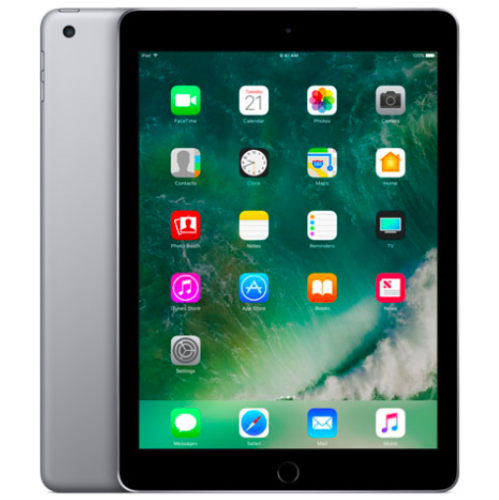 Your price for this item is $109.99
-
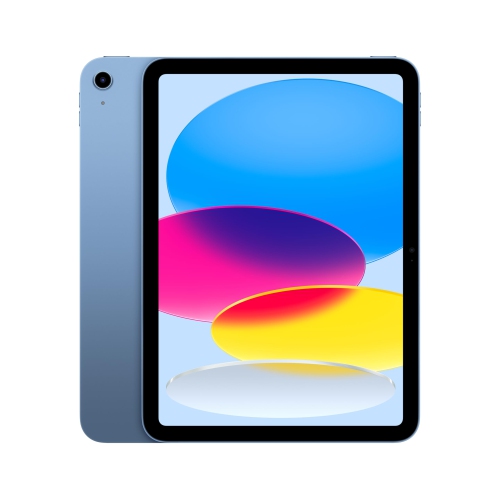 Your price for this item is $649.95
-
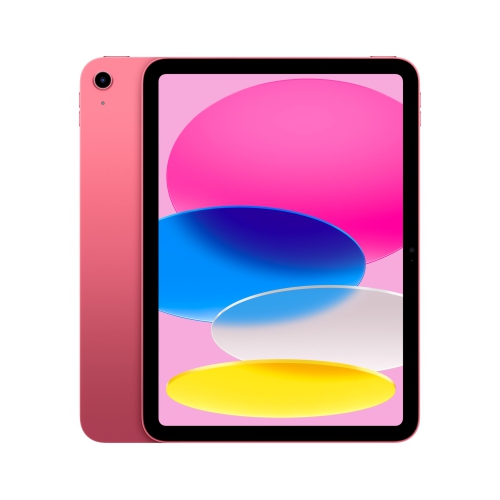 Your price for this item is $759.95
-
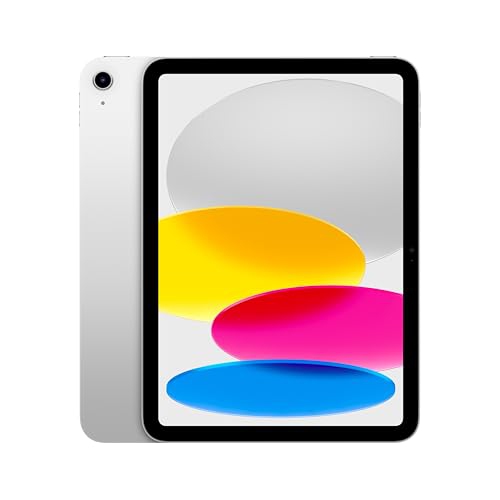 Your price for this item is $641.99
-
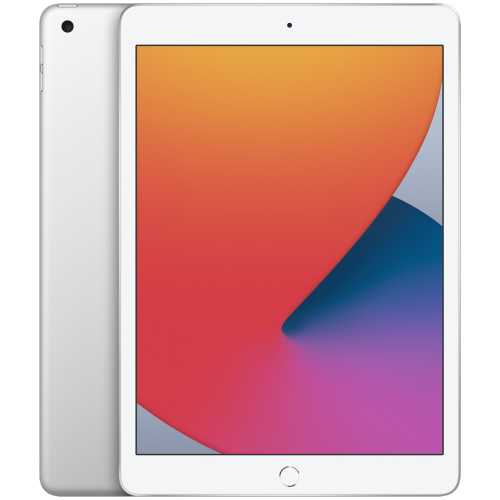 Your price for this item is $148.99
-
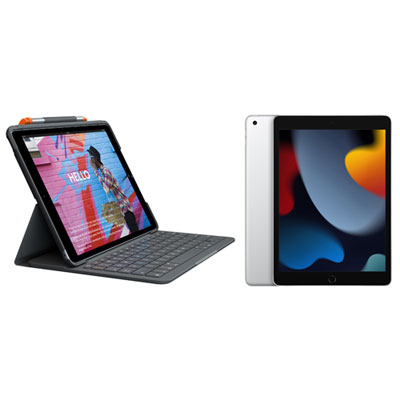 Your price for this item is $468.98
-
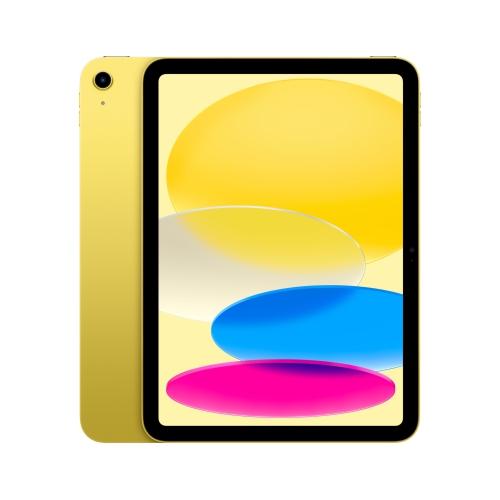 Your price for this item is $639.99
-
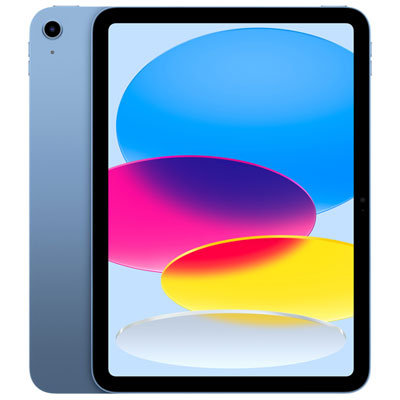 Your price for this item is $649.99
Discover more categories related to iPads for University Students
Top Collections:
Pokemon Centers, Kindle Devices, Best Cameras for Sports Photography, Pokémon 30th Celebration Cards, Apple iPhones 16, Canon G7X Cameras, iPhone 15 Apple, Flip Phones, Samsung Galaxy Phones, Alarm Clock
Some products may be subject to Environmental Handling Fees
(EHF) depending on your province.
Learn more about EHFs.