MacBook Pro for College Students
College is a time of new experiences, new friends, and new fun. You're going to need a computer to keep up with your classes, and you're going to need it to do some of the other things that students do with their computers. Here are some of the best laptops for college students.
Sort
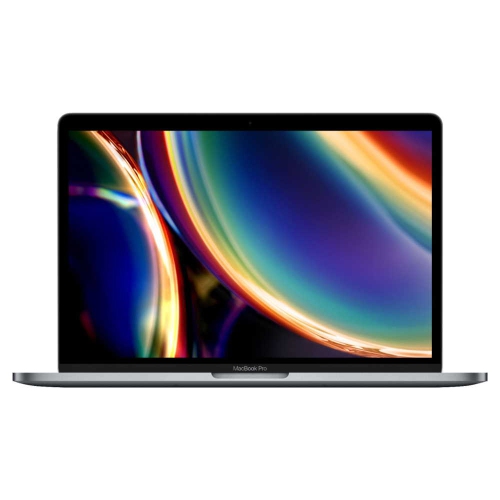
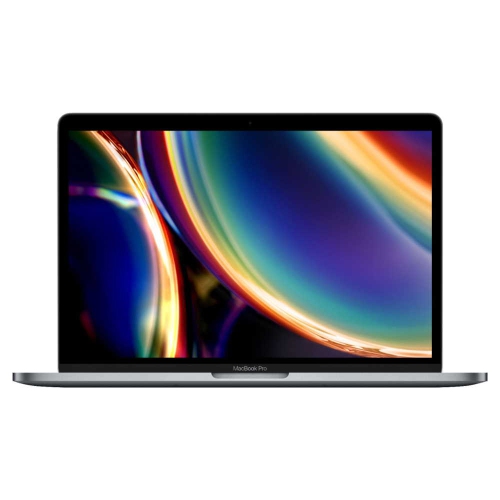
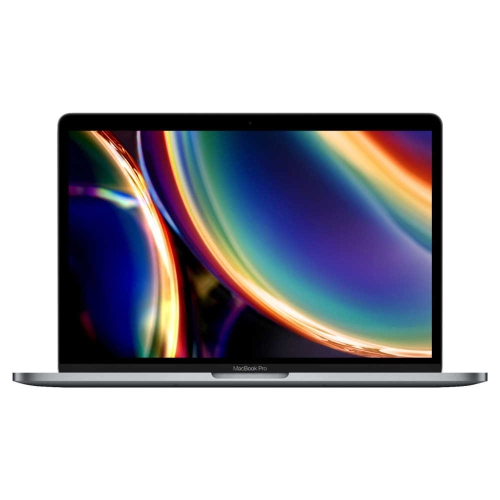

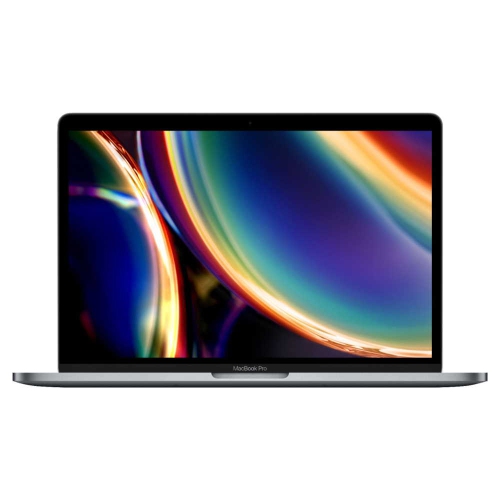


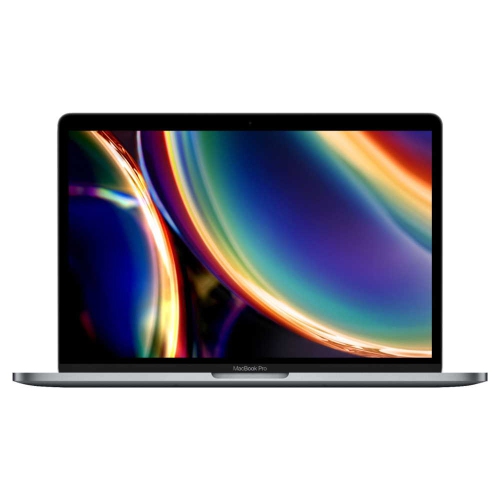
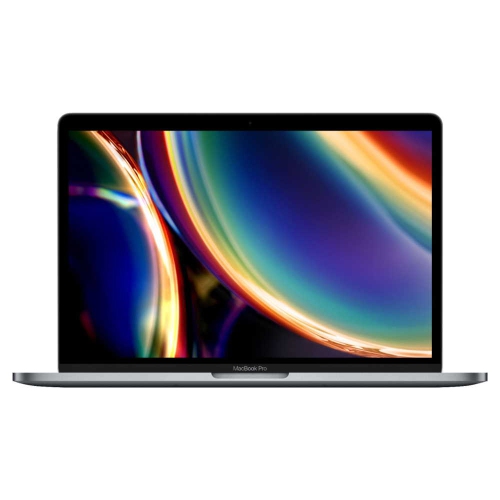
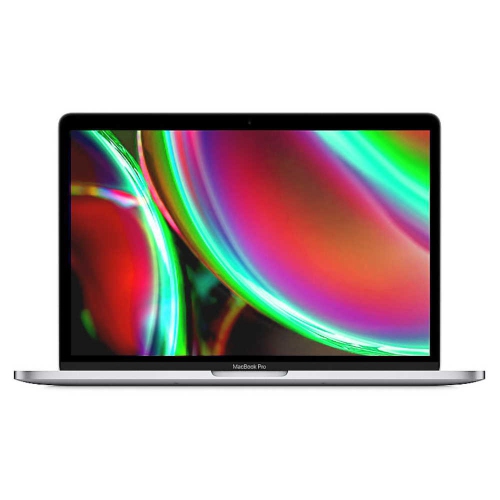

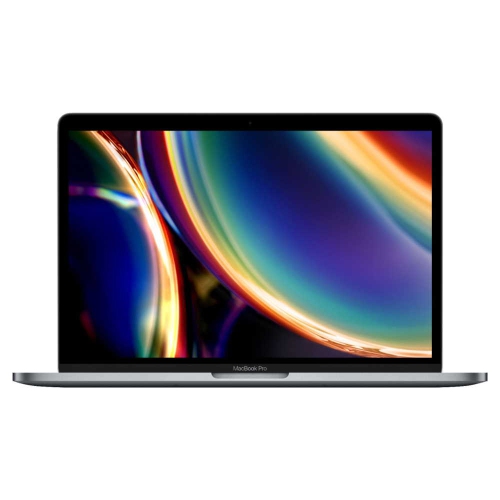
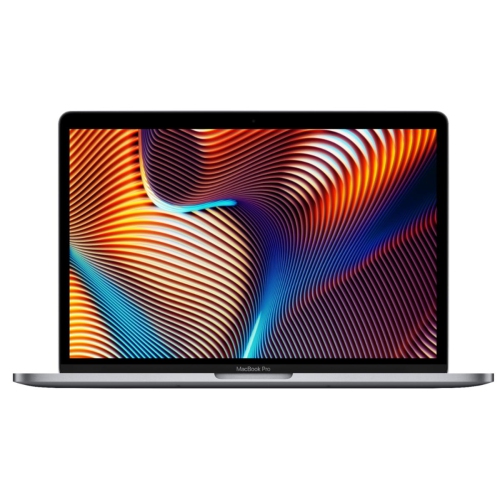
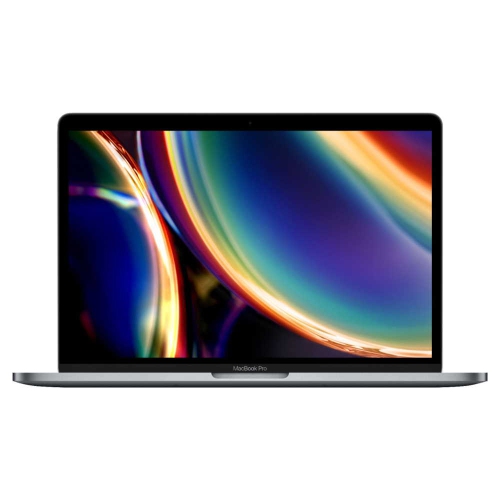
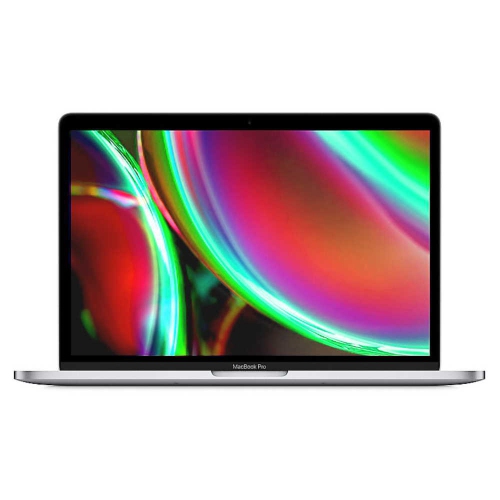

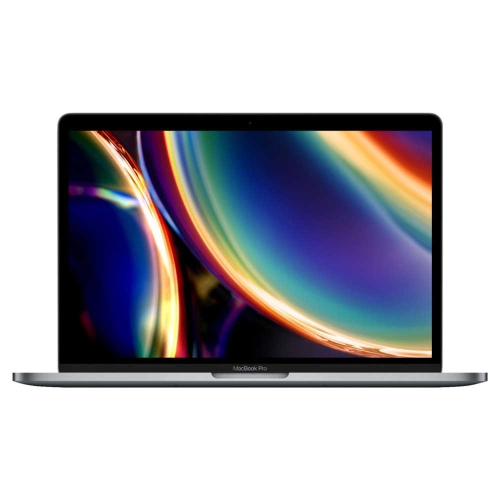
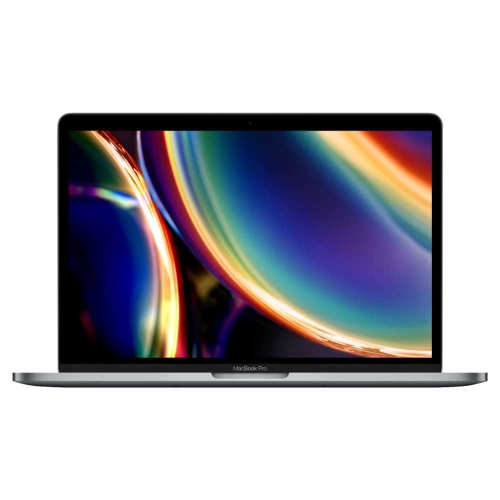
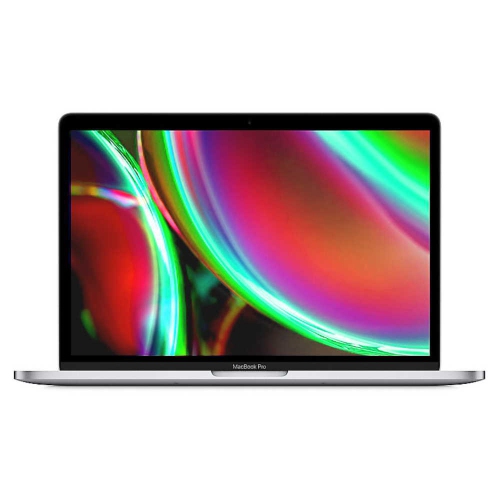
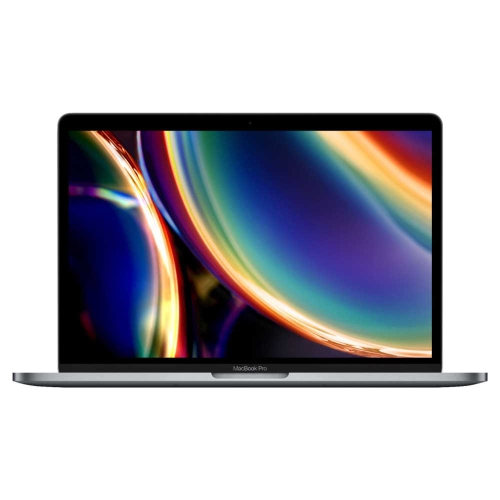

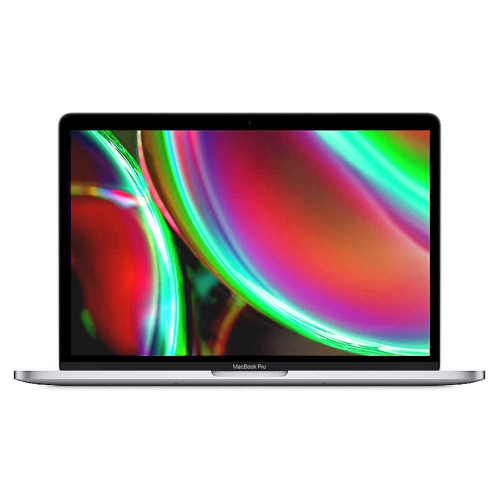

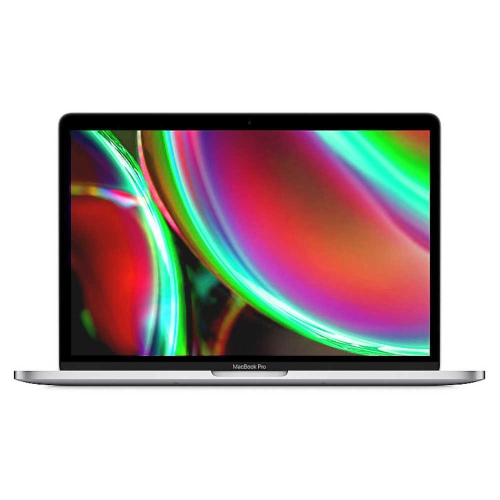
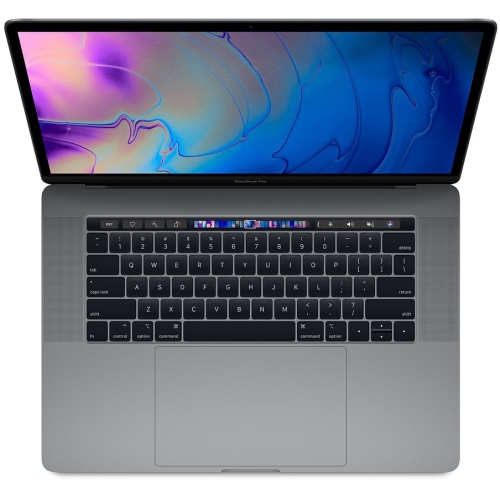
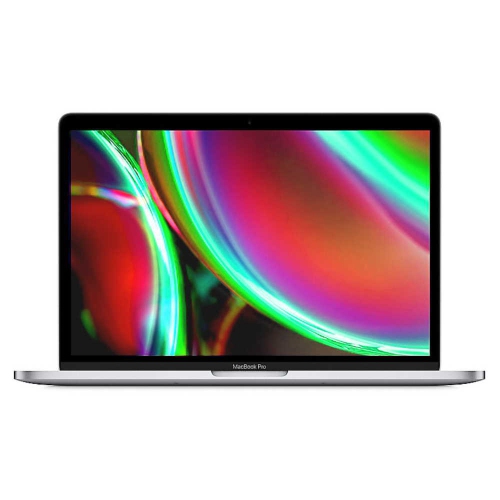




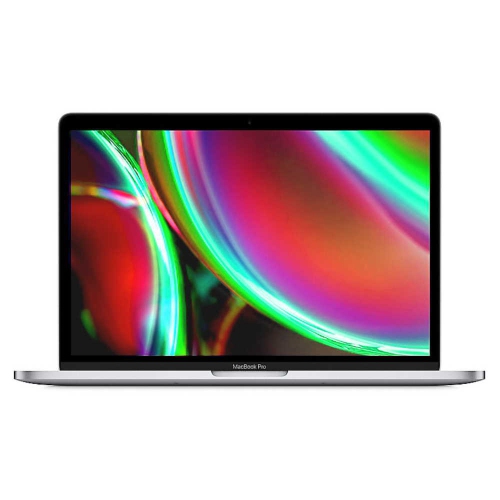

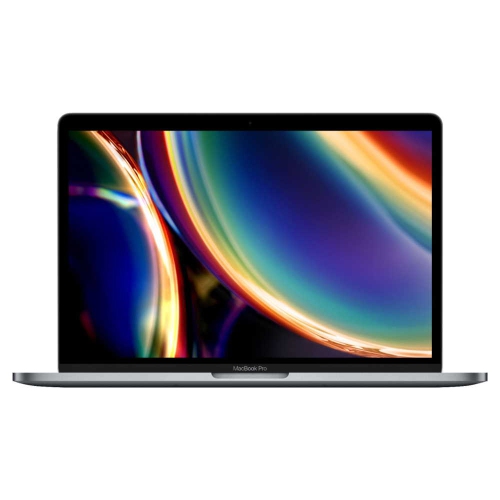

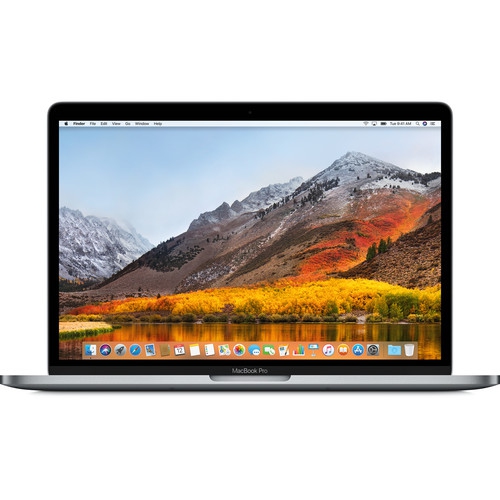
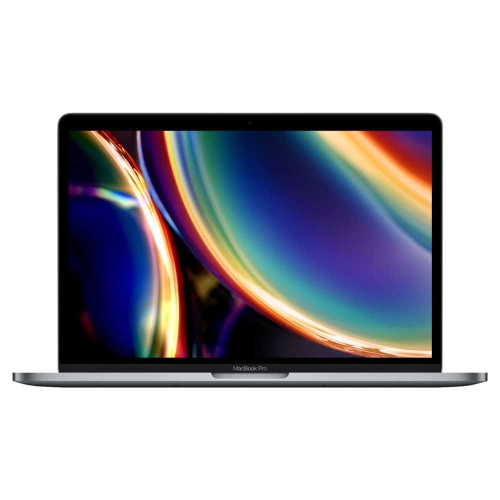
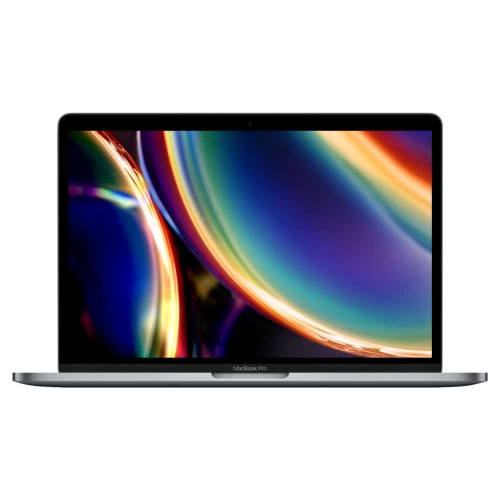
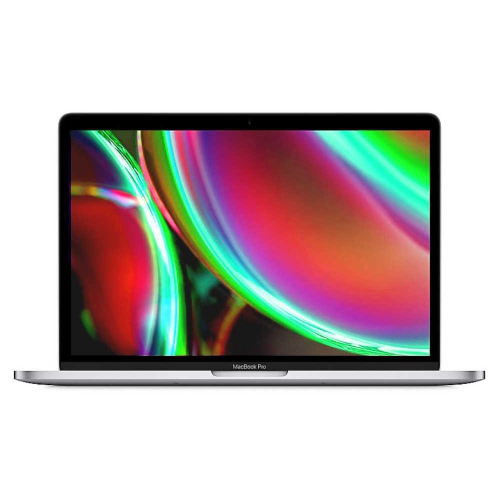
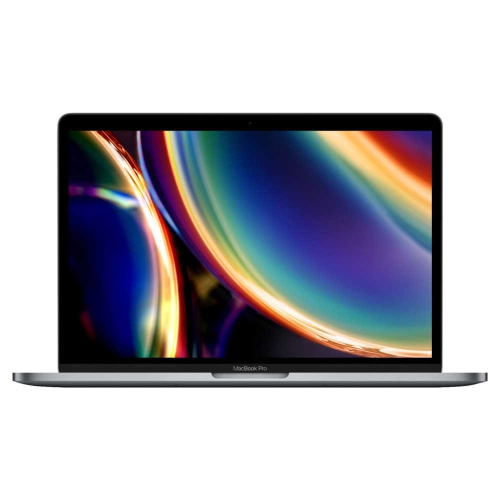
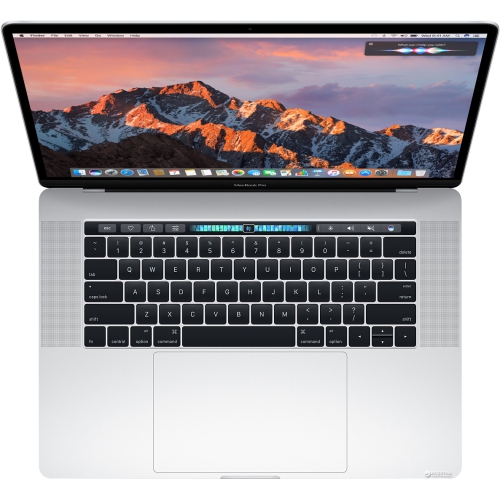
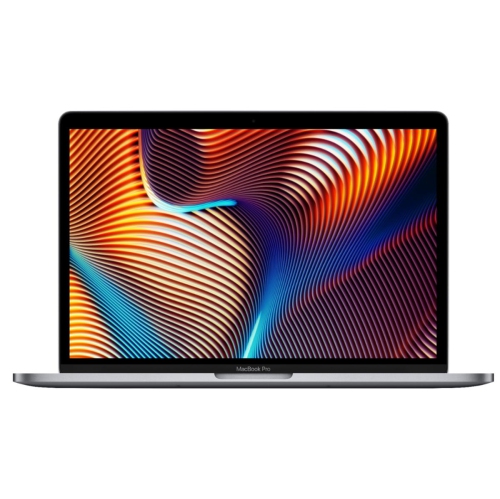
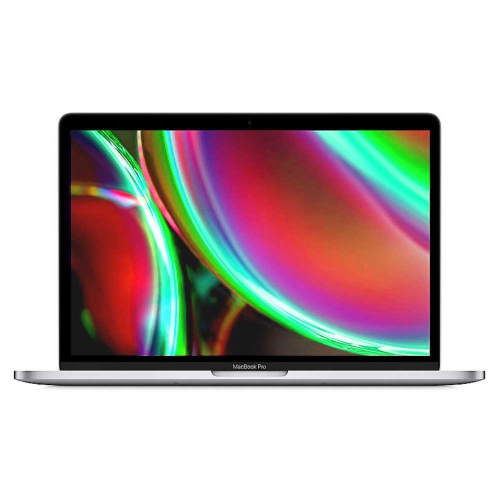
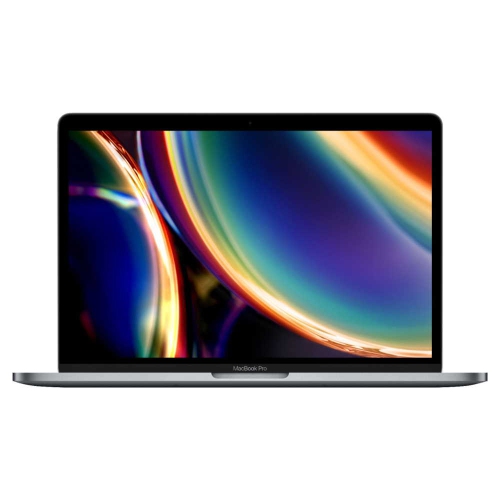

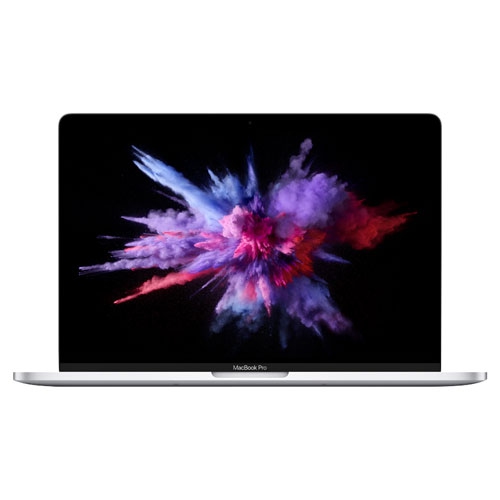

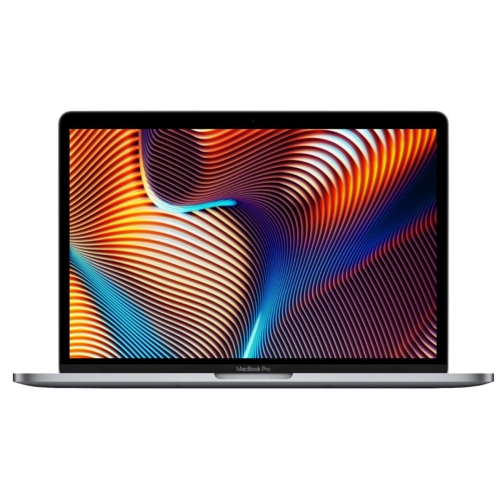
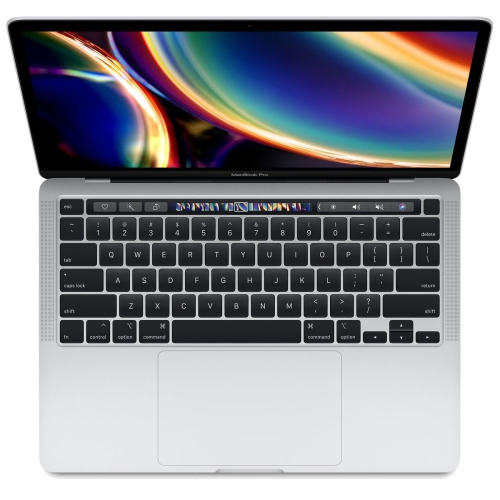

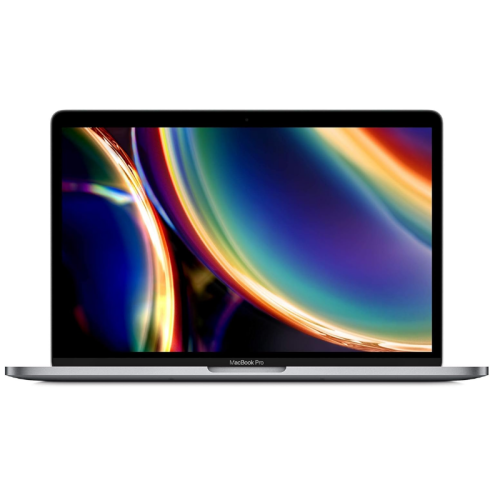

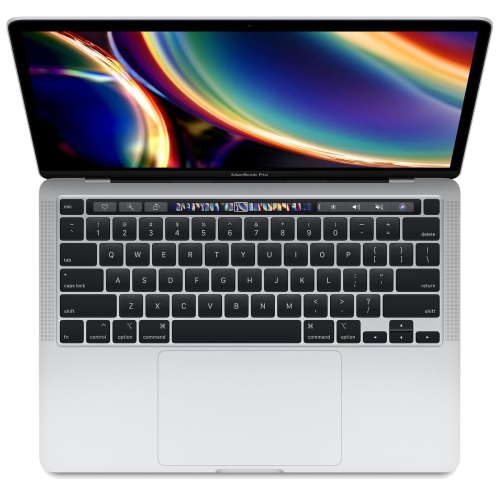


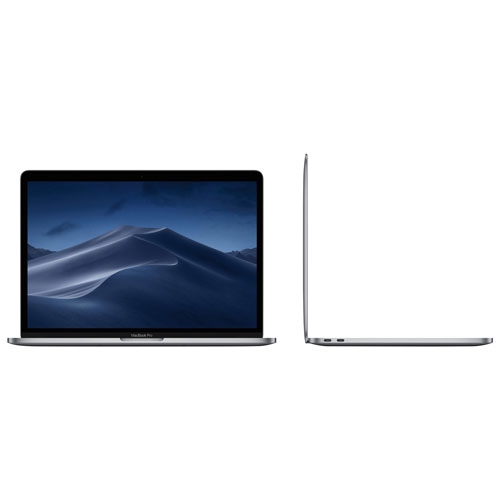
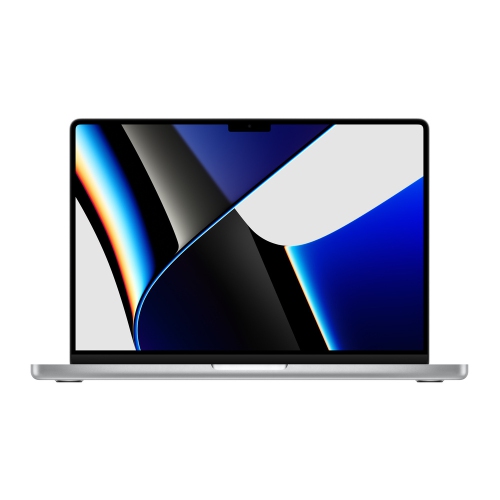
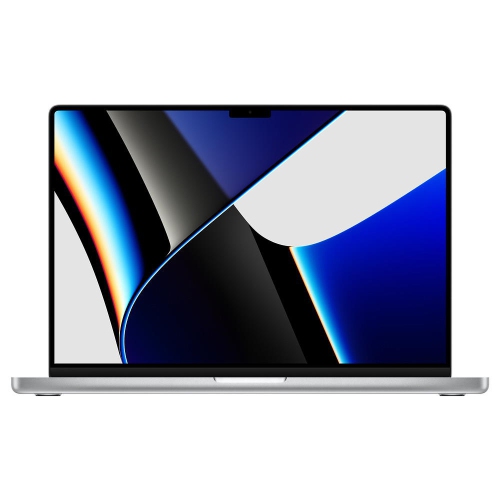


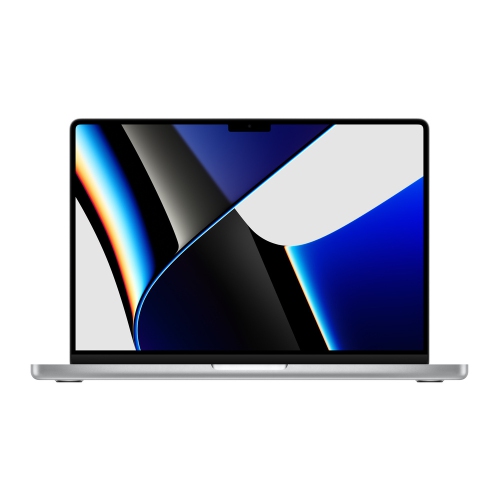
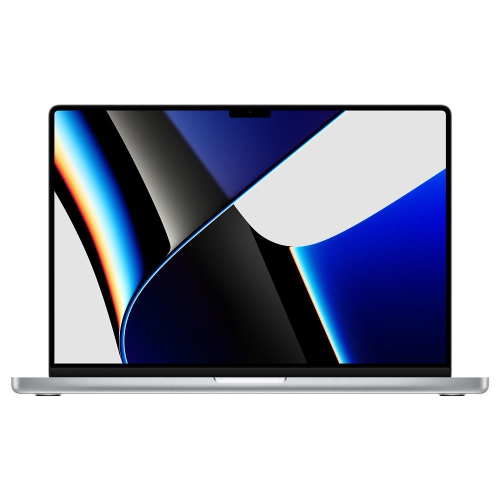








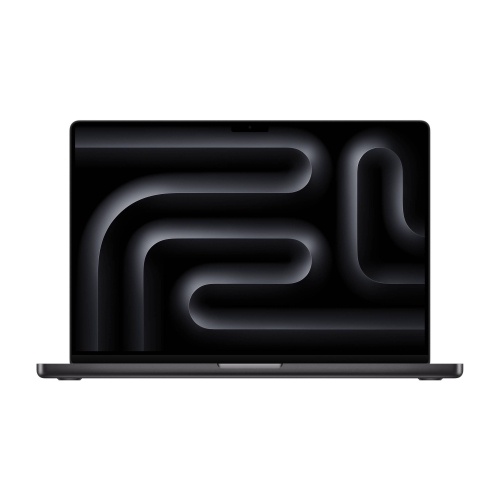




Why your coursework matters more than raw power
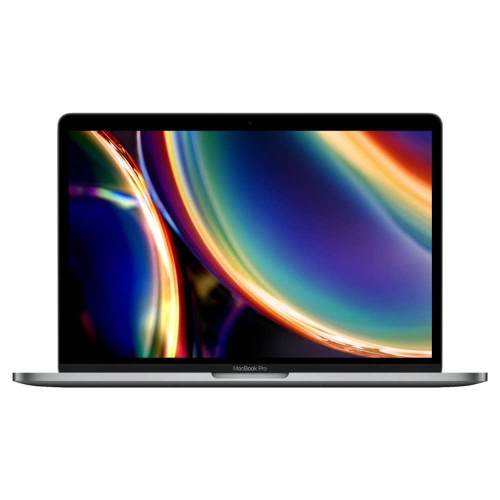
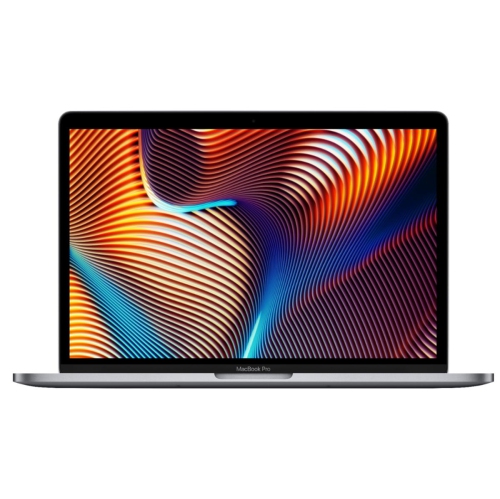
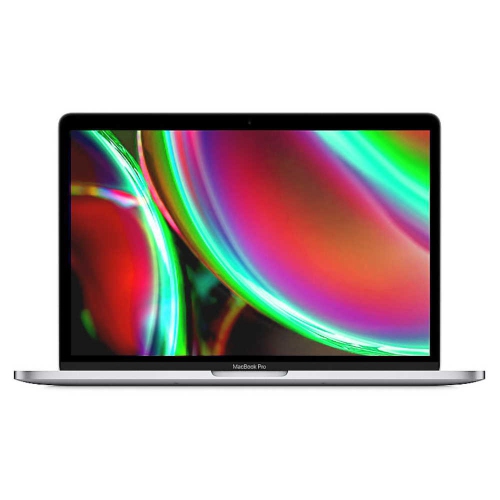
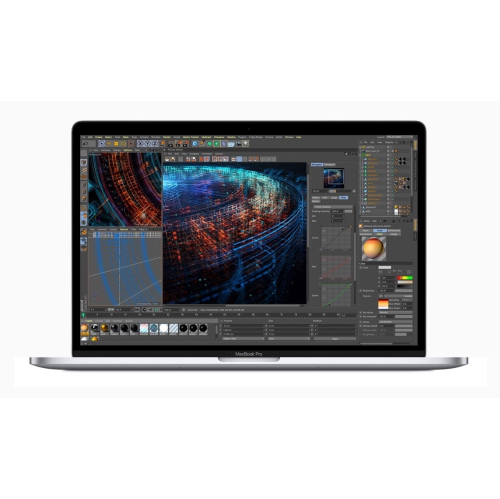
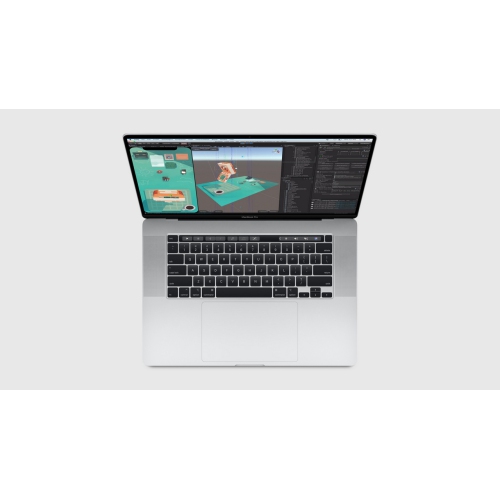
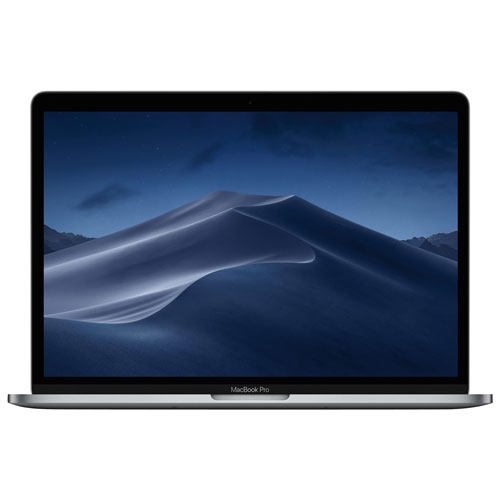
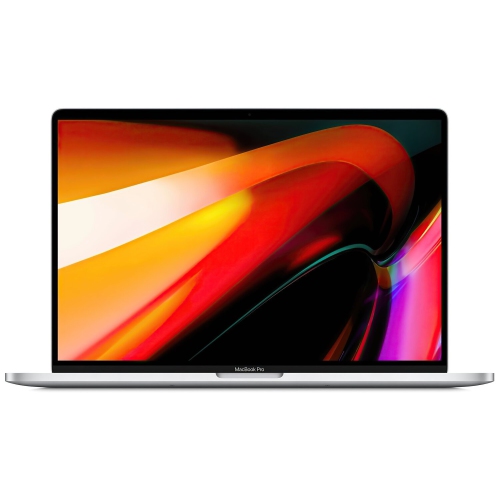
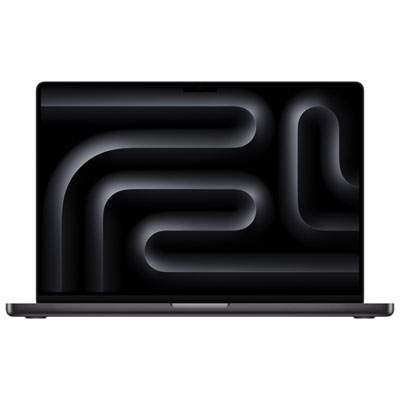
Performance-focused laptops for college students are especially useful when coursework extends beyond essays and web research into video editing, software development, music production, design, or other demanding projects. A typical study session might involve a lecture recording playing alongside a research database, a lengthy document, and several browser tabs. More specialized work can add large image files, multiple audio tracks, code compilation, or detailed visual models to that mix. A capable processor, sufficient memory, and fast internal storage help keep these tasks responsive, particularly when several applications need to stay open together. Graphics performance matters more for certain creative and technical assignments than it does for reading course materials or preparing presentations, although the benefit depends on the software being used. For students whose work consists mainly of note-taking, email, spreadsheets, and online learning, extra processing power may be less important than comfortable typing, manageable weight, and dependable battery life. The right fit starts with the actual demands of a program rather than the assumption that every student needs the most powerful configuration. Memory deserves particular attention for students working with large projects or switching frequently between resource-intensive applications. Internal storage needs can also grow quickly when assignments include raw footage, high-resolution photographs, sample libraries, or locally stored research files. Some slim laptops do not support later memory or internal storage upgrades, making those specifications important considerations at the outset. Software compatibility is just as significant as performance: certain engineering, architecture, accounting, and technical courses require applications that work only with particular operating systems or hardware. Published program requirements and department recommendations provide a firmer basis for a choice than broad claims about suitability for every major. For group projects and placements, compatibility with shared file formats, collaboration tools, and required peripherals also helps keep a capable laptop useful beyond individual assignments. A machine that handles course requirements comfortably can support the same student through independent study, practical assignments, and the development of a portfolio for future work.
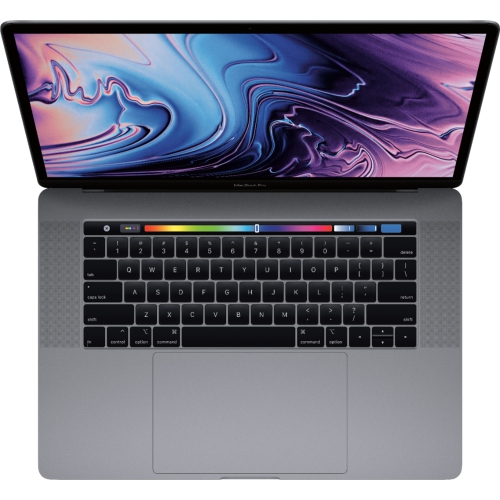
The physical design of a student laptop has a daily impact that specifications alone cannot capture. A compact screen size can make a notebook easier to carry between lectures, library desks, and shared study spaces, while a larger display gives complex timelines, spreadsheets, and side-by-side documents more room. Neither approach suits everyone. A student editing a short film may value a generous working area, while someone moving between buildings throughout the day may prefer a smaller footprint in a backpack. Total carrying weight includes the charger, adapters, and any accessories needed for classes, not just the laptop itself. A rigid metal chassis can feel reassuring during regular use, but it still benefits from a padded sleeve and a bag compartment that keeps it away from loose keys, heavy books, and pressure against the screen. Display quality matters for long reading sessions and visual coursework: clear text supports comfortable viewing, while accurate colour reproduction is valuable for photography, illustration, and video assignments. Brightness and reflections can affect visibility near windows or beneath overhead lighting. Keyboard feel, trackpad responsiveness, and accessible controls are equally relevant when a laptop will be used for hours of writing and revision. Battery life varies with screen brightness, applications, connected devices, and the intensity of the workload; browsing research articles is different from exporting a video or running a complex calculation. Convenient charging and a suitable power adapter help support longer days away from a fixed desk. Port selection also shapes everyday use, whether connecting classroom presentation equipment, importing files from a camera card, or attaching external storage. Physical care remains straightforward: shut the laptop down before cleaning, use a soft cloth according to the manufacturer’s directions, and avoid spraying liquid directly onto surfaces. Keeping drinks away from the keyboard and leaving ventilation openings unobstructed can help prevent avoidable damage during crowded study sessions.
A laptop’s usefulness also depends on how naturally it fits into a student’s routine outside the lecture hall. Reliable Wi-Fi supports access to learning platforms, shared documents, and remote meetings, while a clear webcam and microphone make it easier to contribute to online seminars or practise a presentation with classmates. Headphones can make recorded lectures easier to follow in shared accommodation, and an external display can create a more spacious setup for research and writing at a desk. Students working with large media projects may benefit from separate storage for completed work, but an external drive should not be the only location for an important assignment. A practical backup routine, using more than one appropriate location, reduces the risk of losing a term’s work to accidental deletion, damage, or device failure. Secure sign-in, software updates, and carefully managed account access are useful habits when a computer travels between classrooms, residences, and public spaces. Accessibility features also deserve attention, including text enlargement, dictation, captions, keyboard navigation, and support for assistive devices. These can make everyday tasks more comfortable and help a laptop suit different ways of studying. For students comparing performance-focused notebooks with other options, MacBooks for College Students brings the broader student laptop category into consideration. The most suitable choice balances demanding assignments with ordinary routines: reviewing feedback over breakfast, taking notes through a lecture, meeting a project group, and finishing revisions at a desk. A laptop can also be a meaningful gift for someone beginning a college program or moving into more advanced coursework, especially when its specifications reflect the recipient’s actual needs. Confirming required software, preferred screen size, and any accessibility requirements beforehand makes that gift more personal and practical. Thoughtful configuration and careful handling help a student get consistent use from the same machine across coursework, creative interests, applications for placements, and the transition towards professional work.
The physical design of a student laptop has a daily impact that specifications alone cannot capture. A compact screen size can make a notebook easier to carry between lectures, library desks, and shared study spaces, while a larger display gives complex timelines, spreadsheets, and side-by-side documents more room. Neither approach suits everyone. A student editing a short film may value a generous working area, while someone moving between buildings throughout the day may prefer a smaller footprint in a backpack. Total carrying weight includes the charger, adapters, and any accessories needed for classes, not just the laptop itself. A rigid metal chassis can feel reassuring during regular use, but it still benefits from a padded sleeve and a bag compartment that keeps it away from loose keys, heavy books, and pressure against the screen. Display quality matters for long reading sessions and visual coursework: clear text supports comfortable viewing, while accurate colour reproduction is valuable for photography, illustration, and video assignments. Brightness and reflections can affect visibility near windows or beneath overhead lighting. Keyboard feel, trackpad responsiveness, and accessible controls are equally relevant when a laptop will be used for hours of writing and revision. Battery life varies with screen brightness, applications, connected devices, and the intensity of the workload; browsing research articles is different from exporting a video or running a complex calculation. Convenient charging and a suitable power adapter help support longer days away from a fixed desk. Port selection also shapes everyday use, whether connecting classroom presentation equipment, importing files from a camera card, or attaching external storage. Physical care remains straightforward: shut the laptop down before cleaning, use a soft cloth according to the manufacturer’s directions, and avoid spraying liquid directly onto surfaces. Keeping drinks away from the keyboard and leaving ventilation openings unobstructed can help prevent avoidable damage during crowded study sessions.
A laptop’s usefulness also depends on how naturally it fits into a student’s routine outside the lecture hall. Reliable Wi-Fi supports access to learning platforms, shared documents, and remote meetings, while a clear webcam and microphone make it easier to contribute to online seminars or practise a presentation with classmates. Headphones can make recorded lectures easier to follow in shared accommodation, and an external display can create a more spacious setup for research and writing at a desk. Students working with large media projects may benefit from separate storage for completed work, but an external drive should not be the only location for an important assignment. A practical backup routine, using more than one appropriate location, reduces the risk of losing a term’s work to accidental deletion, damage, or device failure. Secure sign-in, software updates, and carefully managed account access are useful habits when a computer travels between classrooms, residences, and public spaces. Accessibility features also deserve attention, including text enlargement, dictation, captions, keyboard navigation, and support for assistive devices. These can make everyday tasks more comfortable and help a laptop suit different ways of studying. For students comparing performance-focused notebooks with other options, MacBooks for College Students brings the broader student laptop category into consideration. The most suitable choice balances demanding assignments with ordinary routines: reviewing feedback over breakfast, taking notes through a lecture, meeting a project group, and finishing revisions at a desk. A laptop can also be a meaningful gift for someone beginning a college program or moving into more advanced coursework, especially when its specifications reflect the recipient’s actual needs. Confirming required software, preferred screen size, and any accessibility requirements beforehand makes that gift more personal and practical. Thoughtful configuration and careful handling help a student get consistent use from the same machine across coursework, creative interests, applications for placements, and the transition towards professional work.
Top selling and popular products
-
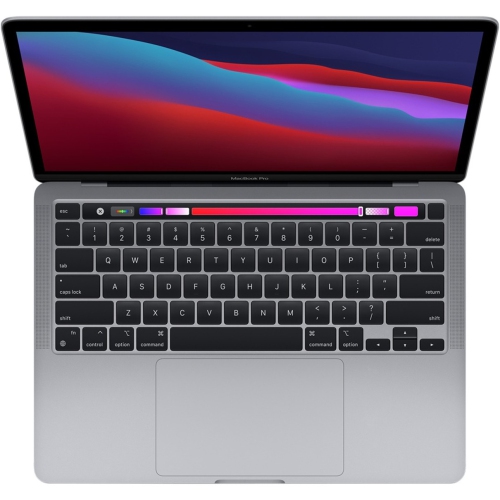 Your price for this item is $1500
-
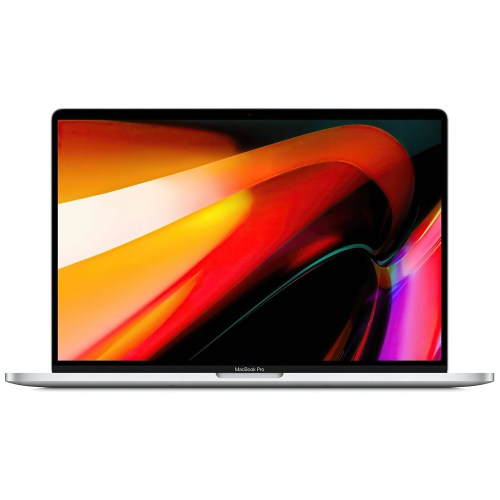 Your price for this item is $659.99
-
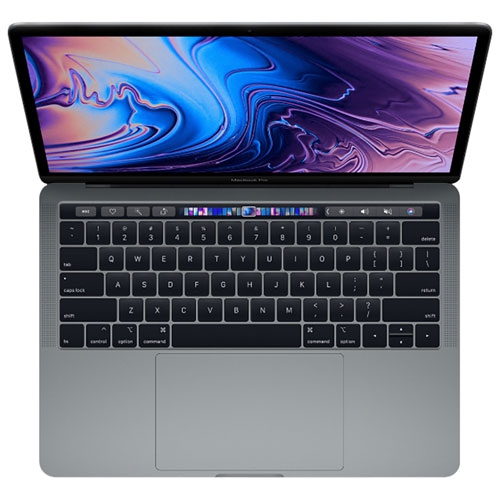 Your price for this item is $499.96
-
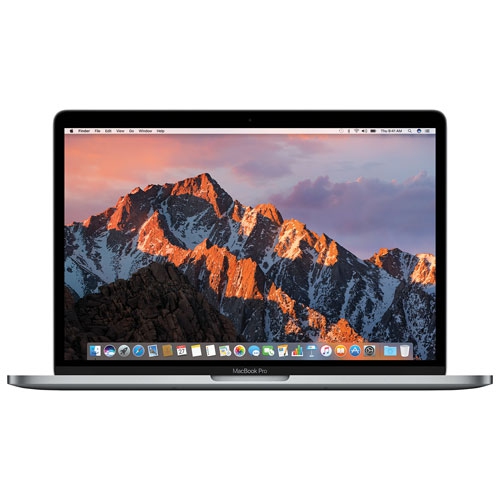 Your price for this item is $549.77
-
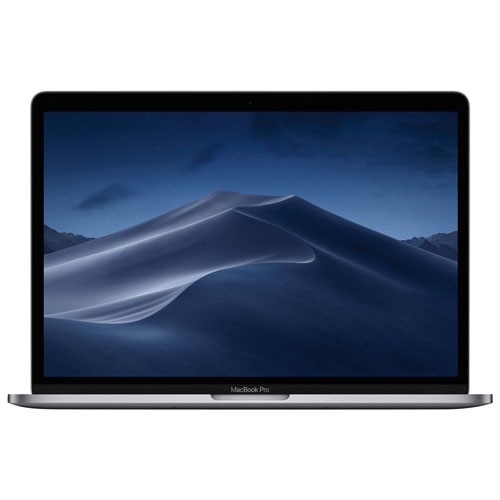 Your price for this item is $629.77
-
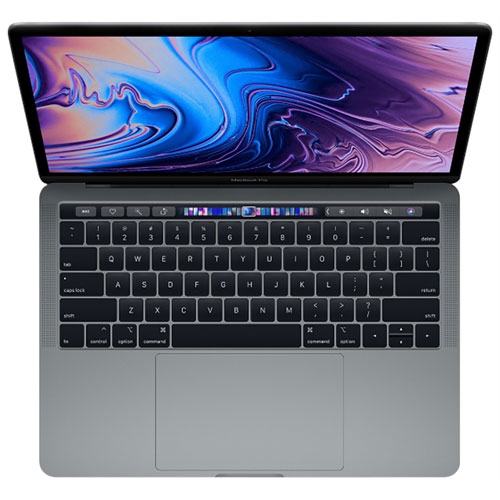 Your price for this item is $629.77
-
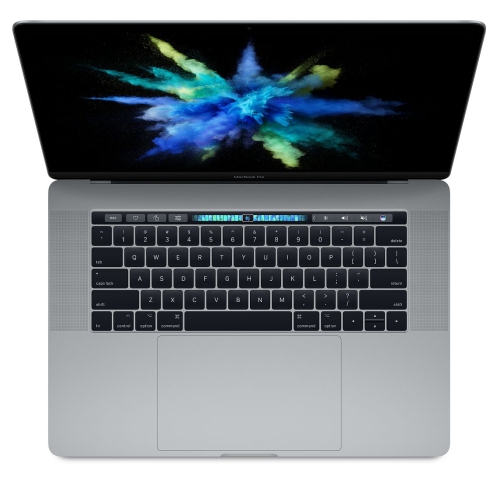 Your price for this item is $519.99
-
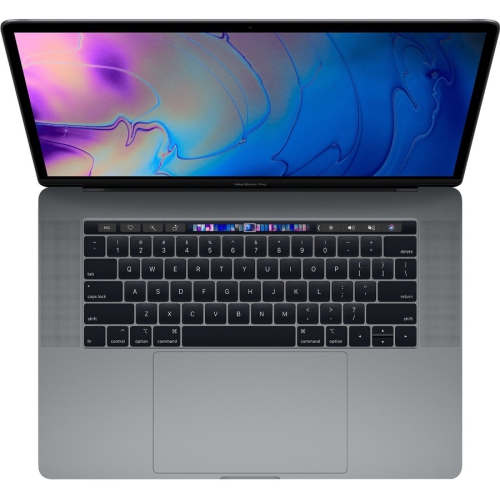 Your price for this item is $549.77
Discover more categories related to MacBook Pro for College Students
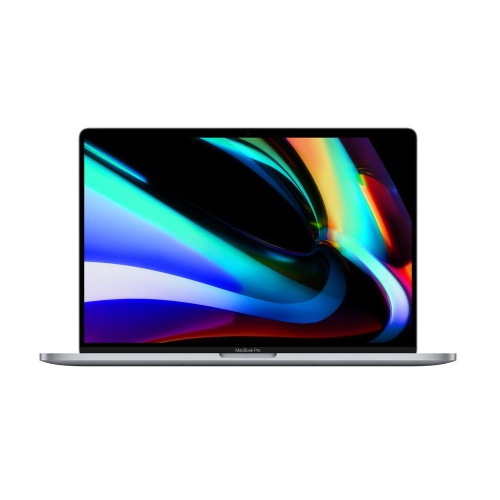
Top Collections:
Pokemon Centers, Best Black Friday Deals This Year, Best Black Friday Deals On Electronics, Kindle Devices, Best Budget Office Chairs, Best Black Friday Deals On Apple Products, Best Cameras for Sports Photography, Pokémon 30th Celebration Cards, Dyson Airwrap, Canon G7X Cameras
Some products may be subject to Environmental Handling Fees
(EHF) depending on your province.
Learn more about EHFs.