Monitors for Studying
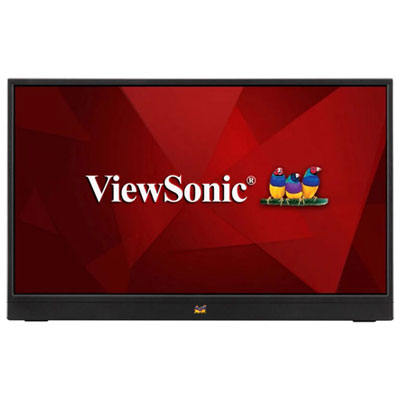
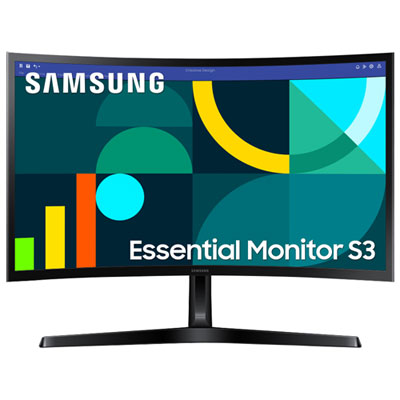
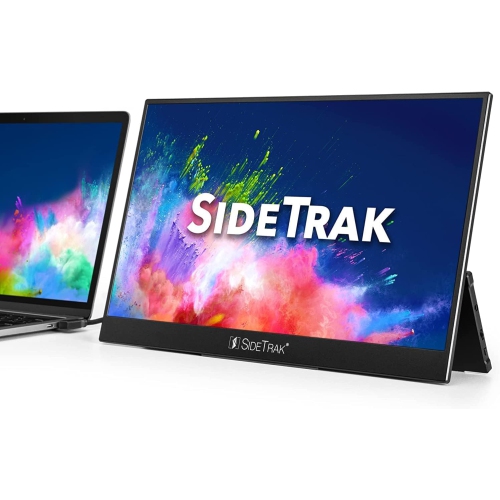
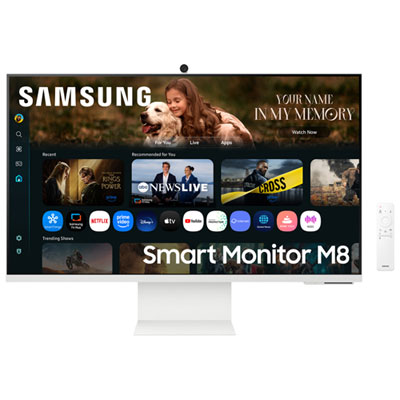
Monitors for studying can make a big difference in your productivity and comfort, whether you're tackling assignments, attending virtual classes, or organizing research. With a dedicated monitor, it’s easier to manage multiple windows, take clear notes, and stay focused on your tasks. Explore a wide selection of monitors for studying at Best Buy Canada and find the perfect fit to help you create an efficient and inspiring workspace.
Sort
Monitors For Studying
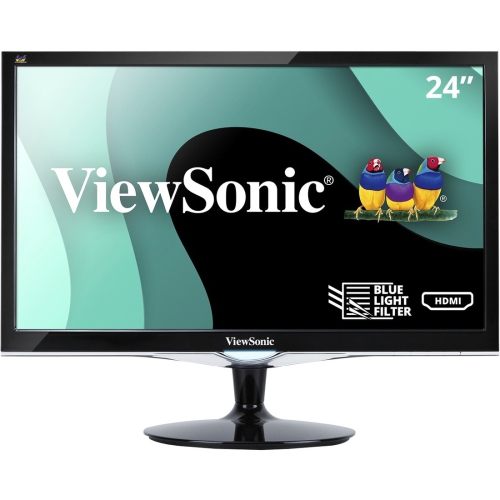
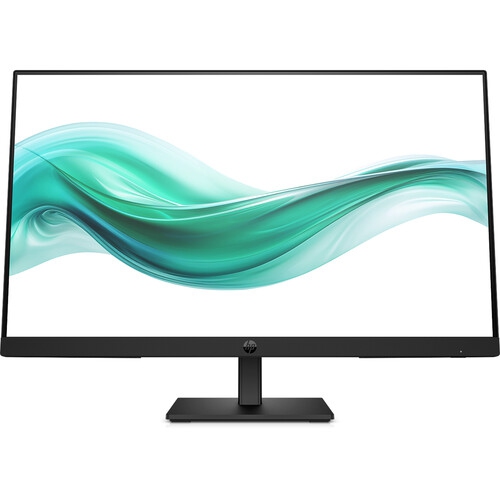
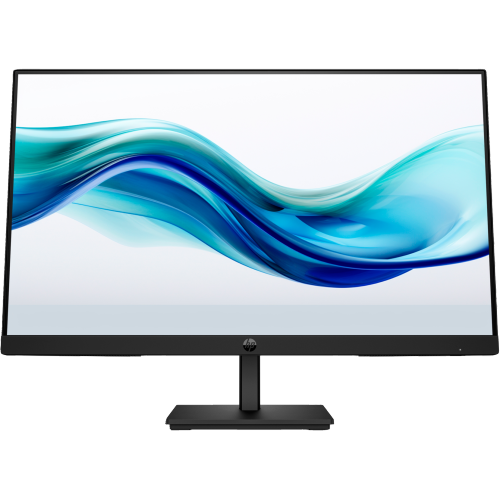
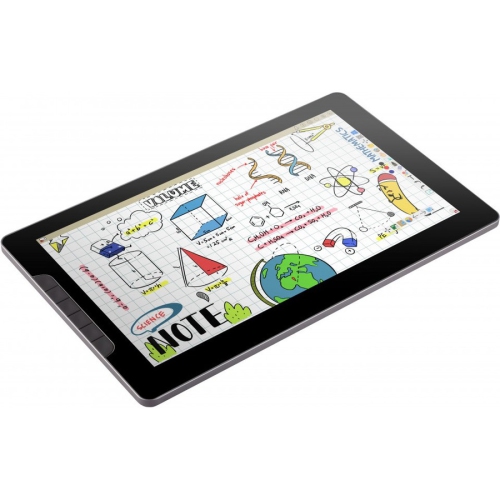
Monitors for studying can make a home workstation feel more like a focused learning space, whether you are reviewing lecture slides, writing essays, attending online classes, researching a project, or practising code. A dedicated monitor gives you more room than a laptop display, making it easier to keep a document, browser window, notes, and video call visible at the same time. That extra space can be especially helpful during long assignments, when constantly switching between tabs interrupts concentration. Students living in a residence room, shared apartment, or family home may appreciate a compact 24-inch monitor that fits neatly on a desk, while a 27-inch display can provide more comfortable side-by-side viewing for detailed spreadsheets, reference materials, and creative coursework. Full HD resolution is a practical choice for everyday studying and tends to keep text clear on smaller screens, while QHD resolution can provide sharper detail and more workspace on larger displays. An IPS panel is another useful feature to consider because it offers consistent colour and readable text from a wide range of viewing angles. That can be useful when you shift in your chair, work with a study partner, or position the monitor slightly to one side. For additional recommendations, browse Best Monitors for Students to explore displays suited to different study spaces and routines. A monitor can also be a thoughtful gift for a student heading into a new term, moving into their first apartment, or setting up a more capable desk at home. Unlike a short-lived accessory, it can support many kinds of work throughout the school year, from early-morning readings to evening group projects and personal interests such as photography, gaming, or streaming.
Comfort matters when a study session stretches from a quick review into several hours of reading and writing. Look for eye-care features such as flicker-free operation, a low blue light mode, and an anti-glare screen surface. These features are designed to make the display more comfortable in different lighting conditions, particularly when a desk is near a bright window or when overhead lights create reflections. A monitor with automatic brightness adjustment can respond to changes in the room, while manual controls let you tailor the image to your preferences. Eye comfort works best alongside good habits: keep the display at a comfortable distance, position the top edge near eye level, and take regular breaks to look away from the screen. Ergonomics are equally important for maintaining a relaxed posture. A stand with height, tilt, swivel, and pivot adjustments can help you place the screen so your shoulders stay relaxed and your neck does not angle forward. Pivot functionality can be convenient for reading long PDFs, viewing portrait-oriented documents, or working with code that extends vertically. If the monitor does not offer every adjustment, a compatible monitor arm or riser may help create a better viewing position, provided the desk can support it securely. Screen size should match the available space as well as the way you study. A smaller display may be ideal for a narrow desk or a shared workspace, whereas a larger display can make split-screen work feel less cramped. Matte finishes can reduce distracting reflections, and thin bezels may be useful when connecting two monitors for a broader workspace. During the cooler months, when more studying may happen indoors, these details can help turn a basic corner of a bedroom, kitchen table, or living room into a comfortable place to concentrate.
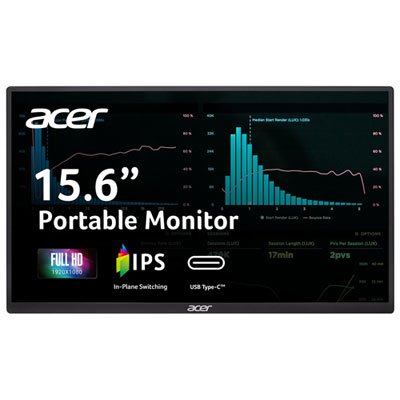
Connectivity and everyday compatibility can make a major difference in how easily a monitor fits into a student’s routine. Check which video ports are available on your computer, including HDMI, DisplayPort, or USB-C, and confirm whether any required cable or adapter is included. USB-C can be especially convenient with compatible laptops because one cable may carry the display signal, transfer power, and connect peripherals, reducing cable clutter on a small desk. Some displays include built-in USB hubs, which can make it easier to connect a keyboard, mouse, webcam, or external storage without reaching behind the monitor. Built-in speakers may be useful for online lessons and casual video, although headphones or separate speakers can provide a more personal listening experience in shared spaces. A height-adjustable stand is helpful when the same display is used by different people, such as a student and a parent helping with homework. Students who move between a desk and a dining table may also value a simple setup that is easy to reconnect, while those who use a desktop computer should consider whether the monitor’s resolution and refresh rate match the system’s capabilities. A higher refresh rate can make scrolling, cursor movement, and compatible video feel smoother, though studying does not require an unusually high rate. For reading-heavy coursework, sharp text, steady performance, useful adjustments, and comfortable viewing are usually more important than headline specifications. Think about the subjects and tasks the monitor will support: a business student may benefit from space for documents and spreadsheets, a design student may prioritize accurate colour, and a computer science student may prefer portrait rotation and multiple windows. As routines change from warm-weather travel and campus visits to quieter indoor study during the cooler season, a dependable monitor can remain useful in nearly any room and adapt to schoolwork, remote collaboration, creative projects, and everyday entertainment.
Comfort matters when a study session stretches from a quick review into several hours of reading and writing. Look for eye-care features such as flicker-free operation, a low blue light mode, and an anti-glare screen surface. These features are designed to make the display more comfortable in different lighting conditions, particularly when a desk is near a bright window or when overhead lights create reflections. A monitor with automatic brightness adjustment can respond to changes in the room, while manual controls let you tailor the image to your preferences. Eye comfort works best alongside good habits: keep the display at a comfortable distance, position the top edge near eye level, and take regular breaks to look away from the screen. Ergonomics are equally important for maintaining a relaxed posture. A stand with height, tilt, swivel, and pivot adjustments can help you place the screen so your shoulders stay relaxed and your neck does not angle forward. Pivot functionality can be convenient for reading long PDFs, viewing portrait-oriented documents, or working with code that extends vertically. If the monitor does not offer every adjustment, a compatible monitor arm or riser may help create a better viewing position, provided the desk can support it securely. Screen size should match the available space as well as the way you study. A smaller display may be ideal for a narrow desk or a shared workspace, whereas a larger display can make split-screen work feel less cramped. Matte finishes can reduce distracting reflections, and thin bezels may be useful when connecting two monitors for a broader workspace. During the cooler months, when more studying may happen indoors, these details can help turn a basic corner of a bedroom, kitchen table, or living room into a comfortable place to concentrate.
Connectivity and everyday compatibility can make a major difference in how easily a monitor fits into a student’s routine. Check which video ports are available on your computer, including HDMI, DisplayPort, or USB-C, and confirm whether any required cable or adapter is included. USB-C can be especially convenient with compatible laptops because one cable may carry the display signal, transfer power, and connect peripherals, reducing cable clutter on a small desk. Some displays include built-in USB hubs, which can make it easier to connect a keyboard, mouse, webcam, or external storage without reaching behind the monitor. Built-in speakers may be useful for online lessons and casual video, although headphones or separate speakers can provide a more personal listening experience in shared spaces. A height-adjustable stand is helpful when the same display is used by different people, such as a student and a parent helping with homework. Students who move between a desk and a dining table may also value a simple setup that is easy to reconnect, while those who use a desktop computer should consider whether the monitor’s resolution and refresh rate match the system’s capabilities. A higher refresh rate can make scrolling, cursor movement, and compatible video feel smoother, though studying does not require an unusually high rate. For reading-heavy coursework, sharp text, steady performance, useful adjustments, and comfortable viewing are usually more important than headline specifications. Think about the subjects and tasks the monitor will support: a business student may benefit from space for documents and spreadsheets, a design student may prioritize accurate colour, and a computer science student may prefer portrait rotation and multiple windows. As routines change from warm-weather travel and campus visits to quieter indoor study during the cooler season, a dependable monitor can remain useful in nearly any room and adapt to schoolwork, remote collaboration, creative projects, and everyday entertainment.
Top selling and popular products
Top Collections:
Pokemon Centers, Kindle Devices, Budget Smartphones, Budget 4K TVs, Apple iPhones 16, Canon G7X Cameras, iPhone 15 Apple, Alarm Clock, Budget-Friendly Wireless Earbuds, iPhone 14 256GB
Some products may be subject to Environmental Handling Fees
(EHF) depending on your province.
Learn more about EHFs.