Monitors for School Work
Monitors for school work are essential tools to help students stay organized, focused, and productive throughout their academic journey. Whether you're attending virtual classes, researching assignments, or collaborating on group projects, the right monitor can make a difference in your daily routine. Explore a wide selection of monitors designed to support your study needs and create an efficient workspace for all your educational activities.
Sort
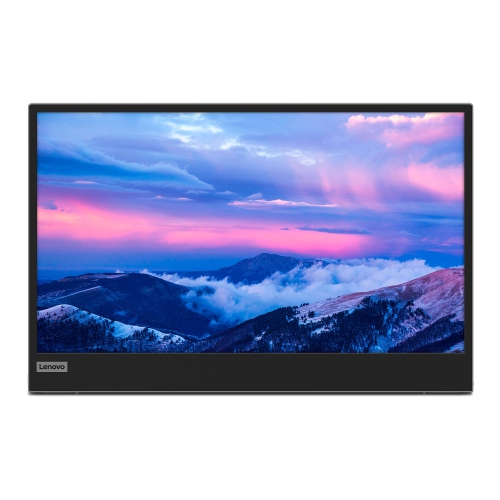
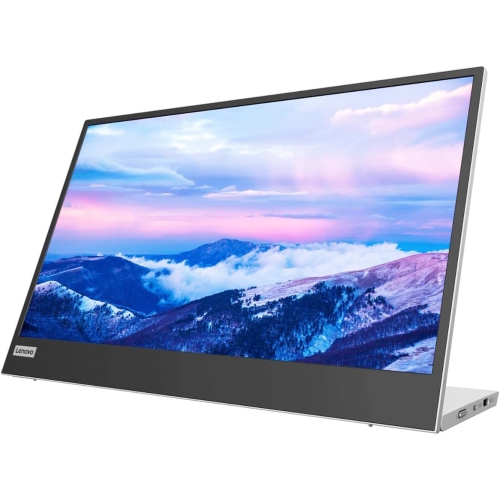


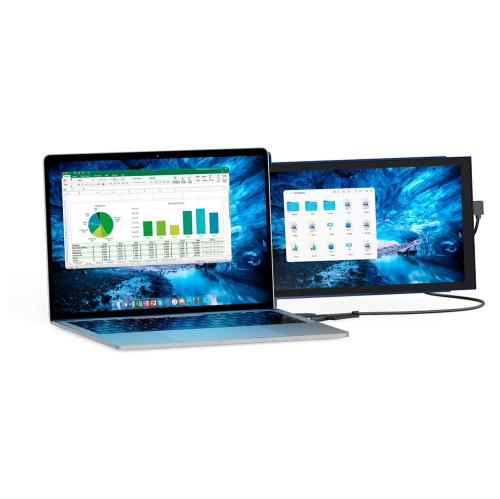
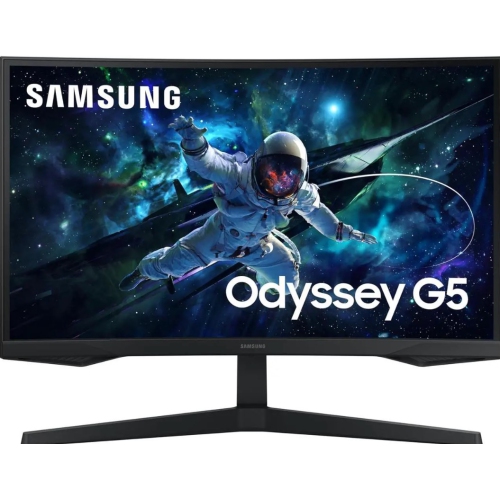
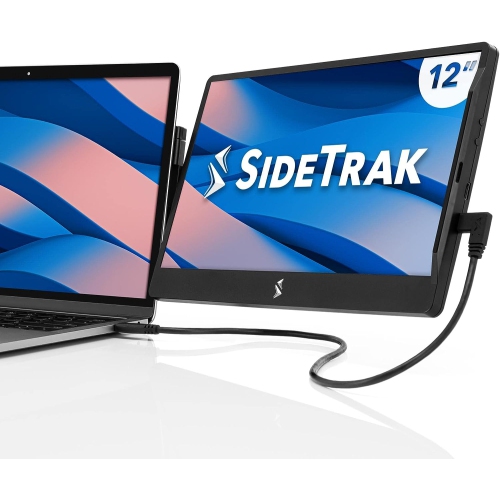
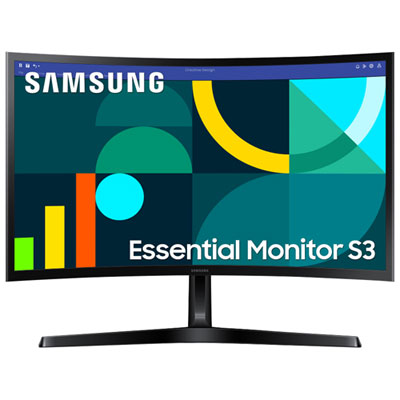
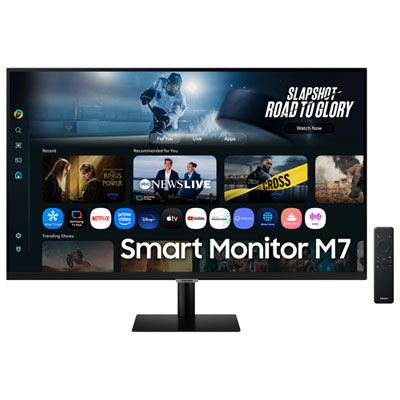

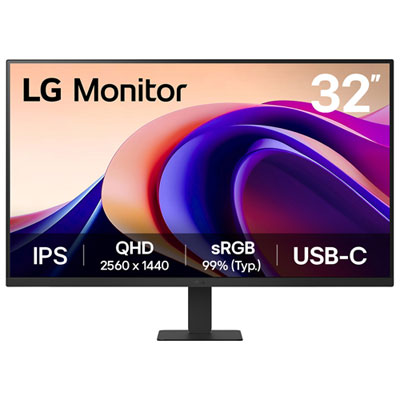
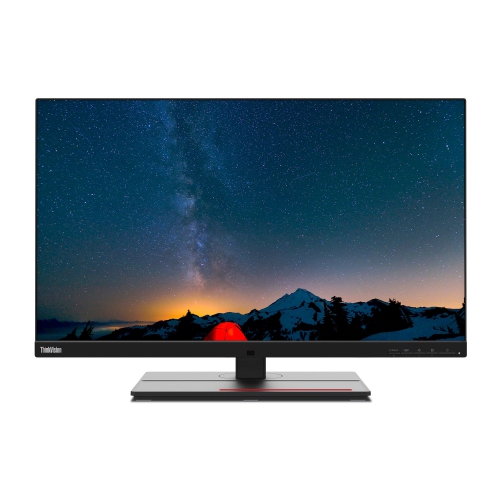

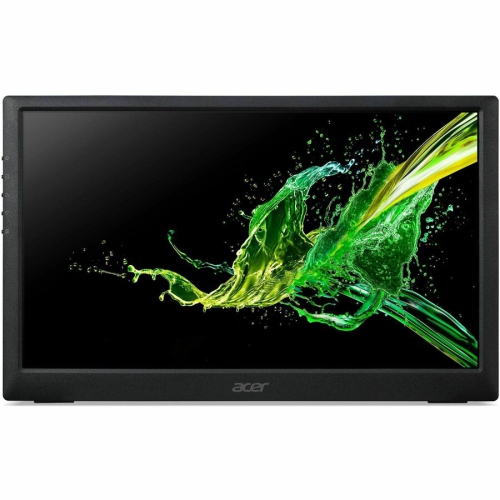
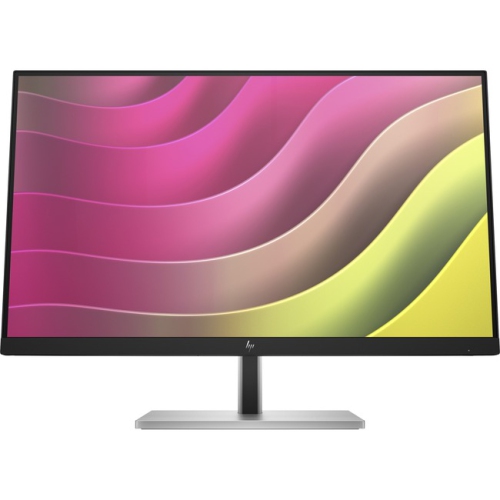
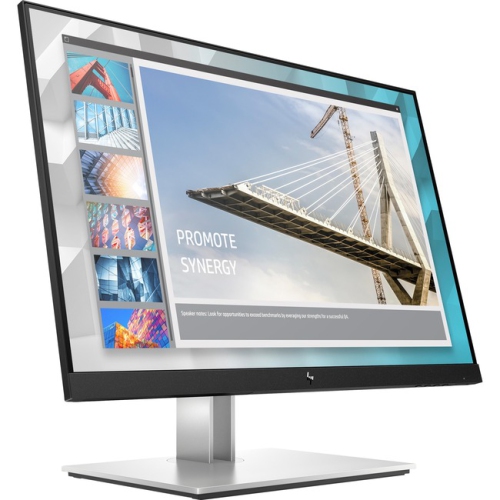
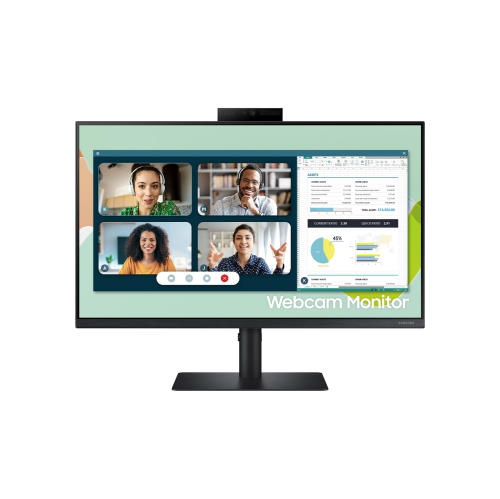
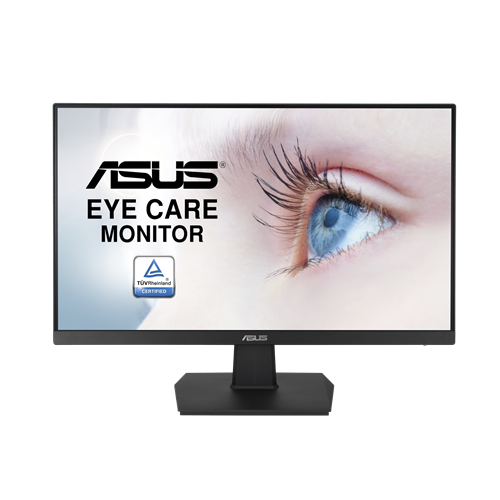
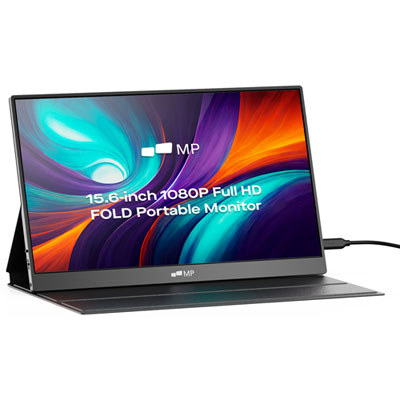

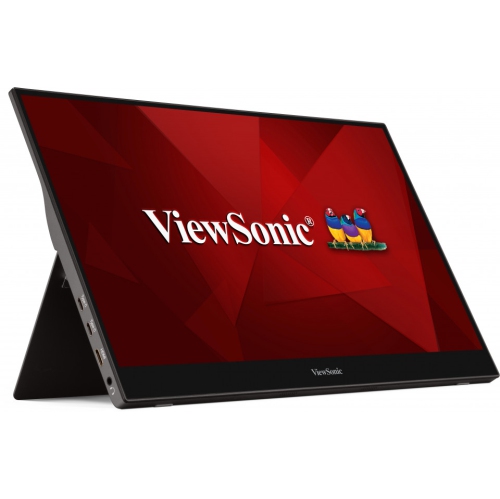
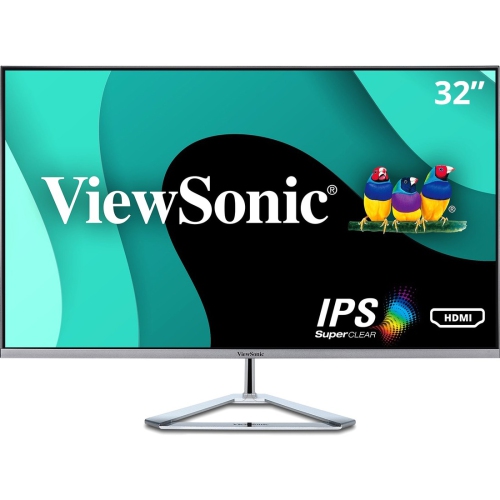
A comfortable display can support focused, flexible schoolwork
Monitors for school work can make everyday learning more comfortable, organized, and efficient, whether they are used for online classes, research, writing, coding, creative assignments, or keeping a digital textbook open beside a document. A suitable display gives students room to see more of their work at once, reducing the need to constantly switch between tabs or minimize windows. For most desks, a 24- to 27-inch monitor offers a practical balance between workspace and footprint. A 24-inch screen can fit neatly on a compact dorm desk, bedroom workstation, or shared family office, while a 27-inch display provides extra room for side-by-side windows and detailed projects. Full HD resolution, also called 1920 x 1080, is a dependable starting point for reading documents, joining video lessons, browsing research sources, and completing presentations. QHD resolution, at 2560 x 1440, can provide sharper text and more working space, particularly on a 27-inch screen. When comparing options, consider the desk itself, the distance between the student and the display, and whether there is enough room for a keyboard, notebooks, a lamp, and other study essentials. A monitor that suits the available space is easier to position properly and less likely to leave the desk feeling crowded. Students working from home may pair a monitor with a laptop, using the laptop as a second screen or keeping it closed with a separate keyboard and mouse. This arrangement can feel especially helpful during a busy research session: one screen can show a lecture or source material while the other holds notes, a spreadsheet, or a draft that is taking shape line by line. For more information about displays intended for professional and academic tasks, explore Computer Monitors for Work.
Panel type also affects how a monitor feels during a long school day. IPS panels are popular for school work because they generally provide clear images, consistent colours, and wide viewing angles, making text easier to see when the student shifts position or shares the screen with a classmate. This can be useful in a home where a parent is reviewing an assignment, or when two students are looking over a presentation together. Brightness and matte screen finishes are worth considering as well. A display with adjustable brightness can be more comfortable as daylight changes, while a matte finish may help reduce distracting reflections from windows and overhead lights. Eye-care features can add comfort during extended reading and writing sessions. Flicker-free technology is designed to reduce visible screen flicker, and low-blue-light settings can create a warmer display for evening work. These features do not replace sensible habits, but they can be part of a more comfortable setup alongside regular breaks, a suitable viewing distance, and balanced room lighting. Refresh rate is another specification to understand. A standard refresh rate is more than adequate for documents, web browsing, email, and school portals, while a smoother 100 Hz refresh rate can make scrolling and moving between windows feel more fluid. Students who also use their computer for casual gaming or video may appreciate that added smoothness, without choosing a display based solely on gaming specifications. Ports should match the computer or other devices being connected. HDMI and DisplayPort are common connections, and some monitors include additional ports or built-in speakers that can reduce desk clutter. A height-adjustable stand, tilt control, or VESA mounting compatibility can make it easier to place the top of the display near eye level. Small adjustments often matter: raising a screen slightly can help a student settle into a more natural posture, especially when an assignment stretches from a quick afternoon task into a late study session.
Monitors for school work can be useful for a wide range of learners, from elementary students completing supervised online activities to secondary and post-secondary students managing research papers, virtual lectures, lab reports, design projects, and group work. They can also be a thoughtful gift for a student setting up a first dedicated study area, moving into residence, or replacing an ageing display that has become dim or difficult to read. Before choosing one, consider the computer it will connect to, the types of assignments it will support, and how often the student works with multiple applications at once. Someone who mainly writes essays may value sharp text, comfortable viewing, and a straightforward size, while a student working with diagrams, timelines, code, music software, or large spreadsheets may benefit from a higher resolution or a larger display. A second monitor can be particularly useful for older students and remote learners who regularly compare sources, attend online classes, or collaborate through several applications. Keep the overall workstation in mind: a sturdy desk, an appropriately sized chair, a separate keyboard and mouse, and a tidy cable arrangement can turn a display into part of a genuinely useful learning space rather than another item competing for attention. During the cooler months, when more homework and studying may happen indoors, a well-organized monitor setup can make a bedroom corner, kitchen table, or shared office feel ready for focused work. Families may also want to check warranty details, return policies, included cables, and compatibility before purchasing, particularly when the monitor is intended as a gift. With the right screen size, resolution, panel type, connectivity, and comfort features, a monitor can support clearer reading, smoother multitasking, and a more enjoyable routine throughout the school year.
Panel type also affects how a monitor feels during a long school day. IPS panels are popular for school work because they generally provide clear images, consistent colours, and wide viewing angles, making text easier to see when the student shifts position or shares the screen with a classmate. This can be useful in a home where a parent is reviewing an assignment, or when two students are looking over a presentation together. Brightness and matte screen finishes are worth considering as well. A display with adjustable brightness can be more comfortable as daylight changes, while a matte finish may help reduce distracting reflections from windows and overhead lights. Eye-care features can add comfort during extended reading and writing sessions. Flicker-free technology is designed to reduce visible screen flicker, and low-blue-light settings can create a warmer display for evening work. These features do not replace sensible habits, but they can be part of a more comfortable setup alongside regular breaks, a suitable viewing distance, and balanced room lighting. Refresh rate is another specification to understand. A standard refresh rate is more than adequate for documents, web browsing, email, and school portals, while a smoother 100 Hz refresh rate can make scrolling and moving between windows feel more fluid. Students who also use their computer for casual gaming or video may appreciate that added smoothness, without choosing a display based solely on gaming specifications. Ports should match the computer or other devices being connected. HDMI and DisplayPort are common connections, and some monitors include additional ports or built-in speakers that can reduce desk clutter. A height-adjustable stand, tilt control, or VESA mounting compatibility can make it easier to place the top of the display near eye level. Small adjustments often matter: raising a screen slightly can help a student settle into a more natural posture, especially when an assignment stretches from a quick afternoon task into a late study session.
Monitors for school work can be useful for a wide range of learners, from elementary students completing supervised online activities to secondary and post-secondary students managing research papers, virtual lectures, lab reports, design projects, and group work. They can also be a thoughtful gift for a student setting up a first dedicated study area, moving into residence, or replacing an ageing display that has become dim or difficult to read. Before choosing one, consider the computer it will connect to, the types of assignments it will support, and how often the student works with multiple applications at once. Someone who mainly writes essays may value sharp text, comfortable viewing, and a straightforward size, while a student working with diagrams, timelines, code, music software, or large spreadsheets may benefit from a higher resolution or a larger display. A second monitor can be particularly useful for older students and remote learners who regularly compare sources, attend online classes, or collaborate through several applications. Keep the overall workstation in mind: a sturdy desk, an appropriately sized chair, a separate keyboard and mouse, and a tidy cable arrangement can turn a display into part of a genuinely useful learning space rather than another item competing for attention. During the cooler months, when more homework and studying may happen indoors, a well-organized monitor setup can make a bedroom corner, kitchen table, or shared office feel ready for focused work. Families may also want to check warranty details, return policies, included cables, and compatibility before purchasing, particularly when the monitor is intended as a gift. With the right screen size, resolution, panel type, connectivity, and comfort features, a monitor can support clearer reading, smoother multitasking, and a more enjoyable routine throughout the school year.
Top selling and popular products
-
 Your price for this item is $299
 -
 Your price for this item is $599
 -
 Your price for this item is $94.99
 -
 Your price for this item is $329.99
 -
 Your price for this item is $499
 -
 Your price for this item is $265.99
 -
 Your price for this item is $1299.97
 -
 Your price for this item is $249.99
Discover more categories related to Monitors for School Work
Top Collections:
Pokemon Centers, Kindle Devices, Best Budget Office Chairs, Apple iPhones 16, Best Laptops for Writers, iPhone 15 Apple, Canon G7X Cameras, Refurbished Apple Laptops, Alarm Clock, Motorola Razr Phones
Some products may be subject to Environmental Handling Fees
(EHF) depending on your province.
Learn more about EHFs.