Asus Bags
Asus bags are designed to protect your Asus laptop from scratches, bumps, and other damage. These bags are available in a variety of styles and colors, so you can find the perfect one for you. Here are some great options.
Sort
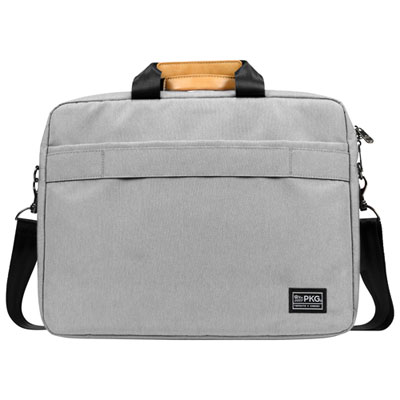
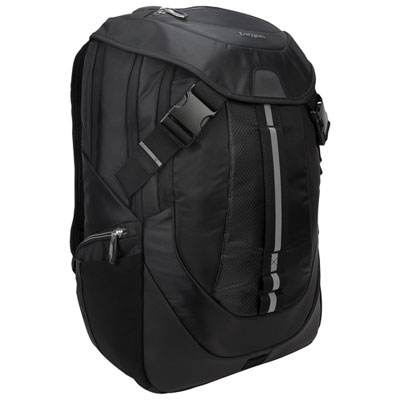
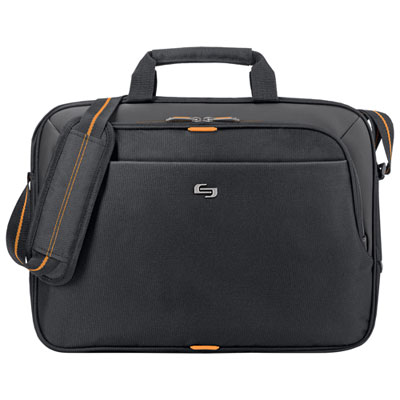
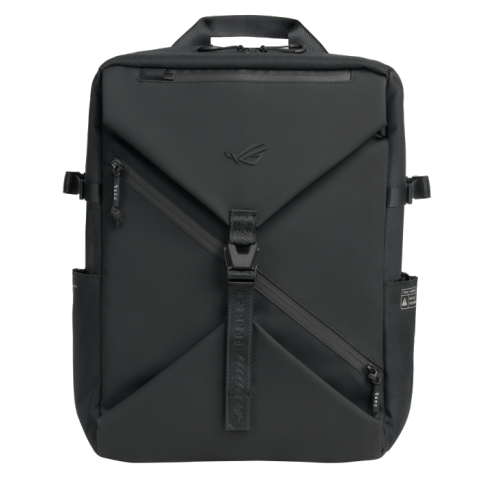
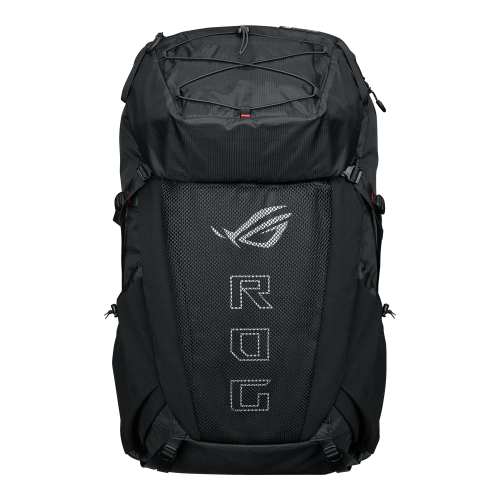
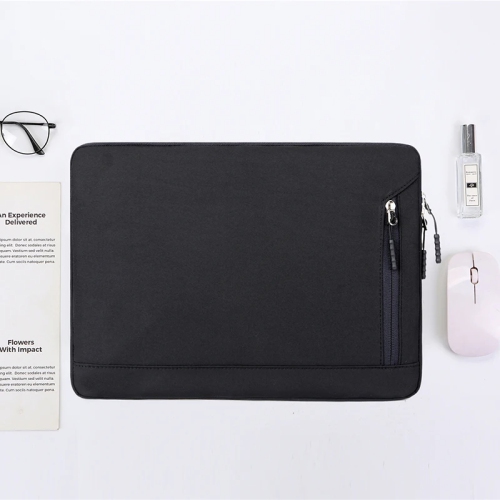
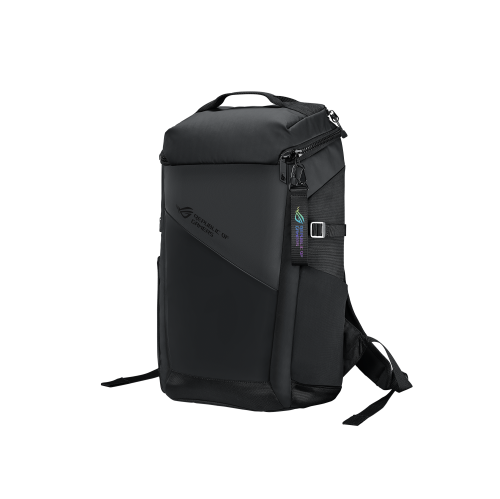
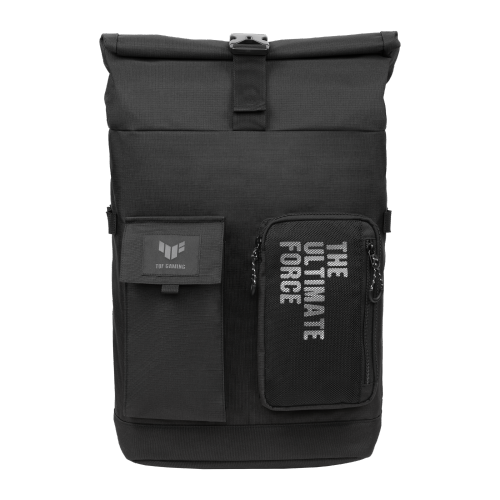







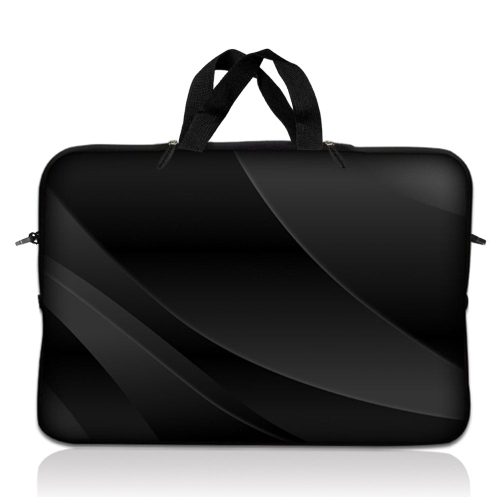
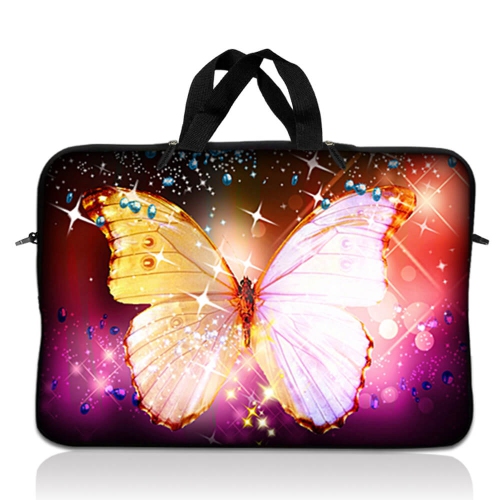

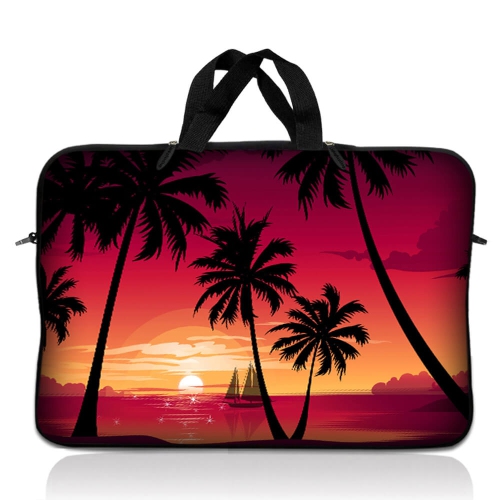
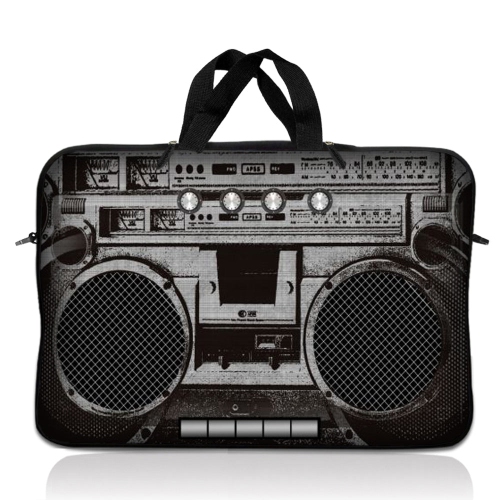


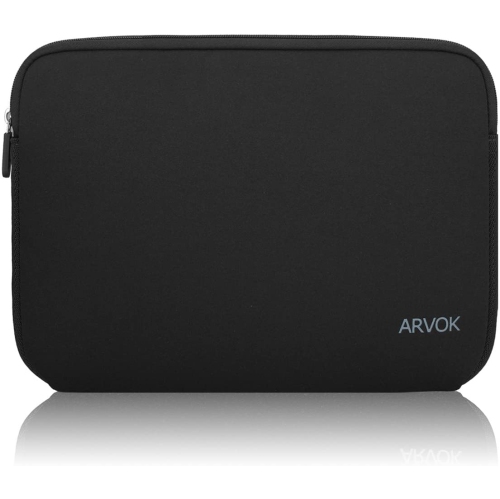
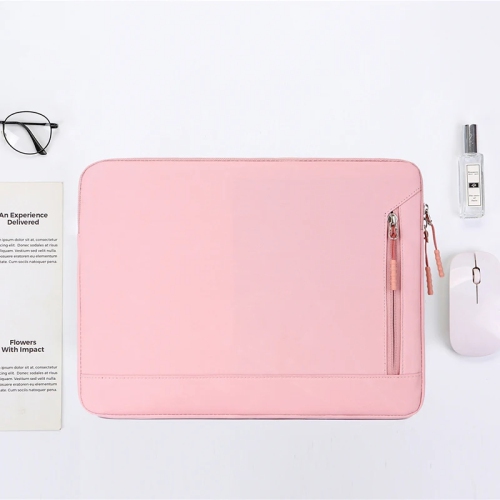
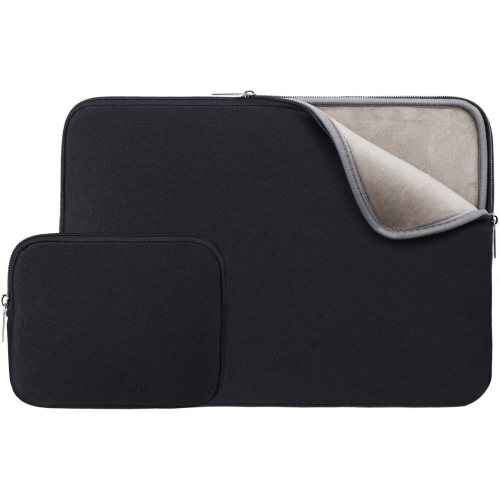
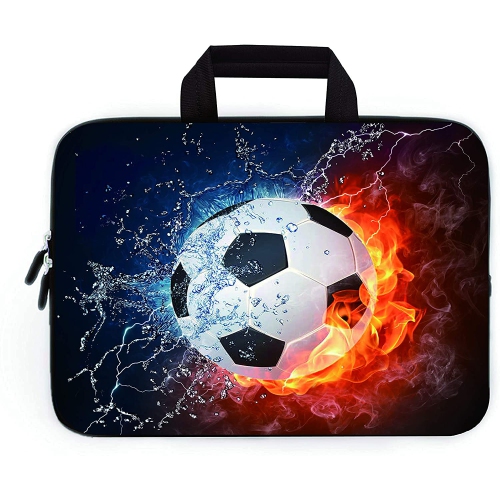
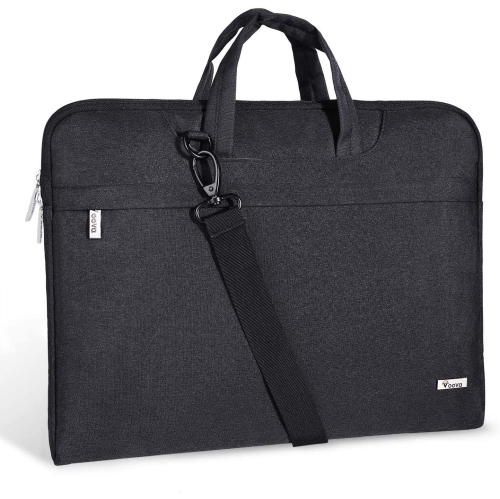
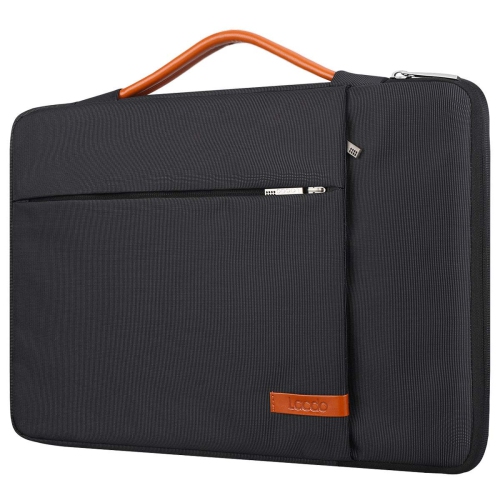
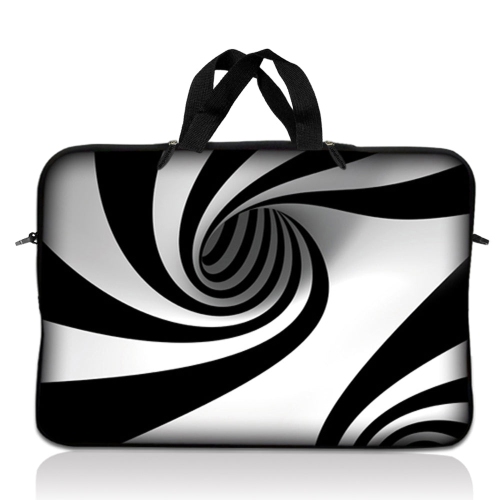






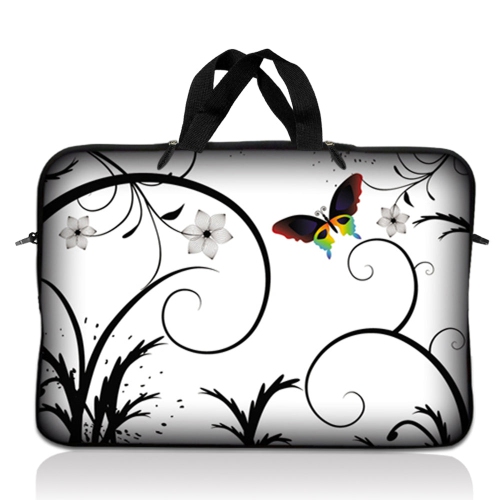
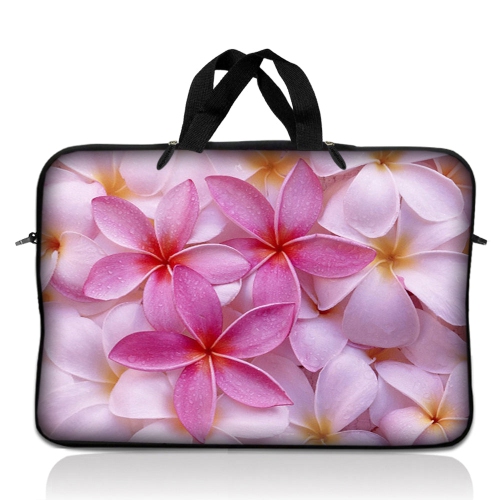
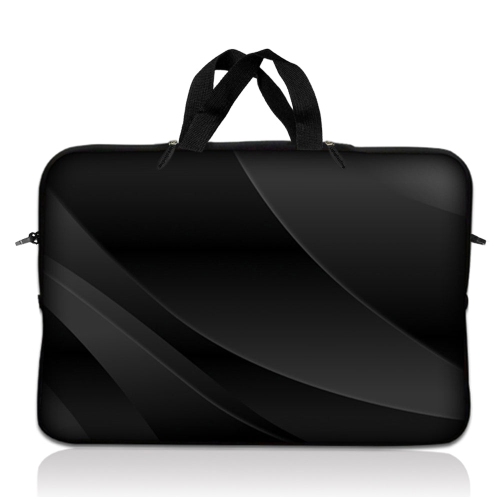













Why laptop bag fit goes beyond screen size
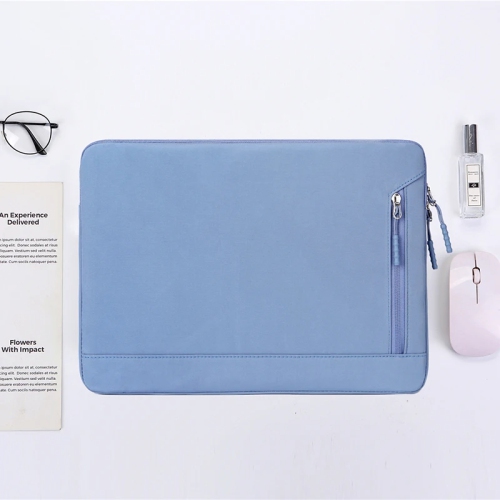
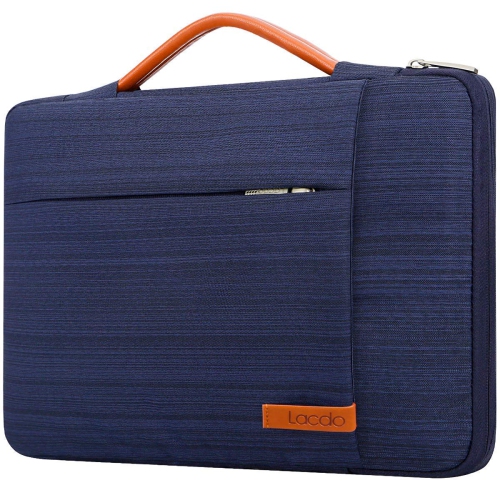
Laptop bags bring together device protection, comfortable carrying, and space for the small essentials that travel with a computer. Backpacks, sleeves, and messenger bags serve different routines, from a student moving between lectures to a designer carrying a workstation to a client meeting or a gamer packing for a weekend with friends. A backpack distributes the load across both shoulders and can leave hands free for a transit pass or a coffee. A messenger or shoulder bag keeps its contents close at hand, while a slim sleeve adds a protective layer when a laptop travels inside another bag. The right fit depends on more than the screen measurement printed on the computer. A 16-inch laptop with a slim chassis may have different dimensions from a 16-inch gaming laptop with a thicker body, deeper cooling vents, or an extended hinge. Comparing the laptop’s width, depth, and thickness with the bag’s stated compartment dimensions gives a clearer picture of compatibility than screen size alone. For laptops in the 14-inch to 18-inch range, that distinction can be particularly important: a larger compartment may accept the device but leave it shifting around, while an overly snug sleeve can put pressure on corners or make the zipper difficult to close. Padding should cushion the base and sides without forcing the laptop into place. Where included, a retaining strap helps keep the device seated, and a raised compartment base can provide some separation from the bottom of the bag when it is set down. A separate tablet pocket, document section, or divided main compartment may also be useful, depending on what travels alongside the laptop. For anyone building a coordinated mobile setup, Asus Accessories provides a related place to explore additions beyond the bag itself. Whatever the carrying style, the most useful layout makes everyday essentials easy to reach without letting loose objects press against a screen or scratch a laptop lid.
Materials and construction shape how a laptop bag feels in use and how well it handles repeated packing, lifting, and carrying. Polyester and nylon are common choices for fabric bags because they can provide a practical balance of weight, flexibility, and resistance to everyday abrasion, though performance varies with the weave, thickness, and finish. A closely woven outer fabric can feel smooth and structured, while a more textured surface may make minor scuffs less noticeable. Water-repellent finishes can help resist incidental splashes, but that description does not mean a bag is waterproof or that its seams and zipper openings are sealed. Protective features work together rather than independently: a padded compartment offers cushioning, a structured panel helps the bag hold its shape, and reinforced stitching supports areas that experience frequent pulling. Handle attachments, shoulder strap anchors, and the corners of the base deserve particular attention because those points take much of the strain when a bag is lifted with a laptop and charger inside. Zippers should move freely around the opening, with enough clearance that the device does not rub against the teeth. Inside, a soft lining can reduce surface friction, while separate pockets keep charging plugs, keys, and other hard objects away from the computer. Comfort matters just as much as the outer shell. Broad, adjustable backpack straps can spread pressure more evenly than narrow straps, and a padded back panel can reduce the feel of a charger or notebook pressing through the bag. A chest strap, where fitted, may help limit movement while walking; a shoulder bag benefits from an adjustable strap that lets the load sit close to the body. For short trips between a car and an office, a sturdy top handle may see the most use. For longer walks across campus or through a transit station, the bag’s empty weight and its balance when packed become much more noticeable. Extra compartments are useful only if they suit the load rather than adding bulk without a purpose.
A well-organized laptop bag reflects the way its owner works, studies, or plays. Someone heading to a shared workspace may need room for a compact charger, mouse, headset, and notebook, with a small pocket for access cards that would otherwise disappear beneath cables. A creative professional may carry portable storage, a drawing tablet, and adapters, making divided accessory sections more useful than one large open pocket. Gaming setups can involve a heavier power adapter and larger peripherals, so space outside the laptop compartment matters as much as the device fit. Packing heavier accessories close to the back panel can make a backpack feel more balanced, while keeping cables loosely gathered in a separate pocket reduces tangles and makes setup quicker at a desk. A bottle pocket, where provided, keeps a drink separate from electronics, although the container should still have a secure lid. For travel, a luggage pass-through can help hold a bag on a rolling suitcase, but airline cabin-bag limits need to be checked separately; a laptop size rating does not establish whether the whole bag meets those limits. Appearance also has a practical side. A simple profile and understated colour can move easily between meetings and personal errands, while more expressive detailing may appeal to someone who wants their carrying gear to reflect a gaming or creative interest. As a gift for a student, commuter, or someone starting a new role, a laptop bag is most useful when the giver knows the device dimensions and preferred carrying style. Care then helps preserve its shape and finish. Follow the care label, empty all pockets before cleaning, and remove loose crumbs or grit from the lining and seams. When permitted by the manufacturer, spot cleaning with a soft cloth and mild soap is often enough for everyday marks. Avoid soaking padded sections, harsh cleaners, and machine washing unless expressly allowed. Let the bag dry fully before repacking electronics, and avoid overfilling compartments or pulling a zipper closed against resistance. These habits help keep the bag comfortable, tidy, and ready for the next trip.
Materials and construction shape how a laptop bag feels in use and how well it handles repeated packing, lifting, and carrying. Polyester and nylon are common choices for fabric bags because they can provide a practical balance of weight, flexibility, and resistance to everyday abrasion, though performance varies with the weave, thickness, and finish. A closely woven outer fabric can feel smooth and structured, while a more textured surface may make minor scuffs less noticeable. Water-repellent finishes can help resist incidental splashes, but that description does not mean a bag is waterproof or that its seams and zipper openings are sealed. Protective features work together rather than independently: a padded compartment offers cushioning, a structured panel helps the bag hold its shape, and reinforced stitching supports areas that experience frequent pulling. Handle attachments, shoulder strap anchors, and the corners of the base deserve particular attention because those points take much of the strain when a bag is lifted with a laptop and charger inside. Zippers should move freely around the opening, with enough clearance that the device does not rub against the teeth. Inside, a soft lining can reduce surface friction, while separate pockets keep charging plugs, keys, and other hard objects away from the computer. Comfort matters just as much as the outer shell. Broad, adjustable backpack straps can spread pressure more evenly than narrow straps, and a padded back panel can reduce the feel of a charger or notebook pressing through the bag. A chest strap, where fitted, may help limit movement while walking; a shoulder bag benefits from an adjustable strap that lets the load sit close to the body. For short trips between a car and an office, a sturdy top handle may see the most use. For longer walks across campus or through a transit station, the bag’s empty weight and its balance when packed become much more noticeable. Extra compartments are useful only if they suit the load rather than adding bulk without a purpose.
A well-organized laptop bag reflects the way its owner works, studies, or plays. Someone heading to a shared workspace may need room for a compact charger, mouse, headset, and notebook, with a small pocket for access cards that would otherwise disappear beneath cables. A creative professional may carry portable storage, a drawing tablet, and adapters, making divided accessory sections more useful than one large open pocket. Gaming setups can involve a heavier power adapter and larger peripherals, so space outside the laptop compartment matters as much as the device fit. Packing heavier accessories close to the back panel can make a backpack feel more balanced, while keeping cables loosely gathered in a separate pocket reduces tangles and makes setup quicker at a desk. A bottle pocket, where provided, keeps a drink separate from electronics, although the container should still have a secure lid. For travel, a luggage pass-through can help hold a bag on a rolling suitcase, but airline cabin-bag limits need to be checked separately; a laptop size rating does not establish whether the whole bag meets those limits. Appearance also has a practical side. A simple profile and understated colour can move easily between meetings and personal errands, while more expressive detailing may appeal to someone who wants their carrying gear to reflect a gaming or creative interest. As a gift for a student, commuter, or someone starting a new role, a laptop bag is most useful when the giver knows the device dimensions and preferred carrying style. Care then helps preserve its shape and finish. Follow the care label, empty all pockets before cleaning, and remove loose crumbs or grit from the lining and seams. When permitted by the manufacturer, spot cleaning with a soft cloth and mild soap is often enough for everyday marks. Avoid soaking padded sections, harsh cleaners, and machine washing unless expressly allowed. Let the bag dry fully before repacking electronics, and avoid overfilling compartments or pulling a zipper closed against resistance. These habits help keep the bag comfortable, tidy, and ready for the next trip.
Top selling and popular products
-
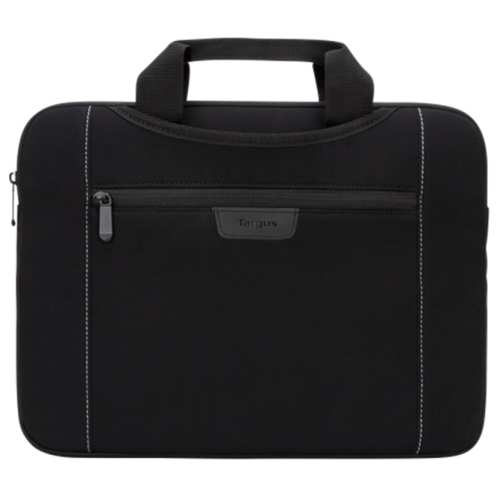 Your price for this item is $43.68
 -
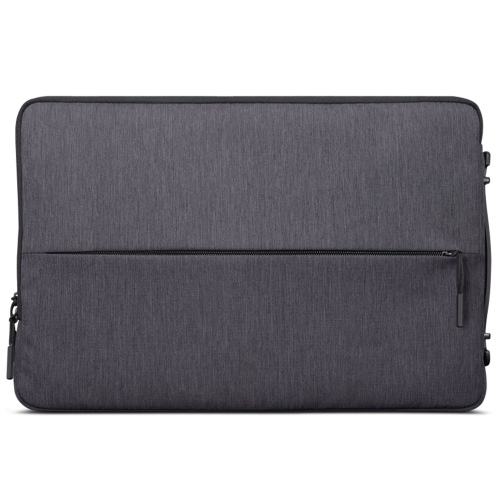 Your price for this item is $18.99
 -
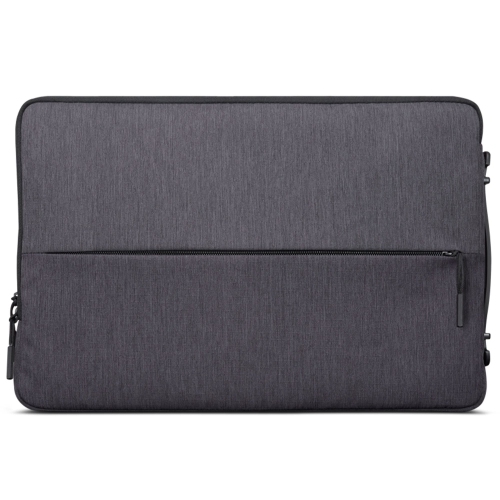 Your price for this item is $22.99
 -
 Your price for this item is $37
 -
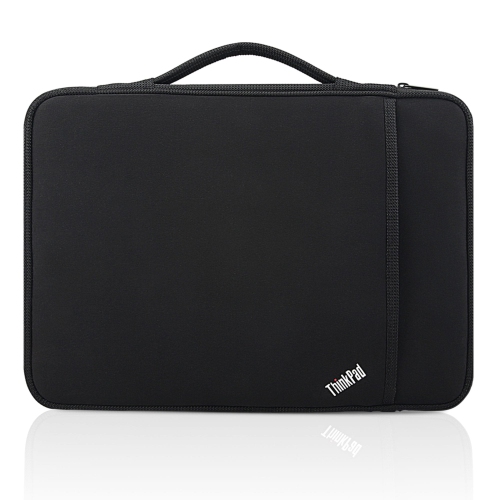 Your price for this item is $43.68
 -
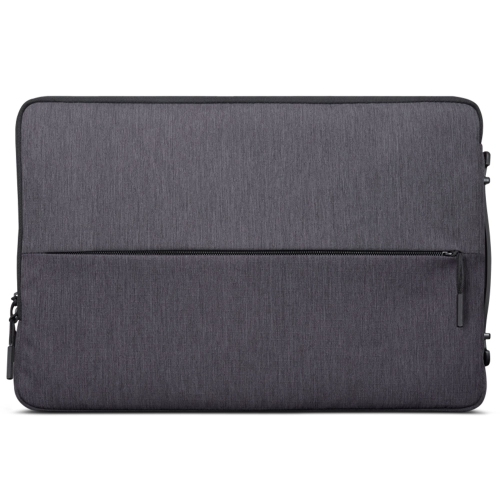 Your price for this item is $23.99
 -
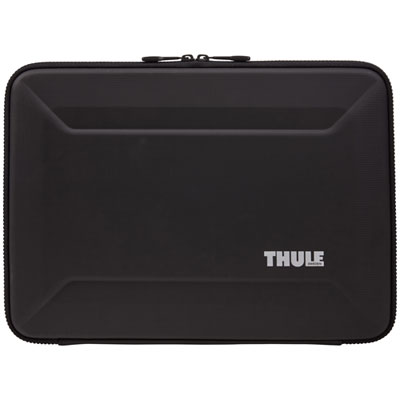 Your price for this item is $64.99
 -
 Your price for this item is $134.95
Discover more categories related to Asus Bags
Top Collections:
Pokemon Centers, Kindle Devices, Best Budget Office Chairs, Apple iPhones 16, Best Laptops for Writers, iPhone 15 Apple, Canon G7X Cameras, Refurbished Apple Laptops, Alarm Clock, Motorola Razr Phones
Some products may be subject to Environmental Handling Fees
(EHF) depending on your province.
Learn more about EHFs.