19 Inch Racks
Optimize your tech setup with 19 inch racks, the essential solution for organizing and housing your valuable electronic equipment. Whether you're managing a home office or setting up a professional IT environment, these racks provide the perfect framework to keep your devices secure and efficiently arranged. Designed to accommodate a range of components, 19 inch racks offer the flexibility and space management you need to streamline your workspace. Discover the ideal rack to support your technology needs and enhance your system's performance with ease and reliability.
Sort

Capacity, airflow, and access shape a reliable rack setup
19-inch racks provide a standard way to organize, mount, and protect equipment in a home, office, studio, server room, classroom, workshop, or commercial installation. The “19-inch” measurement refers to the standard width of the mounting space, which is actually about 18.9 inches between the rack’s mounting rails. This shared format allows compatible networking, computing, audio, video, and power equipment to be installed together, even when the components come from different manufacturers. Equipment height is measured in rack units, or U, with 1U equal to 1.75 inches. Understanding the available rack-unit capacity is one of the most important steps when choosing a rack, since the equipment you plan to install needs enough vertical space for current components, cable connections, ventilation, and possible additions later. A rack that is filled from top to bottom may appear efficient, but leaving room for expansion can make maintenance easier and prevent a growing setup from becoming cramped. Before choosing a configuration, make a list of the equipment to be mounted and note each item’s height, width, depth, weight, power requirements, and connection locations. Depth is especially important: a compact network device may fit in a shallow enclosure, while a server, amplifier, recording component, or other deeper piece of equipment may require additional clearance behind the front rails. Allow space for power cords, data cables, ventilation, and access to rear panels so that routine service does not require removing multiple components.
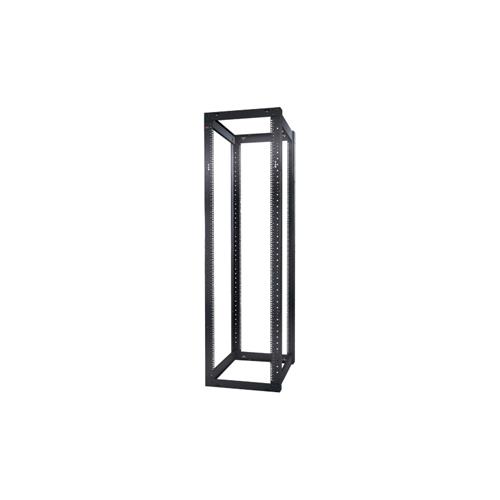
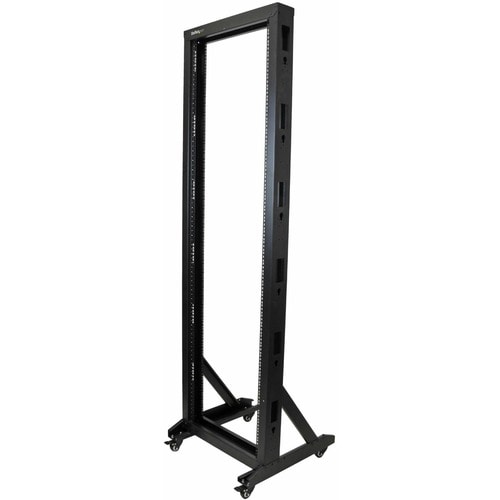
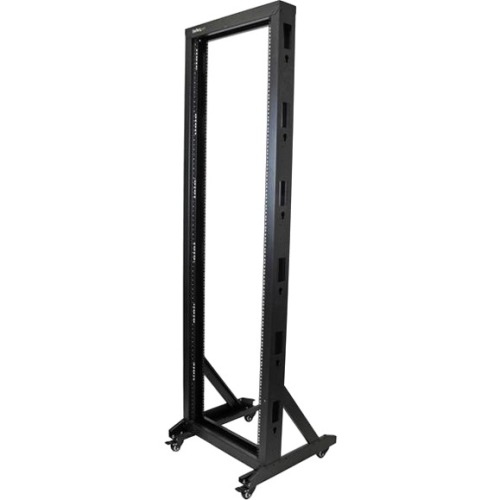
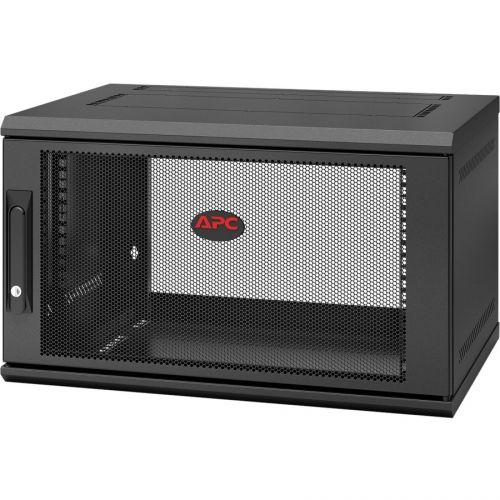
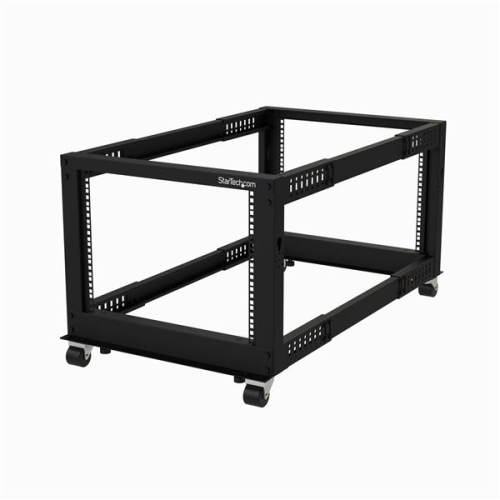
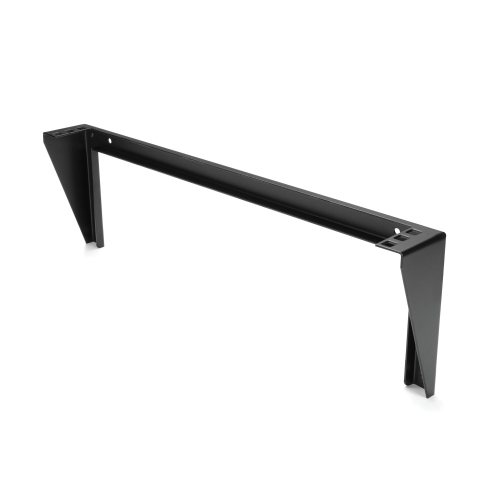
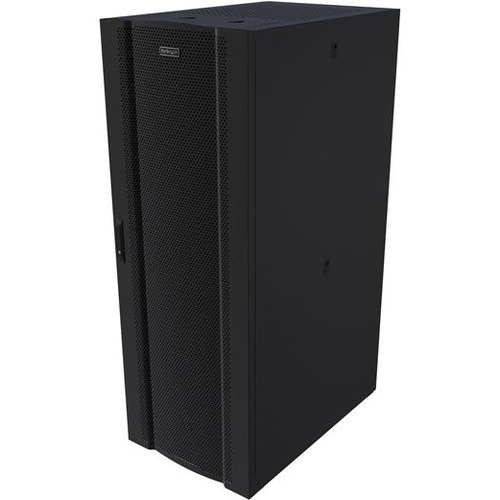
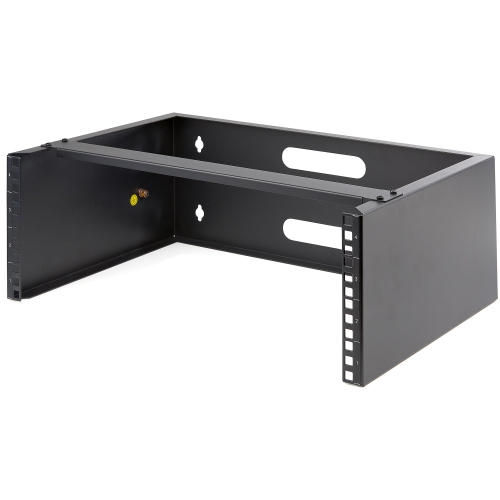
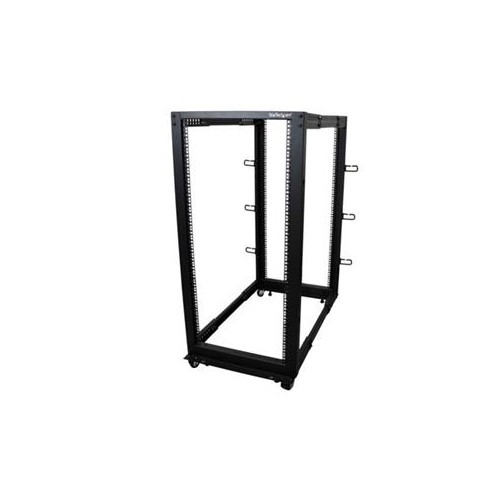
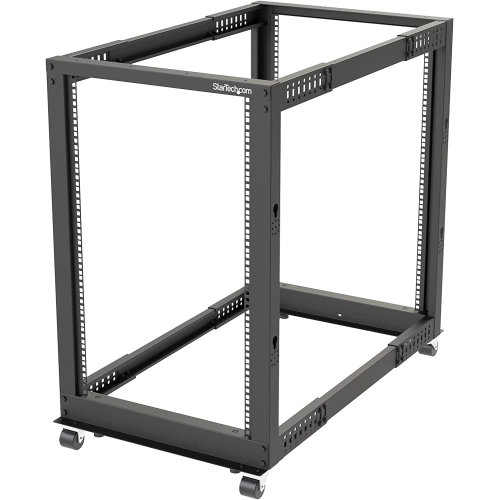
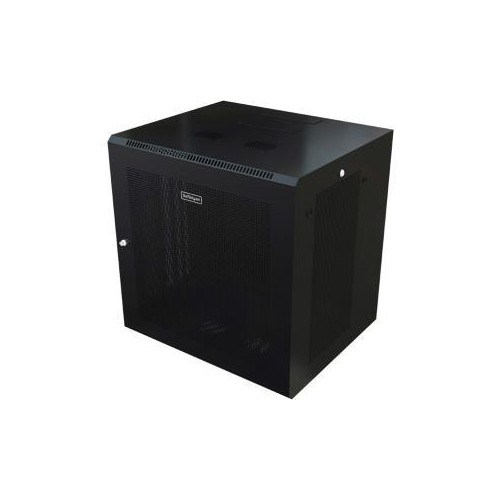
The right style of 19-inch rack depends on the room, equipment, and level of access required. Open-frame racks offer convenient access from the front, rear, and sides, making them practical for organized server rooms, test benches, networking areas, and installations where frequent adjustments are expected. Their open structure can also support airflow around operating equipment, although the room itself should still have suitable temperature control and clear air circulation. Enclosed cabinets add doors and side panels that help keep equipment contained and can provide a more finished appearance in shared offices, studios, retail spaces, or areas where access should be limited. Look for features such as lockable doors, removable or reversible panels, adjustable mounting rails, ventilation openings, and cable-routing points. Wall-mount racks are useful when floor space is limited or when smaller networking and communications installations need to be positioned above desks, workstations, or other equipment. They can be particularly helpful in a home office, small business, security installation, or renovation where keeping cables and hardware off the floor is a priority. Floor-standing racks generally offer greater capacity and may include casters or levelling feet, which can make positioning easier during installation while providing a stable base once the rack is in place. The rack’s maximum load rating should always exceed the combined weight of the equipment, shelves, power accessories, and any other mounted components. A sturdy frame, properly secured rails, and an even distribution of weight help maintain stability, especially when heavier equipment is positioned toward the lower part of the rack.
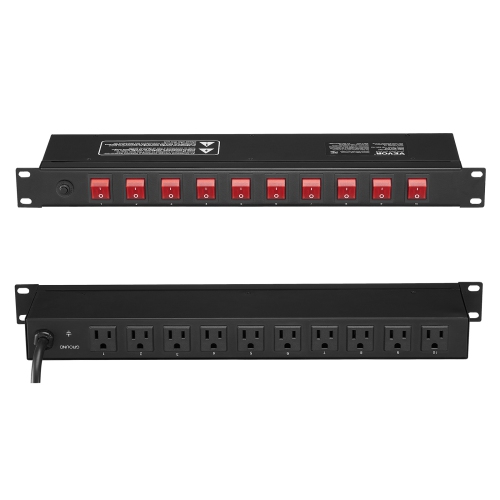
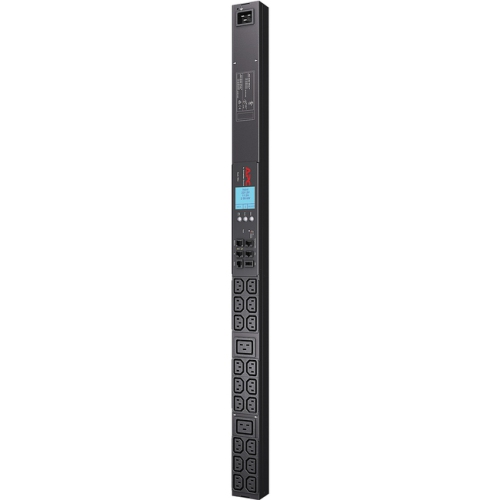
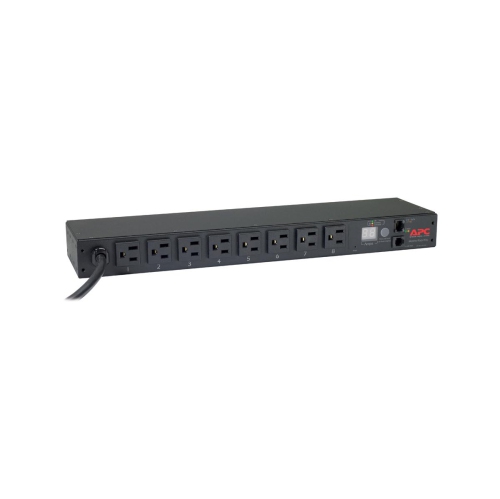
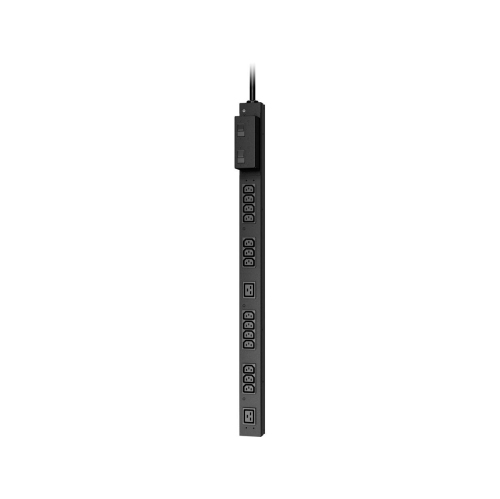
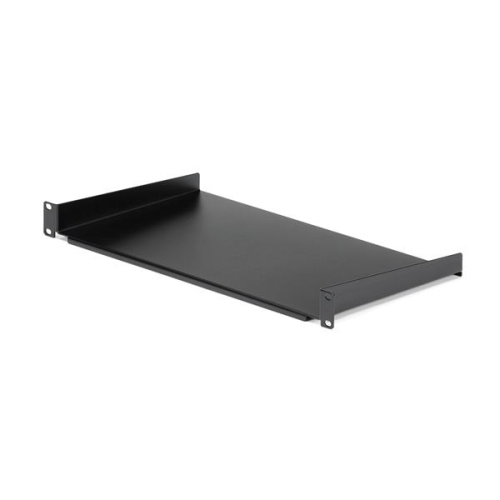
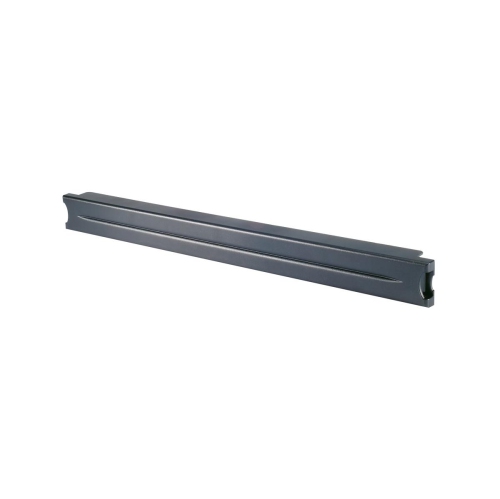
A well-planned rack is more than a vertical storage frame; it becomes the central structure for a reliable, accessible system. Shelves can support equipment that is not designed for direct rack mounting, while blank panels can cover unused spaces and help maintain a tidy appearance. Cable-management accessories can separate power and signal cables, provide strain relief, and make it easier to trace a connection when troubleshooting. A rack-mounted power distribution unit can bring power connections into one accessible location, but the total electrical load must remain within the limits of the circuit and every component should be installed according to its instructions. Ventilation is another essential consideration. Avoid blocking vents, leave the clearance recommended by the equipment manufacturer, and consider the heat produced by devices operating continuously. In an audio or video setup, a rack can keep amplifiers, mixers, signal processors, and related components arranged in a logical order; in a networking setup, it can bring switches, patch panels, routers, and other communications hardware together for cleaner connections; in a computing environment, it can provide a structured home for servers, storage equipment, and power accessories. For more ways to organize compatible mounting solutions, explore Equipment Racks. When comparing 19-inch racks, consider the number of rack units, usable depth, rail adjustability, construction, door and panel design, airflow, mobility, security, installation method, and room for future expansion. During the warmer and cooler parts of the year, equipment rooms may experience changes in temperature, so choosing a rack that supports proper ventilation and keeping the surrounding area clear can contribute to dependable operation. Whether it is being installed by an experienced technician or used by someone building a first home studio or office network, a thoughtfully selected 19-inch rack makes equipment easier to identify, reach, maintain, and expand.
The right style of 19-inch rack depends on the room, equipment, and level of access required. Open-frame racks offer convenient access from the front, rear, and sides, making them practical for organized server rooms, test benches, networking areas, and installations where frequent adjustments are expected. Their open structure can also support airflow around operating equipment, although the room itself should still have suitable temperature control and clear air circulation. Enclosed cabinets add doors and side panels that help keep equipment contained and can provide a more finished appearance in shared offices, studios, retail spaces, or areas where access should be limited. Look for features such as lockable doors, removable or reversible panels, adjustable mounting rails, ventilation openings, and cable-routing points. Wall-mount racks are useful when floor space is limited or when smaller networking and communications installations need to be positioned above desks, workstations, or other equipment. They can be particularly helpful in a home office, small business, security installation, or renovation where keeping cables and hardware off the floor is a priority. Floor-standing racks generally offer greater capacity and may include casters or levelling feet, which can make positioning easier during installation while providing a stable base once the rack is in place. The rack’s maximum load rating should always exceed the combined weight of the equipment, shelves, power accessories, and any other mounted components. A sturdy frame, properly secured rails, and an even distribution of weight help maintain stability, especially when heavier equipment is positioned toward the lower part of the rack.
A well-planned rack is more than a vertical storage frame; it becomes the central structure for a reliable, accessible system. Shelves can support equipment that is not designed for direct rack mounting, while blank panels can cover unused spaces and help maintain a tidy appearance. Cable-management accessories can separate power and signal cables, provide strain relief, and make it easier to trace a connection when troubleshooting. A rack-mounted power distribution unit can bring power connections into one accessible location, but the total electrical load must remain within the limits of the circuit and every component should be installed according to its instructions. Ventilation is another essential consideration. Avoid blocking vents, leave the clearance recommended by the equipment manufacturer, and consider the heat produced by devices operating continuously. In an audio or video setup, a rack can keep amplifiers, mixers, signal processors, and related components arranged in a logical order; in a networking setup, it can bring switches, patch panels, routers, and other communications hardware together for cleaner connections; in a computing environment, it can provide a structured home for servers, storage equipment, and power accessories. For more ways to organize compatible mounting solutions, explore Equipment Racks. When comparing 19-inch racks, consider the number of rack units, usable depth, rail adjustability, construction, door and panel design, airflow, mobility, security, installation method, and room for future expansion. During the warmer and cooler parts of the year, equipment rooms may experience changes in temperature, so choosing a rack that supports proper ventilation and keeping the surrounding area clear can contribute to dependable operation. Whether it is being installed by an experienced technician or used by someone building a first home studio or office network, a thoughtfully selected 19-inch rack makes equipment easier to identify, reach, maintain, and expand.
Top selling and popular products
-
 Your price for this item is $581.68
 -
 Your price for this item is $1303.99
 -
 Your price for this item is $867.99
 -
 Your price for this item is $748.99
 -
 Your price for this item is $250.68
 -
 Your price for this item is $407.99
 -
 Your price for this item is $54.99
 -
 Your price for this item is $102.99
Discover more categories related to 19 Inch Racks

Top Collections:
Pokemon Centers, Kindle Devices, Best Budget Office Chairs, Apple iPhones 16, Best Laptops for Writers, iPhone 15 Apple, Canon G7X Cameras, Refurbished Apple Laptops, Alarm Clock, Motorola Razr Phones
Some products may be subject to Environmental Handling Fees
(EHF) depending on your province.
Learn more about EHFs.