Rack Servers
Looking for powerful and efficient server solutions to enhance your business operations? Our range of rack servers offers a reliable and scalable option for businesses of all sizes. With high-performance capabilities and space-saving designs, rack servers are the ideal choice for data centers, businesses, and organizations looking to optimize their computing infrastructure. Explore our selection of rack servers to find the perfect solution for your needs.
Sort

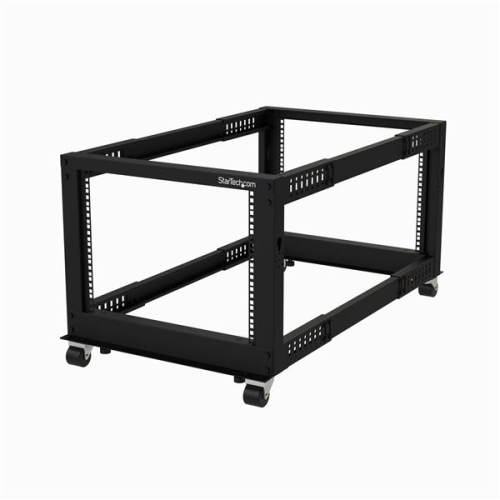
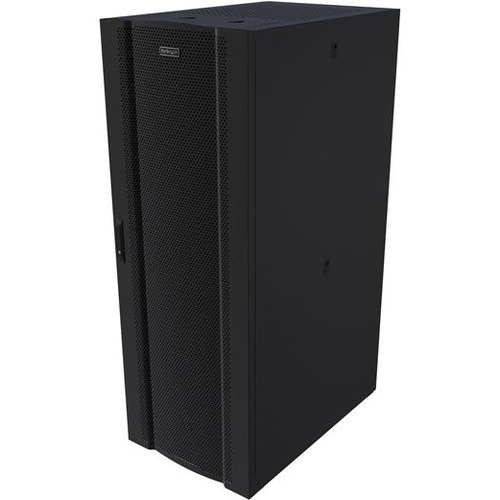
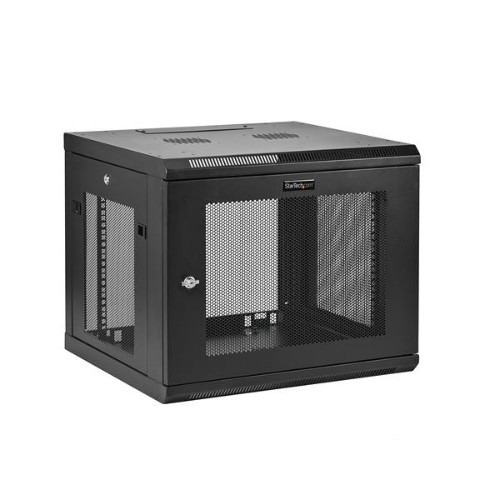
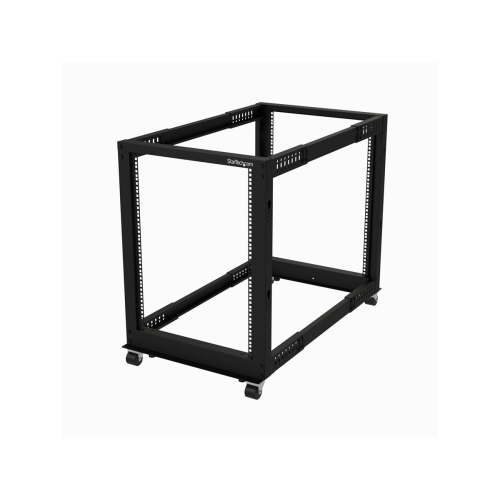
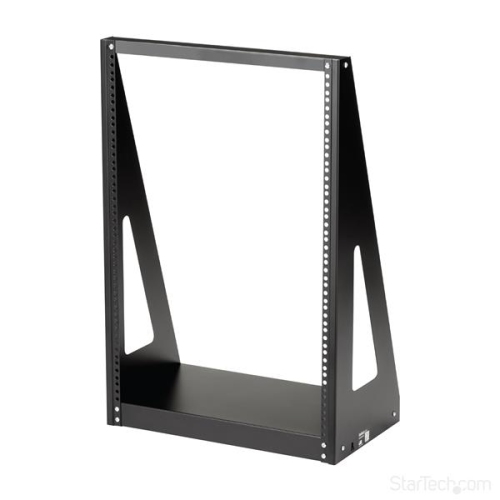

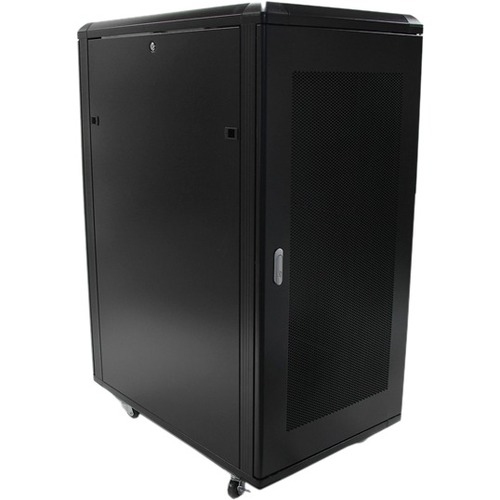
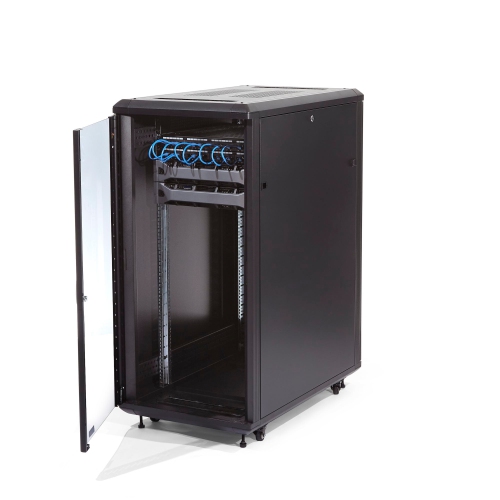
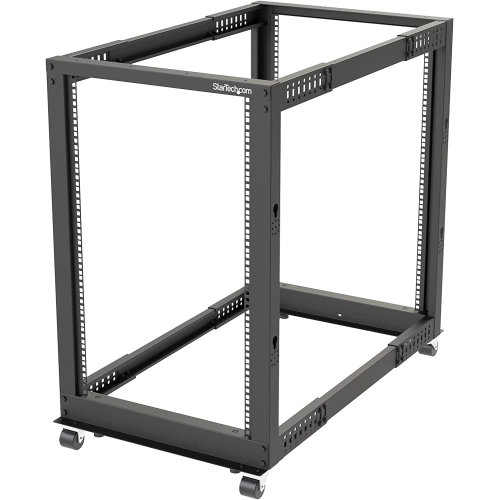
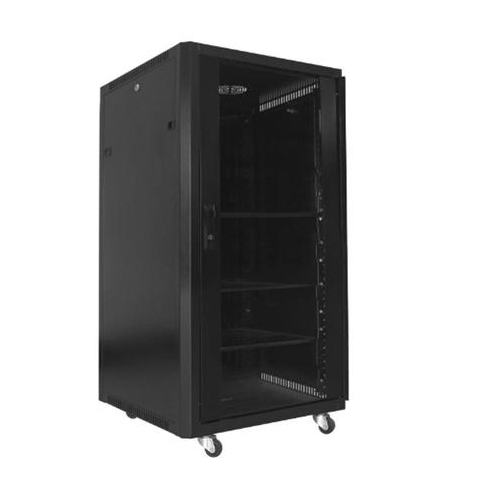
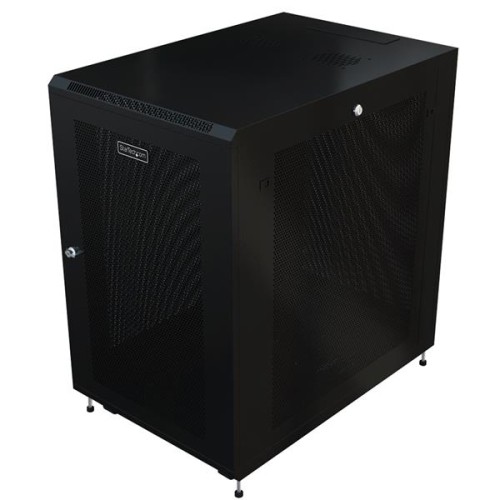
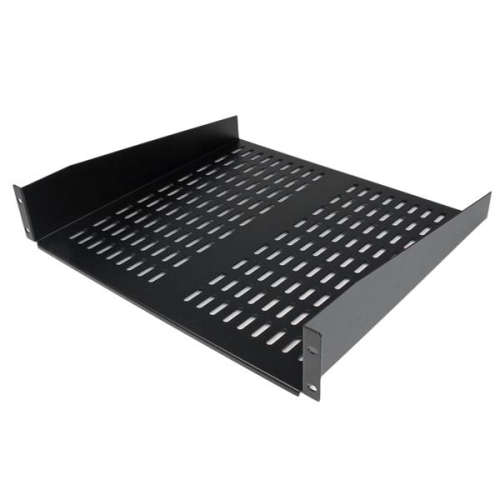
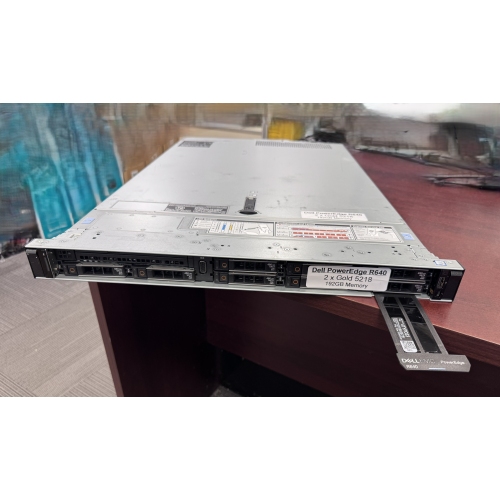



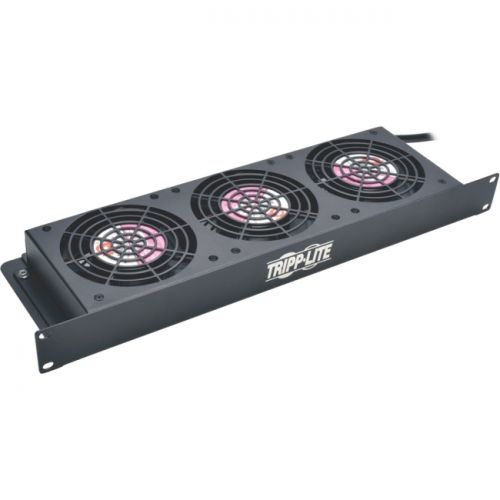

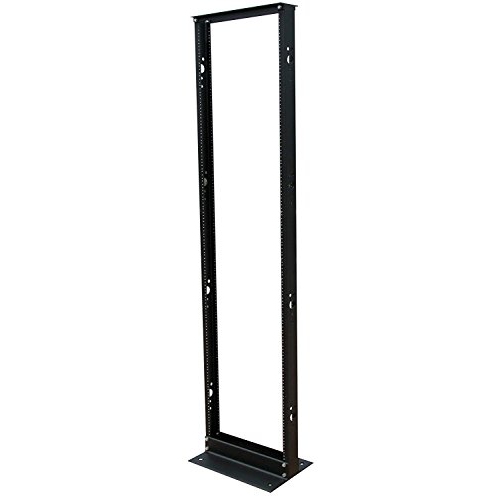
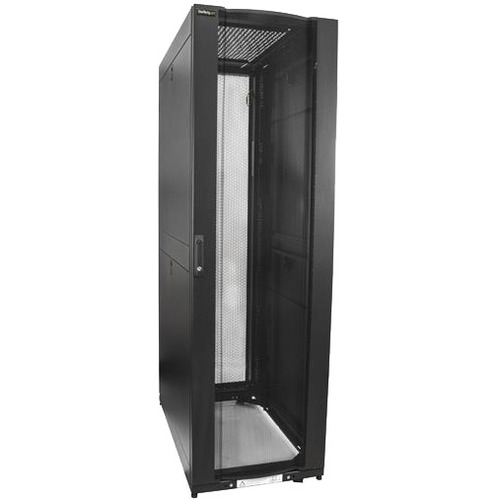
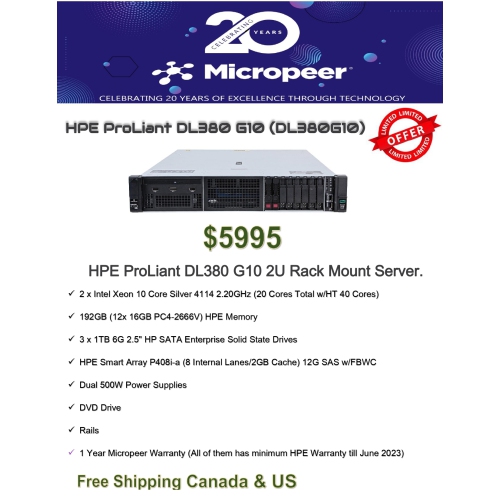
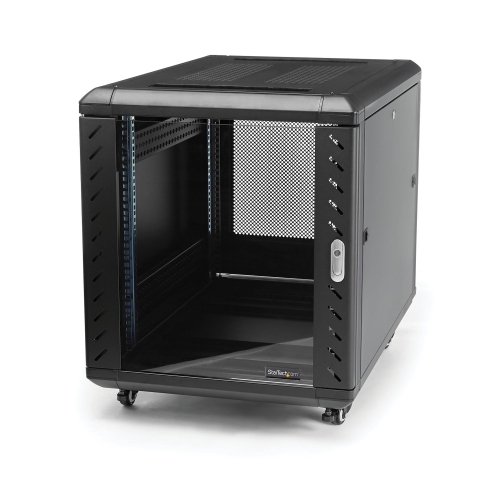


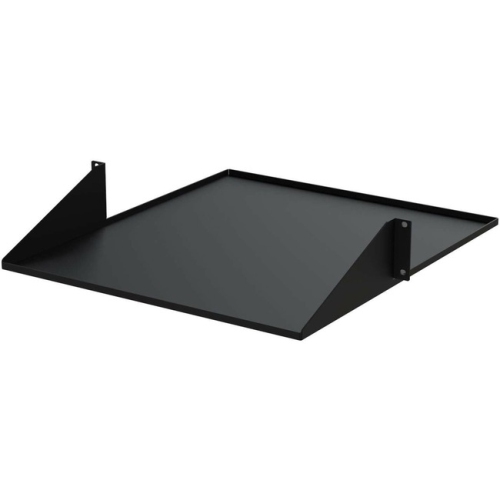
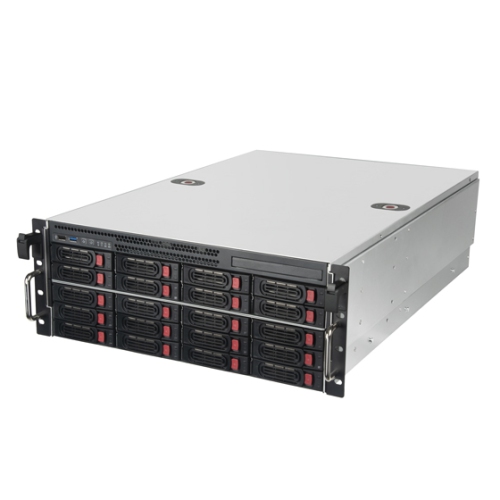



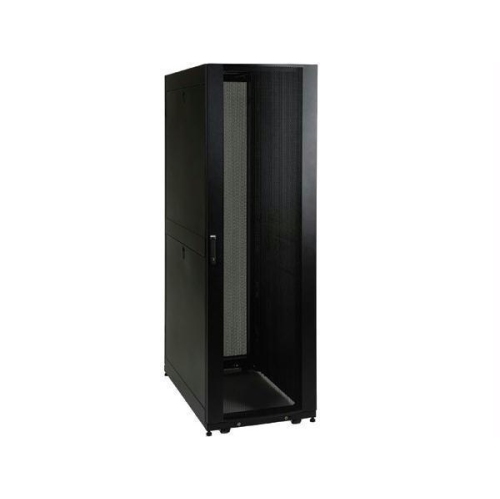
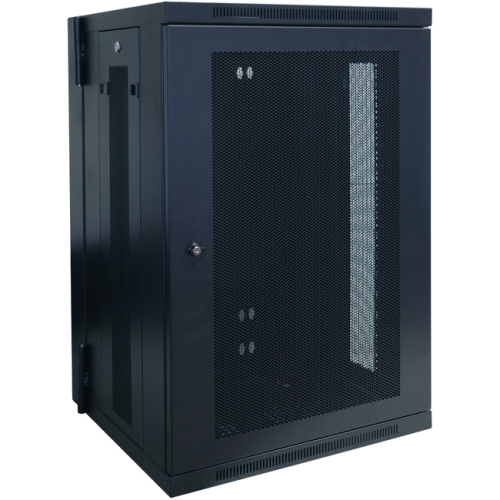
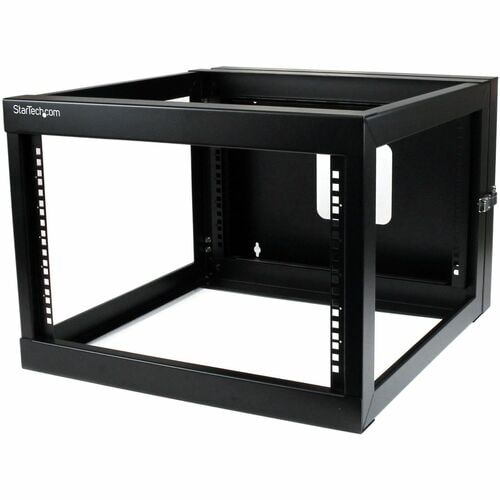
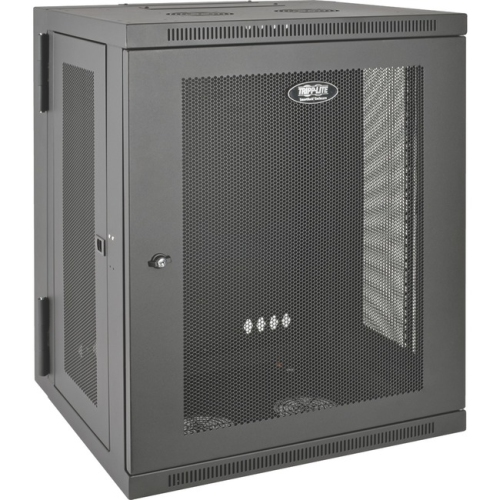
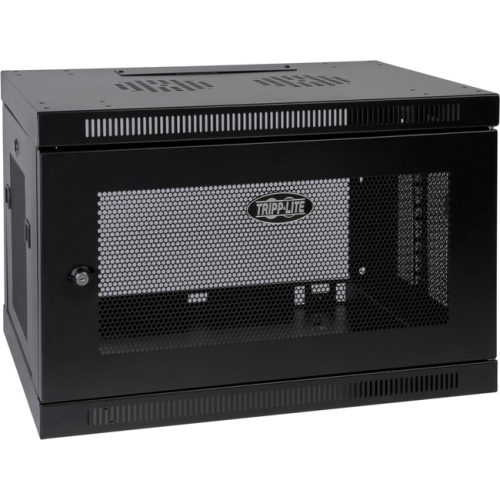
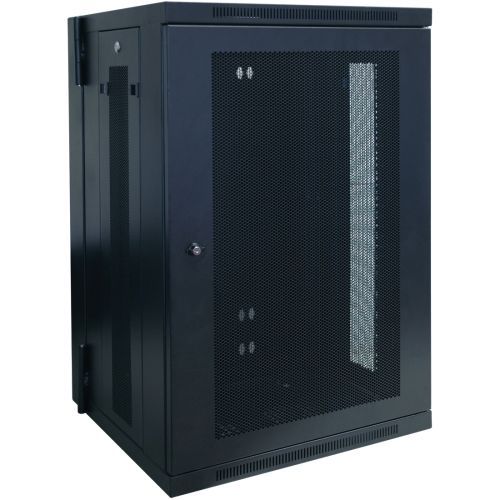
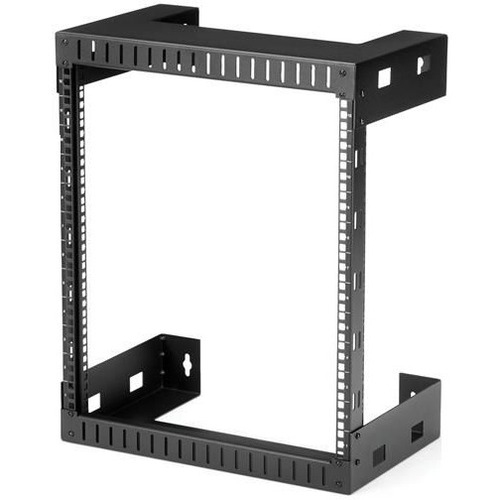
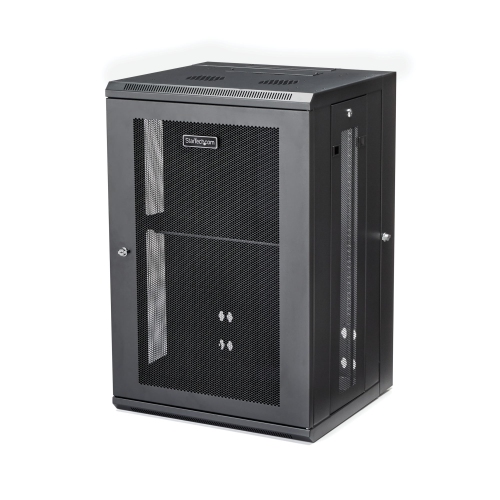
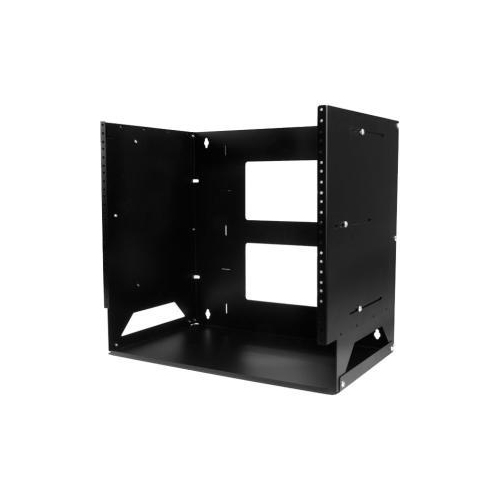
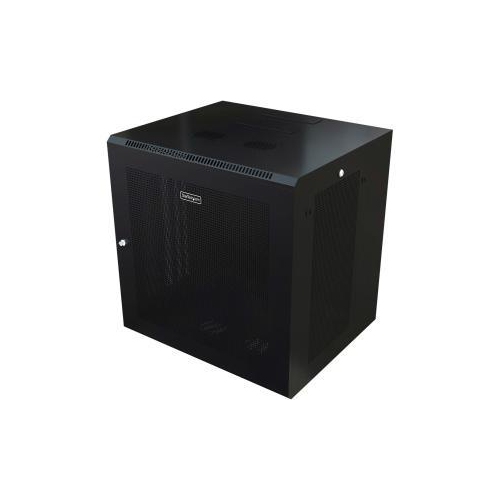
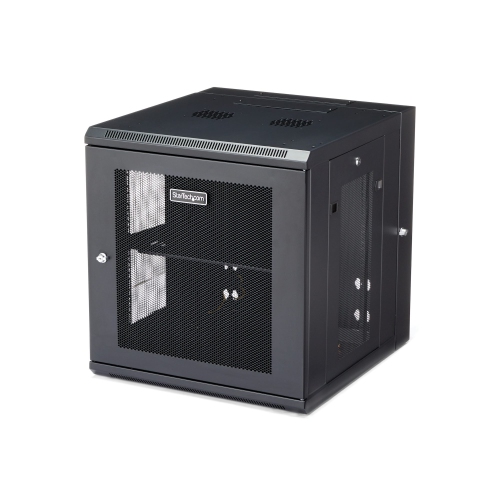
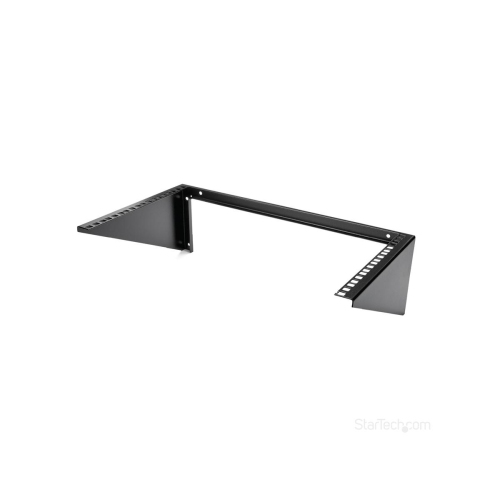
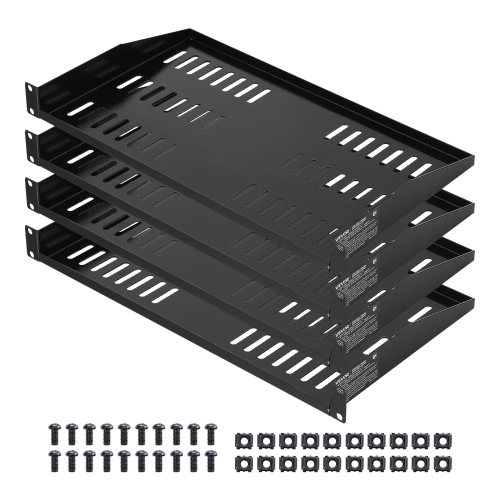
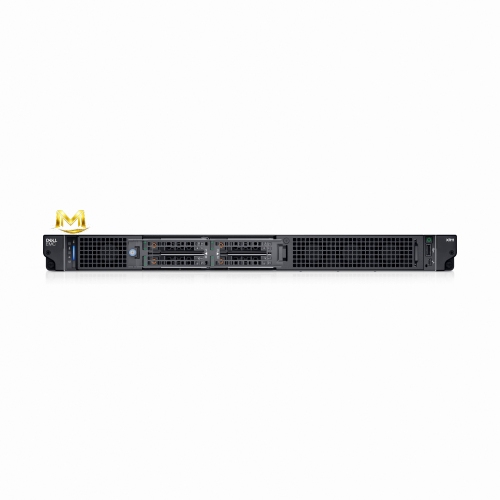
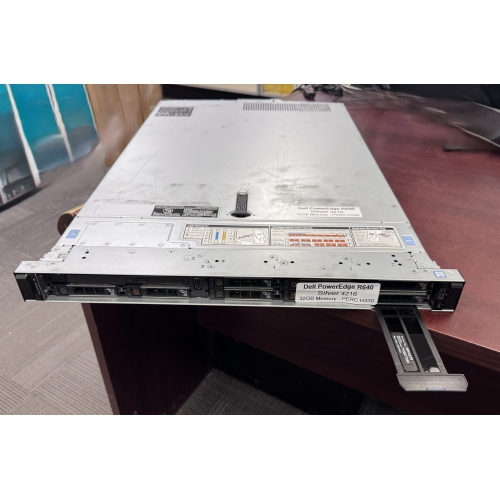
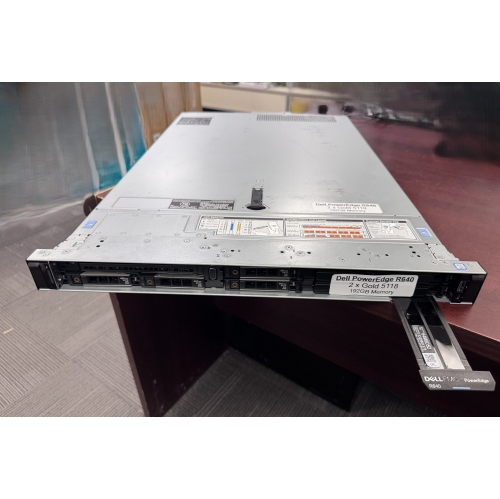
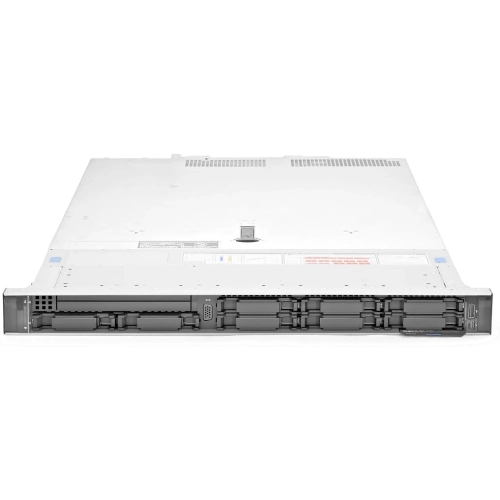
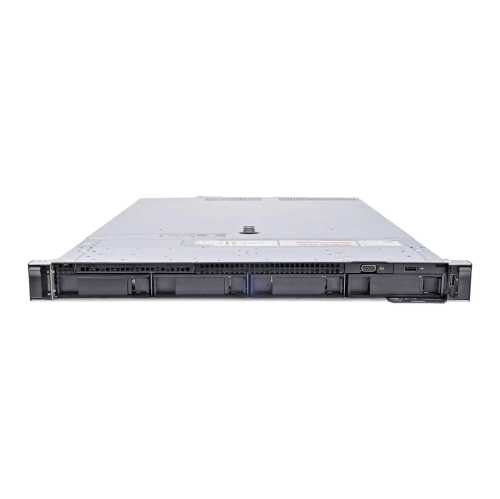

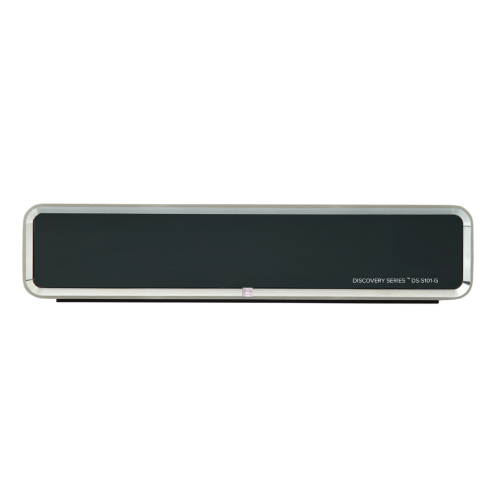
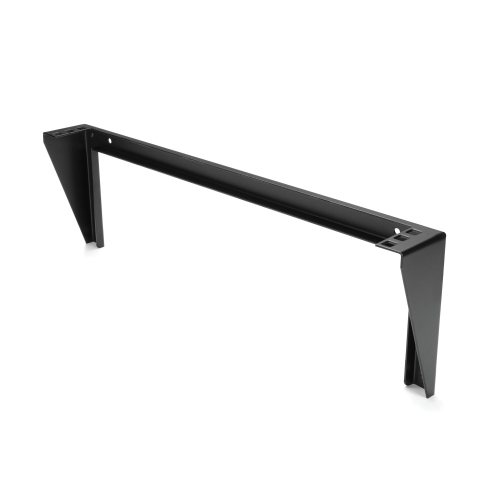
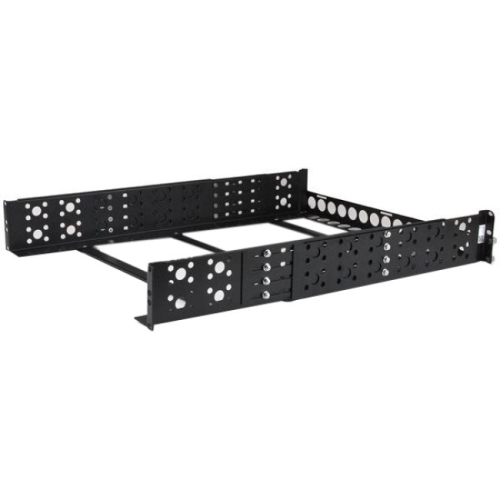
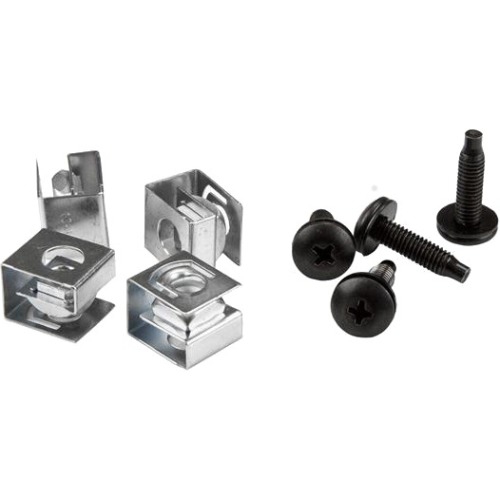
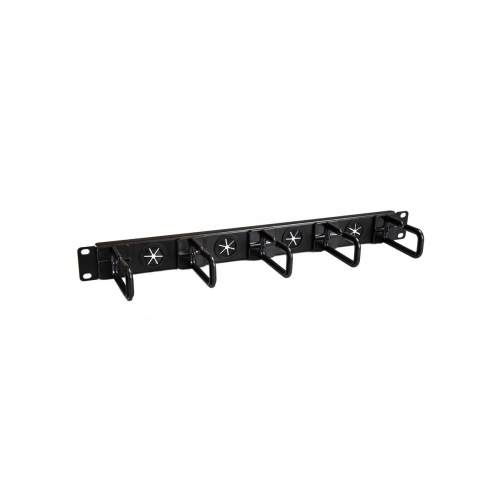
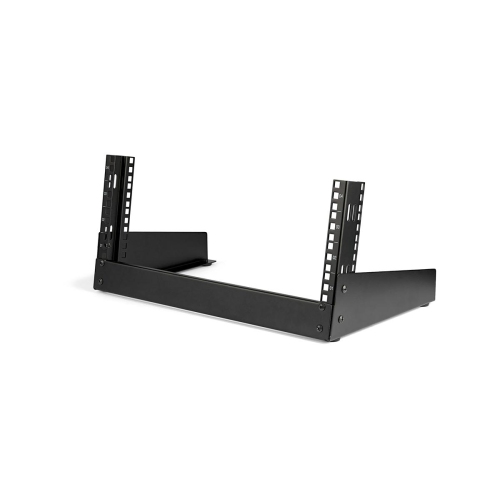

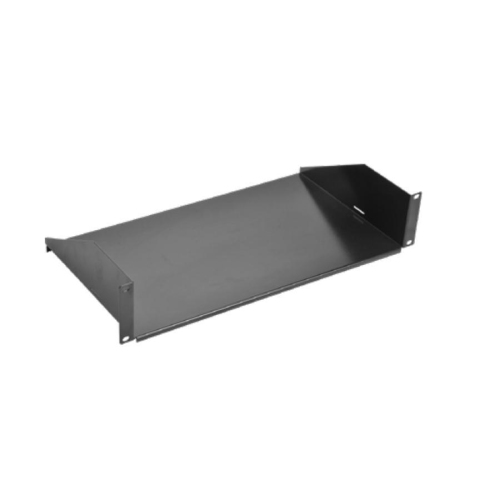
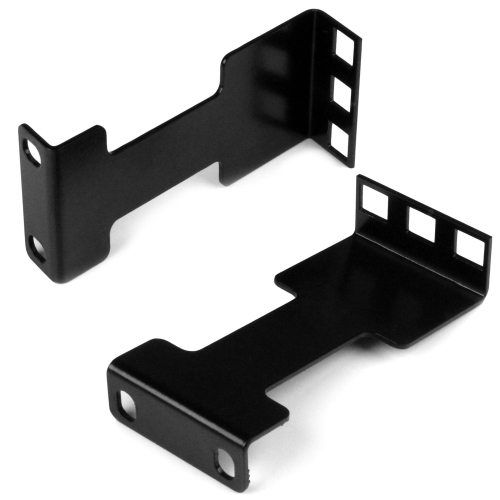
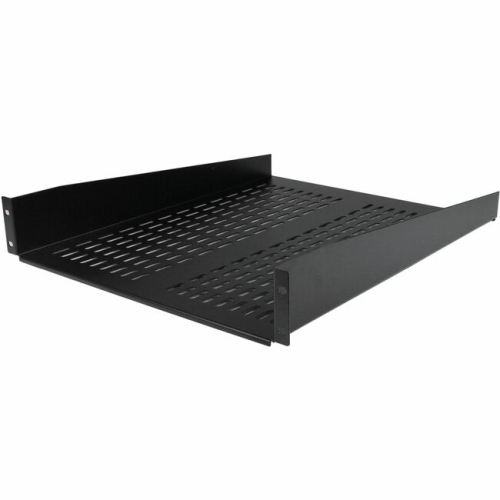
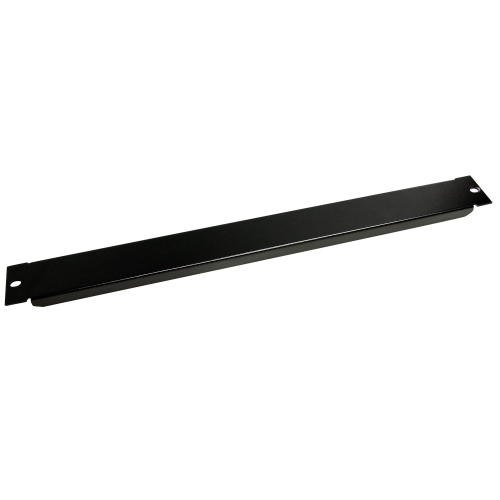
How rackmount design shapes performance and expansion
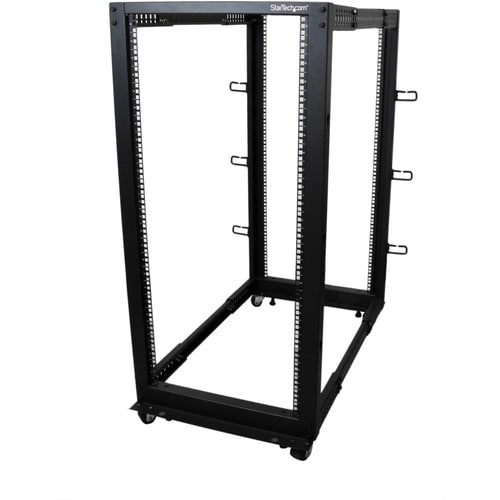
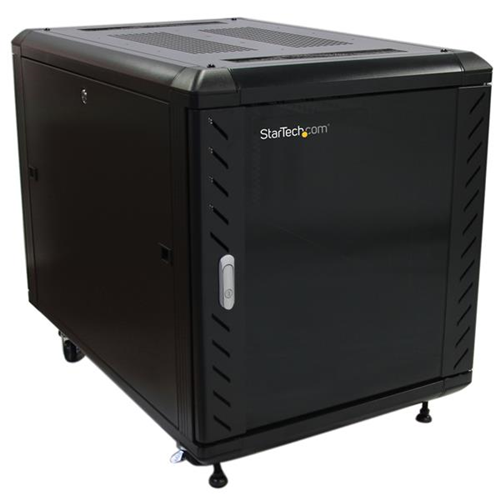
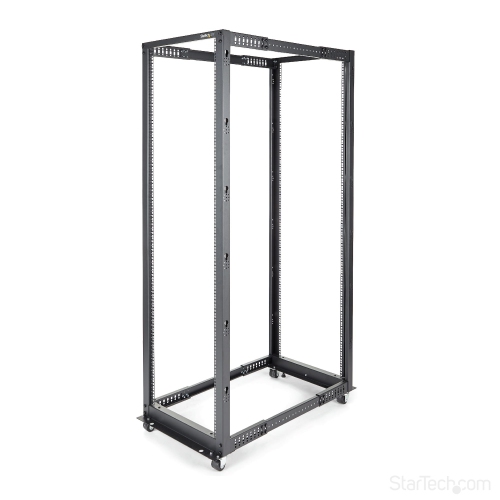
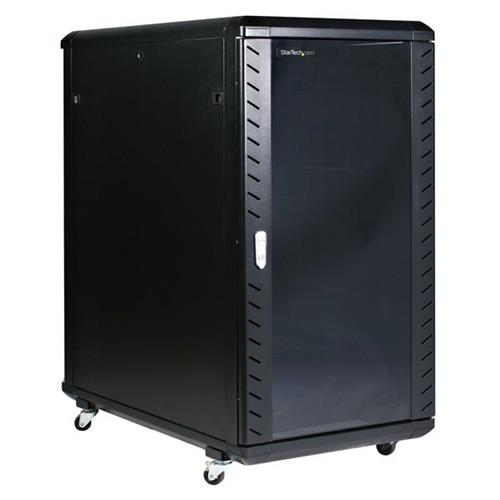
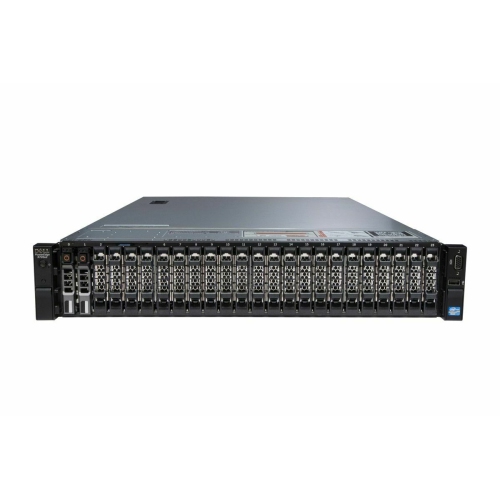
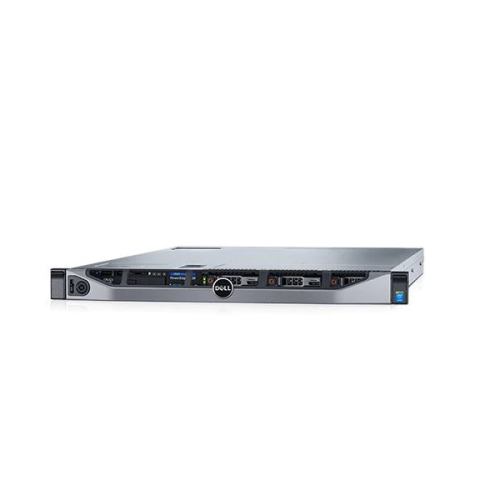
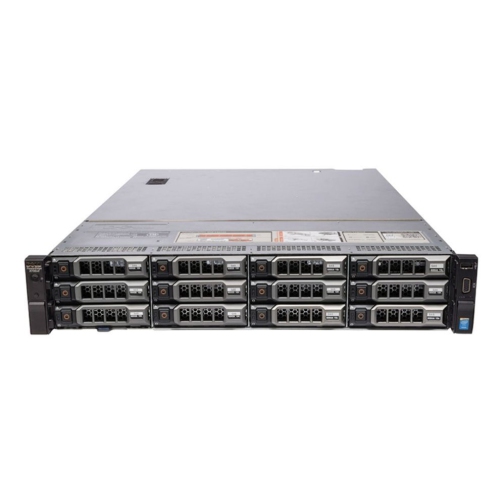
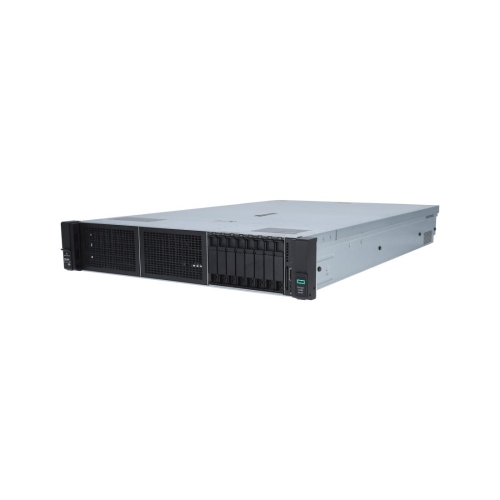
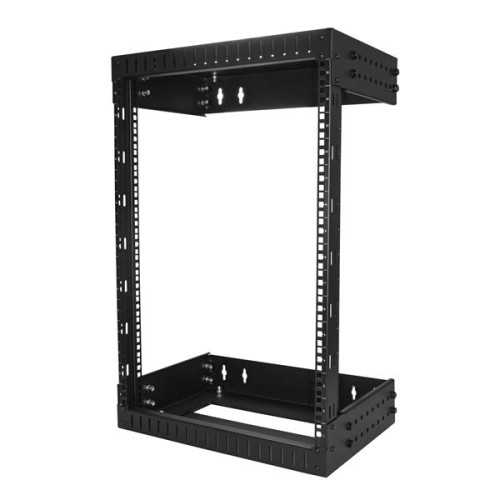
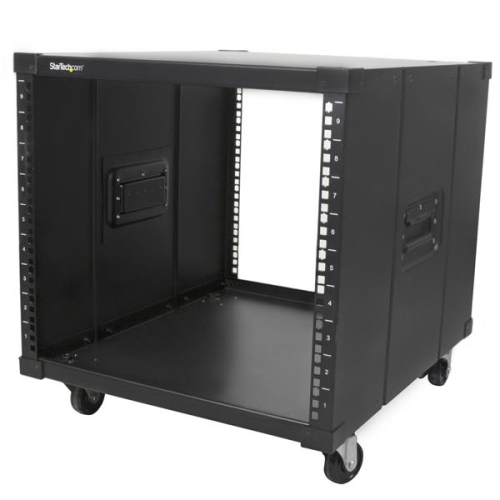
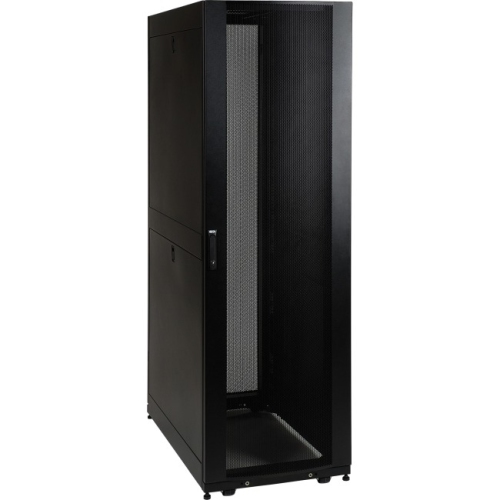
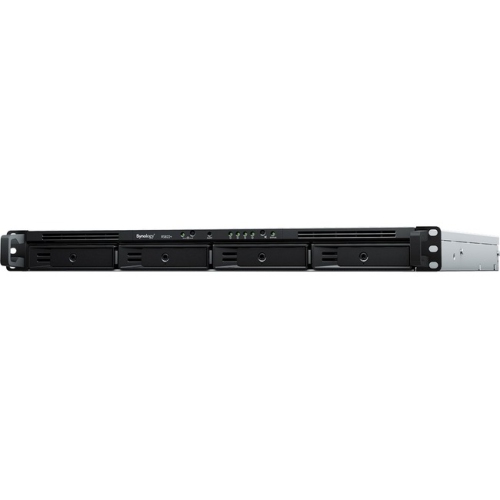
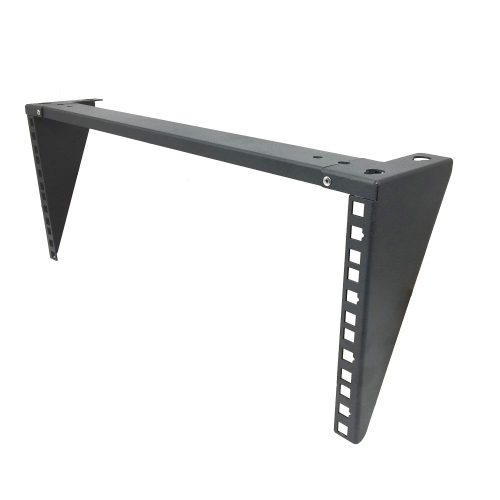
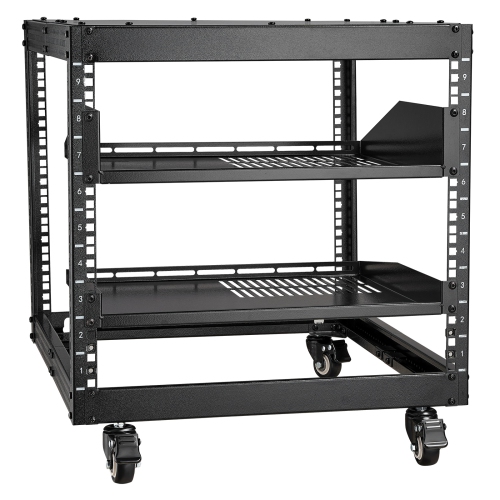
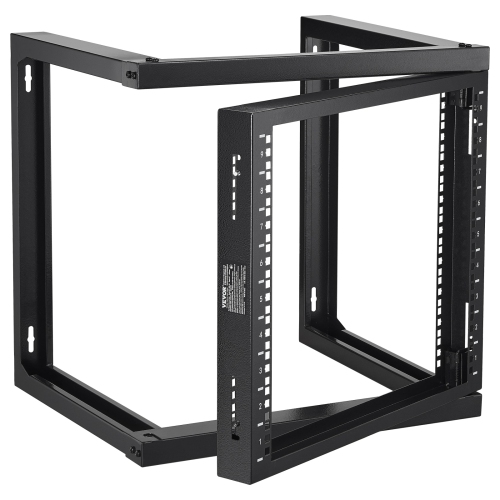
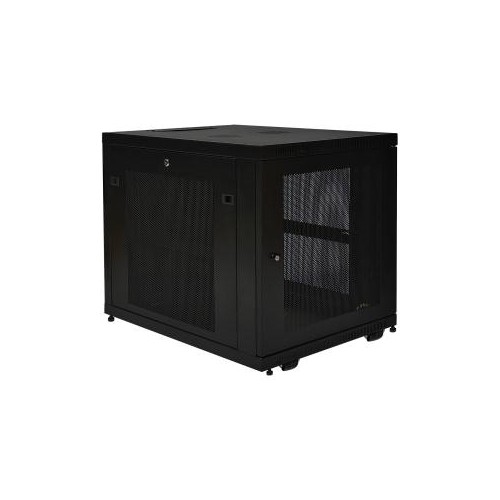
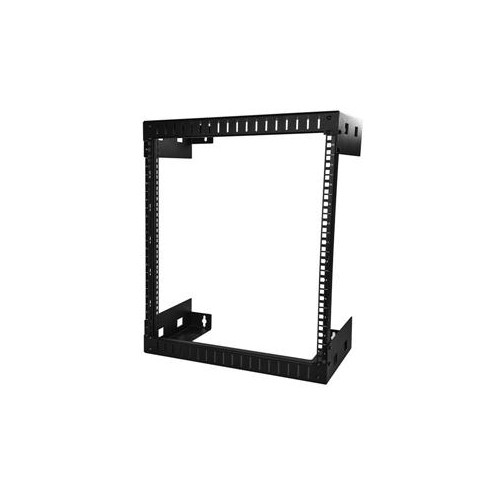
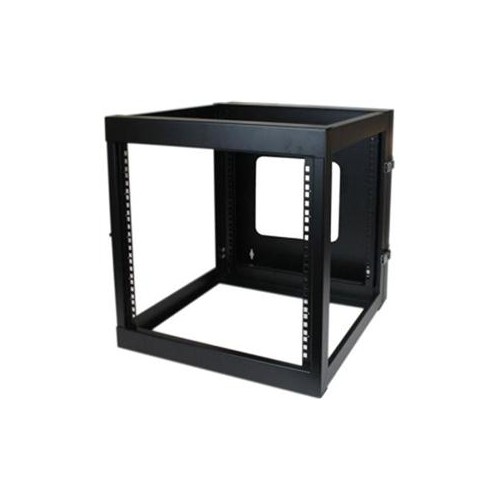
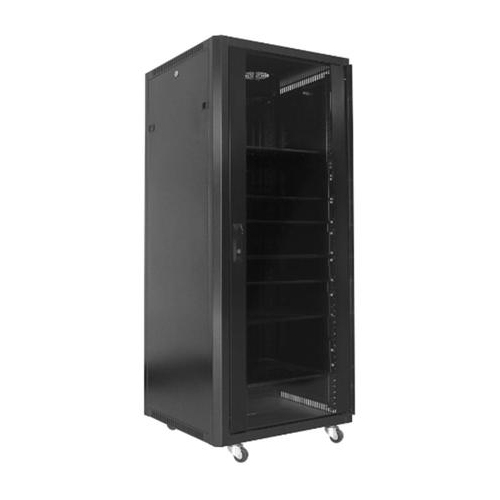
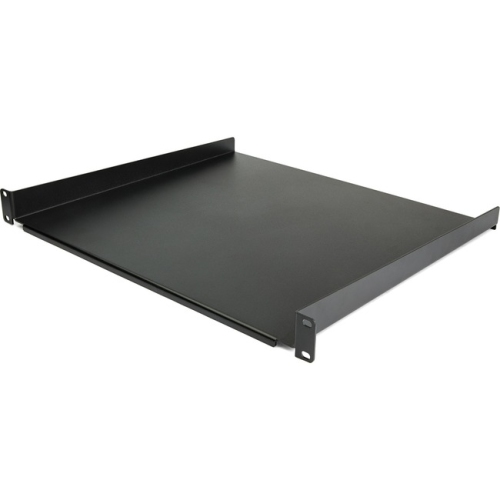
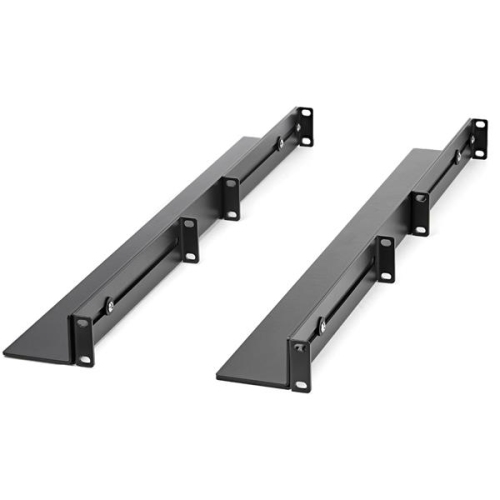
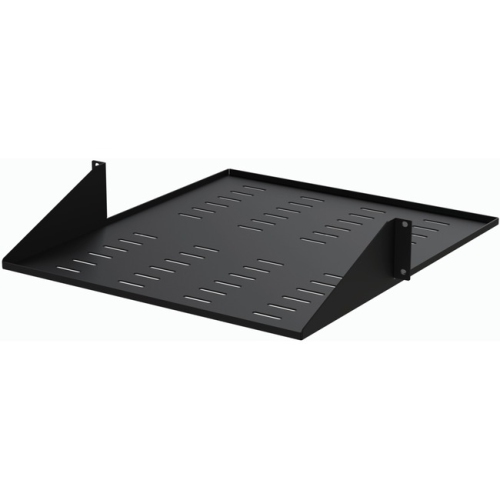
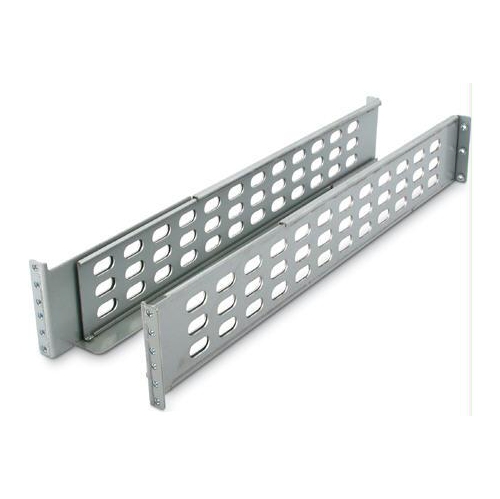
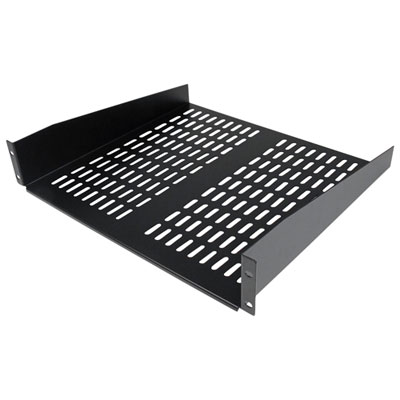
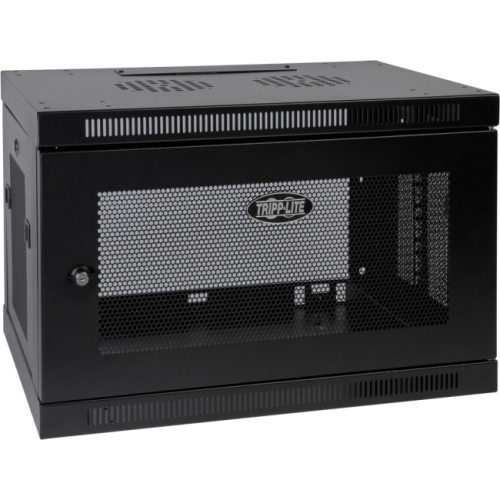
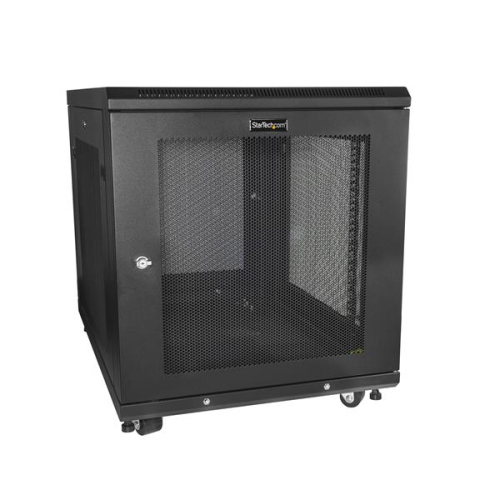
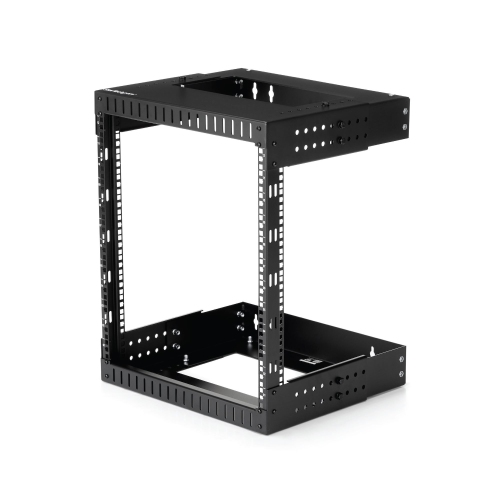
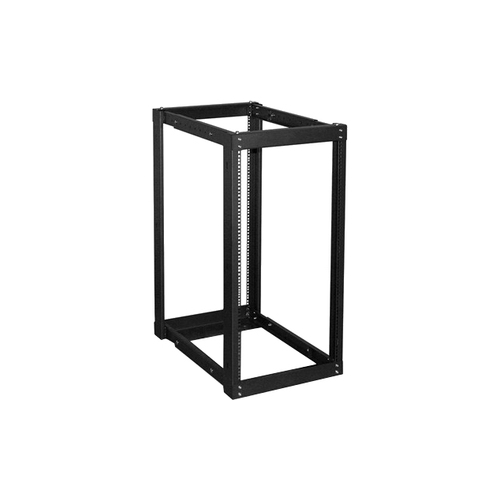
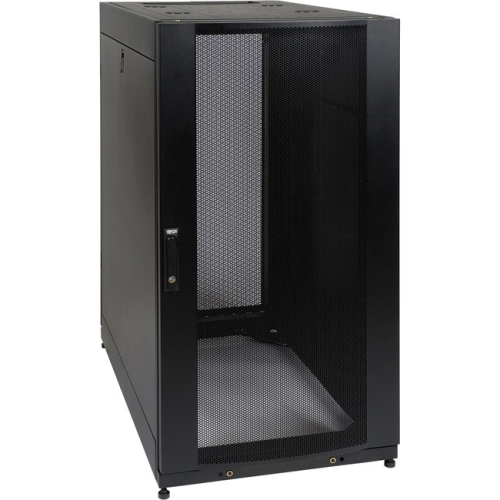
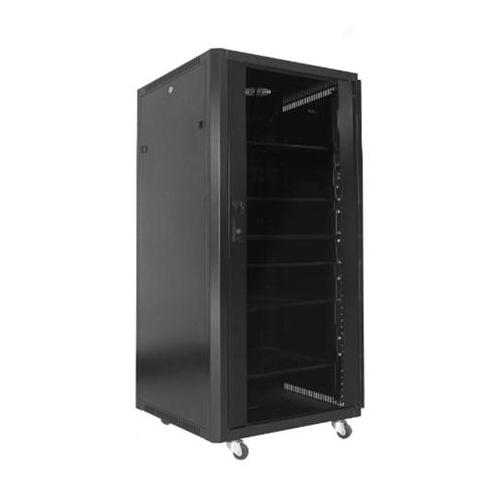
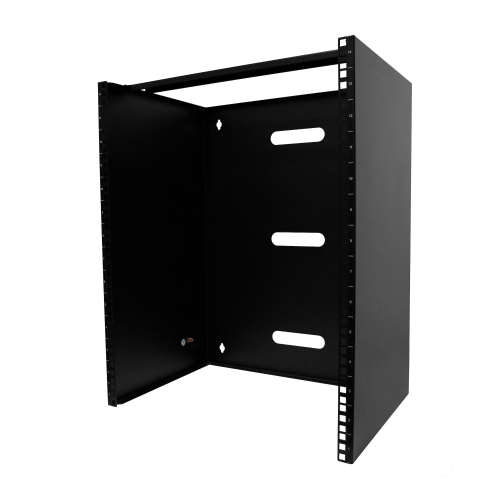
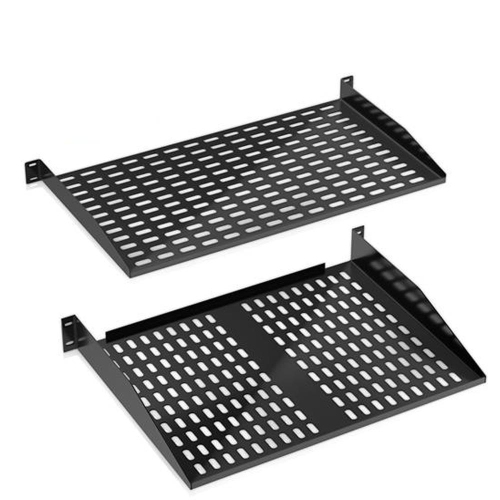
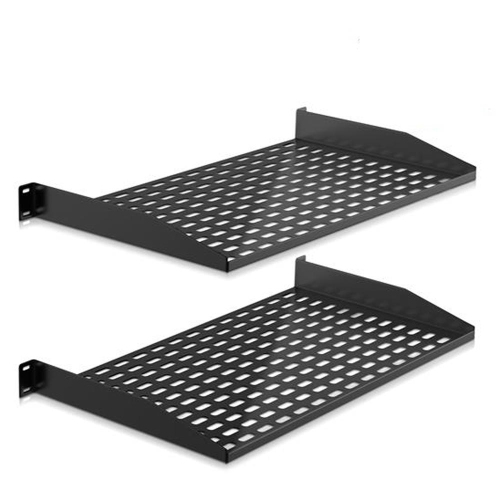
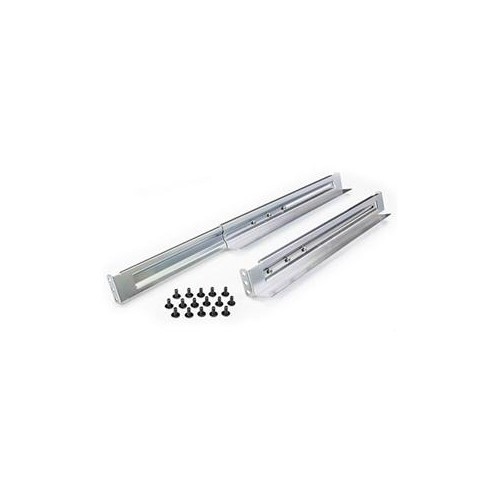
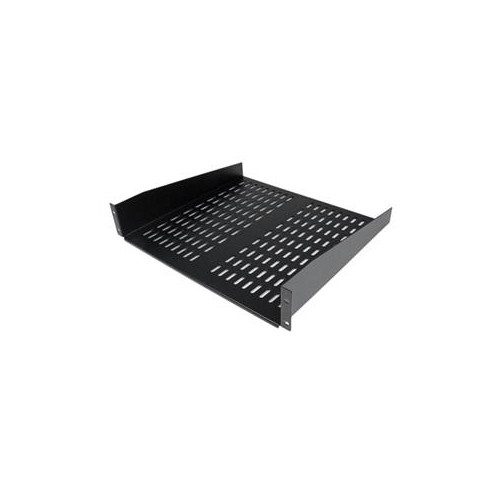
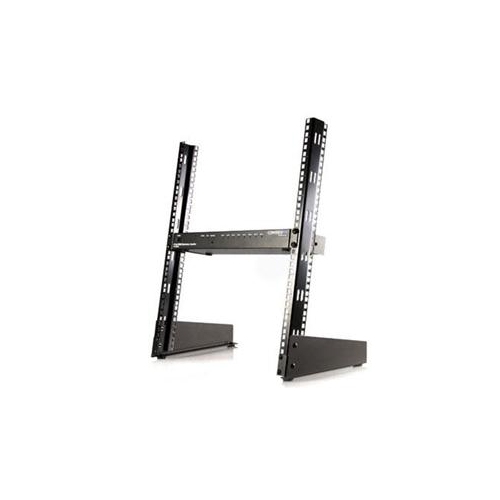
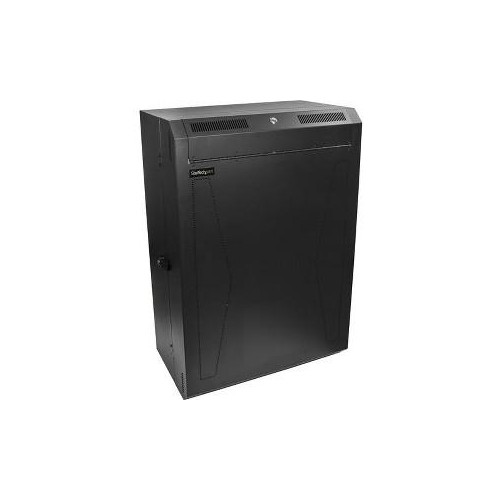
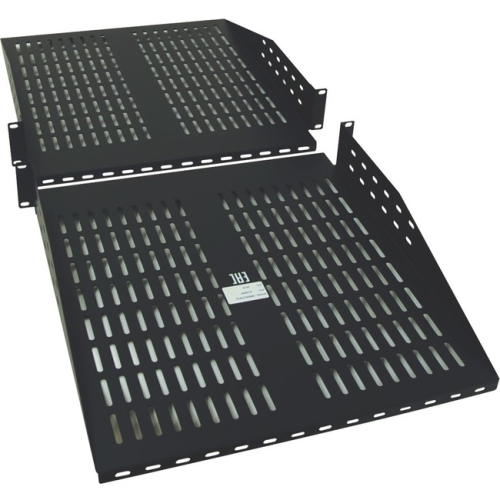
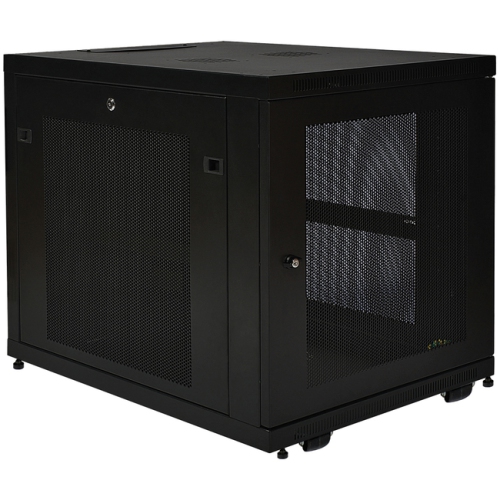
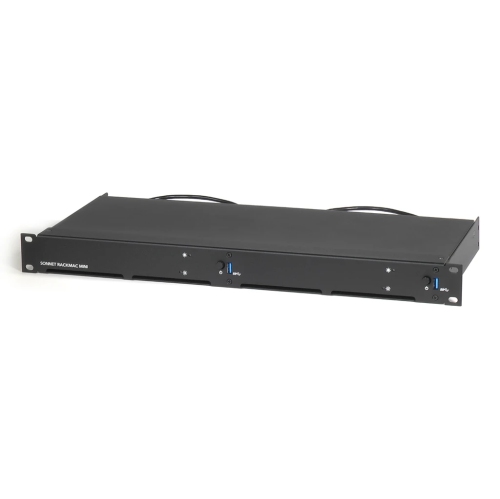
Rack servers are computers built to mount horizontally inside a server rack, bringing processing, memory, storage, and network connectivity into a compact, organized footprint. Unlike a tower computer that stands on a desk or floor, a rackmount server uses a flat metal chassis with mounting points designed for compatible rails or brackets. Most follow the standard 19-inch rack mounting format, although the chassis itself is narrower than the overall mounting width. Height is measured in rack units, abbreviated as U, with each unit equal to 1.75 inches. Common formats include 1U, 2U, and 4U: a 1U server fits into a slim vertical space, while taller designs can offer more room for drives, expansion cards, larger cooling components, or graphics processors. Height alone does not determine capability, since internal layout and hardware configuration have a substantial effect on what a server can handle. These systems support tasks such as shared file storage, business applications, databases, website hosting, backups, and virtualization, where one physical machine runs several separate virtual machines. In a small office, a rack server might centralize project files and host an internal application; in a data centre, multiple servers can work together to support larger services. Developers and home lab enthusiasts also use rackmount systems to test software, practise network administration, and run self-hosted applications. Their appeal lies in keeping several machines neatly arranged alongside networking and power equipment, with accessible connections and a layout that can grow as requirements change. A server is distinct from the rack that holds it: the server performs the computing work, while the rack supplies the mounting structure. Compatible Computer Racks help organize that hardware, but fit depends on more than the number of empty rack units. Cabinet depth, rail compatibility, weight capacity, and clearance for cables and doors all matter when matching a system to its installation space. A deeper chassis may need a four-post rack with adjustable mounting rails rather than a shallow wall-mounted cabinet.
The most useful rack server configuration is the one matched to the applications it will actually run. Processor core count matters when many tasks need to run at once, while clock speed and processor architecture can be important for applications that depend heavily on individual cores. More processors or cores do not automatically make every workload faster, and software licensing may also influence the appropriate configuration. Memory capacity is especially important for virtualization, large databases, and applications that keep substantial amounts of data ready for rapid access. Many server platforms support error-correcting code memory, commonly called ECC memory, which can detect and correct certain memory errors; support depends on the processor, motherboard, and memory type. Storage deserves equally close attention. Solid-state drives can provide fast response times for operating systems, virtual machines, and frequently accessed data, while hard drives may suit large file collections and other capacity-focused uses. Drive bay size, interface compatibility, controller support, and the number of usable bays determine which storage arrangements a chassis can accommodate. A system described as having several drive bays may not include drives, carriers, or every component needed to populate them, so configuration details are more useful than bay count alone. RAID can provide varying combinations of performance and drive-failure protection, depending on its level and implementation, but it does not replace a separate backup. Network connections also shape everyday performance: a server handling shared design files or several simultaneous backups needs enough bandwidth throughout the network, not just a fast port on the machine itself. Expansion slots can support additional network adapters, storage controllers, or compatible accelerators, provided the chassis has the necessary clearance, power, and cooling capacity. For rendering, machine learning, and other accelerated workloads, GPU compatibility requires checking the complete platform rather than assuming that any larger rack server will accept a full-size graphics card. Operating system support, application requirements, and virtualization compatibility complete the picture, helping distinguish a suitable business server from hardware that merely has impressive specifications.
Physical construction and serviceability are central to how rack servers perform over years of use. Steel and aluminium chassis components provide structure around densely arranged electronics, while the rack and rails carry the installed weight. Sliding rails can make maintenance easier by allowing access without fully removing the chassis, but rail kits must match both the server and the rack. Heavier systems need appropriate support during installation, and mounting heavy equipment lower in a properly secured rack helps maintain stability. Inside the chassis, directed airflow and purpose-built fans move heat away from processors, memory, and drives. Vent openings need clear space, and cable bundles should not obstruct the intended airflow path. Rack servers can be considerably louder than desktop computers, particularly compact designs with small, fast-spinning fans, making a dedicated equipment area more suitable than a shared office or living room. Power requirements also deserve attention: connector types, circuit capacity, power distribution equipment, and an appropriately sized uninterruptible power supply all affect the installation. Some servers support redundant power supplies, allowing operation to continue if one supply fails; protection against a wider power-path failure depends on how those supplies are connected. Hot-swappable drives and certain replaceable components can simplify servicing, although removing hardware while a system is running requires explicit support from the platform and its configuration. Remote management features may let an administrator view hardware status, access a console, or restart the system without standing beside the rack, with capabilities varying by platform and licence. Those management interfaces need careful access controls, updates, and separation from public-facing connections. Routine care includes following the manufacturer's cleaning procedures, checking hardware alerts, maintaining firmware, and testing that backups can be restored. Clear cable labels and records of drive positions make troubleshooting less disruptive when a fault occurs. For organizations with limited on-site technical staff, documentation and practical service access can matter as much as processing power. A well-matched rack server combines the capacity needed for daily work with room for realistic expansion, reliable supporting infrastructure, and maintenance tasks that remain manageable throughout its working life.
The most useful rack server configuration is the one matched to the applications it will actually run. Processor core count matters when many tasks need to run at once, while clock speed and processor architecture can be important for applications that depend heavily on individual cores. More processors or cores do not automatically make every workload faster, and software licensing may also influence the appropriate configuration. Memory capacity is especially important for virtualization, large databases, and applications that keep substantial amounts of data ready for rapid access. Many server platforms support error-correcting code memory, commonly called ECC memory, which can detect and correct certain memory errors; support depends on the processor, motherboard, and memory type. Storage deserves equally close attention. Solid-state drives can provide fast response times for operating systems, virtual machines, and frequently accessed data, while hard drives may suit large file collections and other capacity-focused uses. Drive bay size, interface compatibility, controller support, and the number of usable bays determine which storage arrangements a chassis can accommodate. A system described as having several drive bays may not include drives, carriers, or every component needed to populate them, so configuration details are more useful than bay count alone. RAID can provide varying combinations of performance and drive-failure protection, depending on its level and implementation, but it does not replace a separate backup. Network connections also shape everyday performance: a server handling shared design files or several simultaneous backups needs enough bandwidth throughout the network, not just a fast port on the machine itself. Expansion slots can support additional network adapters, storage controllers, or compatible accelerators, provided the chassis has the necessary clearance, power, and cooling capacity. For rendering, machine learning, and other accelerated workloads, GPU compatibility requires checking the complete platform rather than assuming that any larger rack server will accept a full-size graphics card. Operating system support, application requirements, and virtualization compatibility complete the picture, helping distinguish a suitable business server from hardware that merely has impressive specifications.
Physical construction and serviceability are central to how rack servers perform over years of use. Steel and aluminium chassis components provide structure around densely arranged electronics, while the rack and rails carry the installed weight. Sliding rails can make maintenance easier by allowing access without fully removing the chassis, but rail kits must match both the server and the rack. Heavier systems need appropriate support during installation, and mounting heavy equipment lower in a properly secured rack helps maintain stability. Inside the chassis, directed airflow and purpose-built fans move heat away from processors, memory, and drives. Vent openings need clear space, and cable bundles should not obstruct the intended airflow path. Rack servers can be considerably louder than desktop computers, particularly compact designs with small, fast-spinning fans, making a dedicated equipment area more suitable than a shared office or living room. Power requirements also deserve attention: connector types, circuit capacity, power distribution equipment, and an appropriately sized uninterruptible power supply all affect the installation. Some servers support redundant power supplies, allowing operation to continue if one supply fails; protection against a wider power-path failure depends on how those supplies are connected. Hot-swappable drives and certain replaceable components can simplify servicing, although removing hardware while a system is running requires explicit support from the platform and its configuration. Remote management features may let an administrator view hardware status, access a console, or restart the system without standing beside the rack, with capabilities varying by platform and licence. Those management interfaces need careful access controls, updates, and separation from public-facing connections. Routine care includes following the manufacturer's cleaning procedures, checking hardware alerts, maintaining firmware, and testing that backups can be restored. Clear cable labels and records of drive positions make troubleshooting less disruptive when a fault occurs. For organizations with limited on-site technical staff, documentation and practical service access can matter as much as processing power. A well-matched rack server combines the capacity needed for daily work with room for realistic expansion, reliable supporting infrastructure, and maintenance tasks that remain manageable throughout its working life.
Top selling and popular products
-
 Your price for this item is $1303.99
 -
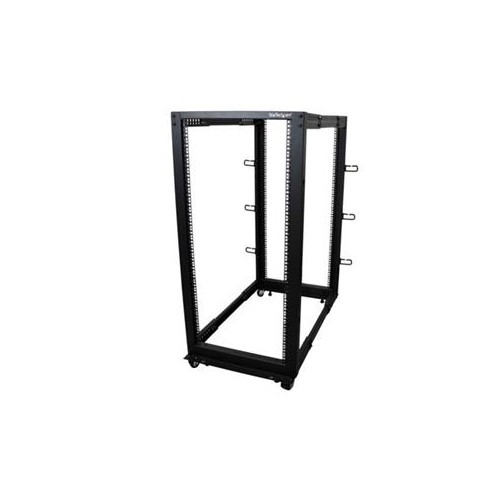 Your price for this item is $581.68
 -
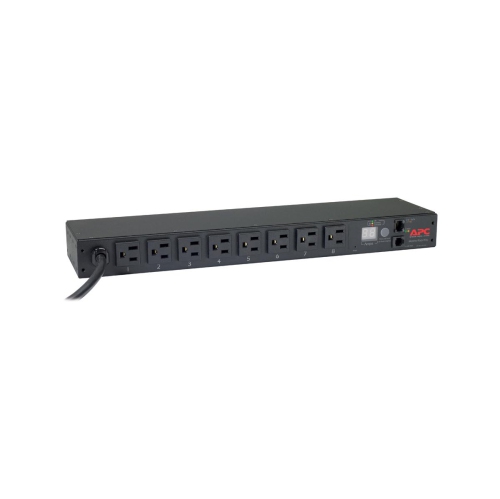 Your price for this item is $748.99
 -
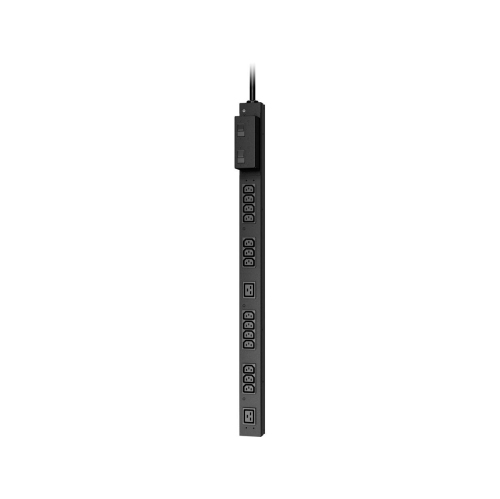 Your price for this item is $407.99
 -
 Your price for this item is $250.68
 -
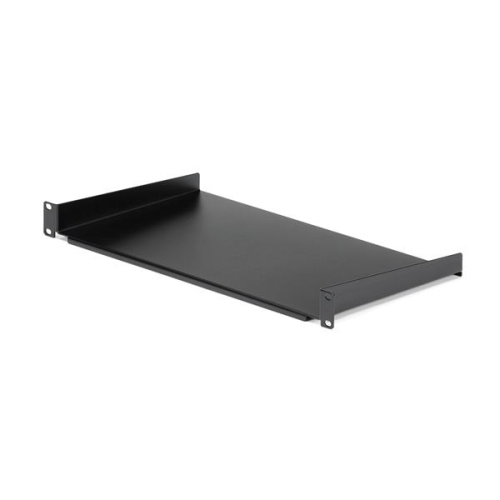 Your price for this item is $54.99
 -
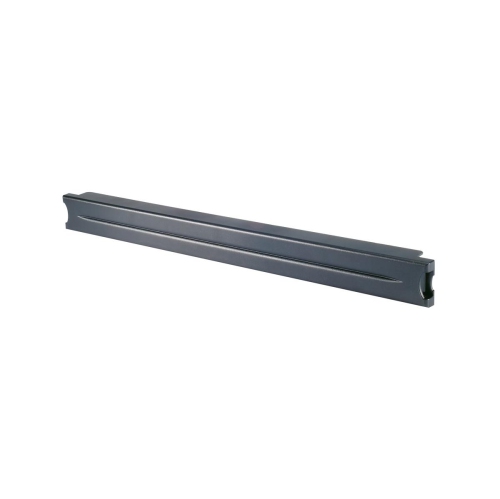 Your price for this item is $102.99
 -
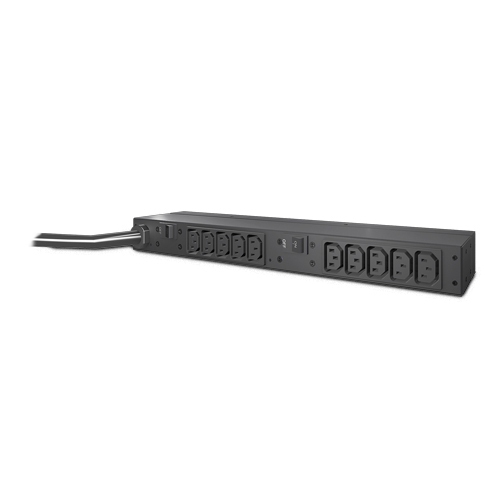 Your price for this item is $517.42
Discover more categories related to Rack Servers
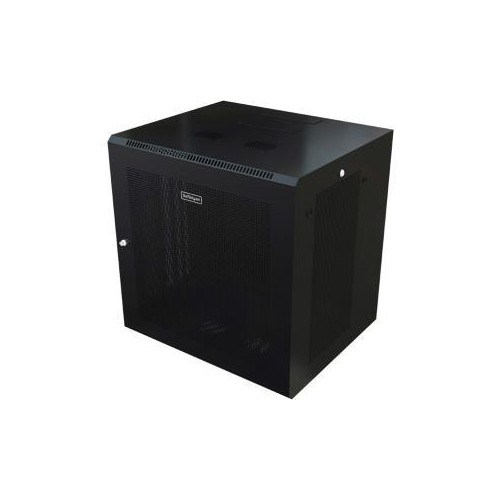
Top Collections:
Pokemon Centers, Kindle Devices, Best Budget Office Chairs, Apple iPhones 16, Samsung Galaxy Phones, Canon G7X Cameras, iPhone 15 Apple, Flip Phones, Best Laptops for Writers, Alarm Clock
Some products may be subject to Environmental Handling Fees
(EHF) depending on your province.
Learn more about EHFs.