IT Server Racks
Organizing and protecting your IT equipment is crucial for maintaining the efficiency and security of your operations. Our selection of IT server racks offers a range of solutions to help you optimize your workspace and keep your technology running smoothly. With various sizes, configurations, and features available, you can find the perfect server rack to suit your needs, whether you're setting up a small home office or managing a large corporate data center. Explore our collection to discover sturdy and reliable options that will support your IT infrastructure effectively.
Sort











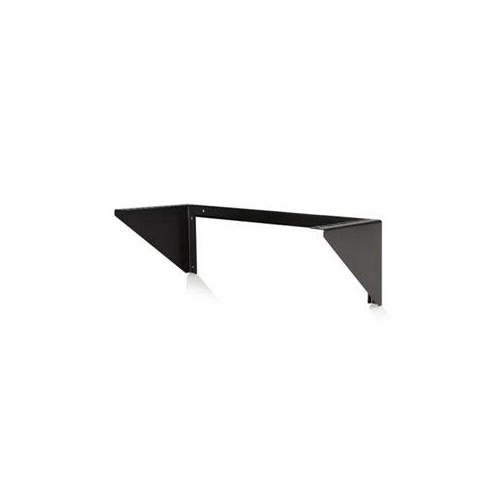
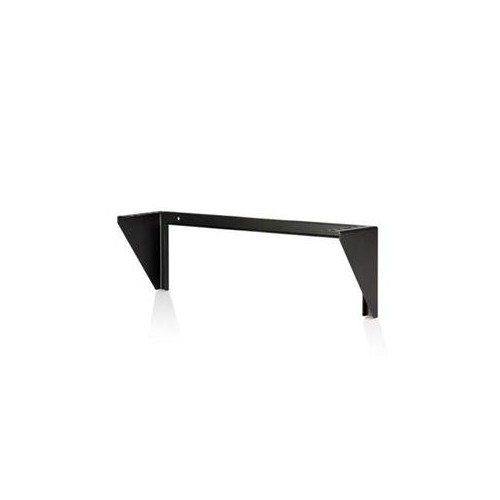

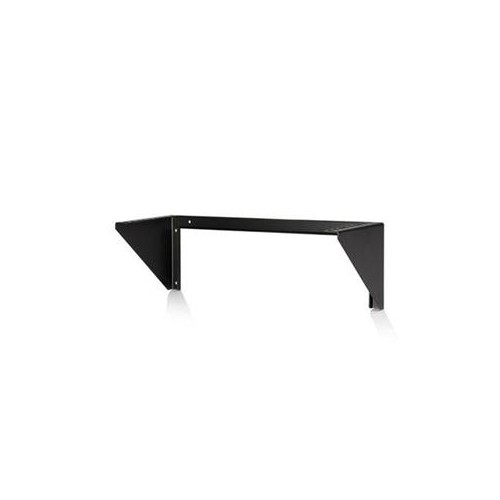
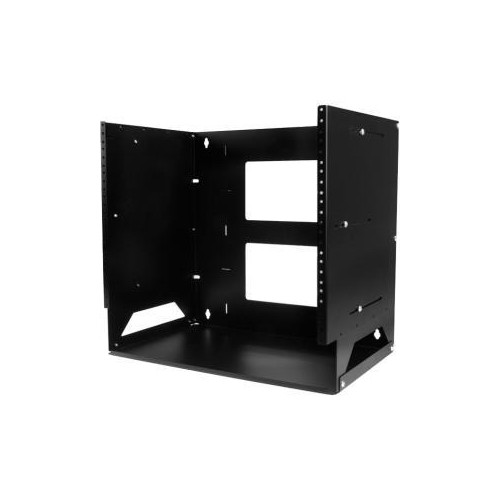
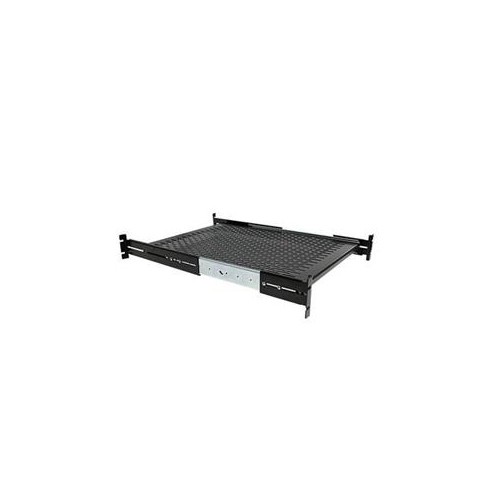
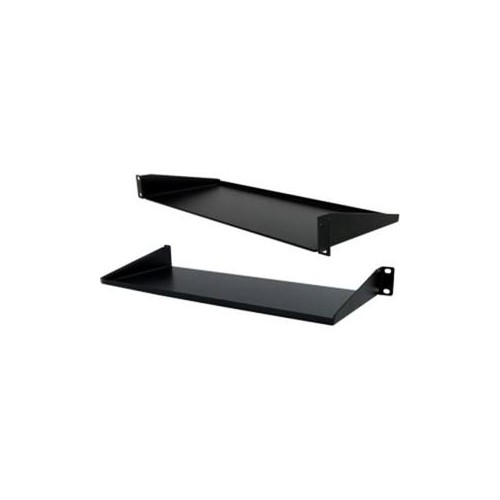
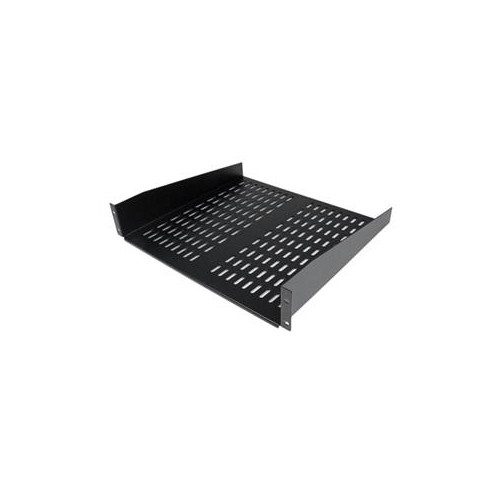
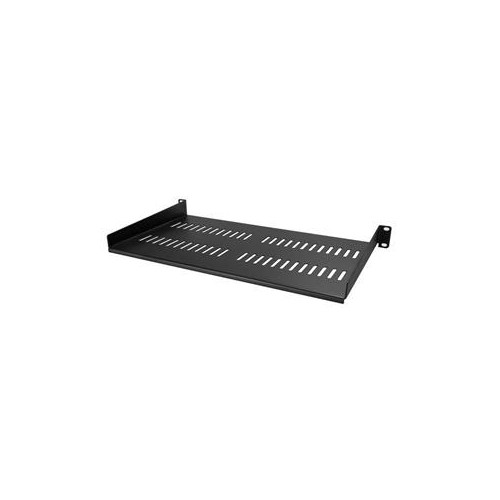



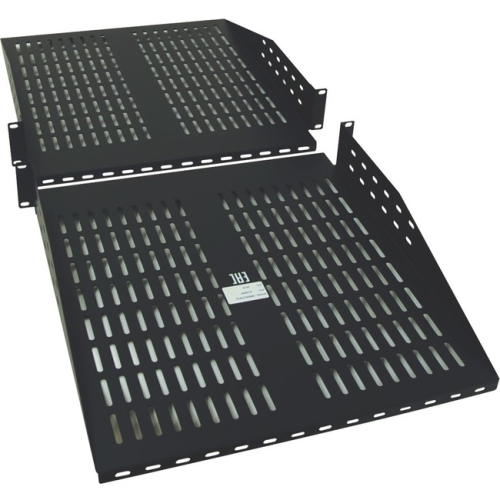

A practical guide to secure, serviceable equipment organization
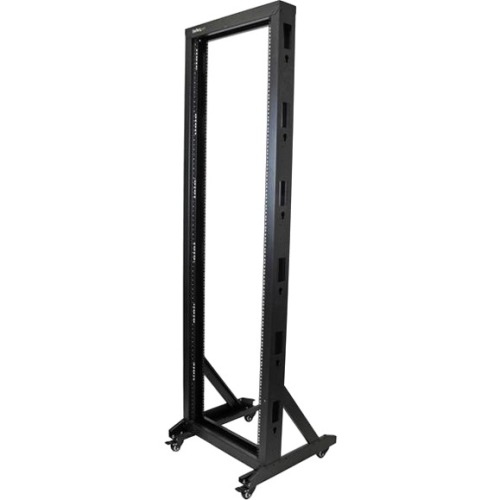
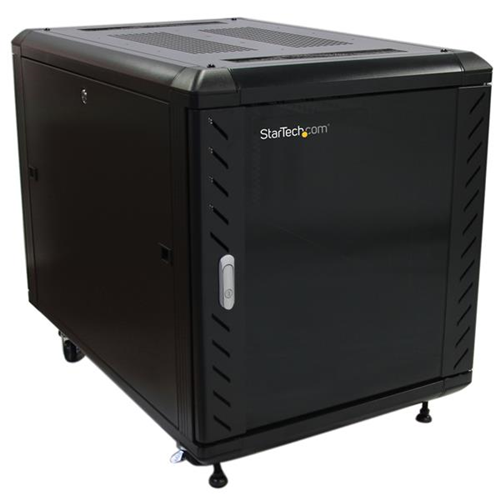
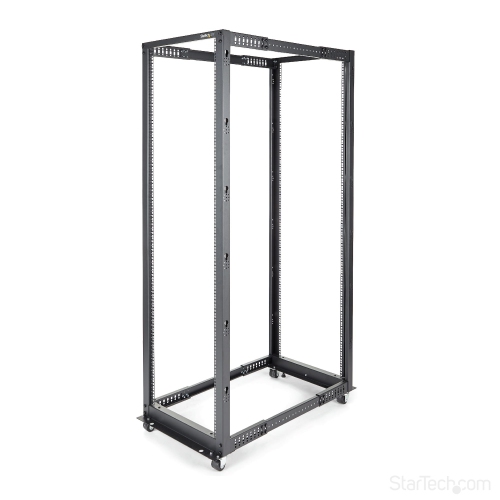
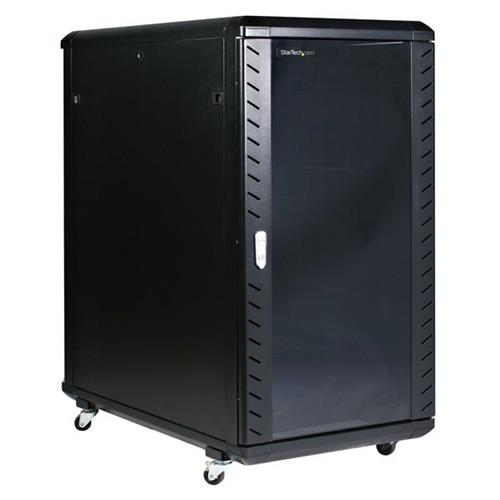
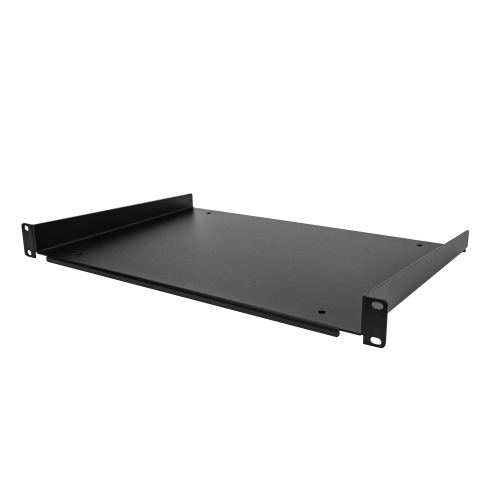
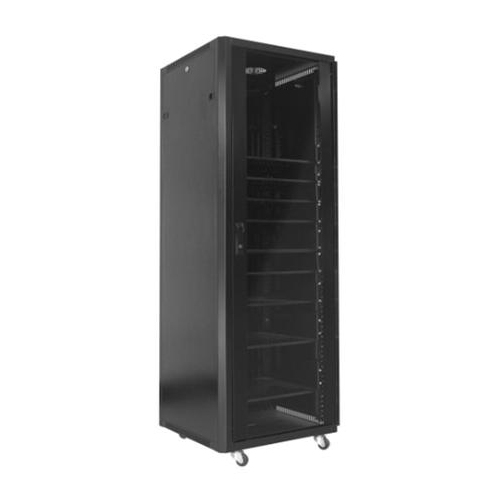
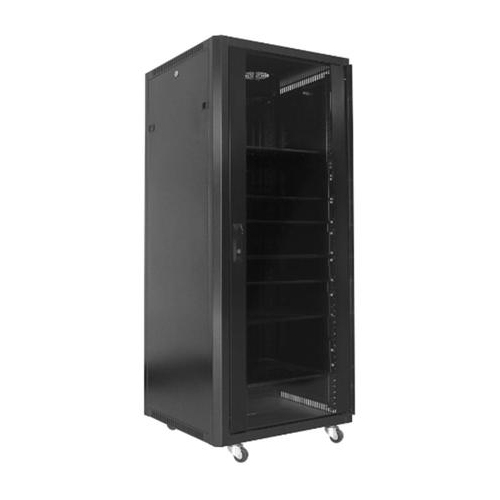
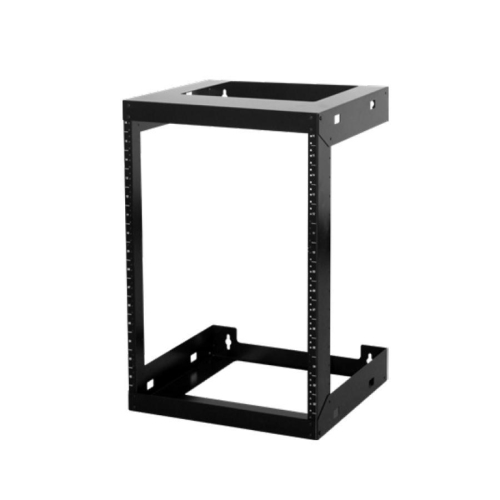
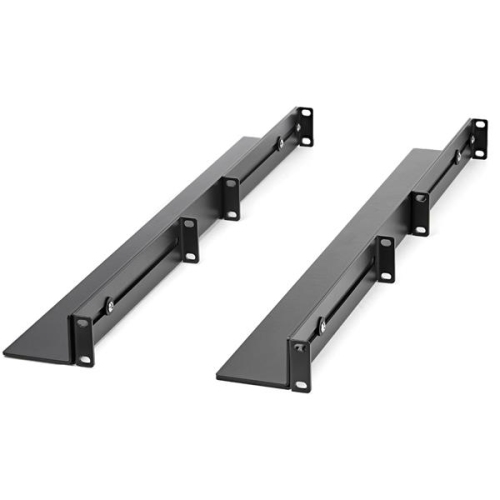
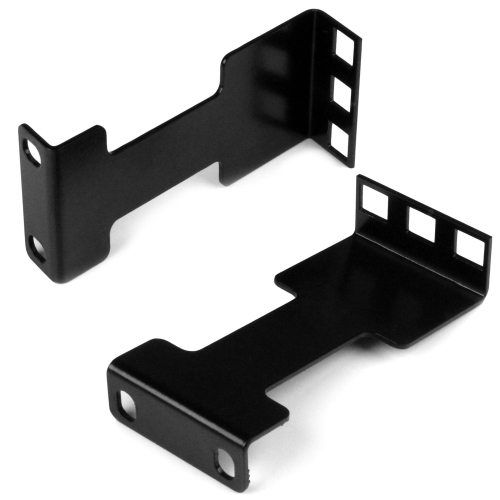
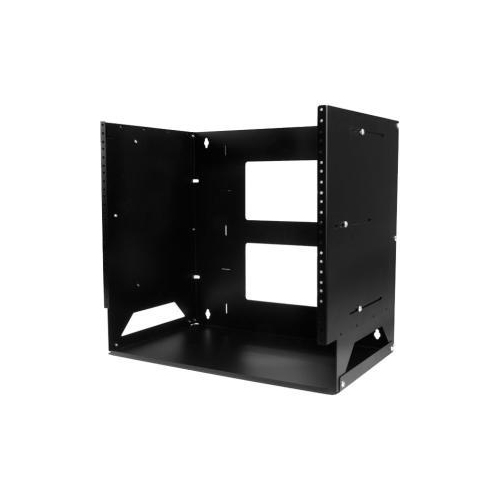
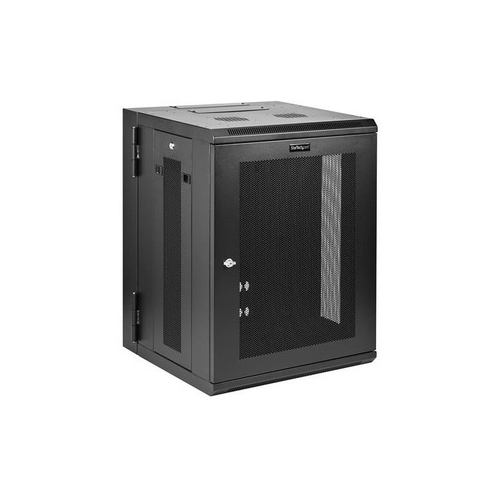
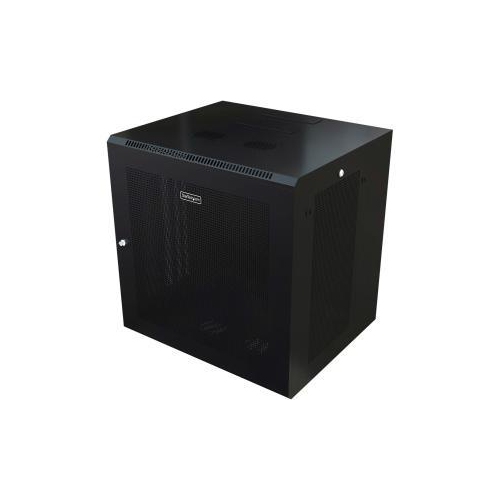
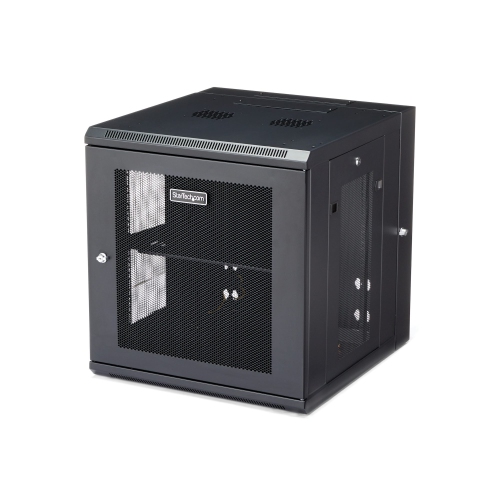
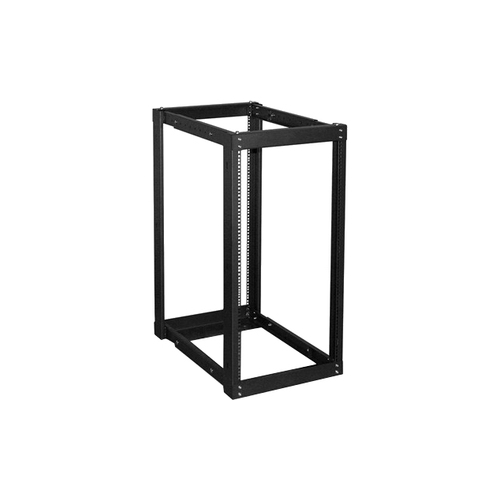
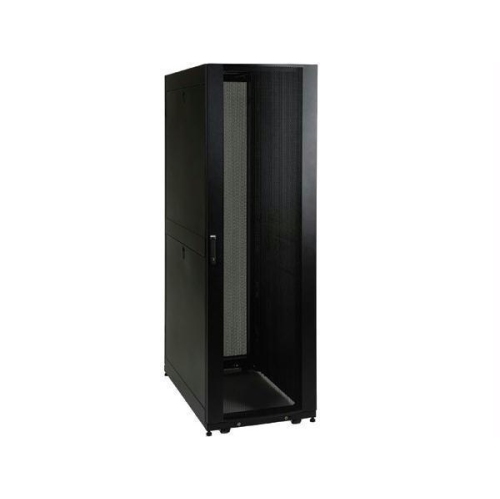
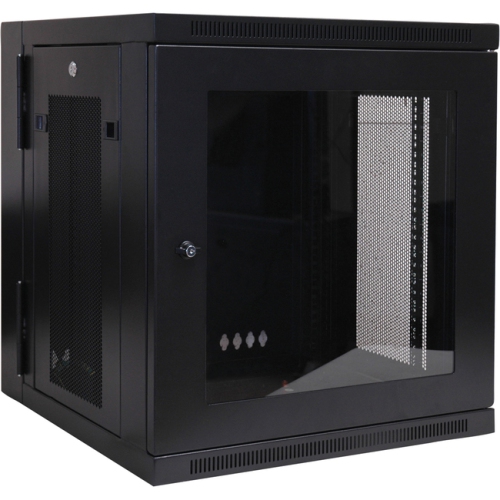
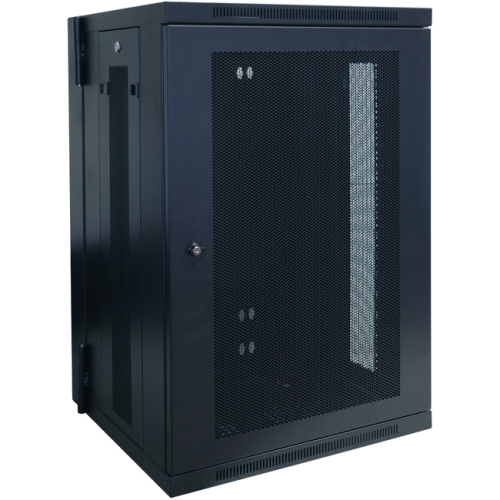
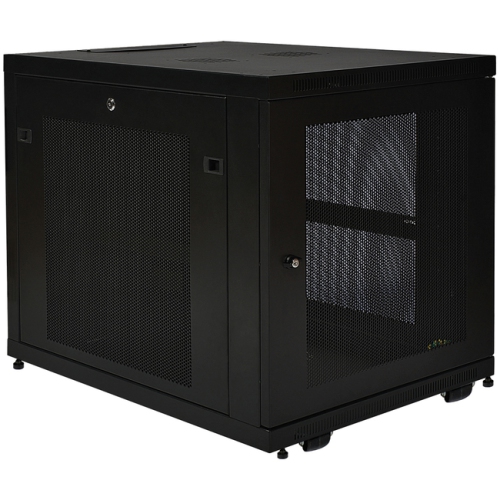
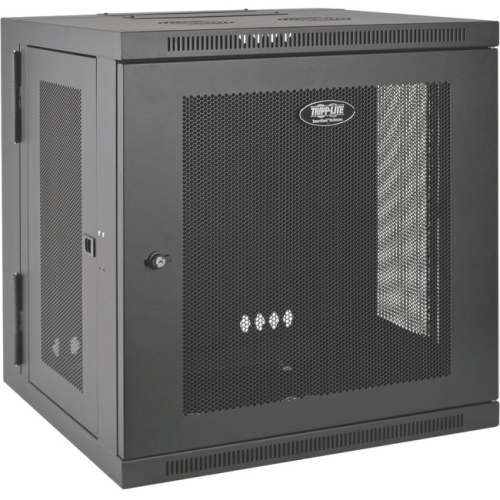
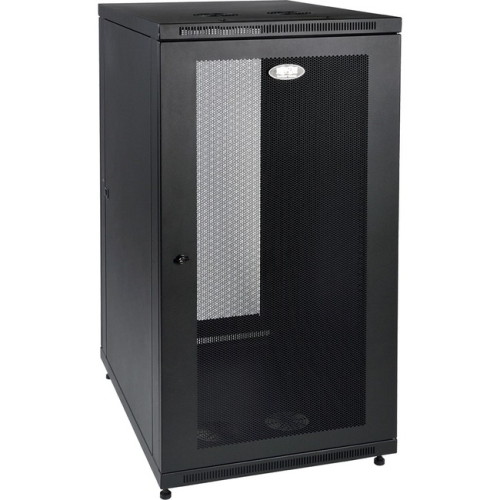
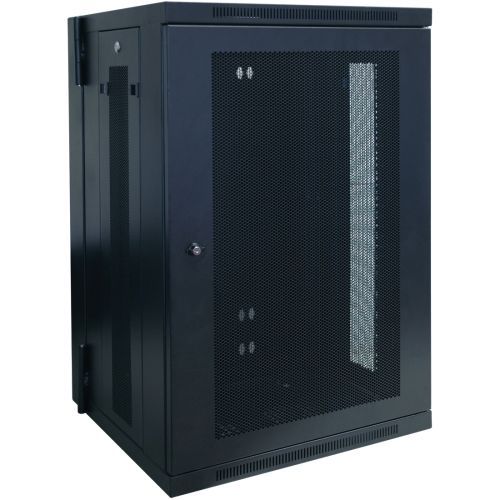
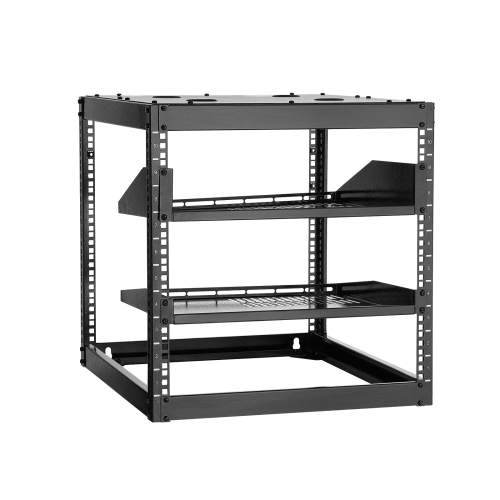
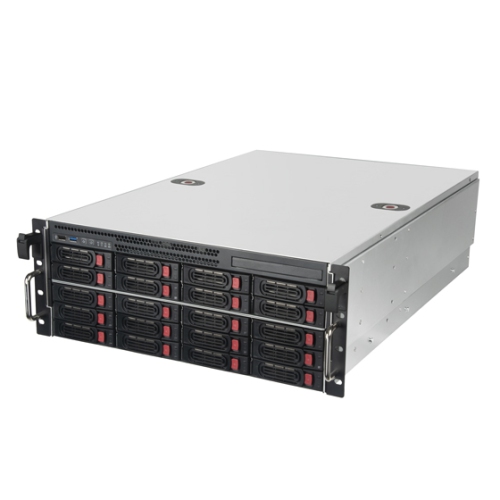
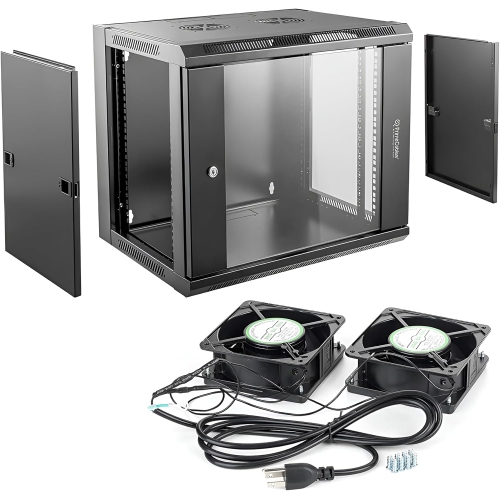
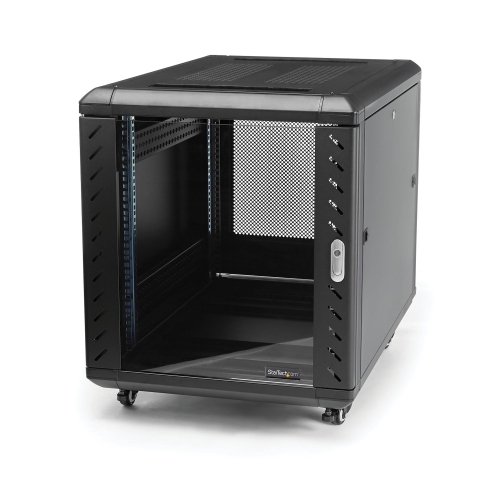
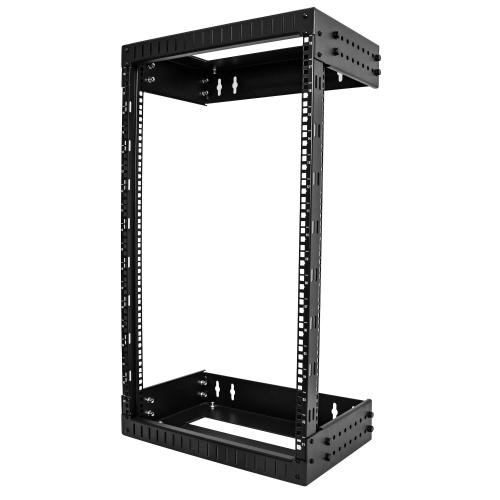
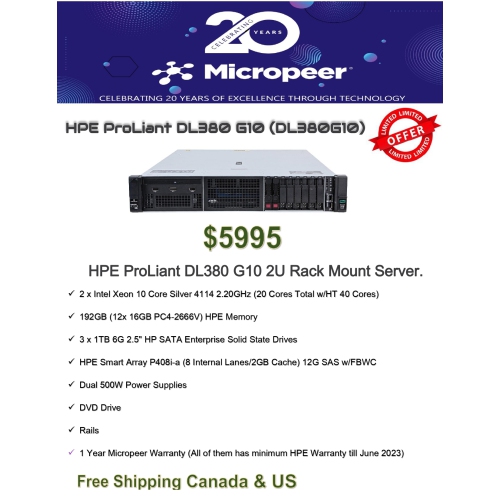
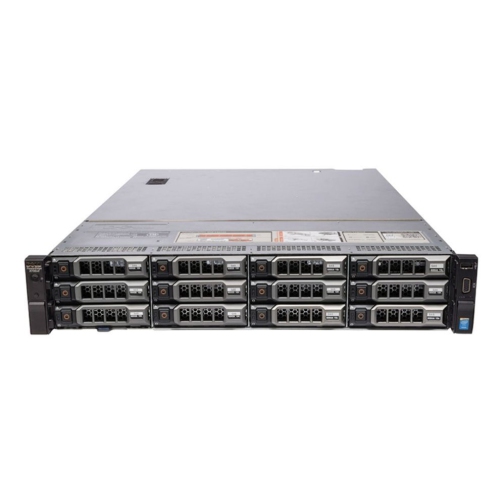
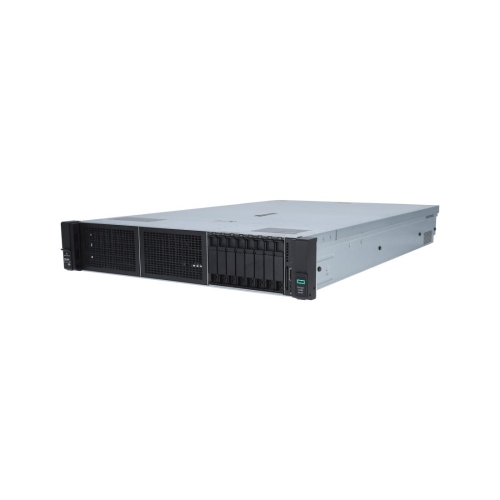
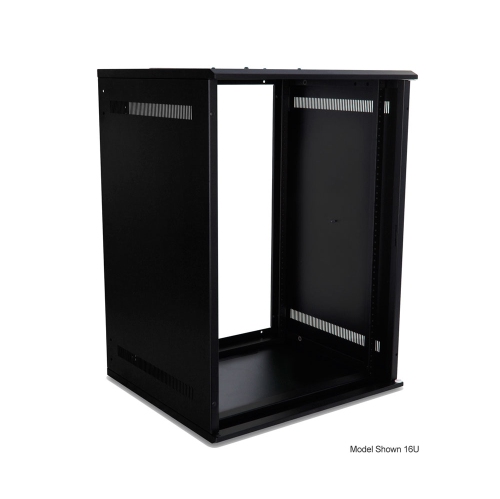
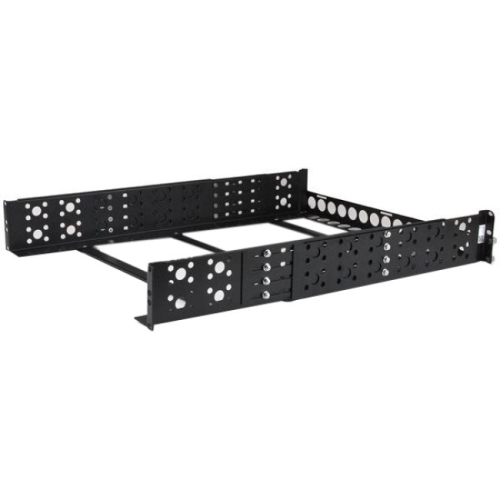
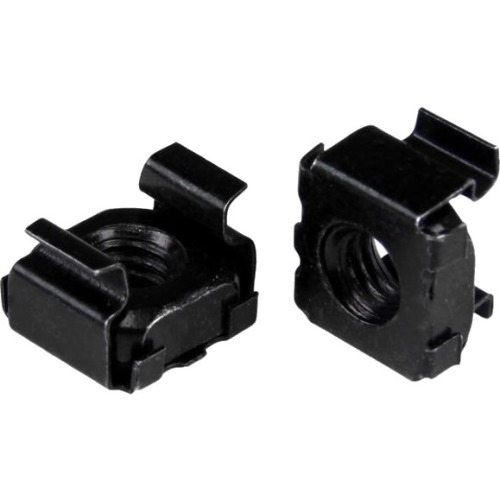
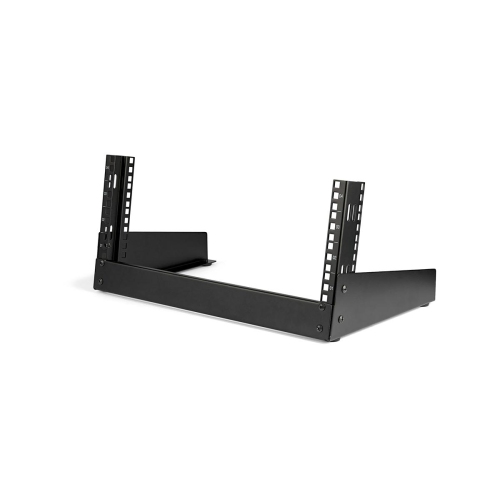
IT server racks provide a structured way to house, organize, protect, and maintain the equipment that keeps a business, studio, classroom, or home network running. Built around standardized mounting dimensions, these metal frames and cabinets can accommodate servers, network switches, routers, patch panels, power distribution equipment, storage hardware, and other rack-mount components. Rack height is measured in rack units, or U, with 1U equal to 1.75 inches (44.45 mm). Choosing the right size starts with counting the equipment you plan to install, then allowing extra rack units for future additions, cable management, ventilation, and easier servicing. A compact rack may suit a small office, security system, workshop, or home lab, while a taller cabinet can provide the capacity needed for a growing business or dedicated equipment room. Depth matters just as much as height: shallow units can work well for patch panels and network switches, while deeper four-post racks are better suited to full-size servers and other equipment with extended chassis. If you are comparing related storage and organization options, explore Computer Racks for additional solutions designed to keep technology arranged and accessible.
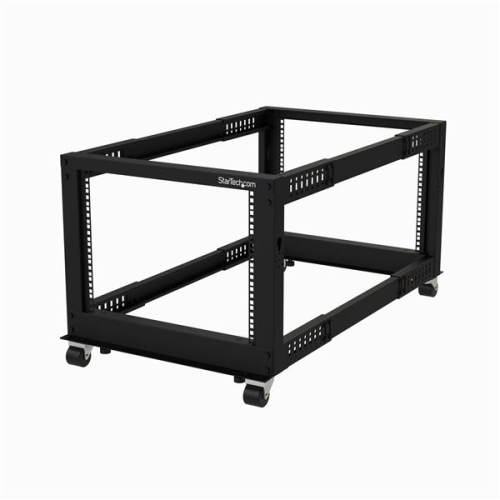
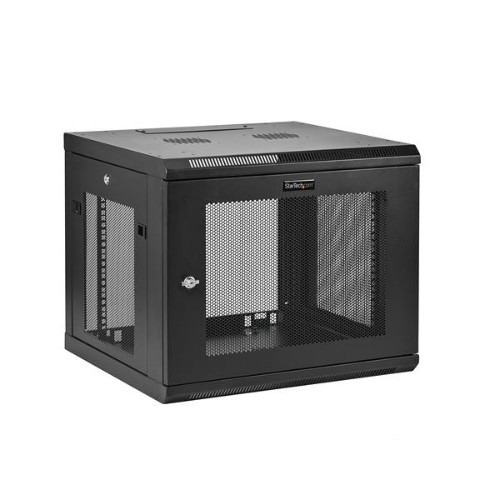
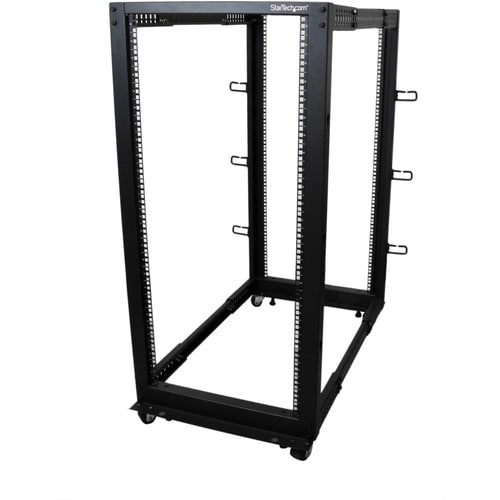
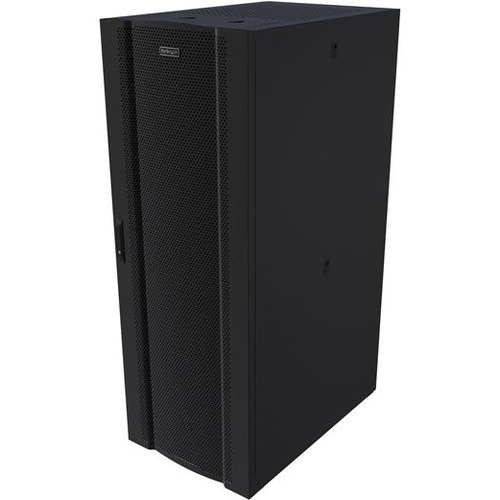
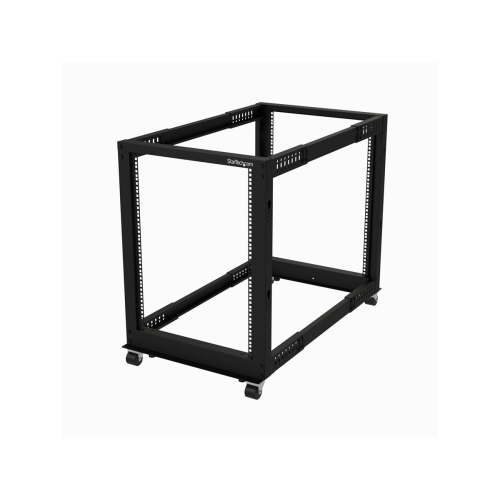
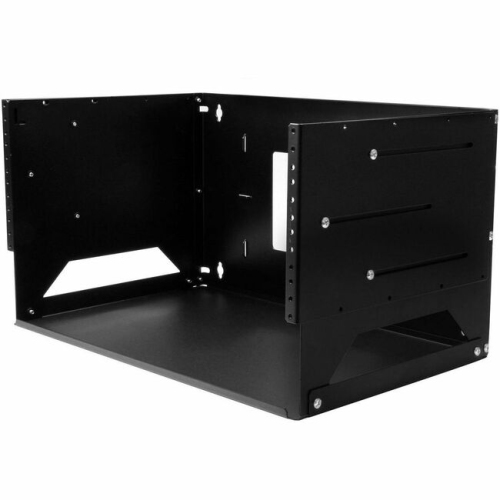
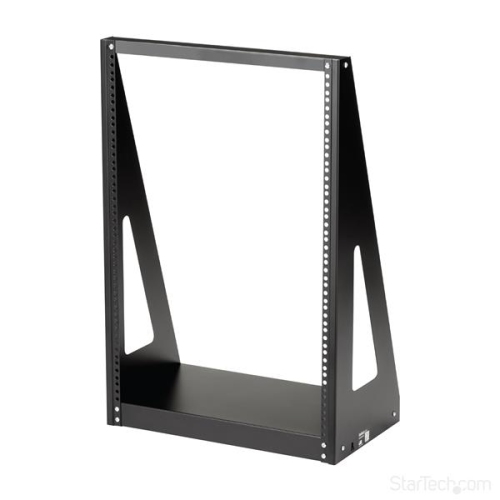
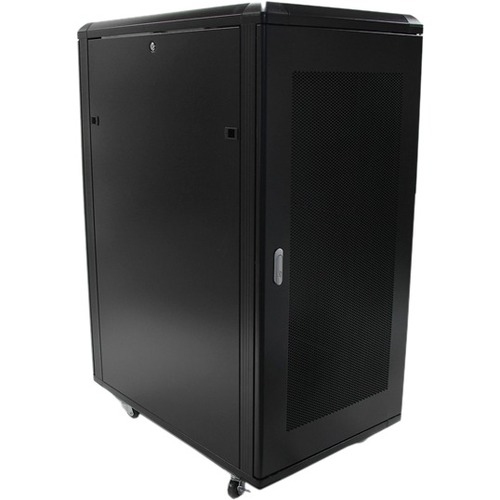
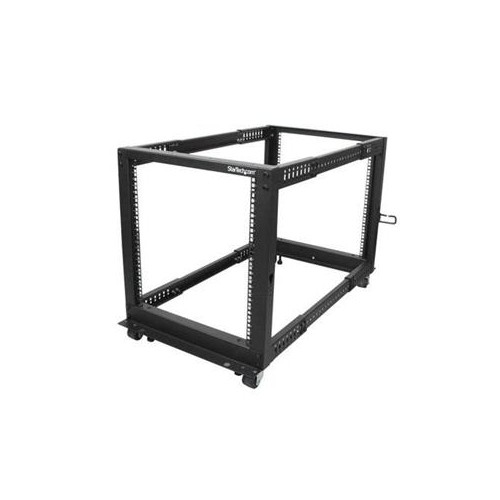
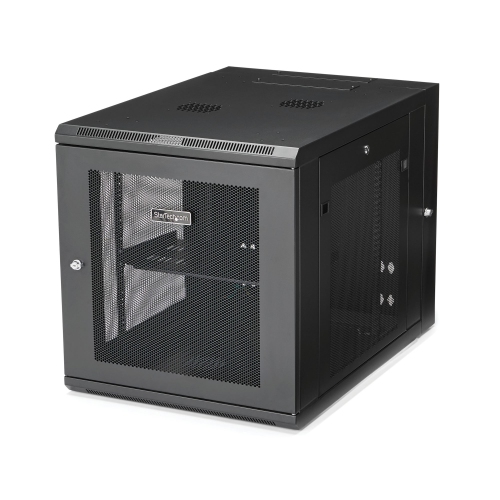
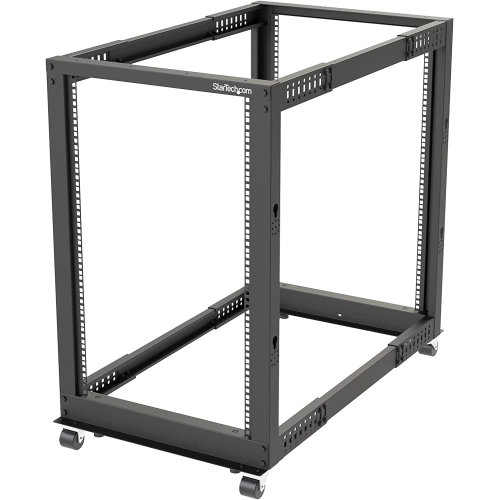
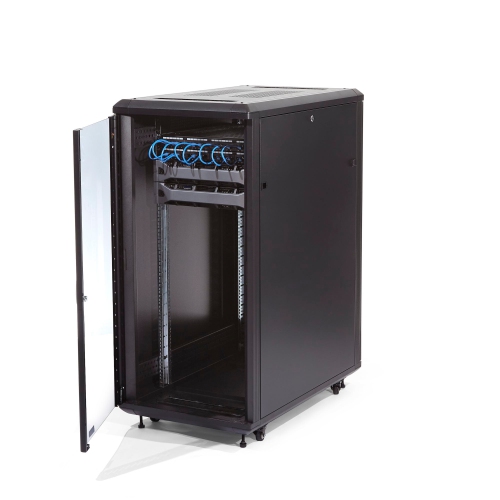
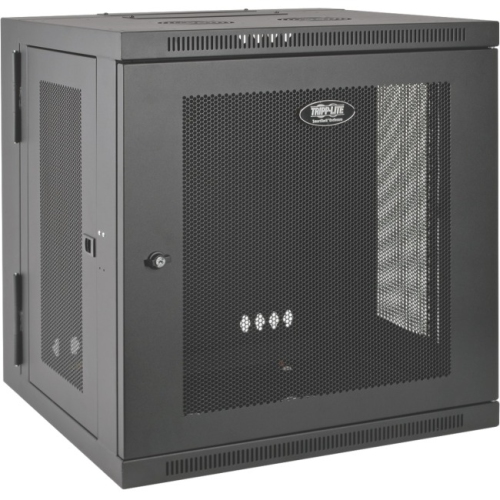
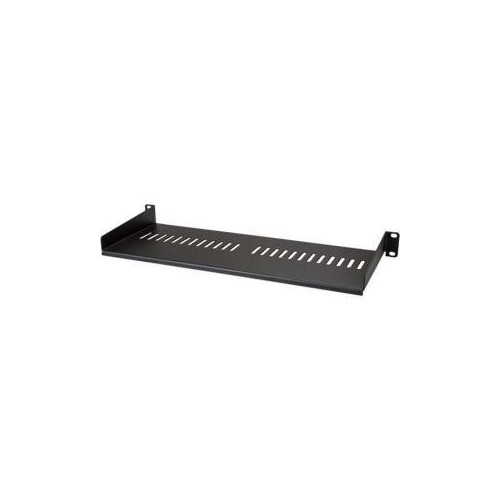
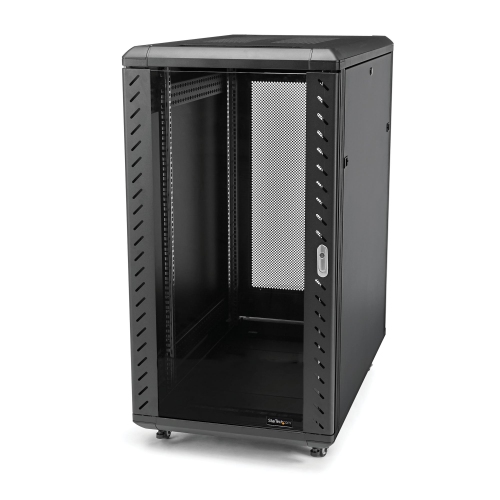
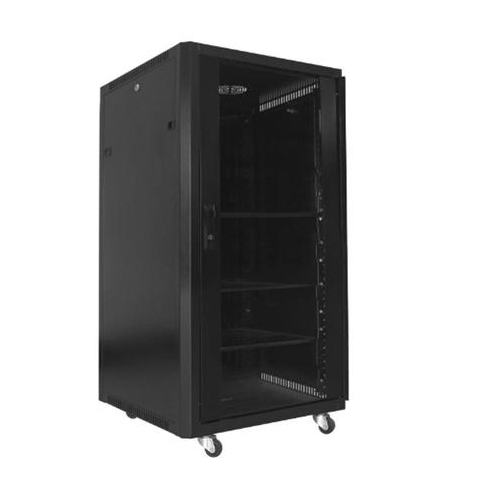
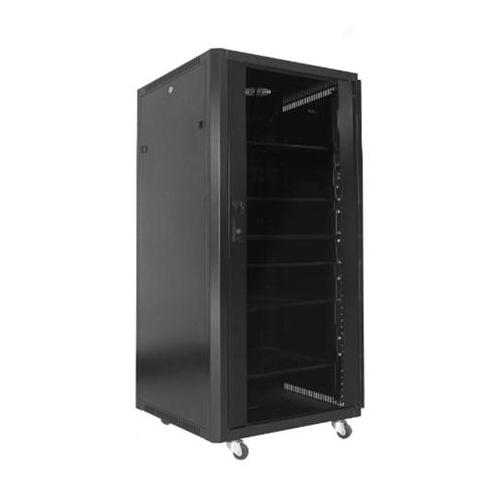
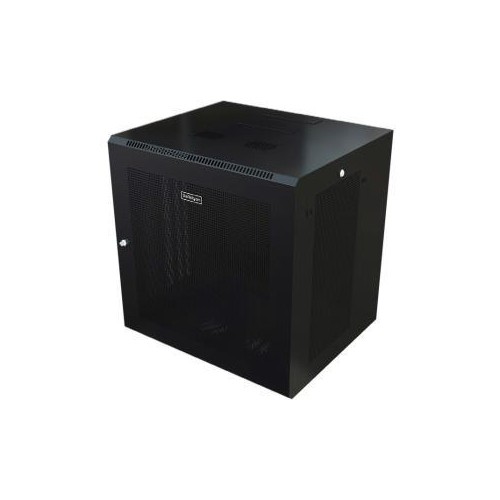
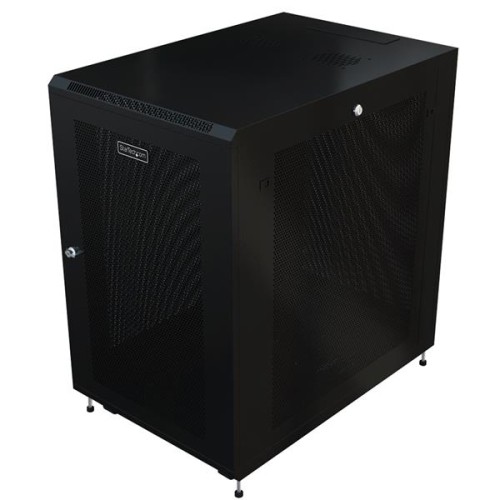
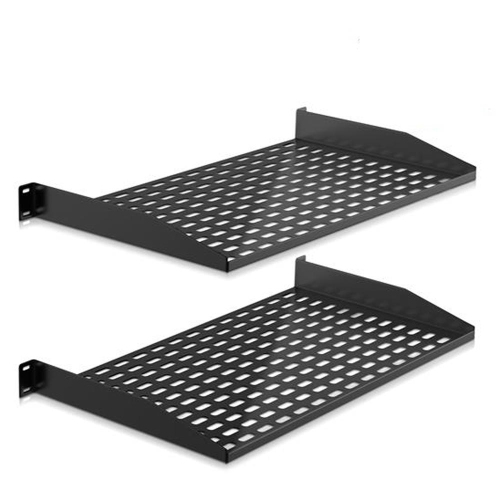
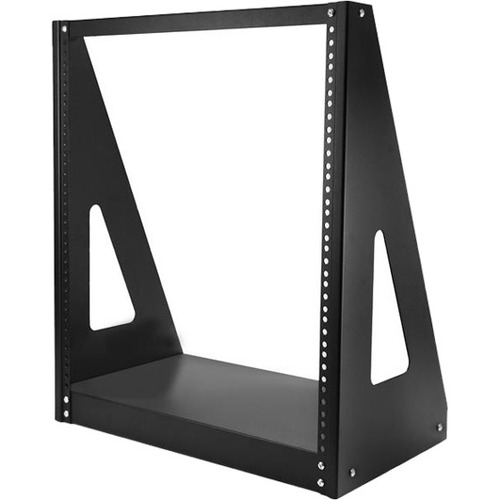
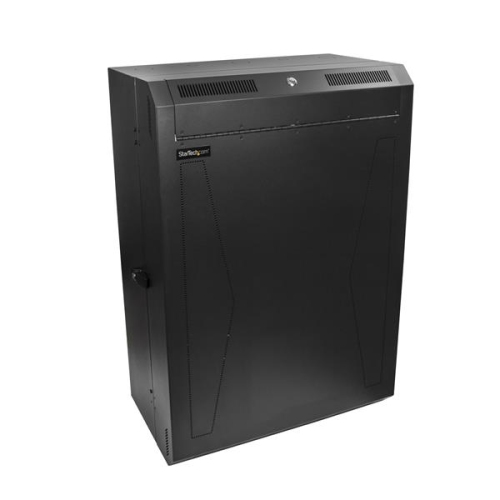
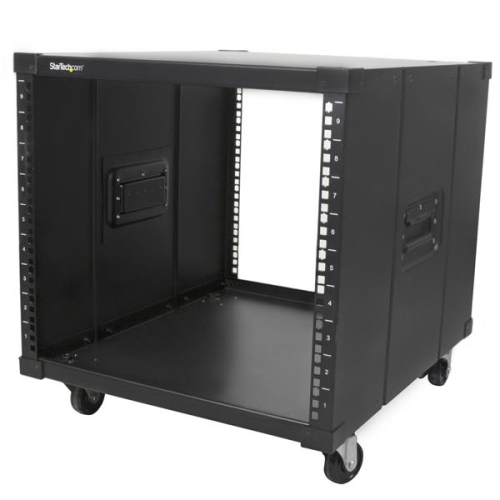
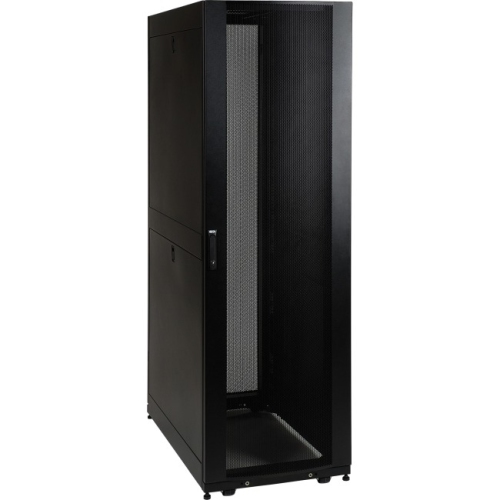
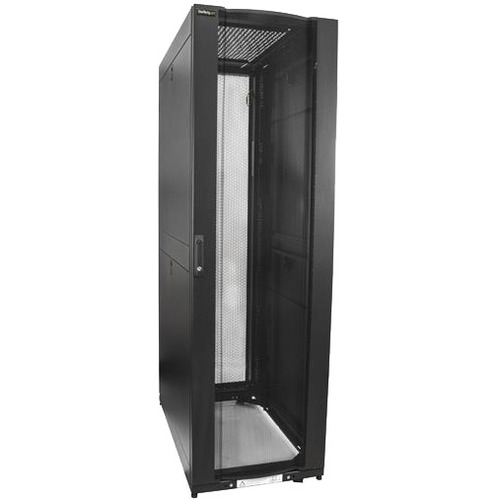
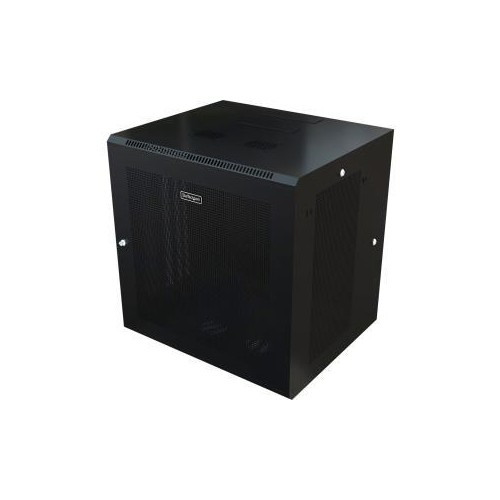
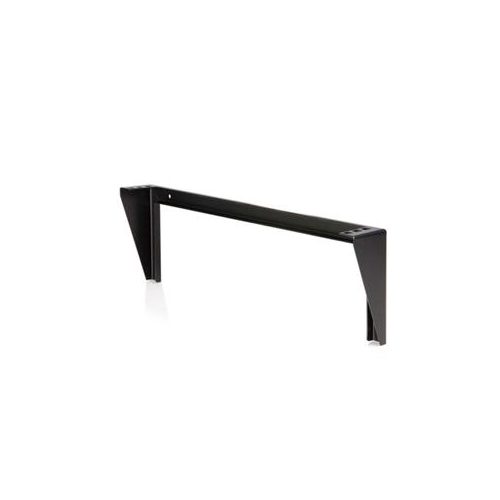
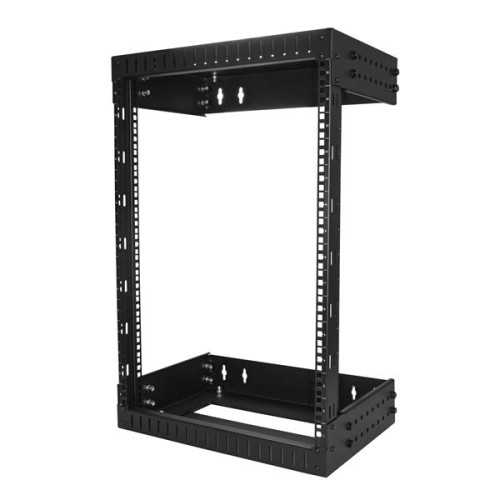
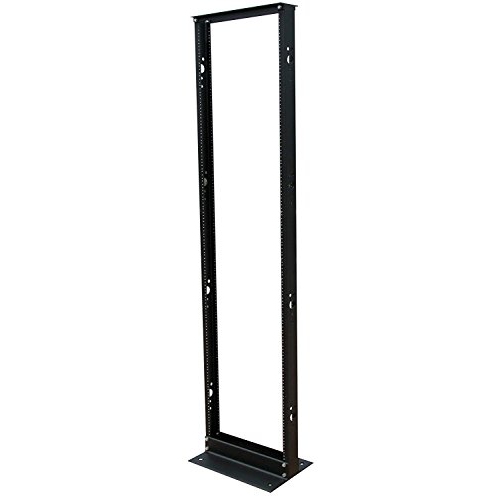
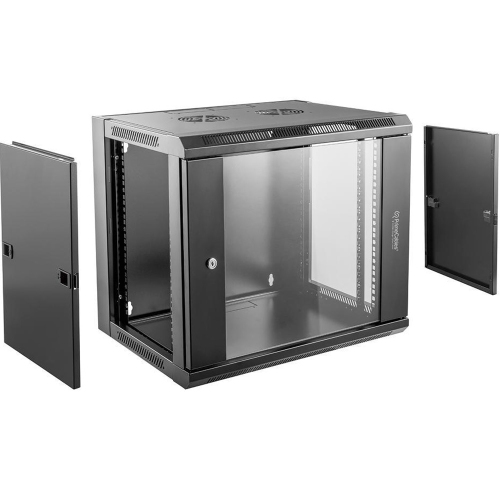
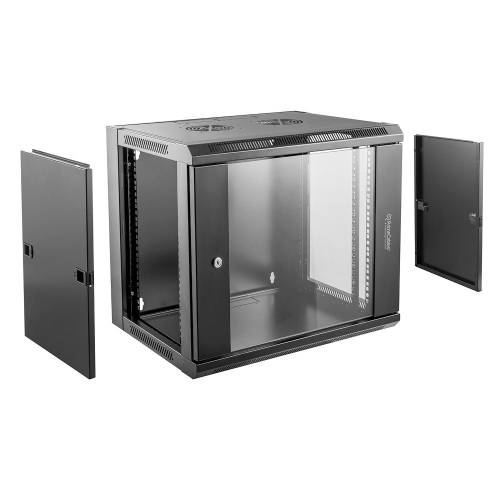
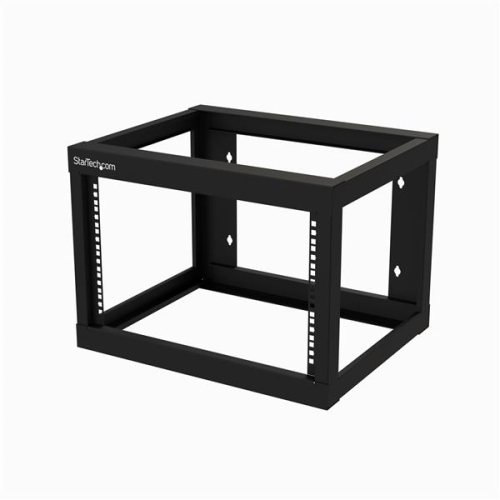
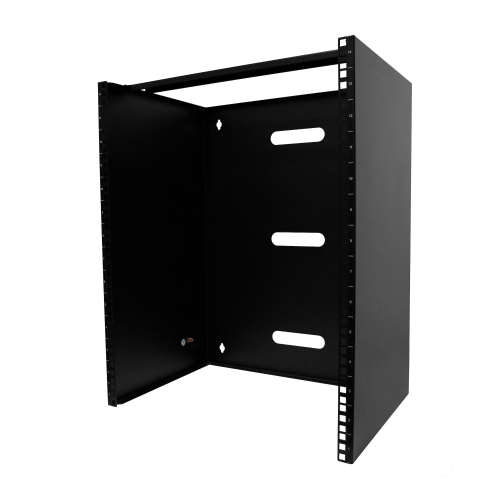
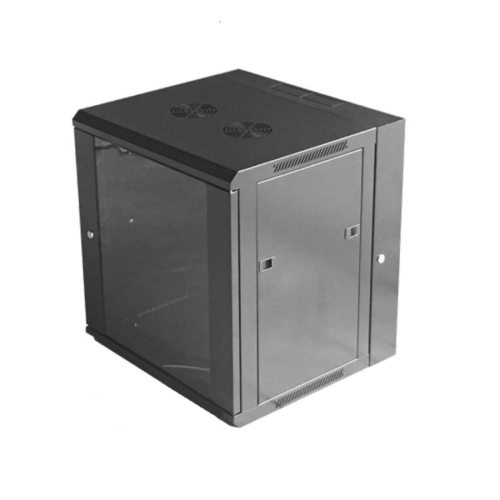
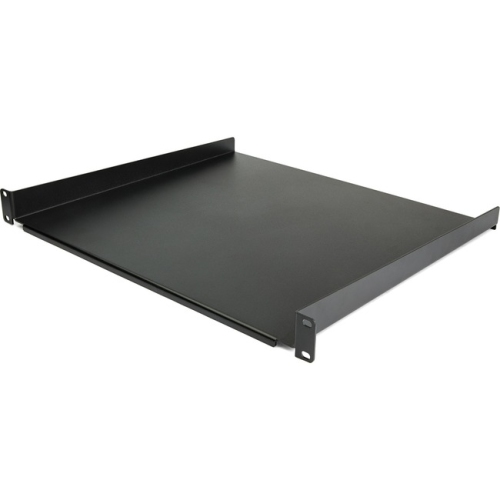
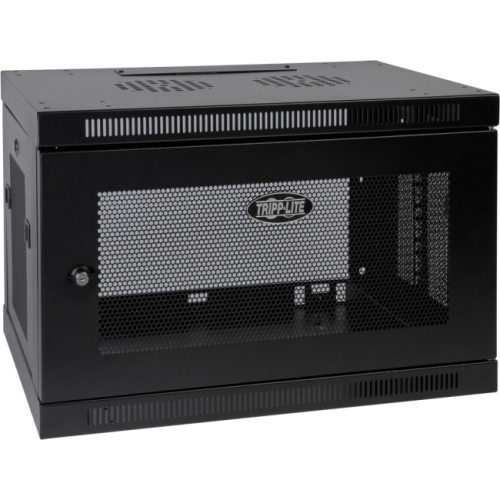
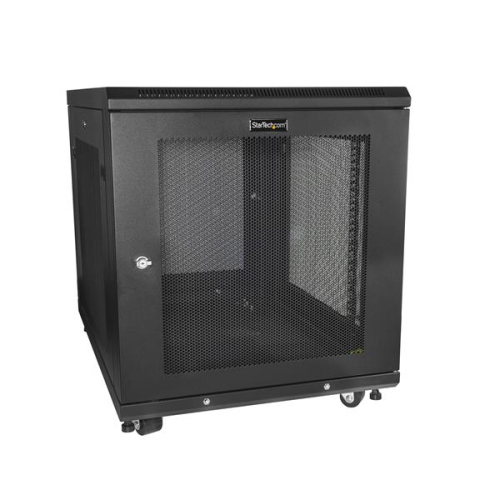
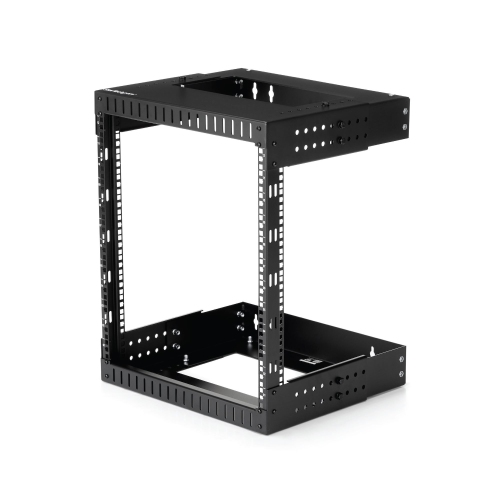
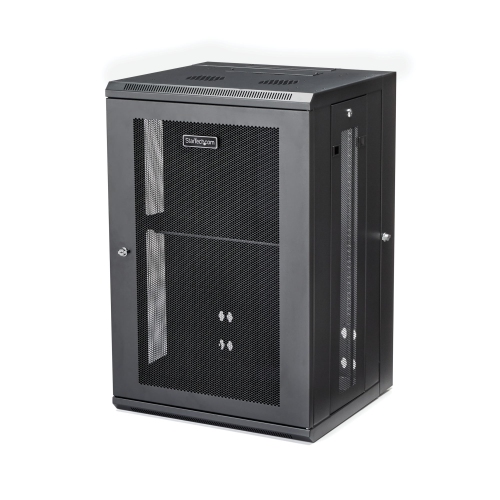
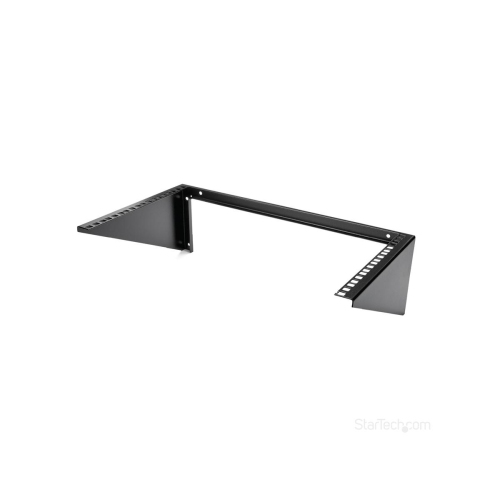
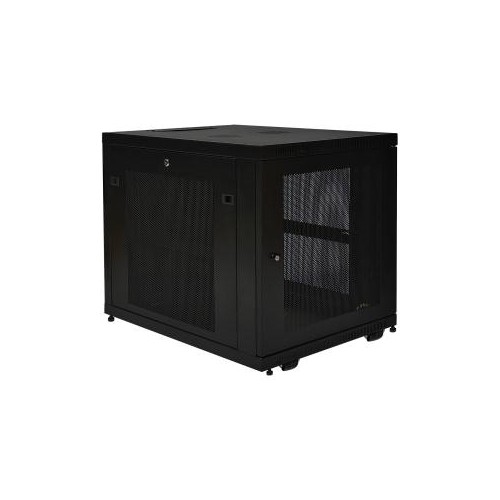
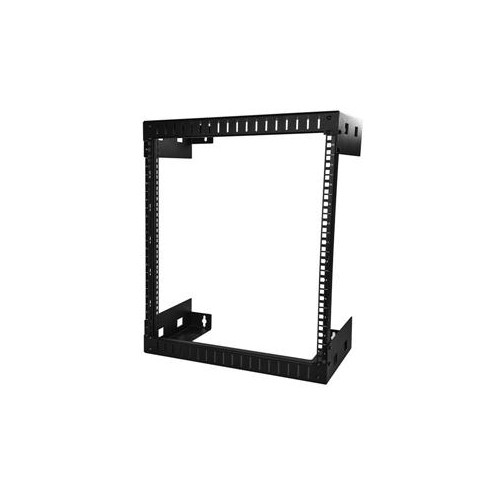
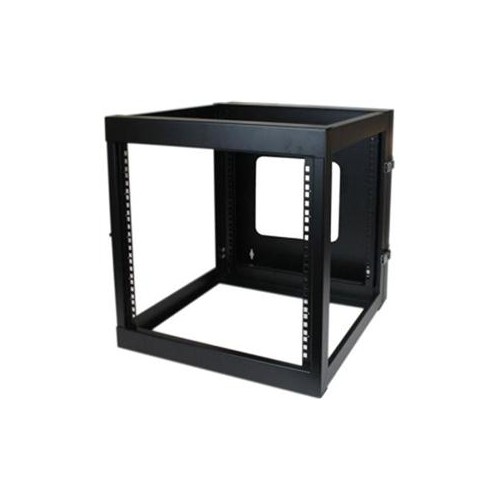
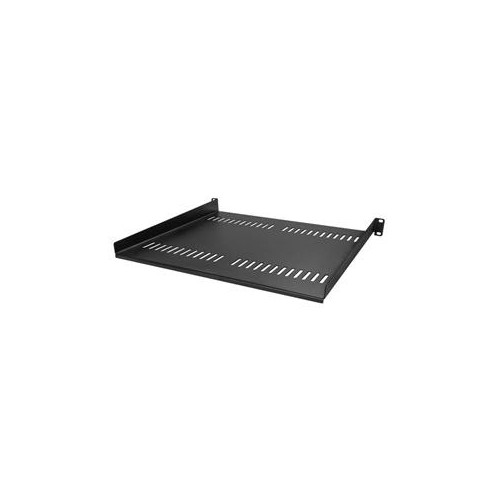
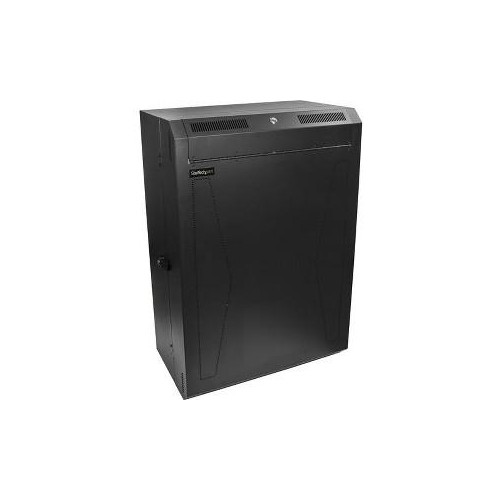
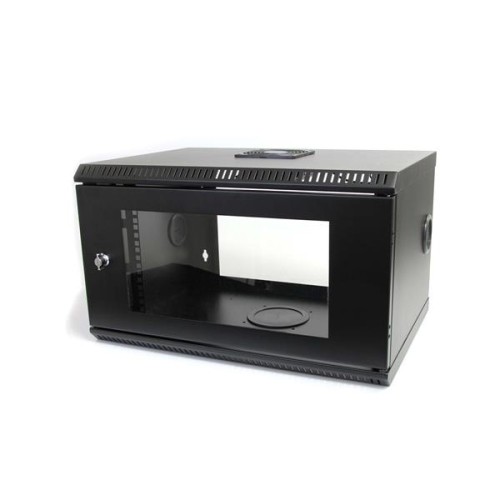
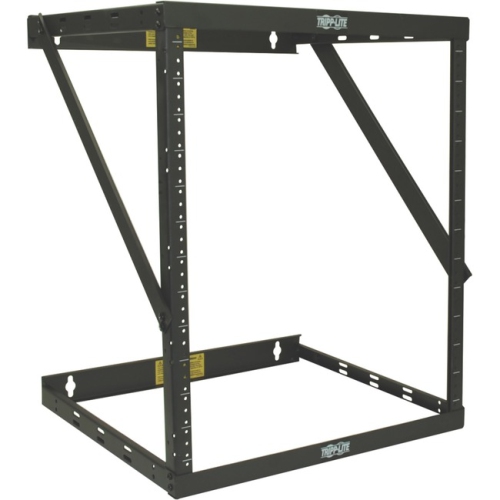
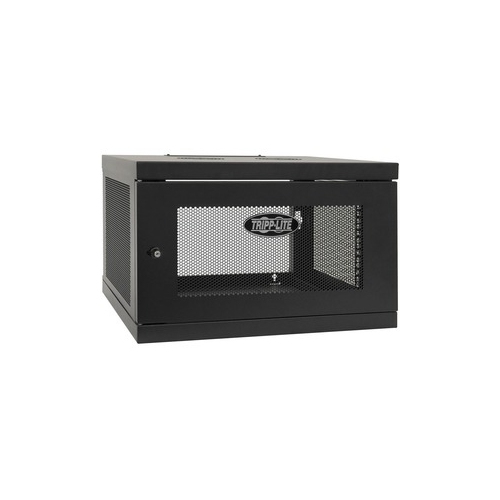
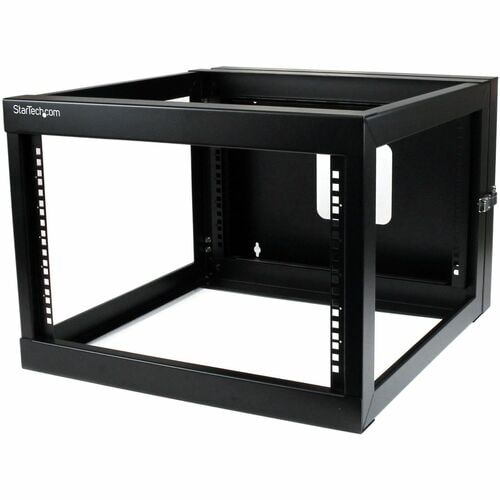
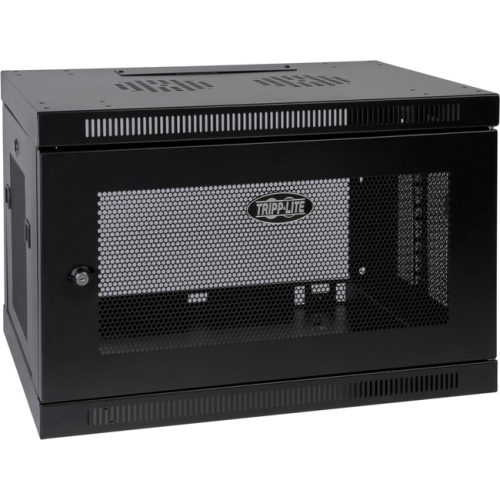
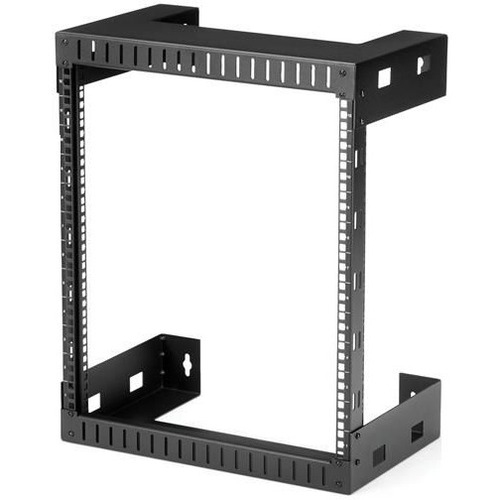
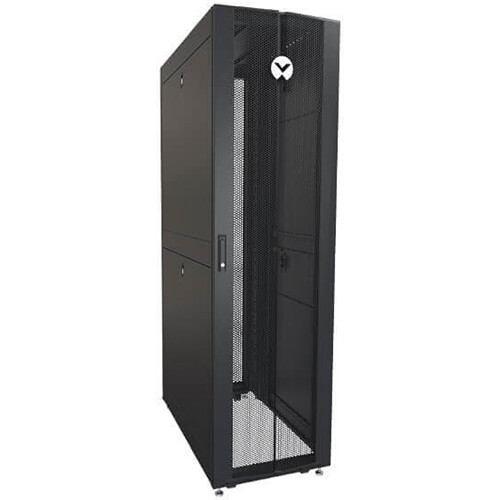
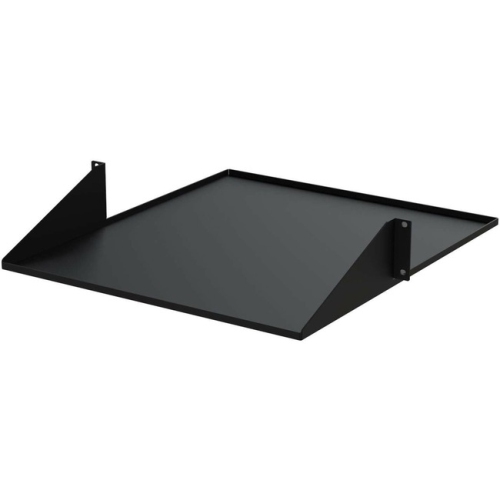
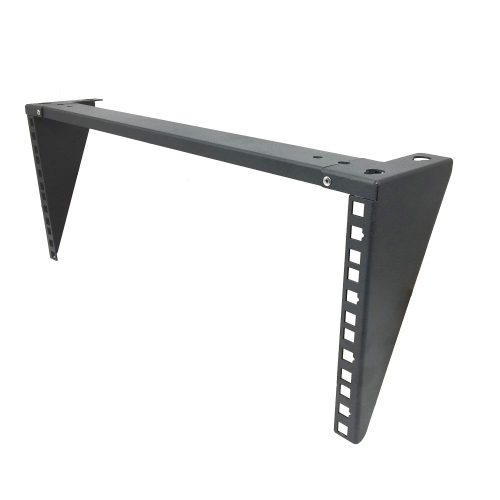
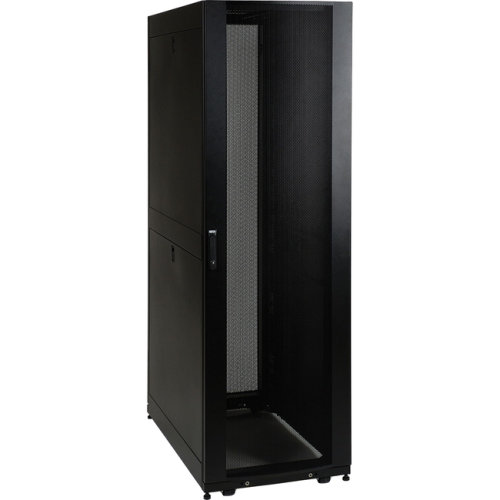
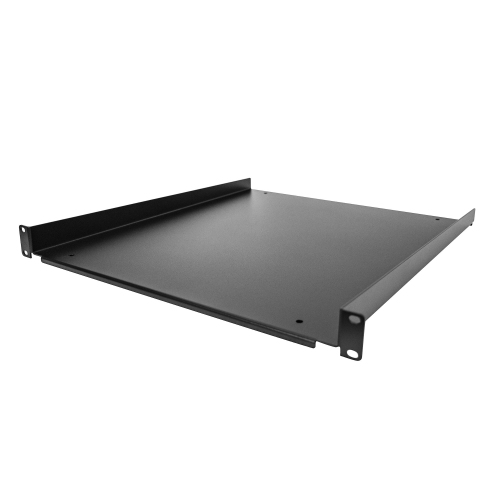
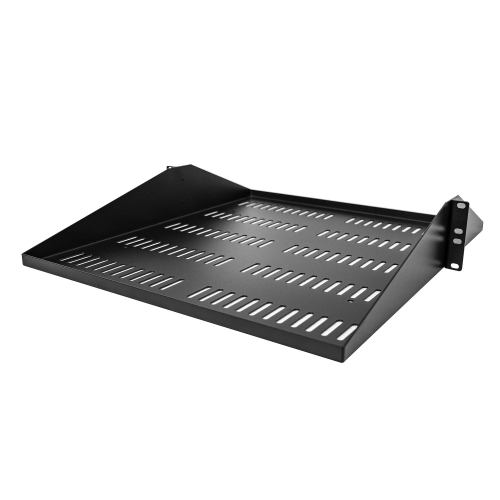
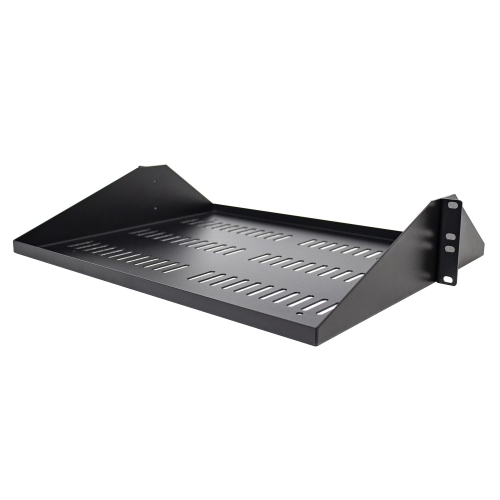
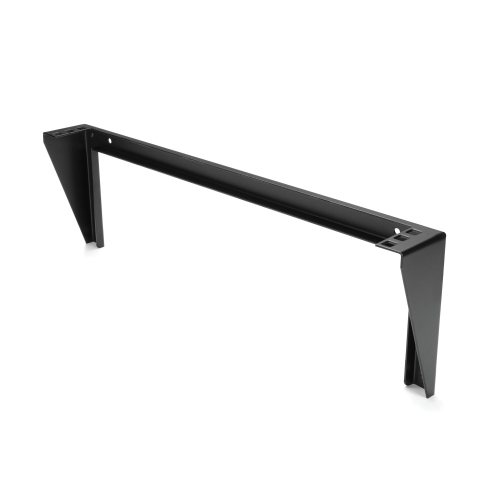
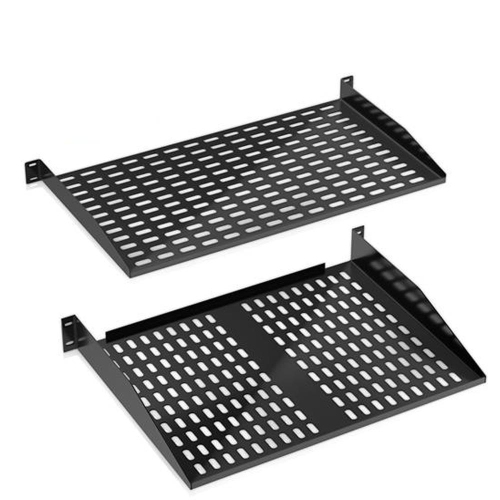
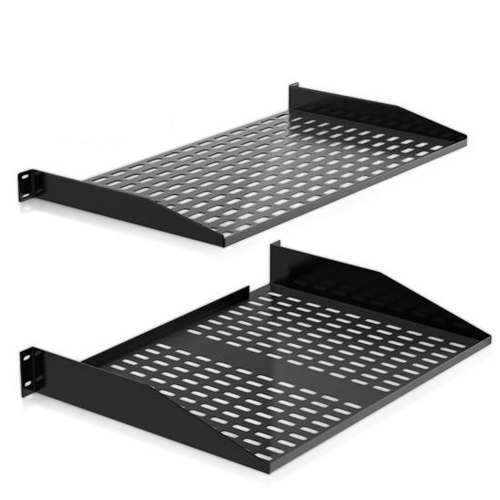
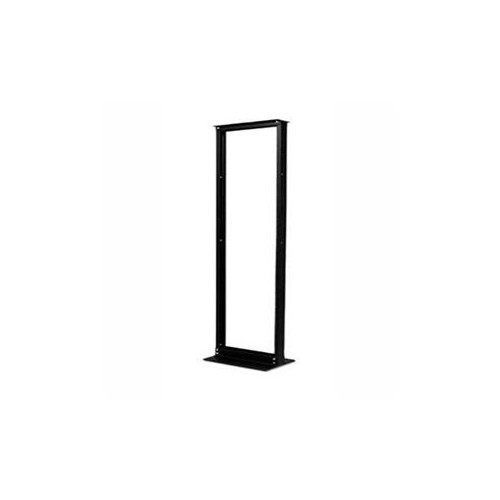
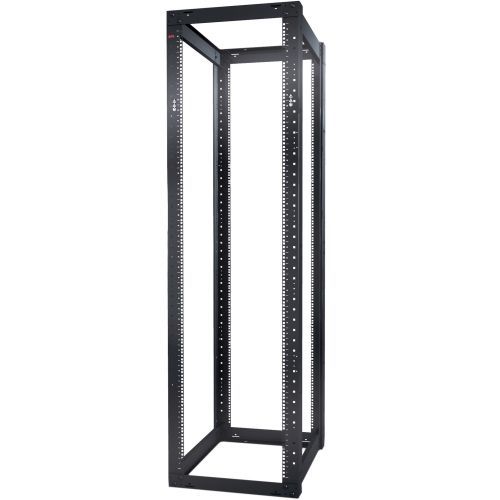
The main rack styles serve different installation environments. Open-frame racks use exposed posts and offer convenient access from multiple sides, making them useful in dedicated server rooms, workshops, and areas where airflow and quick maintenance are priorities. Their open construction can also simplify cable routing and make it easier to inspect connections, though equipment remains more exposed to dust, accidental contact, and unauthorized access. Enclosed server cabinets add front and rear doors, side panels, and locking features to create a more controlled, tidy installation. They can be a practical choice for offices, retail spaces, classrooms, and shared areas where equipment needs added physical protection and a cleaner appearance. Wall-mount racks are compact alternatives for smaller installations, particularly when floor space is limited. They can hold networking hardware, patch panels, and other shallow components while keeping cables off desks and floors. Before selecting a rack, measure the installation area carefully, including ceiling height, doorways, clearance around the cabinet, and the route needed to bring equipment into place. Check the rack’s mounting depth, maximum load rating, rail adjustability, door swing, and compatibility with the equipment you already own. A rack that fits the available floor space but cannot support the equipment’s depth or weight will create unnecessary installation problems. It is also worth considering removable side panels, casters, levelling feet, perforated doors, vented shelves, cable openings, and locking mechanisms, depending on how often the setup will be accessed and serviced.
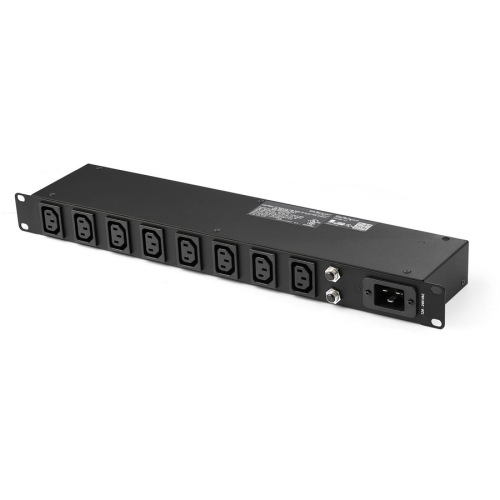
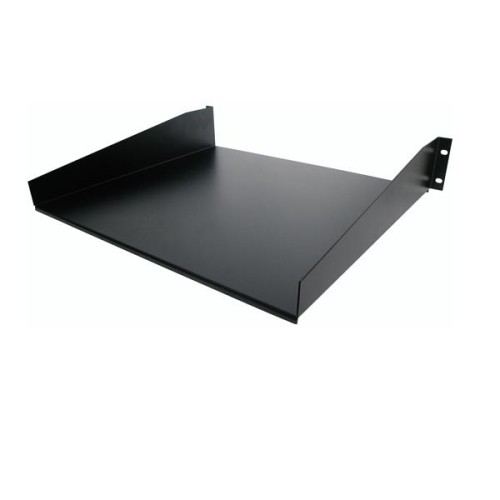
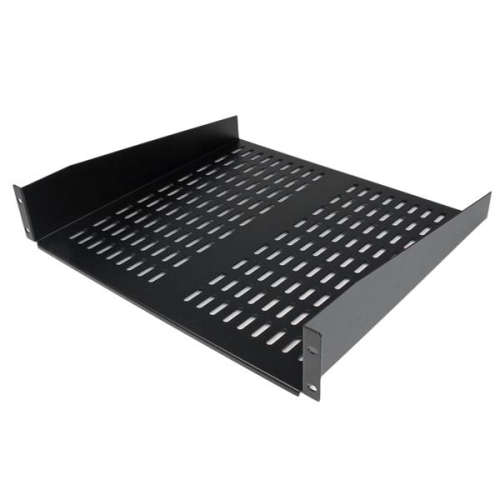
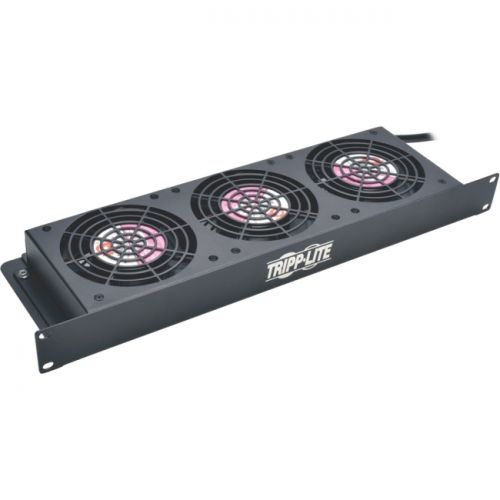
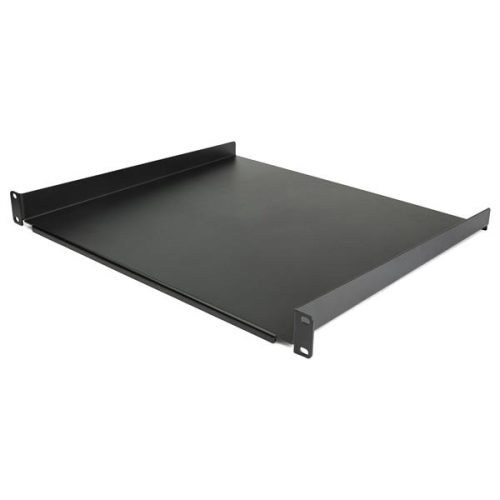
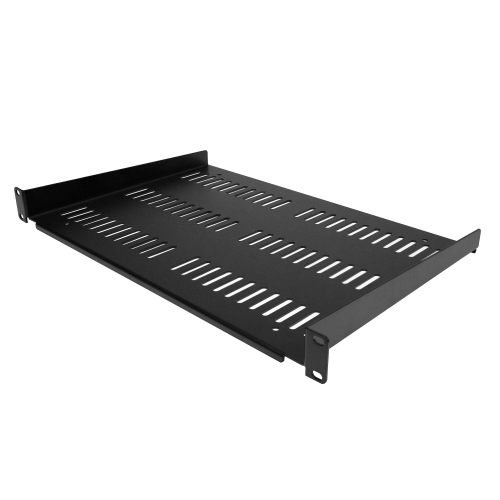
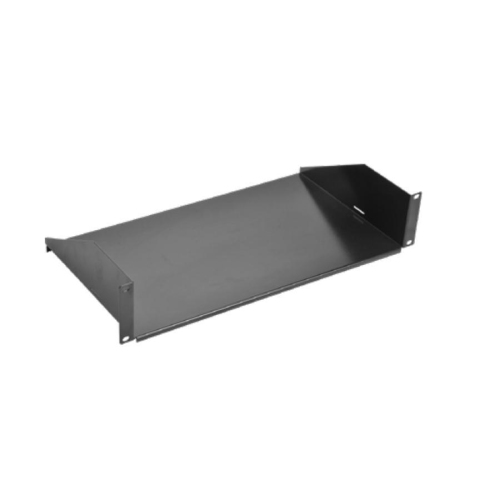
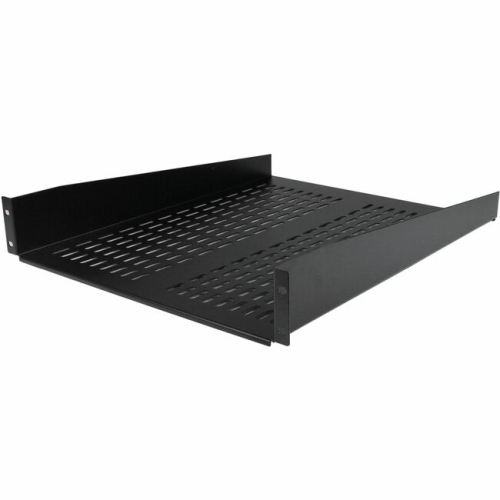
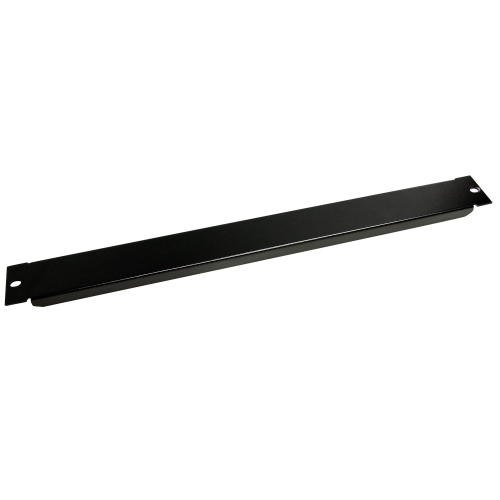
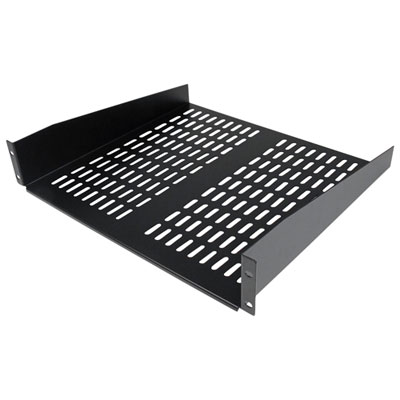
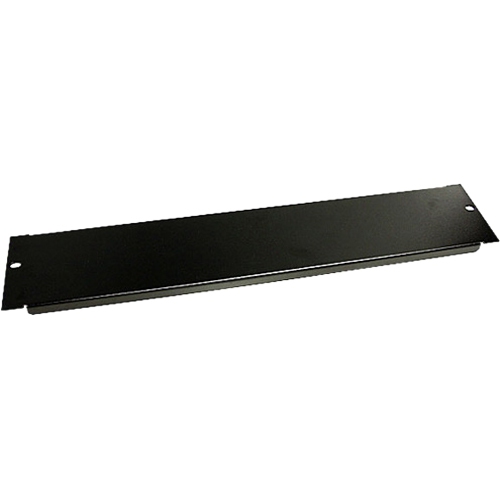
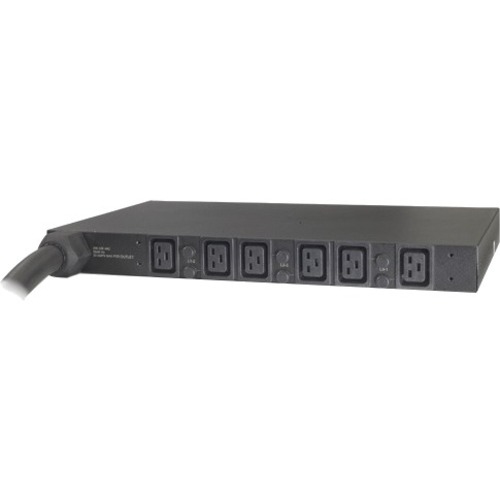
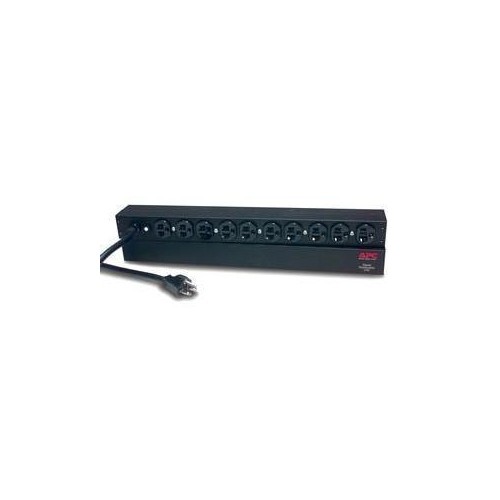
Good rack planning supports safer operation, cleaner cabling, and simpler upgrades. Place heavier equipment, such as uninterruptible power supplies and battery backups, near the bottom to maintain a low centre of gravity and reduce the risk of tipping. Network switches, routers, and patch panels are often positioned near the top or in a location that keeps incoming cables easy to trace, while servers and storage equipment can be arranged according to service requirements, weight, and airflow direction. Leave suitable space between heat-producing components when possible, and use vented shelves or blanking panels to help guide air through the cabinet rather than allowing warm air to circulate around the front. Avoid tightly bending network and power cables, label both ends of important connections, and separate power and data runs where the installation allows. A simple cable-management plan can make the difference between a rack that is easy to troubleshoot and one that becomes a tangled bundle of connections after a few upgrades. Think about power capacity before filling every available rack unit, including the number of outlets, circuit limits, power distribution, and backup runtime required for critical equipment. Noise and heat are also important considerations in offices or other occupied rooms, particularly during the warmer part of the year when ventilation systems may already be working hard, and during cooler months when a closed cabinet can still concentrate heat in a small space. IT professionals, small-business owners, makers, educators, security installers, and home-lab enthusiasts can all use server racks to create a more dependable and professional equipment layout. They can also be a thoughtful practical gift for someone building a home network, learning systems administration, expanding a media or recording setup, or organizing a technology workspace, provided the rack’s dimensions and mounting standards match the recipient’s equipment. With careful attention to rack units, depth, access, load distribution, airflow, power, and future expansion, an IT server rack can turn a crowded collection of equipment into a secure, serviceable, and well-organized system.
The main rack styles serve different installation environments. Open-frame racks use exposed posts and offer convenient access from multiple sides, making them useful in dedicated server rooms, workshops, and areas where airflow and quick maintenance are priorities. Their open construction can also simplify cable routing and make it easier to inspect connections, though equipment remains more exposed to dust, accidental contact, and unauthorized access. Enclosed server cabinets add front and rear doors, side panels, and locking features to create a more controlled, tidy installation. They can be a practical choice for offices, retail spaces, classrooms, and shared areas where equipment needs added physical protection and a cleaner appearance. Wall-mount racks are compact alternatives for smaller installations, particularly when floor space is limited. They can hold networking hardware, patch panels, and other shallow components while keeping cables off desks and floors. Before selecting a rack, measure the installation area carefully, including ceiling height, doorways, clearance around the cabinet, and the route needed to bring equipment into place. Check the rack’s mounting depth, maximum load rating, rail adjustability, door swing, and compatibility with the equipment you already own. A rack that fits the available floor space but cannot support the equipment’s depth or weight will create unnecessary installation problems. It is also worth considering removable side panels, casters, levelling feet, perforated doors, vented shelves, cable openings, and locking mechanisms, depending on how often the setup will be accessed and serviced.
Good rack planning supports safer operation, cleaner cabling, and simpler upgrades. Place heavier equipment, such as uninterruptible power supplies and battery backups, near the bottom to maintain a low centre of gravity and reduce the risk of tipping. Network switches, routers, and patch panels are often positioned near the top or in a location that keeps incoming cables easy to trace, while servers and storage equipment can be arranged according to service requirements, weight, and airflow direction. Leave suitable space between heat-producing components when possible, and use vented shelves or blanking panels to help guide air through the cabinet rather than allowing warm air to circulate around the front. Avoid tightly bending network and power cables, label both ends of important connections, and separate power and data runs where the installation allows. A simple cable-management plan can make the difference between a rack that is easy to troubleshoot and one that becomes a tangled bundle of connections after a few upgrades. Think about power capacity before filling every available rack unit, including the number of outlets, circuit limits, power distribution, and backup runtime required for critical equipment. Noise and heat are also important considerations in offices or other occupied rooms, particularly during the warmer part of the year when ventilation systems may already be working hard, and during cooler months when a closed cabinet can still concentrate heat in a small space. IT professionals, small-business owners, makers, educators, security installers, and home-lab enthusiasts can all use server racks to create a more dependable and professional equipment layout. They can also be a thoughtful practical gift for someone building a home network, learning systems administration, expanding a media or recording setup, or organizing a technology workspace, provided the rack’s dimensions and mounting standards match the recipient’s equipment. With careful attention to rack units, depth, access, load distribution, airflow, power, and future expansion, an IT server rack can turn a crowded collection of equipment into a secure, serviceable, and well-organized system.
Top selling and popular products
-
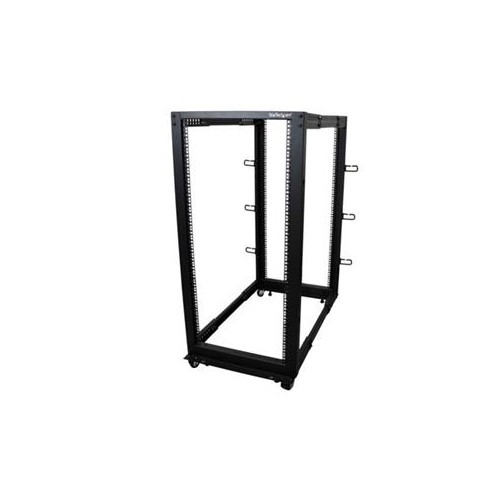 Your price for this item is $581.68
 -
 Your price for this item is $1303.99
 -
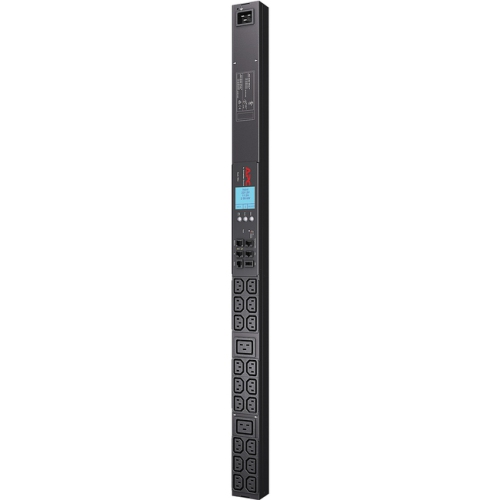 Your price for this item is $867.99
 -
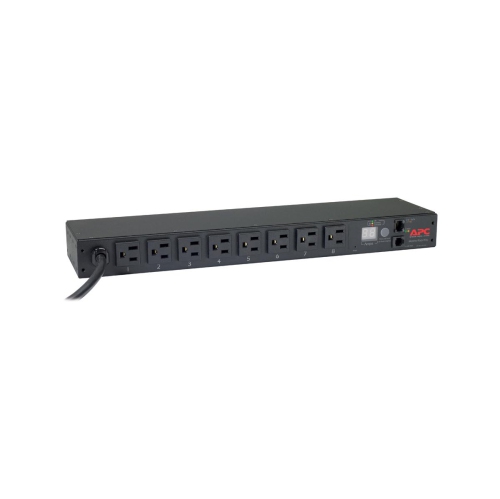 Your price for this item is $748.99
 -
 Your price for this item is $250.68
 -
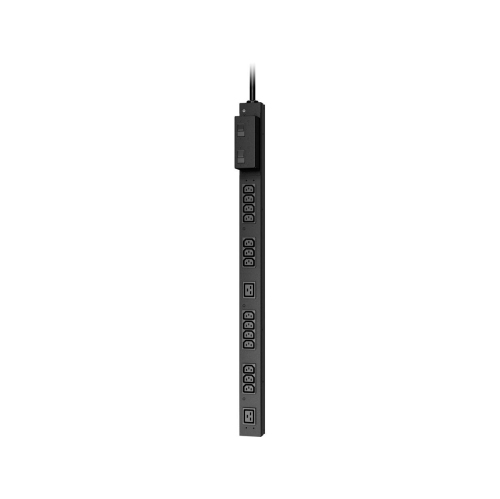 Your price for this item is $407.99
 -
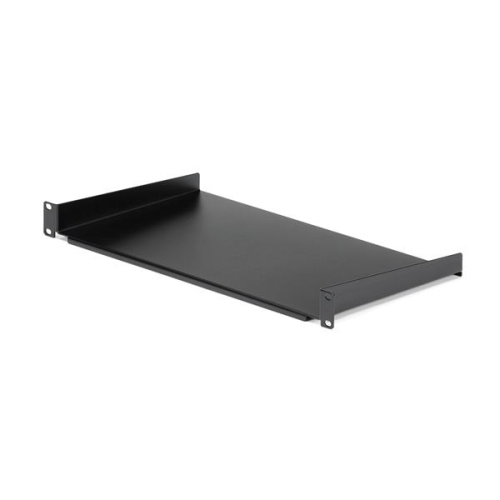 Your price for this item is $54.99
 -
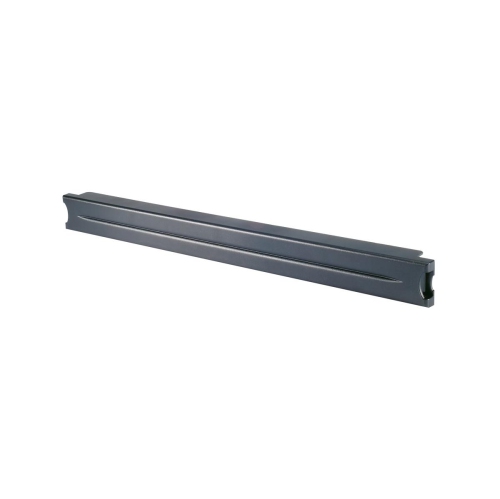 Your price for this item is $102.99
Discover more categories related to IT Server Racks
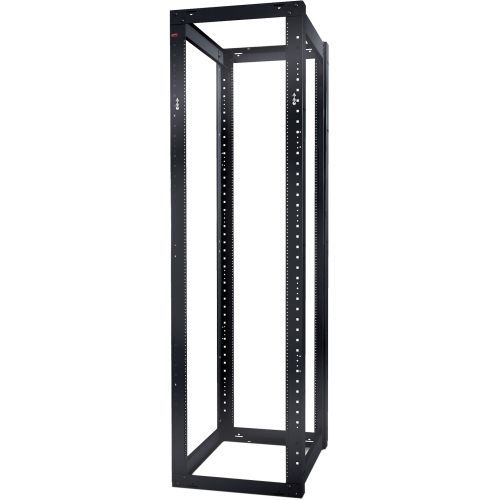
Top Collections:
Pokemon Centers, Kindle Devices, Best Budget Office Chairs, Apple iPhones 16, Best Laptops for Writers, iPhone 15 Apple, Canon G7X Cameras, Refurbished Apple Laptops, Alarm Clock, Motorola Razr Phones
Some products may be subject to Environmental Handling Fees
(EHF) depending on your province.
Learn more about EHFs.