Audio Cables for iPhone
Whether you're looking to connect your iPhone to external speakers, headphones, or car stereos, having the right audio cables is essential for a seamless listening experience. Our selection of audio cables for iPhones offers a variety of options to suit your needs, from lightning to aux cables and more. Say goodbye to tangled cords and enjoy high-quality sound with these reliable and durable audio cables designed specifically for your iPhone.
Sort
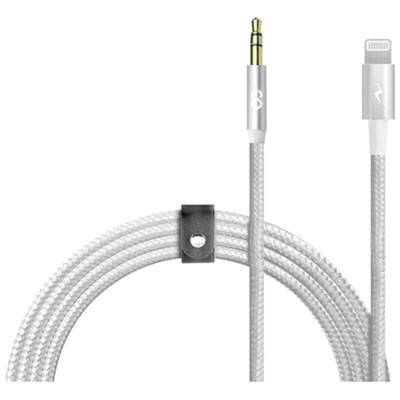
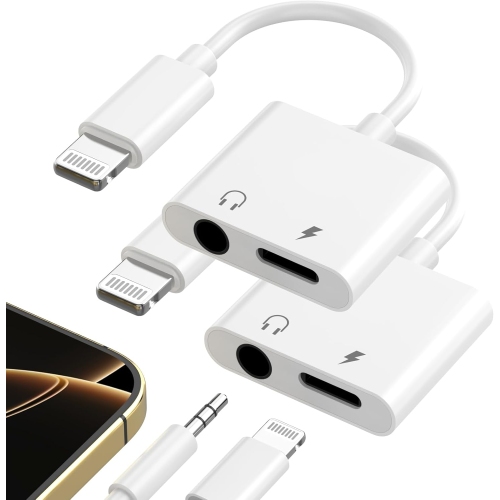
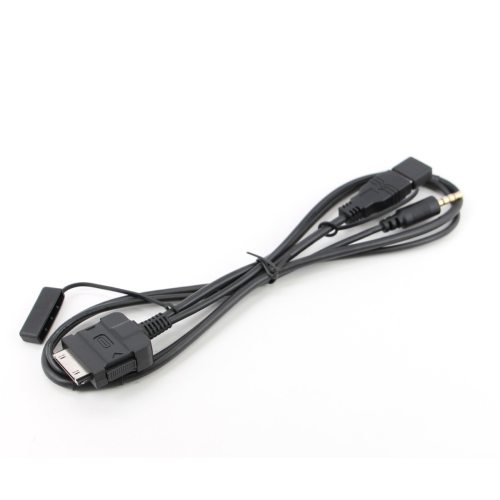
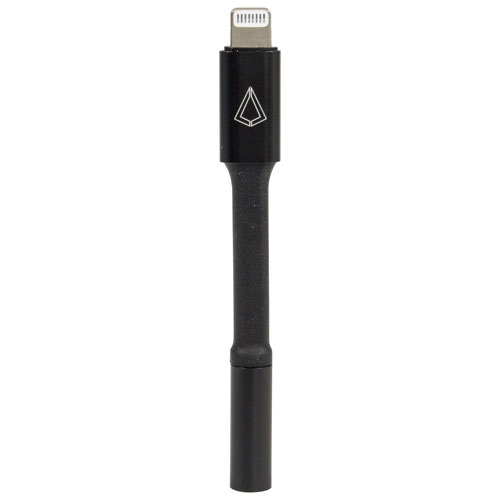
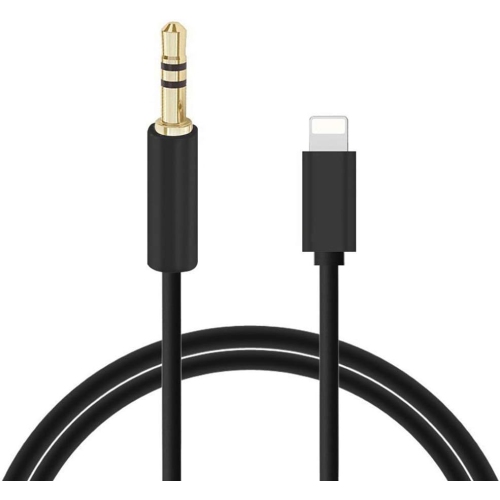
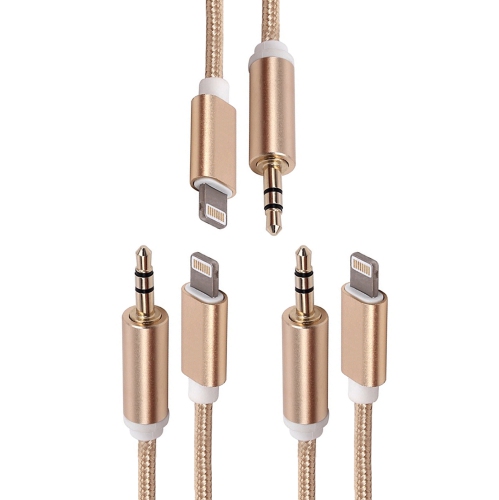
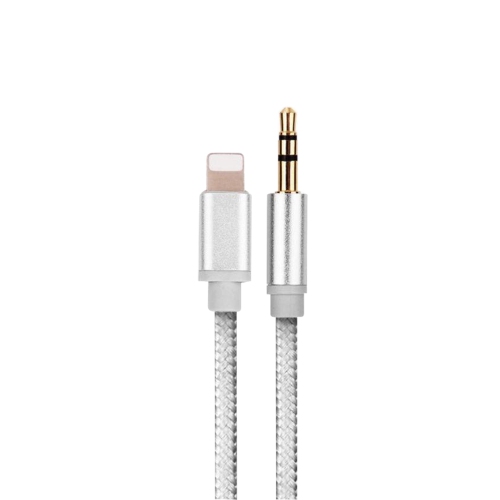
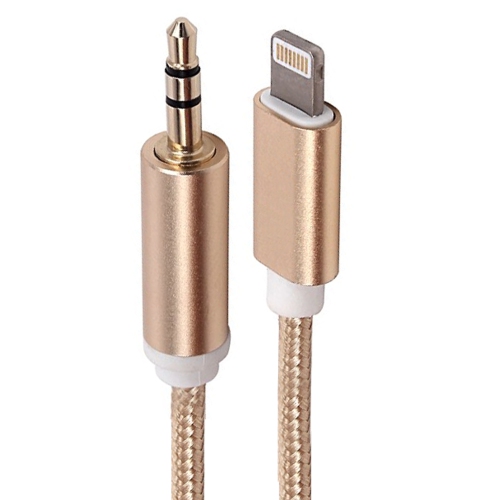
![SUPERSHIELD Iphone Aux Cord for Car Stereo, [Apple Mfi Certified] Lightning to 3.5MM Audio Cable Compatible w Iphone 13 12 11 Xs Xr X Se2 8 7 to Car](https://multimedia.bbycastatic.ca/multimedia/products/500x500/170/17020/17020807.jpeg)
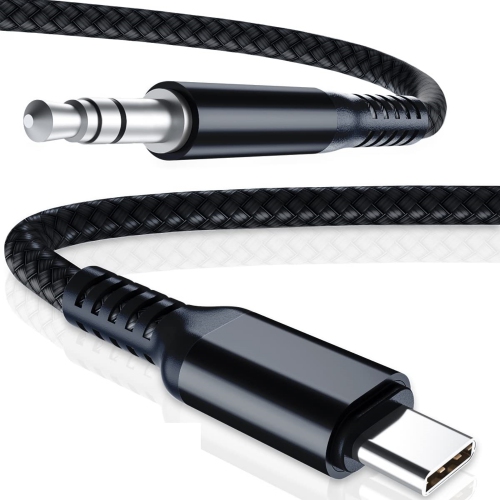
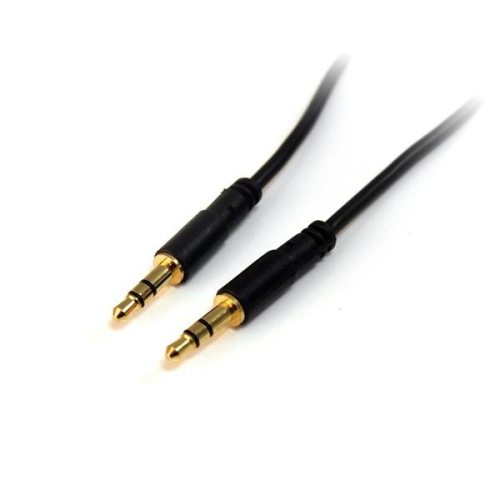
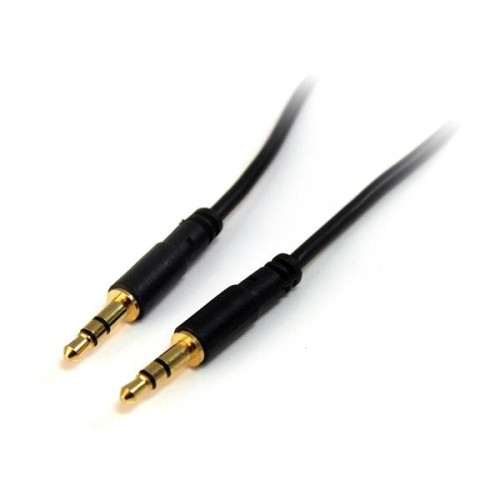
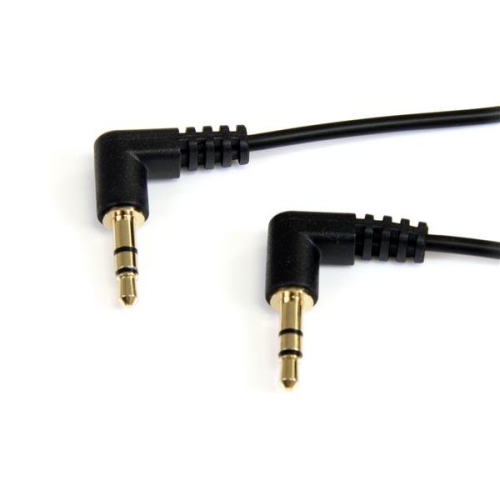
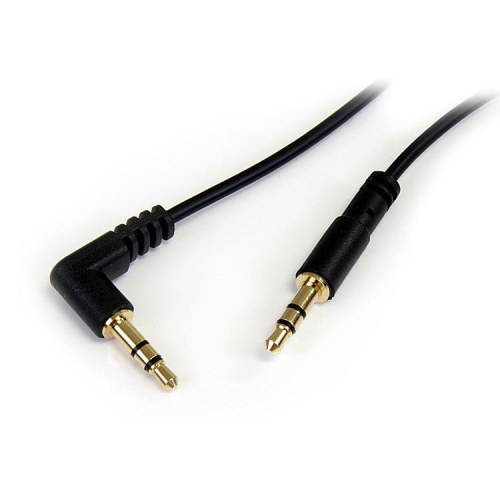
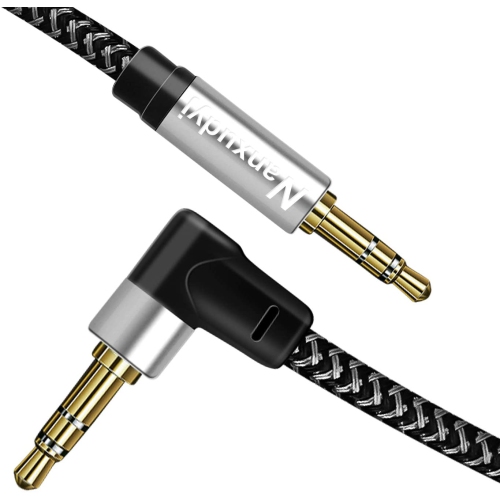
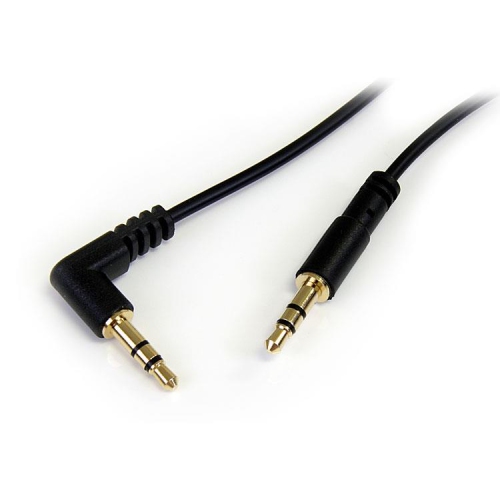
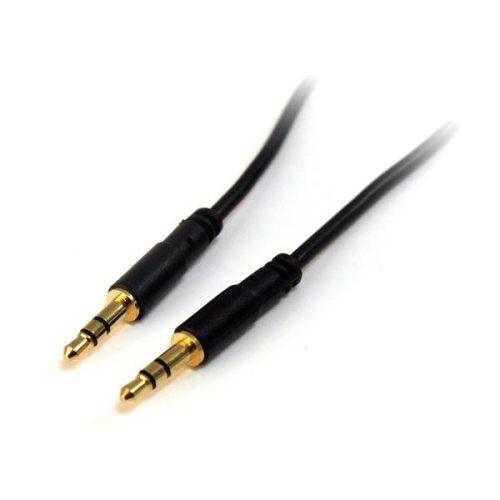
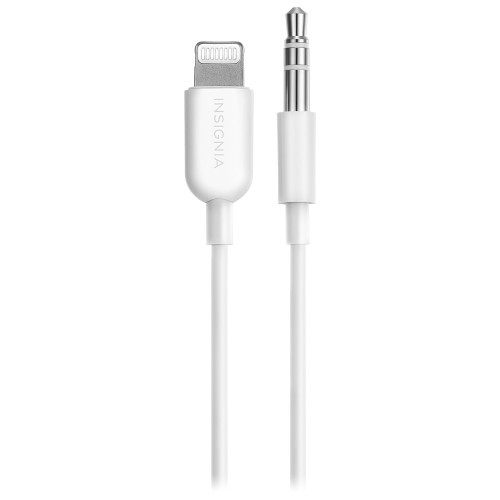
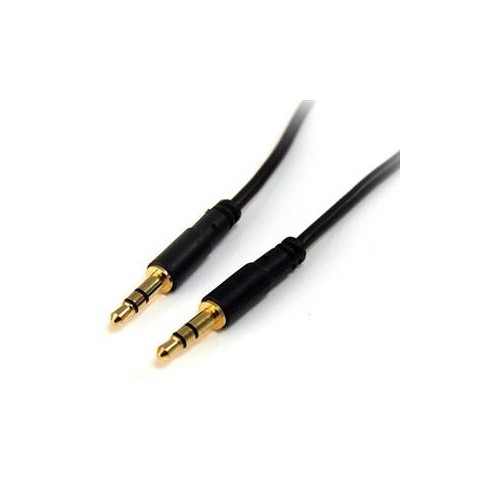

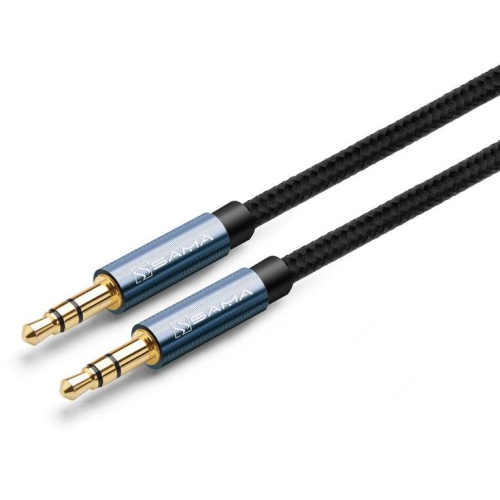
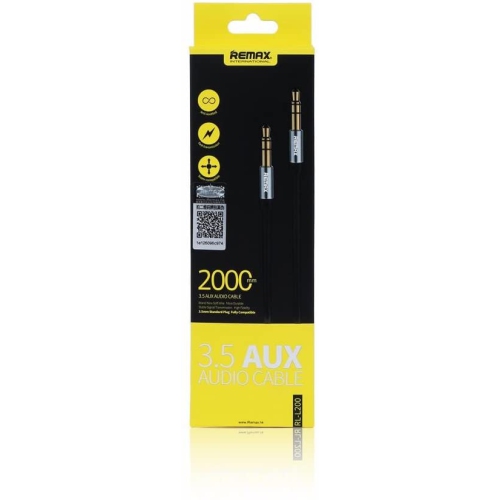
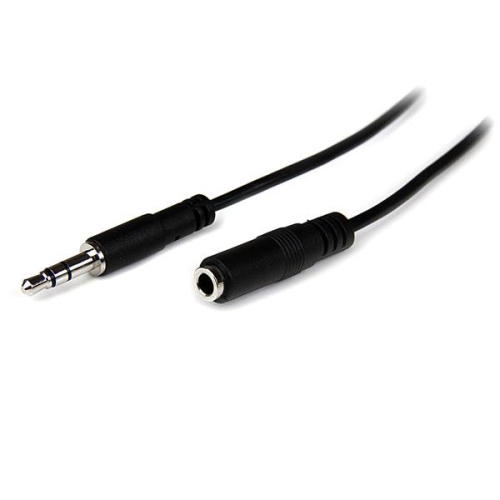
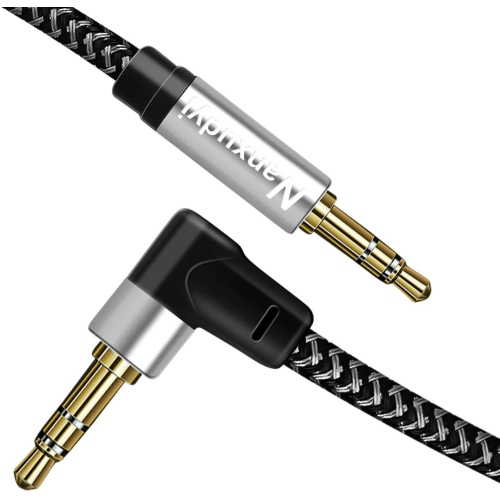
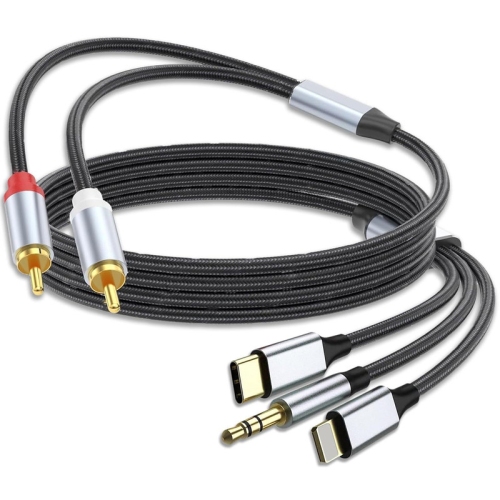
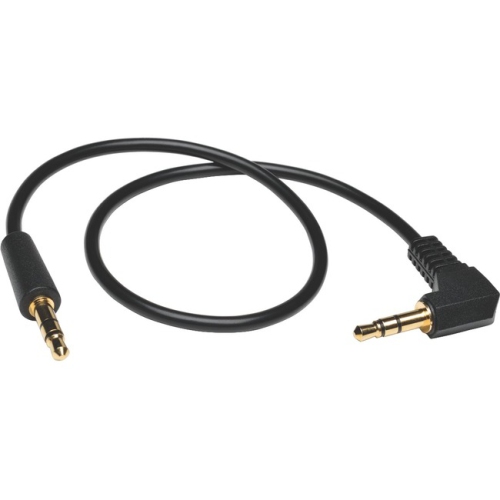
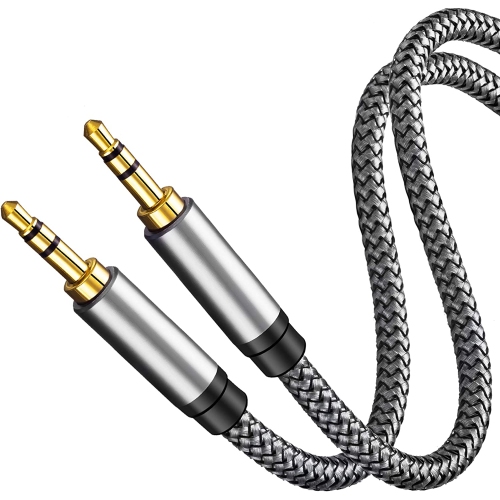
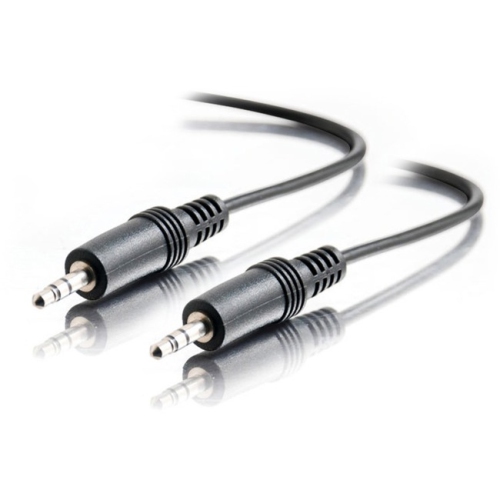
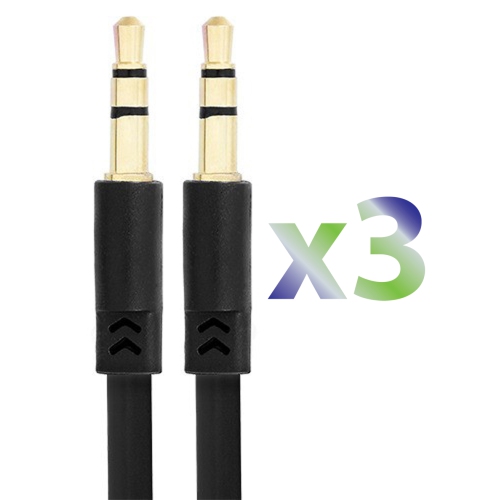
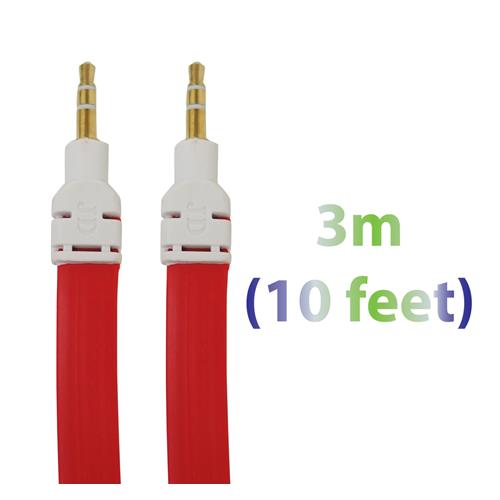
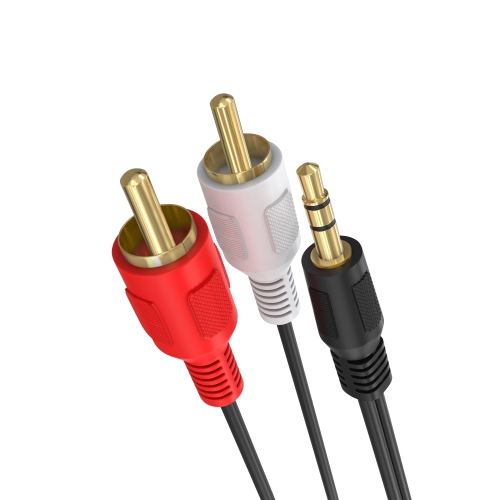
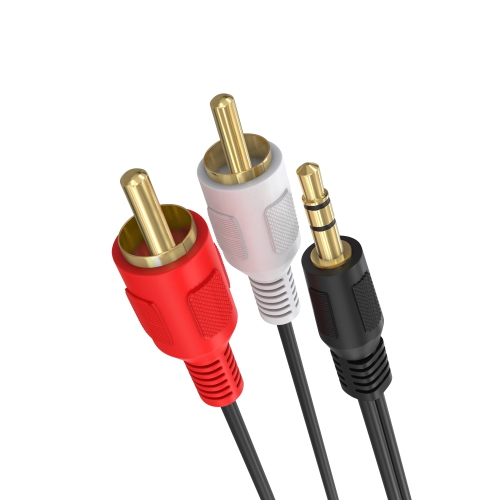
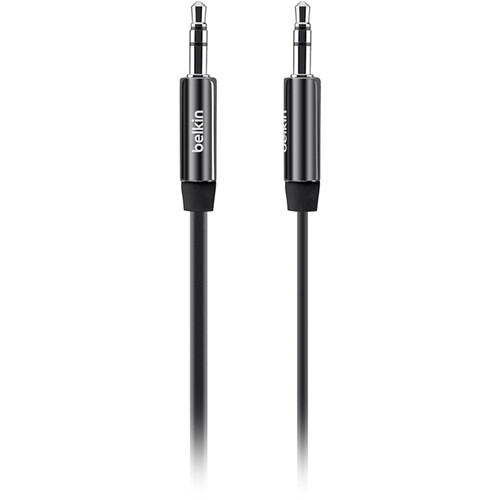
![GENERIC Aux Cable, 8Ft 3.5MM Male to Male Audio Cord [2Pack, Hi-Fi Sound] Nylon Braided Auxiliary Cable for Car/home](https://multimedia.bbycastatic.ca/multimedia/products/500x500/166/16699/16699794.jpeg)
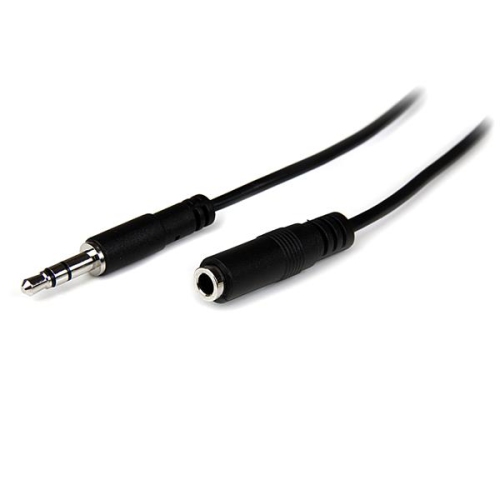
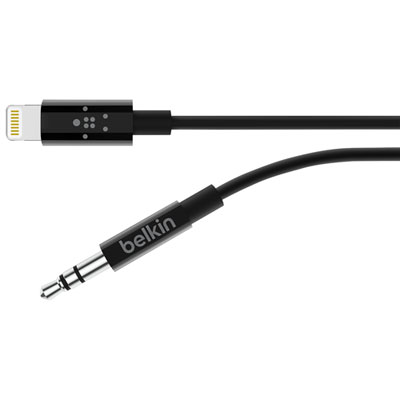
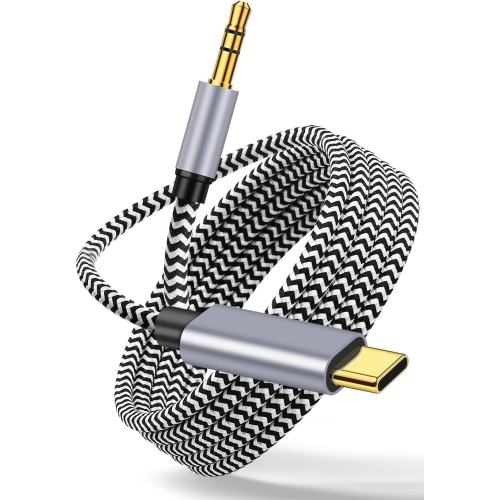
![SUPERSHIELD Iphone Aux Cord for Car Stereo, [Apple Mfi Certified] Lightning to 3.5MM Audio Cable Compatible w Iphone 13 12 11 Xs Xr X Se2 8 7 to Car](https://multimedia.bbycastatic.ca/multimedia/products/500x500/170/17020/17020808.jpeg)
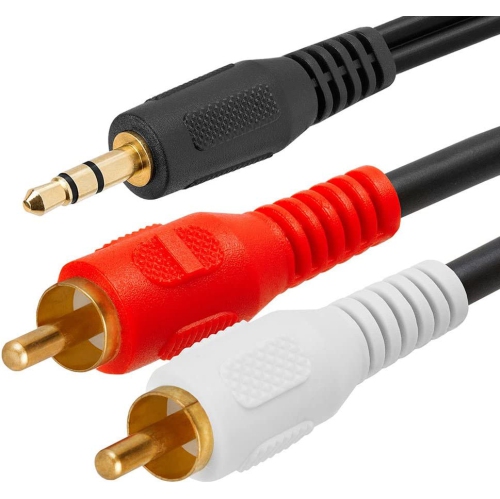
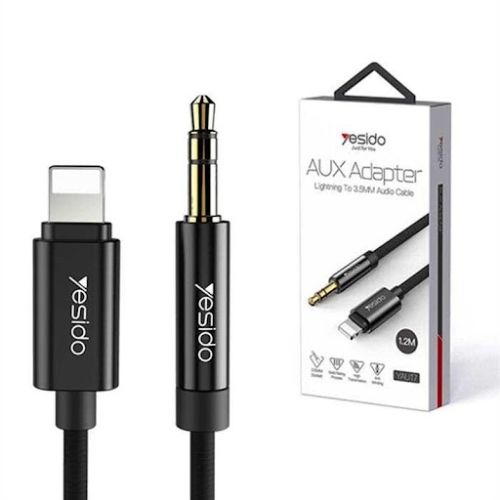
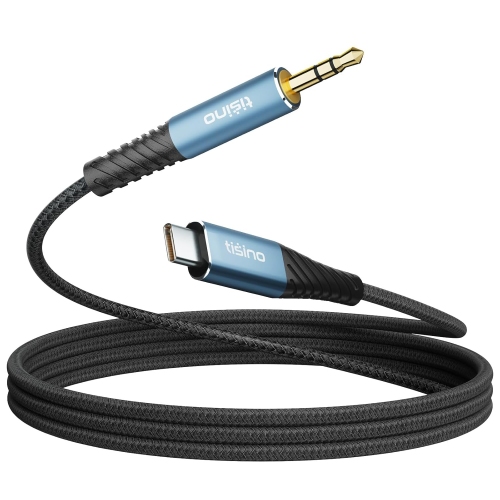
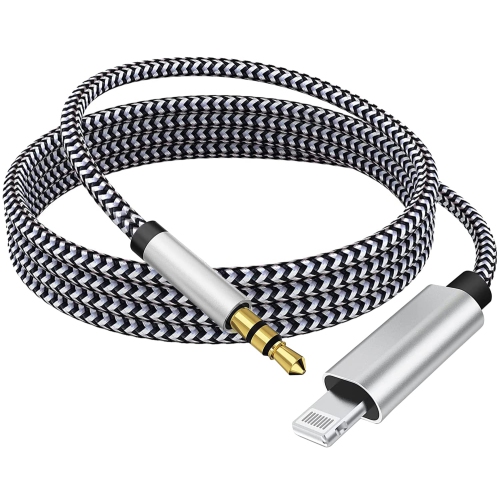
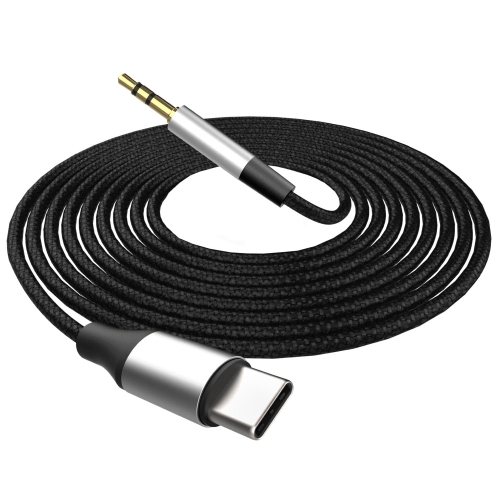
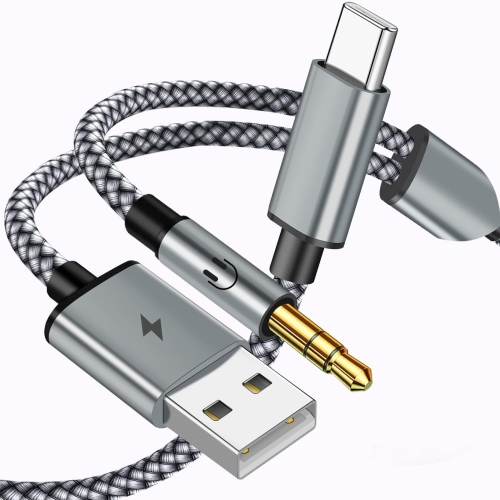
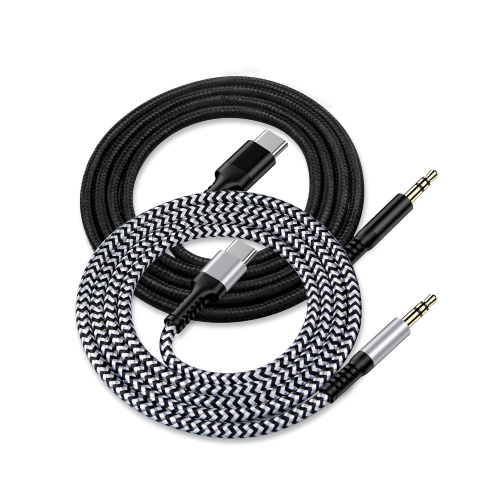
![CSMART [Cs] 3.3Ft / 1M Lightning to Male Aux 3.5MM Audio Conversion Adapter Nylon Braid Cable Cord Compatible for Iphone](https://multimedia.bbycastatic.ca/multimedia/products/500x500/160/16006/16006963.jpeg)
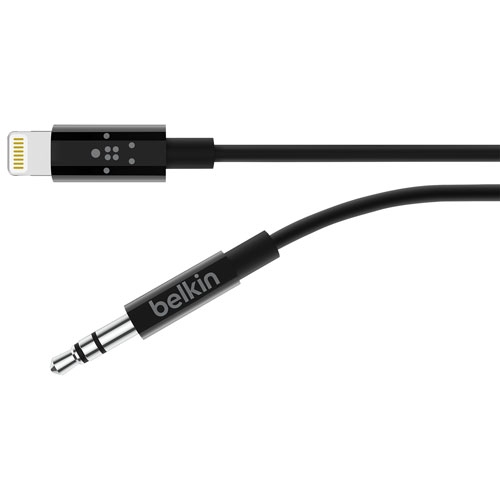
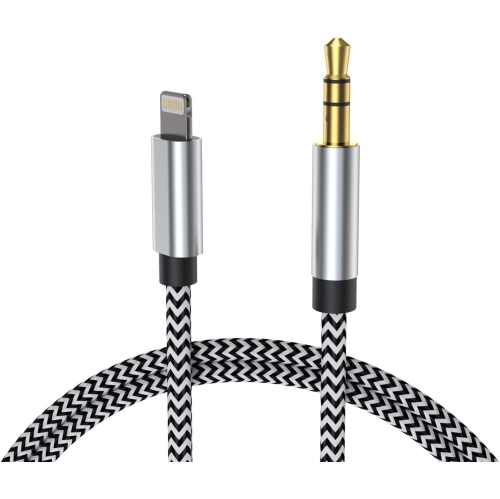
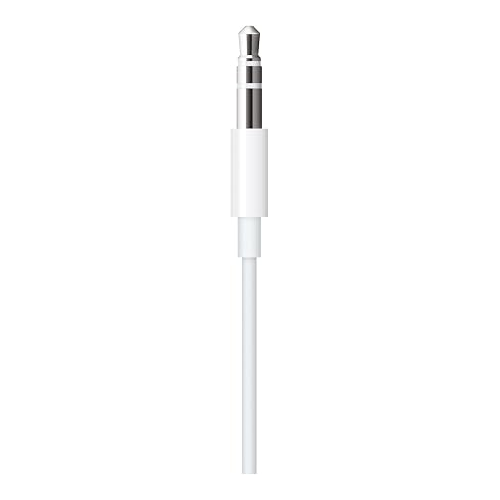
![TASNIM Iphone Aux Cord for Car Stereo, [Apple Mfi Certified] Lightning to 3.5MM Audio Cable Compatible w Iphone 13 12 11 Xs Xr X Se2 8 7 to Car](https://multimedia.bbycastatic.ca/multimedia/products/500x500/197/19724/19724120.jpeg)
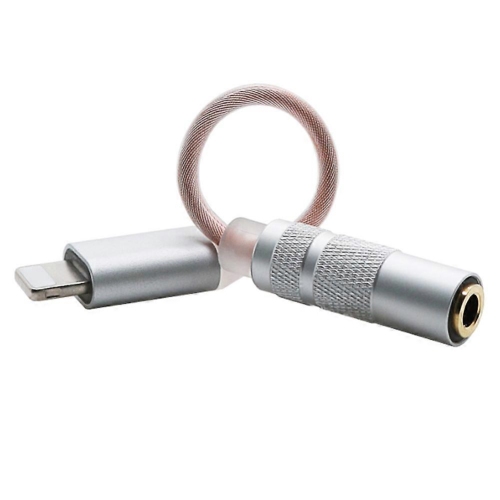
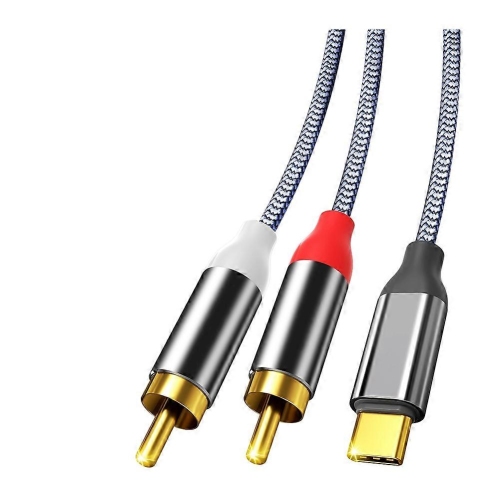
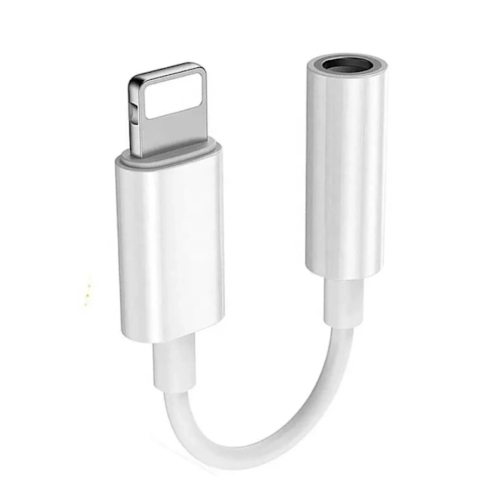
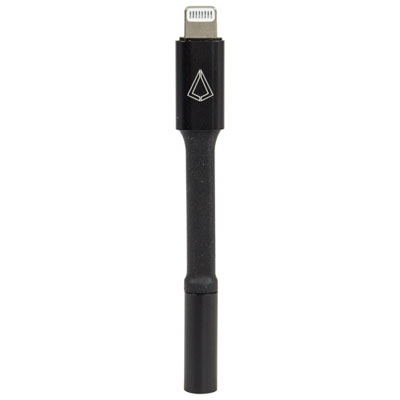
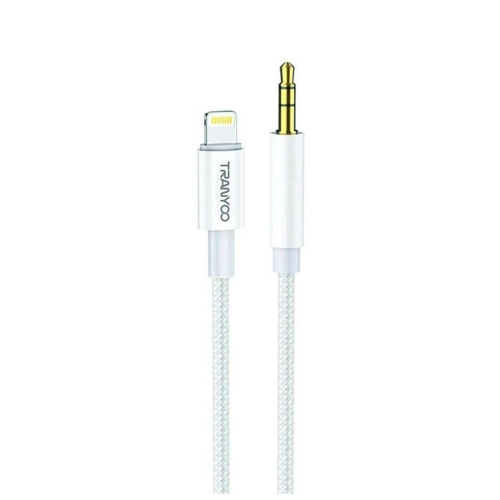
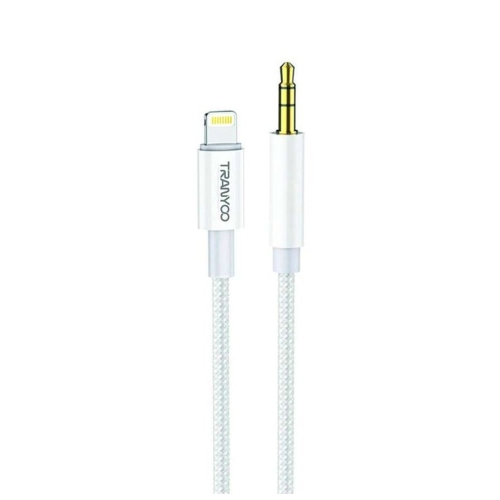
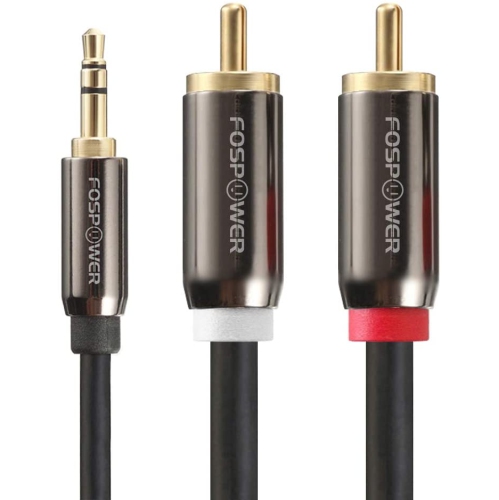
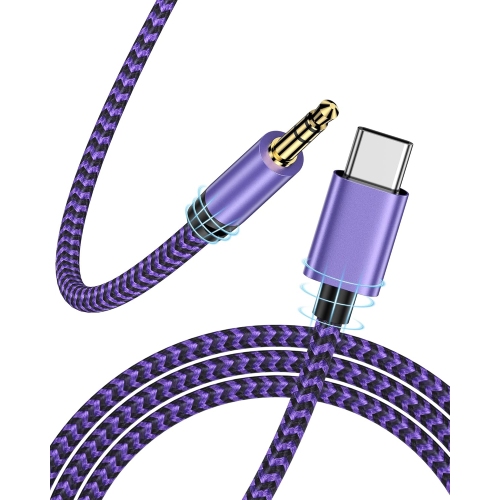
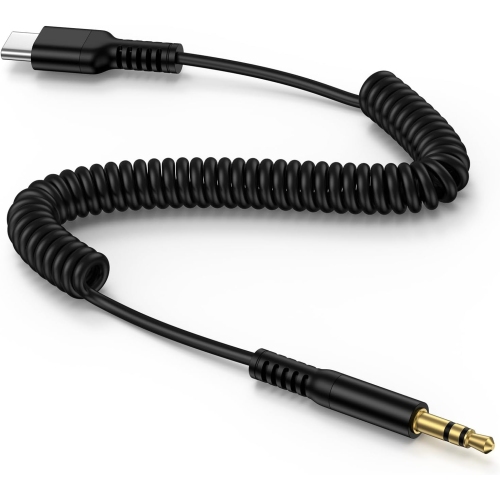
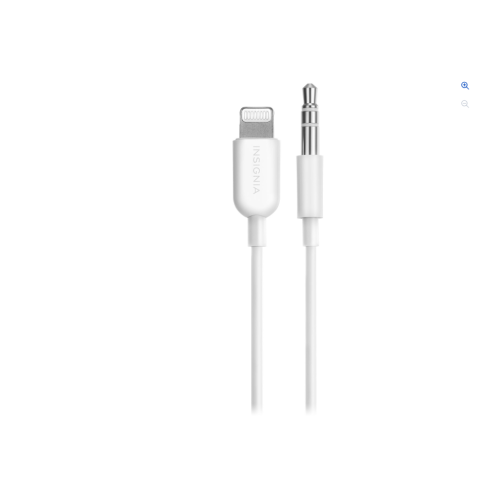
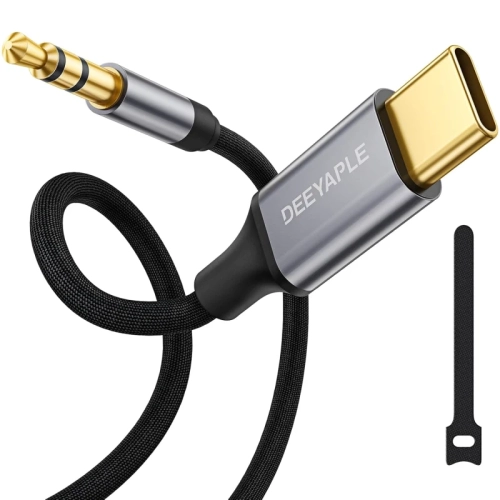
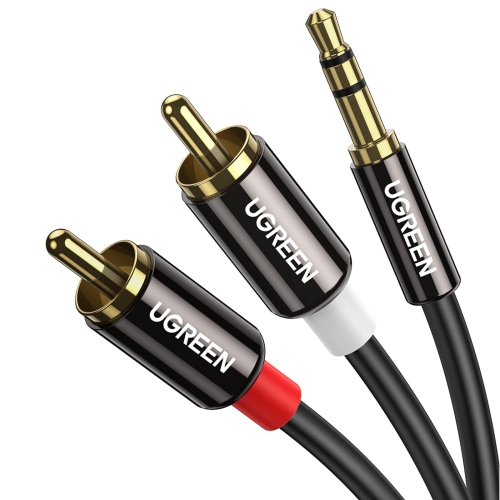
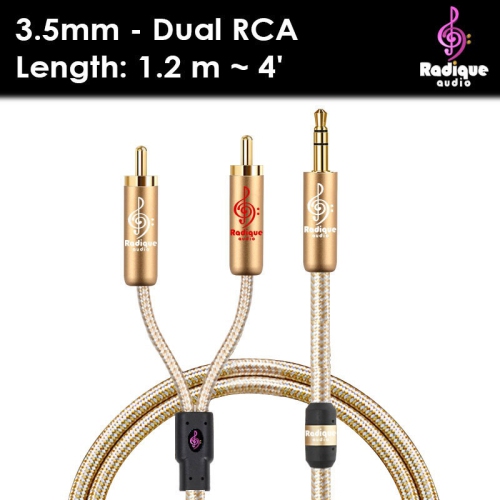
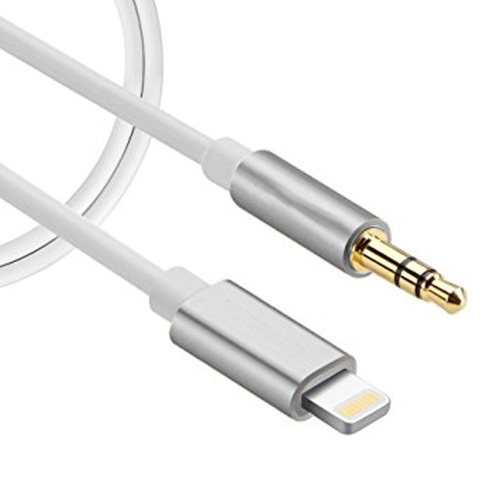
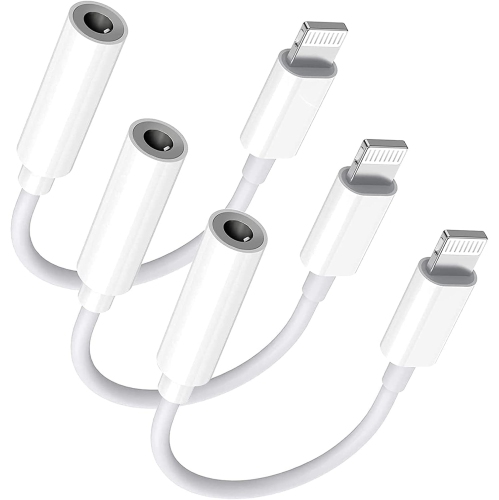
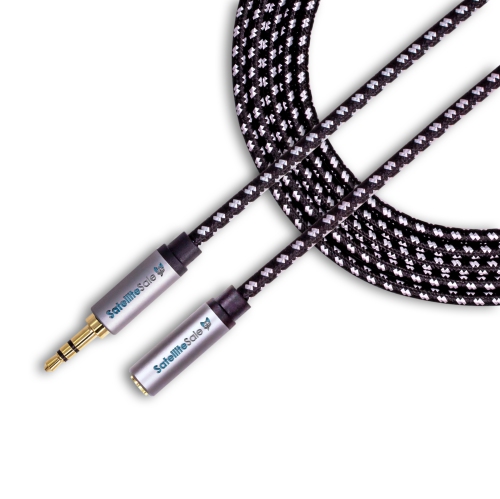
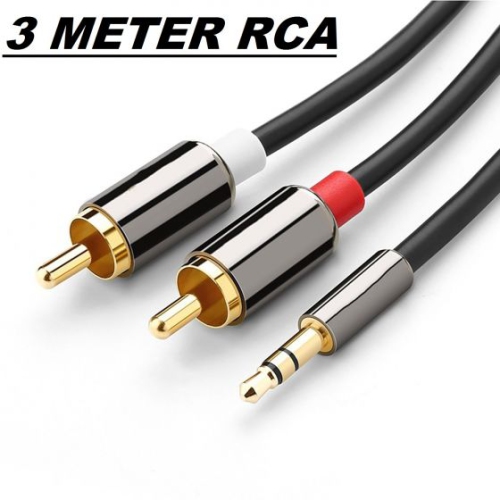
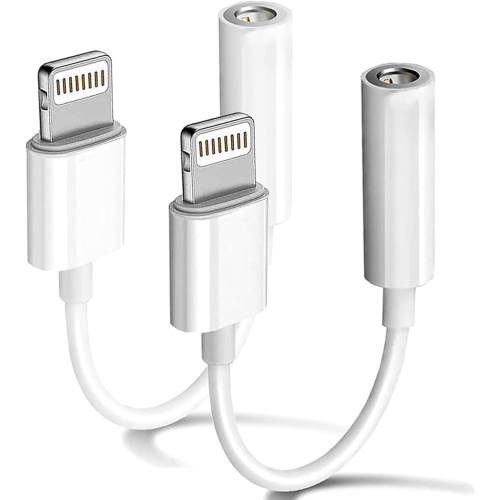
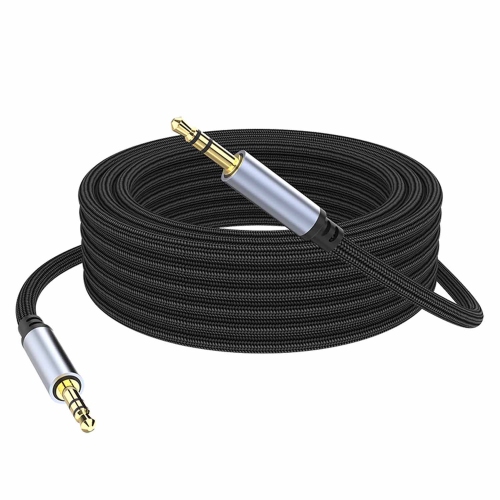
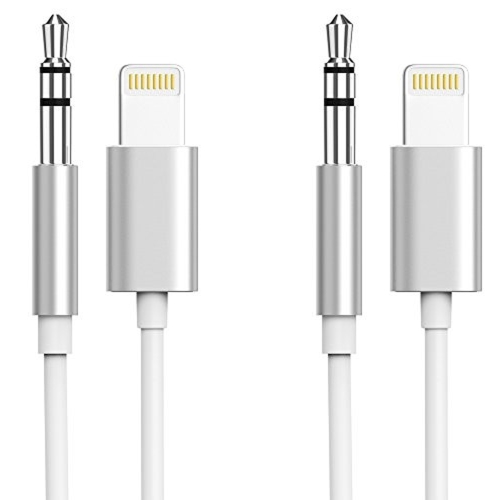
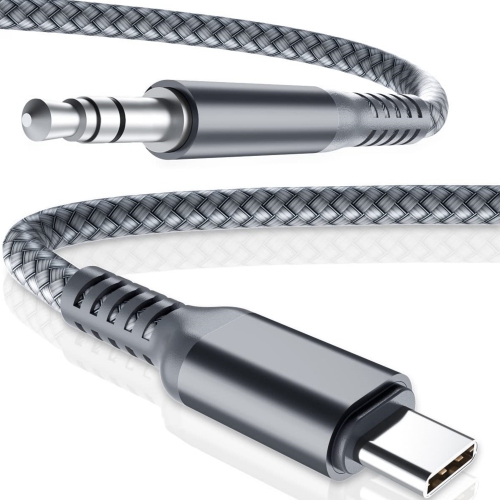
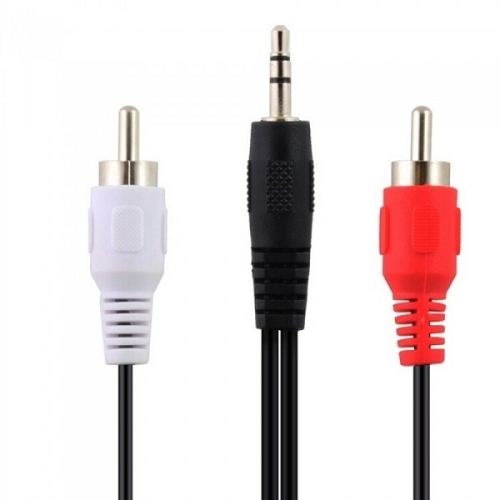
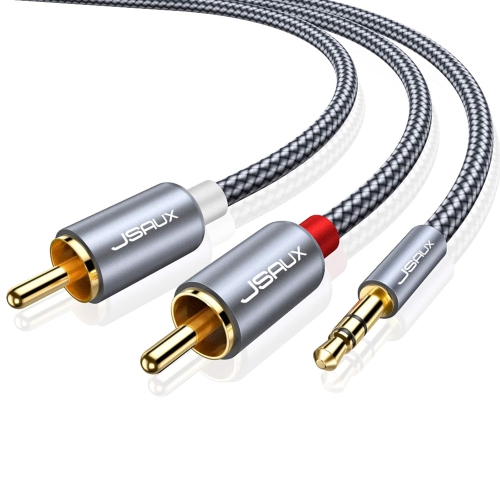
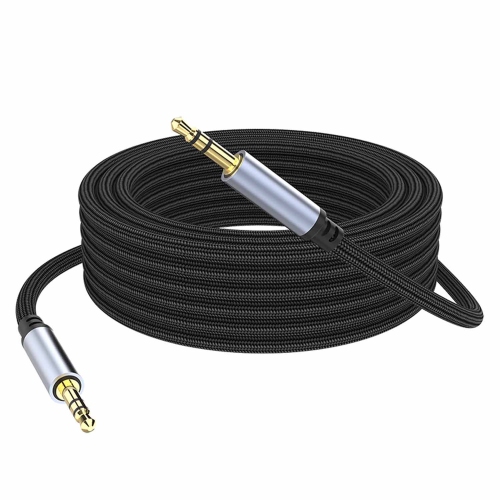
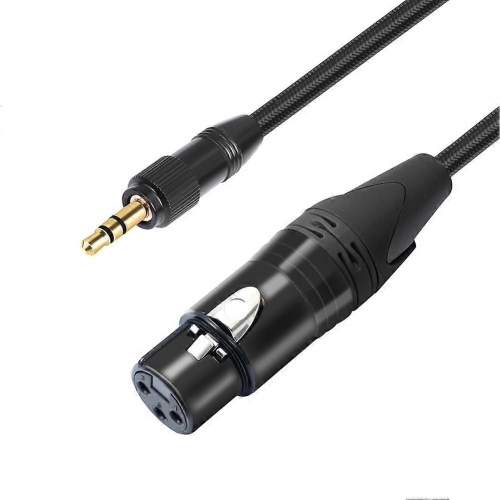
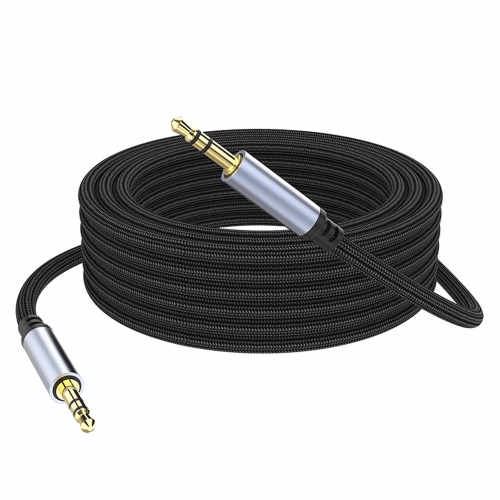
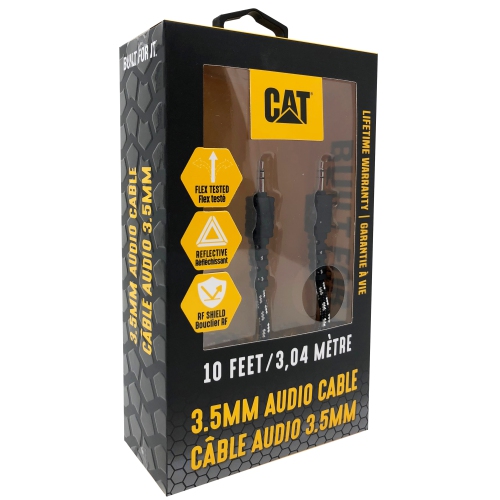

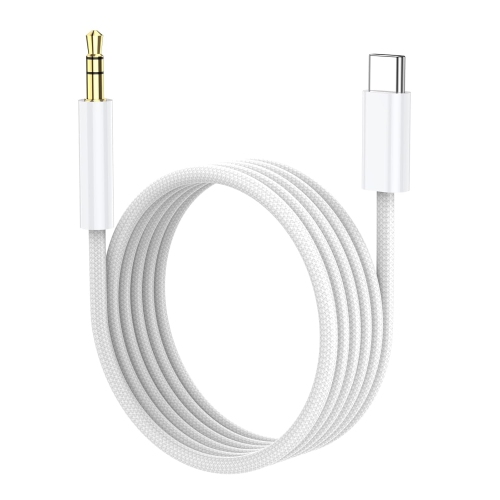
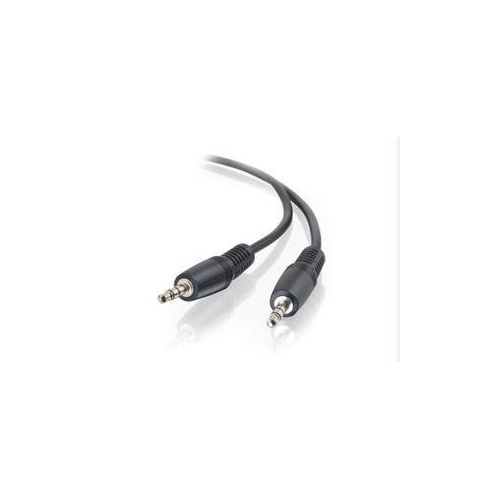
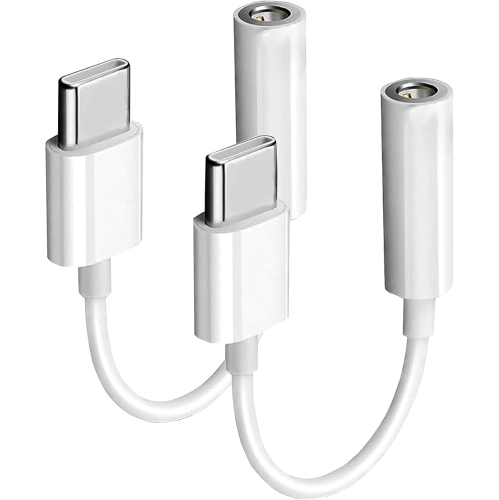
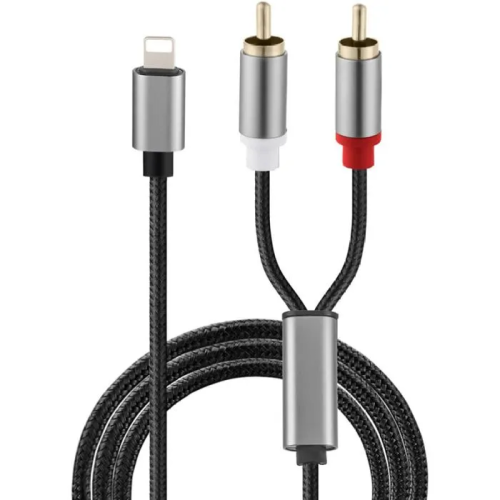
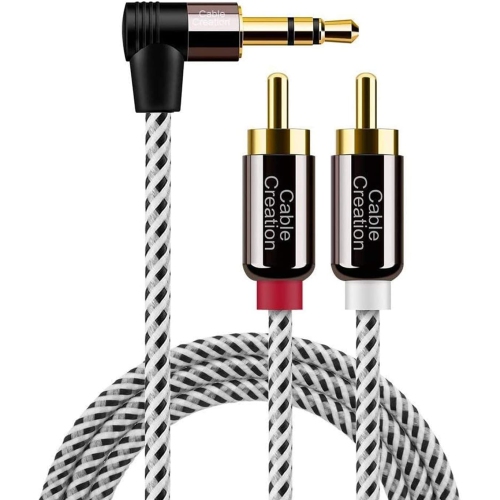
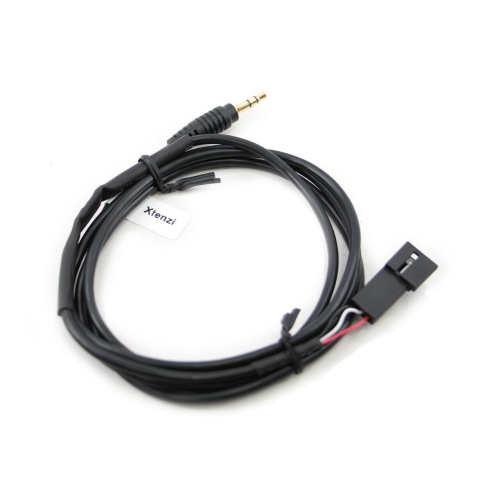
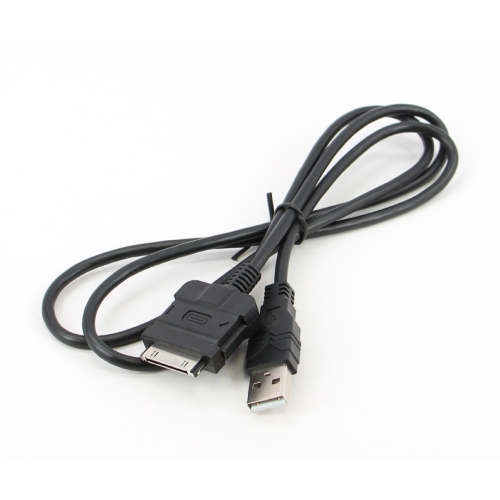
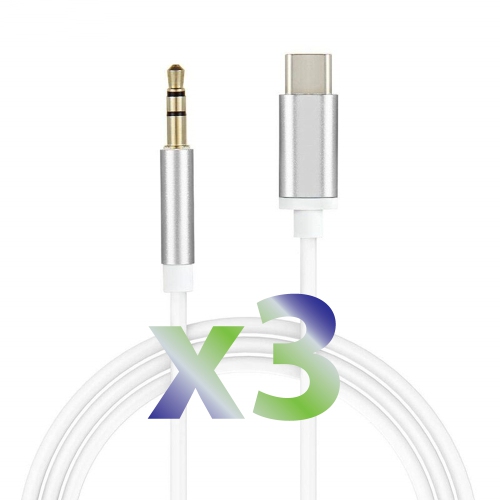
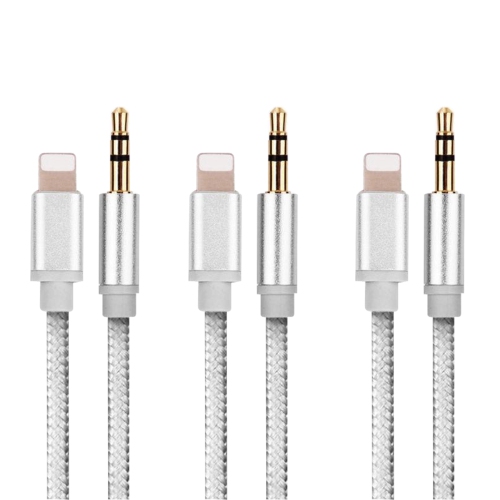
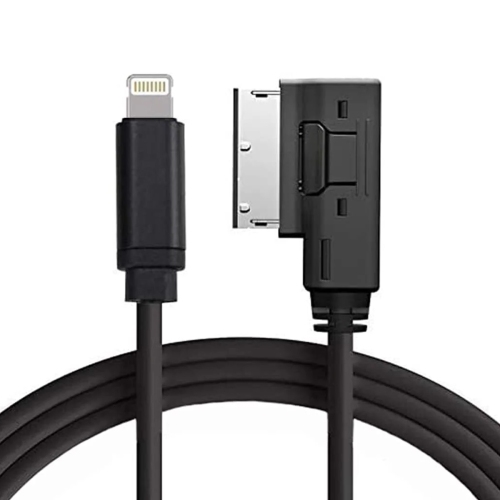
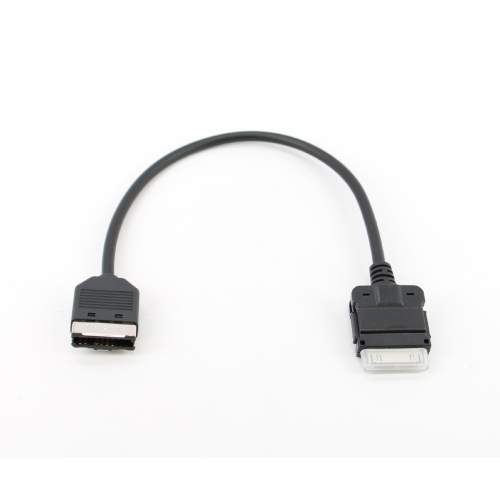
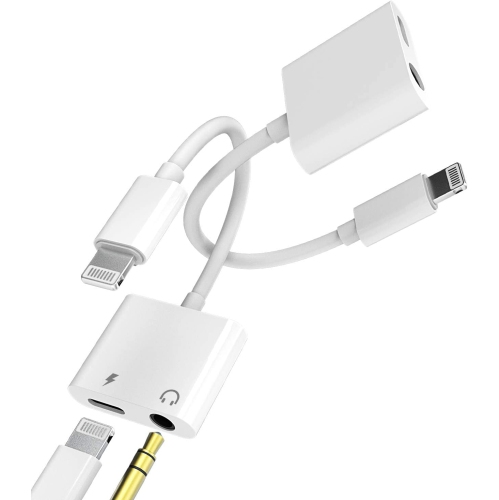
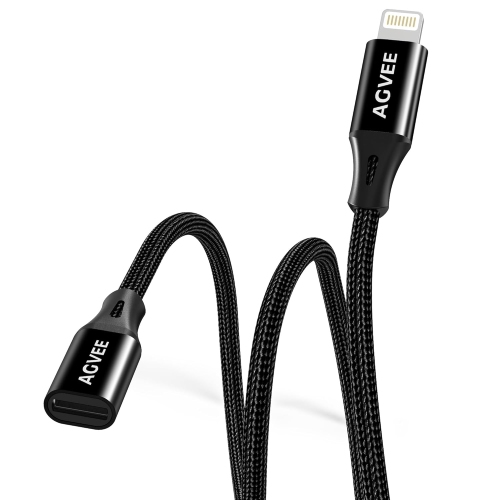
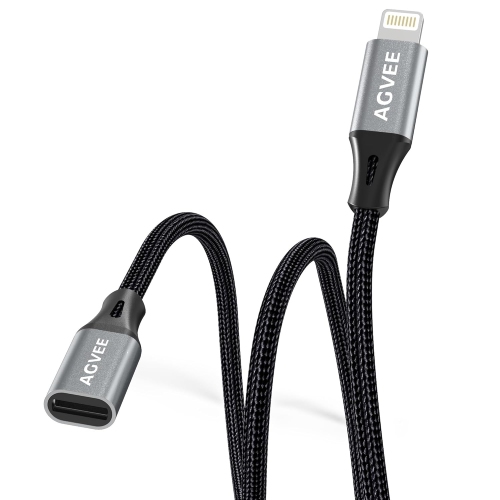
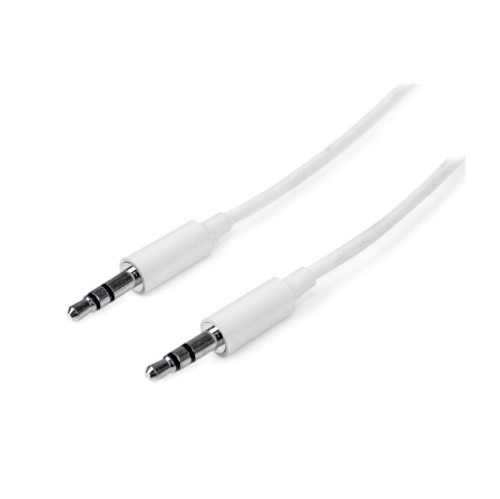
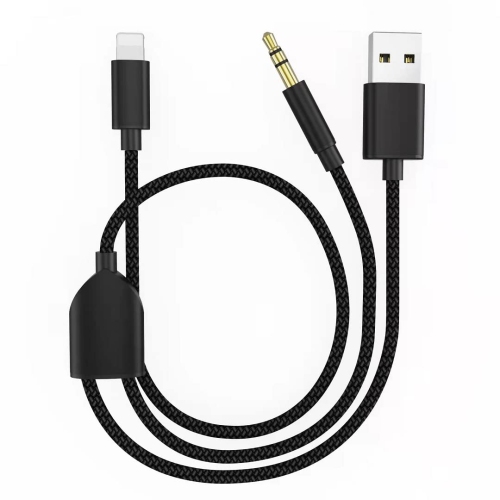
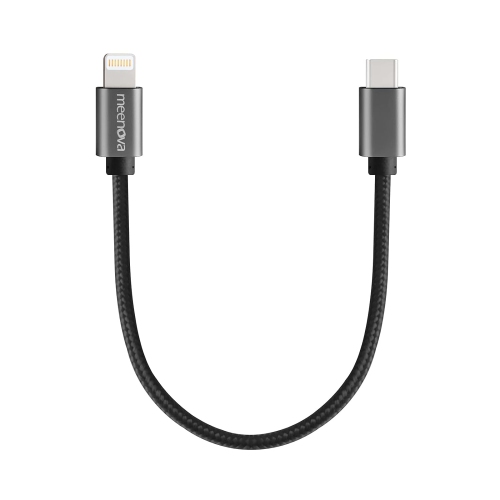
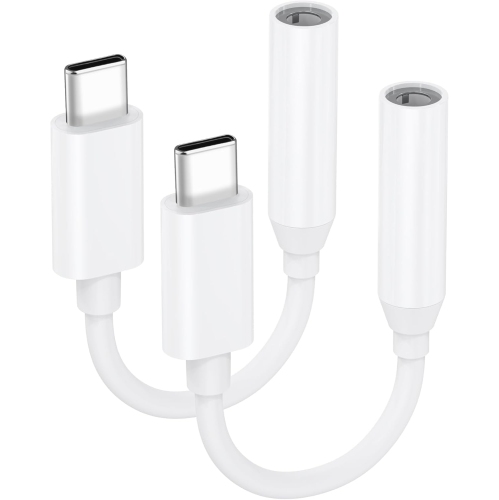
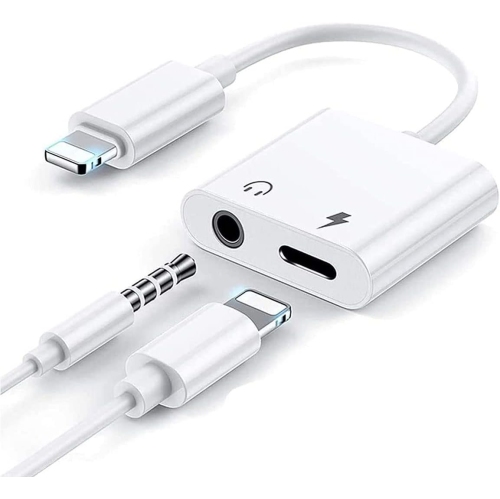
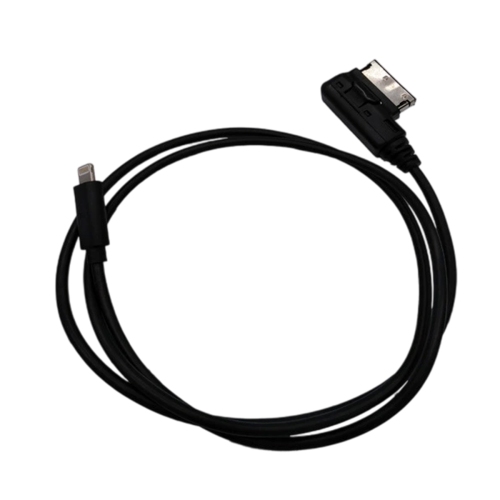
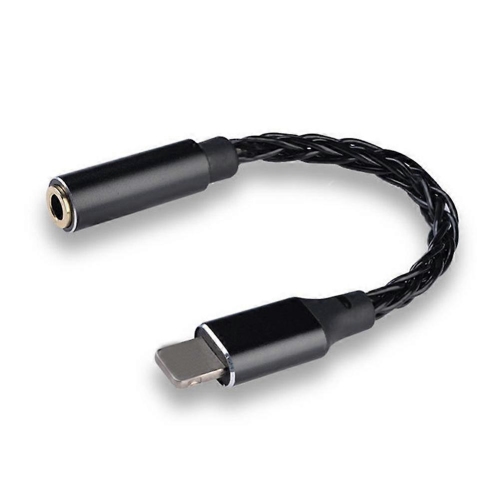
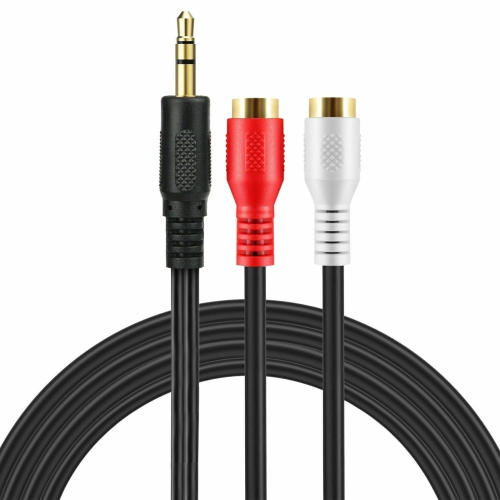
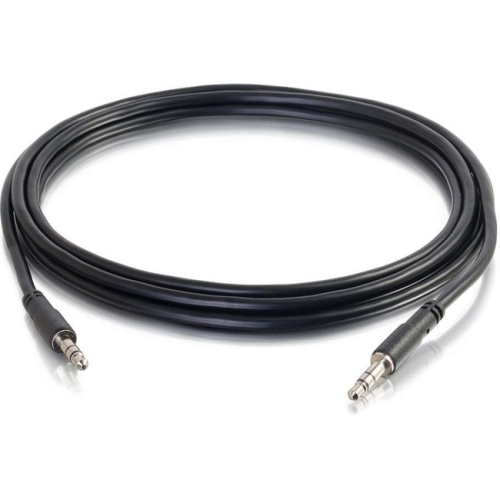

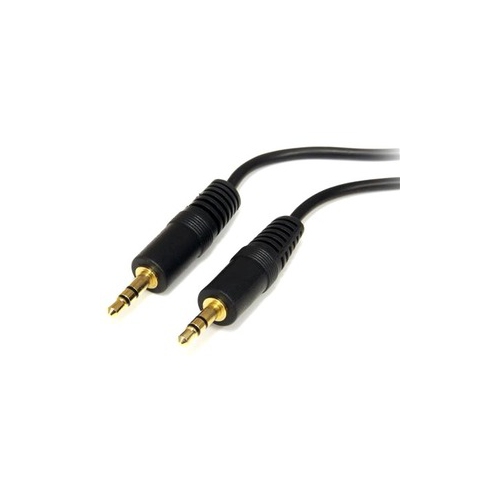
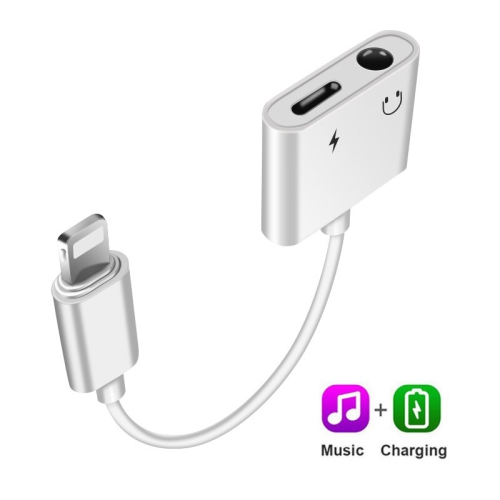
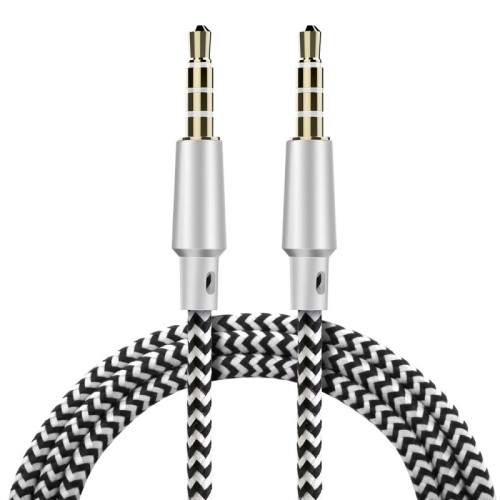
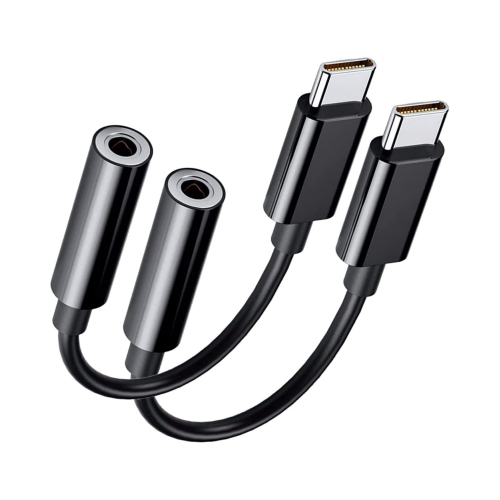
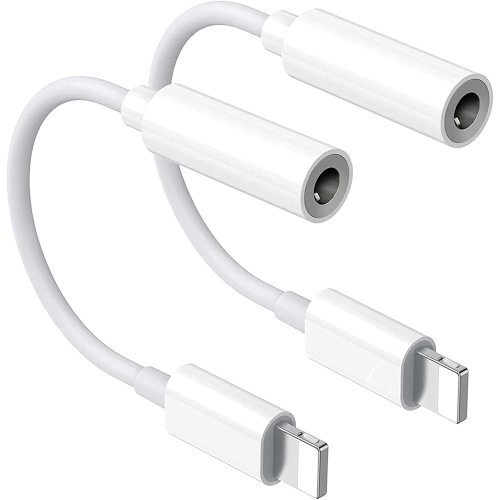
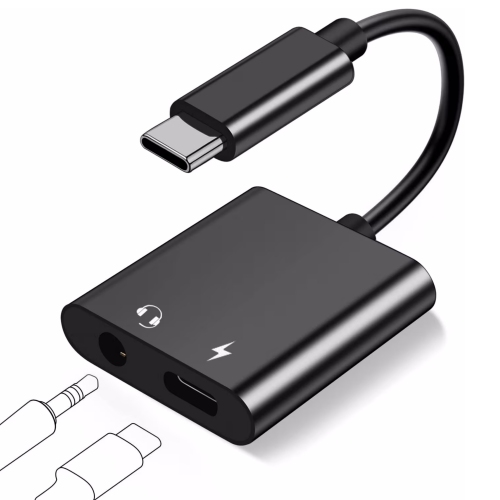
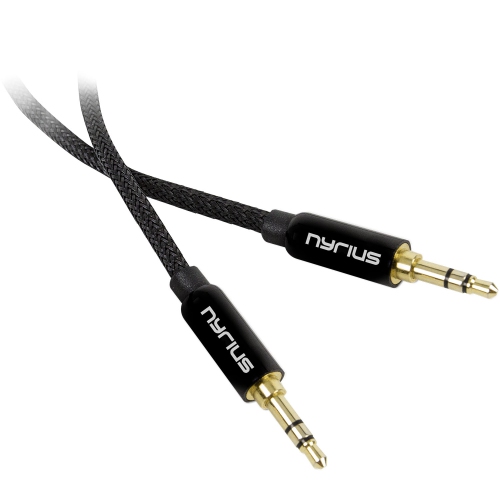
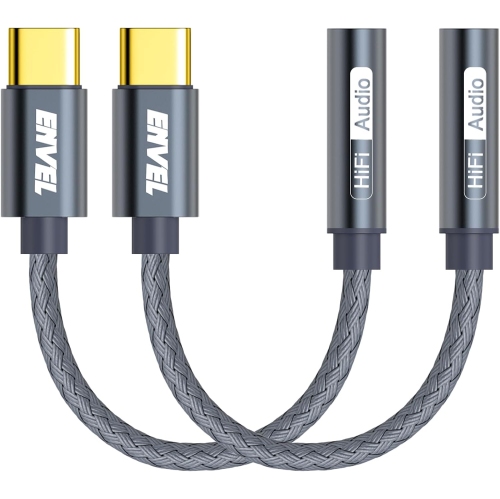
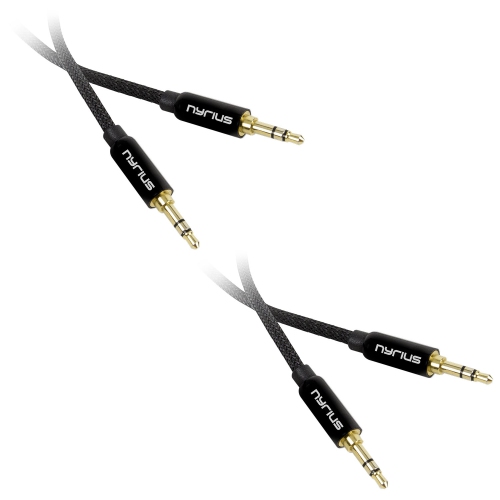
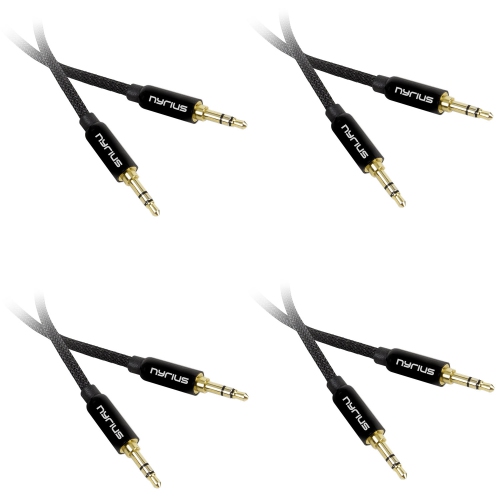
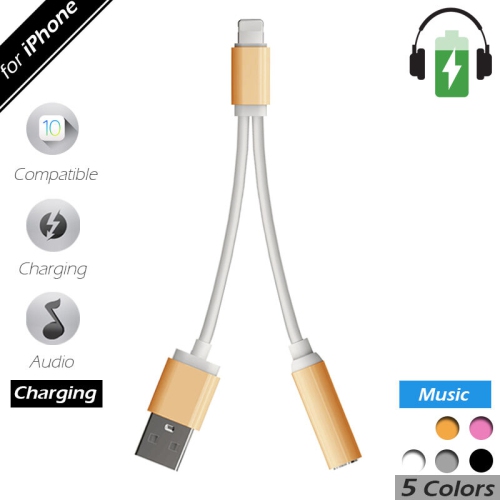
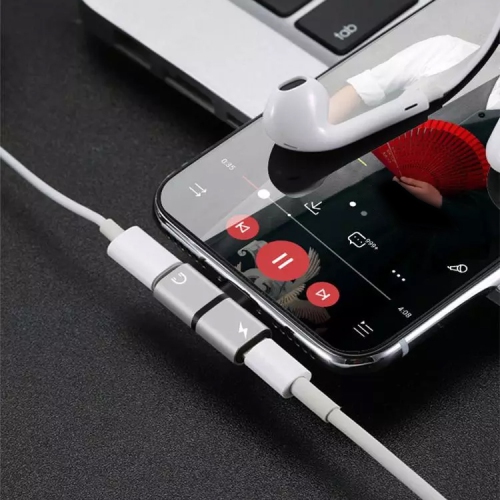
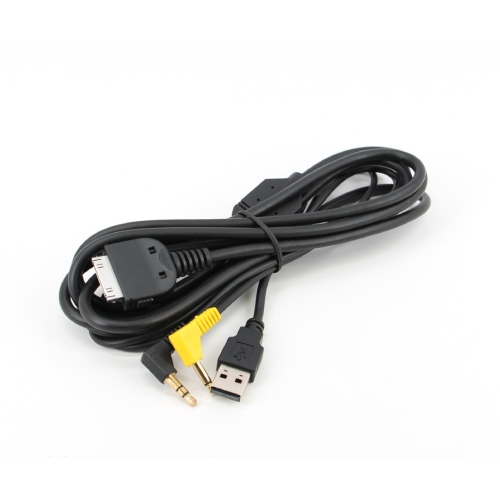
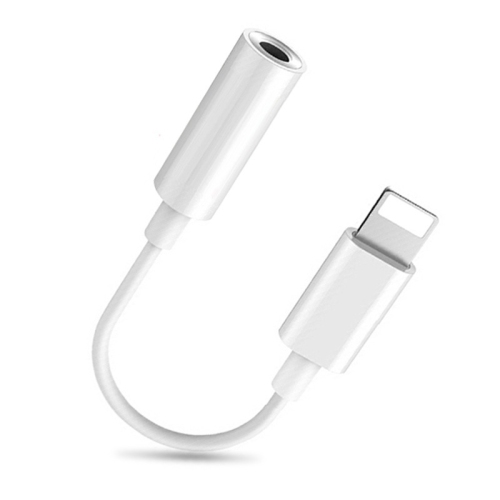
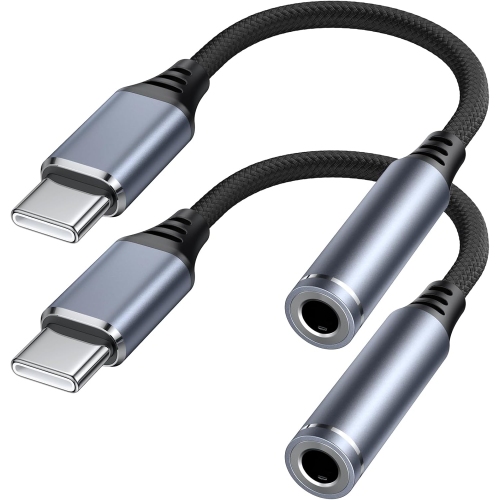
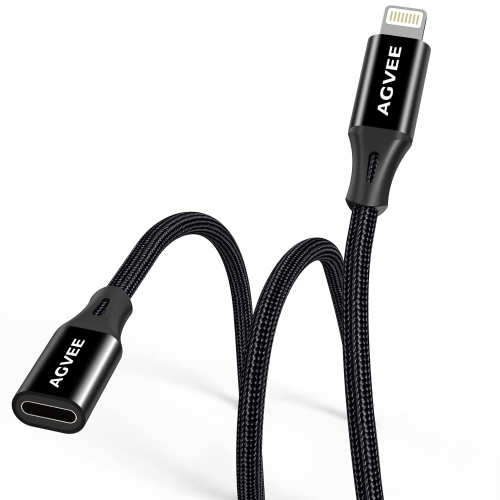
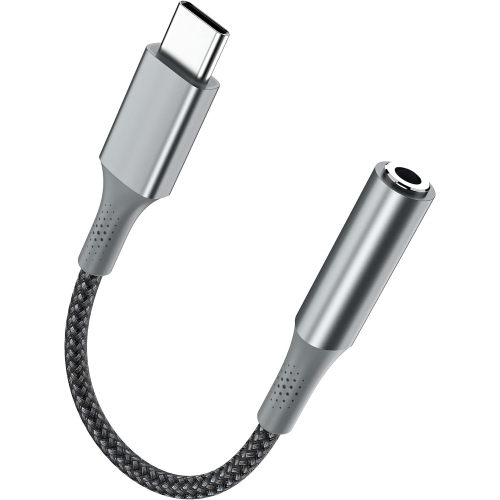
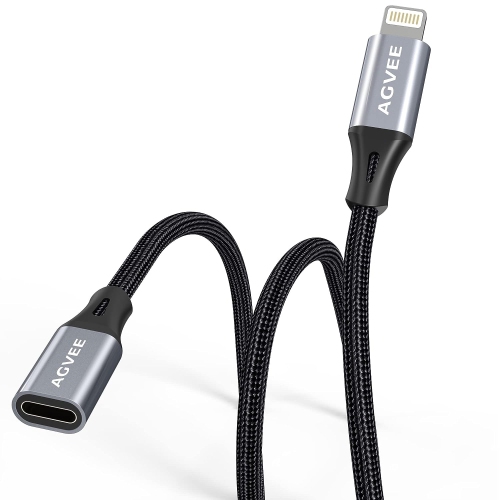
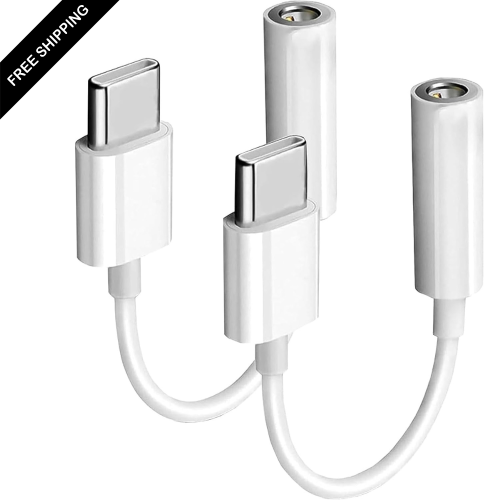
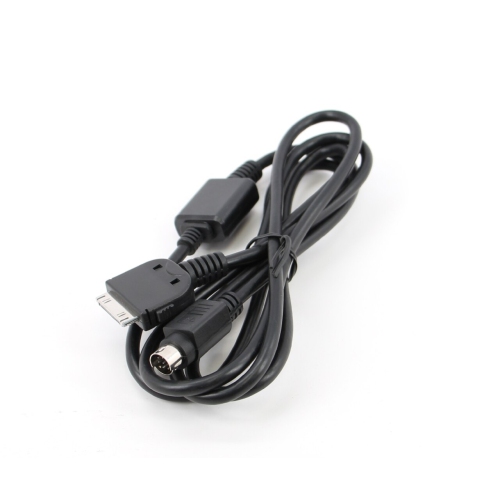
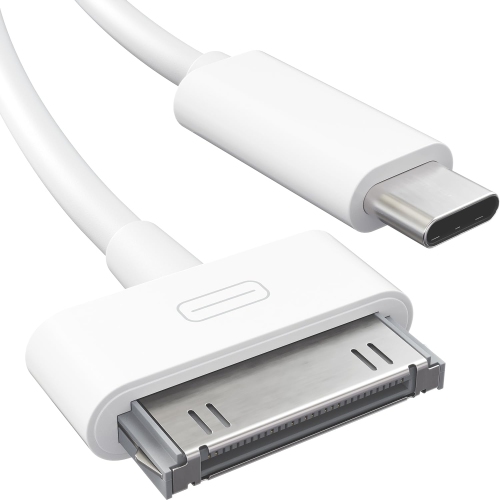
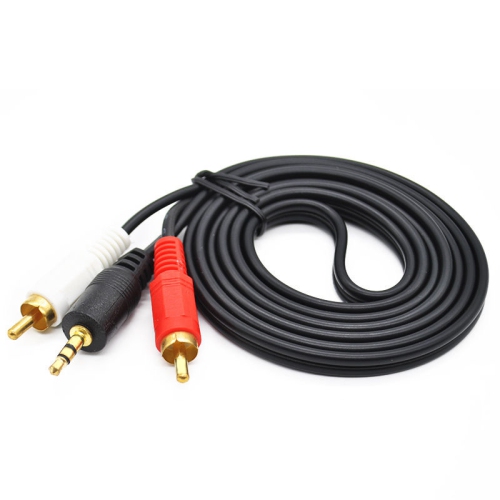
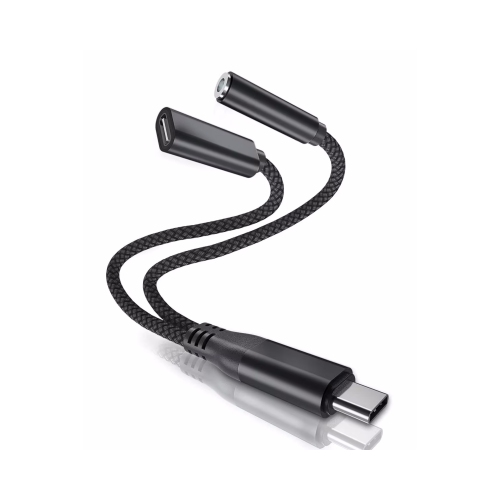
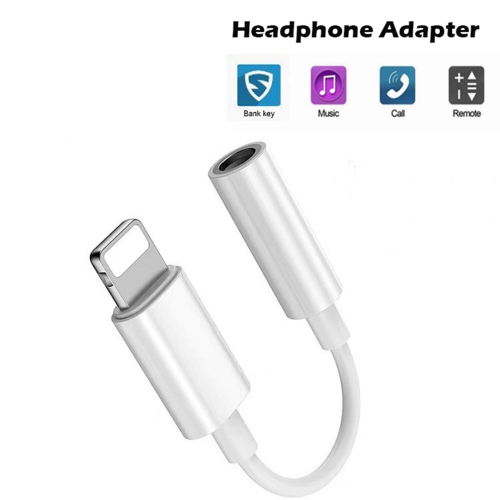
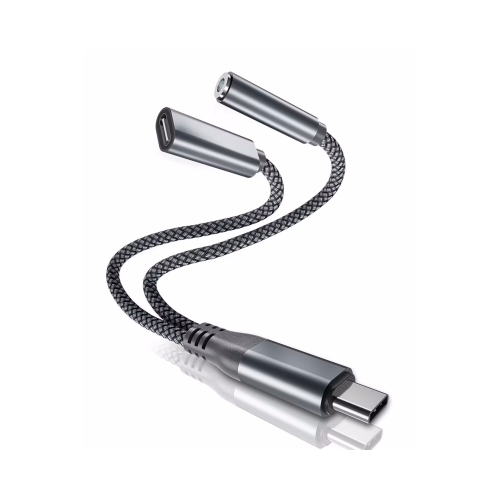
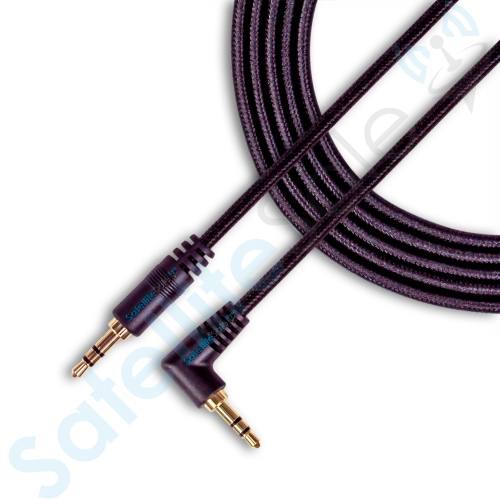
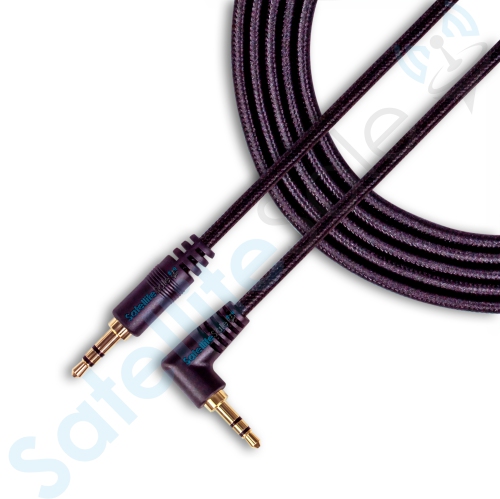
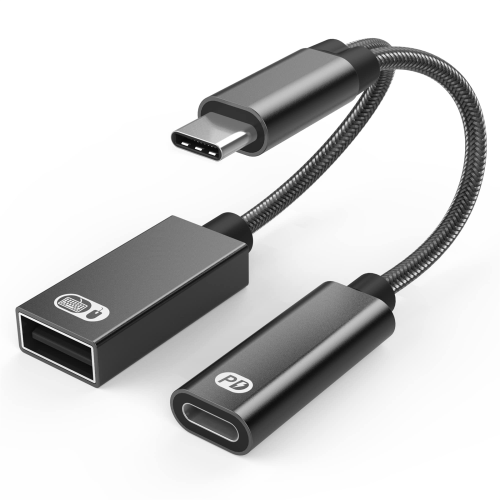
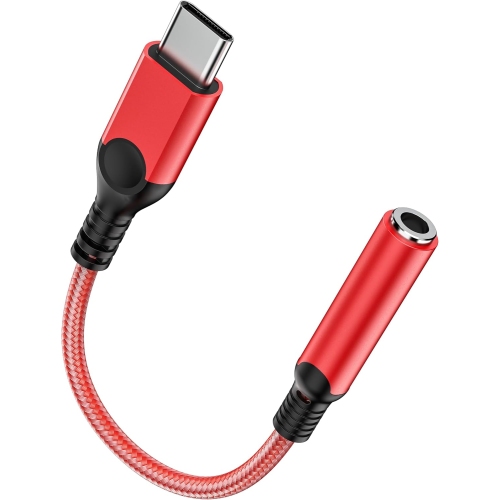
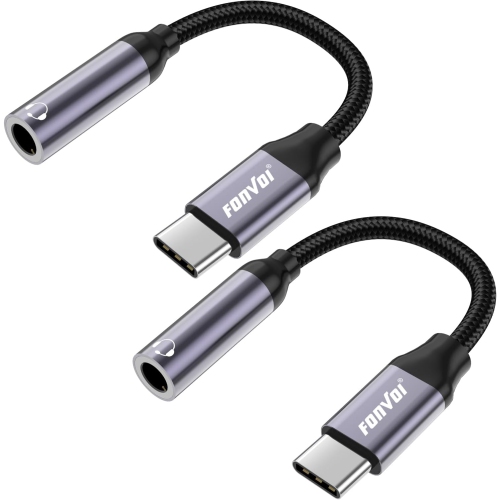
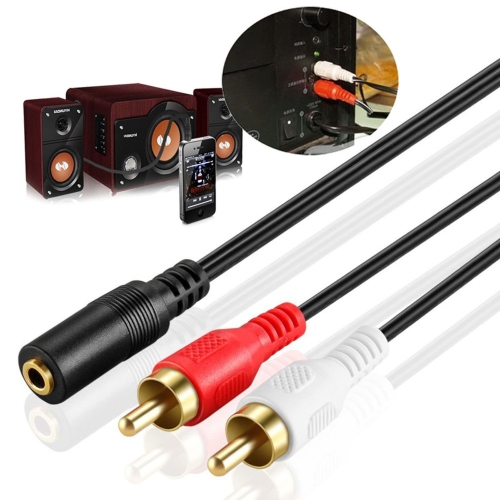
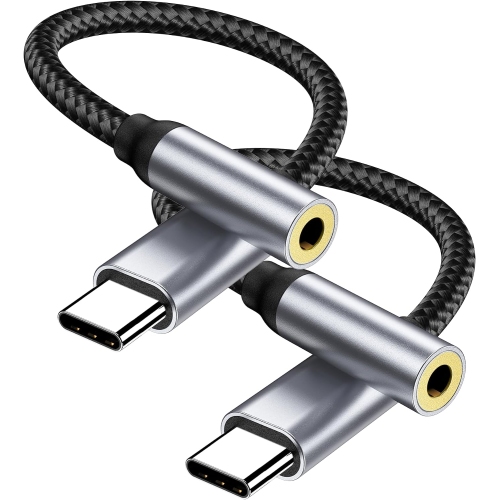
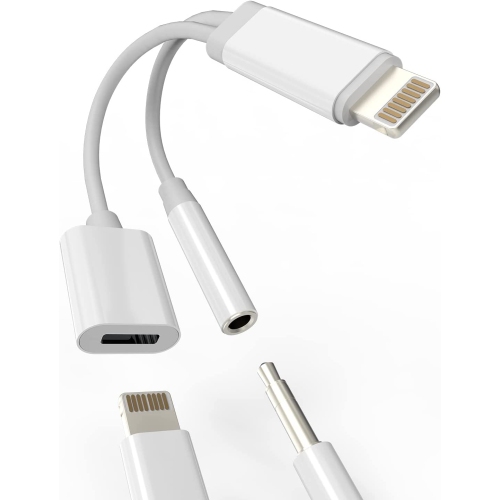
Reliable wired connections for iPhones and everyday audio
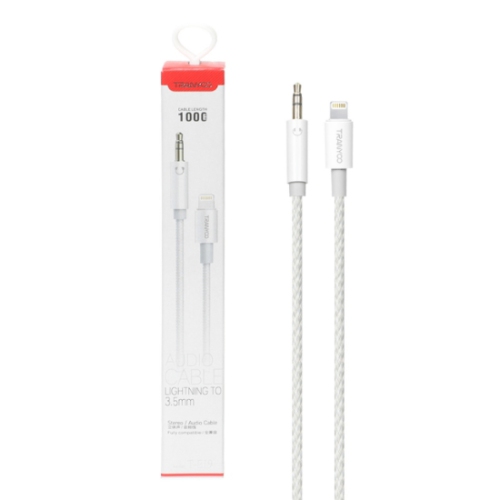
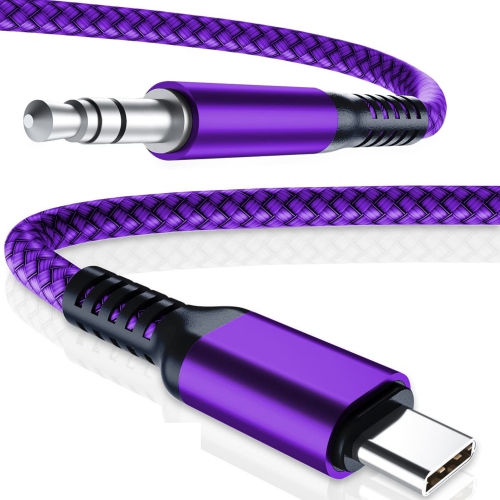
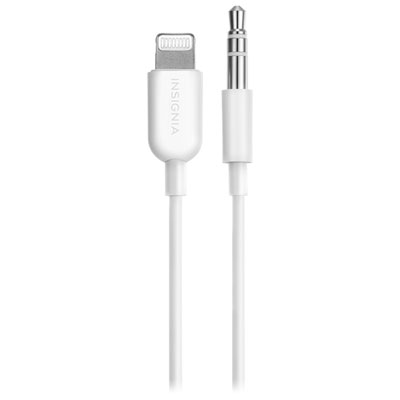
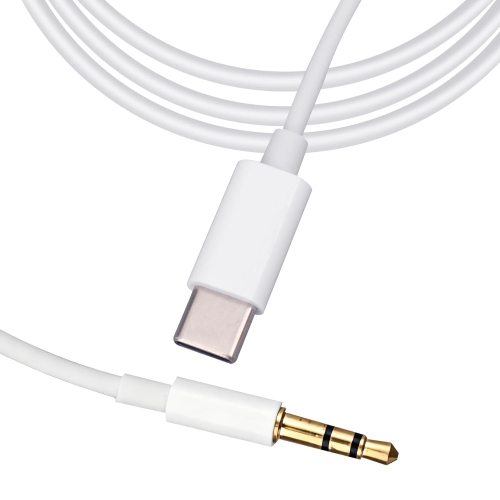
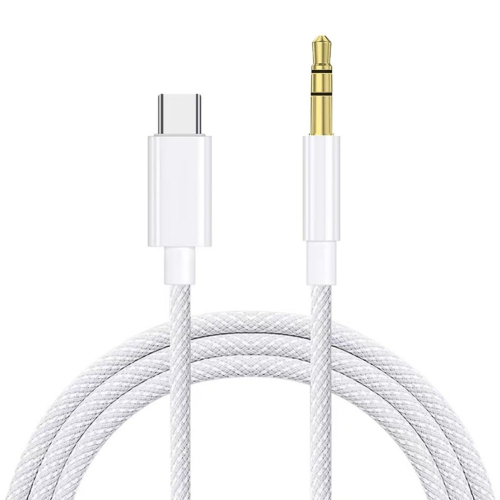
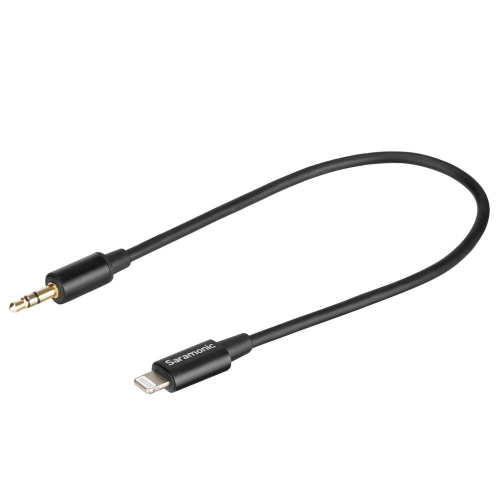
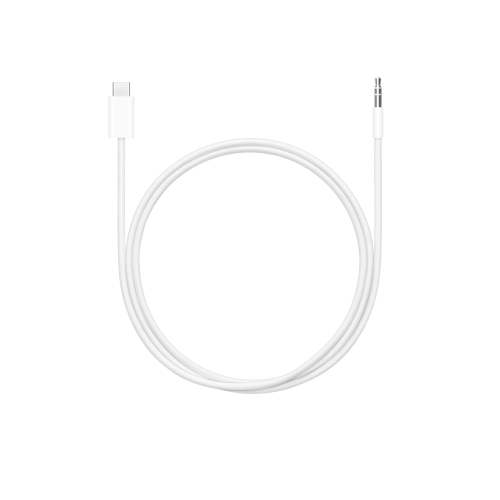
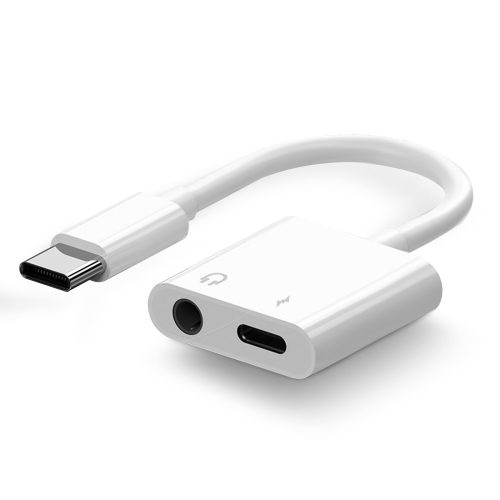
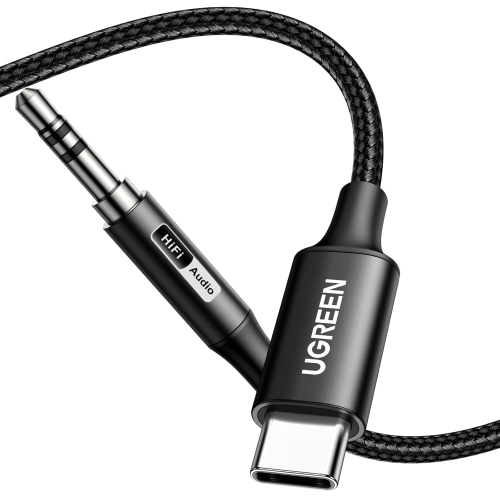
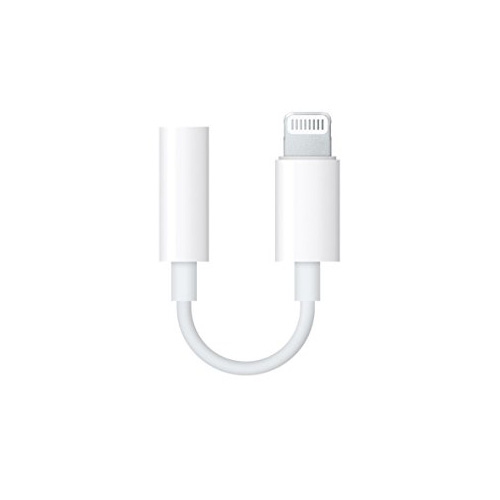
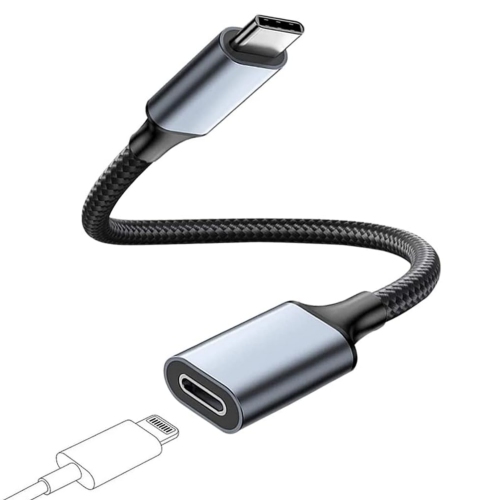
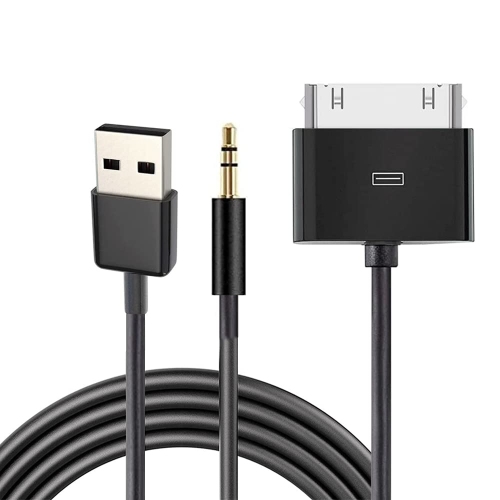
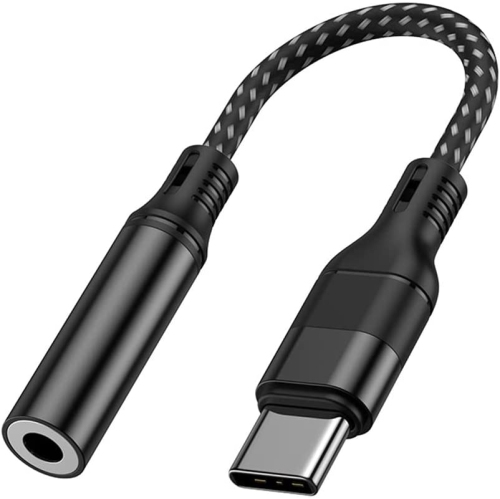
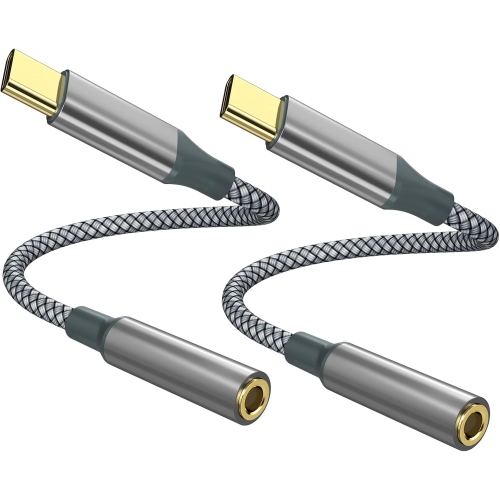
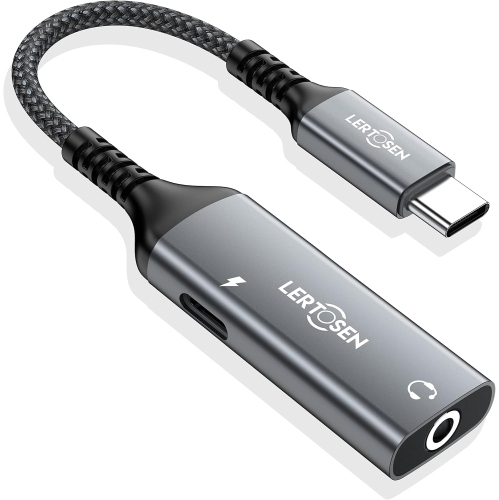
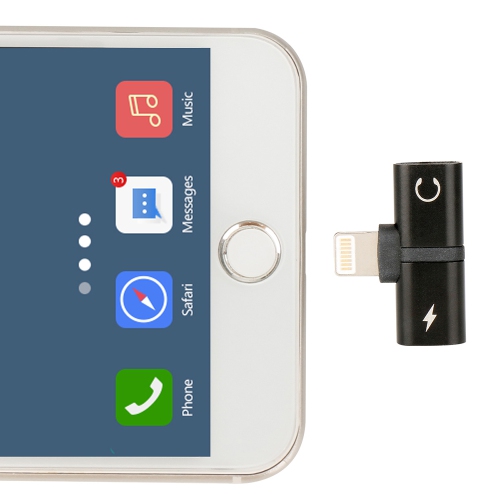
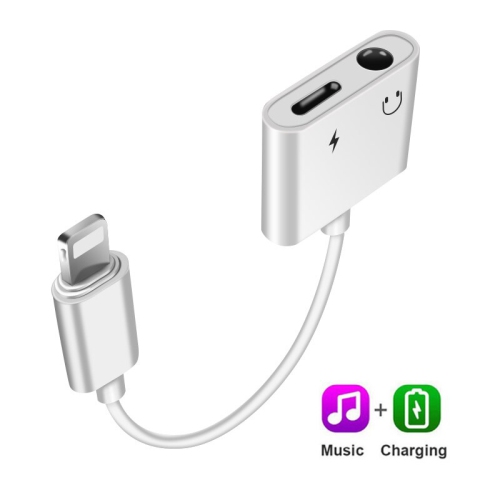
Audio cables for iPhone provide a simple, dependable way to connect your phone to wired headphones, a car stereo, powered speakers, a home audio system, or another device with an analogue audio input. The right cable depends primarily on the connector built into your iPhone and the input available on the equipment you want to use. iPhone models with a Lightning port generally require a Lightning-to-3.5 mm audio cable when connecting to the familiar auxiliary input found in many vehicles, portable speakers, stereo receivers, and older headphones. Newer iPhone models with a USB-C port generally require a USB-C-to-3.5 mm audio cable for the same type of connection. Before choosing, check both ends of the cable rather than relying only on the phone’s appearance or the name of the accessory. A 3.5 mm plug is the small, round connector often labelled AUX, while Lightning and USB-C connectors have different shapes and are not interchangeable. Some cables are designed specifically for audio output, while others are intended mainly for charging or data transfer, so looking for clear audio compatibility is important. If you are shopping for a complete listening setup rather than a connection for existing equipment, explore Wired Headphones for iPhones alongside the cable options available on this page.
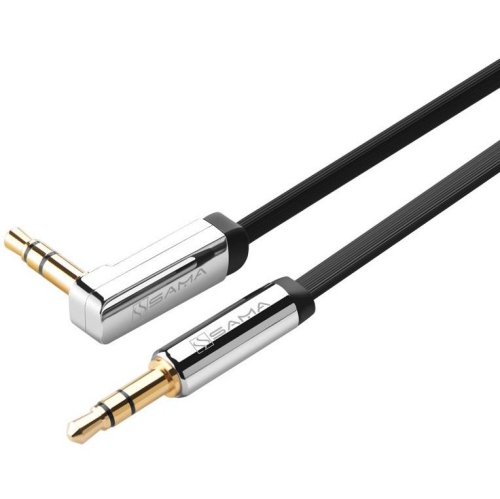
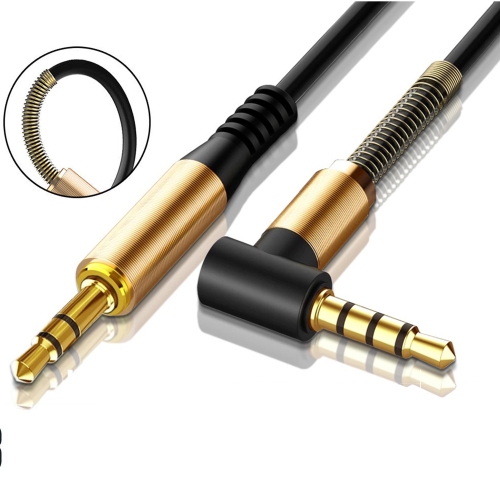
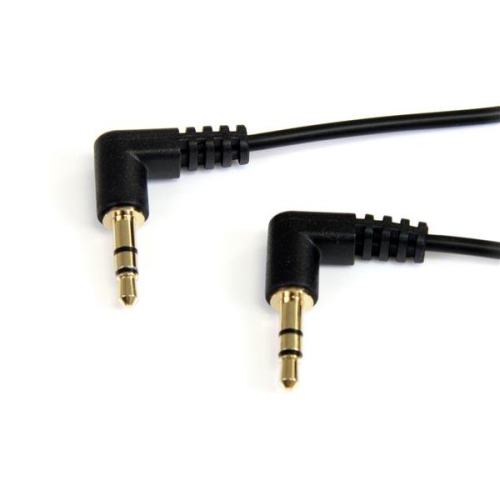
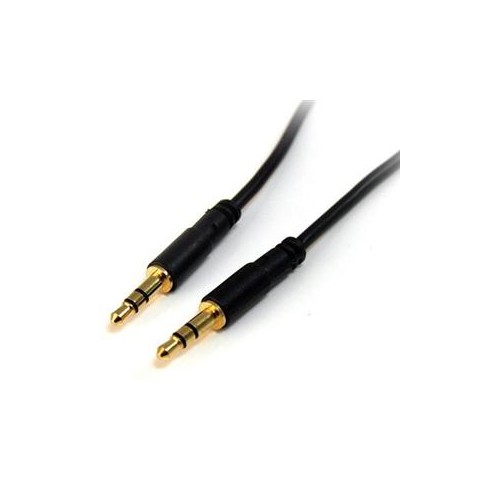
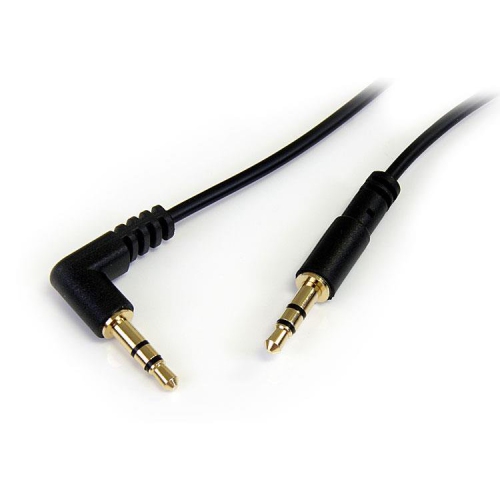
A cable’s length, construction, and connector design can make a noticeable difference in everyday use. A shorter cable can help keep a phone close to a dashboard, bedside table, or desktop, while a longer cable gives more freedom when the audio source is across a room or tucked into a centre console. For a car, consider how far the auxiliary port is from the usual phone holder and leave enough slack for easy access without allowing the cable to drape across controls. At home, extra length can be useful when moving between a sofa and a side table, though an unnecessarily long cable may be more likely to catch on an armrest or become tangled in a drawer. Look for flexible jackets, reinforced points where the cable meets each connector, and plugs that fit comfortably in a phone case. A very thick case can prevent a standard connector from seating fully, particularly when the plug housing is wide. Gold-plated contacts are often used on audio connectors, but a secure fit and suitable compatibility matter more than appearance alone. Shielding can help reduce unwanted interference, especially when a cable runs near power cords or a vehicle’s charging accessories. For regular travel, a compact cable that coils neatly into a bag can be more convenient; for frequent household use, a sturdier design may be worthwhile. Keeping one cable in a vehicle and another near a home stereo can also prevent the familiar last-minute search through drawers when a passenger wants to play music during a drive.
These cables suit many listeners, from someone connecting an iPhone to a trusted pair of wired headphones to a family member using an older car stereo that still sounds great through its AUX input. They can also be useful for students in a study space, commuters who prefer a direct connection, or anyone who wants to share music, podcasts, audiobooks, or navigation prompts through larger speakers. A direct wired connection is easy to set up: connect the phone-side plug, connect the 3.5 mm end to the AUX or line-in port, select the appropriate input on the stereo, and adjust the volume gradually. If sound is coming from only one side, check that both connectors are fully inserted and that the balance settings on the phone or audio system are centred. If there is no sound, confirm that the stereo is set to the correct source and that the cable is intended for audio rather than charging alone. Audio cables can make practical gifts for drivers, students moving into a new room, relatives with an established home stereo, or anyone replacing a misplaced cable without changing their existing headphones or speakers. During the warmer months, a dependable cable can connect a phone to speakers for gatherings on a patio or at a cottage; during the cooler months, it can keep a phone linked to a bedside speaker, desktop setup, or vehicle stereo without relying on wireless pairing. Matching the phone connector, audio input, length, and build quality to the intended setting helps ensure the cable feels natural to use every time.
A cable’s length, construction, and connector design can make a noticeable difference in everyday use. A shorter cable can help keep a phone close to a dashboard, bedside table, or desktop, while a longer cable gives more freedom when the audio source is across a room or tucked into a centre console. For a car, consider how far the auxiliary port is from the usual phone holder and leave enough slack for easy access without allowing the cable to drape across controls. At home, extra length can be useful when moving between a sofa and a side table, though an unnecessarily long cable may be more likely to catch on an armrest or become tangled in a drawer. Look for flexible jackets, reinforced points where the cable meets each connector, and plugs that fit comfortably in a phone case. A very thick case can prevent a standard connector from seating fully, particularly when the plug housing is wide. Gold-plated contacts are often used on audio connectors, but a secure fit and suitable compatibility matter more than appearance alone. Shielding can help reduce unwanted interference, especially when a cable runs near power cords or a vehicle’s charging accessories. For regular travel, a compact cable that coils neatly into a bag can be more convenient; for frequent household use, a sturdier design may be worthwhile. Keeping one cable in a vehicle and another near a home stereo can also prevent the familiar last-minute search through drawers when a passenger wants to play music during a drive.
These cables suit many listeners, from someone connecting an iPhone to a trusted pair of wired headphones to a family member using an older car stereo that still sounds great through its AUX input. They can also be useful for students in a study space, commuters who prefer a direct connection, or anyone who wants to share music, podcasts, audiobooks, or navigation prompts through larger speakers. A direct wired connection is easy to set up: connect the phone-side plug, connect the 3.5 mm end to the AUX or line-in port, select the appropriate input on the stereo, and adjust the volume gradually. If sound is coming from only one side, check that both connectors are fully inserted and that the balance settings on the phone or audio system are centred. If there is no sound, confirm that the stereo is set to the correct source and that the cable is intended for audio rather than charging alone. Audio cables can make practical gifts for drivers, students moving into a new room, relatives with an established home stereo, or anyone replacing a misplaced cable without changing their existing headphones or speakers. During the warmer months, a dependable cable can connect a phone to speakers for gatherings on a patio or at a cottage; during the cooler months, it can keep a phone linked to a bedside speaker, desktop setup, or vehicle stereo without relying on wireless pairing. Matching the phone connector, audio input, length, and build quality to the intended setting helps ensure the cable feels natural to use every time.
Top selling and popular products
-
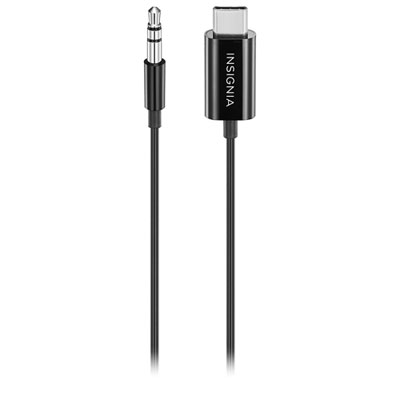 Your price for this item is $19.99
 -
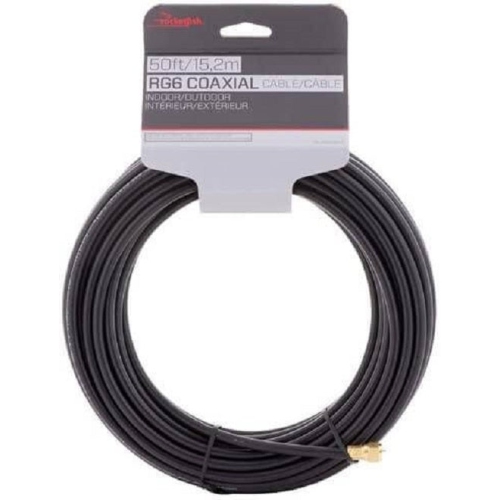 Your price for this item is $26.99
 -
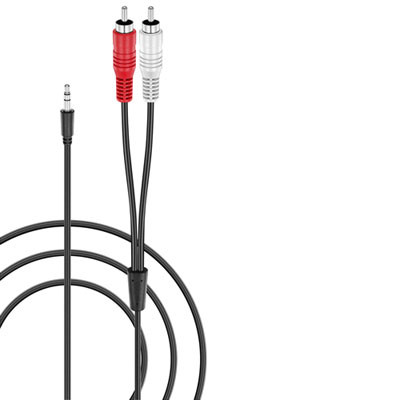 Your price for this item is $14.99
 -
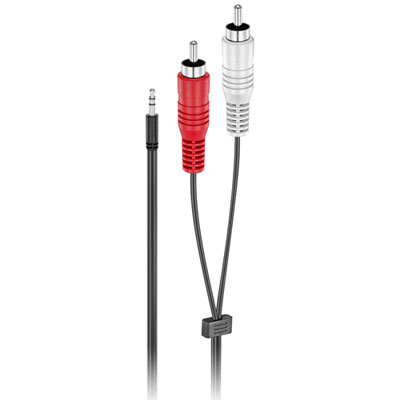 Your price for this item is $14.99
 -
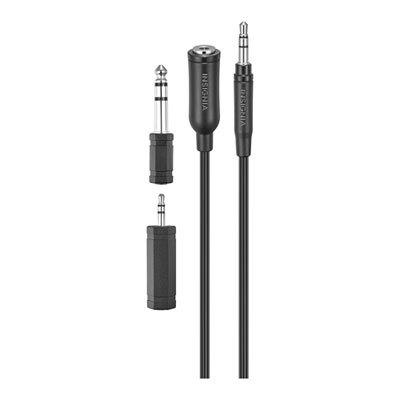 Your price for this item is $19.99
 -
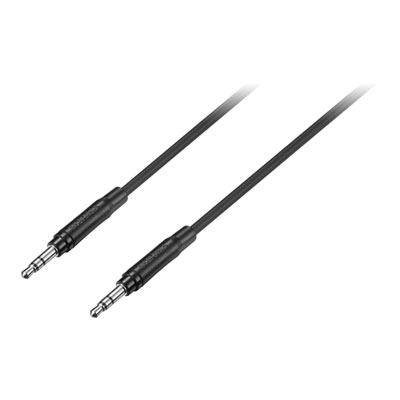 Your price for this item is $19.99
 -
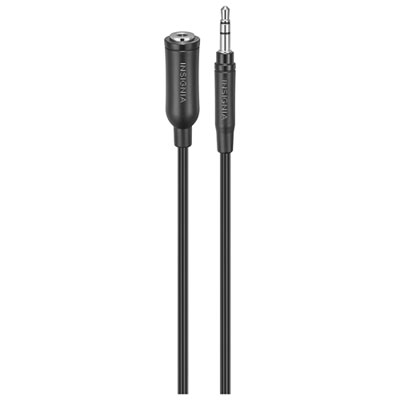 Your price for this item is $9.99
 -
 Your price for this item is $17.5
Discover more categories related to Audio Cables for iPhone
Top Collections:
Pokemon Centers, Best Cameras for Sports Photography, Kindle Devices, Samsung Galaxy Phones, Canon G7X Cameras, Pokémon 30th Celebration Cards, Refurbished Apple Laptops, iPhone 15 Apple, Laptops for Students, Budget Smartphones
Some products may be subject to Environmental Handling Fees
(EHF) depending on your province.
Learn more about EHFs.