Charging Cables
Looking for reliable charging cables to keep all your devices powered up? Look no further! Our selection of high-quality charging cables offers a solution for every need, whether you're looking for lightning-fast charging speeds, durable construction, or versatile compatibility. From USB-C to Lightning cables, we have everything you need to ensure your devices stay charged and ready to go at home, in the office, or on the go. Say goodbye to low battery anxiety and shop our range of charging cables today!
Sort
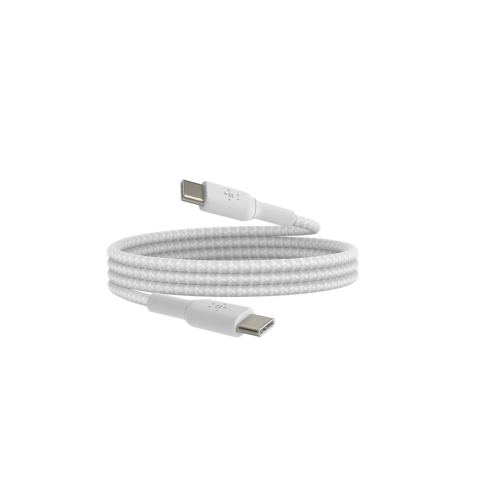
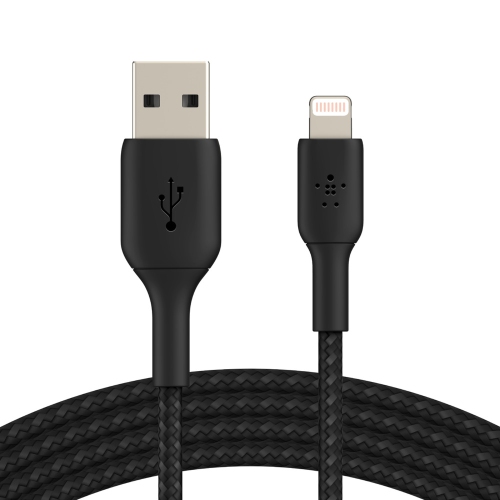
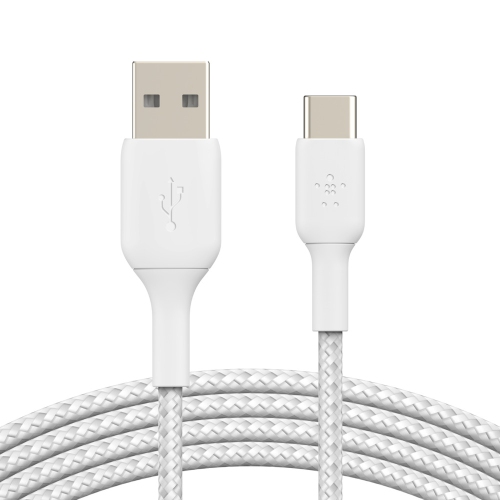

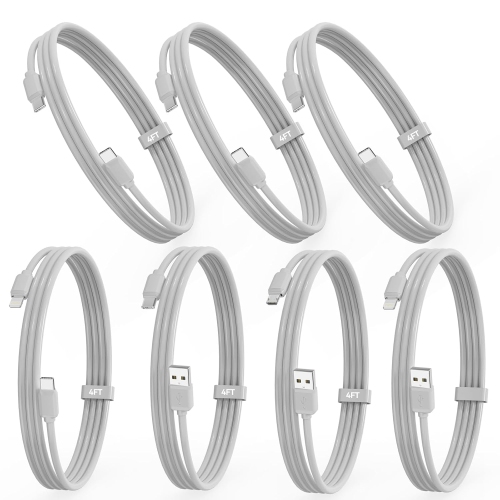
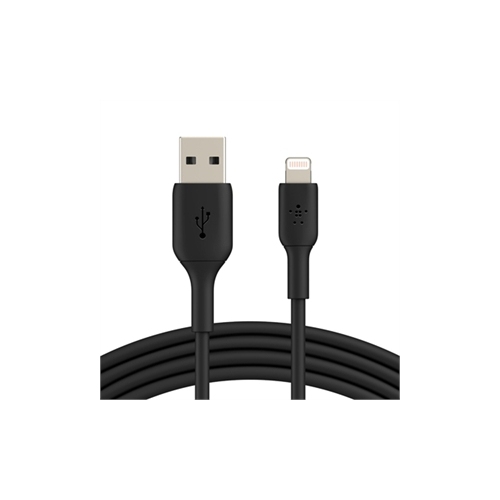
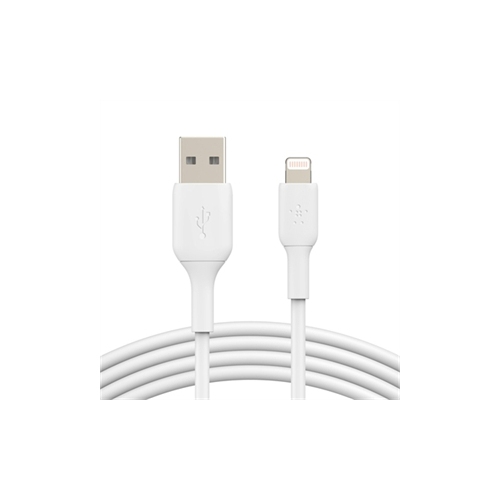
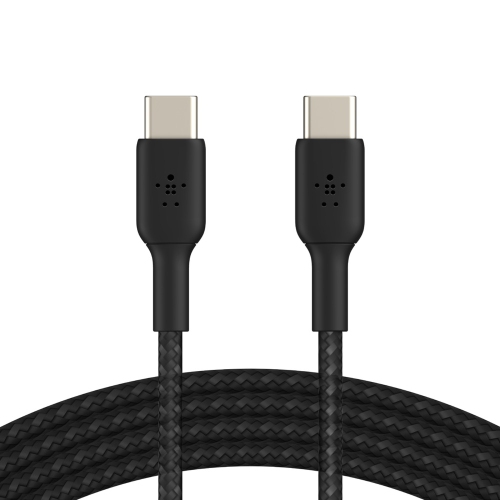

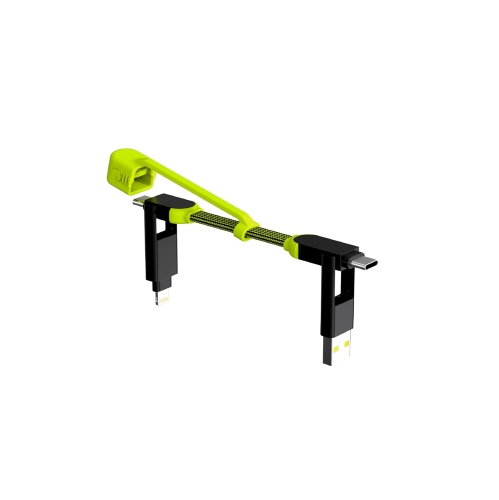
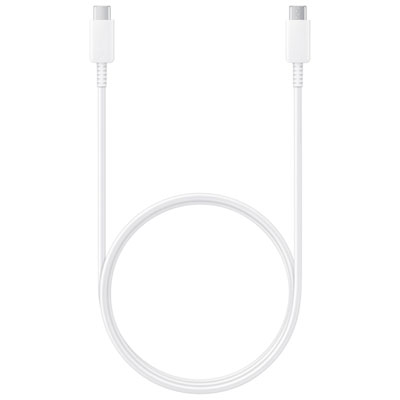
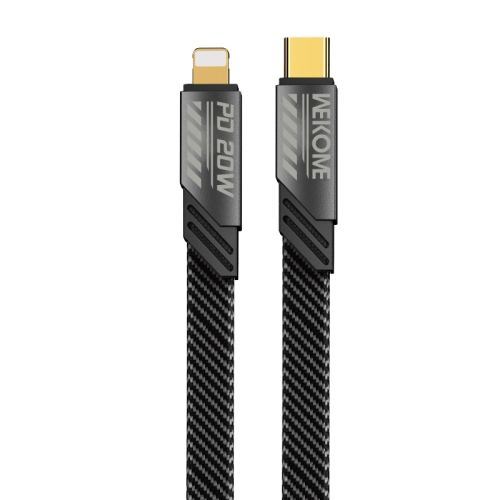
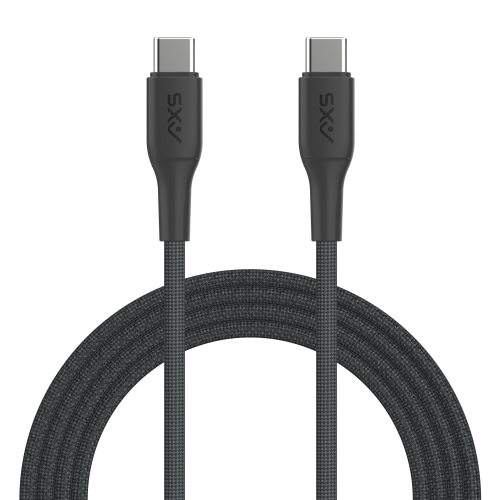
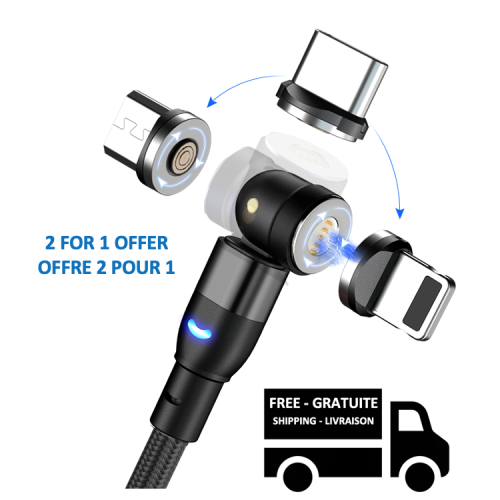
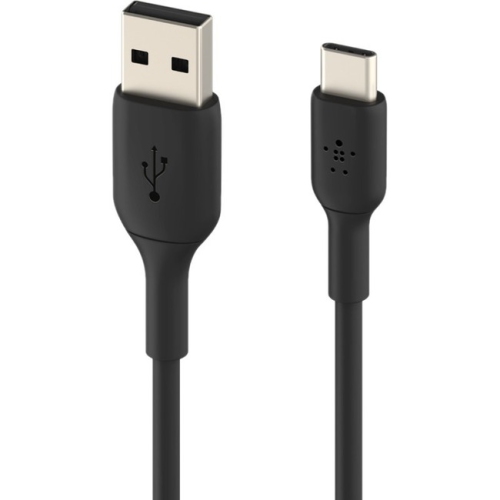
![DOLAER USB C to USB C Cable [2Pack], 100W USB C Charge Cable Fast Charging Type C Charge Cable w Led Display, Type C to Type C - Silicone (2M-6.6Ft](https://multimedia.bbycastatic.ca/multimedia/products/500x500/196/19691/19691229.jpeg)
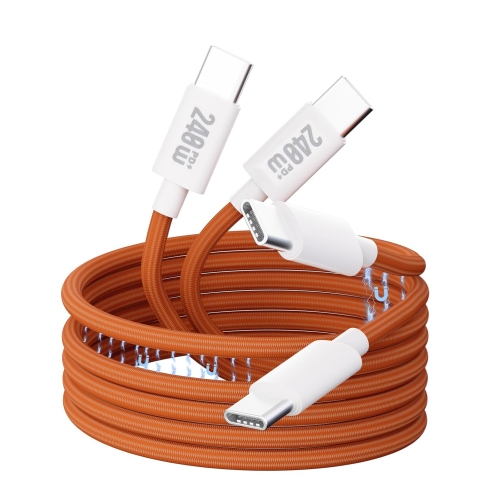
![DOLAER USB C to USB C Cable [2Pack], 100W USB C Charge Cable Fast Charging Type C Charge Cable w Led Display, Type C to Type C - Silicone (2M-6.6Ft](https://multimedia.bbycastatic.ca/multimedia/products/500x500/196/19690/19690071.jpeg)
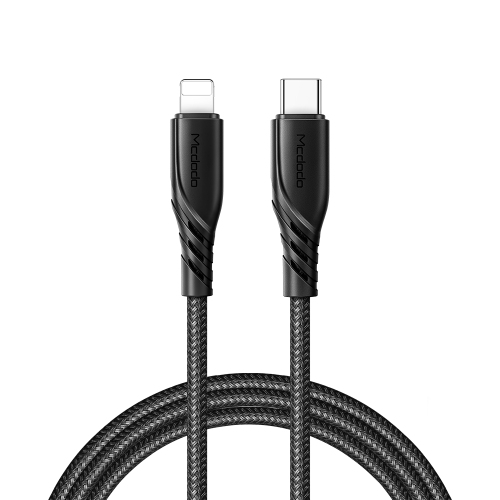
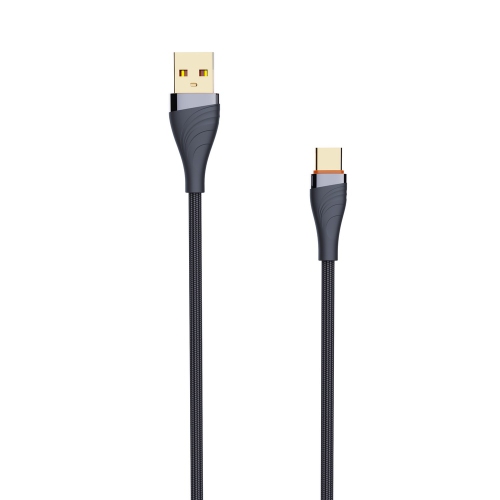
![DOLAER [0.75Ft, 10-Pack] Multi Short USB Charging Cables, Fast Charge & Sync Type-C/lightning/micro Cords Bulk for Charging Station Compatible w](https://multimedia.bbycastatic.ca/multimedia/products/500x500/196/19691/19691447.jpeg)
![DOLAER USB C to USB C Cable [2Pack], 100W USB C Charge Cable Fast Charging Type C Charge Cable w Led Display, Type C to Type C - Silicone (1M-3.3Ft](https://multimedia.bbycastatic.ca/multimedia/products/500x500/196/19689/19689075.jpeg)
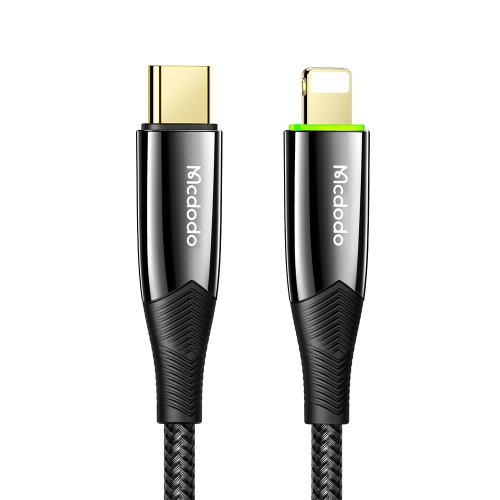
![MCDODO [3 Pack] USB-A to USB-C Fast Charging Cable USB 90 Degree Right Angle Gaming Led Nylon Braided for Iphone15/samsung S24 S23 (Black](https://multimedia.bbycastatic.ca/multimedia/products/500x500/177/17745/17745414.jpeg)
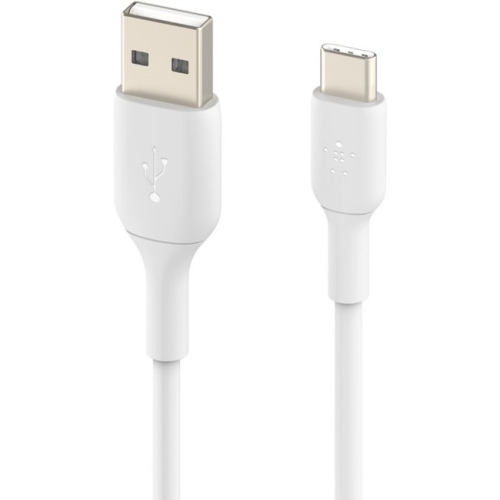
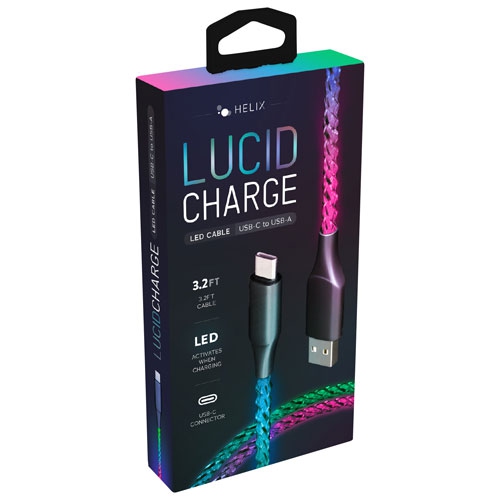
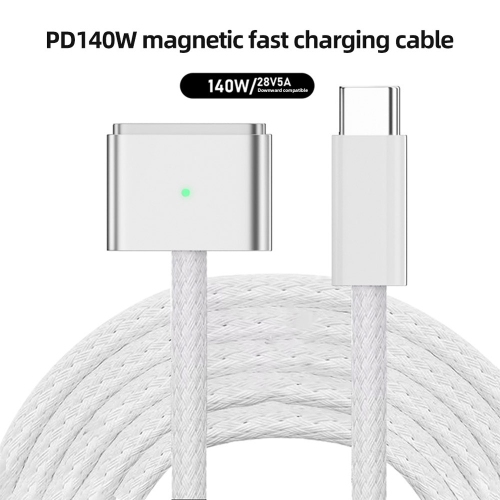
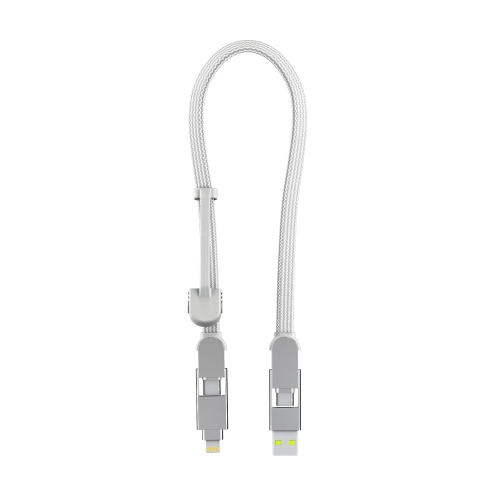
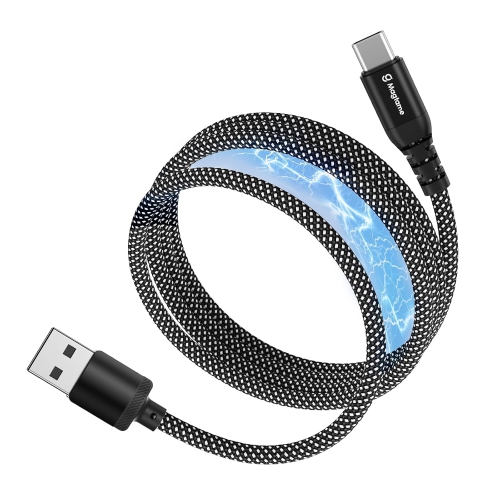
![DOLAER 5Ft Coiled Short USB-C to Lightning Charging Cable [Mfi Certified] 30W Pd Fast Charger Cord In Car for Iphone 14/13/12/11/xs/8/7/6/5 Carplay](https://multimedia.bbycastatic.ca/multimedia/products/500x500/199/19921/19921648.jpeg)
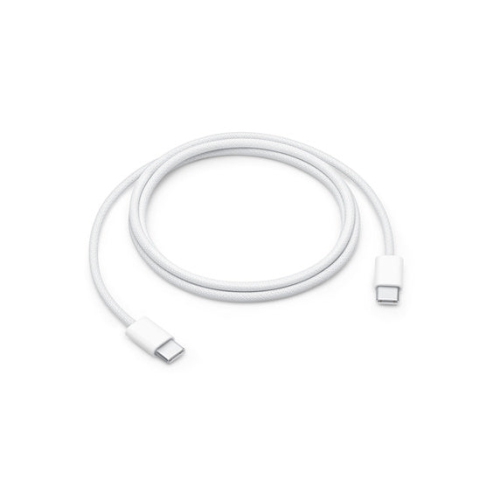
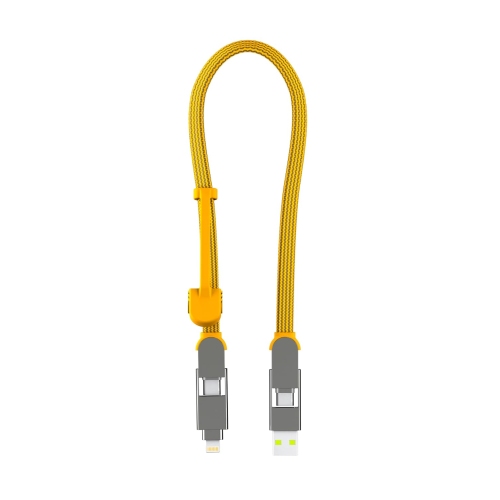
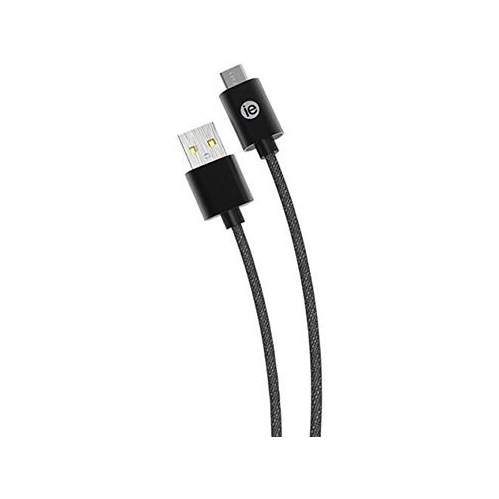
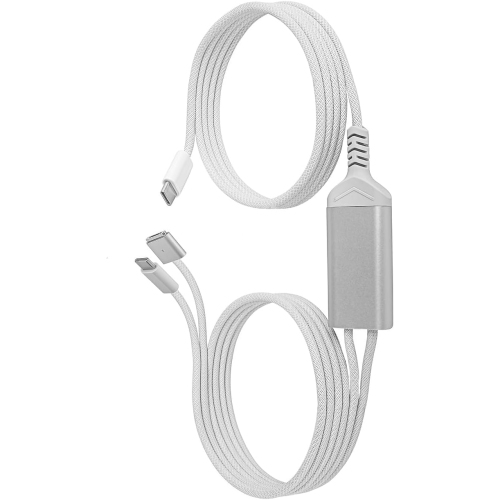
![DOLAER 5Ft Coiled Short USB to USB-C Charging Cable [USB-If Certified] 3A Fast Charger Cord In Car for Iphone 17/16/15 Carplay, Galaxy S25 S24 S23](https://multimedia.bbycastatic.ca/multimedia/products/500x500/199/19921/19921273.jpeg)
![DOLAER USB C Charger Cable [2-Pack 3.3Ft+6.6Ft], Iphone 17 16 15 Charger Cable USBc to USBc Cable Fast Charging Cable Type C Phone Charger Cable Wire](https://multimedia.bbycastatic.ca/multimedia/products/500x500/199/19921/19921714.jpeg)
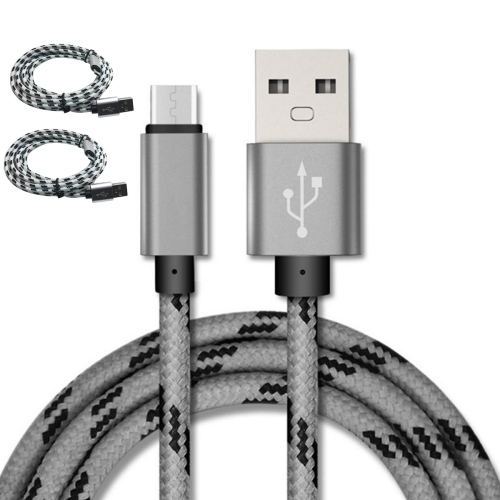
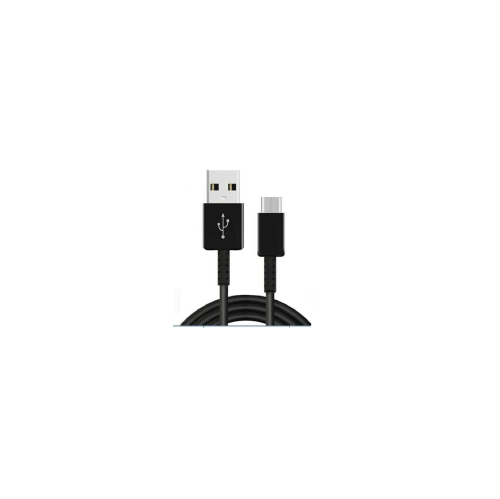
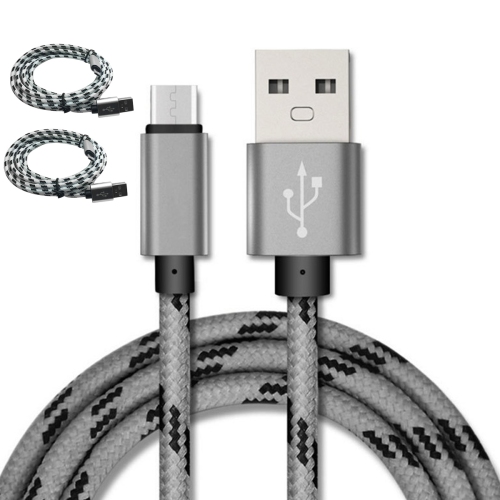
![DOLAER 5Ft Coiled Short USB-C to USB-C Charging Cable [USB-If Certified] 60W Pd Fast Charger Cord In Car for Iphone 17/16/15 Carplay, Galaxy S25 S24](https://multimedia.bbycastatic.ca/multimedia/products/500x500/199/19921/19921877.jpeg)
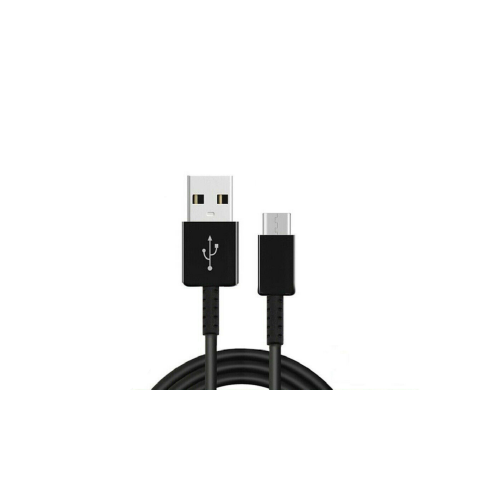
![DOLAER USB C Cable, P[3-Pack, 6.6Ft] 3.1A Type C Charger Fast Charging Cable Right Angle, Braided USB C Charging Cable Compatible w Samsung Galaxy S20](https://multimedia.bbycastatic.ca/multimedia/products/500x500/174/17466/17466537.jpeg)
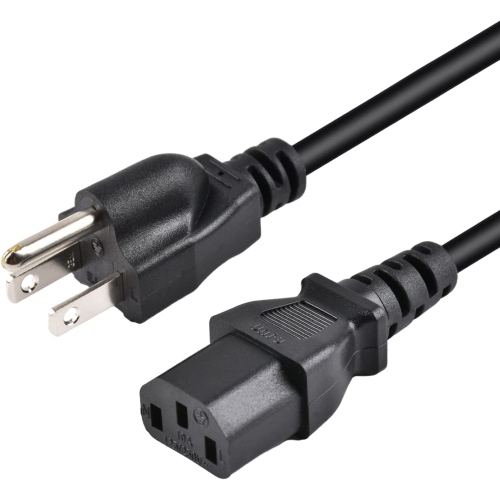
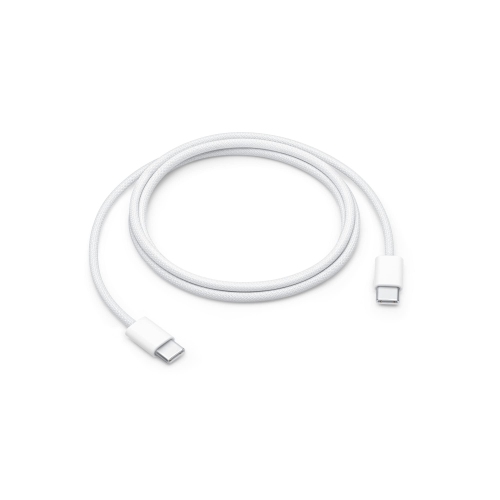
![DOLAER 3Ft Coiled Short USB-C to USB-C Charging Cable [USB-If Certified] 60W Pd Fast Charger Cord In Car for Iphone 17/16/15 Carplay, Galaxy S25 S24](https://multimedia.bbycastatic.ca/multimedia/products/500x500/199/19921/19921811.jpeg)
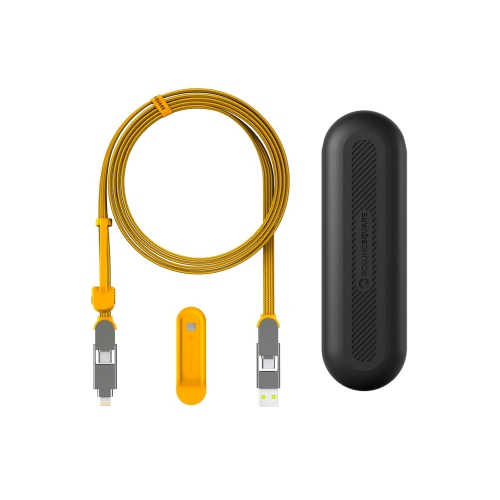
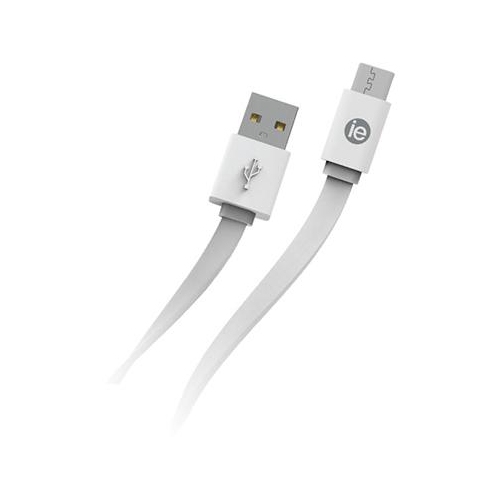
![DOLAER 3Ft Coiled Short USB to USB-C Charging Cable [USB-If Certified] 3A Fast Charger Cord In Car for Iphone 16/15 Carplay, Galaxy S25 S24 S23 S22](https://multimedia.bbycastatic.ca/multimedia/products/500x500/196/19689/19689820.jpeg)
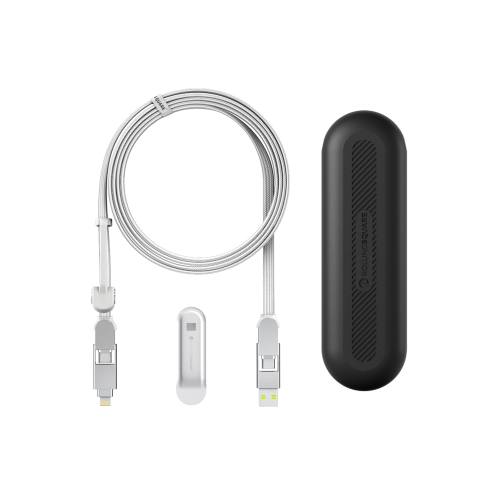
![DOLAER 1.5Ft Coiled Short USB to USB-C Charging Cable [USB-If Certified] 3A Fast Charger Cord In Car for Iphone 17/16/15 Carplay, Galaxy S25 S24 S23](https://multimedia.bbycastatic.ca/multimedia/products/500x500/199/19921/19921628.jpeg)
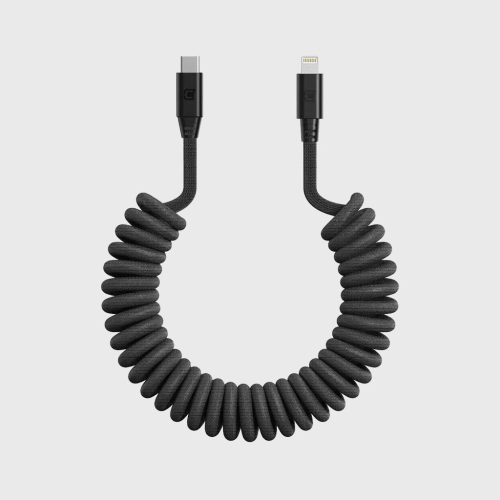
![GENERIC USB C Cable Fast Charge 3.1A [2 Pack, 10Ft], Type C Cable Nylon Braided Charging Cable Compatible With Galaxy](https://multimedia.bbycastatic.ca/multimedia/products/500x500/196/19608/19608106.jpeg)
![GENERIC USB C Cable Fast Charge 3.1A [2 Pack, 6.6Ft], Type C Cable Nylon Braided Charging Cable Compatible With Galaxy](https://multimedia.bbycastatic.ca/multimedia/products/500x500/196/19608/19608954.jpeg)
![GENERIC USB C Cable Fast Charge 3.1A [2 Pack, 3.3Ft], Type C Cable Nylon Braided Charging Cable Compatible With Galaxy](https://multimedia.bbycastatic.ca/multimedia/products/500x500/196/19608/19608559.jpeg)
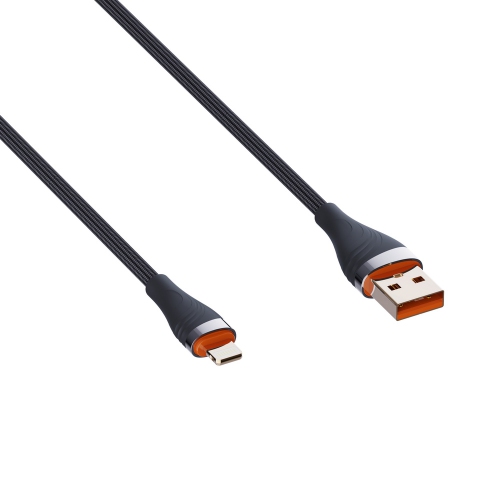
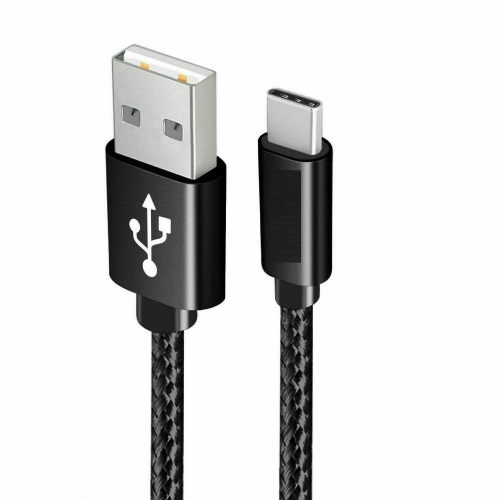
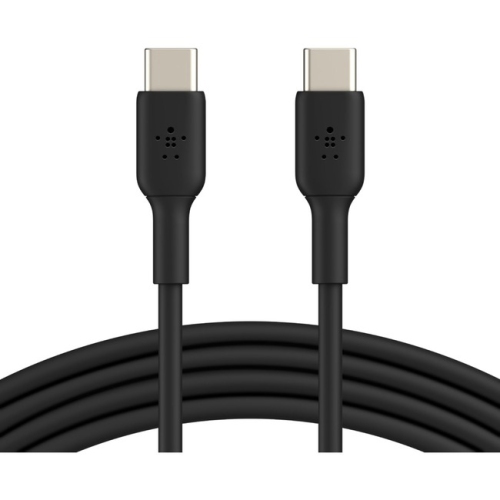
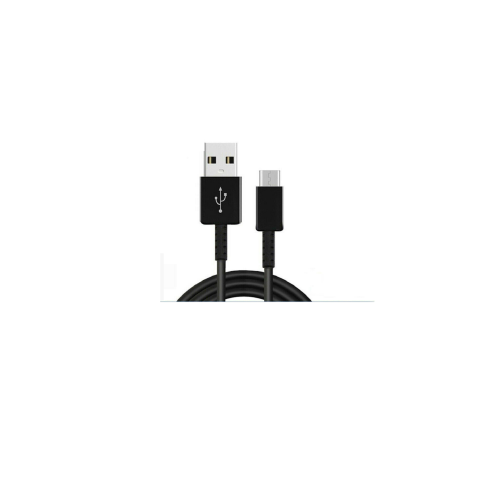
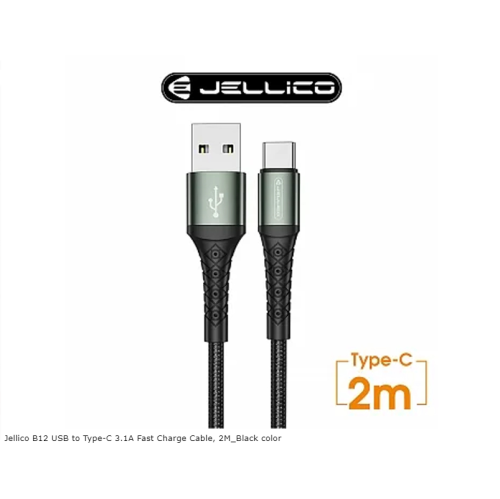
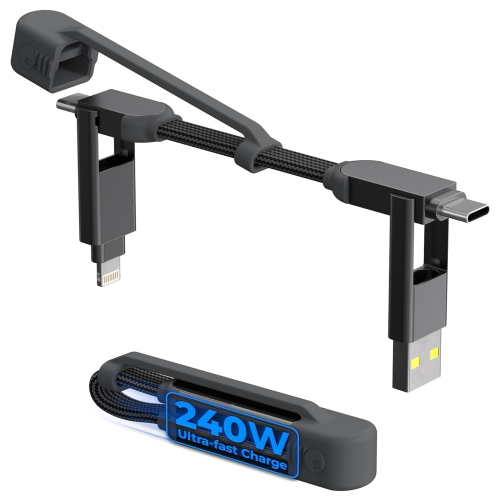
![GENERIC USB C Cable Fast Charge 3.1A [2Pack, 10Ft], Type C Cable Nylon Braided Charging Cable Compatible With Galaxy](https://multimedia.bbycastatic.ca/multimedia/products/500x500/196/19608/19608691.jpeg)
![GENERIC USB C Cable Fast Charge 3.1A [2 Pack, 3.3Ft], Type C Cable Nylon Braided Charging Cable Compatible With Galaxy](https://multimedia.bbycastatic.ca/multimedia/products/500x500/195/19510/19510339.jpeg)
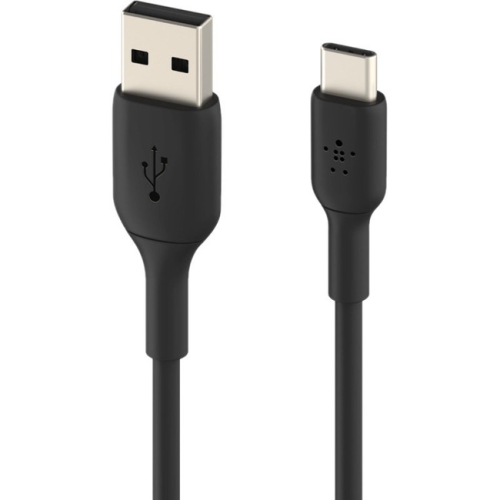
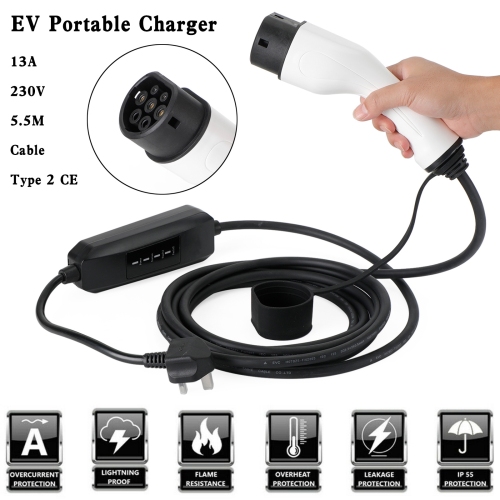
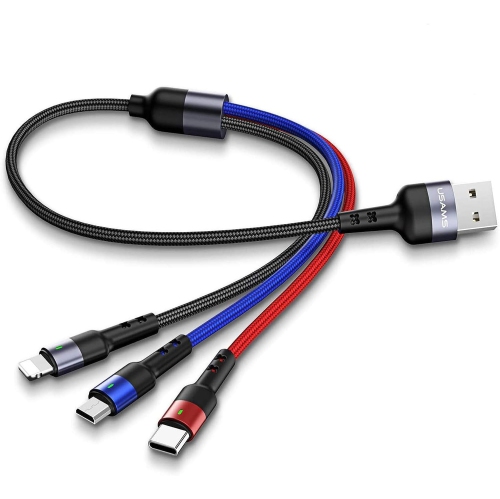
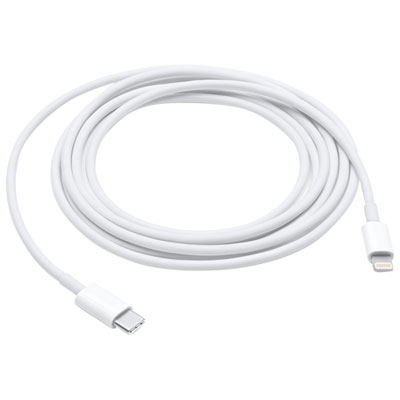
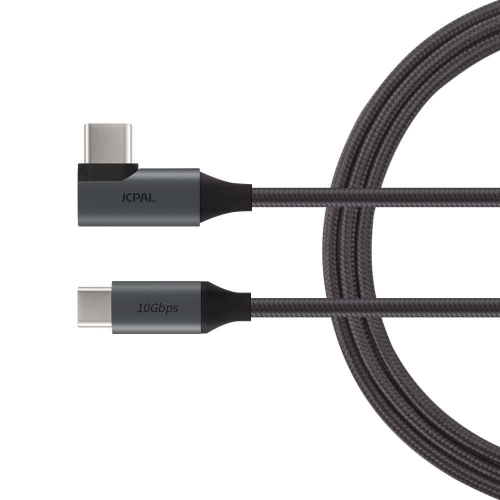
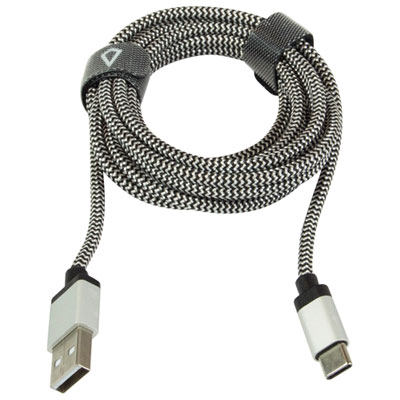
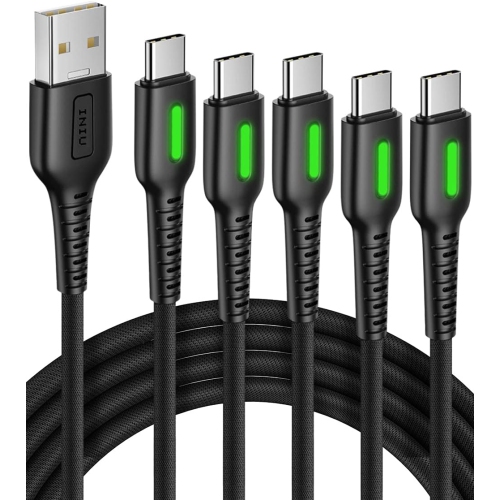
![UNKNOWN USB C Cable Fast Charge 3.1A [2 Pack, 10Ft], Type C Cable Nylon Braided Charging Cable Compatible With Galaxy](https://multimedia.bbycastatic.ca/multimedia/products/500x500/181/18144/18144116.jpeg)
![DOLAER [3-Pack, Mfi Certified] USB A to USB C Carplay Cable for Iphone 16 15 Pro Max, 3Ft+6Ft Car Charger Type C Fast Charging Cord for Iphone 16 15](https://multimedia.bbycastatic.ca/multimedia/products/500x500/196/19688/19688982.jpeg)
![UNKNOWN USB C Cable Fast Charge 3.1A [2 Pack, 6.6Ft], Type C Cable Nylon Braided Charging Cable Compatible With Galaxy](https://multimedia.bbycastatic.ca/multimedia/products/500x500/181/18144/18144432.jpeg)
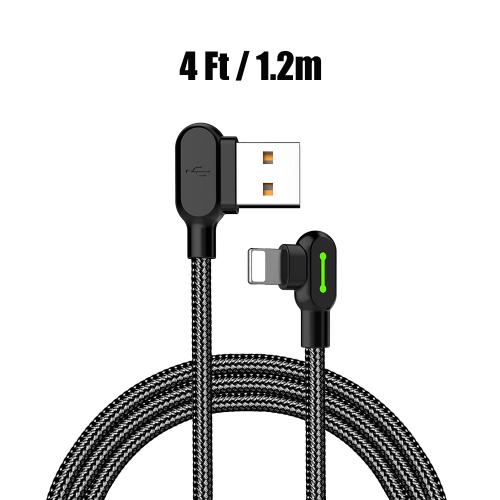

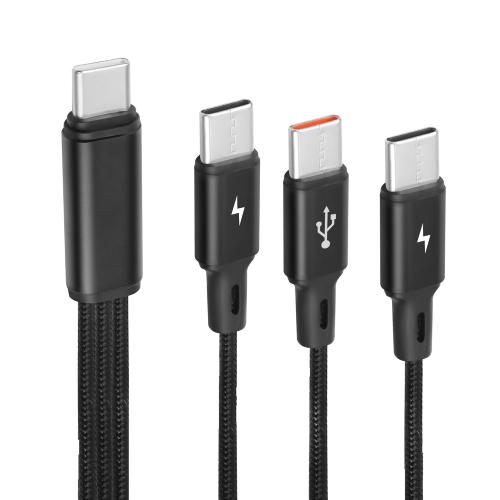
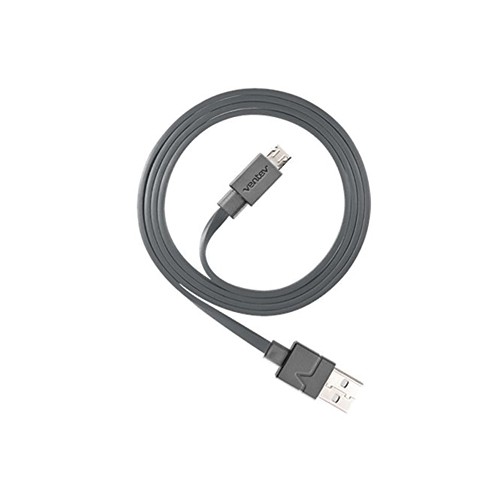
![GENERIC USB C Fast Charge Cable, USB C Cable [3-Pack 10Ft] Fast Charging Type C Cable Braided Phone Charger Cable](https://multimedia.bbycastatic.ca/multimedia/products/500x500/195/19589/19589726.jpeg)
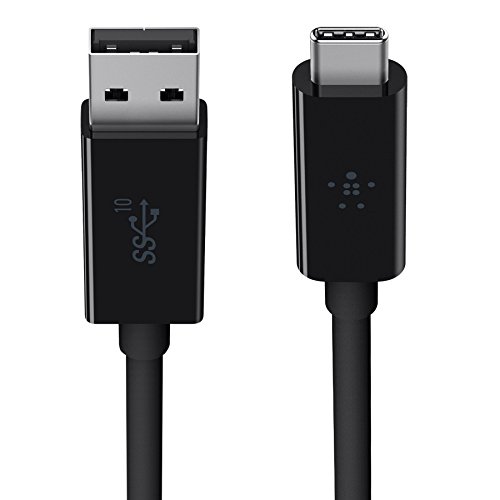
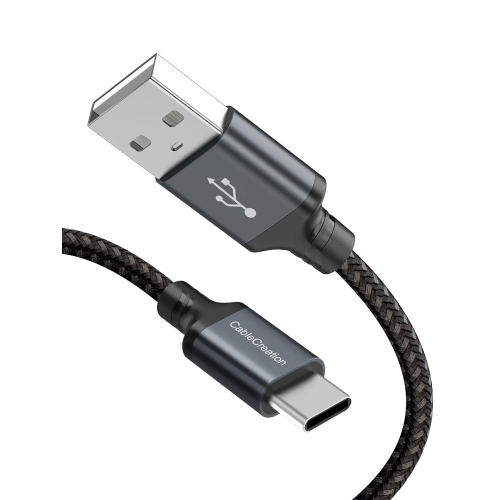
![CABLECREATION Short USB C Cable 0.5 Feet, [2-Pack] USB A to USB C Cable USB to C Cable Braided Fast Charging Cable 3A](https://multimedia.bbycastatic.ca/multimedia/products/500x500/188/18898/18898522.jpeg)
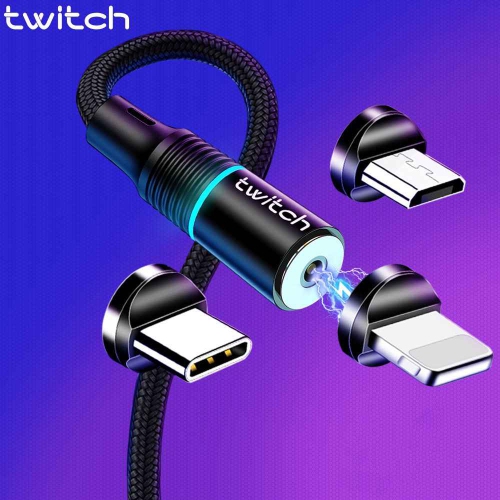
![ARMOR3 Universal Type C/micro Magnetic Charge Cable (6 Interchange PCs) [] In Black](https://multimedia.bbycastatic.ca/multimedia/products/500x500/184/18485/18485571.jpeg)
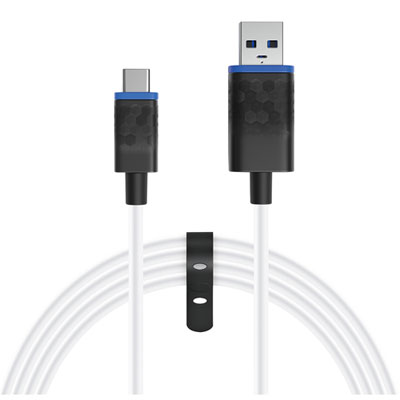
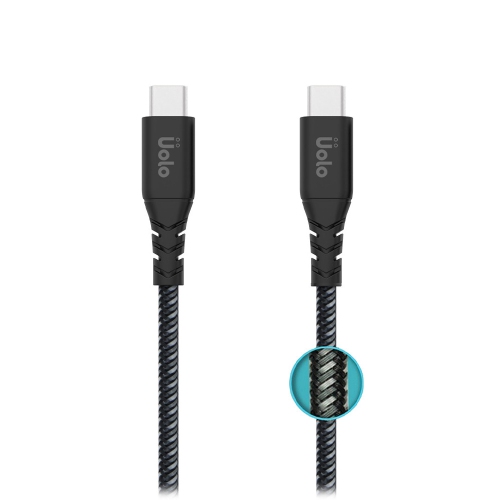
![GENERIC USB C Cable Fast Charge, [2-Pack 6Ft] USB Type C Fast Charging Cable Nylon Braided Charger Cable Compatible](https://multimedia.bbycastatic.ca/multimedia/products/500x500/196/19608/19608680.jpeg)
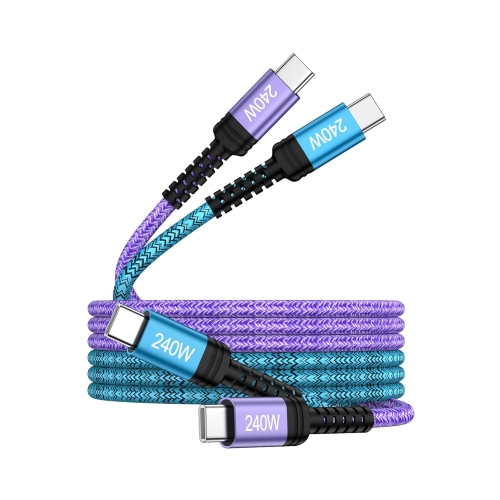
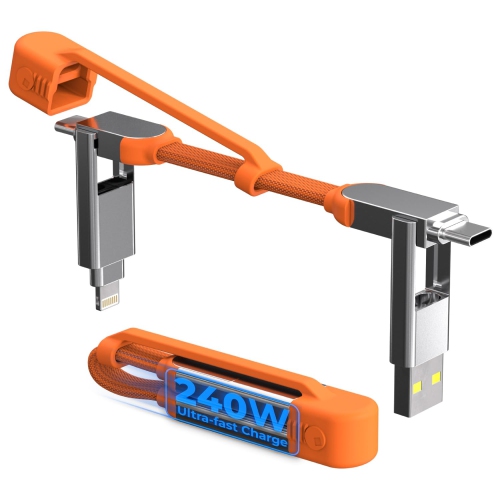
![DOLAER USB C Cable Fast Charge [3 Pack 10Ft] USB to USB C Cable Durable Braided C Charger Cable Fast Charge Compatible w Iphone 16/15 Pro Max](https://multimedia.bbycastatic.ca/multimedia/products/500x500/196/19689/19689928.jpeg)
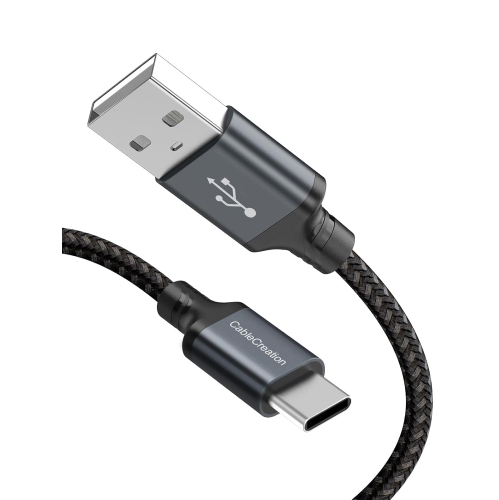
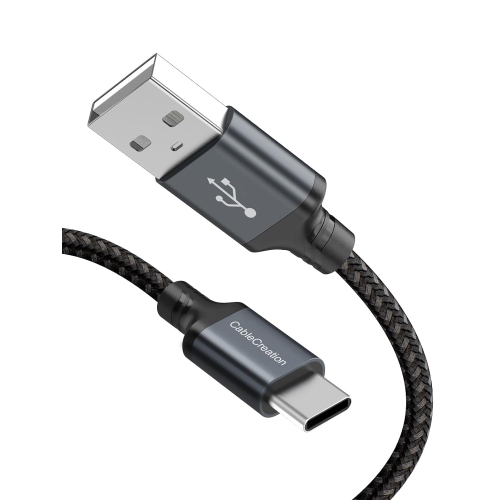
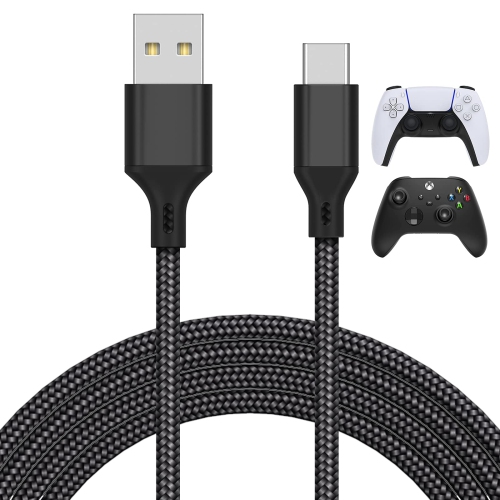
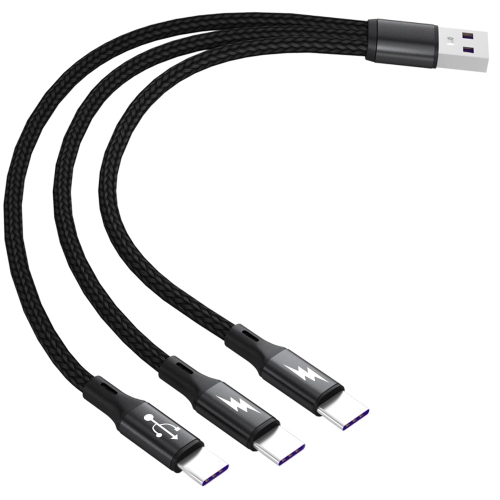
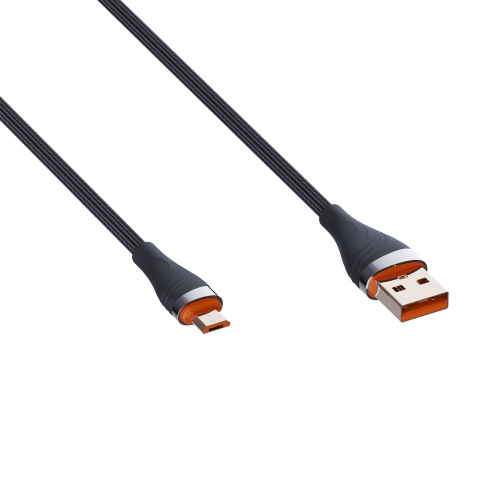
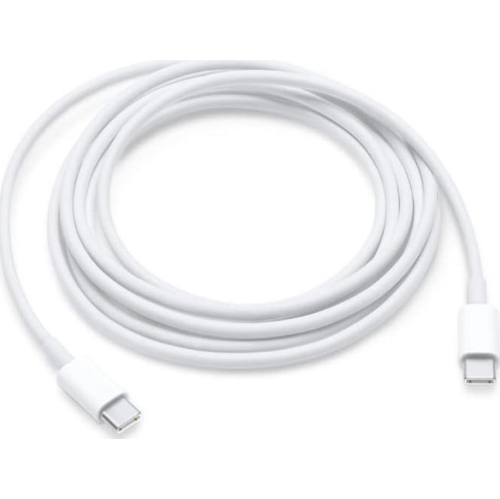
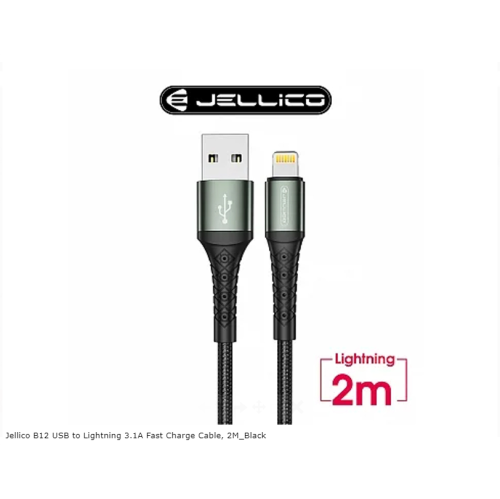
![UNKNOWN USB C Cable Fast Charge [2 Pack 10Ft] USB Type C Fast Charger Cable Durable Braided Type C Cable Fast Charge Compatible](https://multimedia.bbycastatic.ca/multimedia/products/500x500/181/18144/18144144.jpeg)
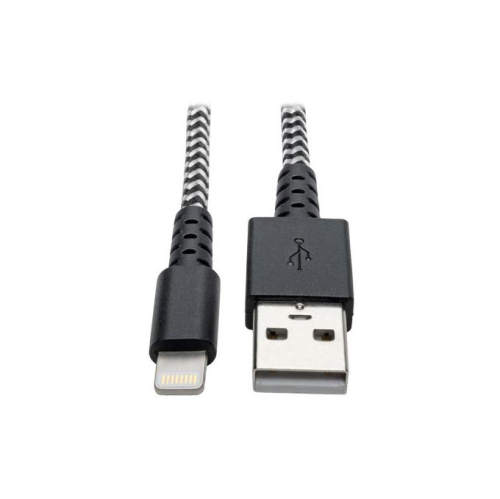
![UNKNOWN [2-Pack] Short USB to USB C Cable 6 Inch, USB A to USB C Cable Fast Charging Cable, 3A Type C Cable](https://multimedia.bbycastatic.ca/multimedia/products/500x500/181/18144/18144431.jpeg)
![POFESUN USB C Cable Fast Charge [3 Pack 10Ft] USB to USB C Cable Durable Braided C Charger Cable Fast Charge Compatible w Iphone 16/15 Pro Max](https://multimedia.bbycastatic.ca/multimedia/products/500x500/197/19718/19718488.jpeg)
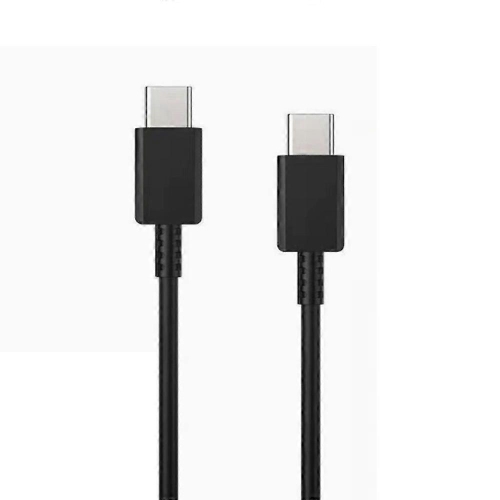
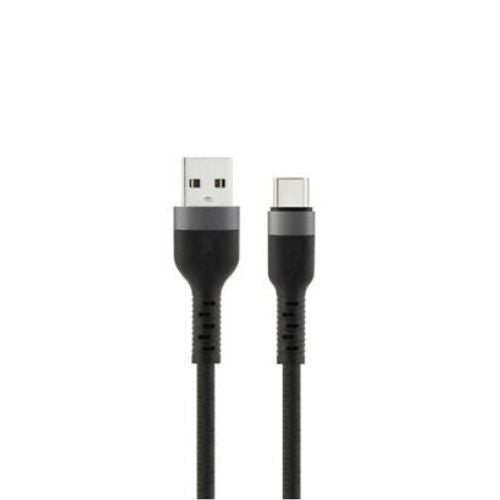
![JMROY USB C Cable Fast Charge [2 Pack 10Ft] USB to USB C Cable Durable Braided C Charger Cable Fast Charge Compatible w Iphone 16/15 Pro Max Samsung](https://multimedia.bbycastatic.ca/multimedia/products/500x500/197/19712/19712416.jpeg)

![GENERIC Coi USB C Charging Cable for Car [2-Pack, 6Ft] 3.0A USB C Cable Fast Charger Type C Cord, Compatible With I Phone 17](https://multimedia.bbycastatic.ca/multimedia/products/500x500/201/20168/20168360.jpeg)
![UNKNOWN USB C Cable 3.1A Fast Charge [2Pack 3.3Ft/10Ft] USB C Charger Cable Braided USB Type C Cable Compatible](https://multimedia.bbycastatic.ca/multimedia/products/500x500/181/18144/18144542.jpeg)
![UNKNOWN USB C Cable [60W, 3A, 10GBps-3Ft] USB A to USB C 3.1/3.2 Gen 2 Cable, Type C Fast Charge & Data Sync Cable for Android](https://multimedia.bbycastatic.ca/multimedia/products/500x500/181/18143/18143996.jpeg)

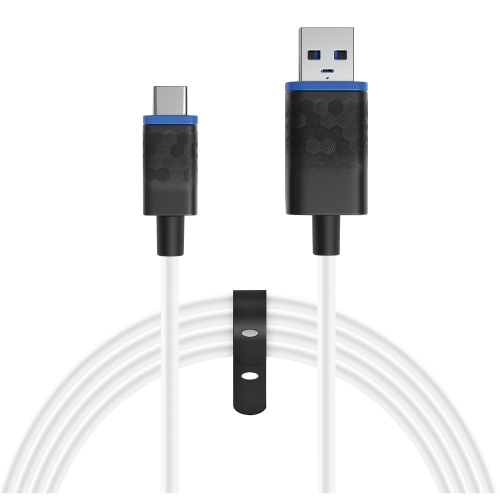

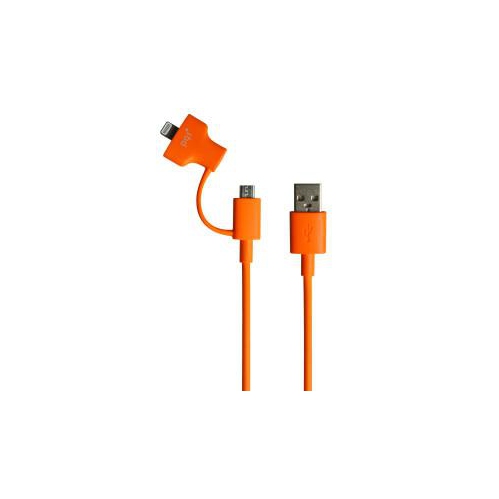
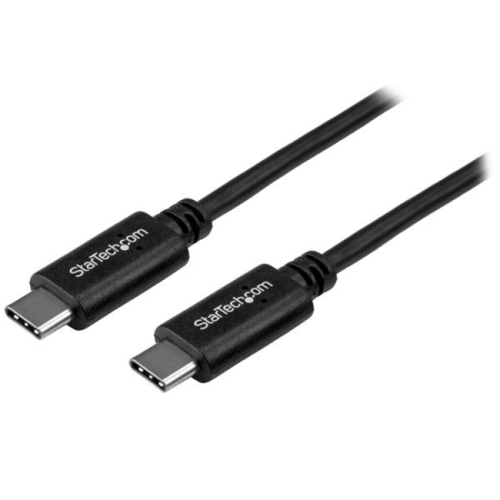

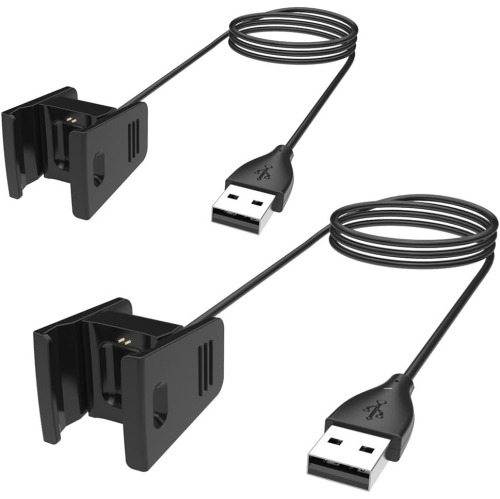
![TTX TECH Universal 7 In 1 Handheld System USB Charge Cable []](https://multimedia.bbycastatic.ca/multimedia/products/500x500/174/17466/17466194.jpeg)
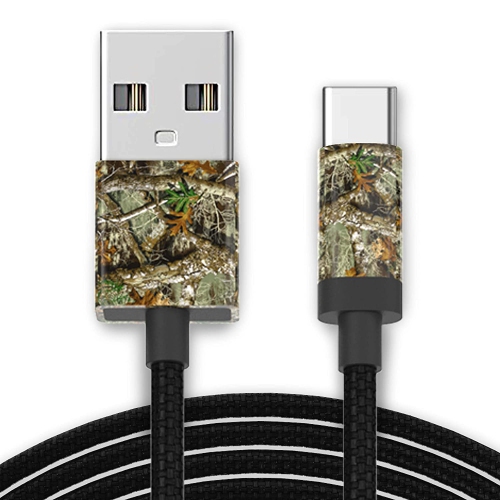
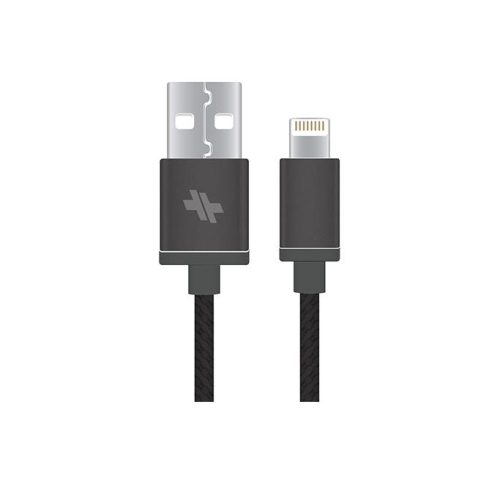
![UNKNOWN USB C Cable [6Ft], USB A to USB C 3.1/3.2 Gen 2 Cable, 3A Qc Fast Charge & 10GBps Data Sync Cable for Android Auto](https://multimedia.bbycastatic.ca/multimedia/products/500x500/181/18144/18144382.jpeg)

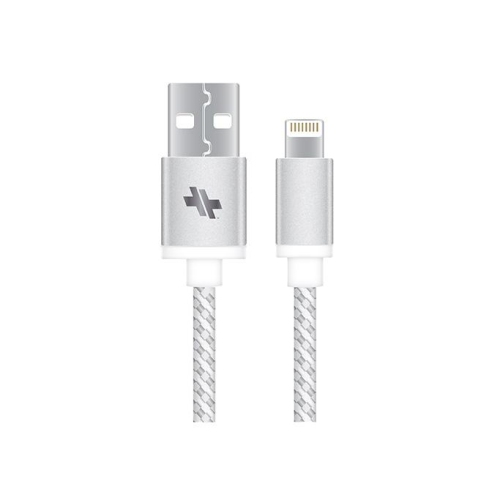
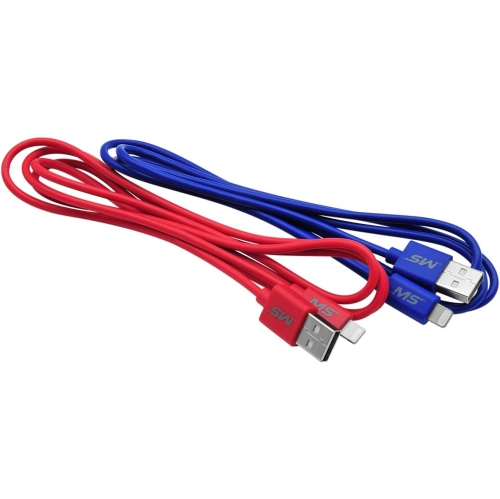
![KMD Nintendo Switch 6Ft USB Charge Cable []](https://multimedia.bbycastatic.ca/multimedia/products/500x500/119/11984/11984464.jpeg)
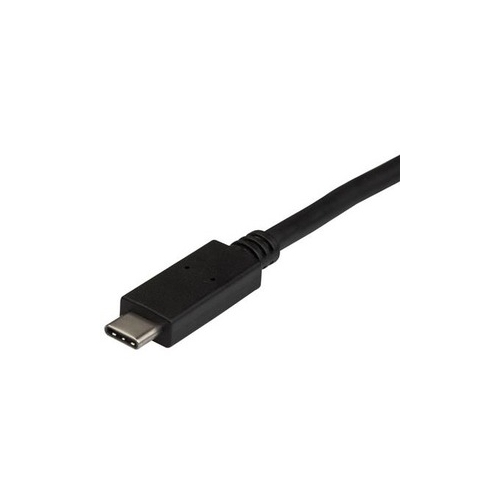
![GENERIC Coi USB C Charging Cable for Car [2-Pack, 10Ft] 3.0A USB C Cable Fast Charger Type C Cord, Compatible With I Phone 17](https://multimedia.bbycastatic.ca/multimedia/products/500x500/201/20187/20187168.jpeg)
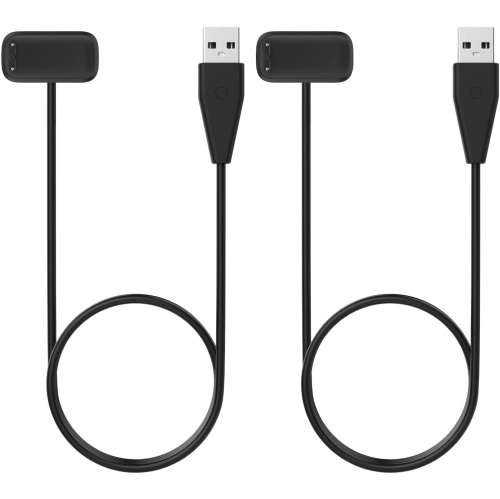
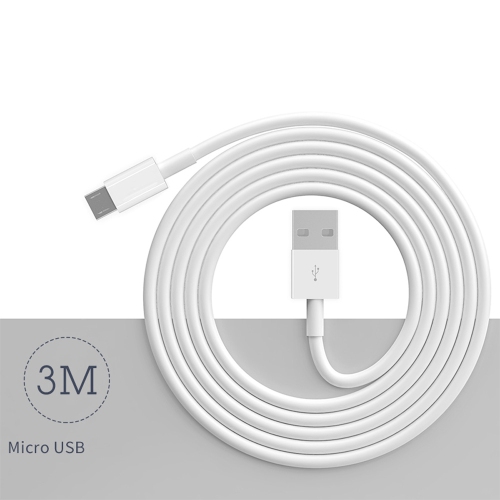
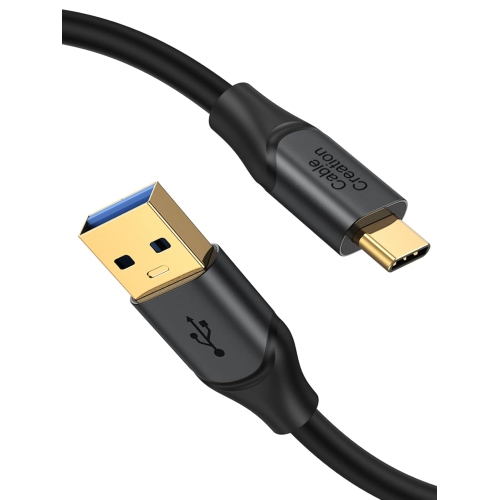
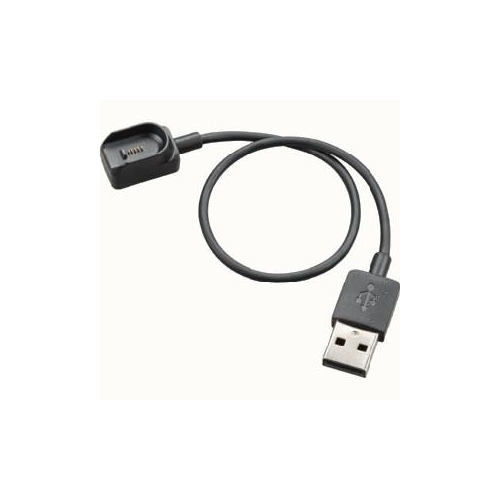
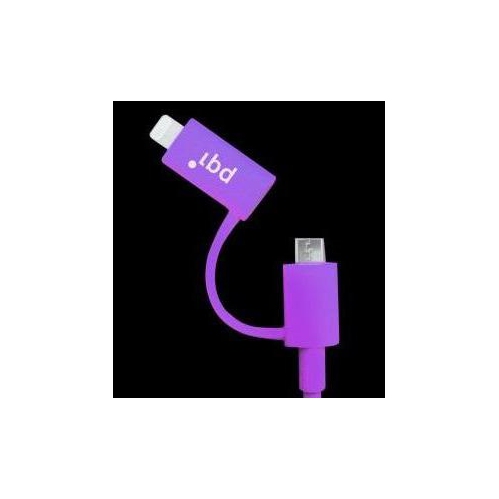
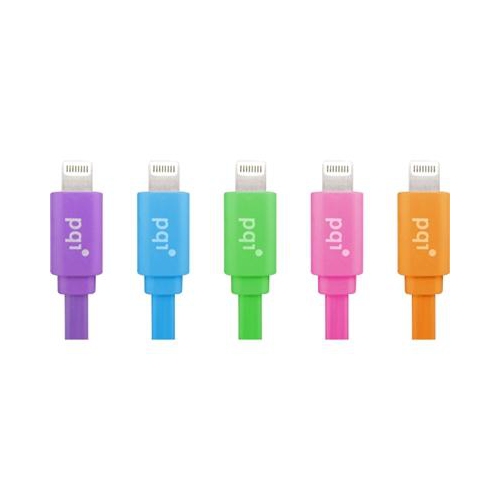
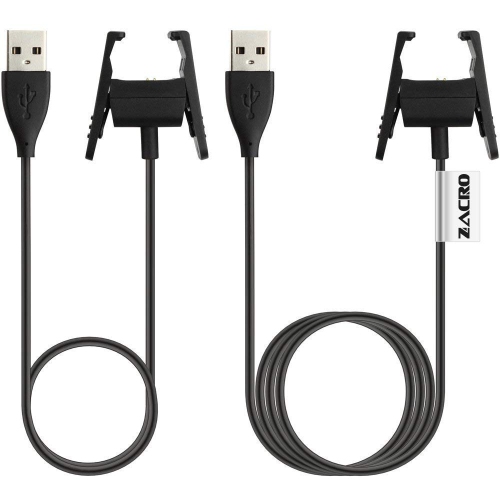
![KMD Type-C USB Charge Cable Xbox Series X & Ps5 Controllers []](https://multimedia.bbycastatic.ca/multimedia/products/500x500/174/17466/17466176.jpeg)
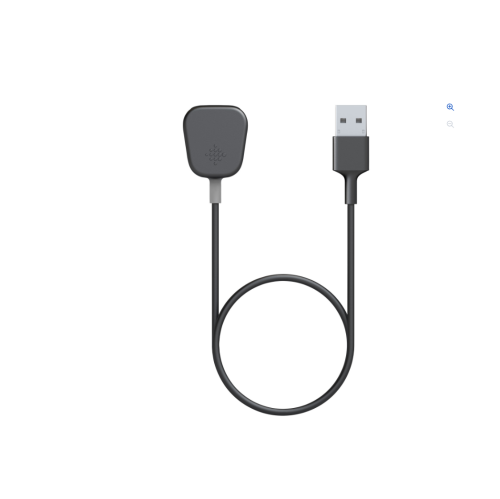
![PROGAMR Premium Magnetic Data Charge Cable [Cross-Platform Accessory]](https://multimedia.bbycastatic.ca/multimedia/products/500x500/157/15718/15718889.jpeg)
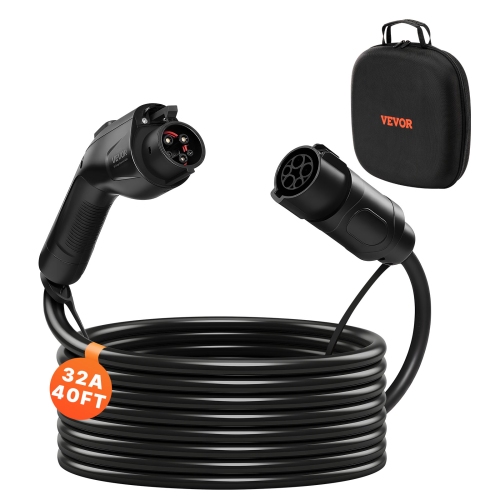
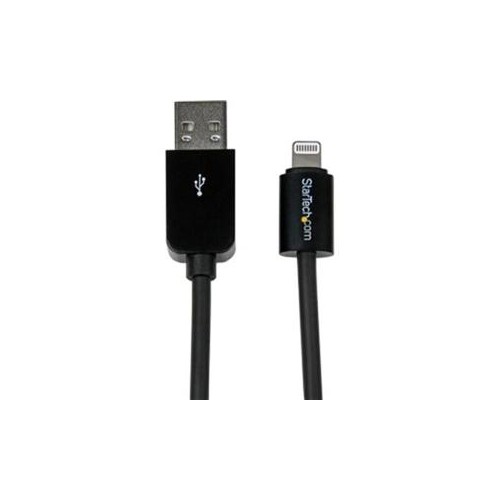
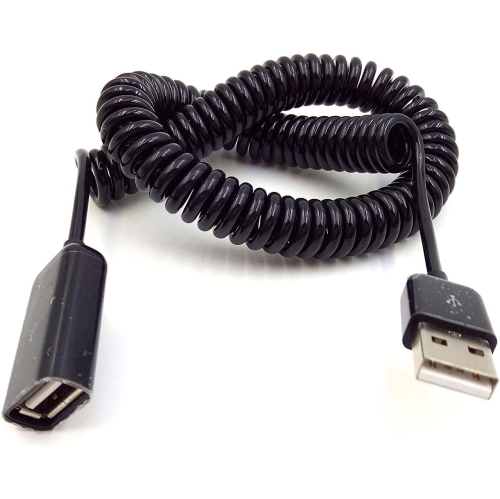
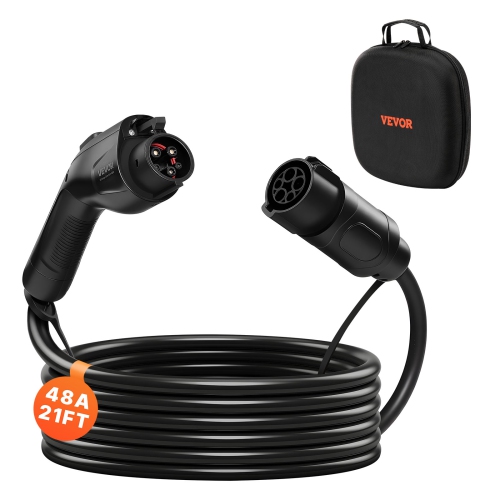
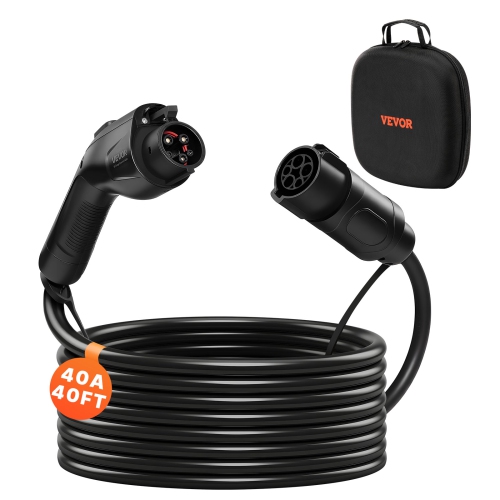
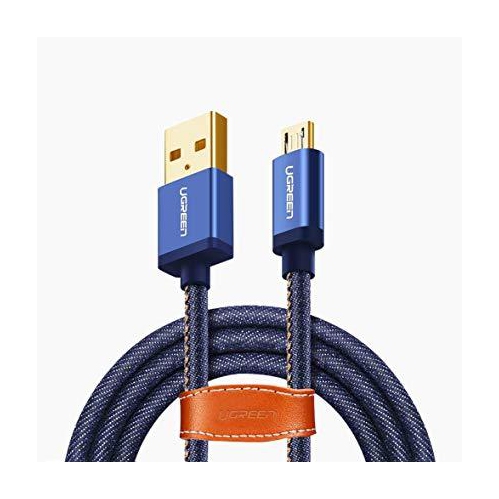
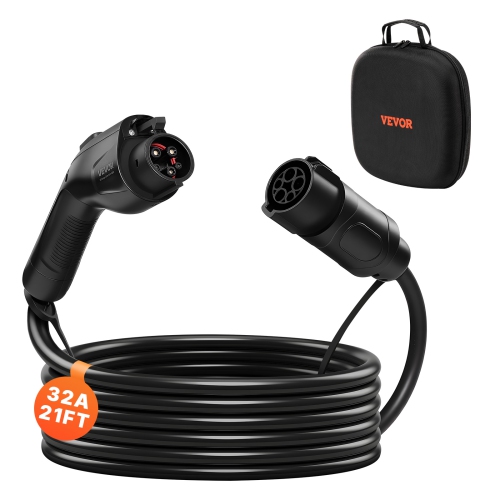
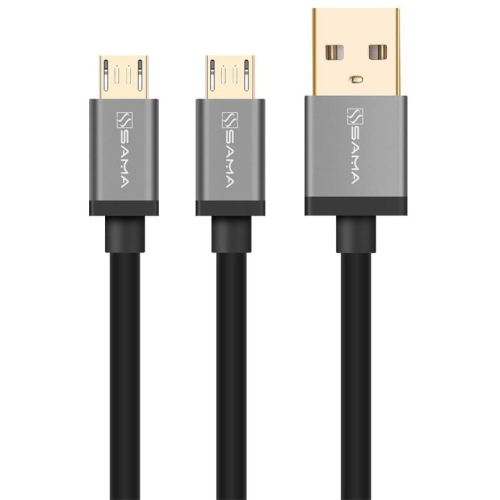
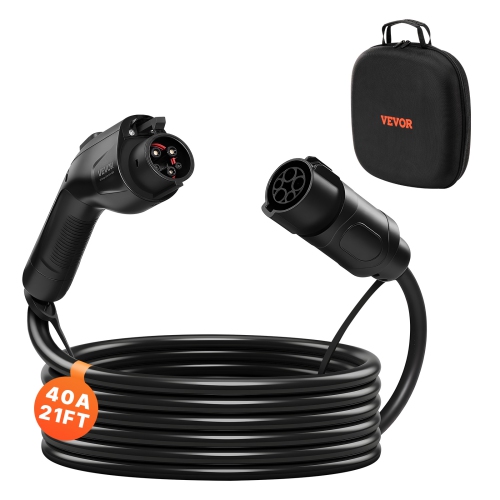
A matching connector is only the starting point
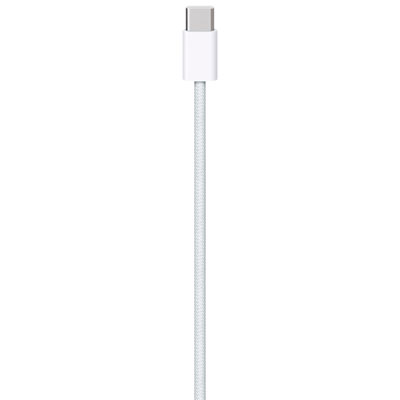
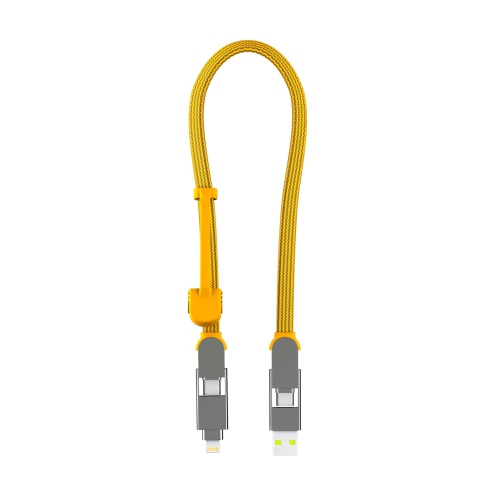
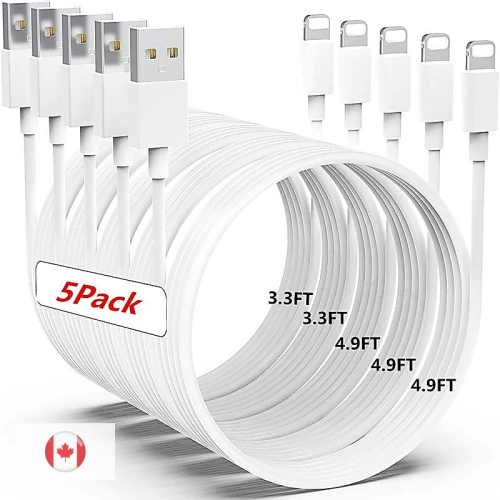
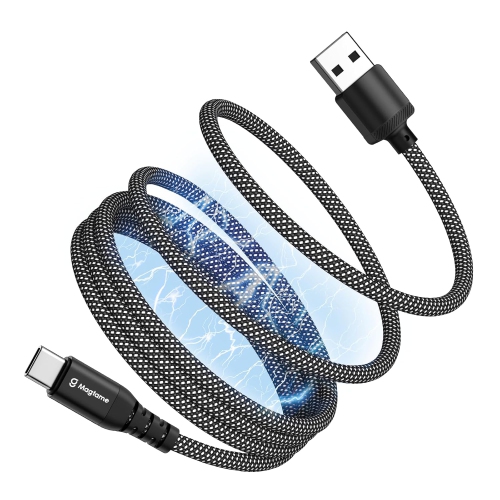
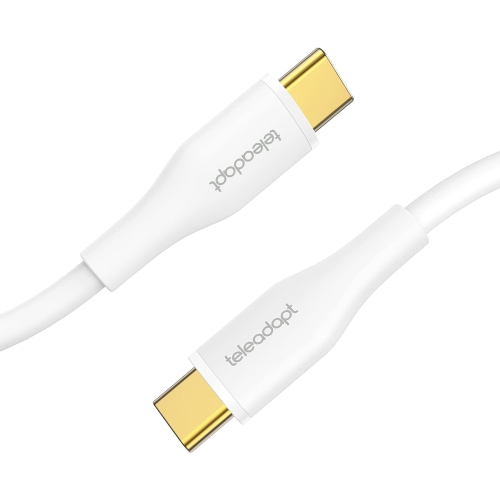
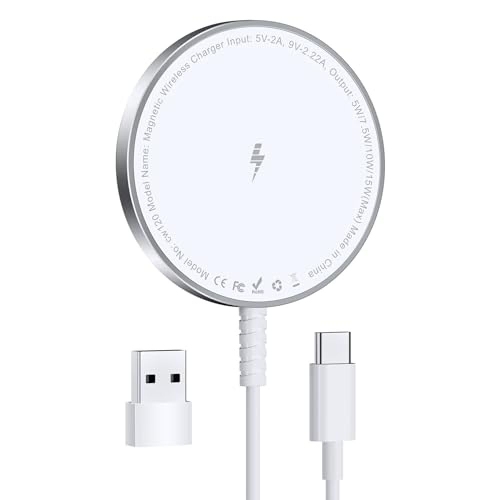
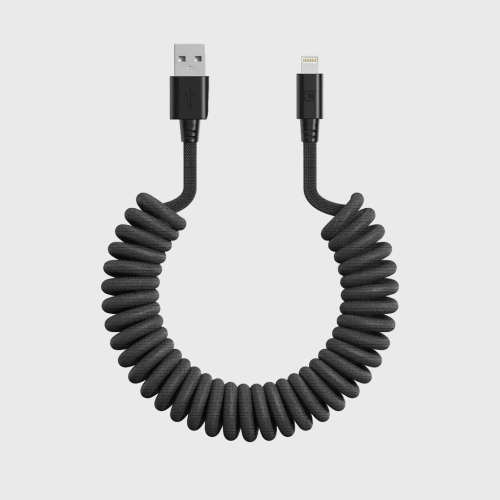
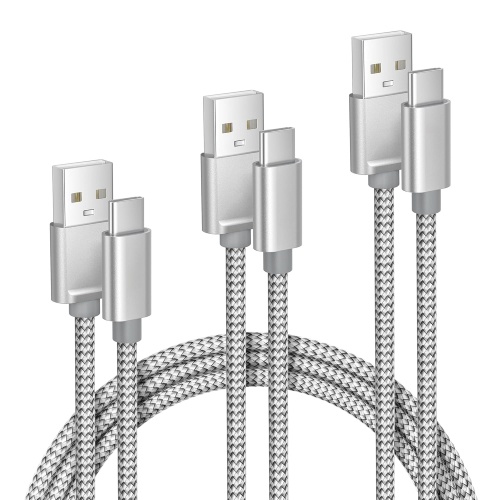
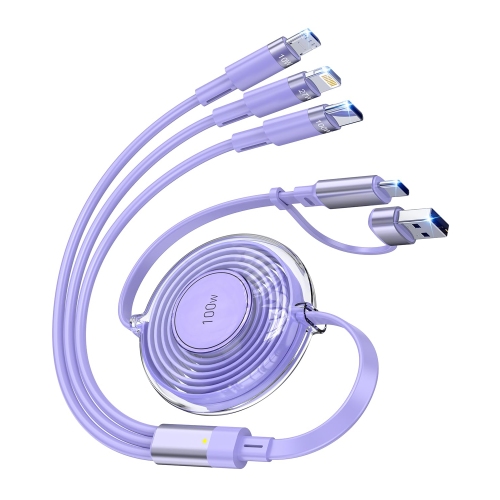
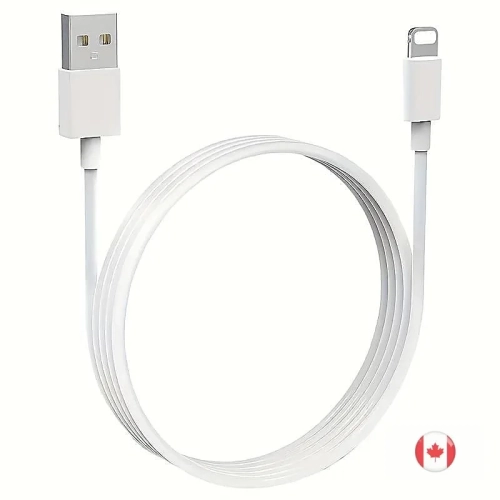
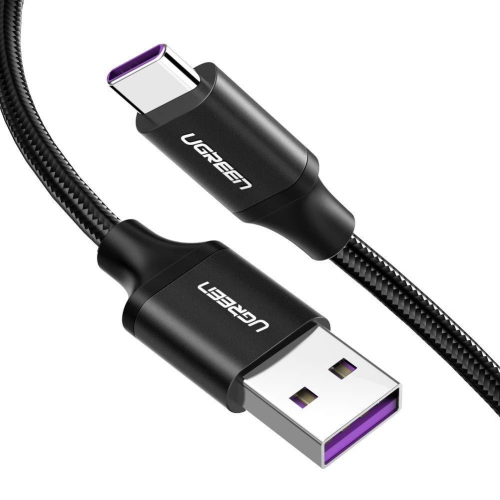
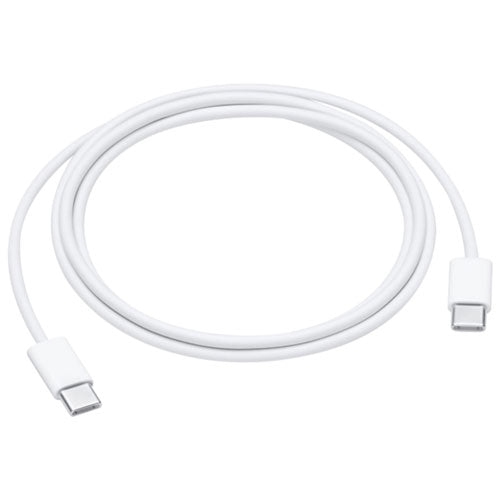
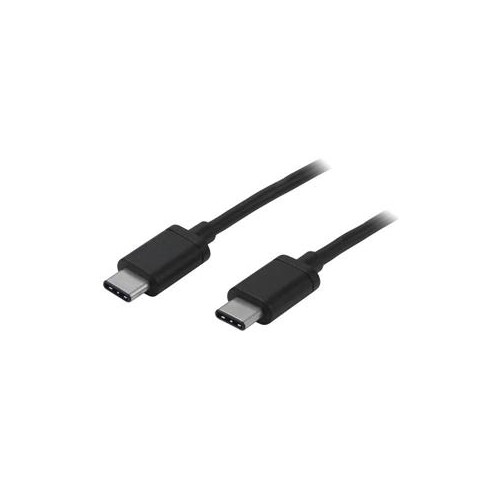
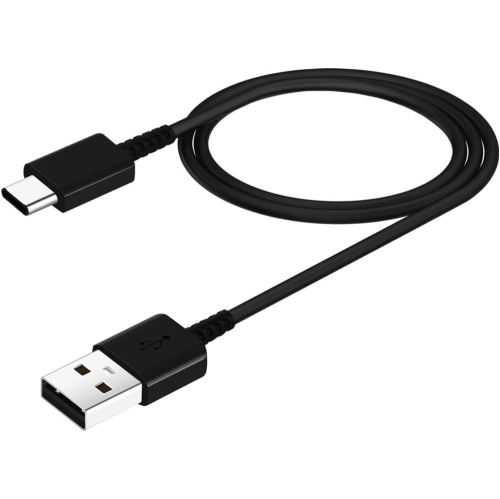
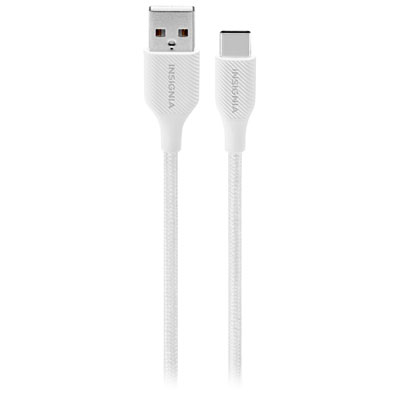
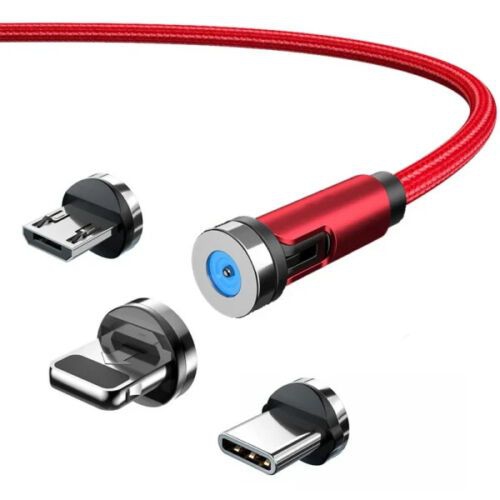
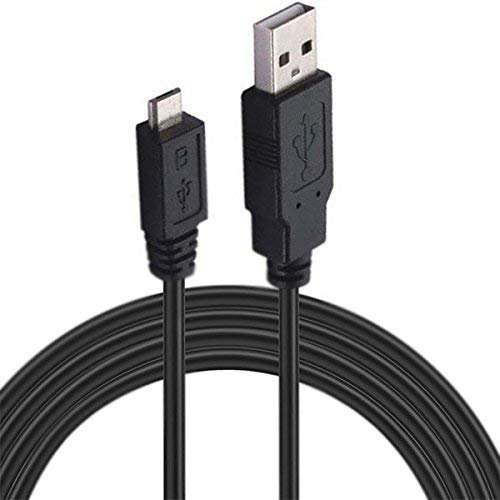
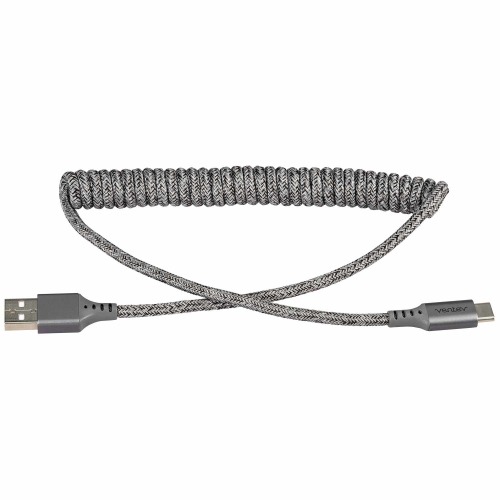
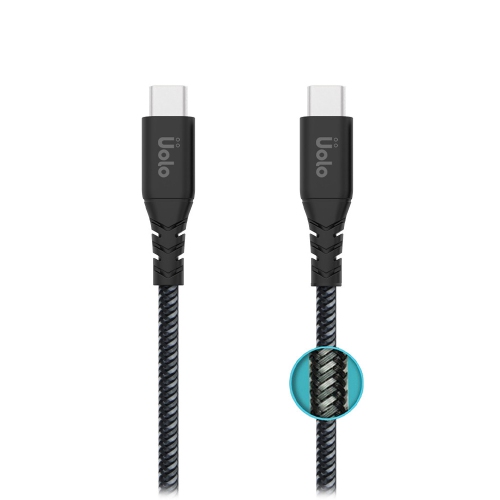
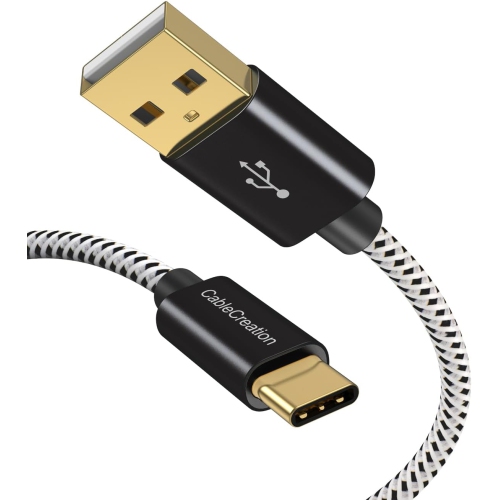
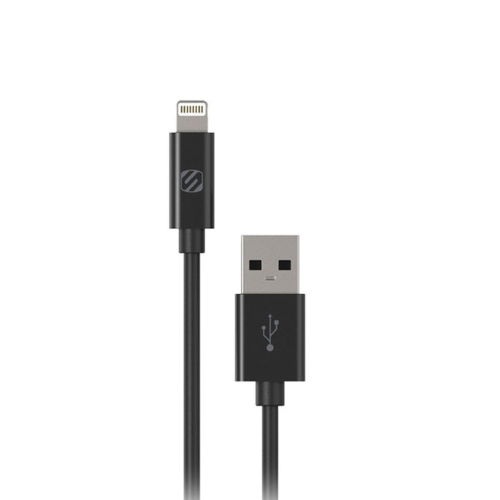
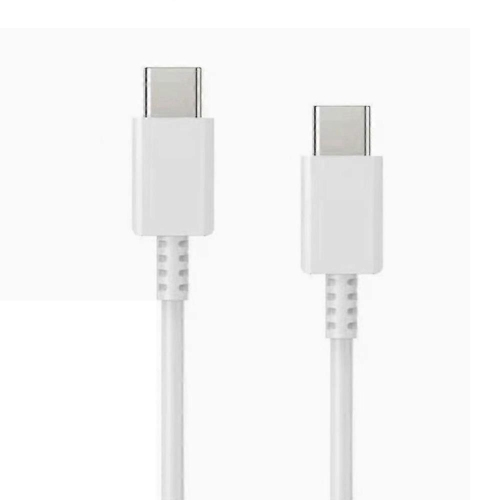
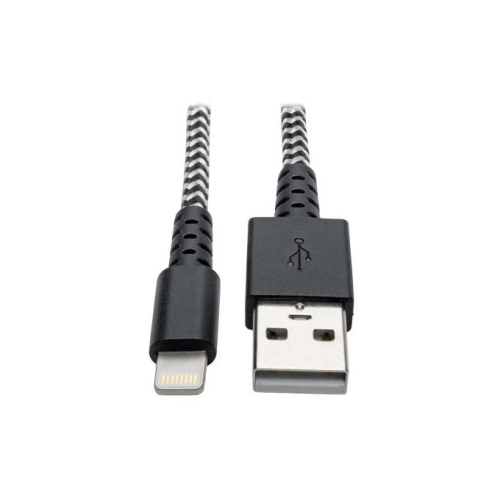
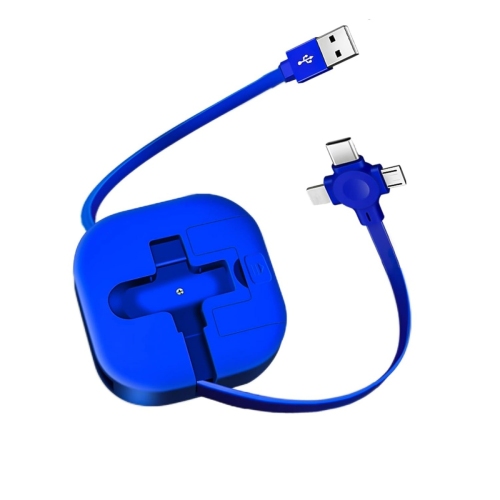
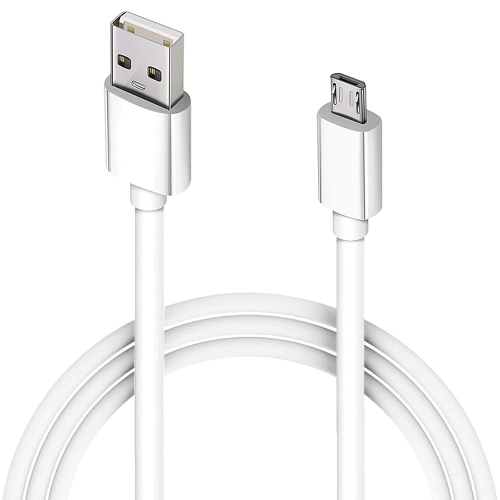
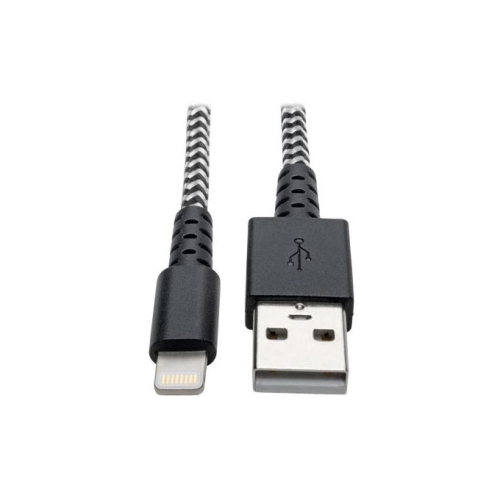
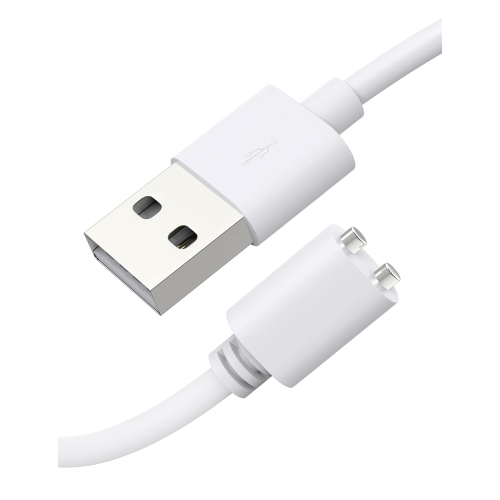
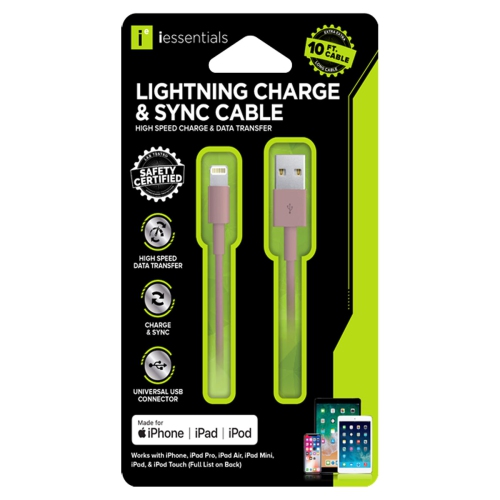
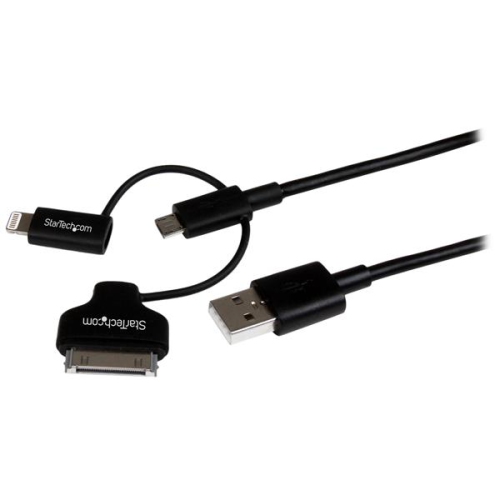
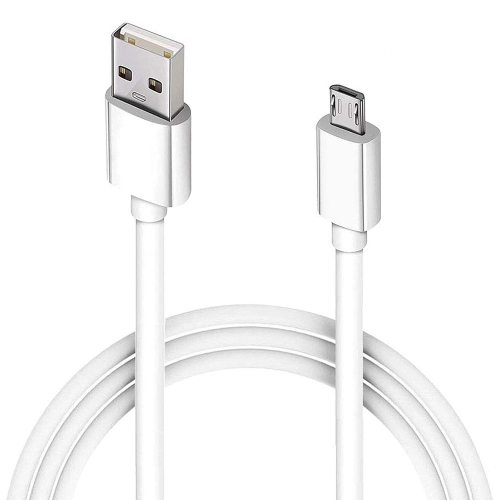
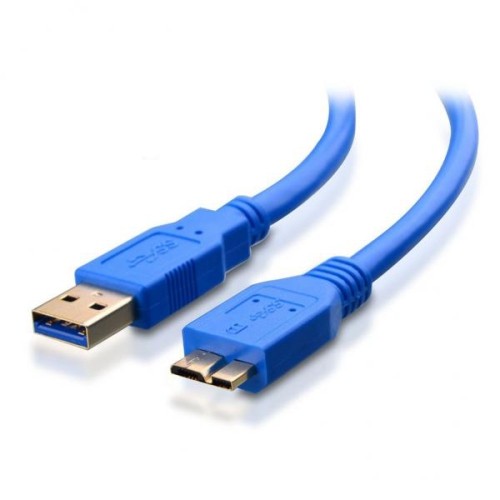
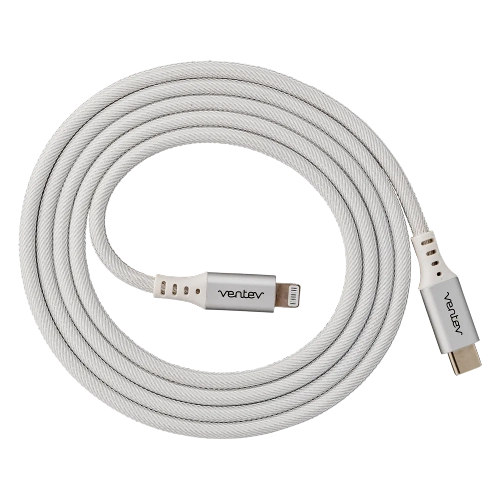
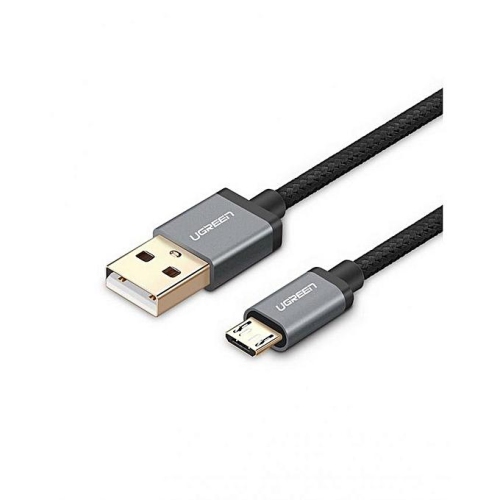
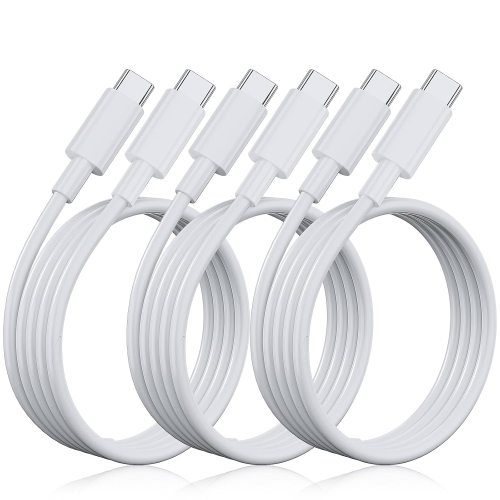
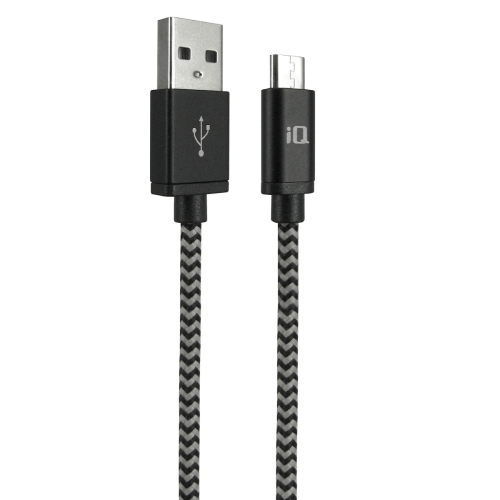
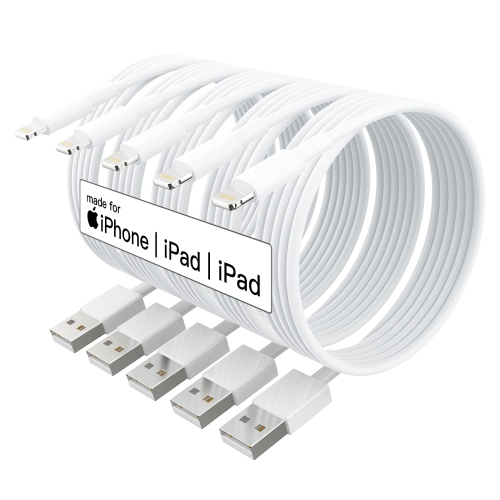
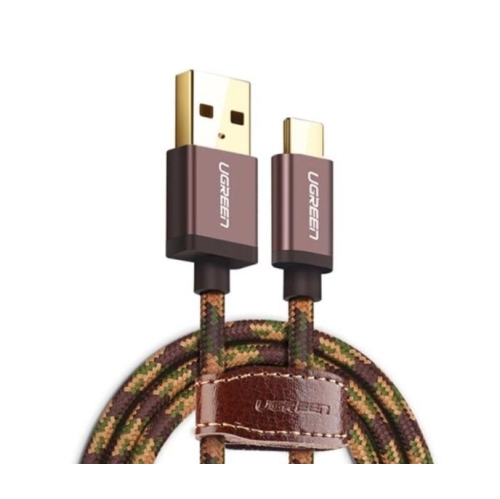
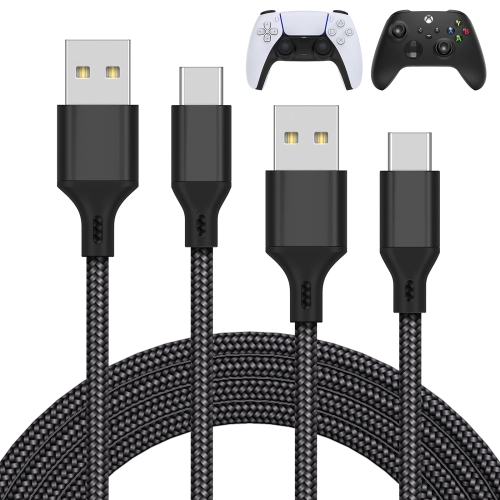
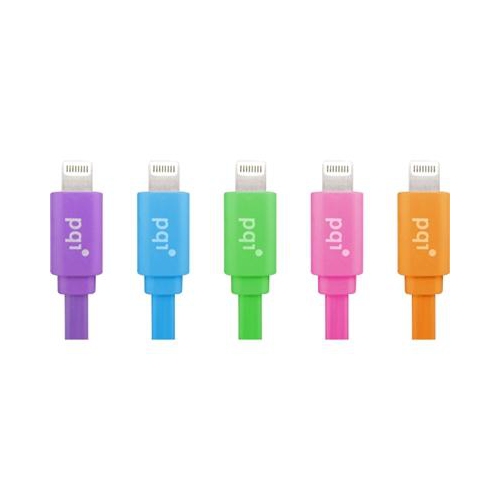
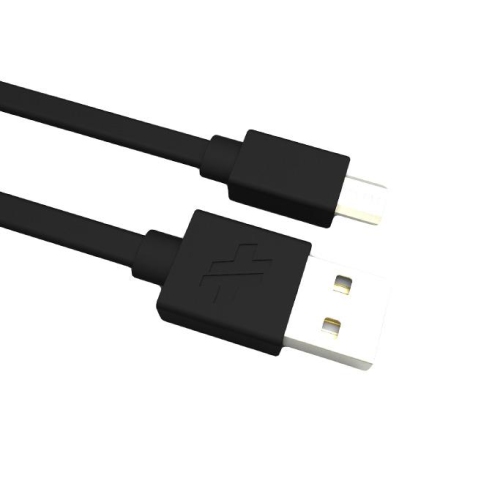
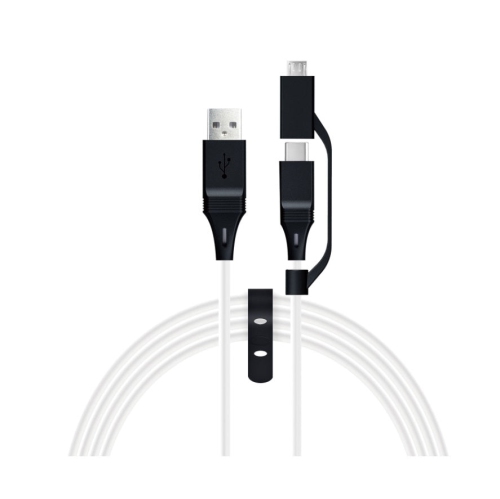
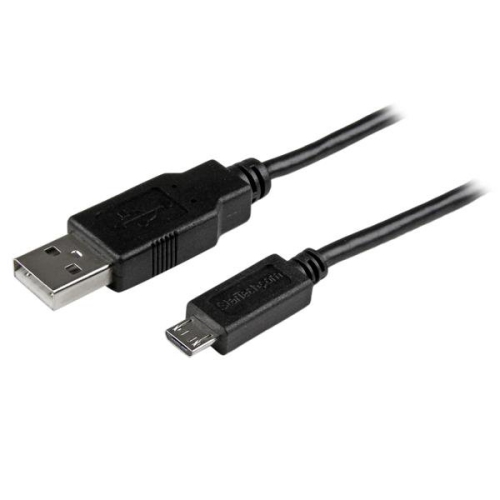
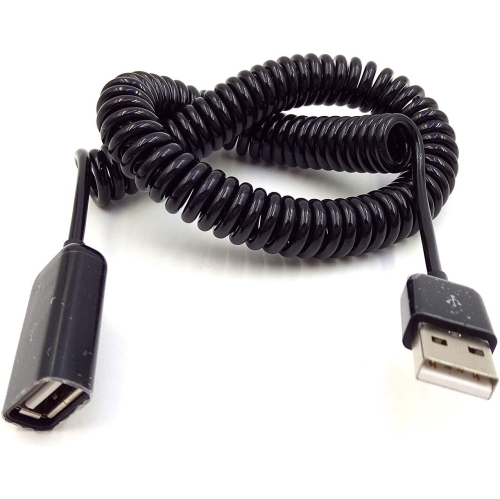
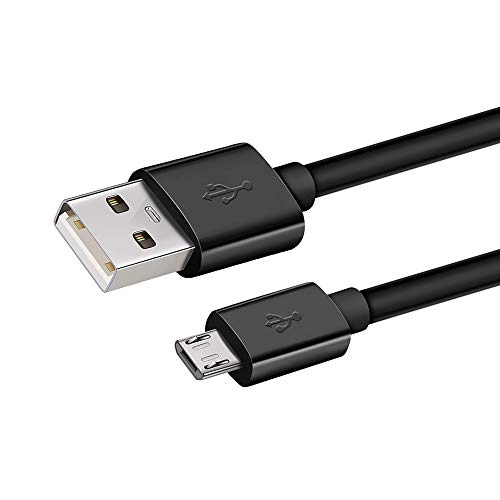
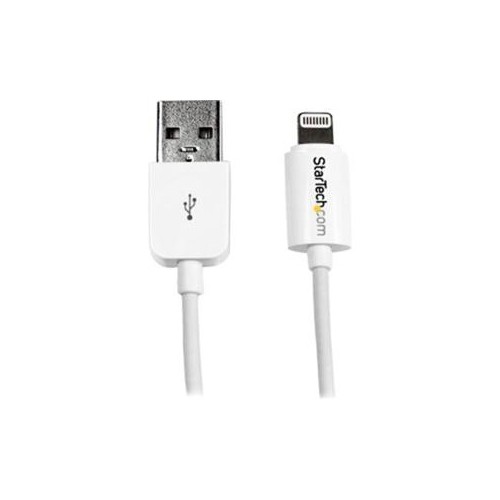
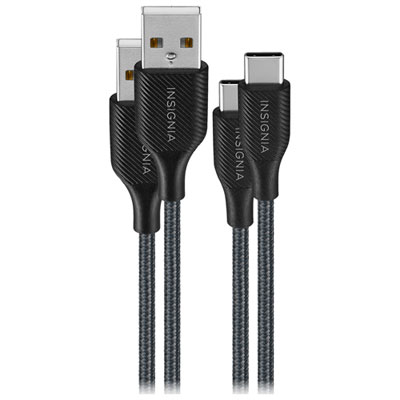
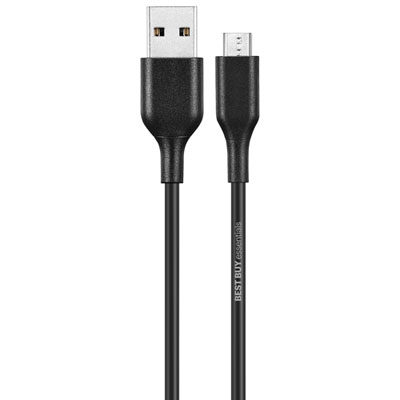
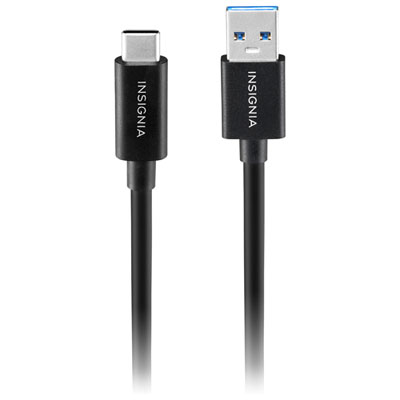
Charging cables keep everyday devices connected to power, from the phone on a bedside table to the laptop that moves between a home office and a shared workspace. The right fit starts with the connectors at both ends: one must match the device, while the other must fit the wall charger, computer, power bank, or vehicle charging port. USB-C to USB-C cables connect devices with USB-C ports to compatible USB-C power sources and can support fast charging when the cable, charger, and device meet the same charging requirements. USB-A to USB-C cables connect a USB-C device to the larger, rectangular USB-A port found on many existing chargers and computers, though charging performance depends on the equipment involved. Lightning cables serve devices fitted with a Lightning port, while Micro-USB cables remain useful for some older phones, wireless accessories, cameras, and game controllers. These connector shapes are not interchangeable, so checking the actual port is more reliable than choosing by the device’s age or appearance. A USB-C plug has a reversible design that fits either way up; Micro-USB has a specific orientation and should slide into place without force. Protective cases can also affect fit. A cable with a bulky connector housing may not reach through a narrow case opening, even when the plug itself is correct. For households with several types of devices, a small set of clearly distinguishable cables can make shared charging areas easier to manage. Different colours or cable labels help identify which lead belongs with a particular device without repeatedly unplugging everything. Someone charging a phone during a commute may need a different length and connector pairing from someone powering a laptop at a desk. Matching the cable to those everyday routines helps avoid a lead that reaches the device but cannot provide the power or connection needed. A spare kept in a work bag can also prevent the familiar scramble to retrieve a cable from behind a bedside table before leaving home.
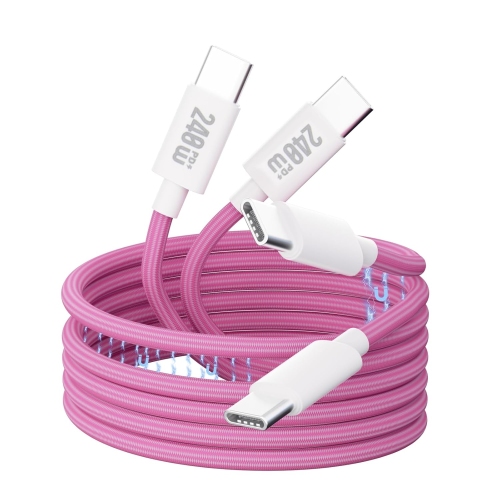
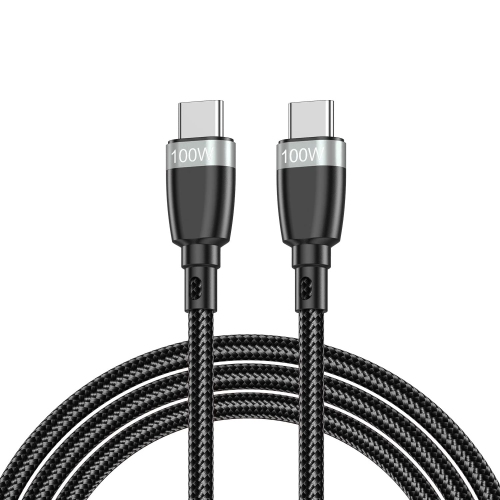
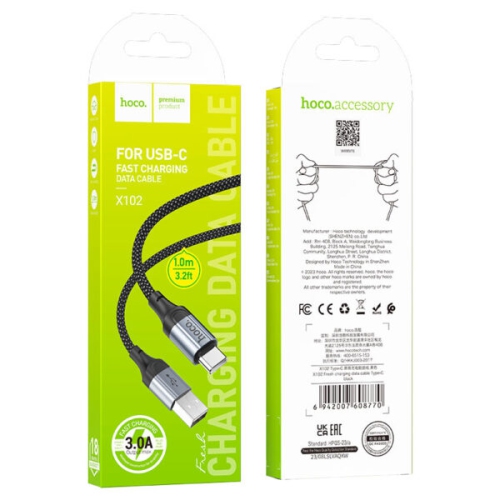
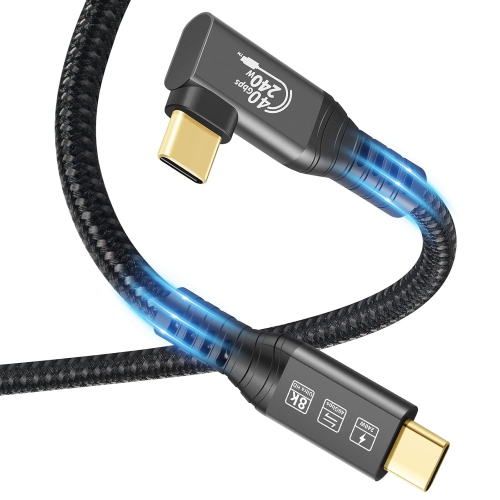
Charging performance involves more than a connector that fits. A cable’s power rating describes how much power it is designed to carry, not how much power every connected device will receive. Actual charging speed depends on the device’s supported input, the charger’s output, the cable’s capabilities, and the charging protocol they share. Some USB-C to USB-C cables support USB Power Delivery at up to 240 W, but reaching that level requires a suitably rated cable, a compatible power source, and a device designed to accept it. A higher-rated cable does not force extra power into a lower-powered device; compatible equipment negotiates the power supplied. For laptop charging, the cable’s stated wattage deserves particular attention because a lead suited to basic phone charging may not support a laptop’s full power needs. A laptop running demanding applications may charge slowly, or continue drawing from its battery, if the overall power supply is insufficient. Phone charging speeds also tend to ease as the battery fills, so a fast-charging connection does not maintain its peak rate throughout the entire session. Data capabilities are a separate consideration. Two cables with identical USB-C connectors can have different transfer speeds, and a high charging wattage does not automatically mean fast file transfers or support for an external display. Some cables carry power only, while others support charging and data. For transferring large photo libraries, connecting storage, or using a docking station, the stated data and video specifications matter alongside the power rating. A cable used for a wired vehicle connection may need data support as well as charging capability. Connector shape alone cannot confirm any of these functions. Clear specifications and applicable compliance markings help distinguish cables intended for simple power delivery from those designed for more demanding connections. Where a device uses a proprietary fast-charging system, full performance may require a cable specifically compatible with that system. These distinctions are especially useful when one cable is expected to serve a phone, tablet, and laptop rather than remain attached to a single charger.
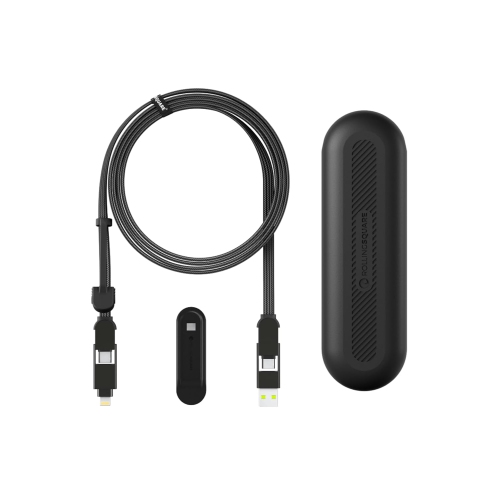
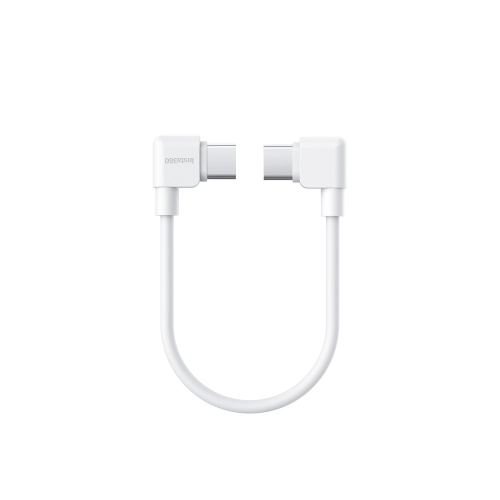
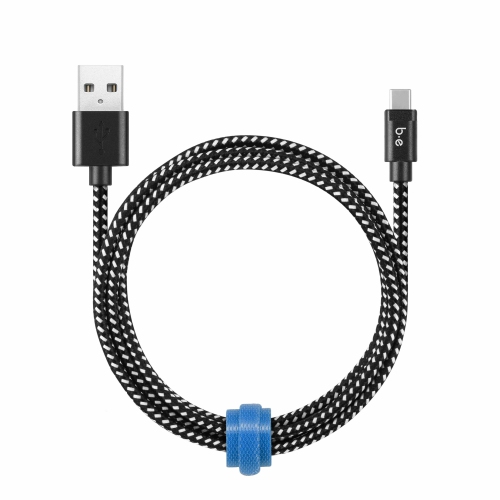
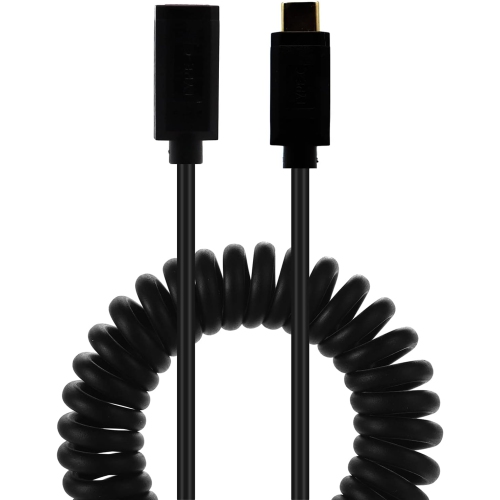
Length, materials, and construction shape how a charging cable feels in daily use. A short cable can keep a power bank and phone neatly together in a bag or reduce loose loops around a vehicle console. A longer cable offers more freedom when the outlet sits behind a sofa or beneath a desk, provided it does not stretch across a walkway or pull tightly against the device’s port. Extra length is useful only when the cable still meets the required power and data specifications. Smooth plastic jackets are generally easy to wipe clean, while braided outer layers can provide added resistance to surface abrasion. Soft, flexible jackets may be easier to coil into a small pouch, although the outer covering alone does not establish the quality of the conductors or connectors inside. Reinforced strain relief, where the cable meets each plug, helps support an area that bends frequently during use. Right-angle connectors can reduce how far a plug projects from a device in tight spaces, but their orientation needs to suit the port location and case. For students, commuters, and people who move between workspaces, a reusable cable tie keeps a loosely coiled lead organized without tight knots. Pulling on the connector housing rather than the cord, avoiding sharp bends, and keeping cables out from under chair wheels can help limit wear. Disconnect a cable before cleaning it, follow its care instructions, and keep moisture away from the connectors. Frayed jackets, exposed wires, loose plugs, or scorch marks are reasons to stop using a cable rather than cover the damage and continue charging. Shared spaces bring another practical consideration: keeping multiple leads accessible without tangling them. In classrooms, offices, and other settings with several devices, charging cabinets can provide a designated place for compatible equipment, with cable length and routing planned around the cabinet’s layout. Charging cables can also make practical gifts for students or frequent travellers when the recipient’s connectors and power needs are known. A well-matched cable earns its place through dependable fit, manageable reach, and capabilities suited to the devices it serves.
Charging performance involves more than a connector that fits. A cable’s power rating describes how much power it is designed to carry, not how much power every connected device will receive. Actual charging speed depends on the device’s supported input, the charger’s output, the cable’s capabilities, and the charging protocol they share. Some USB-C to USB-C cables support USB Power Delivery at up to 240 W, but reaching that level requires a suitably rated cable, a compatible power source, and a device designed to accept it. A higher-rated cable does not force extra power into a lower-powered device; compatible equipment negotiates the power supplied. For laptop charging, the cable’s stated wattage deserves particular attention because a lead suited to basic phone charging may not support a laptop’s full power needs. A laptop running demanding applications may charge slowly, or continue drawing from its battery, if the overall power supply is insufficient. Phone charging speeds also tend to ease as the battery fills, so a fast-charging connection does not maintain its peak rate throughout the entire session. Data capabilities are a separate consideration. Two cables with identical USB-C connectors can have different transfer speeds, and a high charging wattage does not automatically mean fast file transfers or support for an external display. Some cables carry power only, while others support charging and data. For transferring large photo libraries, connecting storage, or using a docking station, the stated data and video specifications matter alongside the power rating. A cable used for a wired vehicle connection may need data support as well as charging capability. Connector shape alone cannot confirm any of these functions. Clear specifications and applicable compliance markings help distinguish cables intended for simple power delivery from those designed for more demanding connections. Where a device uses a proprietary fast-charging system, full performance may require a cable specifically compatible with that system. These distinctions are especially useful when one cable is expected to serve a phone, tablet, and laptop rather than remain attached to a single charger.
Length, materials, and construction shape how a charging cable feels in daily use. A short cable can keep a power bank and phone neatly together in a bag or reduce loose loops around a vehicle console. A longer cable offers more freedom when the outlet sits behind a sofa or beneath a desk, provided it does not stretch across a walkway or pull tightly against the device’s port. Extra length is useful only when the cable still meets the required power and data specifications. Smooth plastic jackets are generally easy to wipe clean, while braided outer layers can provide added resistance to surface abrasion. Soft, flexible jackets may be easier to coil into a small pouch, although the outer covering alone does not establish the quality of the conductors or connectors inside. Reinforced strain relief, where the cable meets each plug, helps support an area that bends frequently during use. Right-angle connectors can reduce how far a plug projects from a device in tight spaces, but their orientation needs to suit the port location and case. For students, commuters, and people who move between workspaces, a reusable cable tie keeps a loosely coiled lead organized without tight knots. Pulling on the connector housing rather than the cord, avoiding sharp bends, and keeping cables out from under chair wheels can help limit wear. Disconnect a cable before cleaning it, follow its care instructions, and keep moisture away from the connectors. Frayed jackets, exposed wires, loose plugs, or scorch marks are reasons to stop using a cable rather than cover the damage and continue charging. Shared spaces bring another practical consideration: keeping multiple leads accessible without tangling them. In classrooms, offices, and other settings with several devices, charging cabinets can provide a designated place for compatible equipment, with cable length and routing planned around the cabinet’s layout. Charging cables can also make practical gifts for students or frequent travellers when the recipient’s connectors and power needs are known. A well-matched cable earns its place through dependable fit, manageable reach, and capabilities suited to the devices it serves.
Top selling and popular products
-
 Your price for this item is $19.99
 -
 Your price for this item is $52.75
 -
 Your price for this item is $7.99
 -
 Your price for this item is $19.99
 -
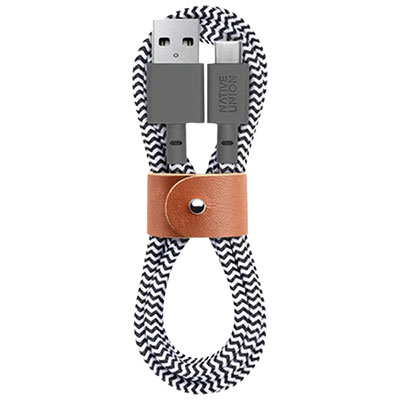 Your price for this item is $29.99
 -
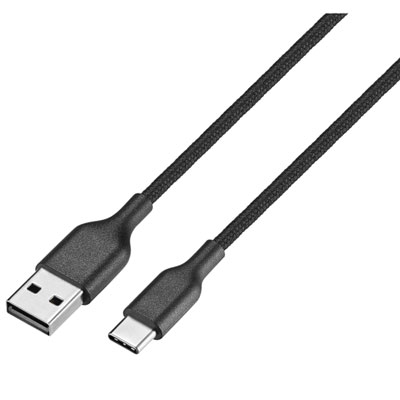 Your price for this item is $9.99
 -
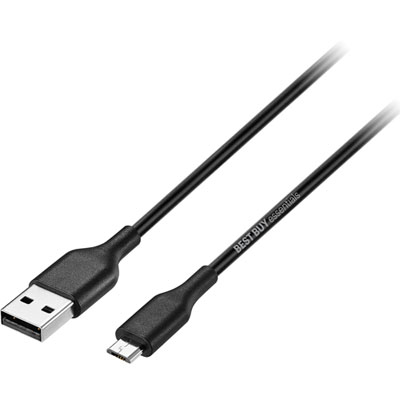 Your price for this item is $9.99
 -
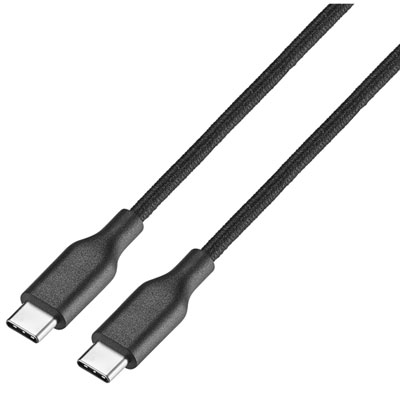 Your price for this item is $14.99
Discover more categories related to Charging Cables
Top Collections:
Pokemon Centers, Best Cameras for Sports Photography, Kindle Devices, Samsung Galaxy Phones, Canon G7X Cameras, Pokémon 30th Celebration Cards, Refurbished Apple Laptops, iPhone 15 Apple, Laptops for Students, Budget Smartphones
Some products may be subject to Environmental Handling Fees
(EHF) depending on your province.
Learn more about EHFs.