Best Touch Screen Computer Monitors
The best touch screen computer monitors bring intuitive, hands-on control to everyday tasks, from browsing and working to creative projects. Explore options ranked by user review ratings, and compare screen sizes, display quality, and connectivity to find the right fit for your setup.
What to look for in touch screen computer monitors
1. Touch Support and Compatibility
2. Screen Size and Resolution
3. Stand Adjustability and Comfort
4. Ports and Connections
-
1
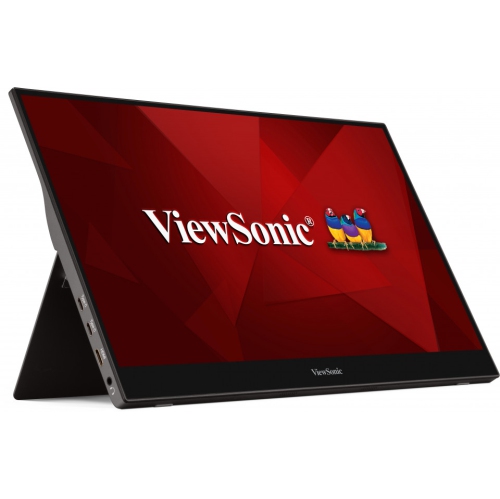
VIEWSONIC 15.6" Touchscreen 1080P HD Ips Led Portable Monitor (Td1655) - USB-C
About this product
A portable 15.6" Full HD IPS touchscreen monitor with anti-glare display for enhanced productivity anywhere.
What customers like
(37)$408.99Your price for this item is $408.99SAVE $83 -
2
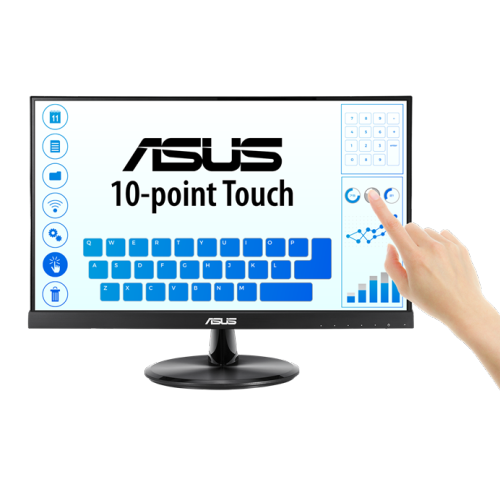
ASUS 21.5" Touchscreen 1080P HD Ips Lcd Monitor (Vt229H) - Flicker-Free/blue Light
About this product
A frameless Full HD IPS monitor with 10-point multi-touch, wide viewing angles, and eye care technology.
(3)$282.99Your price for this item is $282.99SAVE $55 -
3
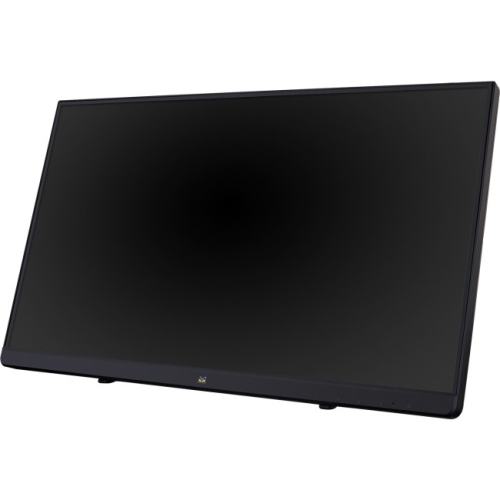
VIEWSONIC 22" Touchscreen 1080P HD Lcd Monitor (Td2230)
About this product
A 22" LCD touchscreen monitor with a 16:9 aspect ratio, perfect for interactive use.
(1)$399.99 Your price for this item is $399.99 -
4

ANGEL POS Pro Series 23.6" Touchscreen 1080P HD Led Backlit Monitor - Capacitive Multi-Touch - True Flat Seamless Design
About this product
A plug-and-play LED-backlit touchscreen monitor with 10-point multi-touch and a true flat seamless design.
$399.99Your price for this item is $399.99SAVE $90 -
5

ELO TOUCH SOLUTIONS Elo 1590L 15" Open-Frame Lcd Touchscreen Monitor - 4:3 - 16 Ms
About this product
An open-frame 15" LCD touchscreen monitor with 4:3 aspect ratio, 5-wire resistive touch, and HDMI connectivity.
$1,138.68Your price for this item is $1138.68SAVE $15 -
6
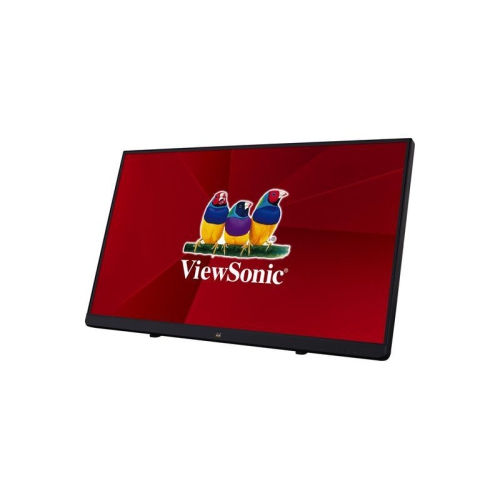
VIEWSONIC 22" Touchscreen 1080P HD Ips Led Monitor (Td2230) - Flicker-Free - Light Filter In Blue
About this product
A 22" Full HD touchscreen IPS LED monitor with edge-to-edge glass and SuperClear MVA panel technology.
$371.99Your price for this item is $371.99SAVE $65 -
7
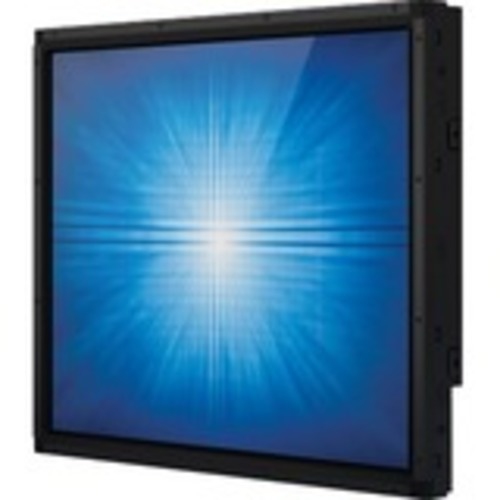
ELO TOUCH SOLUTIONS Elo 1790L 17" Open-Frame Lcd Touchscreen Monitor - 5:4 - 5 Ms - Surface Acoustic Wave - 1280 X 1024
About this product
A slim open-frame LCD touchscreen monitor with 5 ms response, surface acoustic wave technology, and vivid clarity.
$2,021.68 Your price for this item is $2021.68 -
8
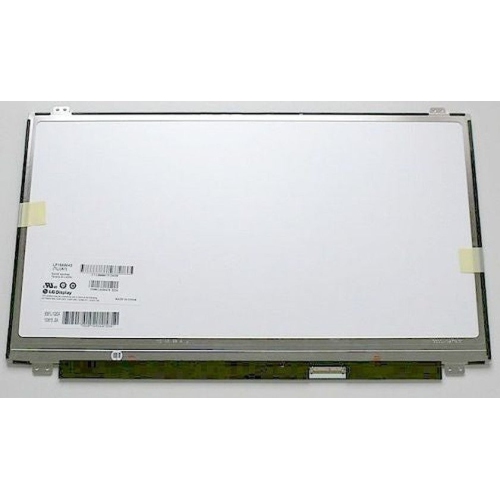
DELL Inspiron Lcd Touch Screen Display L01675-001 B156Hak01.0
About this product
A 15.6 inch LCD touch screen display for Dell Inspiron laptops.
$139.98 Your price for this item is $139.98 -
9
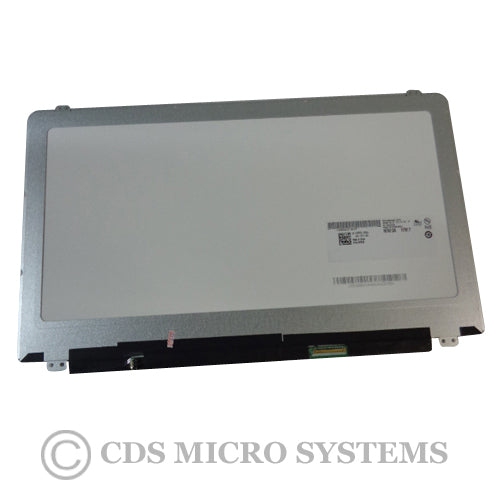
LG 15.6 Fhd Led Lcd Touch Screen - Replaces Dell B156Hat01.0 9F8C8
About this product
A 15.6" FHD LED LCD touch screen offering a clear, responsive display for compatible laptops.
$253.99 Your price for this item is $253.99 -
10
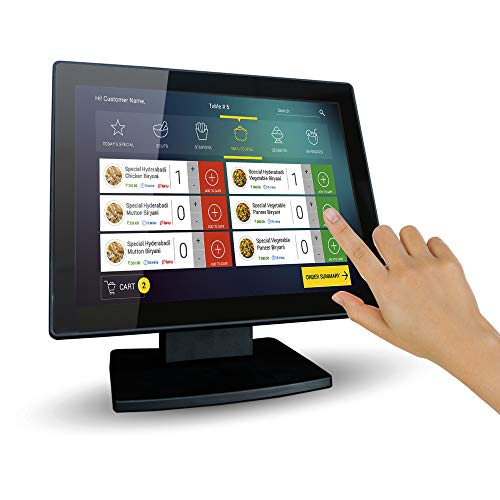
ANGEL CANADA 12" Pos Touchscreen 1024X768 Tft Led Monitor - Capacitive Multi-Touch - HDMI - VGA
About this product
A 12-inch capacitive multi-touch LED monitor with a true flat seamless design and adjustable POS stand.
$199.99 Your price for this item is $199.99
FAQ
Capacitive touch screens detect input through the electrical properties of a finger or compatible stylus and commonly support multi-touch gestures. Resistive touch screens register pressure applied to the surface and can accept input from a finger, glove, or suitable stylus. The touch technology determines which input methods a monitor supports.
Many touch screen monitors use HDMI or DisplayPort for video and a separate USB connection for touch input. Some support video and touch through a single USB-C connection when the computer port and cable support the required features. Check the monitor’s connection requirements, as a video cable alone may not transmit touch input.
Compatibility varies by monitor and operating system. Windows supports touch input on compatible hardware, while support on macOS, ChromeOS, and Linux depends on the monitor, available drivers, and software. Check compatibility details for your operating system, including whether additional drivers are needed.
Multi-touch means the monitor can register more than one touch point at the same time. This allows gestures such as pinching to zoom, rotating images, or scrolling with multiple fingers where supported. Available gestures depend on the monitor, operating system, and application.
Stylus support depends on the monitor’s touch technology. Some monitors accept a compatible passive stylus, while active pens require specific hardware support. Features such as pressure sensitivity and palm rejection are not included with every touch screen, so check the monitor’s pen compatibility if you plan to draw or take handwritten notes.
Top selling and popular products
Discover more categories related to Best Touch Screen Computer Monitors
Some products may be subject to Environmental Handling Fees (EHF) depending on your province. Learn more about EHFs.