Best Bluetooth Mice for Mac
Find the best Bluetooth mice for Mac, ranked by user review ratings to help you compare customer favourites. Whether you’re working, studying, or browsing, explore wireless options and compare features such as comfortable designs, precise tracking, and customizable controls to find the right fit for your Mac setup.
What to look for in Bluetooth mice for Mac
1. Mac Compatibility
2. Comfort and Design
3. Tracking and Controls
4. Battery Life and Charging
-
1
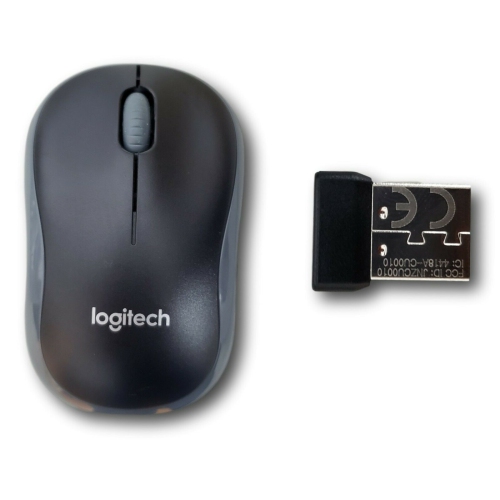
LOGITECH Refurbished (Good) - M185 Wireless Optical Silent Mouse, USB Nano Receiver Laptop PC Mac
About this product
A wireless optical silent mouse with USB nano receiver, ideal for laptops and PCs.
$24.99Your price for this item is $24.99SAVE $65 -
2
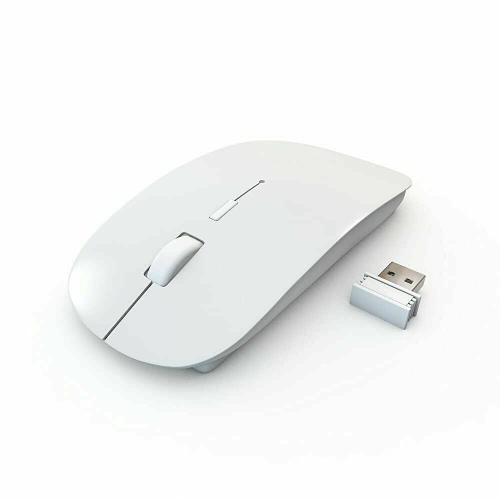
Wireless USB Slim 2.4 GHz Optical Magic Mouse Mice for Laptop PC Desktop Mac
About this product
A slim wireless optical mouse featuring 2.4 GHz connectivity for laptops, PCs, and Macs.
$34.00 Your price for this item is $34 -
3
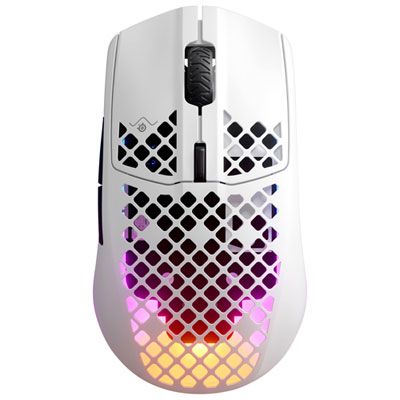
SteelSeries Aerox 3 2022 Edition 18000 DPI Bluetooth Optical Gaming Mouse - Snow
About this product
A lightweight white Bluetooth gaming mouse featuring an 18000 DPI sensor and up to 200 hours battery life.
What customers like
(892)$119.98 Your price for this item is $119.98 -
4
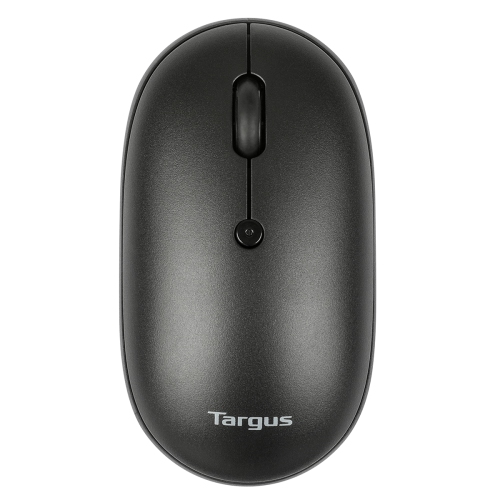
TARGUS Wireless - Compact Mouse Multi-Device Dual Mode W/anti-Microbial
About this product
A compact wireless mouse featuring dual device connectivity and an anti-microbial coating for added protection.
What customers like
(20)$34.68Your price for this item is $34.68SAVE $3 -
5
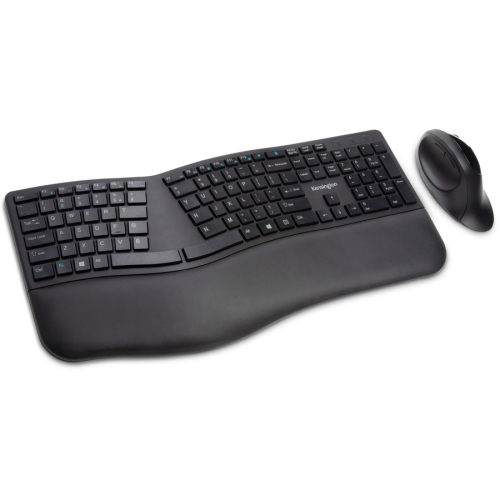
KENSINGTON Pro Fit Wireless Bluetooth Ergonomic Keyboard And Mouse - - (K75406Us) In Black
About this product
A wireless ergonomic keyboard and mouse set in black, compatible with PC and Mac via Bluetooth or RF.
(5)$80.99Your price for this item is $80.99SAVE $14 -
6
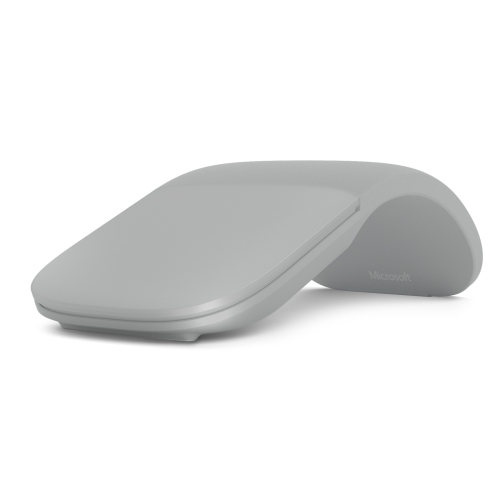
MICROSOFT Surface Arc Mouse Wireless Bluetooth Commercial Light Gray-(Fhd-00001)
About this product
A wireless Bluetooth mouse in light gray, designed for compatibility with various Surface devices.
(1)$125.99Your price for this item is $125.99SAVE $17 -
7
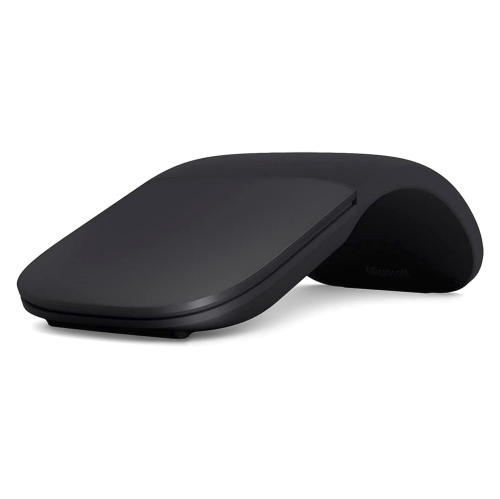
MICROSOFT Surface Arc Mouse Mavis Commer
About this product
A sleek black Bluetooth mouse designed for comfortable, portable use with computers and tablets.
$141.68Your price for this item is $141.68SAVE $10 -
8
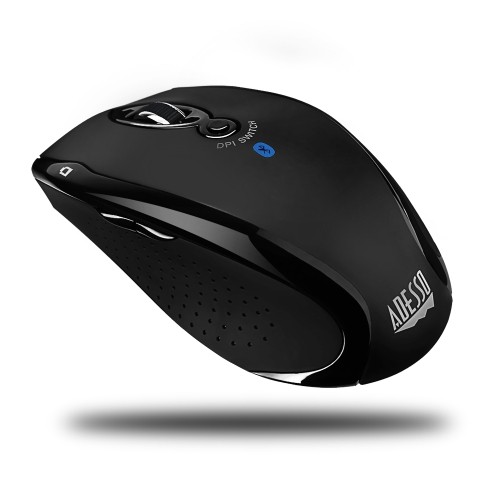
ADESSO 1500 Dpi Bluetooth Optical Mouse - - (Imouse S200B) In Black
About this product
A sleek black Bluetooth optical mouse offering 1500 DPI precision and 30 feet of wireless freedom.
$44.99Your price for this item is $44.99SAVE $8 -
9

VERBATIM Bluetooth Multi-Trac Led Tablet Mouse (70240)
About this product
A wireless Bluetooth mouse with blue LED tracking and 1600 dpi sensitivity in a garnet finish.
$30.99Your price for this item is $30.99SAVE $6 -
10
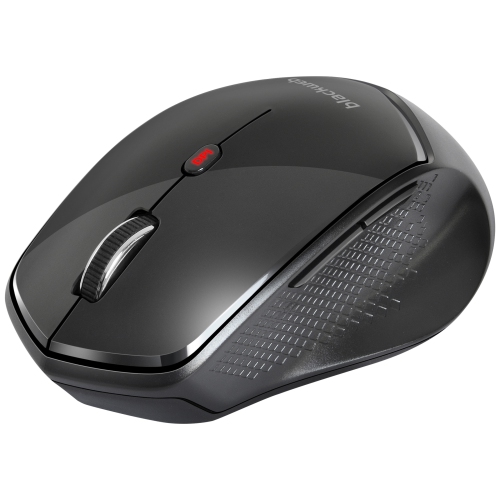
BLACKWEB Web 6-Button 5 Dpi Setting Wireless Bluetooth Mouse -
About this product
A black wireless Bluetooth mouse featuring six buttons and five adjustable DPI settings for versatile use.
$19.99Your price for this item is $19.99SAVE $10
FAQ
Look for listed macOS compatibility, direct Bluetooth connectivity and your preferred charging or battery setup. If you want programmable buttons or touch gestures, check whether those features require software that supports your version of macOS.
Turn on the mouse and put it in Bluetooth pairing mode using the manufacturer's instructions. On your Mac, open System Settings, select Bluetooth, then choose the mouse from the list of nearby devices and click Connect.
A mouse with direct Bluetooth connectivity does not need a USB receiver when paired with a Bluetooth-enabled Mac. Some wireless mice use only a USB receiver, while others offer both connection types, so check that Bluetooth is explicitly listed.
macOS provides mouse settings such as tracking speed, scrolling direction and secondary click, with available options depending on the mouse. Additional button assignments and touch gestures depend on the mouse's features and any compatible customization software.
Some Bluetooth mice support pairing with multiple devices and include a button for switching between them. Check the mouse's multi-device support and operating system compatibility if you plan to use it with a Mac and another computer or tablet.
Top selling and popular products
Discover more categories related to Best Bluetooth Mice for Mac

Some products may be subject to Environmental Handling Fees (EHF) depending on your province. Learn more about EHFs.