Bluetooth Mice for Mac
Bluetooth Mouse for Mac offers a seamless way to enhance your productivity and streamline your workflow. Designed for compatibility with Mac devices, these wireless mice provide convenience and flexibility for both work and play. Whether you’re tackling daily tasks or enjoying creative projects, finding the right Bluetooth Mouse for Mac can make all the difference in comfort and efficiency. Explore a variety of options to suit your preferences and elevate your Mac experience.
Sort
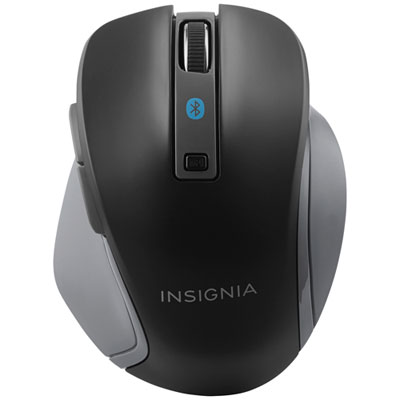
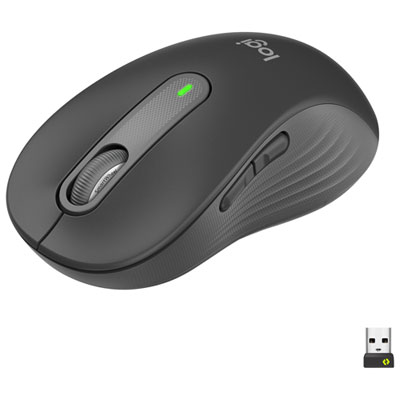
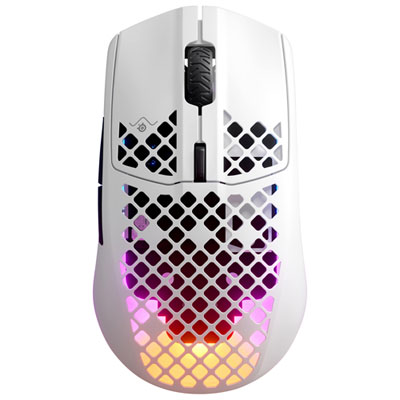
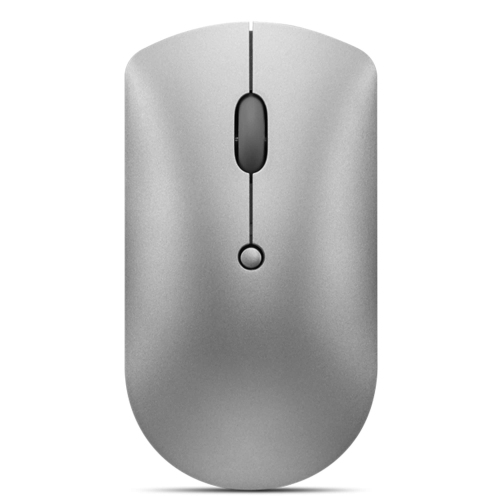
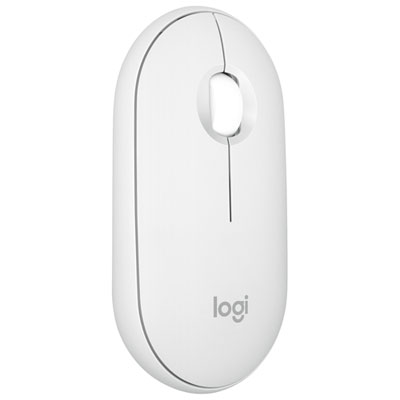
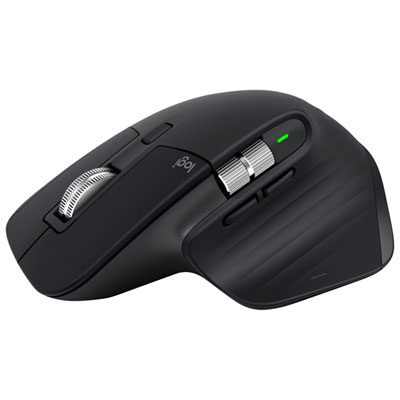
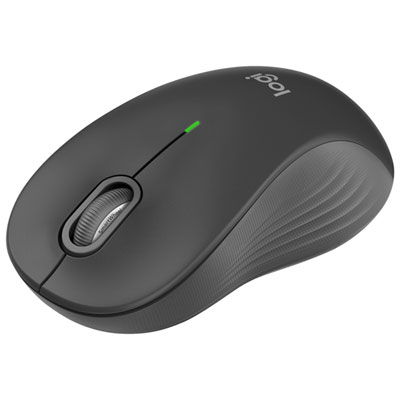
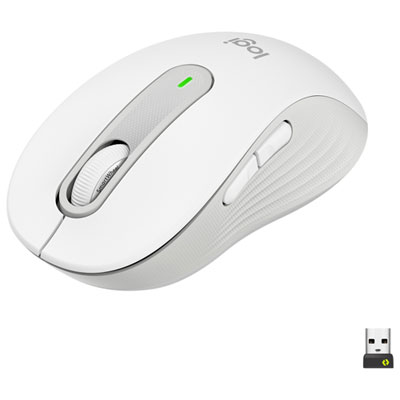
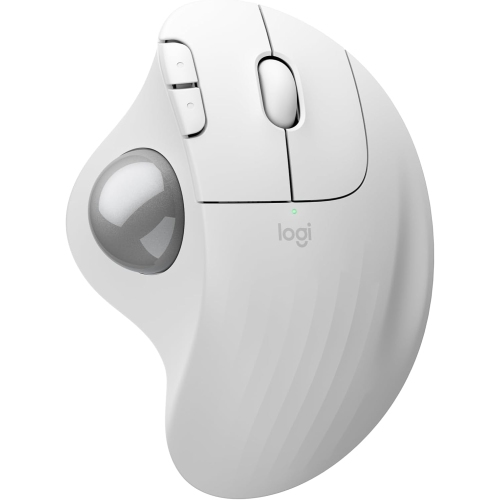
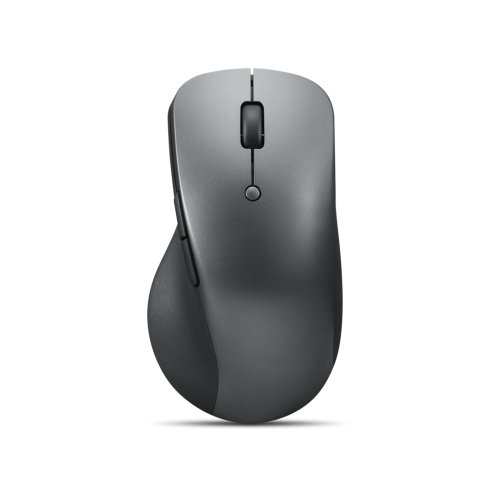

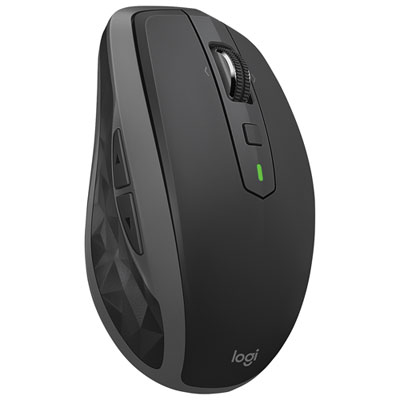
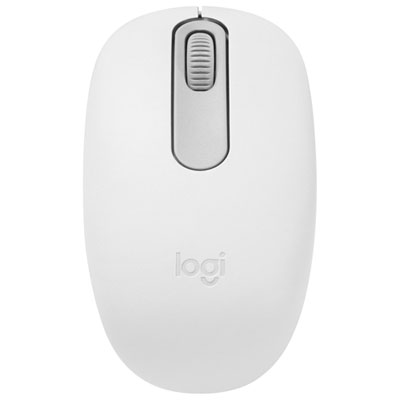
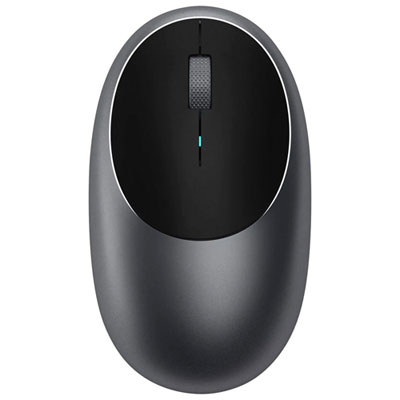
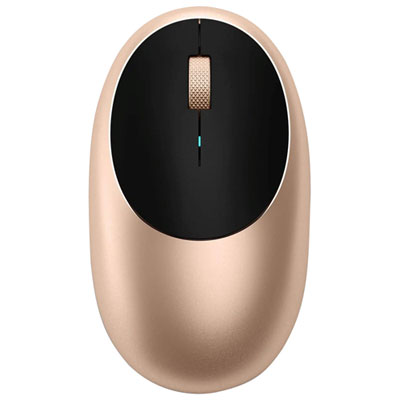
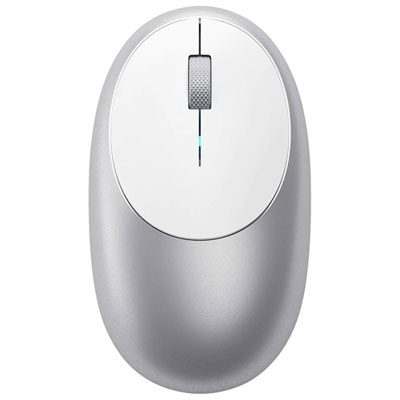
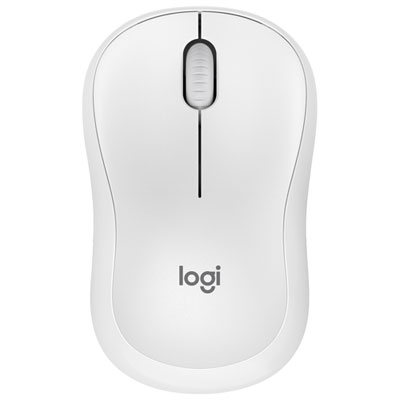


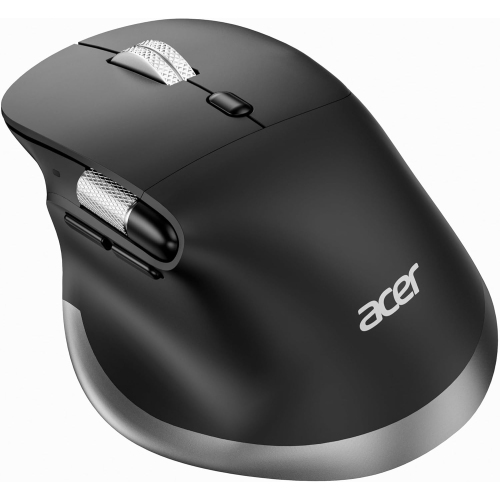
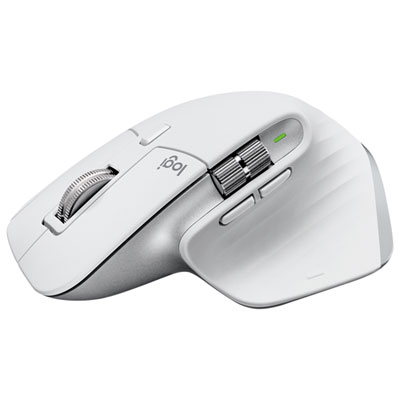

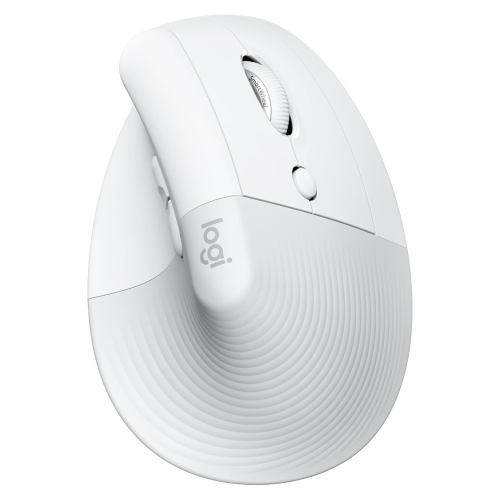

Mac compatibility goes beyond a Bluetooth connection
Bluetooth mice for Mac provide wireless cursor control for everyday work, study, and creative tasks, pairing directly with a compatible computer without a separate USB receiver. They suit laptop setups where ports are needed for a display or external drive, as well as desktop work surfaces where fewer cables leave more room for a notebook, keyboard, and coffee cup. The best fit depends on hand comfort, portability, tracking performance, and the controls used most often. A compact mouse can slip into a laptop sleeve for trips between home and the office, while a fuller shape can provide more palm support during longer sessions. Compatibility involves more than establishing a Bluetooth connection: supported macOS versions, button customization, scrolling features, and any required companion software also matter. Basic pointing and clicking may work even when advanced functions are unavailable, so explicit Mac support is especially useful for anyone who relies on programmable buttons or app-specific shortcuts. For someone moving between spreadsheets, browser tabs, and documents, accessible side buttons and a well-controlled scroll wheel can make repeated actions feel more fluid. For detailed photo adjustments or carefully positioned slide elements, consistent tracking and a comfortable pointer speed are more useful than a high sensitivity number alone. Adjustable sensitivity, often expressed as DPI, changes how far the pointer travels relative to physical mouse movement; it does not, by itself, establish overall accuracy or quality. A large display may benefit from faster cursor travel, while fine selections can feel easier at a slower setting. Some Bluetooth mice can remember multiple paired devices and switch between them using a dedicated control, which can be helpful at a desk shared by a work computer and a personal computer. The number of supported devices and the switching method vary. Bluetooth connectivity also does not automatically include gesture controls, horizontal scrolling, or silent clicks. Those are separate features that shape how a mouse feels in daily use, particularly for people who spend hours navigating long documents or wide worksheets.
Shape and size have a noticeable effect on how a mouse fits the hand. A low-profile design is easy to pack and can suit people who prefer light fingertip control, while a higher back may better support a palm resting over the body. Hand size, grip style, and the position of the keyboard all influence comfort, so an ergonomic label is not a guarantee of a good fit. Sculpted designs often have a defined thumb rest and may be intended for one hand; symmetrical designs can offer more flexibility, although side-button placement can still favour right-handed use. Vertical shapes change the angle of the hand and forearm, but comfort remains personal, and a different shape can take time to feel familiar. A relaxed reach matters as much as the mouse itself: keeping it close to the keyboard helps avoid stretching across the work surface throughout the day. Button resistance and wheel feel also deserve attention. Clearly defined clicks can make repeated selections feel deliberate, while quieter switches may be preferable in a shared office, library, or room where someone else is on a call. A wheel with distinct steps can help move through spreadsheet rows, whereas a free-spinning option can make long pages easier to navigate when that feature is included. Horizontal scrolling can be useful for wide timelines and tables, but its implementation and Mac software support vary. Materials contribute to both feel and upkeep. Smooth plastic shells are generally straightforward to wipe clean, textured sides can provide a more secure grip, and soft-touch coatings may feel pleasant but can show wear differently over time. Mouse feet should glide evenly rather than catch or scrape, and the base needs enough clearance to move smoothly across the intended surface. A mouse pad provides a consistent tracking area and helps protect a desktop from repeated contact. Glass, glossy finishes, and strongly patterned surfaces can challenge some sensors, so surface compatibility matters for anyone working at a glass desk or moving between different tables.
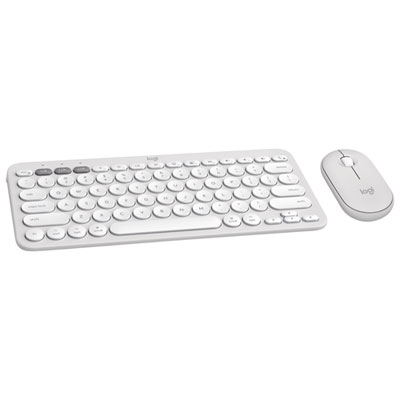
Power and portability also affect how comfortably a Bluetooth mouse fits into a routine. Rechargeable designs reduce the need to keep replacement batteries nearby, while models with replaceable batteries can be convenient when a spare is easier to carry than a charging cable. Battery life depends on the design, usage, settings, and sleep behaviour, so a stated maximum is not a promise of identical results for every user. A clear battery indicator makes it easier to plan charging before a long presentation or a day away from the usual desk. Charging connections and included cables vary, and a mouse with a charging port does not necessarily support wired cursor control or operation while charging. A physical power switch can be useful when packing a mouse into a bag, and a protective pouch helps keep the sensor opening and glide surfaces away from loose debris. Regular care is simple: switch the mouse off, follow its cleaning instructions, and use a soft cloth to remove fingerprints and dust without letting moisture enter openings. Dust or grit around the sensor and feet can affect movement, while worn feet or damaged coatings can change the feel of an otherwise familiar mouse. Durability is especially relevant for commuters, students, and anyone who carries equipment between workspaces, where a secure battery cover and sturdy controls face frequent handling. A Bluetooth mouse can also be a practical gift for a Mac user building a study area or refining a home office, provided its size, handedness, and software requirements suit the recipient. For a coordinated setup, Bluetooth Keyboard and Mice for Mac brings the two main desktop input tools into the same consideration. Together, a comfortably positioned keyboard and a well-fitting mouse can support everyday tasks without crowding the work surface, whether that means editing an assignment, organizing family photos, preparing a presentation, or moving between several open projects.
Shape and size have a noticeable effect on how a mouse fits the hand. A low-profile design is easy to pack and can suit people who prefer light fingertip control, while a higher back may better support a palm resting over the body. Hand size, grip style, and the position of the keyboard all influence comfort, so an ergonomic label is not a guarantee of a good fit. Sculpted designs often have a defined thumb rest and may be intended for one hand; symmetrical designs can offer more flexibility, although side-button placement can still favour right-handed use. Vertical shapes change the angle of the hand and forearm, but comfort remains personal, and a different shape can take time to feel familiar. A relaxed reach matters as much as the mouse itself: keeping it close to the keyboard helps avoid stretching across the work surface throughout the day. Button resistance and wheel feel also deserve attention. Clearly defined clicks can make repeated selections feel deliberate, while quieter switches may be preferable in a shared office, library, or room where someone else is on a call. A wheel with distinct steps can help move through spreadsheet rows, whereas a free-spinning option can make long pages easier to navigate when that feature is included. Horizontal scrolling can be useful for wide timelines and tables, but its implementation and Mac software support vary. Materials contribute to both feel and upkeep. Smooth plastic shells are generally straightforward to wipe clean, textured sides can provide a more secure grip, and soft-touch coatings may feel pleasant but can show wear differently over time. Mouse feet should glide evenly rather than catch or scrape, and the base needs enough clearance to move smoothly across the intended surface. A mouse pad provides a consistent tracking area and helps protect a desktop from repeated contact. Glass, glossy finishes, and strongly patterned surfaces can challenge some sensors, so surface compatibility matters for anyone working at a glass desk or moving between different tables.
Power and portability also affect how comfortably a Bluetooth mouse fits into a routine. Rechargeable designs reduce the need to keep replacement batteries nearby, while models with replaceable batteries can be convenient when a spare is easier to carry than a charging cable. Battery life depends on the design, usage, settings, and sleep behaviour, so a stated maximum is not a promise of identical results for every user. A clear battery indicator makes it easier to plan charging before a long presentation or a day away from the usual desk. Charging connections and included cables vary, and a mouse with a charging port does not necessarily support wired cursor control or operation while charging. A physical power switch can be useful when packing a mouse into a bag, and a protective pouch helps keep the sensor opening and glide surfaces away from loose debris. Regular care is simple: switch the mouse off, follow its cleaning instructions, and use a soft cloth to remove fingerprints and dust without letting moisture enter openings. Dust or grit around the sensor and feet can affect movement, while worn feet or damaged coatings can change the feel of an otherwise familiar mouse. Durability is especially relevant for commuters, students, and anyone who carries equipment between workspaces, where a secure battery cover and sturdy controls face frequent handling. A Bluetooth mouse can also be a practical gift for a Mac user building a study area or refining a home office, provided its size, handedness, and software requirements suit the recipient. For a coordinated setup, Bluetooth Keyboard and Mice for Mac brings the two main desktop input tools into the same consideration. Together, a comfortably positioned keyboard and a well-fitting mouse can support everyday tasks without crowding the work surface, whether that means editing an assignment, organizing family photos, preparing a presentation, or moving between several open projects.
Top selling and popular products
-
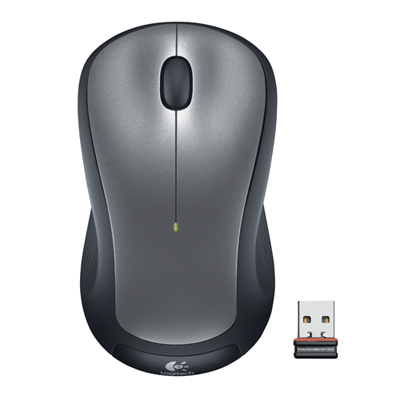 Your price for this item is $29.99
-
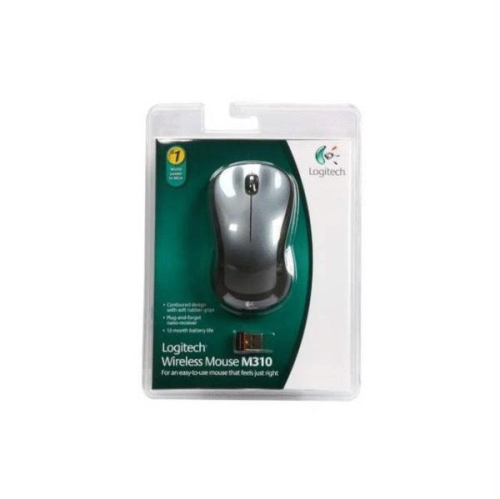 Your price for this item is $50.44
-
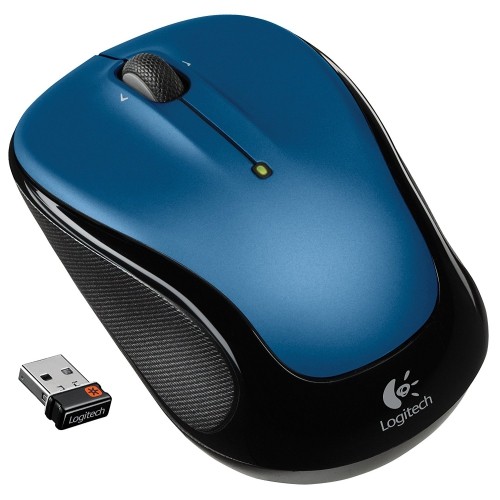 Your price for this item is $39.99
-
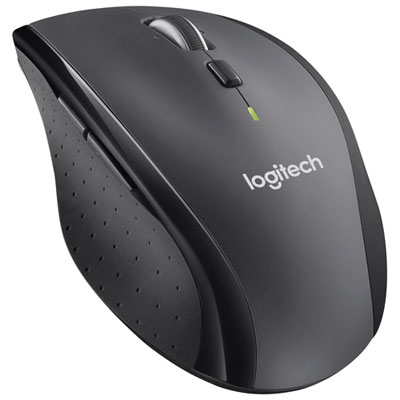 Your price for this item is $49.99
-
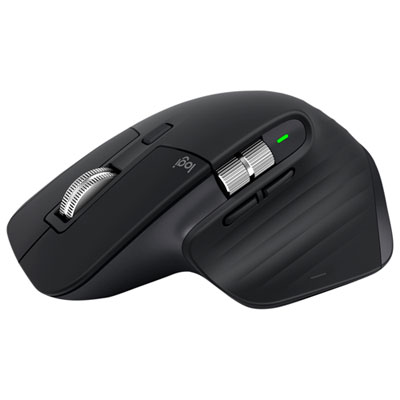 Your price for this item is $159.97
-
 Your price for this item is $64.68
-
 Your price for this item is $48.68
-
 Your price for this item is $31
Discover more categories related to Bluetooth Mice for Mac
Top Collections:
Best Black Friday Deals This Year, Best Black Friday Deals On Electronics, Kindle Devices, Pokemon Centers, Best Black Friday Deals On Apple Products, Best Cameras for Sports Photography, Dyson Airwrap, Pokémon 30th Celebration Cards, Apple iPhone 17 Pro, Canon G7X Cameras
Some products may be subject to Environmental Handling Fees
(EHF) depending on your province.
Learn more about EHFs.