Best Budget Gaming Keyboards
Upgrade your gaming setup without stretching your budget. The best budget gaming keyboards balance responsive performance, everyday comfort, and great value. Explore options ranked by user review ratings, and compare features such as switch type, backlighting, and keyboard layout to find the right fit for your favourite games and desk space.
What to look for in budget gaming keyboards
1. Switch Type and Feel
2. Key Response and Accuracy
3. Size and Layout
4. Connectivity and Value
-
1
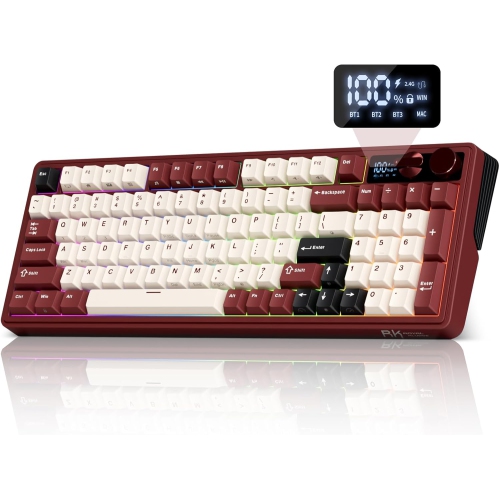
RK ROYAL KLUDGE M100 Tri-Mode Wireless Mechanical Keyboard w Screen And Dual Knobs, Gasket Mount, RGB Backlit, Number Pad, Hot-Swappable Cream
About this product
A red wireless mechanical keyboard featuring a smart display, dual knobs, RGB backlighting, and hot-swappable switches.
(2)$89.99Your price for this item is $89.99SAVE $40 -
2
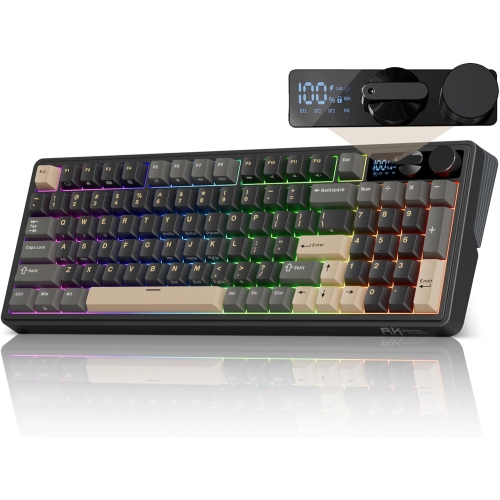
RK ROYAL KLUDGE Rkm100 Tri-Mode Wireless Mechanical Gaming Keyboard w Screen And Dual Knobs, RGB Backlit, Hot-Swappable Pre-Lubed Cream Switch, Pbt
About this product
A black tri-mode wireless mechanical keyboard with RGB backlighting, PBT keycaps, smart display, and dual control knobs.
(1)$89.99Your price for this item is $89.99SAVE $40 -
3
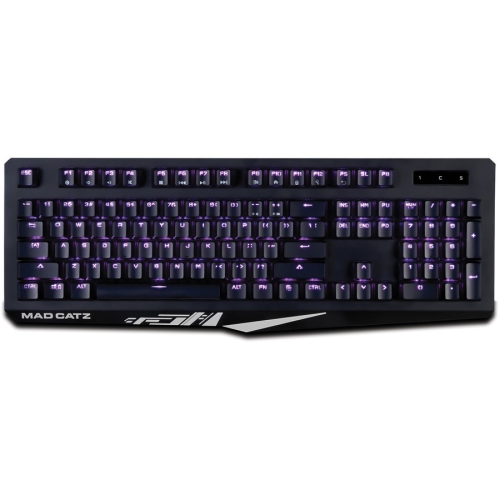
MAD CATZ The Authentic S.t.r.i.k.e. 4 Mechanical Gaming Keyboard
About this product
A black mechanical gaming keyboard with cable connectivity and multimedia hot keys for Windows systems.
(1)$88.00 Your price for this item is $88 -
4
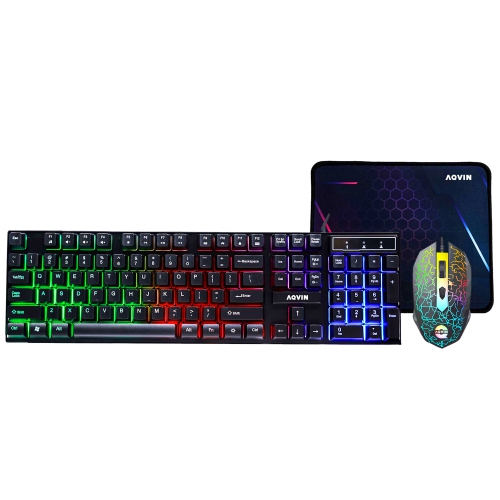
AQVIN RGB Gaming Keyboard And Mouse Combo w Pad for Gamers ~ Multimedia And Anti-Ghosting Capability Keys ~ Ergonomic Design - Up to 3200 Dpi
About this product
An ergonomic RGB keyboard and mouse combo with anti-ghosting keys, multimedia controls, and up to 3200 DPI.
(1)$49.99 Your price for this item is $49.99 -
5
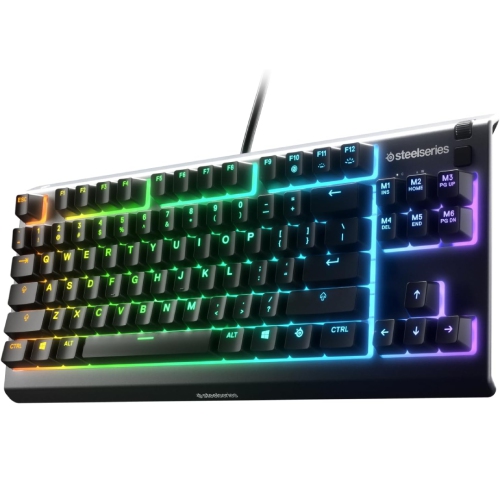
STEELSERIES Refurbished (Good) Apex 3 Tkl RGB Gaming Keyboard
About this product
A compact RGB gaming keyboard featuring quiet switches and customizable lighting effects.
(1)$29.99Your price for this item is $29.99SAVE $30 -
6
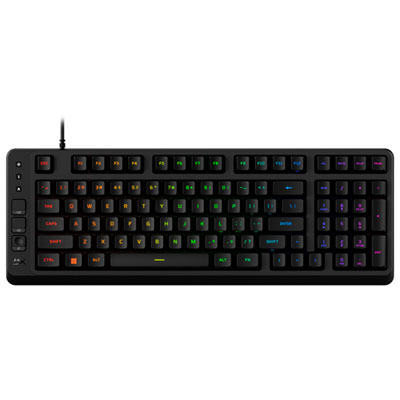
HyperX Eve 1800 Backlit Membrane Linear Ergonomic Full-Size Gaming Keyboard - English
About this product
A black backlit membrane keyboard offering quiet, responsive input with ergonomic design and customizable features.
(17)$52.98Your price for this item is $52.98SAVE $7 -
7

SteelSeries Apex 3 Backlit Gaming Keyboard
About this product
A black backlit keyboard featuring whisper-quiet switches and IP32 water resistance for distraction-free gaming.
What customers like
(2,103)$76.98 Your price for this item is $76.98 -
8
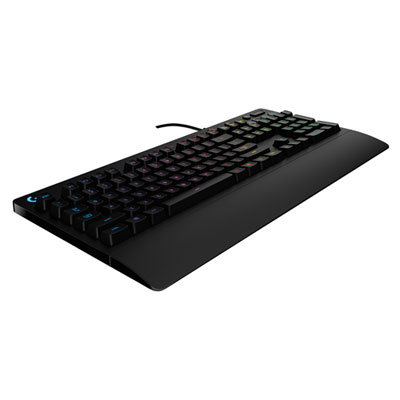
Logitech G213 Prodigy USB Gaming Keyboard (920-008083)
About this product
A black gaming keyboard featuring programmable keys, anti-ghosting, and an integrated palm rest for comfort.
What customers like
(325)$69.99 Your price for this item is $69.99 -
9
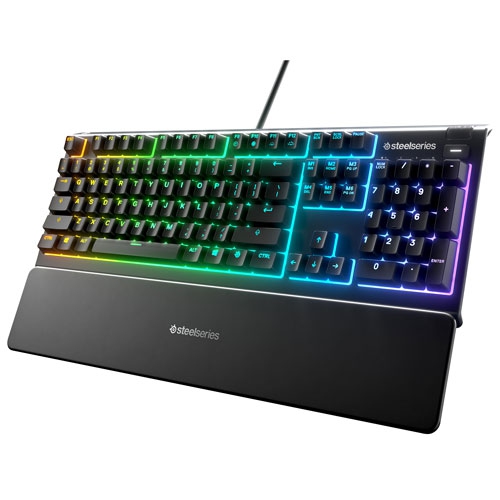
STEELSERIES - Apex 3 Backlit Gaming Keyboard - English
About this product
A water-resistant gaming keyboard featuring whisper-quiet switches and customizable backlighting for distraction-free gameplay.
(2)$69.99Your price for this item is $69.99SAVE $10 -
10
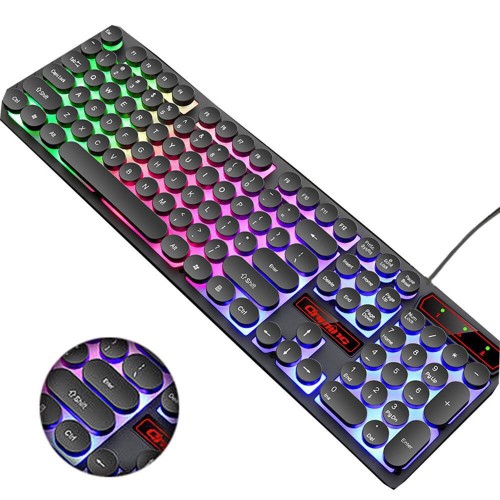
CC TRADING BRIDGE M300 Retro Punk USB Wired Backlit Gaming Desktop Keyboard, 104 Key Round Keycap for PC And Mac - Rainbow Backlight Version
About this product
A retro-inspired wired keyboard with 104 round keycaps and vibrant rainbow backlighting for PC and Mac.
(2)$49.99Your price for this item is $49.99SAVE $20
FAQ
Budget gaming keyboards can use membrane or mechanical switches. Membrane keyboards typically have a softer key feel, while mechanical keyboards use individual switches beneath the keys. Common mechanical switch styles include linear for a smooth press, tactile for a noticeable bump, and clicky for a bump with an audible click.
Common connection options include wired USB, Bluetooth, and wireless USB receivers. Wired keyboards connect directly to a compatible USB port, while wireless models use batteries or built-in rechargeable batteries. Some keyboards offer more than one connection mode.
Lighting options may include single-colour backlighting, preset multicolour patterns, or customizable RGB lighting. Some keyboards group lighting into zones, while others allow individual key colours. Lighting controls may be available through keyboard shortcuts or compatible software.
Programmable keys let you assign supported shortcuts, commands, or macros to particular keys. Depending on the keyboard, customization may use dedicated software or onboard controls. Some models also include onboard memory for storing profiles.
Many budget gaming keyboards support basic typing across multiple operating systems, but software features and key layouts can vary. Check the listed operating system compatibility, especially if you want to customize lighting, remap keys, or create macros. Certain controls may require software available only for a particular operating system.
Top selling and popular products
Discover more categories related to Best Budget Gaming Keyboards


Some products may be subject to Environmental Handling Fees (EHF) depending on your province. Learn more about EHFs.