Top Gaming Keyboards
Elevate your gaming experience with the top gaming keyboards. Whether you're a casual player or a competitive eSports enthusiast, the right keyboard can make all the difference in your performance. Our selection features cutting-edge designs and advanced technology to ensure you have the speed, precision, and comfort needed for long gaming sessions. Discover the perfect blend of style and functionality with our curated collection of top gaming keyboards, designed to enhance your gameplay and keep you ahead of the competition.
Sort
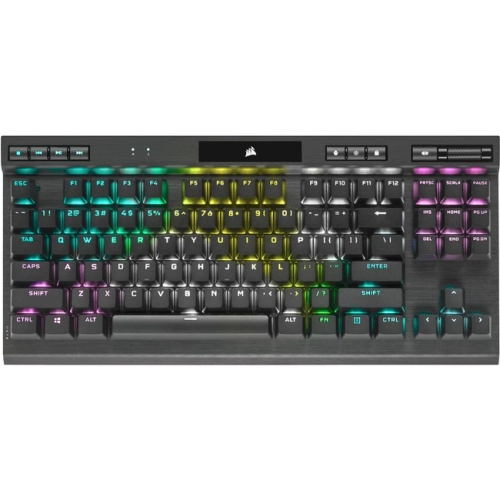
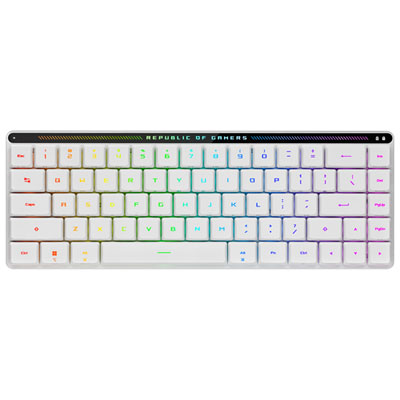

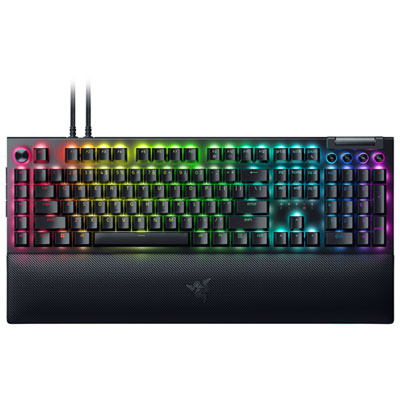
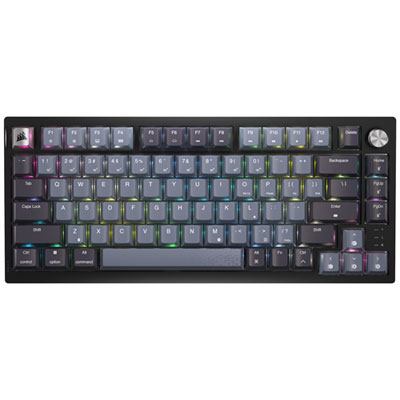
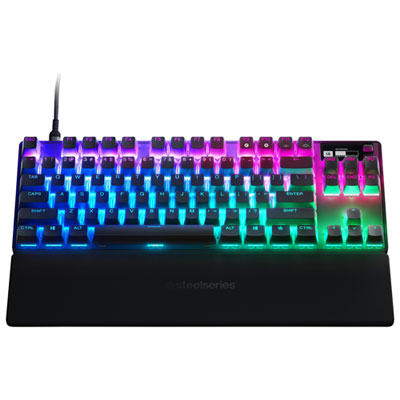
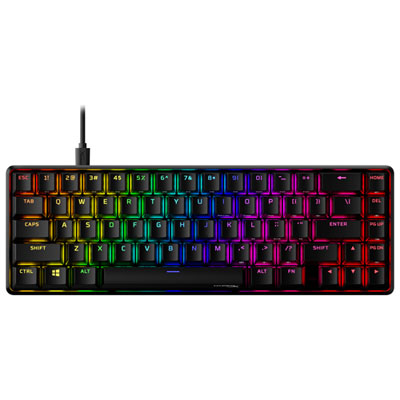
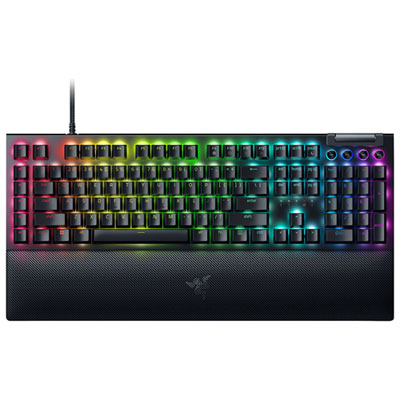
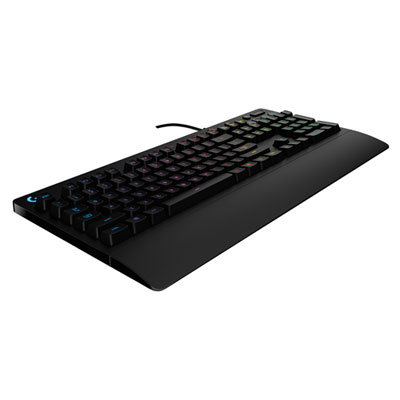

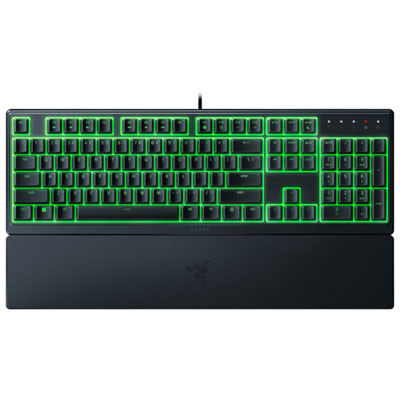
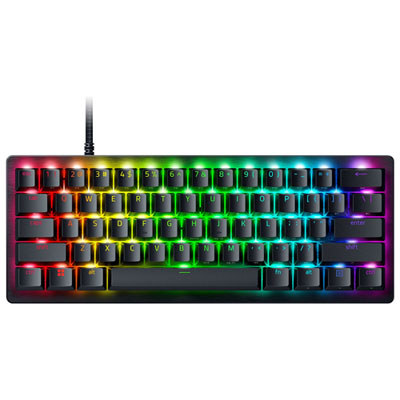
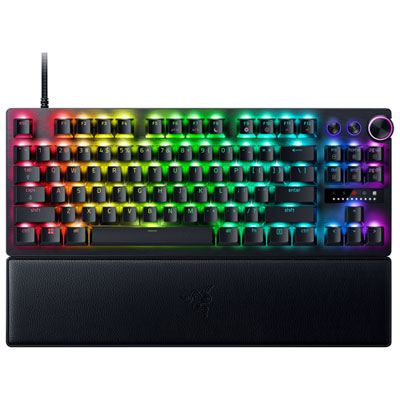
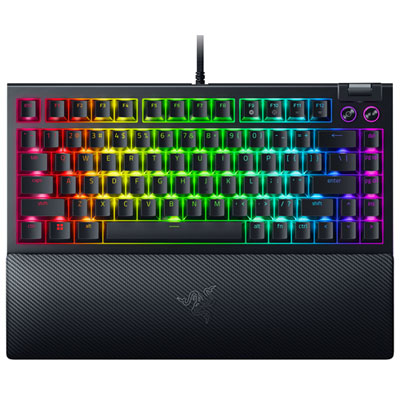
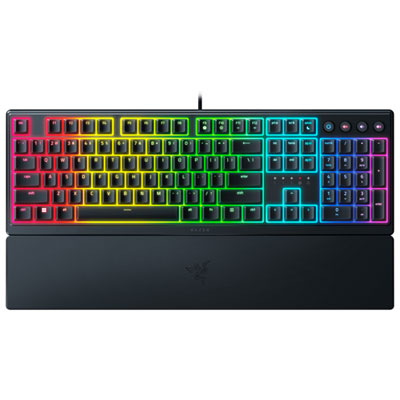
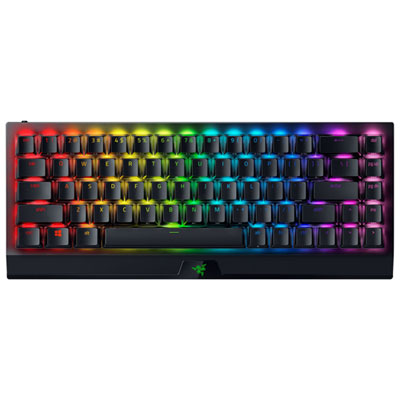
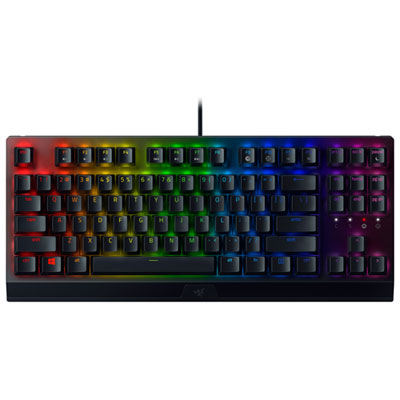
Layout, switches, and connectivity shape the experience
Choosing among the top gaming keyboards starts with matching the keyboard’s design to the way you play, work, and use your desk. Gaming keyboards are available in full-size layouts with a dedicated number pad, tenkeyless designs that remove the number pad for more mouse space, and compact 60% or 65% layouts that focus on essential keys while keeping the setup neat. A full-size keyboard can be a practical choice for players who also manage spreadsheets, enter numbers regularly, or prefer dedicated navigation and media controls. Tenkeyless models suit competitive players who want more room for broad mouse movements without giving up the function row and arrow keys. Compact layouts are popular in smaller spaces and among players who enjoy a streamlined setup, although some functions may require shortcuts. Switch type has an equally noticeable effect on the experience. Mechanical switches can provide a crisp, tactile feel, a smooth linear press, or an audible click, while magnetic or Hall effect switches may offer adjustable actuation and rapid trigger features for fast, repeated inputs. Adjustable actuation lets you decide how far a key must be pressed before it registers, which can make movement feel more responsive in fast-paced games and reduce accidental inputs when a deeper press is preferred. Rapid trigger technology can register a key release and reactivation with very little travel, making it especially appealing for competitive play that depends on quick strafing or repeated directional changes. Some keyboards also offer analogue-style input, allowing certain keys to respond more like a controller stick, with different degrees of movement rather than a simple on-or-off command. These performance-focused features are not essential for every player, but they can be valuable for esports enthusiasts, PC gamers who spend long evenings refining their settings, and anyone who notices the difference between a standard keyboard and a carefully tuned gaming setup. To compare layouts, connectivity, switch styles, and other popular features in one place, explore Top 5 Gaming Keyboards.
Connectivity and everyday convenience are also important when selecting a gaming keyboard. Wired keyboards generally provide a direct connection with no battery to charge, making them a dependable choice for a permanent desktop setup, tournament station, or home office where the keyboard stays in one place. Wireless models can help keep a desk uncluttered and make it easier to move the keyboard between a gaming PC, laptop, or compatible device. Some wireless keyboards support more than one connection method, such as a dedicated receiver, Bluetooth, and a wired USB connection, which can be useful when switching between gaming and general computing. Battery life, charging options, connection range, and the ability to use the keyboard while charging are worth checking before purchase. The construction and keycap materials can influence how a keyboard feels during long sessions, while sound level may matter in a shared room, apartment, or late-night gaming area. Look for features that fit your habits, including onboard memory for saving profiles, programmable keys for frequently used commands, macro support, dedicated media controls, a volume dial, adjustable feet, and a detachable wrist rest. RGB lighting can add atmosphere to a gaming desk and may be configured with static colours, reactive effects, or game-specific patterns, but lighting should complement the other features rather than replace them. Software support can be just as important as the hardware because it may control lighting, remapping, macros, profiles, actuation settings, and firmware updates. Before choosing, confirm that the software works with your operating system and that the keyboard’s layout matches your preferred language and key arrangement. A Canadian user who types school assignments, work documents, and messages as often as they play may appreciate a familiar layout and quiet switches, while a dedicated competitive player may prioritize adjustable actuation, rapid trigger response, and a compact footprint over a number pad.
Top gaming keyboards can also make thoughtful gifts for PC players, students building a first desktop setup, streamers improving a broadcast station, or family members who enjoy multiplayer games during evenings and cooler months. A keyboard is a particularly personal upgrade because it sits directly under the hands, and small differences in key feel, sound, spacing, and size can change the whole experience. For a gift, a versatile tenkeyless or full-size model may be easier to choose when the recipient’s preferences are unknown, while a compact keyboard can be a better fit for someone with a small desk or a highly customized setup. Consider the recipient’s current keyboard before buying: a person using a basic office membrane keyboard may notice the tactile feel and dedicated gaming controls of almost any mechanical model, whereas an experienced enthusiast may care more about hot-swappable switches, adjustable magnetic actuation, premium stabilizers, or detailed software control. Hot-swappable designs allow compatible switches to be changed without soldering, offering a way to adjust the sound and feel over time. Stabilizers affect the consistency of larger keys such as the space bar, Shift, Enter, and Backspace, so a board with a smooth, steady press can feel more refined during both gaming and typing. Check desk measurements as well, especially if a wrist rest, large mouse pad, microphone, or second monitor shares the same surface. Whether it will be used for fast competitive matches, role-playing games with numerous shortcuts, creative work, homework, or everyday browsing, the best choice balances performance with comfort and practicality. Think about the games played most often, the amount of typing involved, the available desk space, the preferred sound level, and the value placed on wireless freedom or customization. With those details in mind, it becomes easier to find a gaming keyboard that feels natural from the first match and remains useful long after the novelty of new lighting has passed.
Connectivity and everyday convenience are also important when selecting a gaming keyboard. Wired keyboards generally provide a direct connection with no battery to charge, making them a dependable choice for a permanent desktop setup, tournament station, or home office where the keyboard stays in one place. Wireless models can help keep a desk uncluttered and make it easier to move the keyboard between a gaming PC, laptop, or compatible device. Some wireless keyboards support more than one connection method, such as a dedicated receiver, Bluetooth, and a wired USB connection, which can be useful when switching between gaming and general computing. Battery life, charging options, connection range, and the ability to use the keyboard while charging are worth checking before purchase. The construction and keycap materials can influence how a keyboard feels during long sessions, while sound level may matter in a shared room, apartment, or late-night gaming area. Look for features that fit your habits, including onboard memory for saving profiles, programmable keys for frequently used commands, macro support, dedicated media controls, a volume dial, adjustable feet, and a detachable wrist rest. RGB lighting can add atmosphere to a gaming desk and may be configured with static colours, reactive effects, or game-specific patterns, but lighting should complement the other features rather than replace them. Software support can be just as important as the hardware because it may control lighting, remapping, macros, profiles, actuation settings, and firmware updates. Before choosing, confirm that the software works with your operating system and that the keyboard’s layout matches your preferred language and key arrangement. A Canadian user who types school assignments, work documents, and messages as often as they play may appreciate a familiar layout and quiet switches, while a dedicated competitive player may prioritize adjustable actuation, rapid trigger response, and a compact footprint over a number pad.
Top gaming keyboards can also make thoughtful gifts for PC players, students building a first desktop setup, streamers improving a broadcast station, or family members who enjoy multiplayer games during evenings and cooler months. A keyboard is a particularly personal upgrade because it sits directly under the hands, and small differences in key feel, sound, spacing, and size can change the whole experience. For a gift, a versatile tenkeyless or full-size model may be easier to choose when the recipient’s preferences are unknown, while a compact keyboard can be a better fit for someone with a small desk or a highly customized setup. Consider the recipient’s current keyboard before buying: a person using a basic office membrane keyboard may notice the tactile feel and dedicated gaming controls of almost any mechanical model, whereas an experienced enthusiast may care more about hot-swappable switches, adjustable magnetic actuation, premium stabilizers, or detailed software control. Hot-swappable designs allow compatible switches to be changed without soldering, offering a way to adjust the sound and feel over time. Stabilizers affect the consistency of larger keys such as the space bar, Shift, Enter, and Backspace, so a board with a smooth, steady press can feel more refined during both gaming and typing. Check desk measurements as well, especially if a wrist rest, large mouse pad, microphone, or second monitor shares the same surface. Whether it will be used for fast competitive matches, role-playing games with numerous shortcuts, creative work, homework, or everyday browsing, the best choice balances performance with comfort and practicality. Think about the games played most often, the amount of typing involved, the available desk space, the preferred sound level, and the value placed on wireless freedom or customization. With those details in mind, it becomes easier to find a gaming keyboard that feels natural from the first match and remains useful long after the novelty of new lighting has passed.
Top selling and popular products
-
 Your price for this item is $39.99
 -
 Your price for this item is $76.98
 -
 Your price for this item is $94.99
 -
 Your price for this item is $319.99
 -
 Your price for this item is $364.99
 -
 Your price for this item is $149.99
 -
 Your price for this item is $124
 -
 Your price for this item is $94.99
Discover more categories related to Top Gaming Keyboards
Top Collections:
Pokemon Centers, Kindle Devices, Best Budget Office Chairs, Apple iPhones 16, Best Laptops for Writers, iPhone 15 Apple, Canon G7X Cameras, Refurbished Apple Laptops, Alarm Clock, Motorola Razr Phones
Some products may be subject to Environmental Handling Fees
(EHF) depending on your province.
Learn more about EHFs.