Best Chromebook

The best Chromebooks make everyday browsing, studying, and streaming simple. Explore our selection ranked by user review ratings to find out which options shoppers rate most highly. Compare features such as battery life, screen size, and portability to find a Chromebook that fits your routine and budget.

Read More

What to look for in the best Chromebooks

1. Performance and Storage

Choose a processor and memory capacity suited to your everyday tasks, from browsing to multitasking across apps and tabs. Aim for at least 8 GB of RAM for smoother multitasking, and consider how much local storage you need for downloads and offline files.

2. Display and Design

Compare screen size and resolution to find a comfortable fit for schoolwork, streaming, or everyday use. A Full HD display offers clear text and images, while a touchscreen or 2-in-1 design can add flexibility for drawing and tablet-style use.

3. Battery Life and Portability

Look for a lightweight Chromebook with battery life that suits your school, work, or travel routine. Manufacturer battery estimates vary by usage, so consider how activities like video calls and streaming may affect time between charges.

4. Apps and Connectivity

Check that the apps you need work with ChromeOS, since some Windows and macOS programs are not available. Compare Wi-Fi capabilities and ports for your accessories, and check the model’s automatic update expiration date to understand how long it will receive updates.
Citrus catapult arrow
  1. 1

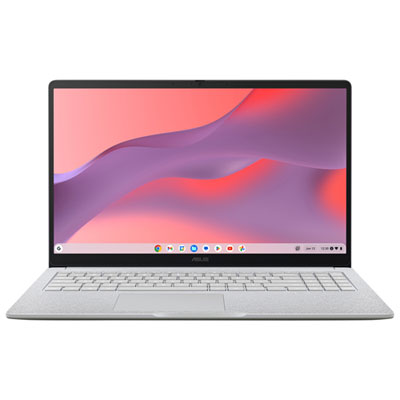
    ASUS CX15 15.6" Chromebook, - Intel N50 - 8GB LPDDR5 - 128GB eMMC - ChromeOS - Pure Grey

    About this product

    A pure grey Chromebook featuring an Intel N50 processor, 8GB RAM, and a Full HD anti-glare display.

    What customers like

    • Bright and large display
    • Affordable price
    • Lightweight and compact design
    • Fast and smooth performance
    • Easy to use and set up
    (189)
    $429.99
    SAVE $70
    Your price for this item is $429.99
  2. 2

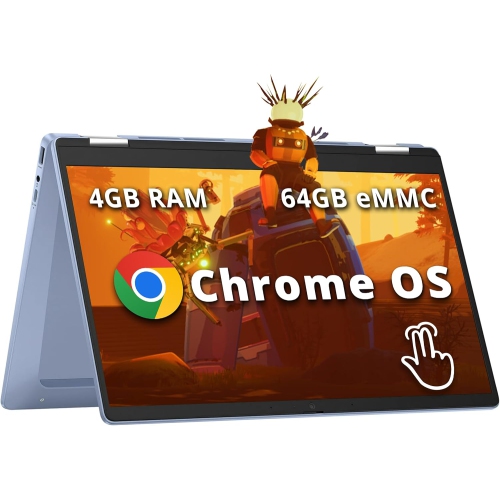
    HP Chromebook X360 14" Fhd Touchscreen 2-In-1 - Intel Processor N100 - 4GB Ddr4 - 64GB Emmc - Chromeos - In Blue

    About this product

    A versatile sky blue convertible laptop with FHD touchscreen, Intel N100, 4GB RAM, and Wi-Fi 6.

    What customers like

    • Long battery life
    • Vibrant and clear touchscreen display
    • Fast and responsive performance
    • Versatile 2-in-1 convertible design
    • Lightweight and portable
    (66)
    $458.00
    SAVE $141
    Your price for this item is $458
  3. 3

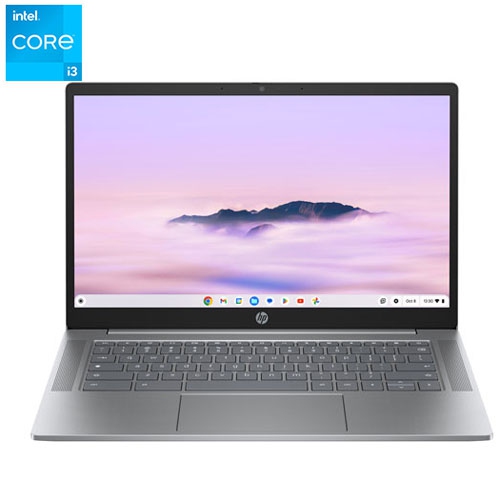
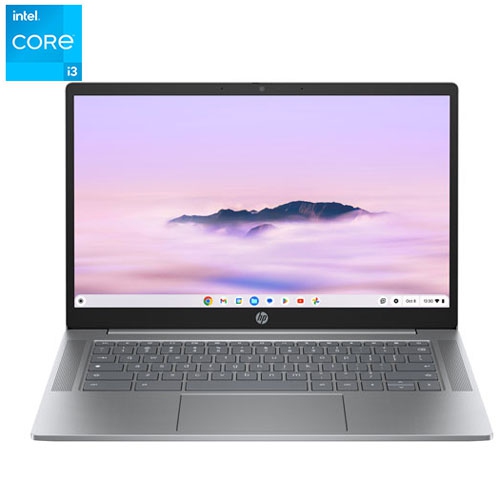
    HP - 14" Chromebook - Intel Core I3-N305 - 8GB Lpddr5 - 256GB SSD - Chromeos - Meteor In Silver

    About this product

    A versatile silver Chromebook featuring an Intel Core i3 processor, 8GB RAM, and 256GB SSD storage.

    (1)
    $469.99
    SAVE $80
    Your price for this item is $469.99
  4. 4

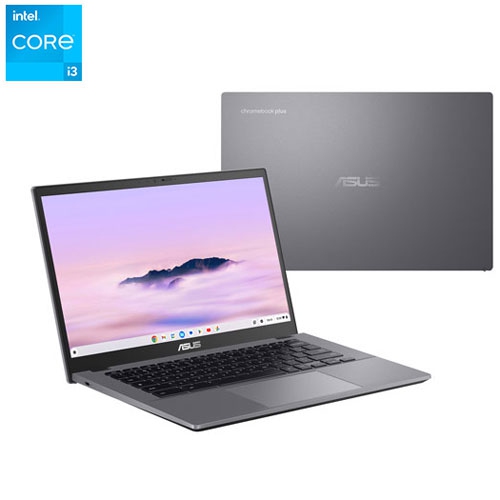
    ASUS - Cx34 14" Touchscreen Chromebook Plus - Intel Core I3-1315U - 8GB Lpddr5X - 128GB Ufs - Chromeos - Rocky In Grey

    About this product

    A portable touchscreen Chromebook with Intel Core i3 processor, 8GB RAM, and 128GB UFS storage.

    (1)
    $519.95
    SAVE $80
    Your price for this item is $519.95
  5. 5

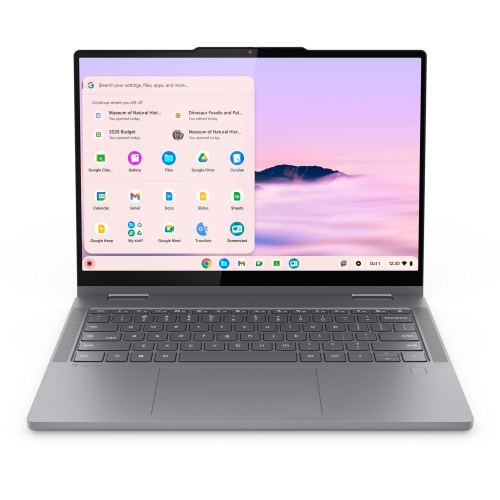
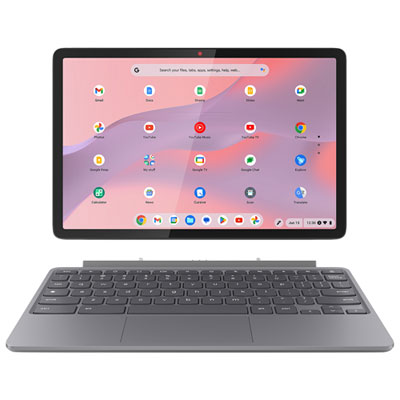
    LENOVO Chromebook Plus 2-In-1 Laptop, 14" Ips Glass, Intel Core 3 N355, 8GB, 128GB

    About this product

    A versatile 2-in-1 laptop with a 14" IPS glass display, Intel Core 3 N355, 8GB RAM, and 128GB storage.

    (3)
    $1,099.99 Your price for this item is $1099.99
  6. 6

    LENOVO 100E 2Nd Gen 11.6" Chromebook Student - Mediatek Mt8173C 2.1Ghz - 4GB Lpddr3 - 32GB SSD - Chrome Os - In Black

    About this product

    A durable black Chromebook with 11.6" display, 4GB RAM, and Chrome OS for classroom use.

    What customers like

    • Long battery life
    • Durable and rugged build
    • Affordable price
    • Fast performance and quick startup
    • Lightweight and portable
    (1,284)
    $499.99
    SAVE $200
    Your price for this item is $499.99
  7. 7

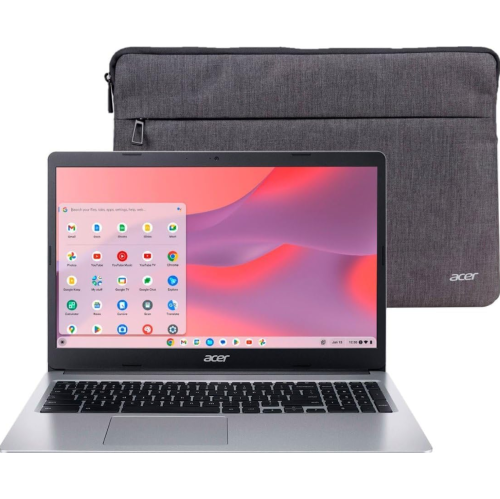
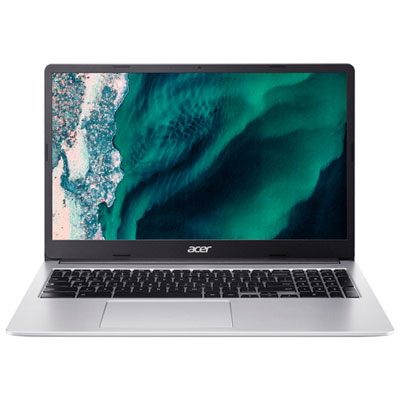
    ACER Refurbished (Good) - Chromebook 315 15.6" HD - Intel Celeron N4020 - 4GB Ram - 64GB Emmc - Chrome Os - - With Laptop Case In Silver

    About this product

    A silver laptop with Intel Celeron processor, 4GB RAM, 64GB storage, Chrome OS, and laptop case.

    $239.96 Your price for this item is $239.96
  8. 8

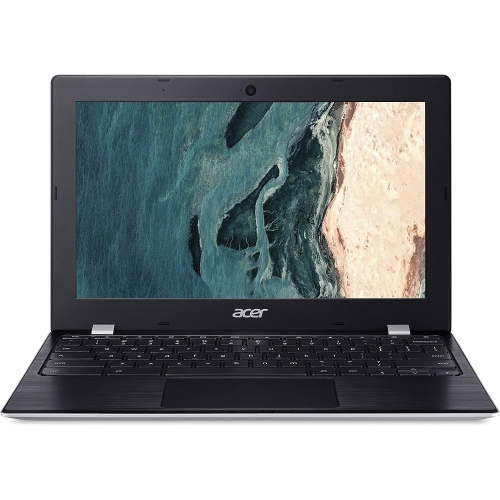
    ACER Refurbished (Good) - Chromebook 11 11.6" - Intel Celeron N4000 - 4GB Ram - 32GB Emmc - Chromeos

    About this product

    A lightweight Chromebook with Intel Celeron processor, 4GB RAM, 32GB storage, and Chrome OS.

    $135.00 Your price for this item is $135
  9. 9

    HP Refurbished (Excellent) - 14" Chromebook - Intel Core I3-N305 - 8GB Lpddr5 - 256GB SSD - Chrome Os - Meteor In Silver

    About this product

    A versatile silver Chromebook featuring an Intel Core i3 processor, 8GB RAM, and 256GB SSD storage.

    $444.99
    SAVE $105
    Your price for this item is $444.99
  10. 10

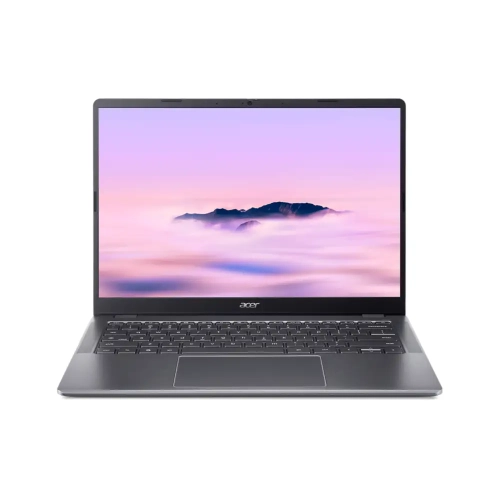
    ACER - Chromebook Plus 14" - Intel Core 3-N355 - 8GB Lpddr5X - 128GB Emmc - Chromeos - Iron - W/ 1 Year Warranty In Gray

    About this product

    A versatile Chromebook featuring an Intel Core 3 processor, 8GB RAM, and 128GB eMMC storage.

    $439.00
    SAVE $110
    Your price for this item is $439

What matters beyond a Chromebook’s processor and memory

The best Chromebooks bring together responsive everyday performance, a comfortable keyboard, a clear display, and battery life that suits the way a laptop will be used. For someone moving between documents, video calls, and a dozen browser tabs, that balance matters more than any single specification. Chromebooks are laptops built around a browser-focused operating system, with support for web applications, cloud storage, and selected downloadable apps. They are particularly well suited to writing assignments, managing email, shopping online, streaming video, and handling everyday household paperwork. Their straightforward layout can appeal to students, busy families, frequent travellers, and people who prefer a computer that keeps routine tasks simple. A traditional clamshell design offers a familiar typing setup, while a convertible Chromebook has a hinge that lets the screen fold back for touch-based use or stand upright for watching a film. Detachable designs offer another option for people who want a removable keyboard, although their smaller keyboards and kickstands can feel less settled on a lap. The best Chromebook for frequent writing may therefore look quite different from the best choice for reading, drawing, or carrying between appointments. A compact screen makes a laptop easier to slip into a bag, while a larger display leaves more room for a document beside a reference page. Full HD resolution or higher helps small text look clearer, and an anti-glare finish can make reflections less distracting near a window. Brightness also matters in well-lit rooms, especially when the screen faces overhead lighting. Touchscreens add convenience for scrolling and tapping, but they are not essential for someone who mainly uses a keyboard and trackpad. During the cooler months, when schoolwork, entertainment, and family administration often share the same kitchen table, a Chromebook can serve several purposes without requiring a complicated setup.

Performance differences between Chromebooks are most noticeable when several tasks happen at once. A basic configuration may handle email and light browsing comfortably, while a more capable processor and additional memory offer greater headroom for large documents, busy spreadsheets, and video meetings with other tabs open. For regular multitasking, 8 GB of memory is a useful starting point; lighter routines may need less, while demanding workloads can benefit from more. Memory is often not upgradeable, so the original configuration matters over the life of the laptop. Storage needs depend on how much stays on the device. Cloud-based documents take pressure off local storage, but downloaded films, photos, apps, and offline files still need space. Faster storage can also help apps and files open more promptly. A reliable Wi-Fi connection supports the browser-focused experience, although selected apps and documents can work offline when they have been set up beforehand. That distinction is useful on a train, at a cottage, or anywhere the connection may be patchy. Software compatibility deserves equal attention: a Chromebook does not run every desktop program used on other operating systems, and some professional tools, specialist course applications, and games require a different type of computer. Downloadable mobile apps and advanced software features also vary by device and account settings. For schoolwork, a full-size keyboard, dependable microphone, and webcam that handles indoor lighting can be more valuable than an unusually thin profile. Families comparing classroom-friendly features can explore Best Chromebooks for School for laptops suited to assignments, research, and learning on the go. At home or at work, the right connections help a compact laptop feel less restrictive. USB-C ports may support charging, accessories, and external displays, but capabilities differ between models. A headphone jack, card reader, or additional USB port can simplify familiar routines without extra adapters. Battery claims are best understood alongside expected use, since screen brightness, streaming, and video calls affect how long a charge lasts. Convenient charging and enough endurance for the usual day are more meaningful than a headline figure alone.

Comfort and construction make a lasting difference once a Chromebook is used every day. A firm keyboard deck, smooth trackpad, and hinge that holds the screen steady help during long stretches of typing, whether the laptop sits on a desk or a small café table. Keyboard spacing matters for larger hands, and a backlit keyboard can make evening work easier without bright overhead lighting. A numeric keypad may be useful for frequent spreadsheet entry, though it generally means choosing a wider laptop. Aluminium housings can offer a rigid feel, while well-built plastic designs can also be practical for everyday carrying. Neither material alone guarantees durability; hinge quality, chassis design, and careful handling all contribute. For a Chromebook travelling in a backpack, a padded sleeve protects against scratches and minor knocks, and a separate compartment keeps keys and charging plugs away from the screen. Rugged features, where specified, may add reassurance for busy school days, but impact protection and spill resistance should never be assumed. Everyday care is straightforward: a soft, lint-free cloth helps keep the display clean, liquids should stay away from openings, and ventilation areas need room rather than being pressed into bedding or a sofa cushion. Long-term usefulness also depends on software support. Chromebooks receive automatic updates for a defined period, so the published update end date is an important detail alongside the hardware specifications. Accessibility features such as magnification, dictation, and screen reading can make daily use more comfortable, with the exact setup depending on individual needs. As a gift, a Chromebook can suit a student establishing a study routine, a relative who mainly uses email and video chat, or someone who wants a portable companion for travel. The strongest match comes from knowing the recipient’s essential apps, preferred screen size, and typing habits. Across those uses, the best Chromebooks are the ones whose performance, portability, comfort, and support fit everyday life, from a quiet morning spent answering messages to an evening of coursework with music playing in the background.
Read More

FAQ

Some products may be subject to Environmental Handling Fees (EHF) depending on your province. Learn more about EHFs.