Best Chromebooks for School
The best Chromebooks for school make it easy to take notes, research assignments, and stay organized throughout the school year. Explore options ranked by customer review ratings, and compare features such as battery life, portability, and screen size to find the right fit for your classes and study routine.
What to look for in Chromebooks for school
1. Performance and App Compatibility
2. Battery Life and Portability
3. Display and Design
4. Storage, Connectivity and Updates
-
1
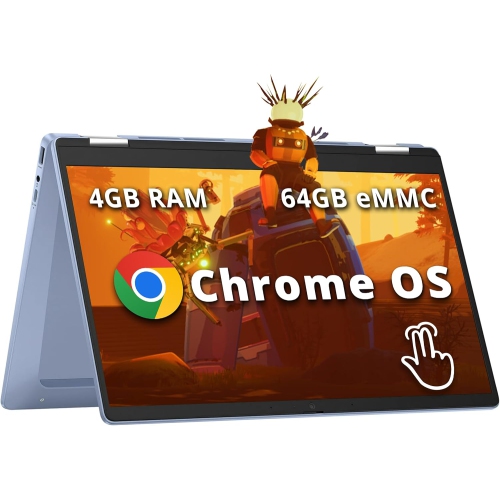
HP Chromebook X360 14" Fhd Touchscreen 2-In-1 - Intel Processor N100 - 4GB Ddr4 - 64GB Emmc - Chromeos - In Blue
About this product
A versatile sky blue convertible laptop with FHD touchscreen, Intel N100, 4GB RAM, and Wi-Fi 6.
What customers like
(66)$458.00Your price for this item is $458SAVE $141 -
2
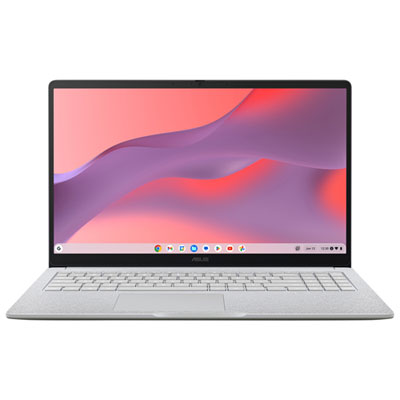
ASUS CX15 15.6" Chromebook, - Intel N50 - 8GB LPDDR5 - 128GB eMMC - ChromeOS - Pure Grey
About this product
A pure grey Chromebook featuring an Intel N50 processor, 8GB RAM, and a Full HD anti-glare display.
What customers like
(189)$429.99Your price for this item is $429.99SAVE $70 -
3
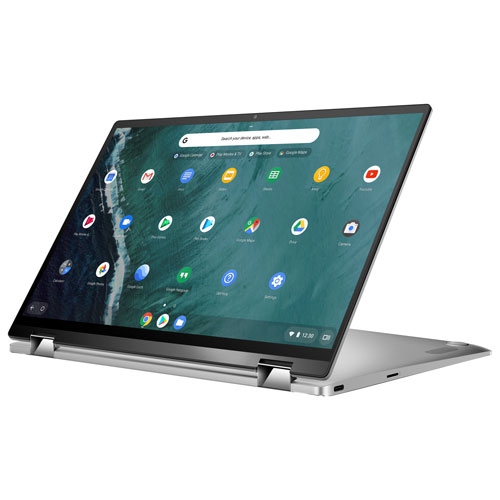
ASUS Refurbished (Good) - Chromebook Flip 14" Touchscreen 2-In-1 - Intel Cm3-8100Y - 4GB Lpddr3 - 64GB Emmc - Chrome Os - In Silver
About this product
A versatile 2-in-1 laptop with a 14" touchscreen, Intel CM3-8100Y, 64GB eMMC, and 4GB RAM.
What customers like
(60)$1,006.68Your price for this item is $1006.68SAVE $15 -
4
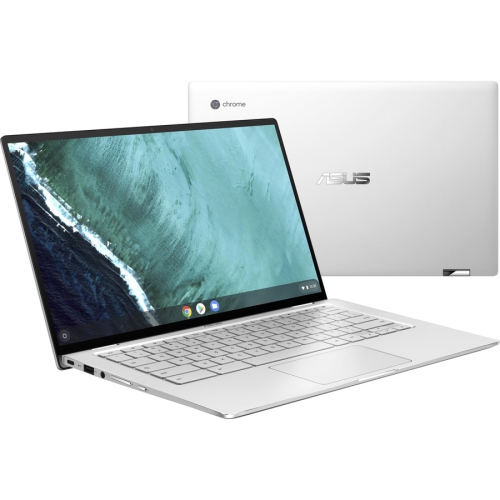
ASUS Chromebook Flip C434Ta-Q1-Cb 14” Chromebook (Intel Core M3 8100Y / 4 GB Lpddr3 Memory / 64 GB Emmc SSD)
About this product
A sleek convertible laptop featuring an Intel Core M3 processor, 4GB RAM, and 64GB eMMC storage.
(18)$647.68Your price for this item is $647.68SAVE $15 -
5
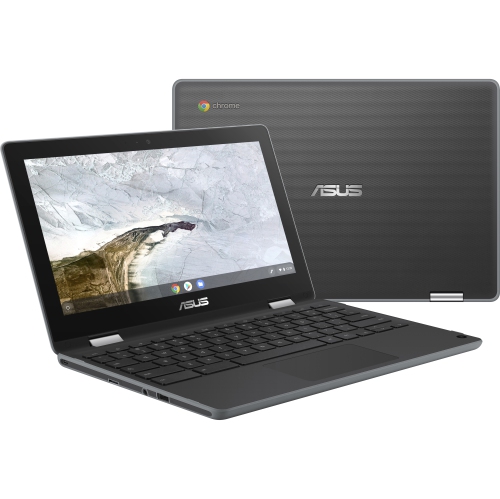
ASUS Chromebook Flip C214 11.6" Touchscreen Student Chromebook - Intel Celeron N4020 - 4GB - 32GB Flash - Chromeos - Dark In Gray
About this product
A versatile dark gray touchscreen Chromebook with Intel Celeron N4020, 4GB RAM, and 32GB flash storage.
(6)$439.52Your price for this item is $439.52SAVE $42 -
6
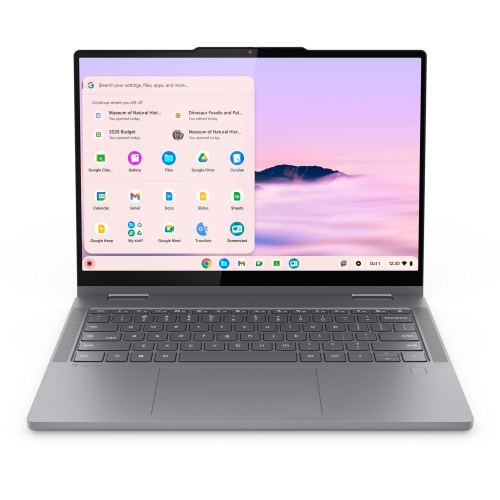
LENOVO Chromebook Plus 2-In-1 Laptop, 14" Ips Glass, Intel Core 3 N355, 8GB, 128GB
About this product
A versatile 2-in-1 laptop with a 14" IPS glass display, Intel Core 3 N355, 8GB RAM, and 128GB storage.
(3)$1,099.99 Your price for this item is $1099.99 -
7

ASUS Chromebook C403 14" HD - Intel Celeron N3350 - 4GB Ram - 32GB Flash - Chrome Os - Dark In Gray
About this product
A durable gray Chromebook featuring a 14" HD display, Intel Celeron processor, 4GB RAM, and 32GB storage.
(3)$399.88Your price for this item is $399.88SAVE $300 -
8
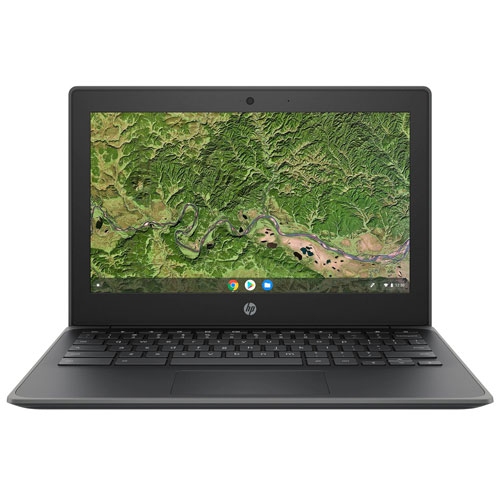
HP Refurbished (Good) - G8 Ee 11.6" Chromebook - (Amd A4-Series A4-9120C/32GB Emmc/4GB Ram/chrome Os) - English In Grey
About this product
A refurbished HP Chromebook with AMD A4-Series processor, 32GB eMMC, and 4GB DDR4 RAM in grey.
(2)$135.00 Your price for this item is $135 -
9
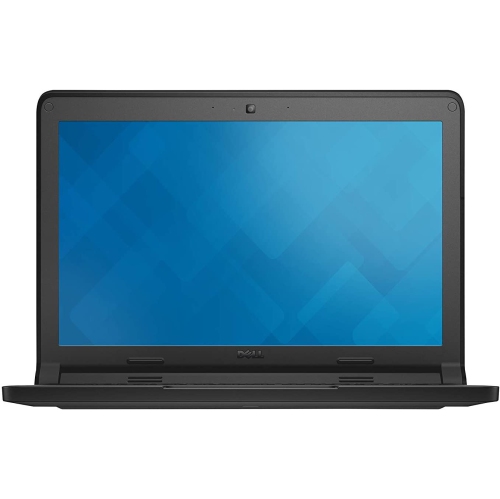
DELL Refurbished (Good) - Chromebook 11 11.6" Student Chromebook - Intel N2840 - 2GB Ddr3L - 16GB SSD - Chromeos - In Blue
About this product
A refurbished Chromebook with an 11.6" display, Intel N2840 processor, 2GB DDR3L RAM, and Chrome OS.
(1)$142.00 Your price for this item is $142 -
10
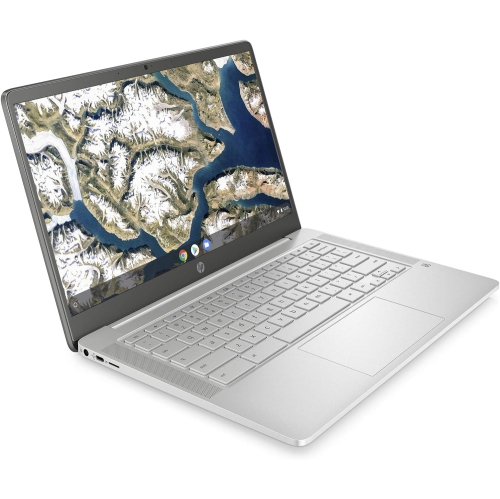
HP - 14" Chromebook - Intel Celeron N4000 - 4GB Lpddr4 - 64GB Emmc - Chromeos - Mineral In Silver
About this product
A sleek silver Chromebook featuring an Intel Celeron processor, 4GB RAM, and 64GB eMMC storage.
What customers like
(0)$400.00 Your price for this item is $400
FAQ
Check your school’s device requirements, required software and account policies. Chromebooks run ChromeOS, so confirm that your classes support browser-based tools or compatible apps. Also check the model’s automatic update expiry date to understand how long it will receive ChromeOS updates.
Chromebooks support browser-based Google Workspace tools, including Docs, Sheets and Slides. Students can also access web versions of Microsoft 365 apps, such as Word, Excel and PowerPoint. Some features require a qualifying subscription or school account, and the Windows and Mac desktop versions cannot be installed on ChromeOS.
Some schoolwork can be done offline if it is set up in advance. Google Docs, Sheets and Slides offer offline access when enabled, and downloaded files can be opened with compatible apps. Tasks that require live collaboration, online research or assignment uploads need an internet connection.
Students can use the Files app to organize local downloads and access Google Drive files. Supported USB drives and memory cards offer additional storage options, depending on the Chromebook’s ports. School-managed accounts may have storage limits or restrictions on external drives.
Chromebooks can connect to compatible keyboards, mice, headsets, webcams and external monitors. Available connections vary by model and may include USB-A, USB-C, Bluetooth and an audio jack. Check port specifications before choosing a dock or display adapter, as not every USB-C port supports the same functions.
Top selling and popular products
Discover more categories related to Best Chromebooks for School
Some products may be subject to Environmental Handling Fees (EHF) depending on your province. Learn more about EHFs.