Best Chromebooks for College Students
Finding the right Chromebook for college can make it easier to take notes, research assignments, and stay connected between classes. Explore the best Chromebooks for college students, ranked by user review ratings, and compare features such as battery life, portability, and storage to find an option that fits your coursework and budget.
What to look for in Chromebooks for college students
1. Course Software Compatibility
2. Performance and Storage
3. Battery Life and Portability
4. Display and Connectivity
-
1

LENOVO 14E 14" Touchscreen Chromebook - Amd A4-9120 - 4GB Ddr4 - 32GB Flash Memory - Chromeos - In Gray
About this product
A 14" Chromebook with Full HD display, AMD A4 processor, 4GB RAM, and 32GB flash storage.
What customers like
(23)$383.68Your price for this item is $383.68SAVE $15 -
2
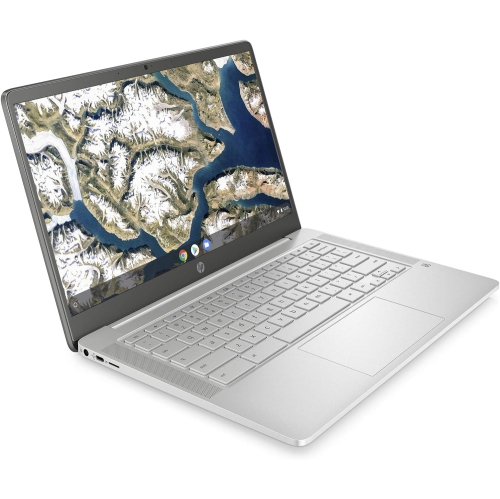
HP - 14" Chromebook - Intel Celeron N4000 - 4GB Lpddr4 - 64GB Emmc - Chromeos - Mineral In Silver
About this product
A sleek silver Chromebook featuring an Intel Celeron processor, 4GB RAM, and 64GB eMMC storage.
What customers like
(0)$400.00 Your price for this item is $400 -
3
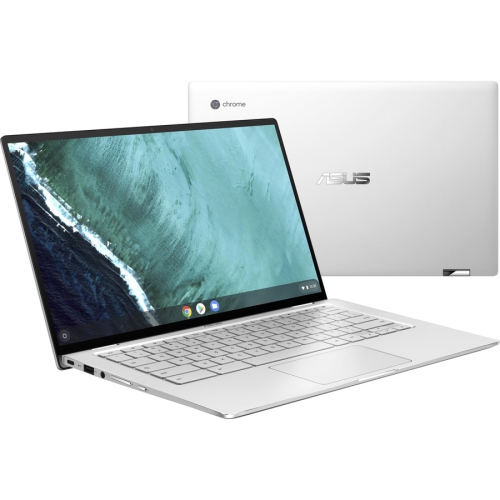
ASUS Chromebook Flip C434Ta-Q1-Cb 14” Chromebook (Intel Core M3 8100Y / 4 GB Lpddr3 Memory / 64 GB Emmc SSD)
About this product
A sleek convertible laptop featuring an Intel Core M3 processor, 4GB RAM, and 64GB eMMC storage.
(18)$647.68Your price for this item is $647.68SAVE $15 -
4

ASUS Chromebook C403 14" HD - Intel Celeron N3350 - 4GB Ram - 32GB Flash - Chrome Os - Dark In Gray
About this product
A durable gray Chromebook featuring a 14" HD display, Intel Celeron processor, 4GB RAM, and 32GB storage.
(3)$399.88Your price for this item is $399.88SAVE $300 -
5
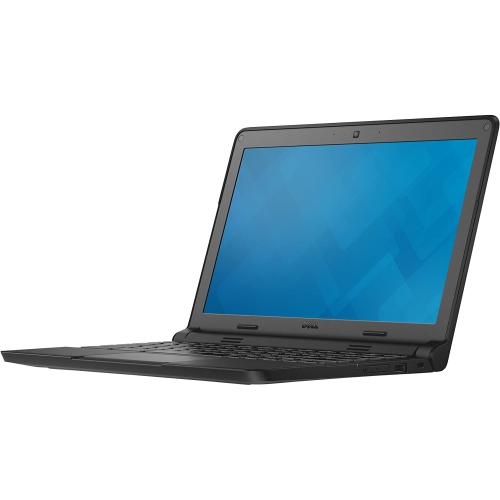
DELL Refurbished (Good) - Chromebook 3120 11.6" Student Chromebook - Intel Celeron N2840 - 4GB Ddr3L - 16GB Emmc - Chrome Os
About this product
A refurbished black Chromebook featuring an 11.6" display, Intel Celeron processor, 4GB RAM, and 16GB SSD.
(3)$140.00 Your price for this item is $140 -
6
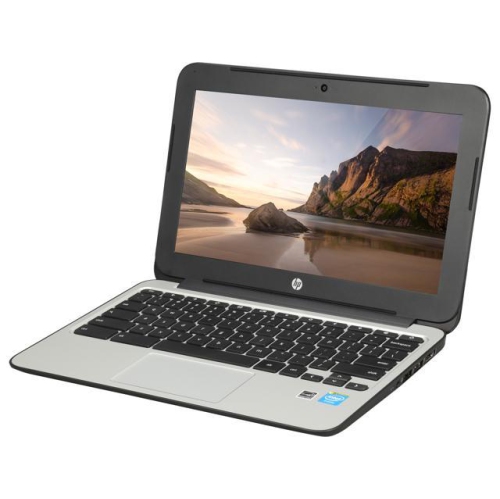
HP Refurbished (Good) - Chromebook 11 G3 11.6" - Intel Celeron Dual Core 2.16Ghz - 2GB Ddr3L - 16GB SSD - Chrome Os - In Black
About this product
A refurbished Chromebook with Intel Celeron dual-core processor, 16GB SSD, and Chrome OS for everyday tasks.
$249.00 Your price for this item is $249 -
7
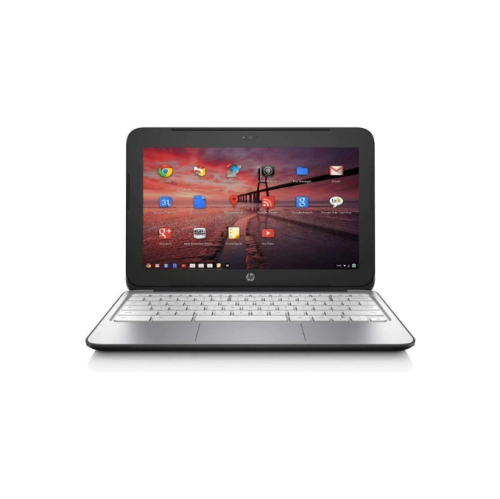
HP Refurbished (Good) - Chromebook 11 G2 11.6" - Dual Core 1.7Ghz - 2GB Ddr3 - 16GB SSD - Chromeos - In Black
About this product
A refurbished Chromebook featuring an 11.6" HD display, dual-core 1.7GHz processor, and 16GB SSD.
$140.00 Your price for this item is $140 -
8
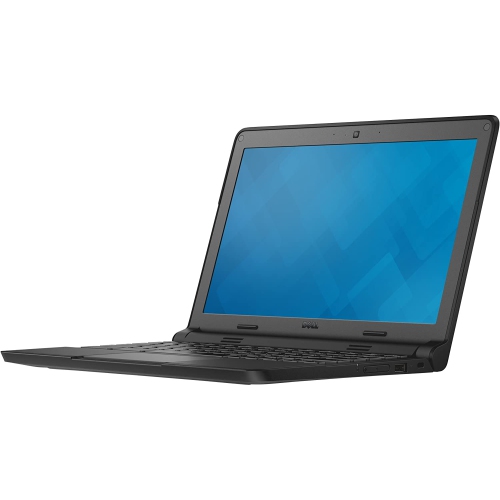
DELL Refurbished (Good) - Chromebook 3120 11.6" Student Chromebook - Intel Celeron N2840 - 4GB Ddr3L - 16GB Emmc - Chrome Os - In Blue
About this product
A refurbished blue laptop featuring an 11.6" display, Intel Celeron processor, 4GB RAM, and 16GB SSD.
$148.00 Your price for this item is $148 -
9
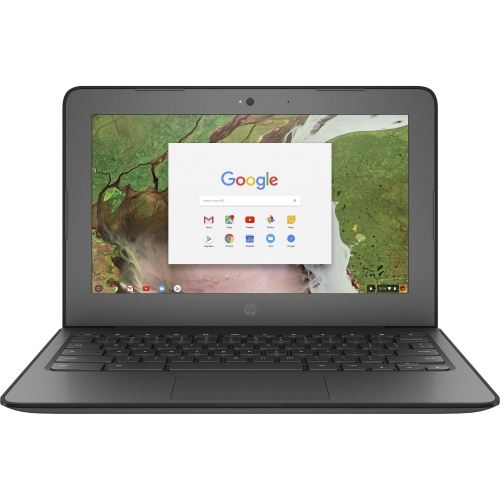
HP Refurbished (Good) - Chromebook 11 G6 Student - Intel Celeron 1.1Ghz - 4GB - 32GB Flash - Chrome Os
About this product
A rugged Chromebook with Intel Celeron processor, 4GB RAM, 32GB storage, and secure Chrome OS.
$145.00 Your price for this item is $145 -
10
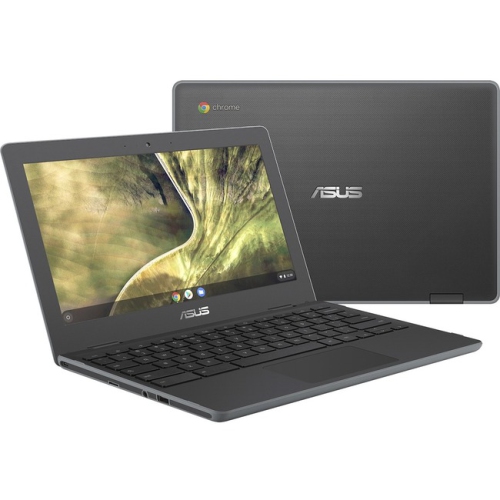
ASUS Chromebook C204 11.6" HD - Intel Celeron N4020 - 4GB Ram - 32GB Flash - Chromeos - Dark Gray In Black
About this product
A durable dark gray Chromebook featuring an Intel Celeron processor, 4GB RAM, and 32GB flash storage.
$527.99 Your price for this item is $527.99
FAQ
Chromebooks run ChromeOS, Google’s operating system built around the Chrome browser, web apps and cloud-based services. Students can sign in with a Google Account to access their files, bookmarks and supported apps.
Chromebooks support browser-based tools such as Google Workspace, Microsoft 365 for the web and many online learning platforms. Supported models also offer Android apps through Google Play. Desktop software designed for Windows or macOS does not run directly on ChromeOS, so check your program’s software requirements before choosing a Chromebook.
Yes. With offline access set up in advance, students can edit supported Google documents and access downloaded files without Wi-Fi. Changes to cloud documents sync when the Chromebook reconnects to the internet. Offline features vary by app, and online course portals generally require an internet connection.
The Files app provides access to local downloads, Google Drive and compatible external storage. Students can create folders for each course and choose which files to keep locally or in the cloud. Files stored only in the cloud need an internet connection unless they have been made available offline.
Depending on the model, Chromebooks may include USB-C, USB-A, HDMI, a headphone jack and a memory card reader. Bluetooth can connect compatible wireless accessories. Support for external displays and USB-C charging varies, so check the listed ports and features if you plan to use a monitor, dock or other study accessories.
Top selling and popular products
Discover more categories related to Best Chromebooks for College Students

Some products may be subject to Environmental Handling Fees (EHF) depending on your province. Learn more about EHFs.