Best Chromebooks for High School Students
The best Chromebooks for high school students make it easy to tackle assignments, research projects, and stay organized throughout the school year. Ranked by user review ratings, this list highlights options to help you find the right fit for your student’s needs and budget. Compare features such as battery life, screen size, and portability to choose a Chromebook for classroom learning and homework.
What to look for in Chromebooks for high school students
1. Performance and App Compatibility
2. Battery Life and Portability
3. Display and Everyday Usability
4. Storage, Connectivity and Updates
-
1
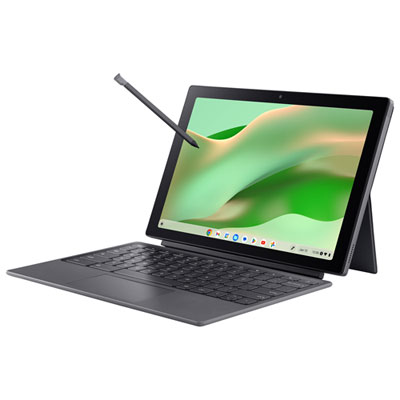
Acer Chromebook Tab 311 11" Touchscreen Detachable Chromebook - MediaTek Kompanio 520 - 8GB LPDDR4X - 128GB eMMC - Silver
About this product
A versatile silver tablet with FHD+ touchscreen, detachable keyboard, stylus, 8GB RAM, and 128GB SSD.
(6)$499.99 Your price for this item is $499.99 -
2
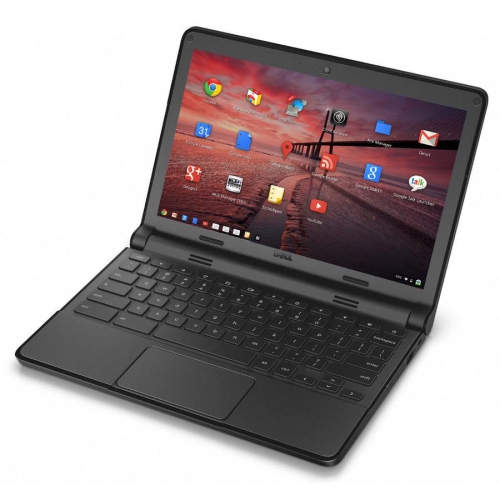
DELL Refurbished (Good) - Chromebook 11 11.6" Student Chromebook - Intel Celeron N2840 - 4GB Ram - 16GB SSD - Chromeos
About this product
A refurbished Dell Chromebook 11 with easy connectivity, long battery life, and automatic security updates.
(7)$149.00 Your price for this item is $149 -
3
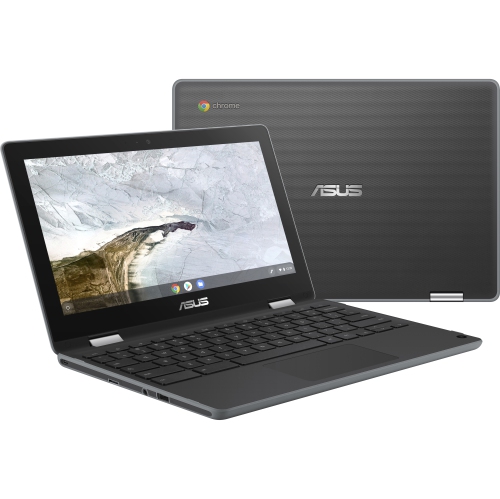
ASUS Chromebook Flip C214 11.6" Touchscreen Student Chromebook - Intel Celeron N4020 - 4GB - 32GB Flash - Chromeos - Dark In Gray
About this product
A versatile dark gray touchscreen Chromebook with Intel Celeron N4020, 4GB RAM, and 32GB flash storage.
(6)$439.52Your price for this item is $439.52SAVE $42 -
4
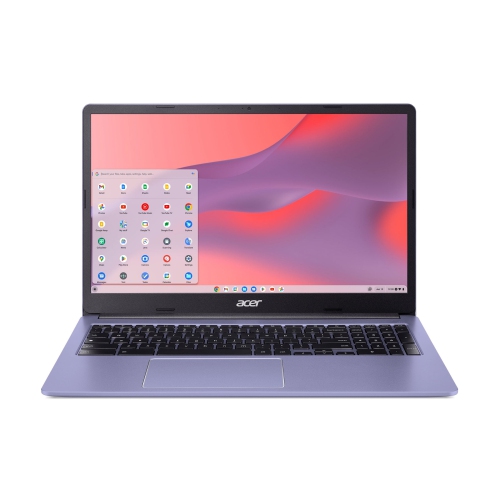
ACER Chromebook 315 15.6" Fhd Student Chromebook - Intel Celeron N4500 - 4GB - 64GB Emmc - Chromeos - Lavender In Purple
About this product
A purple 15.6" Chromebook with Intel Celeron, 4GB RAM, 64GB storage, and 10-hour battery life.
(3)$348.00Your price for this item is $348SAVE $151 -
5
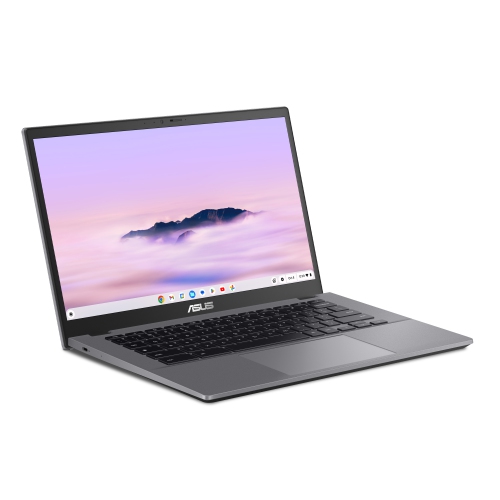
ASUS Chromebook Plus Cx34 14" Fhd Touchscreen Chromebook - Intel Core I5-1235U - 8GB Ram - 256GB Ufs - Chromeos - Rocky - Bilingual In Grey
About this product
A lightweight laptop featuring a 14" Full HD touchscreen, Intel Core i5 processor, and bilingual Chrome OS.
(2)$699.00Your price for this item is $699SAVE $200 -
6
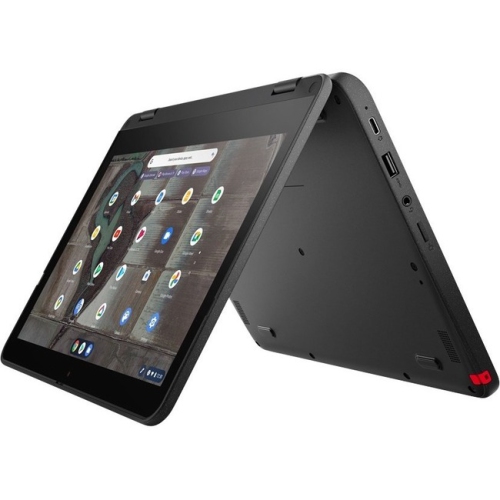
LENOVO 500E Chromebook Gen 3 11.6" Touchscreen 2-In-1 Chromebook - Intel Celeron N4500 - 4GB Ram - 32GB Flash - Chromeos - In Gray
About this product
A durable Lenovo Chromebook with Intel processor, 4GB RAM, 32GB storage, and ChromeOS.
(2)$575.49Your price for this item is $575.49SAVE $172 -
7
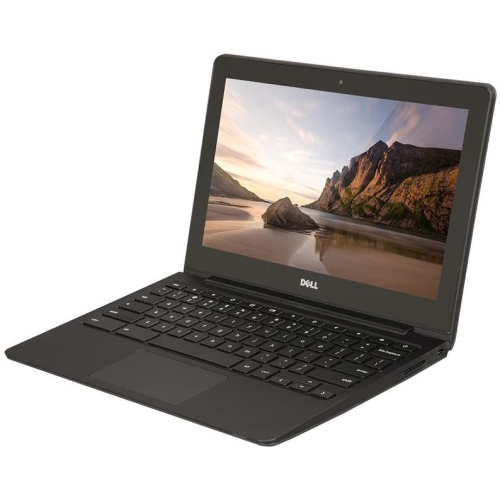
DELL Refurbished (Good) - Chromebook 11 11.6" Student Chromebook - Intel Celeron 2955U - 4GB Ram - 16GB Emmc - Chrome Os - In Black
About this product
A durable 11.6" Chromebook with Intel Celeron processor, 16GB SSD, 4GB RAM, and built-in webcam.
(1)$299.00 Your price for this item is $299 -
8
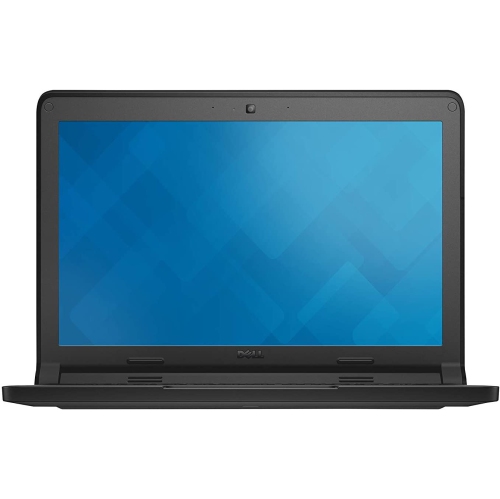
DELL Refurbished (Good) - Chromebook 11 11.6" Student Chromebook - Intel N2840 - 2GB Ddr3L - 16GB SSD - Chromeos - In Blue
About this product
A refurbished Chromebook with an 11.6" display, Intel N2840 processor, 2GB DDR3L RAM, and Chrome OS.
(1)$142.00 Your price for this item is $142 -
9
LENOVO 300E Chromebook 2Nd Gen 11.6" Touchscreen 2-In-1 Student Chromebook - Intel Celeron N4020 - 4GB Ram - 32GB - Chromeos - In Black
About this product
A versatile black 2-in-1 Chromebook with 11.6" touchscreen, Intel Celeron processor, and 32GB storage.
(1)$445.00 Your price for this item is $445 -
10
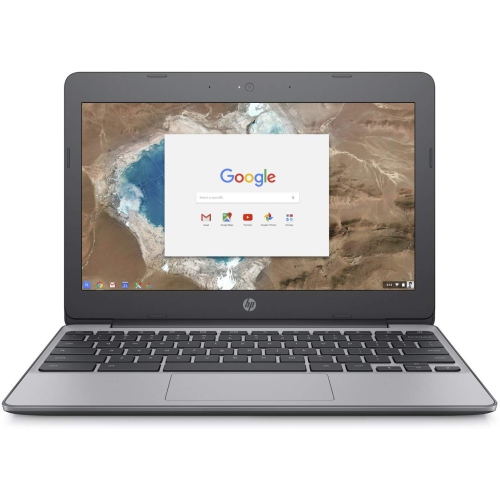
HP Refurbished (Good) - 11.6" Chromebook 11 - Intel Celeron N3060 - 4GB - 16GB Emmc - Chromeos
About this product
A portable Chromebook with Intel Celeron N3060, 4GB RAM, and 16GB eMMC storage for everyday tasks.
(1)$145.00 Your price for this item is $145
FAQ
Chromebooks run ChromeOS, Google's operating system built around the Chrome browser, web apps and Google services. It differs from Windows and macOS, so students should check their school's software requirements before choosing a Chromebook.
Students can access browser-based tools such as Google Classroom, Google Docs and Microsoft 365 web apps. Supported Chromebooks also offer Android apps through Google Play, although school-managed devices may restrict installation. Some specialized course software and exam tools require Windows or macOS.
Some tasks are available offline, including editing supported documents and viewing downloaded files. Students need to enable offline access in compatible apps and download their materials beforehand. Online research, video calls and submitting assignments generally require an internet connection.
Chromebooks can store files locally or in cloud services such as Google Drive. The Files app provides access to local downloads, connected USB drives and supported cloud storage. Students should check where their work is saved, since local files do not automatically sync to cloud storage.
Many Chromebooks allow separate Google sign-ins, letting students keep schoolwork and personal browsing in different profiles. A school-managed Chromebook may limit which accounts can sign in or which services are available. Students should confirm their school's account requirements before setting up a device.
Top selling and popular products
Discover more categories related to Best Chromebooks for High School Students


Some products may be subject to Environmental Handling Fees (EHF) depending on your province. Learn more about EHFs.