Best Compact PCs

Find the best compact PCs for work, study, and everyday browsing without taking up valuable desk space. Ranked by user review ratings, this selection highlights small desktop computers that fit neatly into home offices, shared workspaces, and smaller setups. Compare performance, storage, and connectivity to find the right fit for your needs.

Read More

What to look for in compact PCs

1. Performance

Choose a processor and RAM capacity that match how you use your computer. For web browsing and office tasks, 8GB of RAM can be sufficient, while 16GB or more offers extra headroom for multitasking and demanding applications.

2. Size and Placement

Check the PC’s dimensions to ensure it fits your desk or mounting location, leaving room for airflow and cables. If you want to mount it behind a monitor, confirm VESA mounting compatibility and whether the mounting hardware is included.

3. Ports and Connectivity

Look for enough USB ports for your accessories, plus HDMI or DisplayPort connections that support your monitors’ resolution and refresh rate. Built-in Wi-Fi and Bluetooth offer wireless flexibility, while Ethernet provides a wired network connection.

4. Storage and Upgrade Options

An SSD helps deliver quick startup times and responsive file access, so choose enough capacity for your applications and files. Check whether RAM and storage are upgradeable, and confirm whether the PC includes memory, a storage drive, and an operating system or is sold as a barebones kit.
Citrus catapult arrow
  1. 1

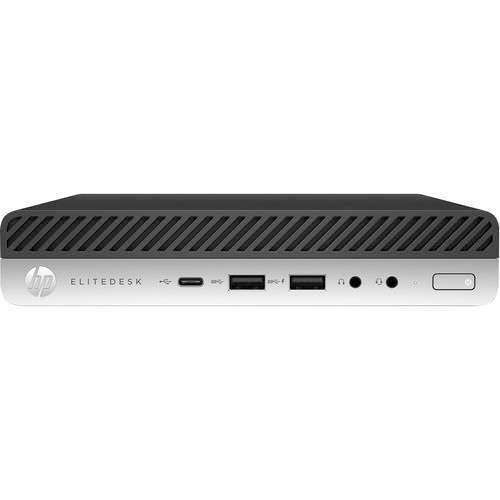
    HP Refurbished (Excellent) Prodesk 600 G3 Dm Mini Computer I5-6500T 2.5Ghz 8GB Ddr4 256GB Nvme Win10 Pro 2 Display Port

    About this product

    A compact mini desktop featuring an Intel Core i5 processor, 8GB DDR4 RAM, and 256GB NVMe storage.

    (1)
    $229.99
    SAVE $70
    Your price for this item is $229.99
  2. 2

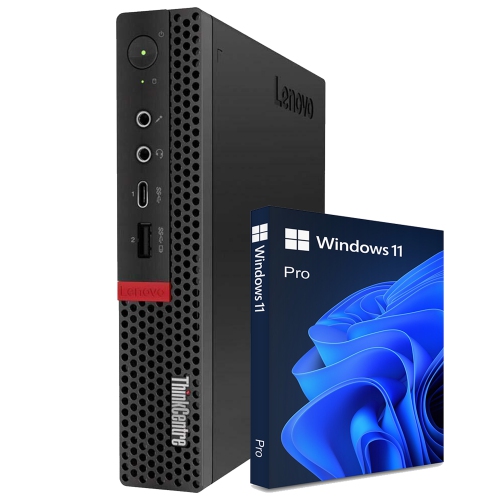
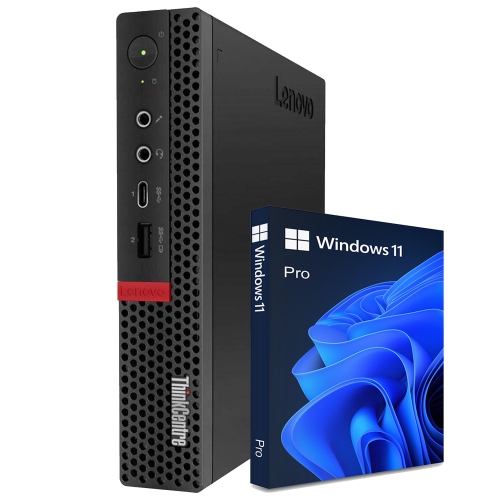
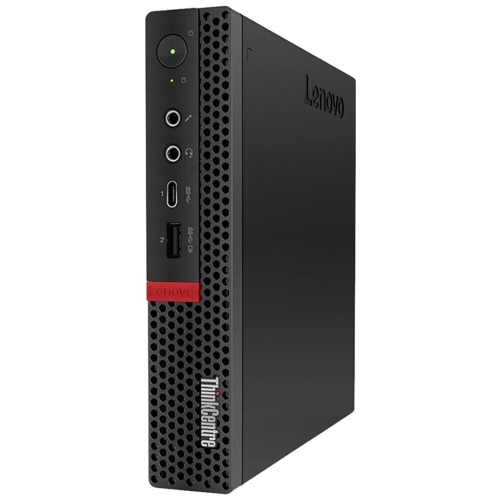
    LENOVO Refurbished (Good) - Thinkcentre M720Q Tiny Desktop - Intel Core I5-8400T, 16GB Memory, 256GB SSD, Win 11 Pro + Wi-Fi

    About this product

    A compact desktop PC featuring an Intel Core i5 8400T processor, 16GB RAM, and Windows 11 Pro.

    (1)
    $319.99
    SAVE $280
    Your price for this item is $319.99
  3. 3

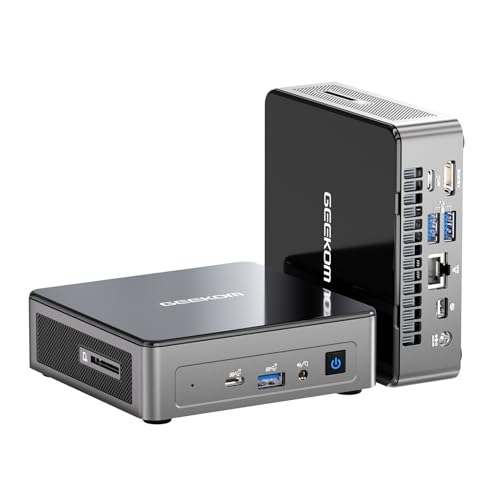
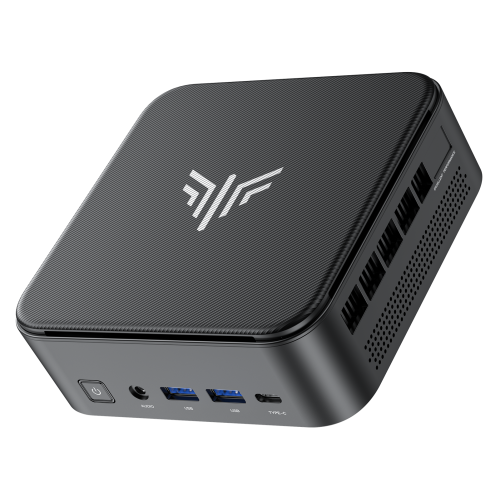
    GEEKOM A8 Max Mini PC - Amd Ryzen 9 8945Hs, 32GB Ddr5 Ram, 1Tb SSD, Quad Display Out, Windows 11 Pro

    About this product

    A compact black mini desktop featuring Intel 12th Gen processor, 16GB DDR5 RAM, and 512GB PCIe SSD.

    (1)
    $1,499.00
    SAVE $200
    Your price for this item is $1499
  4. 4

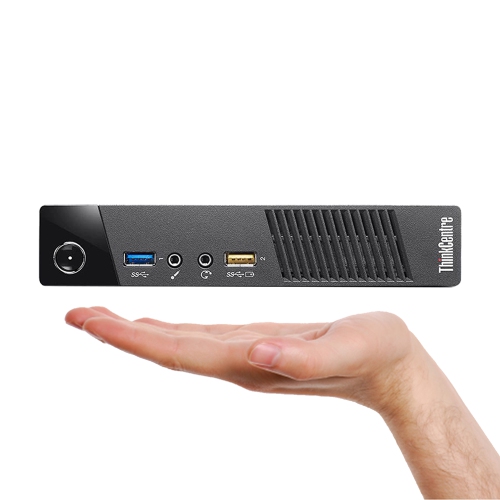
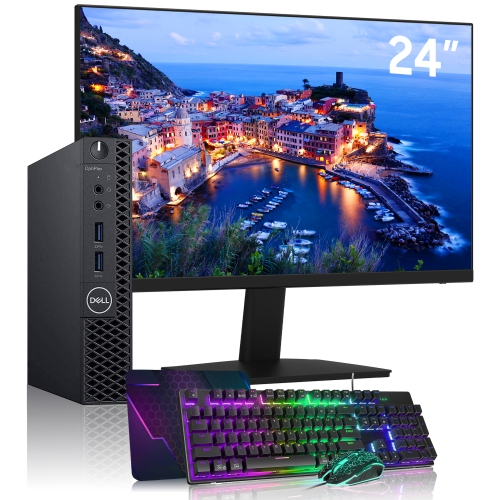
    LENOVO Refurbished (Good) - Tiny Mini PC - Intel Core I5-4570T, 16GB Ram, 1Tb SSD, Windows 10 Pro + Keyboard & Mouse

    About this product

    A powerful and compact Lenovo ThinkCentre Mini PC with Intel Core i5 processor, 16GB RAM, and 1TB SSD.

    $514.99
    SAVE $115
    Your price for this item is $514.99
  5. 5

    LENOVO Refurbished (Good) - Thinkcentre M720Q Mini High-Performance Windows 11 Pro Desktop Computer Tiny PC Intel Core I5 8400T Up to 3.10 Ghz 32GB

    About this product

    A compact refurbished desktop featuring an Intel Core i5-8400T processor, 32GB RAM, and Windows 11 Pro.

    (1)
    $439.99
    SAVE $320
    Your price for this item is $439.99
  6. 6

    LENOVO Refurbished (Excellent) - Thinkcentre M720Q Tiny Desktop, Intel Core I5-8500T, 16GB Ram, 256GB Nvme, Windows 10 Pro- Display Port/hdmi/vga

    About this product

    A compact desktop featuring an Intel Core i5 processor, 16GB RAM, 256GB NVMe, and Windows 10 Pro.

    (5)
    $295.00
    SAVE $205
    Your price for this item is $295
  7. 7

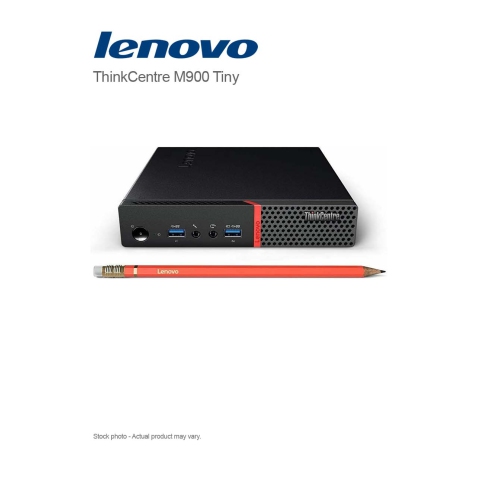
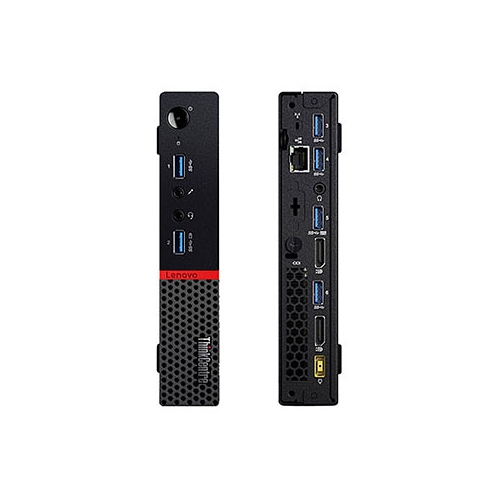
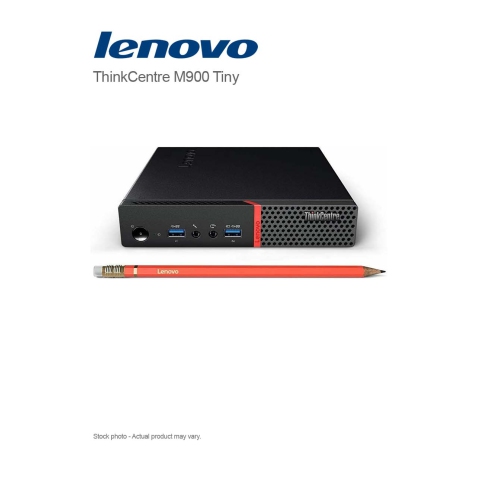
    LENOVO Refurbished (Good) - Thinkcentre M900 Tiny Desktop - Intel Core I5-6500T, 16GB Memory, 512GB SSD, Win 10 Pro + Wi-Fi

    About this product

    A compact desktop featuring an Intel Core i5, 16GB DDR4 RAM, 512GB SSD, Wi-Fi, and Windows 10 Pro.

    (3)
    $254.99
    SAVE $125
    Your price for this item is $254.99
  8. 8

    LENOVO Refurbished (Good) - Thinkcentre M900 Tiny Desktop - Intel Core I5-6500T, 8GB Memory, 128GB SSD, Win 10, DVD

    About this product

    A compact refurbished desktop featuring an Intel i5 processor, 8GB RAM, 128GB SSD, and Windows 10.

    (2)
    $229.99
    SAVE $190
    Your price for this item is $229.99
  9. 9

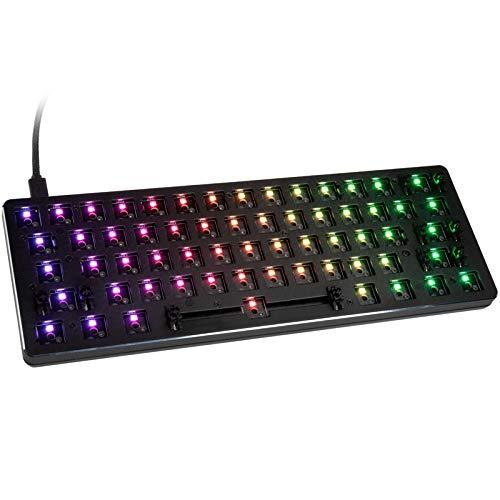
    GLORIOUS PC GAMING New Gmmk Compact Hotswappable Kb Barebones

    About this product

    A compact hotswappable keyboard barebones for gaming enthusiasts by GLORIOUS PC GAMING.

    $119.68
    SAVE $15
    Your price for this item is $119.68
  10. 10

    LENOVO Refurbished (Good) - Thinkcentre M900 Tiny Desktop - Intel Core I5-6500T, 8GB Memory, 128GB SSD, Win 10 Pro + Wi-Fi

    About this product

    A compact desktop featuring an Intel Core i5 processor, 8GB DDR4 RAM, 128GB SSD, Wi-Fi, and Windows 10 Pro.

    $235.00
    SAVE $65
    Your price for this item is $235

Everyday desktop power with more room on your desk

The best compact PCs combine a small footprint with the processing power, connections, and storage needed for everyday computing. These desktop computers leave more room for a full-size keyboard, a comfortable mouse position, and the paperwork that tends to gather beside a monitor. Compact PCs range from palm-sized mini desktops to small-form-factor towers with space for additional internal components. Unlike a laptop, a compact desktop typically relies on a separate display and peripherals, making it a natural fit for a permanent workstation where screen size and desk layout matter more than computing on the move. A mini PC can sit neatly beside a monitor, while some models support mounting behind a compatible screen using an appropriate bracket. That arrangement can be especially useful on a narrow apartment desk, at a shared family workstation, or on a reception counter where the computer should stay out of the way. The best compact PC for office work is not necessarily the best choice for gaming or video editing: processor capability, memory, graphics, and cooling all influence what a small desktop can comfortably handle. For email, documents, video calls, and browser-based applications, a balanced configuration generally matters more than a high-end graphics processor. For large spreadsheets, software development, or frequent multitasking, additional memory and stronger processing performance become more useful. Students may appreciate a desktop that leaves space for textbooks, while someone working from home may prefer a tidy setup with two monitors and accessible ports for a headset and webcam. A compact PC can also make a practical gift for someone setting up a study area or replacing an older desktop, provided its operating system works with their essential applications and accessories. Shoppers comparing familiar desktop formats can also explore Dell Mini PCs as part of their search for a computer suited to a smaller workspace. Across these uses, the most useful definition of “best” is a machine that fits both the available space and the work it will perform.

Performance in a compact desktop depends on the complete configuration rather than the processor name alone. Processor generation, core configuration, power limits, and cooling design can all affect how a system responds during demanding tasks. A computer that feels quick when opening a document may behave differently during a long video export or a large software build. Memory provides working space for open applications, and 16GB is a practical starting point for many everyday multitasking setups. Heavier creative projects, virtual machines, and large datasets may benefit from 32GB or more, depending on the software involved. Upgrade options vary considerably: some compact PCs have accessible memory slots, while others use memory that cannot be replaced after purchase. Storage deserves similar attention. A solid-state drive helps applications launch quickly and keeps routine file access responsive, but capacity determines how comfortably a computer can hold photo libraries, downloaded media, project files, and games. A 512GB drive may suit someone who mainly uses online services and keeps a modest collection of local files; 1TB or more offers additional room for larger libraries. Neither capacity replaces a separate backup for important documents and photos. Graphics requirements create another clear distinction between types of compact PCs. Integrated graphics can handle general desktop use, video playback, and some lighter games, with results depending on the hardware and software. More demanding gaming, complex 3D work, and certain creative applications may call for discrete graphics or a particularly capable integrated solution. A small enclosure alone does not indicate gaming performance, and game resolution and quality settings can substantially change the experience. For photo editing, video production, or design work, application compatibility, supported media formats, and display capabilities matter alongside raw processing power. Compact workstations can be well suited to creative tasks when properly configured, but the smallest systems may offer fewer upgrade paths or less sustained performance than larger desktops. Matching the configuration to familiar tasks, whether that means sorting family photos or editing a multi-layer video project, gives hardware specifications a practical meaning.

Physical fit and connectivity help determine whether a compact PC feels effortless to use once it is on the desk. Enclosure dimensions should account for more than the computer itself: power adapters, connected cables, ventilation clearance, and access to the power button all need space. A rear-facing connector can add depth to a shallow shelf, while front-facing USB ports make it easier to plug in a temporary drive or charge an accessory without reaching behind the screen. HDMI, DisplayPort, and compatible USB-C connections can support different monitor arrangements, but the connector shape does not establish every capability. Display resolution, refresh rate, and the number of supported screens depend on the computer’s specifications. USB-C ports also vary in their support for video, data transfer, and power delivery. For a dual-monitor workstation, confirmed support for both displays at their intended resolution is more useful than simply counting ports. Wi-Fi offers flexibility when a desk is far from the router, while Ethernet provides a wired connection for setups that need it. Bluetooth can reduce cable clutter when used with compatible keyboards, mice, and audio accessories. Construction and maintenance matter too. Compact PC enclosures commonly use plastic, metal, or a combination of both; durability depends on the overall design, assembly quality, and how the computer is handled, not just its exterior material. Stable feet and a secure mounting arrangement can help prevent movement when cables are connected. Accessible service panels may simplify storage or memory upgrades, although supported parts and warranty terms should be checked before opening a system. Vents need to remain unobstructed, and routine care generally involves shutting down the computer, disconnecting power, and cleaning the exterior according to the manufacturer’s directions. Small desktops are not automatically silent: fan noise can increase during demanding work, which matters when the computer sits close to a microphone or in a quiet study space. A well-matched compact PC brings these details together, providing useful desktop capability without taking over the room and leaving space for a comfortable, organized setup.
Read More

FAQ

Some products may be subject to Environmental Handling Fees (EHF) depending on your province. Learn more about EHFs.