Best Computers for Programming

Find the best computers for programming, ranked by user review ratings to help you compare options with confidence. Whether you’re learning to code, building apps, or managing complex projects, look for processing power, ample memory, and fast storage to support your workflow. Explore the top-rated choices below to find a computer that fits your development needs and budget.

Read More

What to look for in computers for programming

1. Processor Performance

A capable multi-core processor helps with compiling code, running tests, and handling several development tools at once. For large projects or frequent builds, look for strong single-core and multi-core performance.

2. Memory and Storage

Aim for at least 16 GB of RAM for general programming, or 32 GB or more if you run multiple virtual machines or work with large datasets. A solid-state drive (SSD) with at least 512 GB of storage provides room for development tools and projects while helping files load quickly.

3. Operating System and Tool Compatibility

Choose a computer that supports the operating system, programming languages, and tools your projects require. Building iOS apps with Xcode requires a compatible Mac, while other workflows may suit Windows or Linux.

4. Display and Hardware Flexibility

A sharp display and comfortable keyboard can make long coding sessions easier, while ports for external monitors help expand your workspace. Choose a laptop for portability or a desktop for greater upgrade flexibility, checking whether memory and storage can be upgraded on the model you select.
Citrus catapult arrow
  1. 1

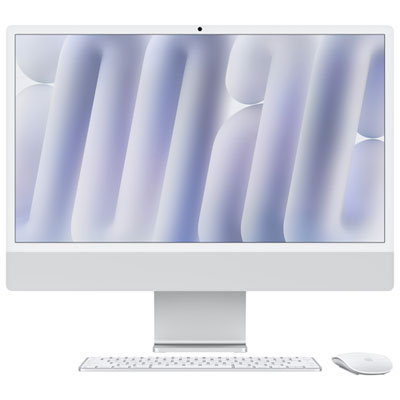
    Apple iMac 24" (Fall 2024) - Silver (Apple M4 Chip / 8-Core GPU / 16GB RAM / 256GB SSD) - English

    About this product

    A sleek silver all-in-one desktop featuring an M4 chip, 8-core GPU, 16GB RAM, and 256GB SSD.

    What customers like

    • Easy and quick setup
    • Large and vibrant display
    • Excellent compatibility with Apple devices
    • Fast and flawless performance
    • Great value for the price
    (500)
    $2,099.99 Your price for this item is $2099.99
  2. 2

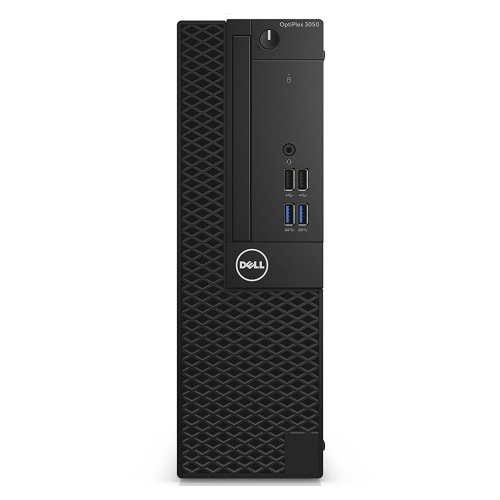
    DELL Refurbished (Good) - Optiplex 3050 Small Form Factor Business Desktop - Intel Core I5-6500, 8GB Memory, 256GB SSD, Win 10 Home + Wi-Fi

    About this product

    A compact business desktop featuring an Intel Core i5, 8GB DDR4 RAM, and a 256GB SSD.

    (5)
    $230.18
    SAVE $68
    Your price for this item is $230.18
  3. 3

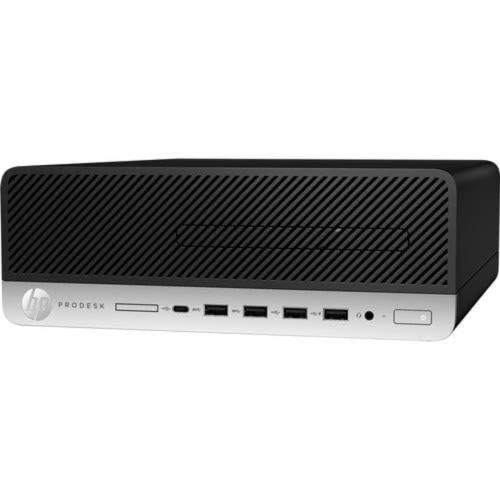
    HP Refurbished (Excellent) - Prodesk 600 G5 Small Form Factor Desktop - Intel Core I7-9700, 32GB Memory, 256GB SSD, Win 11 Pro

    About this product

    A powerful black desktop featuring an Intel Core i7-9700, 32GB RAM, 256GB SSD, and Windows 11 Pro.

    (1)
    $429.99 Your price for this item is $429.99
  4. 4

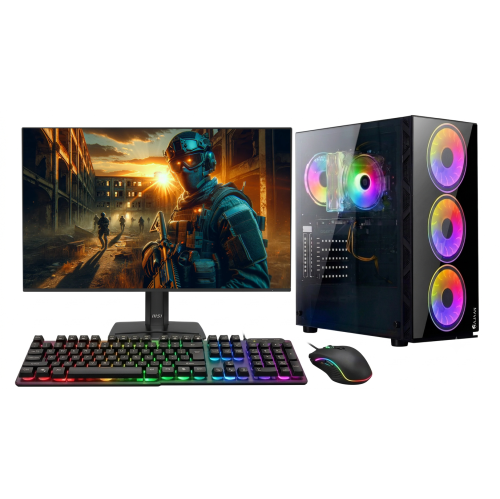
    HAJAAN Gaming PC - Rtx 3050, Amd Ryzen 7, 32GB Memory, 1Tb SSD, Win 11 Pro + 27" Monitor

    About this product

    A high-performance desktop featuring an AMD Ryzen 7, RTX 3050, 32GB RAM, 1TB SSD, and RGB lighting.

    (1)
    $1,649.99
    SAVE $450
    Your price for this item is $1649.99
  5. 5

    DELL Refurbished (Good) - Optiplex Small Form Factor Desktop - Intel Core I5-8500, 32GB Memory, 1Tb SSD, Win 11 Pro + Wi-Fi, Bluetooth

    About this product

    A powerful and compact Dell OptiPlex SFF desktop computer with an Intel i5 processor and 32GB RAM.

    $599.00
    SAVE $251
    Your price for this item is $599
  6. 6

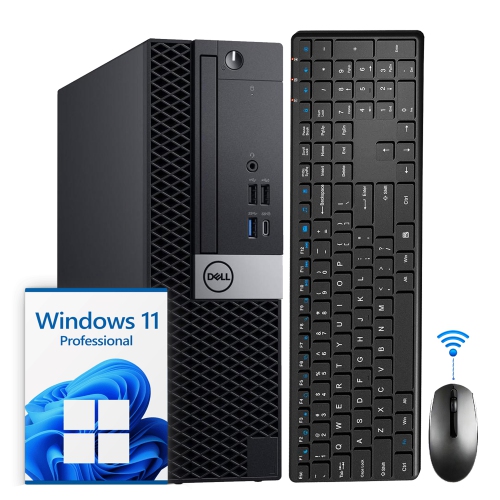
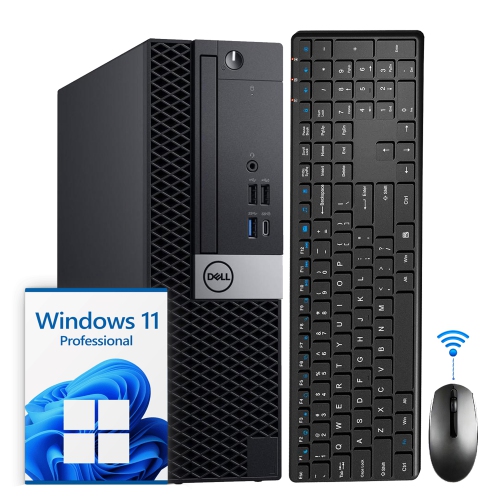
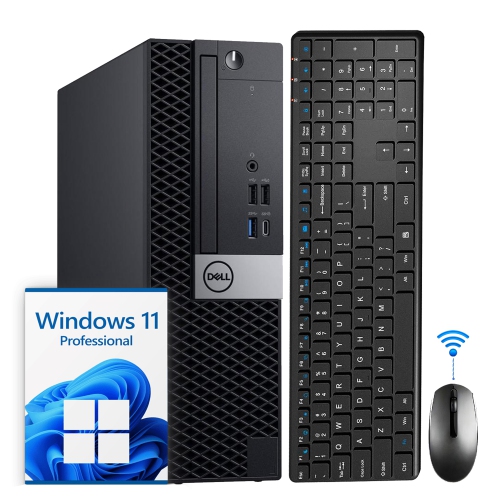
    DELL Refurbished (Good) - Optiplex Small Form Factor Desktop - Intel Core I5, 16GB Memory, 512GB SSD, Win 11 Pro, Keyboard & Mouse Included

    About this product

    A powerful and compact Dell OptiPlex SFF desktop PC with an Intel i5 Hexa-Core processor, 16GB DDR4 RAM, and 512GB SSD running Windows 11.

    $380.00
    SAVE $170
    Your price for this item is $380
  7. 7

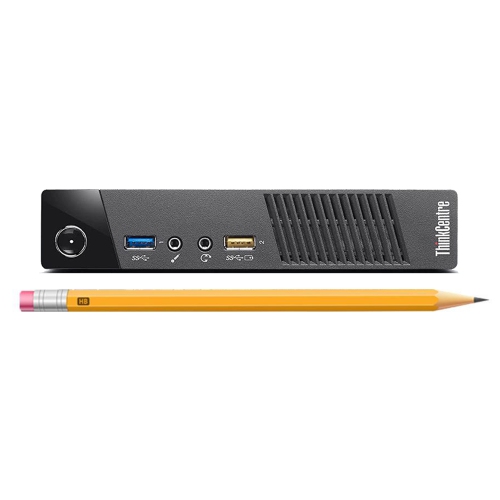
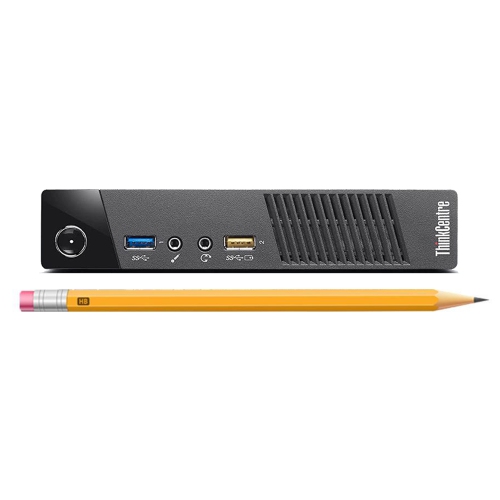
    LENOVO Refurbished (Good) - Thinkcentre Micro Mini PC - Intel Core I5-4570T, 16GB Ram, 512GB SSD + Keyboard & Mouse

    About this product

    A powerful and compact Lenovo ThinkCentre Mini Desktop Computer with Intel Core i5 Processor, 16GB RAM, and 512GB SSD.

    (1)
    $449.99 Your price for this item is $449.99
  8. 8

    LENOVO Refurbished (Good) - Tiny Mini PC - Intel Core I5-4570T, 8GB Ram, 1Tb SSD, Windows 10 Pro + Keyboard & Mouse

    About this product

    A powerful and compact black desktop computer with Intel Core i5 processor, 8GB RAM, and 1TB SSD.

    $629.99 Your price for this item is $629.99
  9. 9

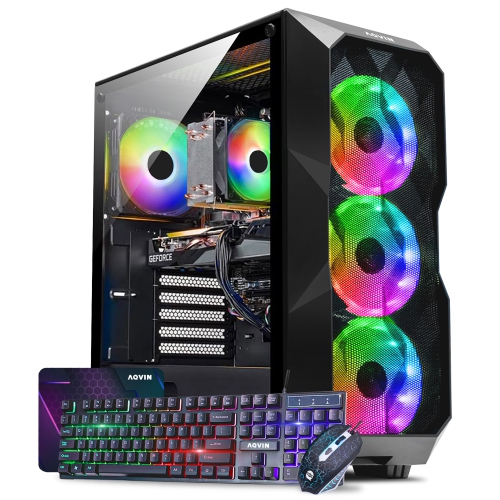
    AQVIN Aqb70 Gaming PC - Rtx 5060 8GB, Intel Core I7, 16GB Memory, 1Tb SSD, Win 11 Pro

    About this product

    A high-performance desktop featuring an Intel Core i7, RTX 3060 12GB, 32GB RAM, and 2TB SSD.

    $2,029.99 Your price for this item is $2029.99
  10. 10

    DELL Refurbished (Good) - Optiplex Small Form Factor Desktop - Intel Core I5, 32GB Memory, 2Tb SSD, Win 11 Pro, Keyboard & Mouse Included

    About this product

    A powerful and compact Dell desktop computer with an Intel i5 Hexa-Core processor, 32GB DDR4 RAM, and 2TB SSD.

    $790.00
    SAVE $110
    Your price for this item is $790

Why your coding workload matters more than standout specs

The best computers for programming combine responsive processing, enough memory for the tools running together, fast storage, and a comfortable screen and keyboard for long stretches of focused work. The right balance depends on what those tools need to do: writing a small website places different demands on a computer than compiling a large application, running several virtual machines, or working with substantial datasets. For everyday coding, a modern multi-core processor, 16 GB of memory, and a solid-state drive provide a practical foundation for an editor, browser, terminal, and local development server. Moving to 32 GB of memory gives more breathing room for containers, mobile device emulators, larger projects, and frequent multitasking. Particularly demanding workloads may benefit from 64 GB or more, although extra memory alone will not make every task faster. Processor performance matters in different ways, too. Strong single-core performance helps keep many interactive tasks responsive, while additional capable cores can shorten builds when the software supports parallel processing. A dedicated graphics processor is not essential for most web development or general coding, but it can be important for game development, 3D work, and machine learning workloads that support graphics acceleration. Storage capacity deserves equal attention: source files may be small, but development tools, virtual machine images, datasets, and build files can quickly occupy space. A 512 GB solid-state drive can suit lighter use, while 1 TB or more leaves greater room for several projects and their supporting software. Compatibility is just as important as these specifications. The operating system and processor architecture need to support the intended programming languages, development tools, drivers, and deployment targets. Some applications require a particular platform, and not every tool works identically across different processor types. For a developer moving between a code editor, documentation, a database, and a test session, a balanced computer usually feels more useful than one with a single standout specification and limitations elsewhere.

Programming laptops suit students, commuters, and developers who need their projects close at hand in a classroom, shared workspace, or home office. A lighter chassis is easier to carry alongside a charger and notebook, while a larger laptop can provide more room for code, debugging panels, and documentation without an external display. A 14-inch screen often strikes a useful balance between portability and working space; a 16-inch screen gives text and side-by-side windows more room but takes up more space in a bag or on a small desk. Resolution, brightness, and display scaling all affect readability, so screen size alone does not tell the whole story. A matte finish can reduce distracting reflections near a window, and clear text at a comfortable size is more valuable for coding than a high resolution that makes everything appear tiny. Keyboard feel also matters when the day involves hundreds of shortcuts and repeated edits. Well-spaced keys, a predictable layout, accessible arrow keys, and a backlight can make extended sessions more comfortable, while a responsive touchpad helps when there is no room for a mouse. Battery life varies with workload: reading documentation is much less demanding than compiling software or running an emulator, so advertised figures may not reflect a full day of development. Cooling design influences sustained performance as well as fan noise during lengthy builds. Metal housings can feel rigid and resist flex, while well-built polymer housings can offer practical durability without unnecessary weight; hinge construction and overall assembly matter as much as the material itself. For learners carrying a computer between lectures and study sessions, Laptops for Programming Students brings the focus to portable computers suited to coursework and practice. Course software requirements should shape the configuration, especially where engineering tools, mobile development, or virtual machines are involved. A laptop given to an aspiring programmer is most useful when its platform, memory, and connectivity fit the recipient’s actual classes or projects rather than an assumed need for the highest specifications.

Desktop computers for programming make sense when most work happens at one desk and portability is less important than sustained performance, expansion, and a flexible workspace. A tower can provide room for stronger cooling, additional storage, and future component changes, although upgrade options depend on the specific design. Compact desktops leave more space for notebooks and peripherals, while all-in-one computers combine the display and computer in a tidier arrangement that may offer fewer upgrade possibilities. For lengthy compilation tasks, local testing, or several virtual machines, cooling and power delivery help determine how consistently a system can maintain performance. A desktop setup also makes it easier to position a separate keyboard and display at comfortable heights. Two monitors can keep code on one screen and documentation or application output on the other, while a single larger display may suit a narrower desk. Connections need to match that arrangement: the computer must support the required display outputs, resolutions, and number of screens, and laptop docking capability should be checked rather than assumed. Reliable Wi-Fi is useful around the home, while a wired network connection can provide consistency for large downloads, remote access, and shared development resources. Camera and microphone quality matter for remote collaboration, even when coding performance is the main priority. Everyday care supports durability across both portable and desktop designs. Clear ventilation paths, a firm surface beneath a laptop, and routine dust removal according to the manufacturer’s directions help keep airflow unobstructed. A padded sleeve protects a laptop during travel, and avoiding pressure on the lid helps protect the display. Regular backups are essential for project files and settings; version control is valuable, but it does not automatically preserve every local file or configuration. For self-taught beginners, students, experienced developers, and people building applications alongside another career, the most suitable programming computer is one that fits both the workload and the working routine. Enough memory, compatible tools, readable text, dependable connections, and a comfortable physical setup turn a list of specifications into a machine that supports steady, practical work.
Read More

FAQ

Some products may be subject to Environmental Handling Fees (EHF) depending on your province. Learn more about EHFs.