Best Laptops for Programming
Find the best laptops for programming, ranked by user review ratings to help you compare highly rated options for your next coding project. Whether you’re learning to code, building apps, or working with large codebases, look for a capable processor, ample memory, and fast SSD storage to keep your workflow running smoothly. A comfortable keyboard and a clear display can also make a difference during long coding sessions.
What to look for in laptops for programming
1. Processor Performance
2. Memory and Storage
3. Operating System Compatibility
4. Display and Everyday Comfort
-
1
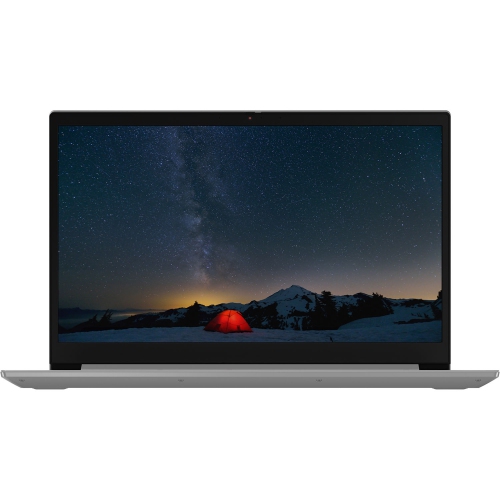
LENOVO Thinkbook 15 15.6" Business Laptop - Intel Core I5-1035G1 - 8GB Ddr4 - 256GB SSD - Windows 10 Home - In Grey
About this product
A sleek mineral grey laptop featuring Intel Core i5, 256GB SSD, 8GB RAM, and Windows 10 Home.
$895.00 Your price for this item is $895 -
2
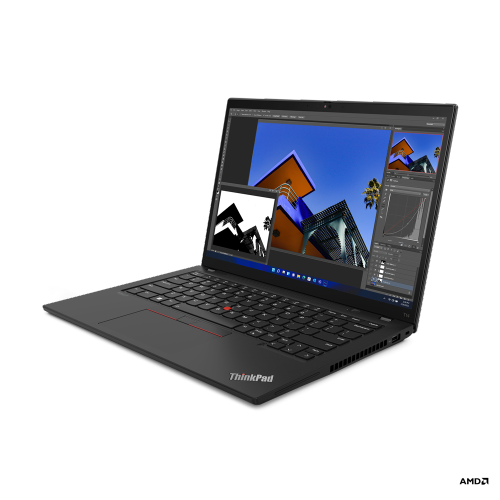
LENOVO Thinkpad T14 Gen 3 14" Touchscreen Business Laptop - Amd Ryzen 5 Pro 6650U - 16GB - 256GB SSD - Windows 11 Pro - Thunder In Black
About this product
A powerful black business laptop featuring an AMD Ryzen 5 Pro processor, 16GB RAM, and 256GB SSD.
What customers like
(119)$1,156.68Your price for this item is $1156.68SAVE $15 -
3

APPLE Refurbished (Good) - Macbook Pro W/ Touch Bar 16" - Space (Intel Core I7 2.6Ghz/512GB SSD/16GB Ram) - En (2019 Model) In Grey
About this product
A refurbished grey laptop featuring an Intel Core i7 processor, 512GB SSD, 16GB RAM, and Touch Bar.
What customers like
(2,591)$783.85 Your price for this item is $783.85 -
4
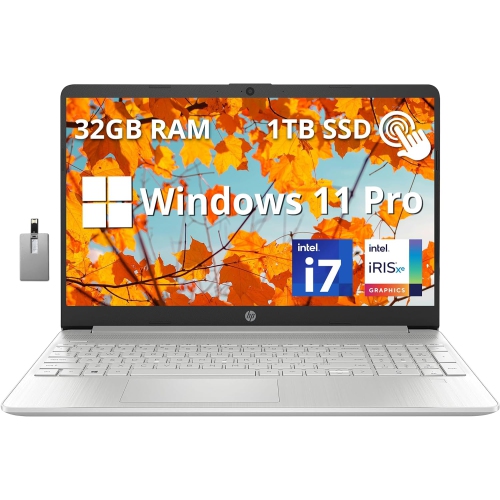
HP 15.6" Fhd Touchscreen Laptop - Intel Core I7-1255U - 32GB Ddr4 - 1Tb PCie SSD - Intel Iris Xe - Windows 11 Pro - - 32GB Hotface USB Card
About this product
A powerful silver laptop with a 15.6" FHD touchscreen, Intel Core i7, 1TB PCIe SSD, 32GB RAM, and Win 11 Pro.
$1,869.00Your price for this item is $1869SAVE $800 -
5

APPLE Macbook Pro 13.3" W/ Touch Bar (Fall 2020) - Space ( M1 Chip / 256GB SSD / 8GB Ram) - En - In Grey
About this product
A powerful grey laptop featuring the M1 chip, 256GB SSD, 8GB RAM, and Touch Bar.
What customers like
(6,034)$1,500.00 Your price for this item is $1500 -
6
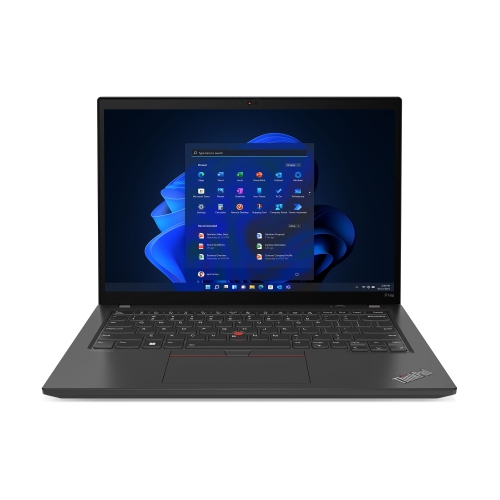
LENOVO Thinkpad P14S Gen 3 14" Ips Laptop - Intel Core I5-1240P - 16GB - 256GB SSD - Nvidia T Series - In Black
About this product
A powerful 14" IPS laptop featuring a 12th Gen Intel Core i5, 16GB RAM, and NVIDIA graphics.
What customers like
(58)$2,489.00 Your price for this item is $2489 -
7
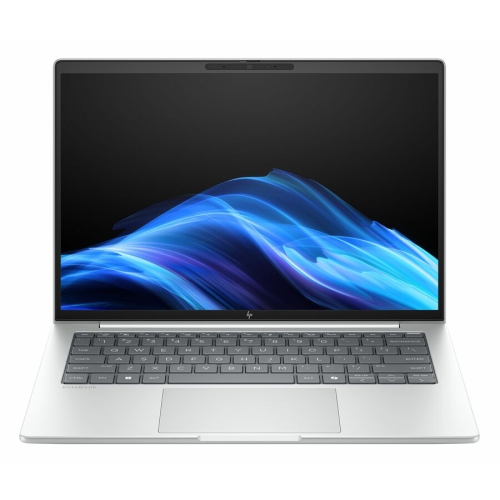
HP Elitebook 8 G1I 14" Business Laptop - Intel Core Ultra 7 255U - 16GB Ram - 512GB SSD - Windows 11 Pro - Glacier In Silver
About this product
A sleek silver laptop featuring an Intel Core Ultra 7 processor, 16GB RAM, and Windows 11 Pro.
(3)$2,669.99Your price for this item is $2669.99SAVE $245 -
8
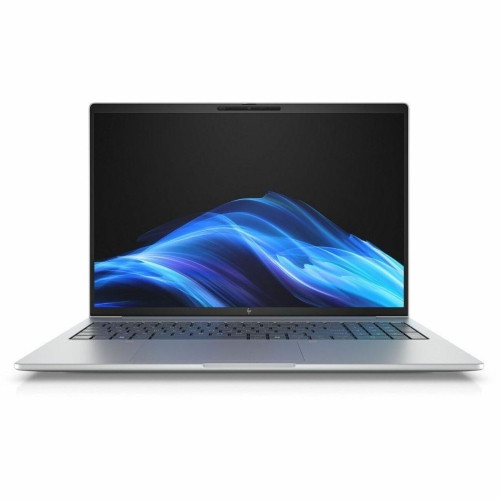
HP Elitebook 8 G1I 16" Laptop - Intel Core Ultra 5 225U - 16GB Ram - 512GB SSD - Intel Arc Graphics - Windows 11 Pro - Glacier In Silver
About this product
A sleek silver laptop featuring Intel Core Ultra 5, 16GB RAM, 512GB SSD, and Windows 11 Pro.
$2,159.99Your price for this item is $2159.99SAVE $275 -
9
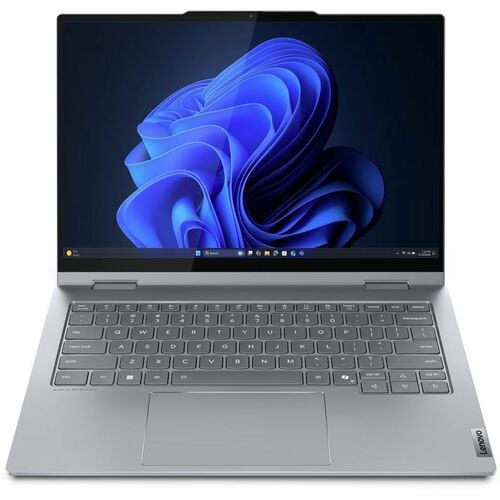
LENOVO Thinkbook G5 14" Touchscreen 2-In-1 Laptop - Intel Core Ultra 7 255U - 16GB Ram - 512GB SSD - Windows 11 Pro - Luna In Grey
About this product
A versatile grey 2-in-1 laptop featuring a touchscreen, Intel Core Ultra 7, 16GB RAM, and 512GB SSD.
$1,891.99 Your price for this item is $1891.99 -
10
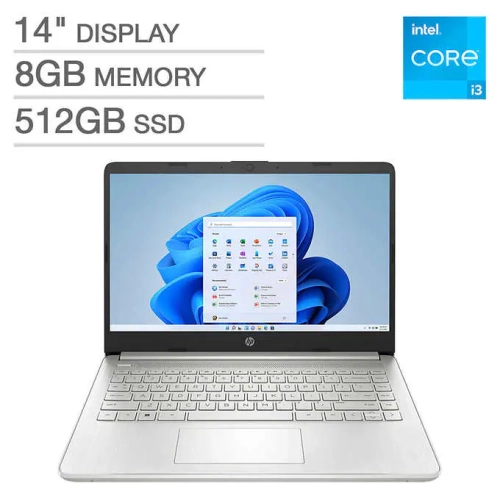
Open Box - Dell Inspiron 15.6" Touchscreen Laptop - AMD Ryzen 7 7730U - 16GB RAM - 512GB SSD - Windows 11 Home - Carbon Black
About this product
A 14-inch HP laptop with 8GB RAM, 512GB SSD, and 12th Gen Intel Core processor for daily multitasking and productive tasks.
What customers like
(1)$675.99 Your price for this item is $675.99
FAQ
Look for a multi-core processor, RAM suited to your development tools, SSD storage, and a comfortable keyboard. Check the requirements for your code editor, IDE, and any virtual machines or containers you plan to use. Your laptop should also support the operating system your projects require.
Choose an operating system based on your development tools and target platform. Windows supports many business applications and offers Linux tooling through Windows Subsystem for Linux. macOS is required to run Xcode for native Apple app development. Linux is widely used for server-side development and open-source projects, though laptop hardware compatibility can vary.
A dedicated graphics card is not a standard requirement for writing code, web development, or many general software projects. It may be required for certain game development workflows, 3D applications, or local machine learning tasks. Check whether your tools require a particular graphics platform or GPU feature before choosing a laptop.
Consider the layout of brackets, punctuation keys, arrow keys, and function keys, since these are used frequently when coding. A backlit keyboard can make key labels easier to see in dim lighting. If you switch between English and French, check the keyboard language and layout before choosing a laptop.
Choose ports that match your workspace and development hardware. USB-A can connect peripherals and development boards, while HDMI can connect an external monitor. USB-C capabilities vary, so check whether a port supports data transfer, video output, charging, or Thunderbolt. An Ethernet port or compatible adapter provides an option for wired networking.
Top selling and popular products
Discover more categories related to Best Laptops for Programming


Some products may be subject to Environmental Handling Fees (EHF) depending on your province. Learn more about EHFs.