Best Computer Printers

Find the best computer printers for your home or office with our selection ranked by customer review ratings. Whether you’re printing everyday documents, school assignments or colourful photos, explore options to suit your needs and compare features such as wireless connectivity, print speed and paper handling. Customer feedback can help you choose a printer that fits your workflow and budget.

Read More

What to look for in computer printers

1. Print Technology

Inkjet printers are versatile options for colour documents and photos, while laser printers are well suited to crisp text and higher-volume document printing. Choose a monochrome model if you only need black-and-white prints, or a colour model for graphics and images.

2. Connectivity and Compatibility

Check that the printer supports your computer’s operating system and preferred connection method, such as USB, Wi-Fi or Ethernet. Wireless printing features can also make it easier to print from compatible phones and tablets.

3. Ink and Toner Costs

Compare replacement ink or toner prices and estimated page yields alongside the printer’s purchase price. Refillable ink tanks and high-yield cartridges may offer a lower cost per page, especially if you print frequently.

4. Paper Handling and Extra Features

Consider print speed, paper tray capacity and support for the paper sizes you use most. Automatic two-sided printing saves paper, while an all-in-one model adds scanning and copying; an automatic document feeder can simplify multi-page tasks.
Citrus catapult arrow
  1. 1

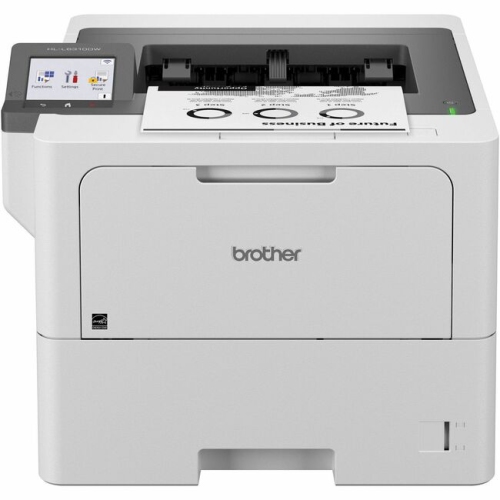
    BROTHER Hl-L6310Dw Hl-L6310Dw Enterprise Monochrome Laser Printer (Hll6310Dw)

    About this product

    A high-speed wireless monochrome laser printer with automatic duplex printing and 620-sheet input capacity.

    (11)
    $669.22
    SAVE $200
    Your price for this item is $669.22
  2. 2

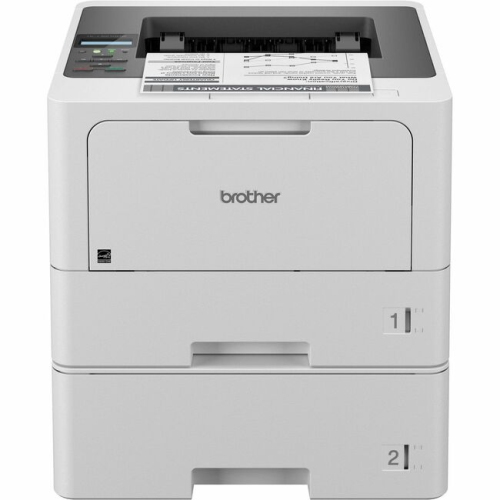
    BROTHER Hl-L5210Dw Hl-L5210Dwt Business Monochrome Laser Printer (Hll5210Dwt)

    About this product

    A high-performance monochrome laser printer with 256 MB memory, perfect for business use.

    (16)
    $592.28
    SAVE $177
    Your price for this item is $592.28
  3. 3

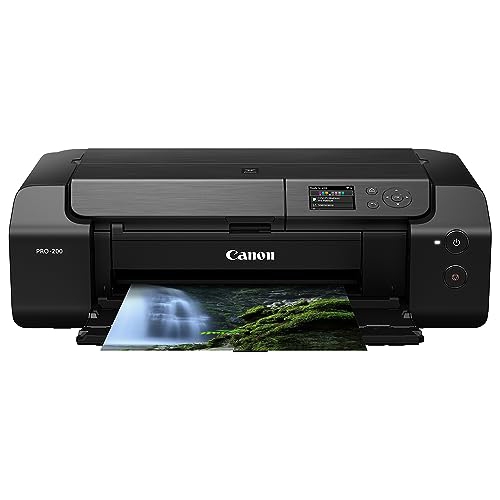
    CANON Pixma Pro-200 Wireless Professional Inkjet Photo Printer

    About this product

    A wireless professional inkjet photo printer delivering vibrant, high-quality prints for photography enthusiasts.

    What customers like

    • Vibrant and accurate colors
    • Easy setup and use
    • Quiet and fast operation
    • High print quality
    • Handles various paper types well
    (176)
    $699.99
    SAVE $100
    Your price for this item is $699.99
  4. 4

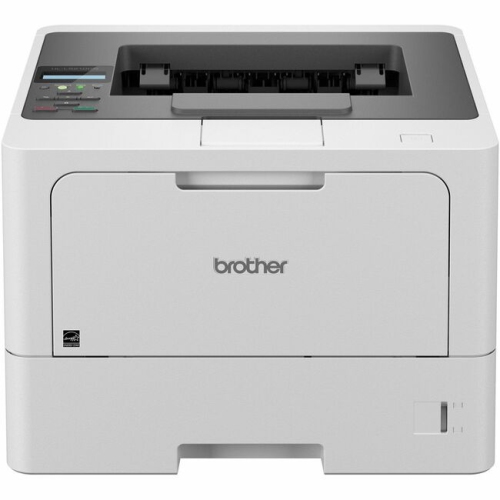
    BROTHER Hll5210Dn Hl-L5210Dn Business Monochrome Laser Printer (Hll5210Dn)

    About this product

    A high-performance monochrome laser printer perfect for business use.

    (10)
    $494.45
    SAVE $148
    Your price for this item is $494.45
  5. 5

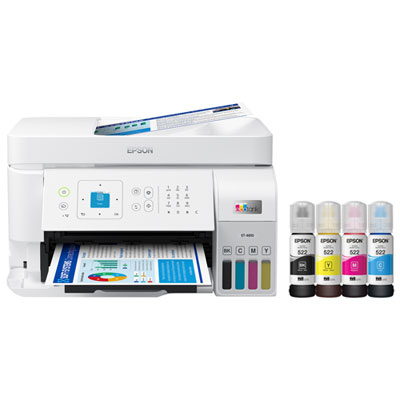
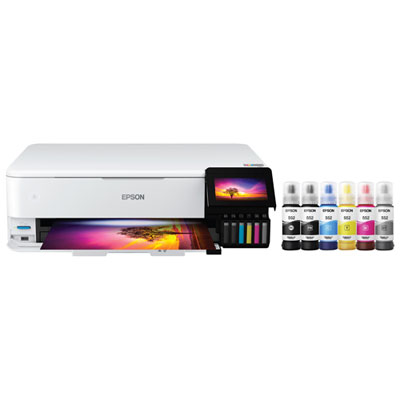
    Epson EcoTank ET-4810 Wireless All-In-One Inkjet Printer - Only at Best Buy

    About this product

    An all-in-one wireless inkjet printer with cartridge-free, high-capacity ink tanks and vibrant colour output.

    (14)
    $369.99
    SAVE $60
    Your price for this item is $369.99
  6. 6

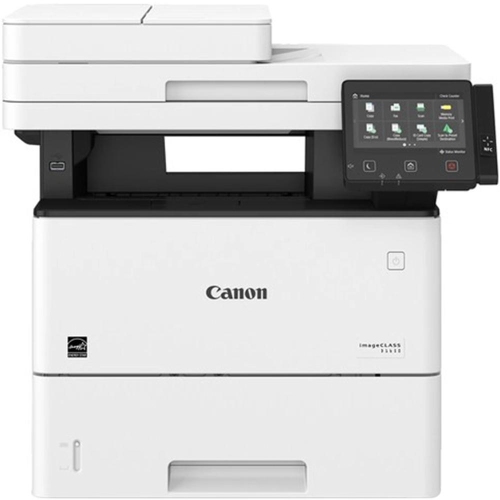
    CANON Imageclass D D1650 Laser Multifunction Printer - Monochrome 2223C023

    About this product

    A monochrome laser multifunction printer offering fast printing, scanning, copying, and faxing for efficient office use.

    (14)
    $849.99
    SAVE $50
    Your price for this item is $849.99
  7. 7

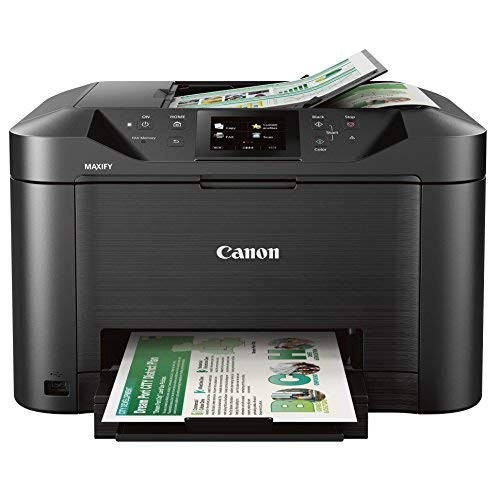
    CANON Na Mb5120 All-In-One Printer 0960C003

    About this product

    An all-in-one printer offering efficient printing, scanning, copying, and faxing for home or office use.

    (9)
    $379.99
    SAVE $80
    Your price for this item is $379.99
  8. 8

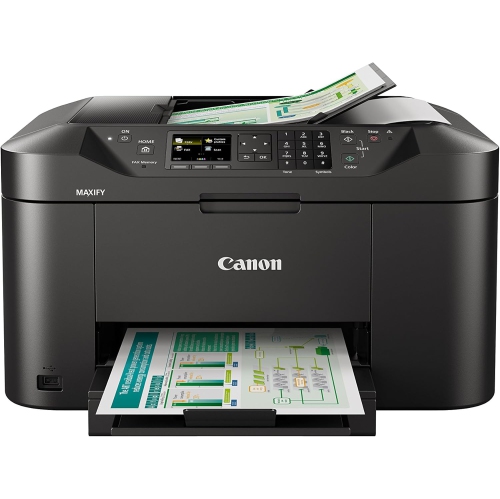
    CANON Maxify Mb2120 19/13Ipm

    About this product

    A wireless colour printer with scanner, copier, and fax functions in a sleek black finish.

    What customers like

    • Compact and sturdy design
    • High print and scan quality
    • Easy setup
    • Efficient ink usage
    • Great value for home office use
    (31)
    $303.34
    SAVE $30
    Your price for this item is $303.34
  9. 9

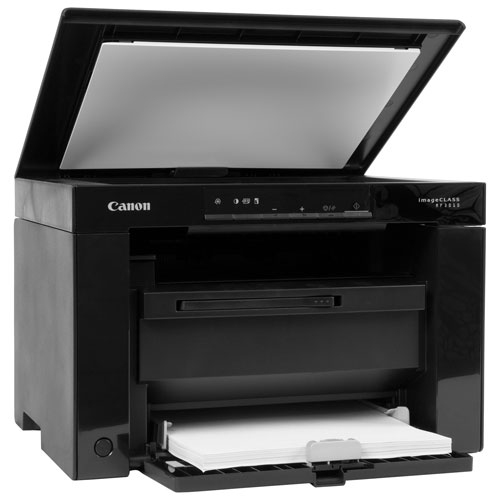
    CANON - Imageclass Mf3010 Monochrome All-In-One Laser Printer

    About this product

    A compact monochrome laser printer offering fast printing, scanning, and copying with high-speed USB connectivity.

    (4)
    $84.99
    SAVE $45
    Your price for this item is $84.99
  10. 10

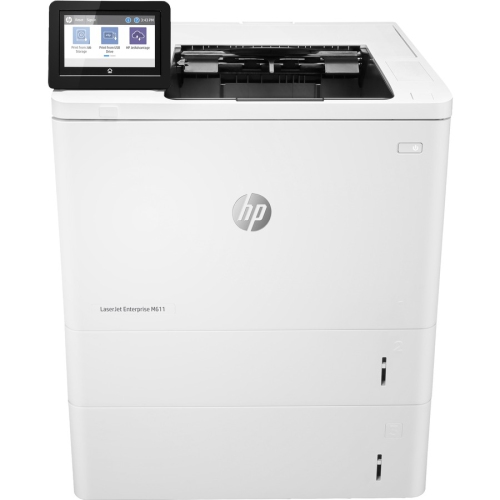
    HP Laserjet Enterprise M611X Monochrome Wireless Laser Printer - (7Ps85A#bgj)

    About this product

    A high-speed monochrome laser printer with automatic duplex printing and wireless connectivity.

    What customers like

    • Fast printing speed
    • Handles high volume print jobs
    • Quiet and efficient operation
    • Reliable performance
    • Crisp and clear print quality
    (101)
    $2,071.99
    SAVE $361
    Your price for this item is $2071.99

Why what you print matters more than printer speed

The best computer printers match the documents, images, and everyday tasks that matter most to the people using them. Monochrome laser printers are a strong fit for text-heavy printing, colour inkjet printers suit mixed household documents and images, refillable ink tank printers support regular printing, and dedicated photo printers serve more specialized image work. A student printing annotated readings has different needs from a photographer producing detailed portraits or a small business preparing stacks of invoices. Laser printers use toner powder fused to paper with heat, producing crisp letters and well-defined lines that suit contracts, shipping labels on compatible sheets, and lengthy reports. Monochrome models print only in black, while colour laser printers add the flexibility to produce charts, presentation handouts, and other business graphics. Inkjet printers apply tiny droplets of liquid ink to the page and can handle a broad mix of text, illustrations, and photographs, depending on their ink system and supported paper. For a household that prints school assignments alongside family pictures, that versatility can be particularly useful. Refillable ink tank printers are inkjet printers with reservoirs filled from compatible bottles rather than conventional replaceable ink cartridges. Their larger ink capacity can mean longer stretches between refills, making them well suited to people who print regularly. Dedicated photo printers place greater emphasis on image reproduction, often using additional ink colours to create smoother tonal transitions and more nuanced shades. Resolution is only one part of print quality: ink formulation, paper choice, software settings, and the original file all affect the finished page. A detailed image needs sufficient source resolution, while a clean business document depends on sharp text and consistent alignment. The most suitable printer is therefore not necessarily the one with the highest resolution or fastest advertised speed, but the one whose strengths match the work moving from screen to paper.

Computer printers also differ in how much of a daily workflow they handle beyond printing. A print-only model keeps the focus on producing documents, while an all-in-one printer combines printing with scanning and copying; some also include fax capability. A flatbed scanner provides a glass surface for placing photographs, receipts, or a page from a book without feeding the original through rollers. An automatic document feeder is more convenient for a multipage agreement or a stack of forms, allowing supported loose sheets to move through the scanner in sequence. Automatic two-sided printing and two-sided scanning are separate capabilities, so a printer that prints on both sides of a page may still require manual handling to scan both sides of an original. Paper handling makes an equally noticeable difference. A larger input tray suits shared office use, while a separate photo tray or multipurpose feed can simplify switching between plain paper and supported specialty media. Letter-size documents cover many household and office tasks, but legal-size forms, envelopes, cardstock, and larger artwork each require suitable specifications. Media thickness and weight limits matter as much as sheet dimensions; heavy paper needs a feed path designed to accommodate it. Connectivity determines where a printer can sit and how easily different people can use it. USB offers a direct connection to a computer, Wi-Fi allows network printing without a cable running across the desk, and Ethernet can provide a wired network connection for a shared workspace. Mobile printing, direct wireless printing, and cloud features vary by model and may have different setup or account requirements. Compatibility includes more than being able to send a basic print job: scanning software, maintenance tools, and advanced print settings may depend on operating system support. For an Apple-based setup, Best Printers for Mac brings the focus to that platform. AirPrint support can simplify printing from compatible Apple devices without installing a separate printer driver, though additional functions may still need software. In a shared household, compatibility across everyone's computers and mobile devices helps prevent one person's laptop from becoming the only way to print.

Physical fit, upkeep, and durability shape how comfortable a printer is to live with over time. The dimensions of the closed machine do not tell the whole story: paper trays may extend forwards, a rear feed may need clearance behind the unit, and the scanner lid needs space to lift. A stable desk or cabinet should accommodate the printer's weight and leave its ventilation openings unobstructed. Most desktop printers have moulded plastic outer housings with internal rollers, gears, and other moving components; durable performance depends more on appropriate workload and sound paper handling than on the finish of the case. In a small office, sturdier trays, accessible jam-clearing panels, and replaceable maintenance components can be valuable. The manufacturer's suggested monthly print volume is a more useful indication of routine workload than a maximum duty-cycle figure, which should not be treated as an everyday target. Speed also needs context. Advertised pages per minute describe particular test conditions, and colour graphics, high-quality photo settings, or automatic two-sided printing can take longer. For someone printing a single form before leaving home, the time to the first page may matter more than speed across a large batch. Care requirements vary by printing technology. Inkjets benefit from use and maintenance according to the manufacturer's directions, since extended idle periods can contribute to clogged nozzles. Laser toner does not dry out like liquid ink, although laser printers still need suitable storage conditions and periodic maintenance. Correctly loaded, dry, flat paper helps prevent misfeeds, and paper made for the printing technology helps produce consistent results. Inkjet photo paper and laser-compatible specialty sheets are not automatically interchangeable. Clear controls, a readable display, easy access to ink or toner, and an output tray that keeps pages orderly can make routine tasks less frustrating. Whether the printer supports homework, business paperwork, creative projects, or accessible large-print documents, the best fit combines the right output quality with manageable care and a layout that works in the space where it will be used.
Read More

FAQ

Some products may be subject to Environmental Handling Fees (EHF) depending on your province. Learn more about EHFs.