Best Computer Towers
Find the best computer towers for work, gaming, and everyday tasks, ranked by customer review ratings. Whether you need a desktop for daily browsing or a powerful setup for demanding projects, explore top-rated options and compare performance, storage, and upgrade potential to find the right fit for your needs and budget.
What to look for in computer towers
1. Processor and Memory
2. Graphics Performance
3. Storage Capacity and Speed
4. Connectivity and Upgradability
-
1
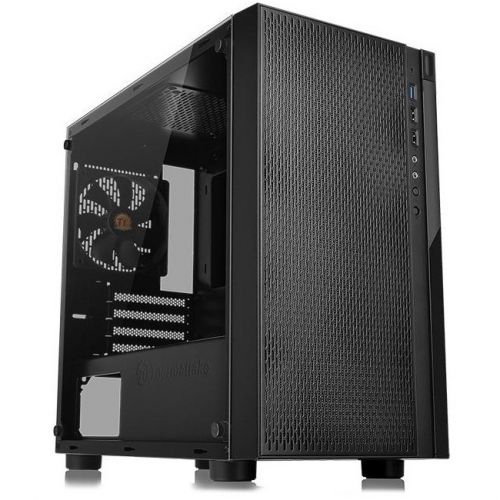
THERMALTAKE Versa H18 Tg Computer Case
About this product
A black and blue micro tower case with tempered glass, supporting Micro ATX and Mini ITX motherboards.
What customers like
(28)$135.68Your price for this item is $135.68SAVE $30 -
2
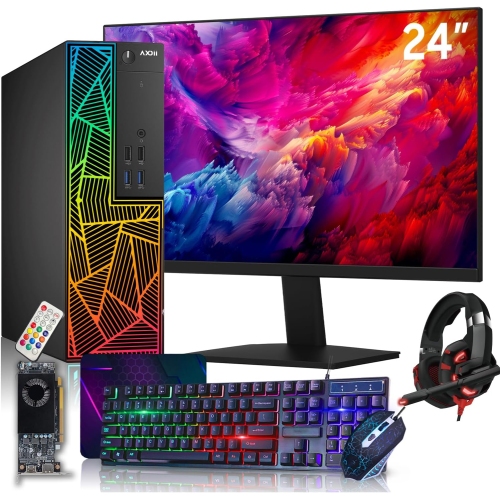
DELL Refurbished (Good) - Optiplex 7040 Gaming PC Tower - Gtx 1650, Intel Core I7-6700, 16GB Memory, 1Tb SSD, Win 10 Home + 27" Monitor
About this product
A refurbished gaming desktop with Intel Core i7, 16GB RAM, 1TB SSD, and a 27" monitor.
(2)$994.88Your price for this item is $994.88SAVE $83 -
3
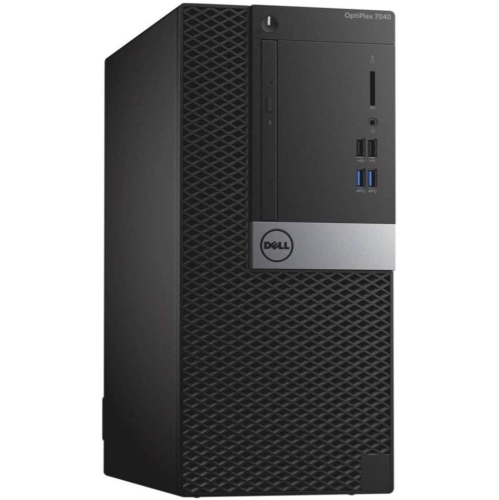
DELL Refurbished (Good) - Optiplex 7040 Tower Business Desktop - Intel Core I5-6500, 16GB Memory, 256GB SSD + 1Tb HDD, Win 10 Pro
About this product
A refurbished desktop featuring an Intel Core i5 processor, 16GB RAM, 256GB SSD, and Windows 10 Pro.
(1)$339.99Your price for this item is $339.99SAVE $160 -
4
DELL Refurbished (Good) - Optiplex 7040 Tower Desktop - Intel Core I5-6500, 8GB Memory, 2X 256GB SSD, Win 10 Pro
About this product
A refurbished desktop featuring an Intel Core i5 processor, 8GB RAM, dual 256GB SSDs, and Windows 10 Pro.
$450.00 Your price for this item is $450 -
5

IBM Refurbished (Good) - Lenovo Thinkcentre M93P Tower Desktop - Intel Core I7-4770, 16GB Memory, 240GB SSD, Win 10 Pro
About this product
A refurbished desktop tower featuring an Intel Core i7 processor, 16GB RAM, 240GB SSD, and Windows 10 Pro.
$690.00 Your price for this item is $690 -
6

DELL Refurbished (Good) - Optiplex 7020 Tower Desktop - Intel Core I5, 8GB Memory, 240GB SSD, Win 10 Pro + Wi-Fi
About this product
A refurbished desktop tower featuring a Core i5 processor, 8GB RAM, 240GB SSD, and Windows 10 Pro.
$480.00 Your price for this item is $480 -
7
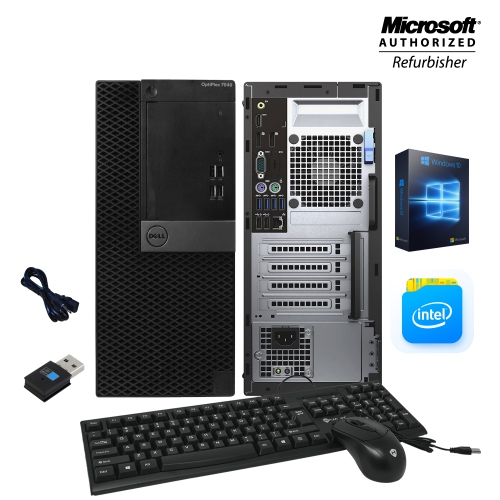
DELL Refurbished (Good) - Optiplex 7040 Tower Business Desktop - Intel Core I5 (6Th Gen), 8GB Memory, 256GB SSD, Win 10 Pro + Wi-Fi
About this product
A refurbished desktop featuring Intel Core i5 6th Gen, 8GB RAM, 256GB SSD, Wi-Fi, and HDMI.
$249.99Your price for this item is $249.99SAVE $150 -
8
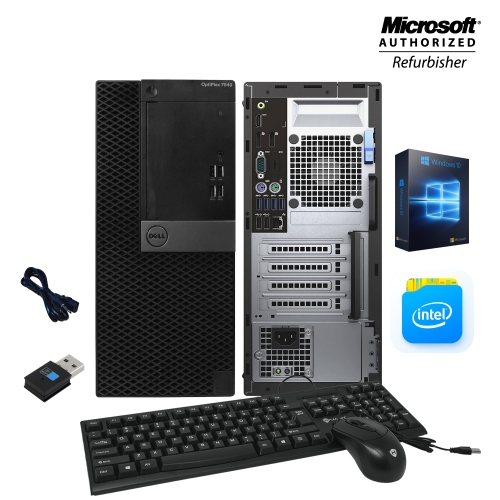
DELL Refurbished (Good) - Optiplex 7040 Tower Business Desktop - Intel Core I5 (6Th Gen), 8GB Memory, 480GB SSD, Win 10 Pro + Wi-Fi
About this product
A refurbished desktop featuring Intel Core i5 6th Gen, 8GB RAM, 480GB SSD, WiFi, and HDMI.
$269.99Your price for this item is $269.99SAVE $110 -
9
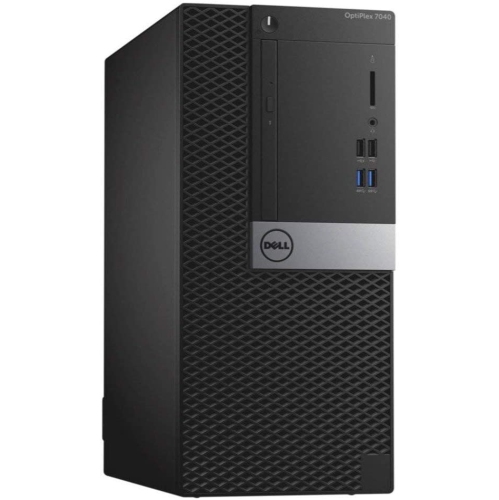
DELL Refurbished (Good) - Optiplex 7040 Tower Desktop - Intel Core I5-6500, 8GB Memory, 1Tb HDD, Win 10 Home
About this product
A refurbished desktop tower featuring Intel Core i5-6500, 8GB RAM, 1TB HDD, and Windows 10 Home.
$389.99Your price for this item is $389.99SAVE $100 -
10
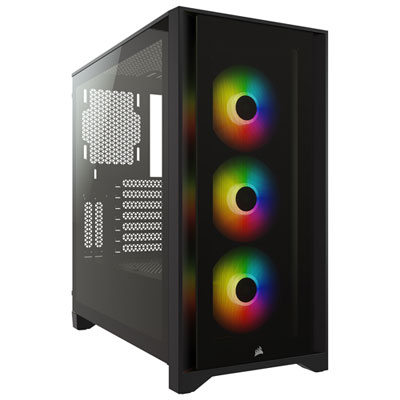
Corsair iCUE 4000X RGB Mid-Tower ATX Computer Case - Black
About this product
A black mid-tower ATX case featuring three 120mm RGB fans and efficient cable management.
What customers like
(300)$149.95 Your price for this item is $149.95
FAQ
A computer tower is a desktop PC that houses components such as the processor, motherboard, memory and storage in a separate case. It connects to an external monitor, keyboard and mouse. An all-in-one computer combines the display and main computing components in one unit.
Many computer towers come with Windows preinstalled, while some use Linux or are sold without an operating system. Check the listing to confirm what is included and whether your preferred software supports that operating system.
Computer towers may include USB-A and USB-C ports for peripherals, HDMI or DisplayPort connections for monitors, Ethernet for wired networking, and audio jacks. Some also include Wi-Fi and Bluetooth. The available connections vary, so check the specifications against the devices you plan to connect.
A solid-state drive, or SSD, stores data on flash memory and has no moving parts. A hard disk drive, or HDD, stores data on spinning magnetic disks. A computer tower may include either type or combine both, with separate drives for the operating system, applications and files.
Commonly replaceable components include RAM, storage drives, graphics cards and power supplies. Processor upgrades depend on the motherboard socket, chipset and firmware support. Upgrade options vary by design, and some prebuilt towers use proprietary parts, so review the manufacturer's compatibility documentation before choosing components.
Top selling and popular products
Discover more categories related to Best Computer Towers

Some products may be subject to Environmental Handling Fees (EHF) depending on your province. Learn more about EHFs.