Back to School Computer Towers And Desktop PCs
Find back-to-school computer towers and desktop PCs for coursework, research, and everyday study. Compare desktop computers by processor, memory, and storage to find a setup that suits your schoolwork, desk space, and budget, and check whether you’ll need a separate monitor, keyboard, or mouse.



FAQ
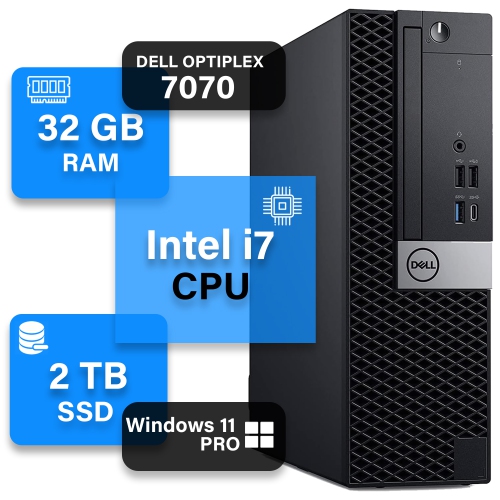
Start with the software required for your courses, then check its operating system, processor, memory and storage requirements. An SSD offers quick access to files and applications, while 16 GB of RAM is a useful starting point for multitasking. Also consider which ports you need for a monitor, keyboard, mouse and other study accessories.
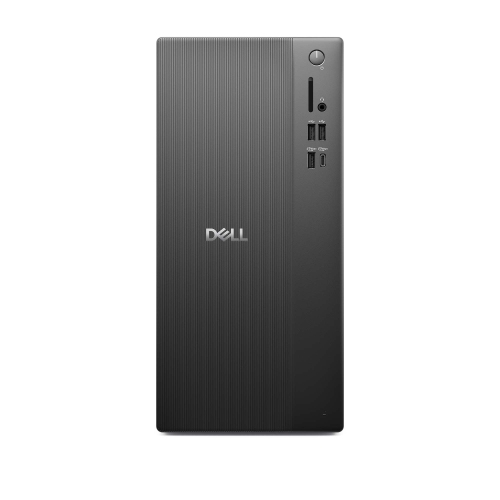
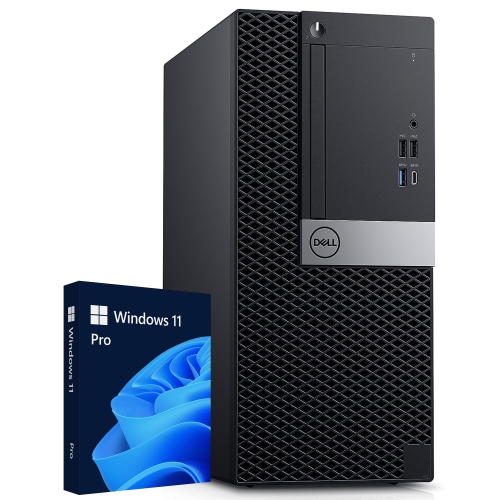
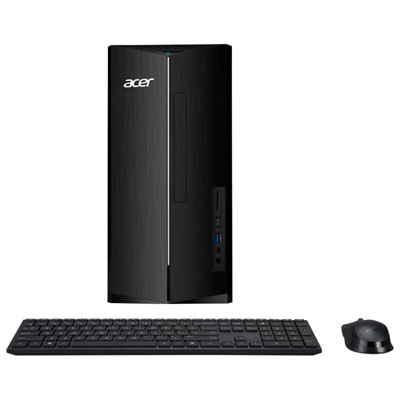
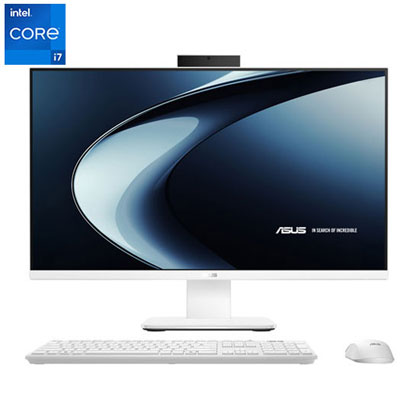
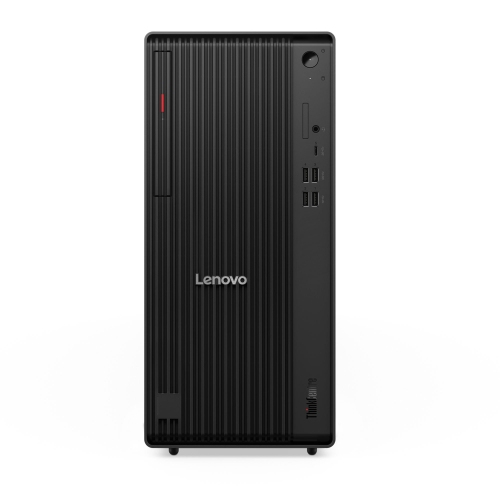
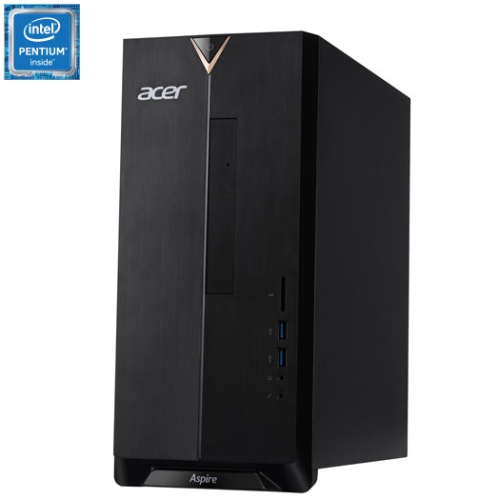
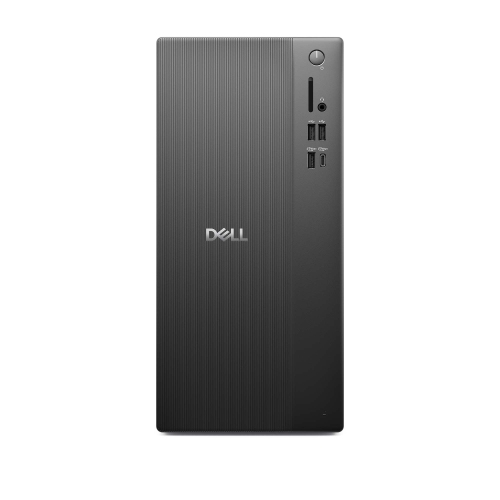
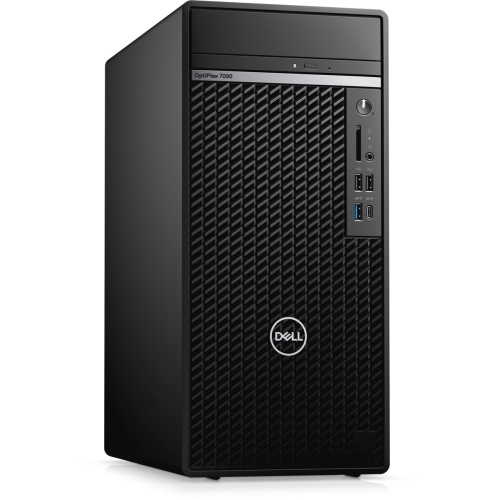
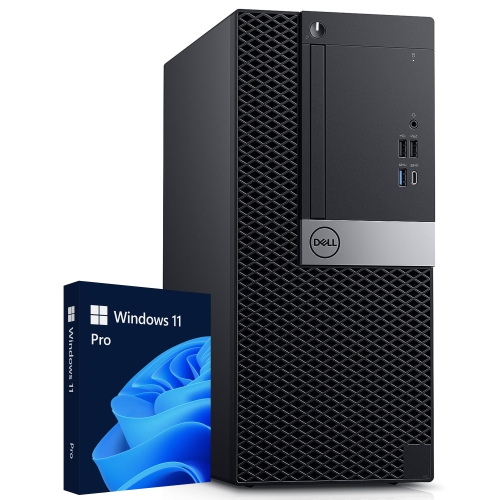
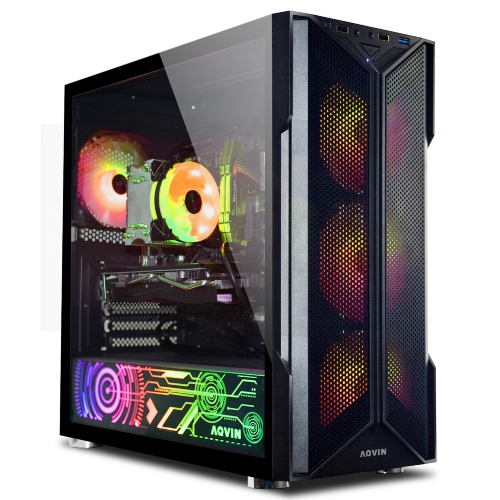
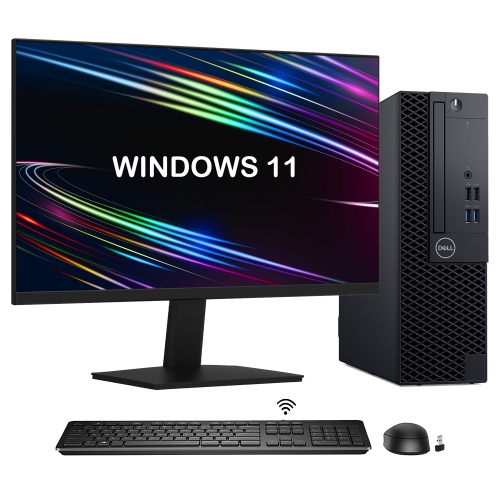
A computer tower houses the main components separately from the monitor, giving you flexibility to choose your display and peripherals. An all-in-one desktop combines the computer and screen in one unit for a simpler desk setup. Towers typically offer more options for upgrading internal components, though this varies by model.
Choose an operating system that supports your school's required applications and learning platforms. Windows is commonly used for engineering, business and technical software, while macOS supports many creative and academic applications. Check with your school or program before choosing, especially if your courses require specialized software.
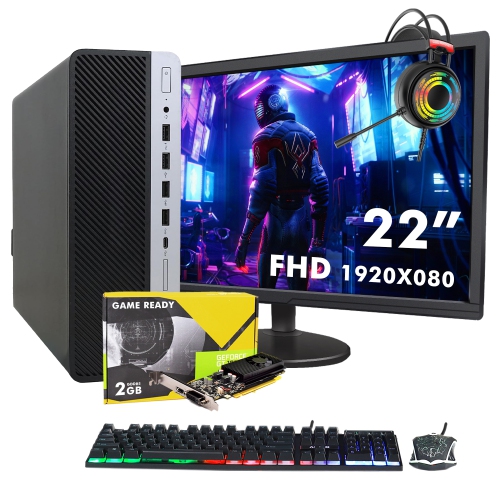
Integrated graphics are generally suitable for writing assignments, browsing, streaming lectures and creating presentations. A dedicated graphics card may be needed for coursework involving 3D modelling, animation, video editing or computer-aided design. Your course software's graphics requirements can help guide the choice.
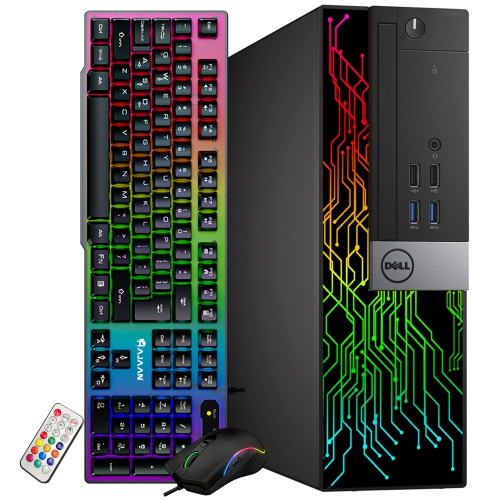
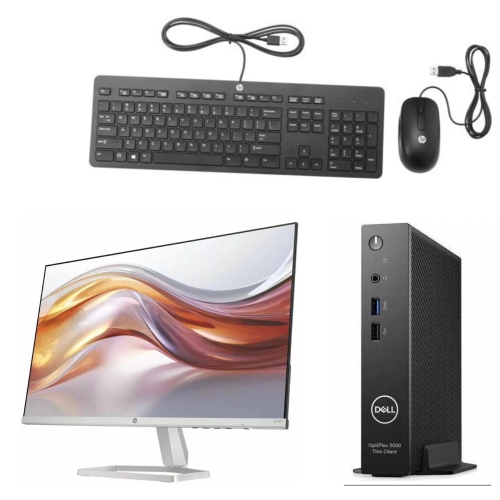
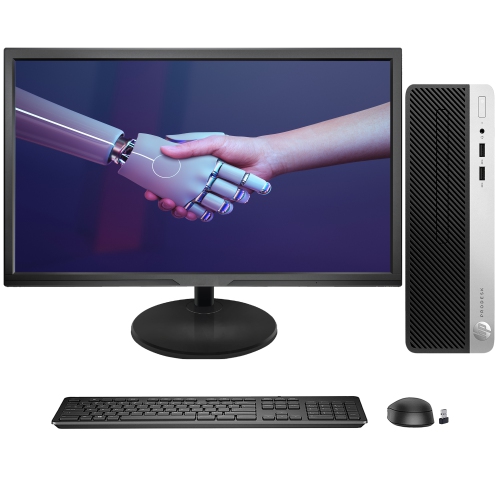
A monitor, keyboard and mouse are essential for most computer towers, but they may not be included. A webcam and a headset with a microphone are useful for online classes and group projects. Check whether the desktop has built-in Wi-Fi and Bluetooth if you plan to use wireless internet or accessories.
Top selling and popular products
Discover more categories related to Back to School Computer Towers And Desktop PCs
Some products may be subject to Environmental Handling Fees (EHF) depending on your province. Learn more about EHFs.