Best External Hard Drives for Video Editing
Video editing calls for reliable storage with room for raw footage, project files, and finished exports. The best external hard drives for video editing offer the capacity and transfer speeds to suit your workflow, whether you’re working at a desk or on location. Explore options ranked by user review ratings, and compare storage space, connectivity, and portability to find the right fit for your setup.
What to look for in external hard drives for video editing
1. Transfer Speeds
2. Storage Capacity
3. Connections and Compatibility
4. Portability and Power
-
1
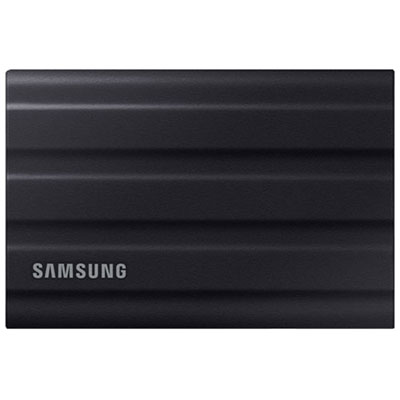
Samsung T7 Shield 4TB USB 3.2 External Hard Drive (MU-PE4T0S/AM)
About this product
A rugged black external hard drive with 4TB capacity, USB 3.2 connectivity, and thermal guard protection.
What customers like
(2,131)$1,559.95 Your price for this item is $1559.95 -
2
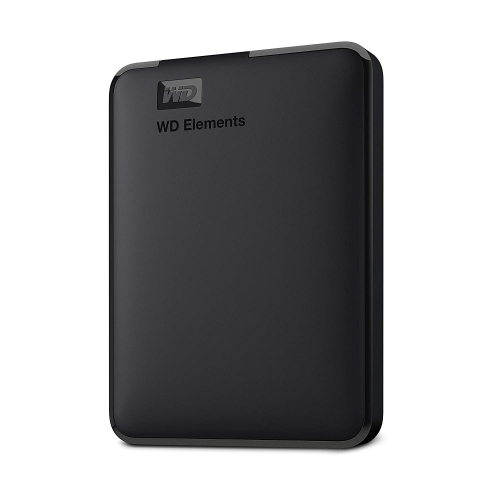
WD RETAIL CANADA Wd Elements 2Tb Portable External Hard Drive - USB 3.0 - In Black
About this product
A portable black external hard drive offering 2TB storage and fast USB 3.0 connectivity for easy transfers.
What customers like
(0)$266.68Your price for this item is $266.68SAVE $10 -
3
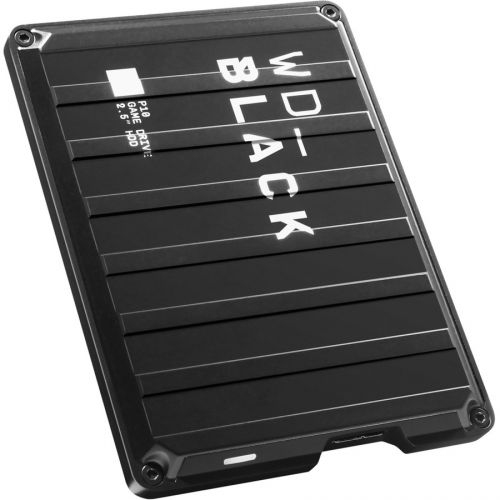
WESTERN DIGITAL Wd P10 Wdba3A0040Bbk 4 Tb Hard Drive - 2.5" Drive - External - Portable - In Black
About this product
A portable external hard drive in black with 4TB capacity and fast USB 3.2 connectivity.
What customers like
(1,155)$448.68Your price for this item is $448.68SAVE $10 -
4
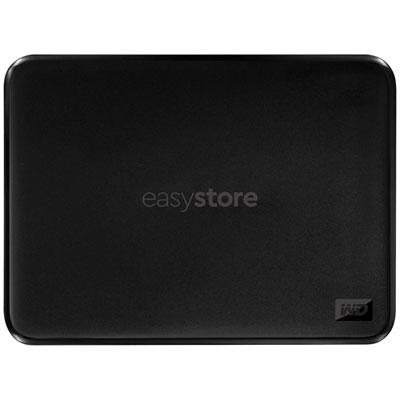
WD easystore 2TB USB 3.0 External Hard Drive (WDBAJN0020BBK-WESE) - Black - Only at Best Buy
About this product
A reliable black external hard drive offering 2TB storage and fast USB 3.0 connectivity for easy backups.
What customers like
(8,805)$234.99 Your price for this item is $234.99 -
5
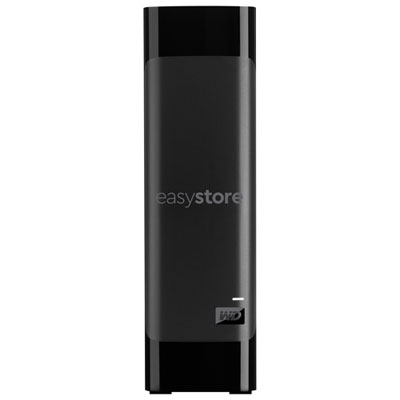
WD easystore 8TB USB 3.0 Desktop External Hard Drive (WDBAMA0080HBK-NESE) - Black - Only at Best Buy
About this product
A black desktop external hard drive offering 8TB storage and fast USB 3.0 transfer speeds.
What customers like
(7,032)$539.99 Your price for this item is $539.99 -
6
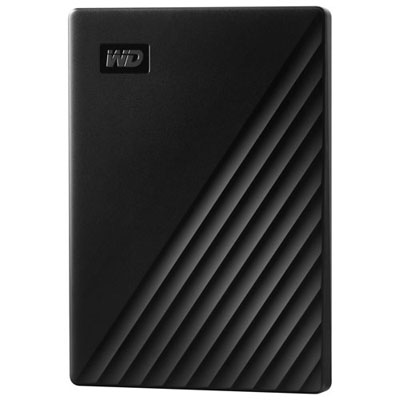
WD My Passport 2TB USB Portable External Hard Drive (WDBYVG0020BBK-WESN) - Black
About this product
A slim black portable drive offering 2TB storage with password protection and hardware encryption for data security.
What customers like
(3,186)$244.99 Your price for this item is $244.99 -
7
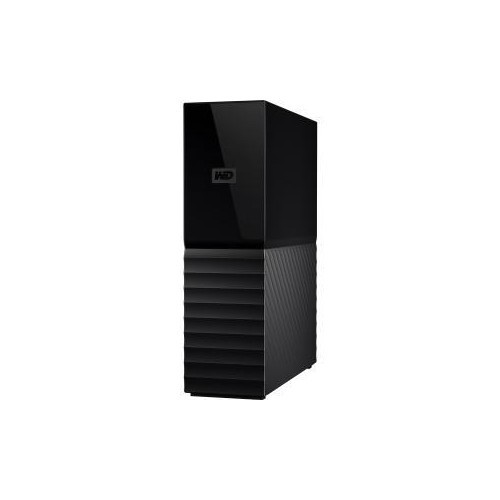
WESTERN DIGITAL Wd Retail 8Tb My Book Desktop Hard Drive USB 3.0 Password Prot & Auto Backup Wdbbgb0080Hbk-Nesn
About this product
A desktop hard drive offering 8TB storage, USB 3.0 connectivity, password protection, and automatic backup.
What customers like
(1,683)$611.68Your price for this item is $611.68SAVE $10 -
8
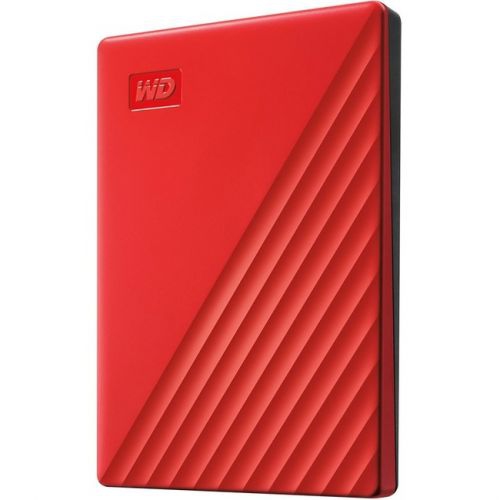
WESTERN DIGITAL Wd My Passport Wdbyvg0020Brd-Wesn 2 Tb Portable Hard Drive - External - In Red
About this product
A red portable external hard drive offering 2TB storage, USB 3.0 connectivity, and 256-bit encryption.
What customers like
(1,336)$270.68Your price for this item is $270.68SAVE $10 -
9
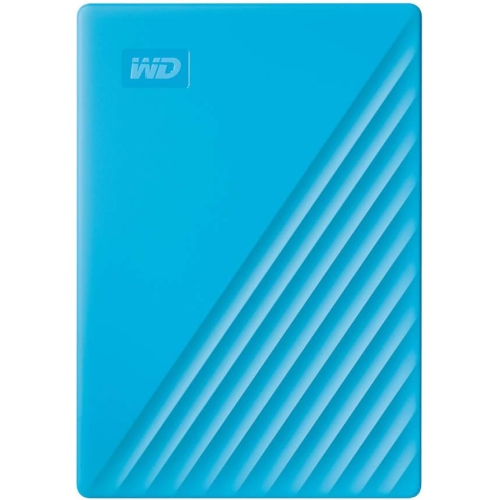
WESTERN DIGITAL Wd My Passport Wdbyvg0020Bbl-Wesn 2 Tb Portable Hard Drive - External - In Blue
About this product
A blue portable external hard drive offering 2TB storage, USB 3.0 connectivity, and 256-bit encryption.
What customers like
(1,069)$280.68Your price for this item is $280.68SAVE $10 -
10
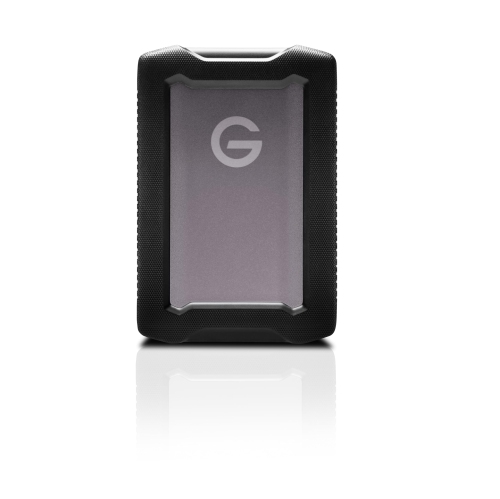
SANDISK PROFESSIONAL 2Tb G-Drive Armoratd - Rugged, Durable Portable External Hard Drive HDD, USB-C
About this product
A rugged, durable portable external hard drive with USB-C connectivity and up to 130MB/s read speeds.
(18)$423.68Your price for this item is $423.68SAVE $10
FAQ
The file system depends on your editing setup. NTFS is commonly used with Windows, while APFS and Mac OS Extended are options for Mac workflows. exFAT supports read and write access on both Windows and macOS. Check your editing software’s requirements before choosing a format. Formatting erases existing files, so copy them elsewhere first.
External hard drives commonly connect through USB, while some external storage systems use Thunderbolt. Check the drive’s connection standard, your computer’s ports and the cable requirements. USB-C describes the connector shape, so a USB-C port or cable does not necessarily support Thunderbolt.
Create a main folder for each project, with separate subfolders for source footage, audio, graphics, project files and exports. Use consistent file names and keep the folder structure intact after importing media. Many editing applications reference file locations, so moving or renaming files can require you to relink them.
Many editing applications let you store both on the same external hard drive. Project files generally contain editing instructions and references to media rather than the footage itself. Some applications use libraries or packages instead, so check how your software manages imported media, cache files and project assets.
Use your editing application’s collect, consolidate or project-management feature, if available, to gather the project and its linked media. If moving files manually, preserve the folder structure and relink the media from its new location. Open the transferred project to check that footage, audio and graphics are linked before continuing your edit.
Top selling and popular products
Discover more categories related to Best External Hard Drives for Video Editing

Some products may be subject to Environmental Handling Fees (EHF) depending on your province. Learn more about EHFs.