Best External Hard Drive for Storing Large Video Files
Large video files need plenty of storage, whether you’re archiving 4K footage, backing up finished projects, or keeping your video library organized. Explore the best external hard drives for storing large video files, ranked by user review ratings to help you compare shopper favourites. Consider storage capacity, transfer speeds, and device compatibility to find a drive that fits your workflow and keeps your footage within reach.
What to look for in external hard drives for storing large video files
1. Storage Capacity
2. Transfer Speed
3. Connectivity and Compatibility
4. Portability and File Protection
-
1
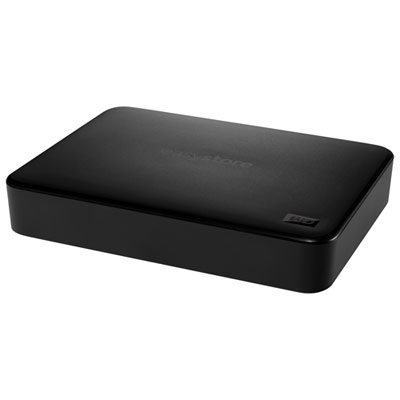
WD Easystore 5TB USB 3.2 Portable External Hard Drive (WDBAJP0050BBK-WESN) - Black
About this product
A portable black hard drive offering 5TB storage and fast USB 3.2 Gen 1 transfer speeds.
What customers like
(8,585)$394.99 Your price for this item is $394.99 -
2
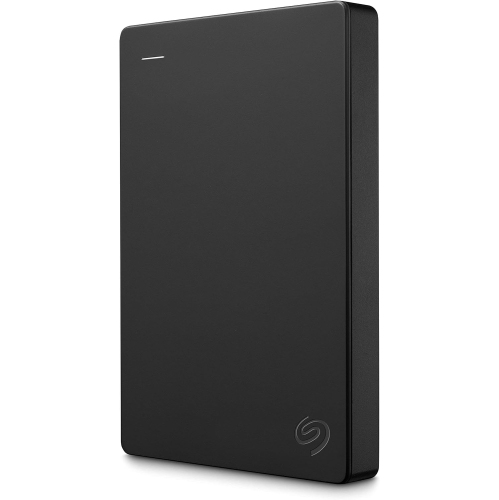
SEAGATE Portable 1Tb External Hard Drive HDD – USB 3.0 for PC, Mac, Ps4, & Xbox, 1-Year Rescue Service (Stgx1000400) In Black
About this product
A portable black external hard drive offering 1TB storage and USB 3.0 connectivity for multiple devices.
What customers like
(53)$196.99Your price for this item is $196.99SAVE $46 -
3
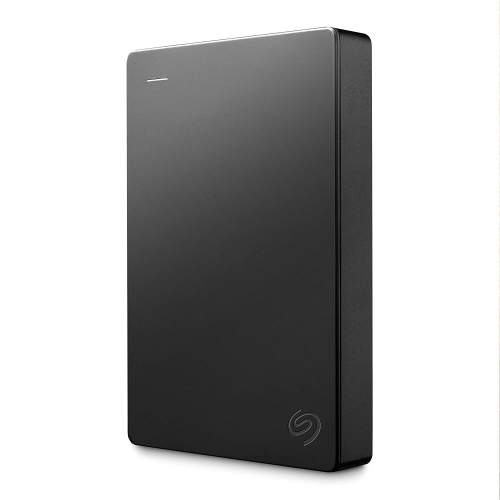
SEAGATE Portable 5Tb External Hard Drive HDD – USB 3.0 for PC Laptop And Mac (Stgx5000400)
About this product
A portable 5TB external hard drive offering USB 3.0 connectivity and simple drag-and-drop backup.
What customers like
(92)$328.99Your price for this item is $328.99SAVE $10 -
4
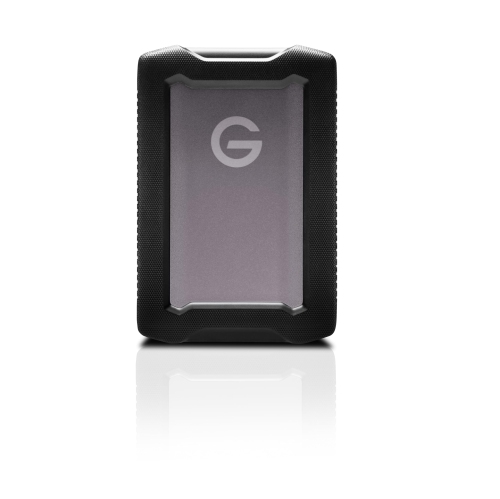
SANDISK PROFESSIONAL 2Tb G-Drive Armoratd - Rugged, Durable Portable External Hard Drive HDD, USB-C
About this product
A rugged, durable portable external hard drive with USB-C connectivity and up to 130MB/s read speeds.
(18)$423.68Your price for this item is $423.68SAVE $10 -
5
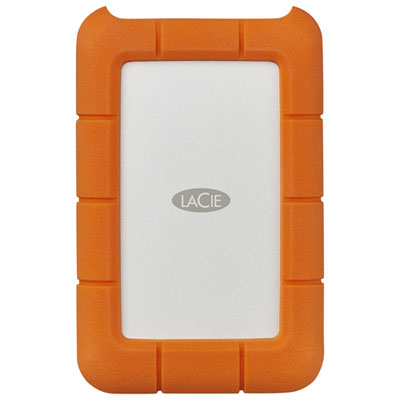
LaCie Rugged 5TB USB-C Portable External Hard Drive for PC/Mac (STFR5000800) - Orange
About this product
An ultra-durable orange external hard drive with 5TB capacity and USB-C compatibility for PC and Mac.
What customers like
(919)$334.99 Your price for this item is $334.99 -
6
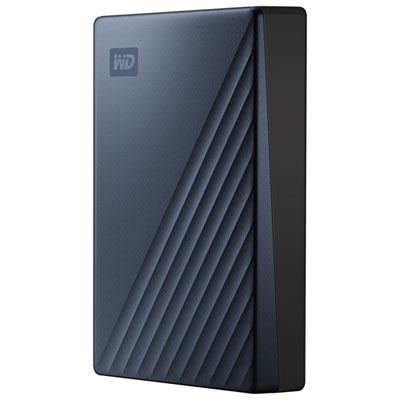
WD My Passport Ultra 2TB USB-C Portable External Hard Drive (WDBC3C0020BBL-WESN) - Blue
About this product
A blue portable external hard drive featuring 2TB storage, USB-C connectivity, and 256-bit AES encryption.
What customers like
(45)$259.99 Your price for this item is $259.99 -
7
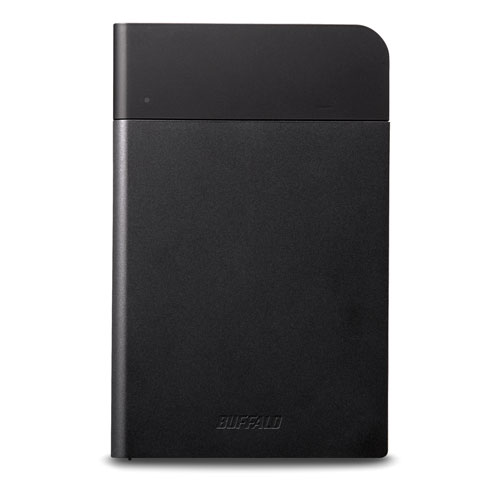
BUFFALO AMERICAS 1Tb USB 3.0 Portable External Hard Drive for Mac (HD-Pzn1.0U3B) - In Black
About this product
A portable black external hard drive offering 1TB storage and fast USB 3.0 connectivity for Mac users.
(11)$258.99Your price for this item is $258.99SAVE $45 -
8
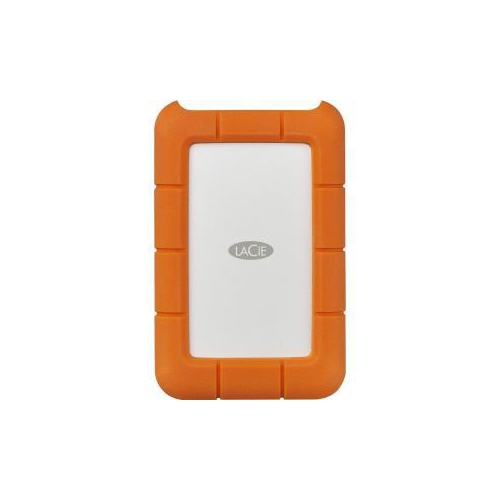
LACIE Rugged Stfr4000800 4 Tb Hard Drive - 2.5" Drive - External - Desktop - In Orange
About this product
An external 4TB hard drive in orange, offering rugged durability and USB-C compatibility for secure data storage.
What customers like
(40)$396.68Your price for this item is $396.68SAVE $10 -
9
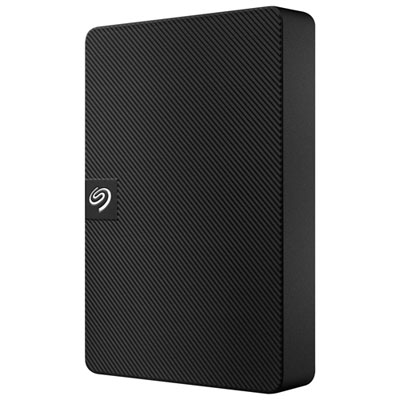
Seagate Expansion 4TB USB 3.0 Portable External Hard Drive (STKM4000400) - Black
About this product
A compact black portable hard drive offering 4TB of storage with fast USB 3.0 connectivity.
What customers like
(67)$264.99 Your price for this item is $264.99
FAQ
exFAT is commonly used when sharing video files between Windows and macOS because both systems support reading and writing to it. NTFS is a common choice for Windows-only use, while APFS is designed for Mac use. Check compatibility with any other devices you plan to connect, such as TVs or media players.
Check the drive’s connection type, your computer’s ports and the included cable. USB-C describes the connector shape, not the supported transfer standard. Review the USB or Thunderbolt specifications on both devices to confirm compatibility, and check whether the drive requires a separate power adapter.
Create a folder for each project or event, then use subfolders for original footage, audio, project files and finished exports. Consistent filenames that include dates or scene descriptions make browsing easier. After importing footage into editing software, avoid moving or renaming linked files unless you also update their locations in the project.
An archive holds footage and completed projects for long-term reference, while a backup is an additional copy of files stored elsewhere. Moving videos from your computer to an external hard drive creates an archive, but it does not create a backup if that drive holds the only copy.
Keep project files, linked audio, graphics, captions and any sidecar files created by your camera or editing software. Preserve the original camera folder structure when your workflow requires it. A finished video export usually does not include the editable timeline or all the source assets needed to revisit a project.
Top selling and popular products
Discover more categories related to Best External Hard Drive for Storing Large Video Files
Some products may be subject to Environmental Handling Fees (EHF) depending on your province. Learn more about EHFs.