Best Full-Size Wireless Keyboards
Find the best full-size wireless keyboards for comfortable typing, convenient number entry, and a clutter-free desk. Ranked by user review ratings, this selection highlights options with a full layout and dedicated number pad for work, study, or everyday use. Compare features such as connectivity, battery life, and key feel to find the right fit for your setup.
What to look for in full-size wireless keyboards
1. Layout and Typing Comfort
2. Wireless Connectivity
3. Device Compatibility
4. Battery Life and Charging
-
1
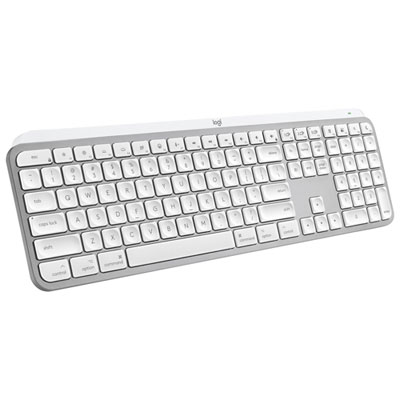
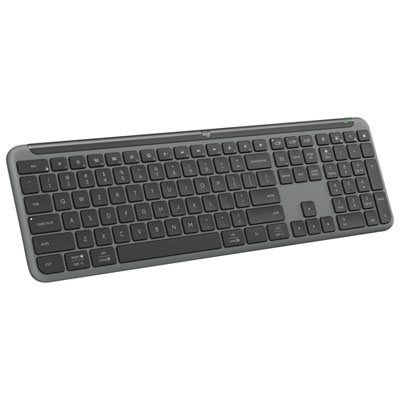
Logitech MX Keys S Wireless Backlit Keyboard for Mac/Ipad - Pale Grey - Only at Best Buy
About this product
A wireless backlit keyboard in pale grey, designed for Mac and iPad with customizable smart actions.
(21)$159.99Your price for this item is $159.99SAVE $10 -
2

LOGITECH Desktop Mk270 Wireless Mouse Keyboard Combo
About this product
A wireless keyboard and mouse combo featuring eight hot keys, spill resistance, and extended battery life.
What customers like
(9,879)$43.99Your price for this item is $43.99SAVE $5 -
3
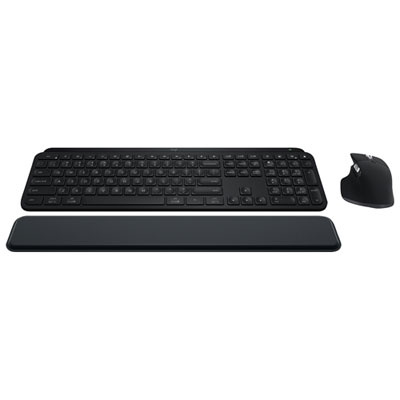
MX Keys S Bluetooth Combo - MX Keys S Keyboard, MX Master 3S Mouse, MX Palm Rest
About this product
A wireless combo featuring a backlit keyboard, ergonomic palm rest, and precision mouse with 8K DPI sensor.
What customers like
(652)$249.98Your price for this item is $249.98SAVE $50 -
4
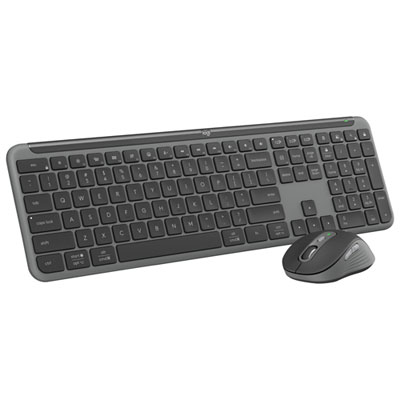
Logitech MK955 Signature Slim Wireless Optical Full-Size Keyboard & Mouse Combo - English
About this product
A slim wireless keyboard and mouse combo made from recycled plastic with customizable shortcuts and dual connectivity.
What customers like
(216)$109.99Your price for this item is $109.99SAVE $40 -
5
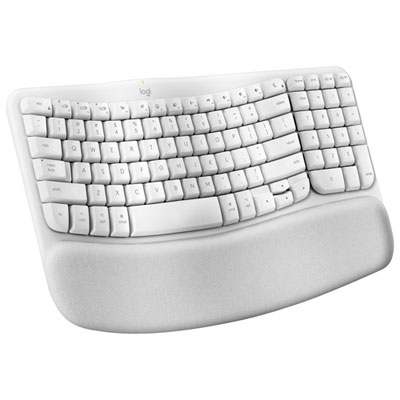
Logitech Wave Keys Wireless Ergonomic Full-Size Keyboard for Mac - Off-White
About this product
An ergonomic off-white wireless keyboard with a wavy keyframe, memory foam palm rest, and eco-friendly materials.
What customers like
(186)$89.99 Your price for this item is $89.99 -
6
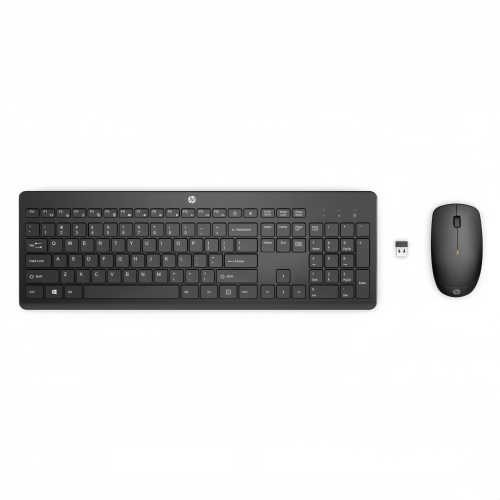
HP 230 Wireless Keyboard Mouse Combo Ergonomic Quiet Keys Long Battery In Black
About this product
A black wireless keyboard and mouse combo with quiet chiclet keys and long battery life for Windows.
(5)$44.99 Your price for this item is $44.99 -
7
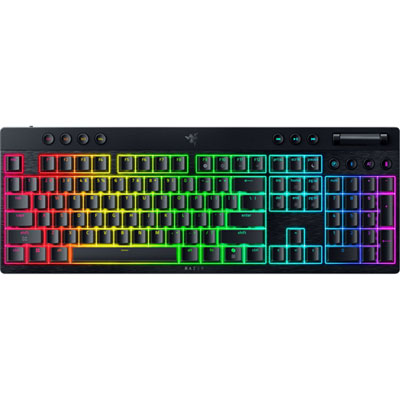
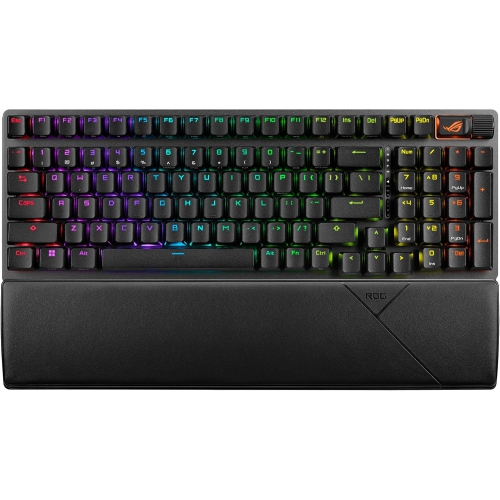
Razer Wireless Backlite Mechanical Switches Full-Size Gaming Keyboard
About this product
A wireless full-size gaming keyboard with low-profile mechanical switches and multi-device Bluetooth support.
(2)$289.99 Your price for this item is $289.99 -
8
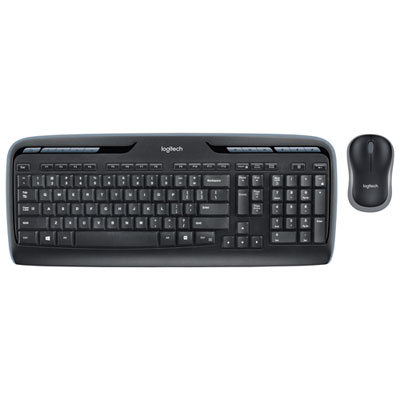
Logitech MK320 Wireless Keyboard & Mouse Combo
About this product
A wireless keyboard and mouse combo featuring a reliable 2.4GHz connection and convenient snap-on receiver.
What customers like
(9,122)$39.99 Your price for this item is $39.99 -
9
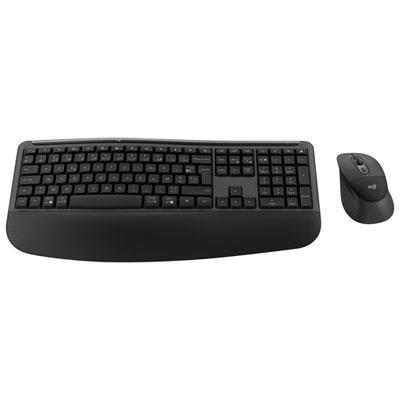
Logitech Comfort Plus MK880 Bluetooth Advanced Optical Tracking Keyboard & Mouse Combo - French
About this product
A wireless keyboard and mouse combo with Bluetooth connectivity, French layout, and comfortable palm and side grips.
What customers like
(26)$139.99 Your price for this item is $139.99
FAQ
Wireless keyboards typically connect through Bluetooth or a USB receiver. Bluetooth requires a compatible computer, while a USB receiver plugs into an available USB port. Some keyboards offer both options, letting you choose the connection type that suits your setup.
Some wireless keyboards support pairing with multiple devices, such as a desktop, laptop and tablet. Dedicated buttons or keyboard shortcuts let you switch between paired devices. Check the keyboard’s specifications for supported connections and device limits.
Mechanical keyboards use individual switches beneath the keys, with options for different typing feels and sound levels. Membrane keyboards use a flexible membrane layer to register key presses and often have a softer feel. Both types are available with wireless connectivity.
Many wireless keyboards support both Windows and macOS, but key labels, shortcuts and customization software can vary. Some include dual-labelled keys or an operating system selector. Check compatibility details if you want access to media controls, programmable keys or other specialized functions.
Wireless keyboards generally use replaceable batteries or a built-in rechargeable battery. Rechargeable models commonly charge through a USB cable, while battery-powered models require periodic battery replacement. Battery life varies with usage, backlighting and connection settings.
Top selling and popular products
Discover more categories related to Best Full-Size Wireless Keyboards
Some products may be subject to Environmental Handling Fees (EHF) depending on your province. Learn more about EHFs.