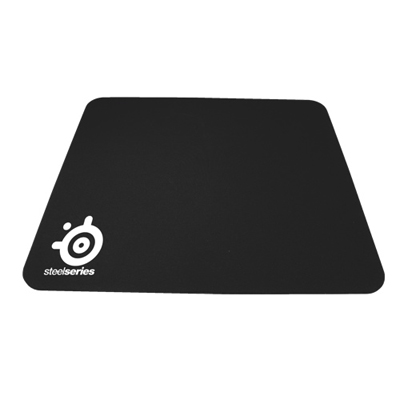
Best Gaming Mouse Pads

Find the best gaming mouse pads for your setup with options ranked by user review ratings. Whether you prefer a compact surface for precise mouse movements or an extended pad with room for your keyboard, explore options that suit your space and play style. Compare feedback on comfort, tracking, and grip to help you choose a mouse pad for everyday play and intense matches.

Read More

What to look for in gaming mouse pads

1. Size and Desk Fit

Choose a mouse pad with enough room for your usual movements, especially if you use low mouse sensitivity. Extended pads can accommodate both your keyboard and mouse, while compact options leave more desk space available.

2. Surface and Glide

Smooth surfaces generally offer faster glide, while textured cloth surfaces provide more resistance for controlled movements. Look for a surface that works well with your mouse sensor and suits the games you play.

3. Base Grip and Comfort

A non-slip base helps keep your mouse pad in place during quick movements. Thicker pads add cushioning and can help smooth out minor desk irregularities, while thinner pads offer a firmer feel.

4. Durability and Care

Well-finished edges can improve comfort, and stitched edges on cloth pads can help limit fraying. Check the cleaning instructions and consider a spill-resistant surface if you keep drinks near your setup.
Citrus catapult arrow
  1. 1

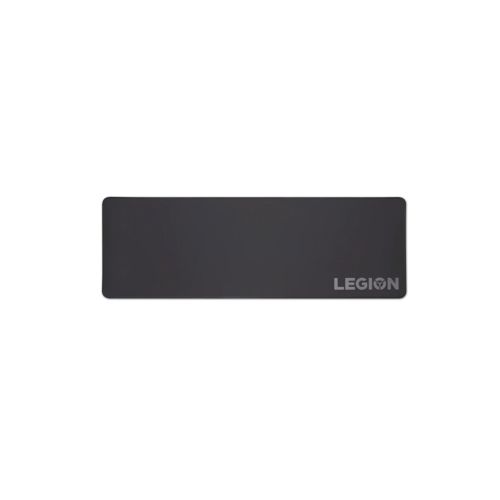
    LENOVO Legion Mouse Pad, for Gaming

    About this product

    A smooth, durable mouse pad designed to enhance precision and comfort during gaming sessions.

    What customers like

    • Smooth and comfortable texture
    • Excellent value for money
    • High build quality and durability
    • Large and spacious surface
    • Non-slip rubber base prevents movement
    (735)
    $23.99 Your price for this item is $23.99
  2. 2

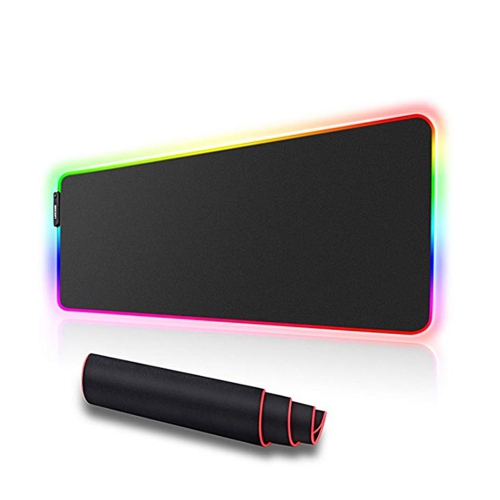
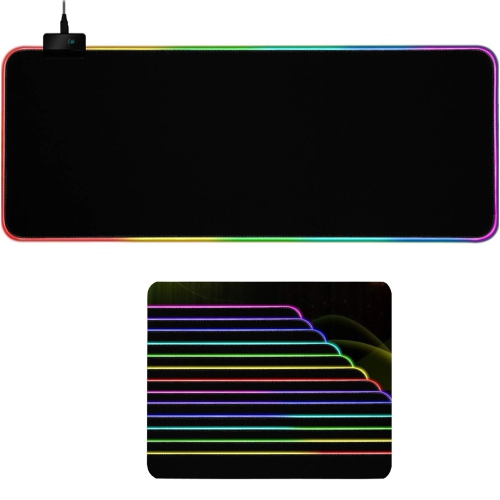
    SPEEDEX RGB Led Light Soft Gaming Mouse Pad Large 800X300X4MM Size, Oversized Glowing Led Extended Mousepad

    About this product

    An oversized soft mouse pad featuring nine customizable RGB lighting modes for an immersive gaming experience.

    (1)
    $28.99
    SAVE $23
    Your price for this item is $28.99
  3. 3

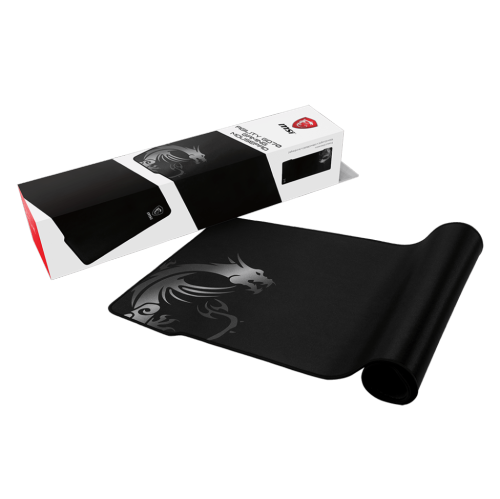
    MSI Wide Xxl Stitched Edge Non-Slip Rubber Base 36” X 16” X 0.1” Premium Gaming Mouse Pad (Agility Gd70)

    About this product

    An XXL black mouse pad with stitched edges and a non-slip rubber base for smooth, comfortable gaming.

    (1)
    $68.68 Your price for this item is $68.68
  4. 4

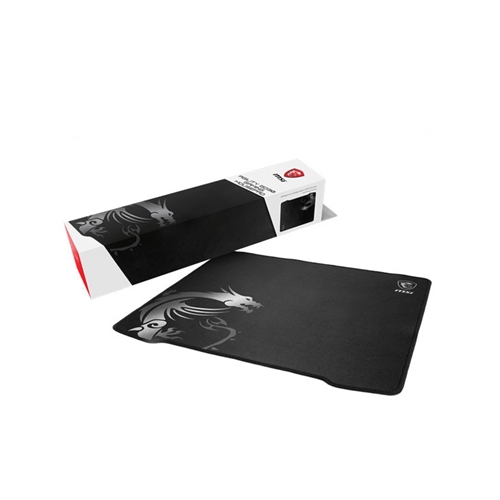
    MSI Agility Gd30 Mousepad

    About this product

    A gaming mouse pad featuring a silky smooth fabric surface and an anti-slip rubber base.

    $34.99
    SAVE $10
    Your price for this item is $34.99
  5. 5

    AXGEAR Gaming Mouse Pad RGB Led Light Color Switching for Computer Laptop Large

    About this product

    An RGB LED mouse pad with seven lighting modes, non-slip rubber base, and ultra-smooth hard surface.

    $19.99
    SAVE $35
    Your price for this item is $19.99
  6. 6

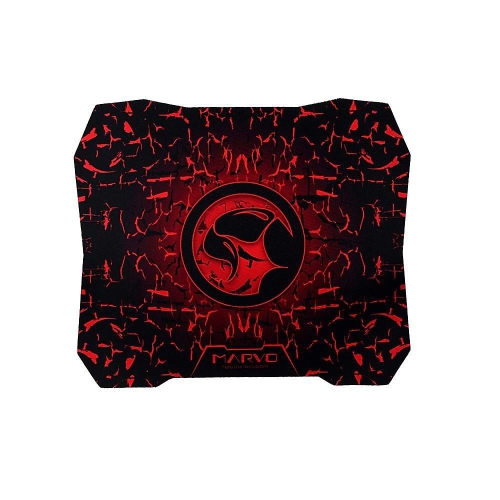
    MARVO Tech G1 Gaming Mouse Pad In Red

    About this product

    A red gaming mouse pad featuring an anti-skid, high-grip rubber base for precise control.

    $16.99 Your price for this item is $16.99
  7. 7

    MMNOX Pad01 Gaming Mouse Pad In Red

    About this product

    A red gaming mouse pad featuring anti-skid, high-grip rubber for precise mouse control.

    $14.99 Your price for this item is $14.99
  8. 8

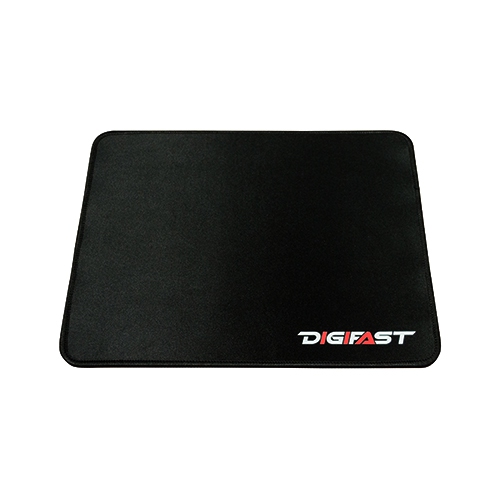
    DIGIFAST Mouse Pad With Anti-Fray Edge Stitching, Premium-Texture And Water Repellent Surface. In Black

    About this product

    A black mouse pad featuring anti-fray edge stitching and a premium, water-repellent textured surface.

    $13.99
    SAVE $1
    Your price for this item is $13.99
  9. 9

    DIGIFAST Gaming Mouse Pad With Anti-Fray Edge Stitching And Reflective Textile Weave In Black

    About this product

    A black gaming mouse pad featuring anti-fray edge stitching and a high-endurance reflective textile weave.

    $13.99
    SAVE $1
    Your price for this item is $13.99
  10. 10

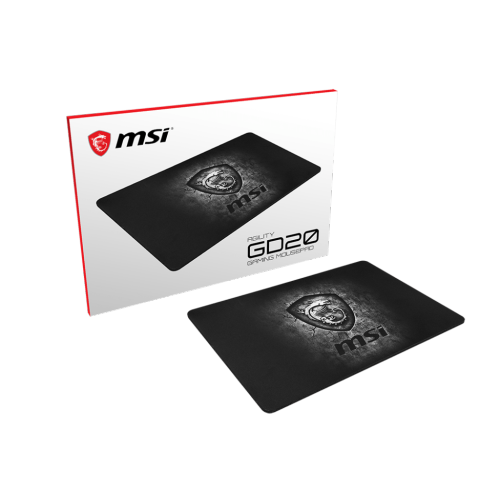
    MSI Agility Gd20 Non-Slip Rubber Base 12.6"x 8.67"x 0.2" Gaming Mouse Pad

    About this product

    A durable gaming mouse pad featuring a non-slip rubber base for stable and precise mouse control.

    $31.99
    SAVE $3
    Your price for this item is $31.99

How surface feel and space shape every mouse movement

The best gaming mouse pads balance consistent tracking, comfortable movement, and enough usable space for the way a mouse is handled. A smooth glide matters, but so does being able to stop precisely when lining up a shot, selecting a small on-screen target, or moving between shortcuts. Cloth gaming mouse pads are a versatile choice for players who prefer a little resistance under the mouse. Their woven surfaces generally offer more stopping control than very slick hard pads, making them well suited to deliberate aiming and small adjustments in tactical games. Tightly woven cloth can feel smooth and quick, while a more pronounced texture may provide firmer feedback as the mouse moves. Hard gaming mouse pads, including plastic and glass designs, typically favour a faster glide with less resistance, although the exact feel depends on the surface finish and the mouse feet. That lighter movement can suit players who make frequent, rapid turns or simply dislike the drag of fabric. Neither surface type is automatically more accurate: a predictable feel and compatibility with the mouse sensor matter more than a particular material alone. Many gaming surfaces work with modern optical sensors, but compatibility deserves attention with glass or unusual finishes. Mouse feet also affect the experience, since their material, shape, and condition influence friction and sound. Someone moving from a soft cloth pad to a hard surface may notice that familiar movements carry farther, even without changing sensitivity settings. For players who switch between action games, strategy titles, and everyday computer tasks, a balanced cloth surface can offer a comfortable middle ground. For those who favour fast movement above all else, a smooth hard surface may feel more natural. The most useful distinction is not simply speed versus control, but whether the pad makes repeated movements feel consistent throughout a session. A reliable surface helps keep attention on the game rather than on a mouse that catches, drags, or behaves differently across the desk.

Size and fit have just as much influence on everyday comfort as surface texture. A compact gaming mouse pad can work well on a narrow desk or for someone who uses high sensitivity and moves mainly from the wrist. Players using lower sensitivity often need substantially more room because turning across the screen may involve a broad sweep of the forearm. Running out of pad halfway through that movement interrupts the action and forces an awkward lift and reset. Large Gaming Mouse Pads offer a wider working area for these sweeping movements, while extended desk mats can provide a continuous surface beneath both the keyboard and mouse. The usable mouse space still depends on where the keyboard sits, particularly with a full-size layout, an angled typing position, or a microphone stand nearby. Width and depth both matter: a wide mat may still feel restrictive if there is little space between the keyboard and the front edge of the desk. Thickness changes the feel as well. A thicker foam or rubber-backed cloth pad can cushion contact with the forearm and soften the feel of minor desk imperfections, whereas a thin pad creates less of a step between the desktop and the playing surface. Extra softness is not always preferable, since pressing firmly into a cushioned pad can change how the mouse glides. A grippy base helps keep the pad steady during quick movements, but it needs a clean desk surface and full contact to work properly. Edge construction deserves attention wherever the wrist or forearm rests. Low-profile stitching can help limit fraying without creating a prominent ridge, while an unstitched edge may feel flatter but can show wear over time. Rounded corners, a surface that lies flat, and a comfortable position relative to the desk edge all contribute to a setup that feels less distracting during longer sessions. A pad should support the space already in use, not crowd out comfortable keyboard placement or leave essential controls beyond easy reach.

Durability and care help preserve the consistent feel that makes a gaming mouse pad useful in the first place. On cloth surfaces, dust, skin oils, and small spills can gradually alter the glide, leaving frequently used areas feeling slower than the edges. Regular cleaning according to the manufacturer’s directions helps prevent that unevenness. Many plain cloth pads tolerate gentle hand cleaning, but coatings, printed finishes, adhesives, and backing materials can require different treatment. Harsh scrubbing, strong cleaners, and heat may damage the surface or separate its layers, so machine washing and tumble drying should never be assumed suitable. A washable pad needs to dry fully before returning to the desk. Hard pads are often easier to wipe clean, although even a tiny particle can feel noticeable beneath the mouse and may create scratching or scraping sounds. Keeping the mouse feet clean is equally important, especially on glass or other rigid surfaces. Frayed edges, peeling layers, curled corners, and persistent changes in texture can all affect how dependable a pad feels over time. Portability introduces another consideration: flexible cloth pads can be convenient for shared setups or travel, provided they are packed as directed and protected from sharp folds, while rigid pads need protection against bending or impact. Lighting adds a different kind of appeal. RGB gaming mouse pads can outline a setup with colour, but illuminated models may require a USB connection, leave a cable at the edge of the desk, and need more careful cleaning around electrical components. A plain design keeps the surface visually quiet and can transition easily between gaming, homework, and office tasks. As a gift, a gaming mouse pad is most personal when its dimensions and finish reflect the recipient’s habits: generous space for an arm-aiming player, a compact footprint for a smaller workstation, or understated styling for a shared room. For students, regular multiplayer players, and anyone whose desk serves several purposes, the lasting value lies in a comfortable surface that stays put and supports familiar movements, whether the session lasts a few minutes or an entire evening.
Read More

FAQ

Some products may be subject to Environmental Handling Fees (EHF) depending on your province. Learn more about EHFs.