Best Ipad Styluses for Drawing
Find the best iPad styluses for drawing, ranked by user review ratings to help you choose with confidence. Whether you’re sketching, illustrating, taking notes, or refining detailed digital artwork, these picks offer responsive performance and useful features for artists at every skill level.
What to look for in the best iPad styluses for drawing
1. Compatibility
2. Pressure Sensitivity
3. Precision And Responsiveness
4. Battery Life And Charging
-
1
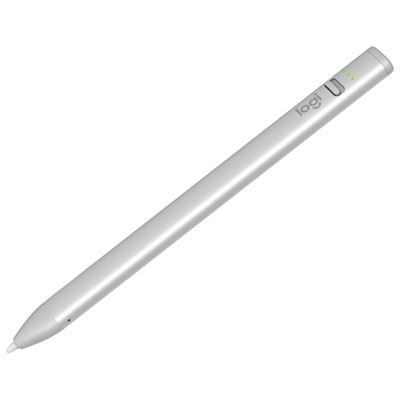
Logitech Crayon USB-C Digital Pencil for iPad (2018 & Later) - Silver
About this product
A silver digital pencil offering pixel-perfect accuracy and pressure sensitivity for creative tasks on compatible iPads.
What customers like
(326)$89.95 Your price for this item is $89.95 -
2
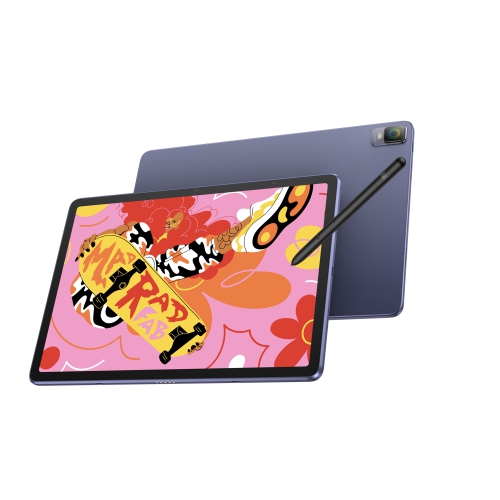
XPPEN Magic Drawing Pad, 12.2 Inch Standalone Drawing Tablet, 16384 Pressure Levels X3 Pro Battery-Free Stylus Paper-Like Screen, Tuv-Certified
About this product
A standalone 12.2-inch drawing tablet with a paper-like screen, 16384 pressure levels, and 256GB storage.
(1)$589.99Your price for this item is $589.99SAVE $100 -
3
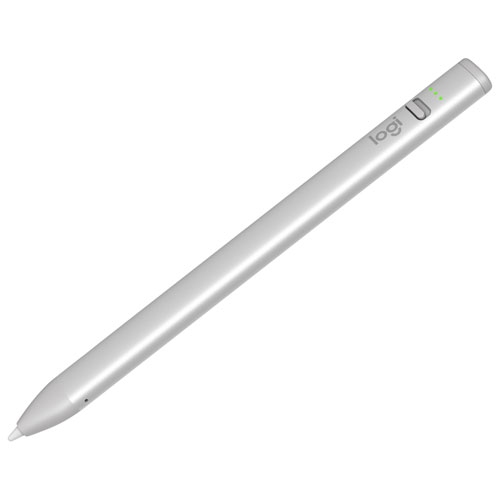
LOGITECH Crayon USB-C Digital Pencil for Ipad (2018 & Later) - - In Silver
About this product
A silver digital pencil offering pixel-level accuracy and pressure sensitivity for creative tasks on compatible iPads.
What customers like
(326)$118.51Your price for this item is $118.51SAVE $11 -
4
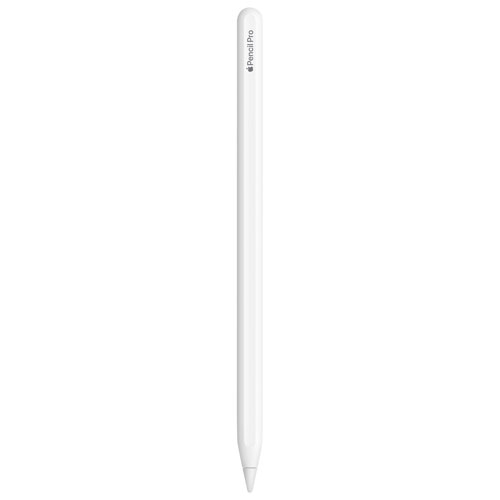
APPLE - Pencil Pro for Ipad / (Compatible With Ipad Pro M4 & Ipad Air M2 Only) In White
About this product
A precision stylus in white designed exclusively for iPad Pro M4 and iPad Air M2 models.
(5)$139.99Your price for this item is $139.99SAVE $110 -
5
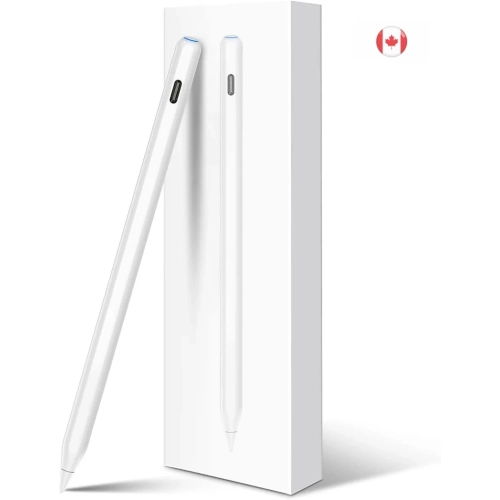
KEEGUARD
About this product
A magnetic stylus with wireless charging, tilt sensitivity, and palm rejection, compatible with select iPad Air models.
(3)$9.99Your price for this item is $9.99SAVE $40 -
6
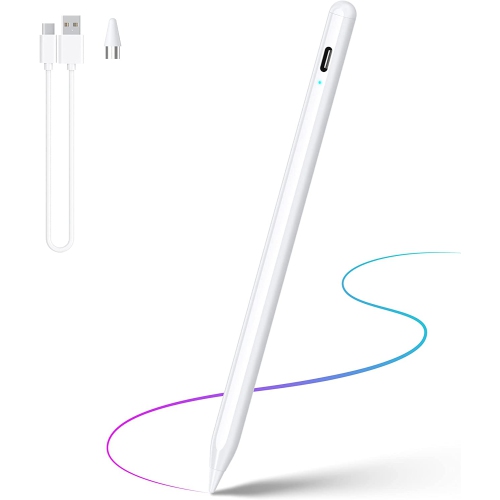
DOLAER Stylus Pen, Iphone Stylus w High Precise Tip Compatible for Ios/android Touchscreens/phones, Rechargeable Stylus Pen, Stylus Pencil For
About this product
A rechargeable stylus featuring a 1.5 mm precise tip, tilt sensitivity, and broad touchscreen compatibility.
(1)$24.99Your price for this item is $24.99SAVE $40 -
7
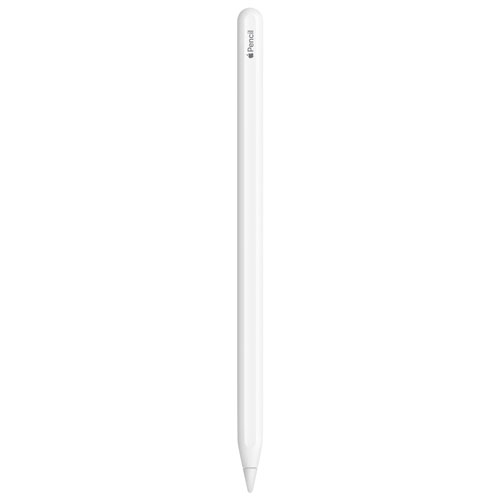
APPLE Refurbished (Excellent) - Pencil (2Nd Generation) for Ipad - In White
About this product
A refurbished white stylus offering pixel-perfect precision and low latency for drawing, note-taking, and more.
(1)$139.00Your price for this item is $139SAVE $30 -
8
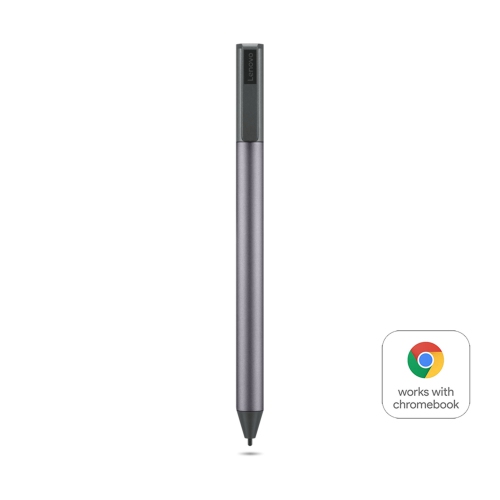
LENOVO Usi Pen 2
About this product
A versatile stylus designed for precise writing and drawing on compatible tablets and Chromebooks.
What customers like
(139)$58.99Your price for this item is $58.99SAVE $13 -
9
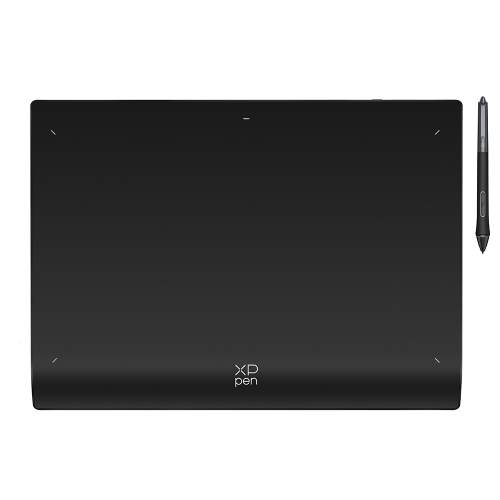
XPPEN Deco Pro Xlw 2Nd Wireless Graphic Tablet 15"x9" Bluetooth Drawing Tablet Paper-Feeling 16384 Pen Levels Digital Art Tablet w X3 Pro Stylus
About this product
A wireless drawing tablet with 16K pressure levels, Bluetooth 5.0, X3 Pro stylus, and mini key-dial.
(2)$209.99Your price for this item is $209.99SAVE $70 -
10
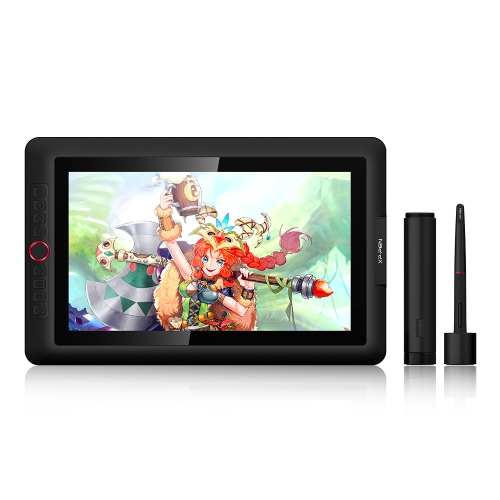
XPPEN Artist 15.6 Pro Graphic Tablet w 15.6 Inch Drawing Display, 1080P Graphic Monitor w Full-Laminated Technology Screen, 8192 Levels
About this product
A full-laminated 15.6" drawing monitor with 8192-level battery-free stylus and customizable shortcut keys.
(1)$349.99Your price for this item is $349.99SAVE $150
FAQ
Look for features such as pressure sensitivity, tilt recognition, palm rejection, low-latency response, customizable controls, and a comfortable grip. Compatibility with your iPad model and drawing app is also important.
No. Compatibility varies by iPad model and stylus. Check the stylus specifications and your iPad model to confirm that they work together before choosing one.
Pressure sensitivity allows the stylus to respond to how firmly you press on the screen. In supported drawing apps, this can help create variations in line thickness, opacity, or brush intensity.
Tilt recognition detects the angle of the stylus as you draw. Compatible apps can use this feature to create shading effects, broader strokes, or other results that resemble traditional drawing tools.
Most iPad styluses support basic writing and drawing, but advanced features may depend on the app. Check whether your preferred app supports functions such as pressure sensitivity, tilt recognition, palm rejection, and programmable shortcuts.
Top selling and popular products
Discover more categories related to Best Ipad Styluses for Drawing

Some products may be subject to Environmental Handling Fees(EHF) depending on your province. Learn more about EHFs.