Best Stylus for iPads
Find the best styluses for iPads to make note-taking, sketching, and everyday navigation feel more natural. Ranked by user review ratings, this selection highlights shopper favourites to help you compare your options. Look for features that suit your needs, such as precision, palm rejection, and pressure sensitivity, and check compatibility with your iPad model before choosing.
What to look for in styluses for iPads
1. iPad Compatibility
2. Writing and Drawing Features
3. Comfort and Tip Design
4. Charging and Storage
-
1
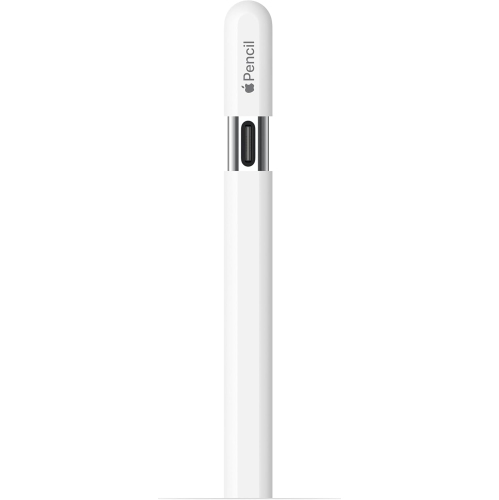
APPLE - Pencil (USB-C)
About this product
A matte-finish stylus with pixel-perfect precision, low latency, tilt sensitivity, and a hidden USB-C charging port.
What customers like
(4,340)$96.99Your price for this item is $96.99SAVE $23 -
2
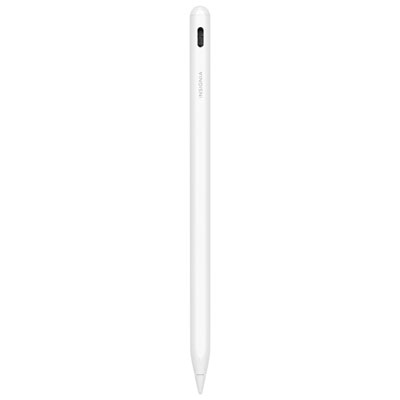
Insignia Active Stylus for iPad - White - Only at Best Buy
About this product
A white metal stylus offering precise, lag-free writing, tilt sensitivity, palm rejection, and fast USB-C charging.
(4)$59.99 Your price for this item is $59.99 -
3
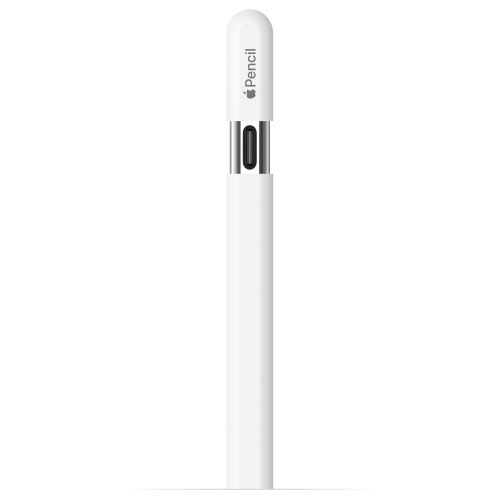
APPLE Pencil (USB-C) (3Rd Generation) for Ipad (White) - Refurbished (Fair)
About this product
A refurbished white stylus offering precise input and USB-C connectivity for compatible iPad models.
(4)$79.99Your price for this item is $79.99SAVE $30 -
4
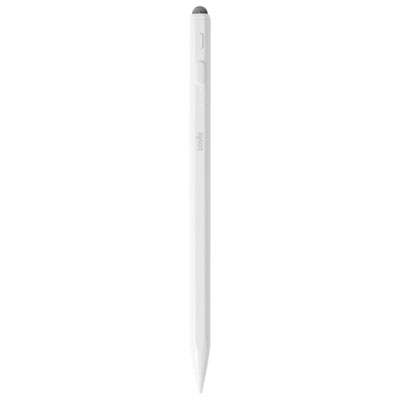
LOGiiX Precision Classic Pencil (2025) for iPads - White
About this product
A white stylus offering tilt-sensitive precision, dual tips, magnetic attachment, and up to eight hours of battery life.
(3)$59.99 Your price for this item is $59.99 -
5
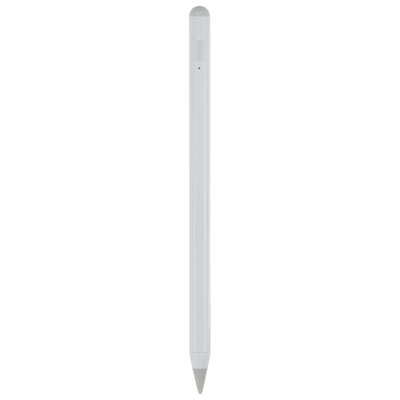
LOGiiX Precision Pencil for iPad (2023) - White
About this product
A white stylus with a tilt-sensitive tip and 10-hour rechargeable battery for precise iPad writing and drawing.
(2)$69.99 Your price for this item is $69.99 -
6
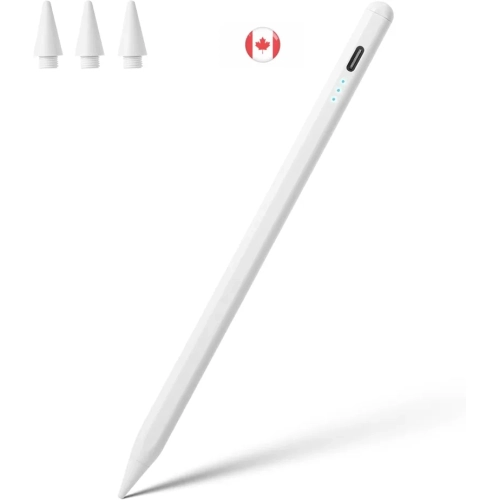
KEEGUARD Stylus Pen for Ipad, White, Apple Pencil Alternative, Compatible w Ipad 6Th to 11Th Gen, Ipad Pro 11/12.9/13, Ipad Air 3/4/5/m2/m3, Ipad
About this product
A lightweight white stylus pen offering precise writing and drawing for a wide range of iPad models.
(1)$24.99Your price for this item is $24.99SAVE $5 -
7
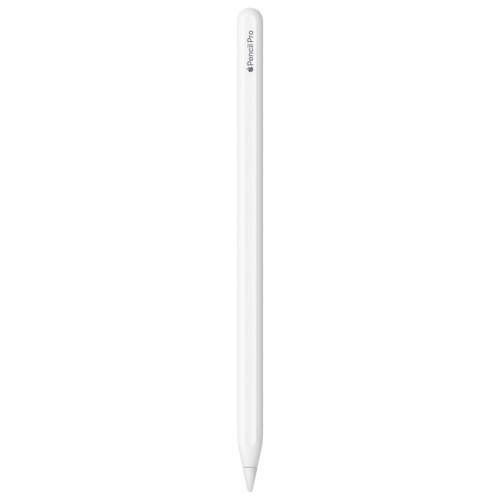
Refurbished (Excellent) - Apple Pencil Pro
About this product
A cutting-edge stylus offering Squeeze gesture, Barrel Roll control, haptic feedback, and Find My integration.
(1)$126.99 Your price for this item is $126.99 -
8
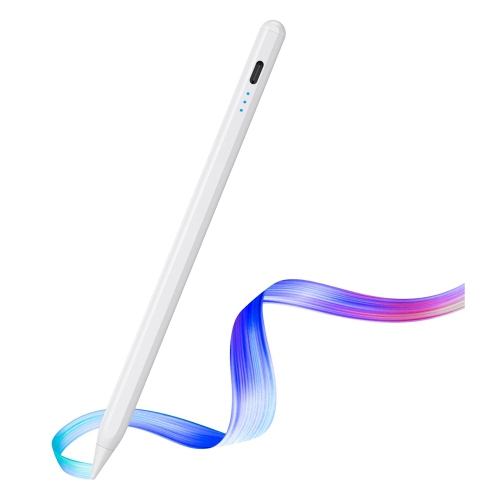
AXGEAR Stylus Pen Fast Charging Rechargeable Active Stylus Pen for Tablet Drawing Pad
About this product
A fast-charging rechargeable stylus pen offering smooth, natural drawing and double-tap power control for tablets.
(3)$19.99Your price for this item is $19.99SAVE $32 -
9
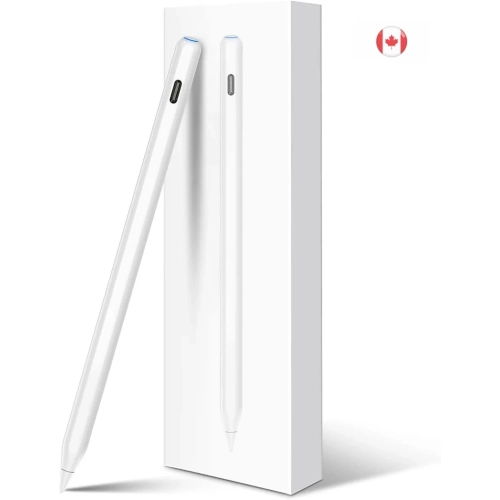
KEEGUARD
About this product
A magnetic stylus with wireless charging, tilt sensitivity, and palm rejection, compatible with select iPad Air models.
(3)$9.99Your price for this item is $9.99SAVE $40 -
10
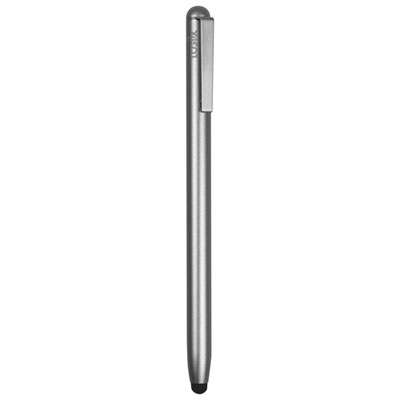
LOGiiX Aluminum Stylus Pencil for Touchscreen Devices (LGX-13979) - Graphite Grey
About this product
An ergonomic graphite grey stylus with a premium aluminum body and replaceable high-quality tip for precise control.
(3)$14.99 Your price for this item is $14.99
FAQ
Find your iPad’s model name and model number under Settings > General > About, then compare them with the stylus manufacturer’s compatibility list. Compatibility can depend on the iPad generation and software version, so check the exact model rather than relying on the connector type alone.
An active stylus uses powered electronics and may include features such as palm rejection, tilt support or pressure sensitivity. A passive capacitive stylus requires no battery and interacts with the touchscreen much like a fingertip. Available features depend on the stylus, iPad and app.
Pressure sensitivity lets a compatible app vary a stroke’s thickness or opacity based on how firmly you press. Tilt support lets an app change the stroke or shading based on the stylus angle. These are separate features, and a stylus may support one without the other.
No. Passive capacitive styluses do not need pairing, and some powered styluses can be used without a Bluetooth connection. Other models require pairing to enable certain features. Charging methods also vary and may include a cable, a connector or magnetic charging on compatible iPads.
Many styluses have replaceable tips, while others have fixed tips. Replacement tips must match the stylus model, as attachment methods and materials vary. Check the manufacturer’s instructions to find the correct tip and replacement procedure.
Top selling and popular products
Discover more categories related to Best Stylus for iPads
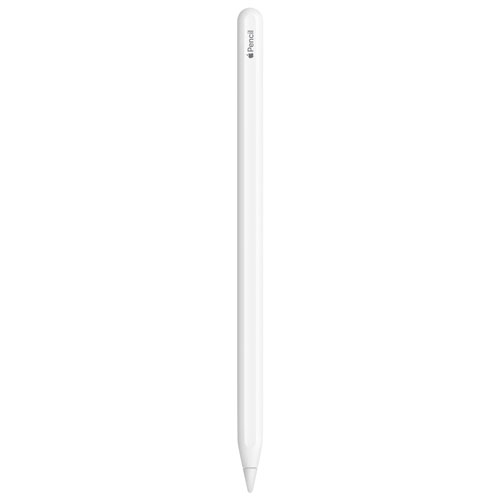
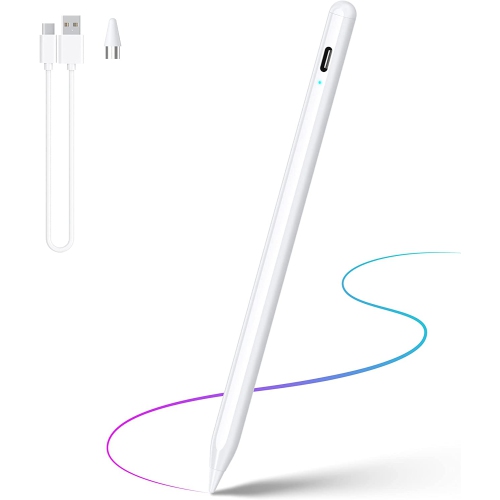

Some products may be subject to Environmental Handling Fees (EHF) depending on your province. Learn more about EHFs.