Best iPads for Drawing
Bring your ideas to life with a tablet that suits your drawing style, from quick sketches to detailed digital illustrations. Ranked by user review ratings, these top-rated picks can help you narrow your search. Compare screen size, stylus compatibility, and app support to find the right fit for your creative projects, skill level, and budget.
What to look for in the best iPads for drawing
1. Apple Pencil Compatibility
2. Display Quality and Size
3. Performance and App Support
4. Storage Capacity
-
1
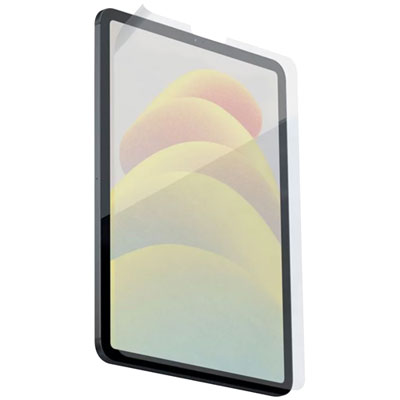
Paperlike Screen Protector for iPad Pro 11 (2018-2021)/ iPad Air 10.9" (2020-2022) - 2 Pack
About this product
A clear screen protector that provides a paper-like feel and enhanced precision for drawing and writing.
What customers like
(1,660)$58.97 Your price for this item is $58.97 -
2
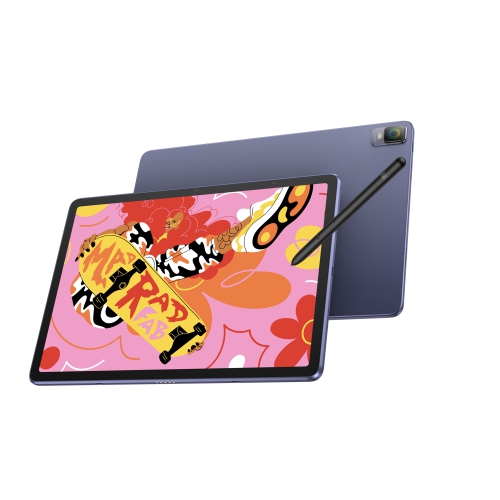
XPPEN Magic Drawing Pad, 12.2 Inch Standalone Drawing Tablet, 16384 Pressure Levels X3 Pro Battery-Free Stylus Paper-Like Screen, Tuv-Certified
About this product
A standalone drawing tablet with 2160×1440 resolution, 97% sRGB, 16,384 pressure levels, and anti-glare screen.
(1)$699.99Your price for this item is $699.99SAVE $60 -
3
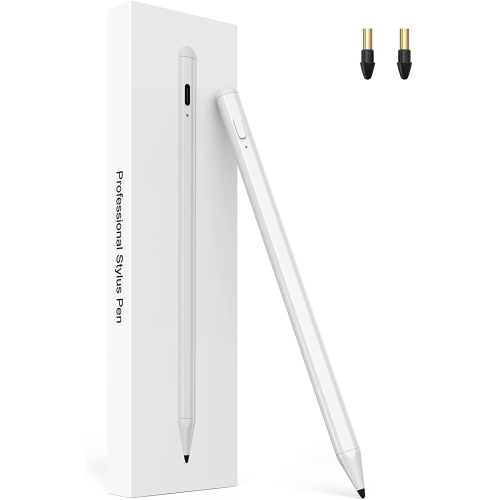
NAVOR Stylus Pen for Ipad w Palm Rejection, 2Nd Gen Ipad Pencil for Drawing And Handwriting Compatible w Apple Ipad(10/9/8/7/6Th) /air(5Th/4Th/3Rd)
About this product
A precision stylus with palm rejection, ideal for drawing and handwriting on compatible iPad models.
(1)$41.96Your price for this item is $41.96SAVE $38 -
4
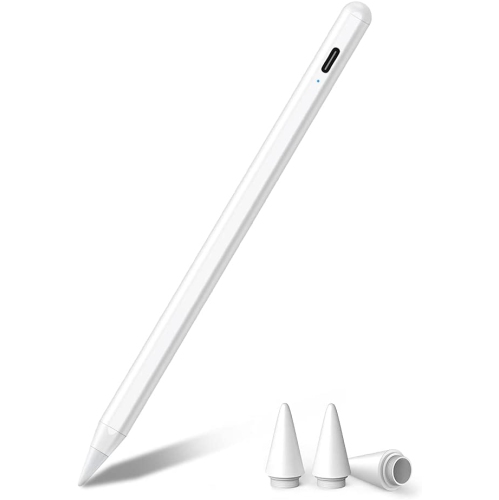
DOLAER Stylus Pen for Ipad w Palm Rejection, Active Pencil Compatible w Ipad (2018-2022), Ipad Pro 11/12.9, Ipad 6/7/8/9, Ipad Mini 5/6, Ipad Air
About this product
An active stylus with palm rejection and tilt sensitivity, designed for precise drawing and note-taking on iPads.
(1)$19.99Your price for this item is $19.99SAVE $19 -
5
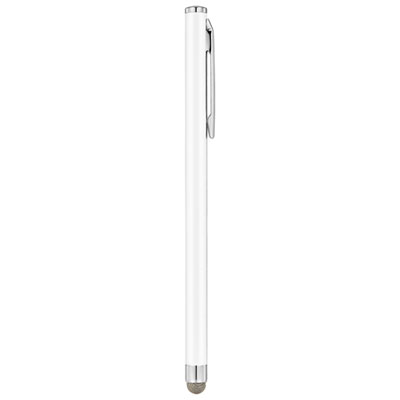
Insignia Slim Stylus (NS-STYLW-C) - White - Only at Best Buy
About this product
A white slim stylus featuring a sensitive fibre tip for precise typing and drawing on touchscreens.
What customers like
(271)$9.99 Your price for this item is $9.99 -
6
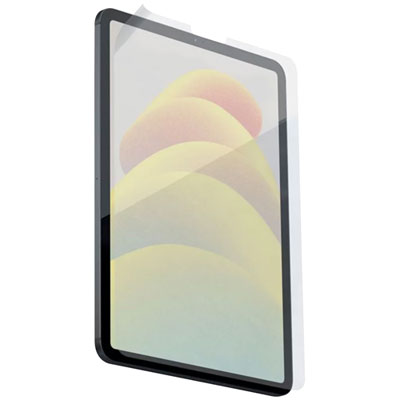
Paperlike Screen Protector For iPad 10.9" 10th Gen (2022) - 2 Pack
About this product
A clear screen protector that mimics real paper texture for precise writing and drawing on your iPad.
What customers like
(122)$58.97 Your price for this item is $58.97 -
7
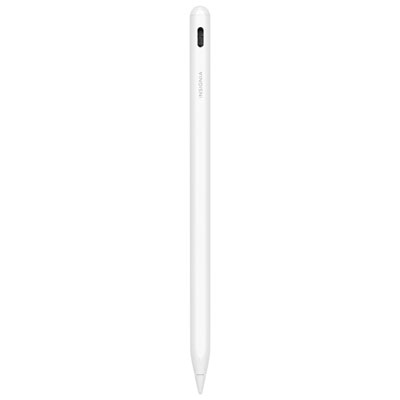
Insignia Active Stylus for iPad - White - Only at Best Buy
About this product
A white metal stylus offering precise, lag-free writing, tilt sensitivity, palm rejection, and fast USB-C charging.
(4)$59.99 Your price for this item is $59.99 -
8
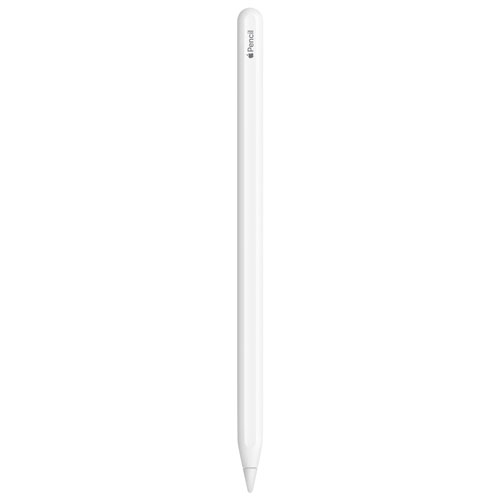
APPLE Refurbished (Excellent) - Pencil (2Nd Generation) for Ipad - In White
About this product
A refurbished white stylus offering pixel-perfect precision and low latency for drawing, note-taking, and more.
(2)$119.00Your price for this item is $119SAVE $50 -
9
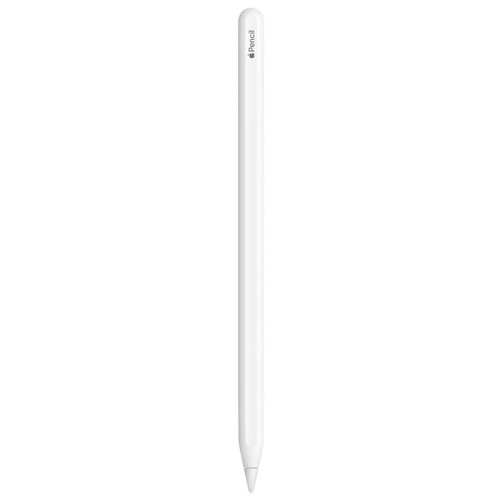
APPLE - Pencil (2Nd Generation) for Ipad - - Like New (Condition 10/10) In White
About this product
A refurbished white Apple Pencil with pixel-perfect precision and low latency for drawing, note-taking, and more.
(2)$137.00Your price for this item is $137SAVE $32 -
10
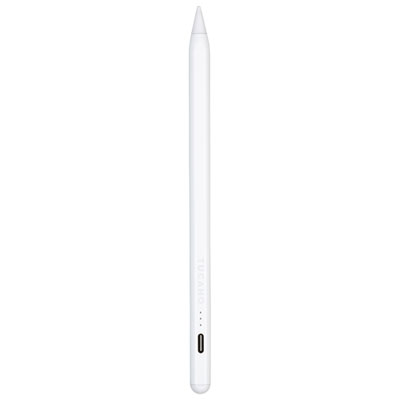
Tucano Pencil for iPad (2018 & Later) - White
About this product
A white active capacitive stylus designed for creative work and note-taking on iPad 2018 or later.
(1)$79.99 Your price for this item is $79.99
FAQ
Apple Pencil compatibility depends on the iPad model and generation. Check the compatibility details for both the tablet and the stylus before choosing. Features such as pressure sensitivity, tilt support, hover and gesture controls vary by pairing, and some also depend on the drawing app.
iPad drawing apps include options for sketching, digital painting, vector illustration, comics and animation. Common tools include custom brushes, layers, colour palettes and perspective guides. Check whether an app supports your preferred drawing tools and file formats.
Layers keep parts of an illustration separate, such as linework, colour and backgrounds. You can edit, hide or rearrange individual elements without changing the entire drawing. Available layer counts depend on the app, the iPad’s memory and the document settings.
Export options vary by app. Common formats include JPEG for flattened images, PNG for images with transparency and PSD for projects that retain supported layers. Some vector drawing apps also offer SVG or PDF export. Keep an editable copy in the app’s native format if you plan to revisit your work.
Common accessories include a compatible stylus, replacement stylus tips, an adjustable stand and a case with drawing positions. Some artists also use a drawing glove, a textured screen protector or a keyboard for app shortcuts. Check accessory compatibility with your iPad and shortcut support in your chosen app.
Top selling and popular products
Discover more categories related to Best iPads for Drawing

Some products may be subject to Environmental Handling Fees (EHF) depending on your province. Learn more about EHFs.